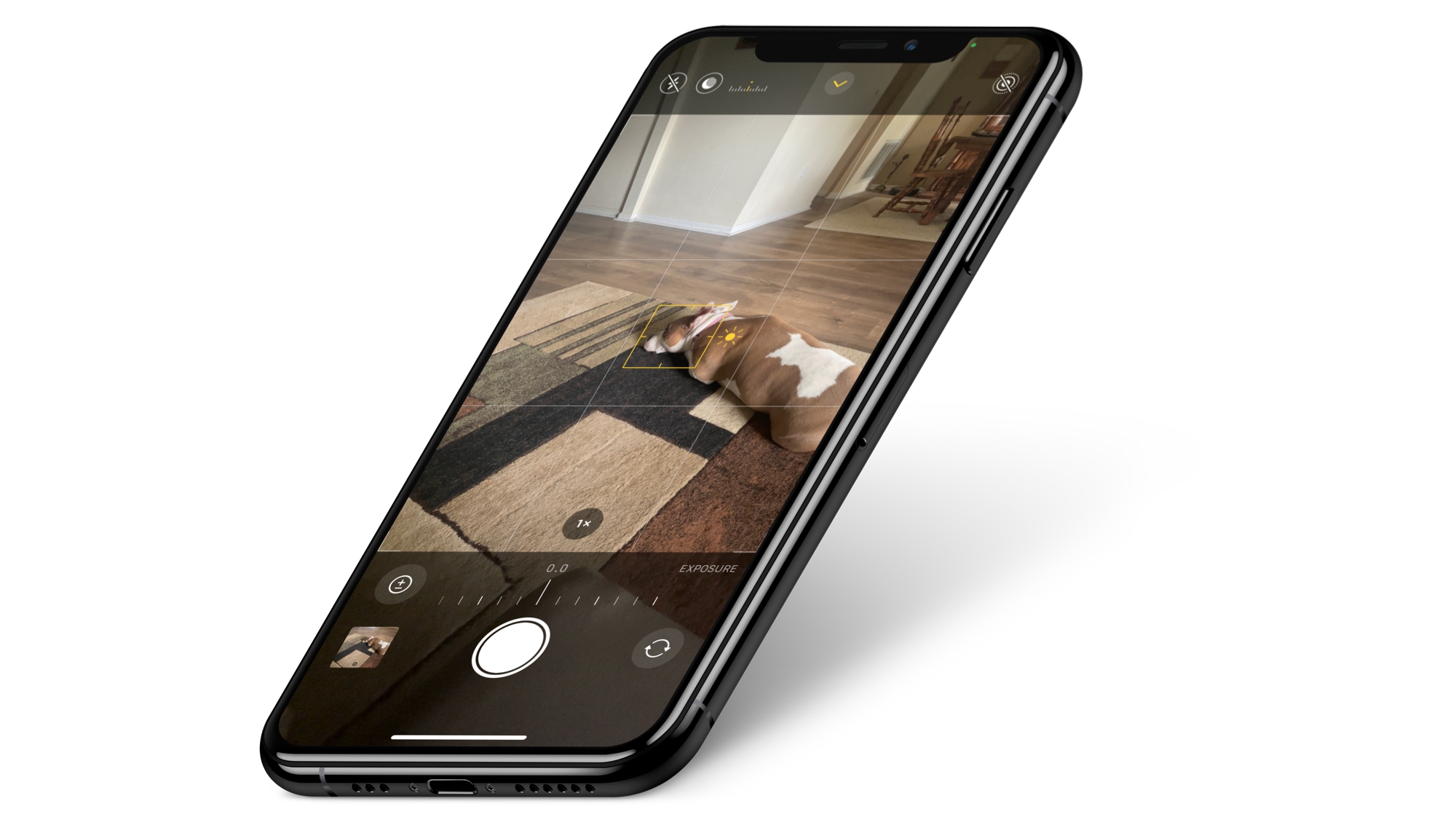
Learn how to take long exposure photos on your iPhone and add this cool effect to your shots without needing third-party apps.
How to take long exposure photos on iPhone
Learn how to master your Apple devices with our comprehensive tutorials. From iPhone and iPad to Mac, Apple Watch, AirPods, and more, our expert guides will help you unlock the full potential of your Apple products. Discover new features, tips, and tricks each day to enhance your user experience.
Learn how to take long exposure photos on your iPhone and add this cool effect to your shots without needing third-party apps.
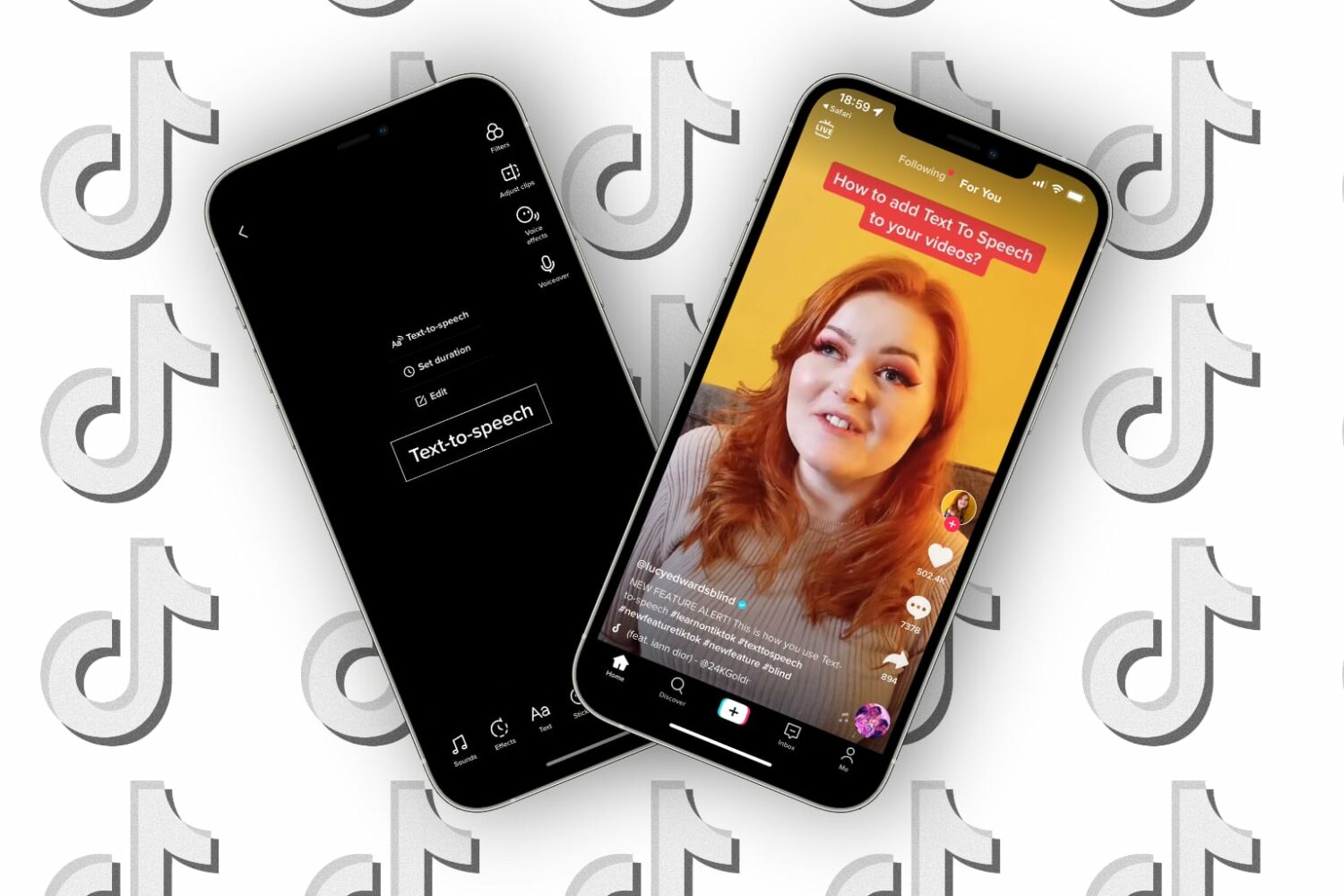
Did you know about TikTok's text-to-speech feature? Follow these steps as we show you how to easily and quickly add narration to your videos with a Siri-like voice reading your text aloud.
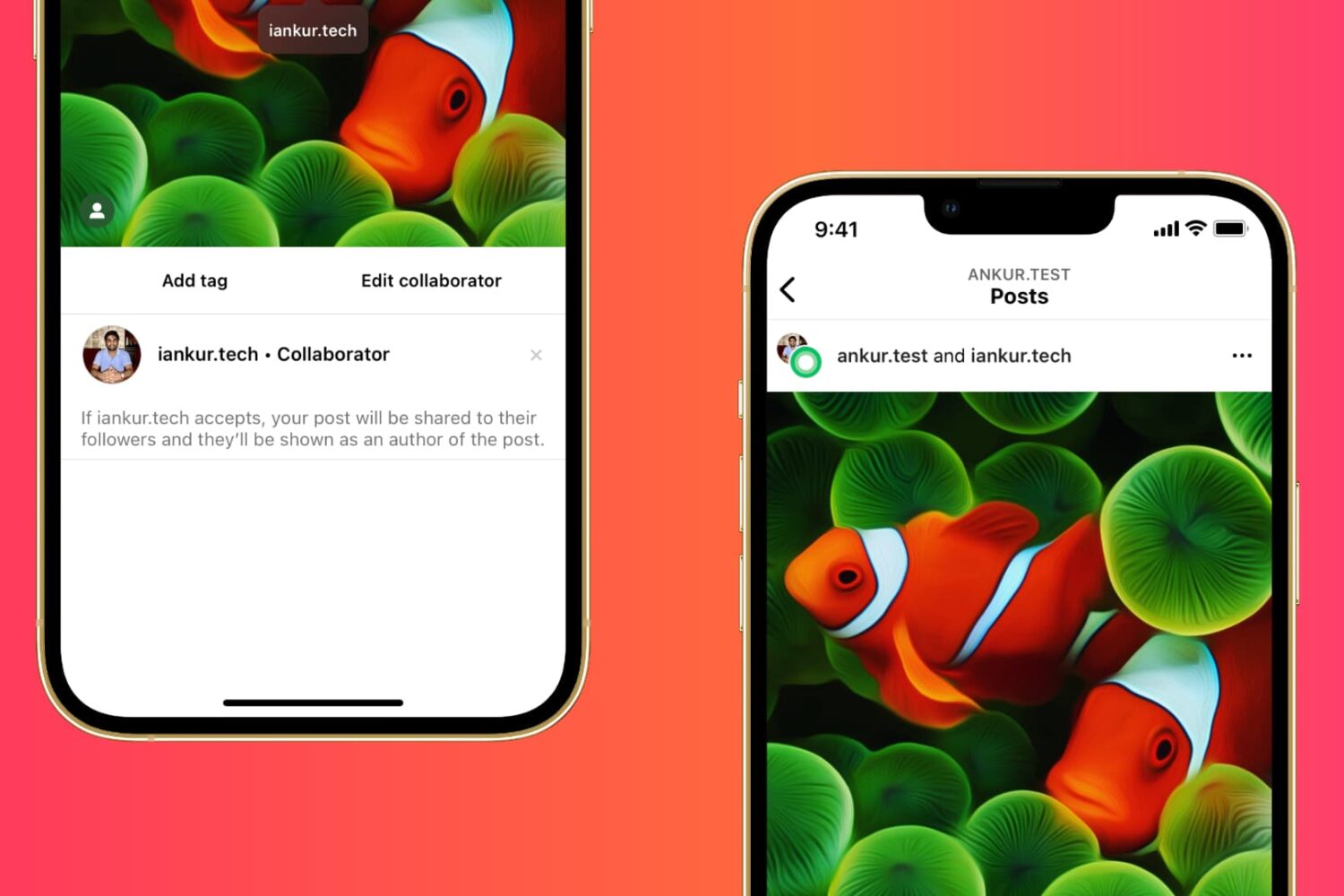
Learn how to collaborate with other creators on Instagram and post photos, videos, and Reels together to reach a larger audience.
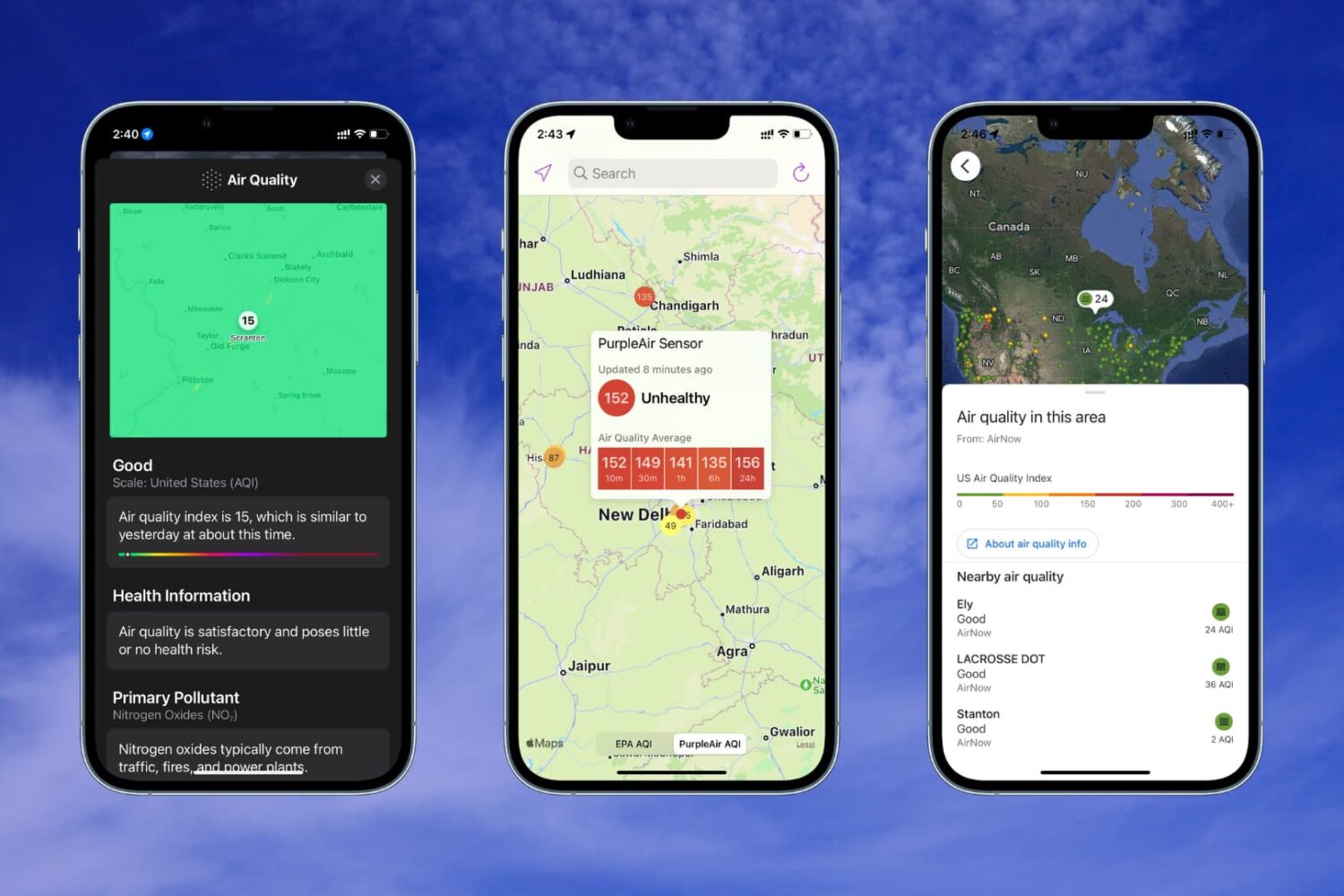
Learn how to check the Air Quality Index on your iPhone or Apple Watch if you live in a region with poor air quality or just want to know more about the air you breathe.

Follow this step-by-step tutorial to learn how to show or hide TikTok's auto captions in the official iPhone and Android app so you can also read what your favorite creators are saying.
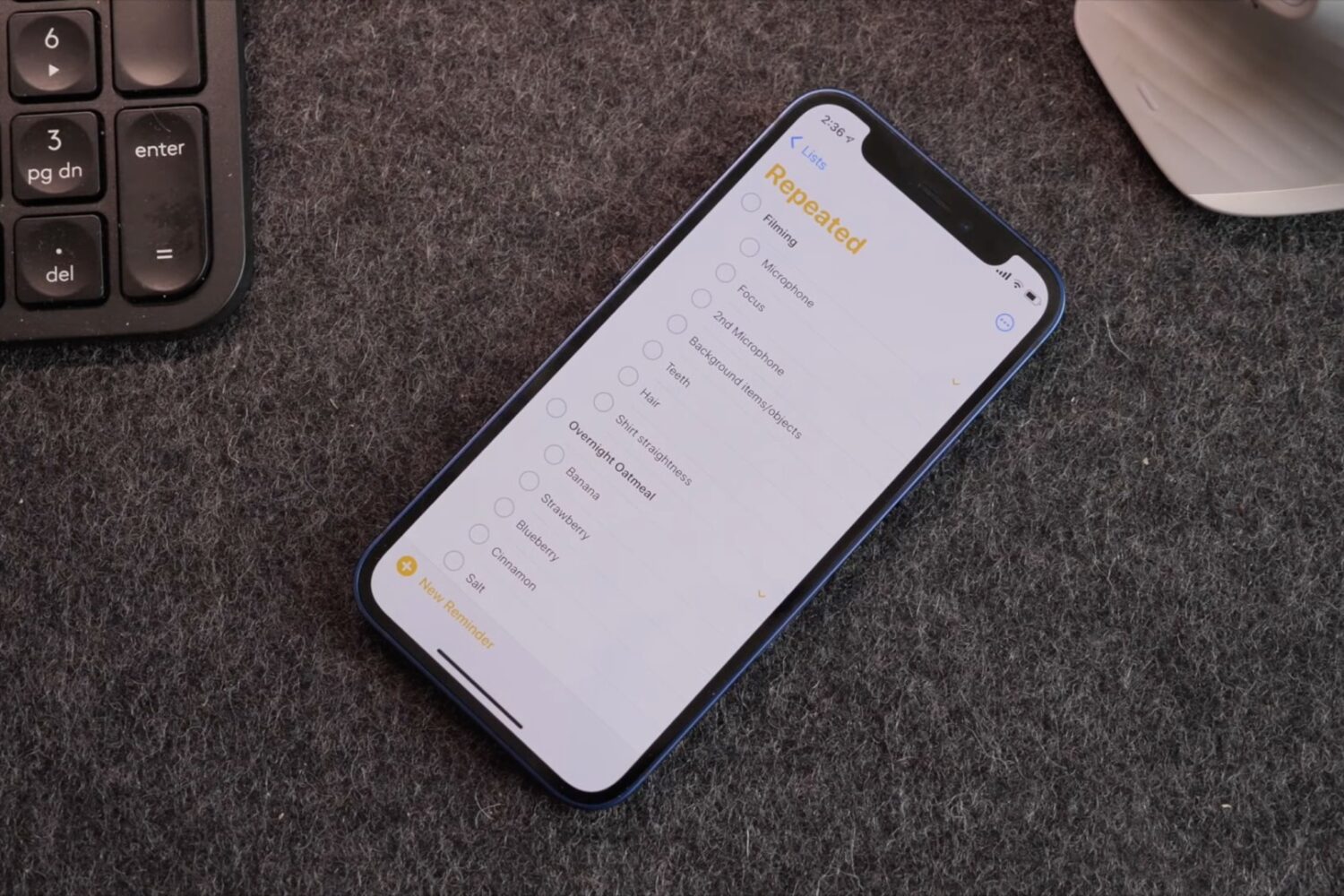
Watch 10+ awesome Apple Reminders tips and tricks for making the app super powerful to boost your productivity and fall in love with this underrated app, all over again.

The 2020 Olympics games officially commenced on July 23rd in Tokyo, Japan. As this is an international event, watching the game live isn't as easy as you may think. Due to the Covid restrictions, Japan has banned tourists from travelling to watch the games live. Hence, the only way to enjoy the Olympics is from the comfort of your homes. You can watch the games on your TV as several channels are broadcasting the games, but what if you want to watch it on your iPhone, iPad, or Mac.
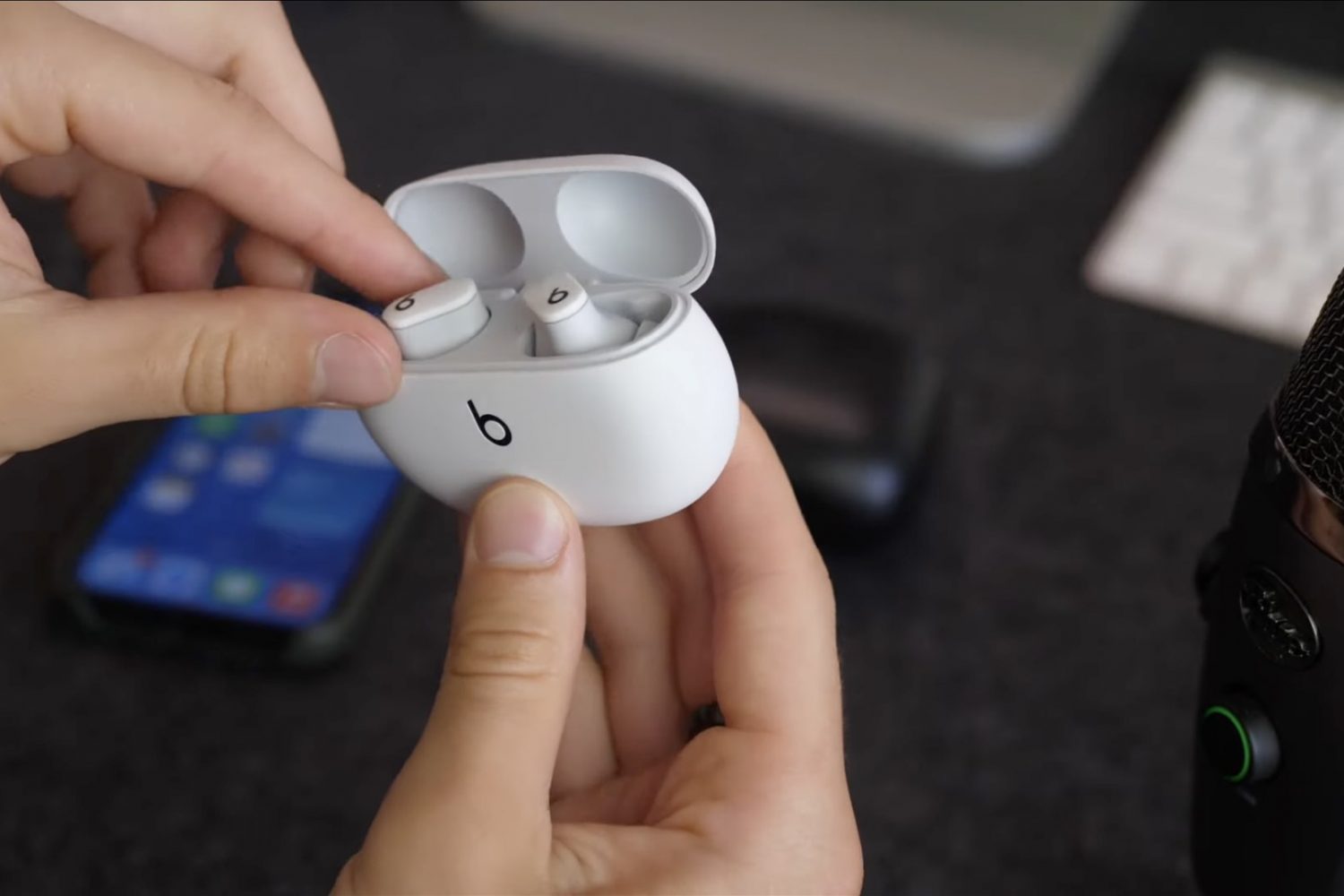
Apple-owned Beats recently released its first truly wireless earphones, dubbed Studio Buds. If you're contemplating a purchase, be sure to watch our video to familiarize yourself with the main features and learn about the must-know Beats Studio Buds tips and tricks.

Learn how to use the Quick Note feature on iPhone, iPad, and Mac to quickly write down notes from anywhere.

Learn how to enable Olympic mode in Google Chrome's dinosaur jumping game on your mobile devices and computers, just in time for the 2021 Tokyo Summer Olympic Games.
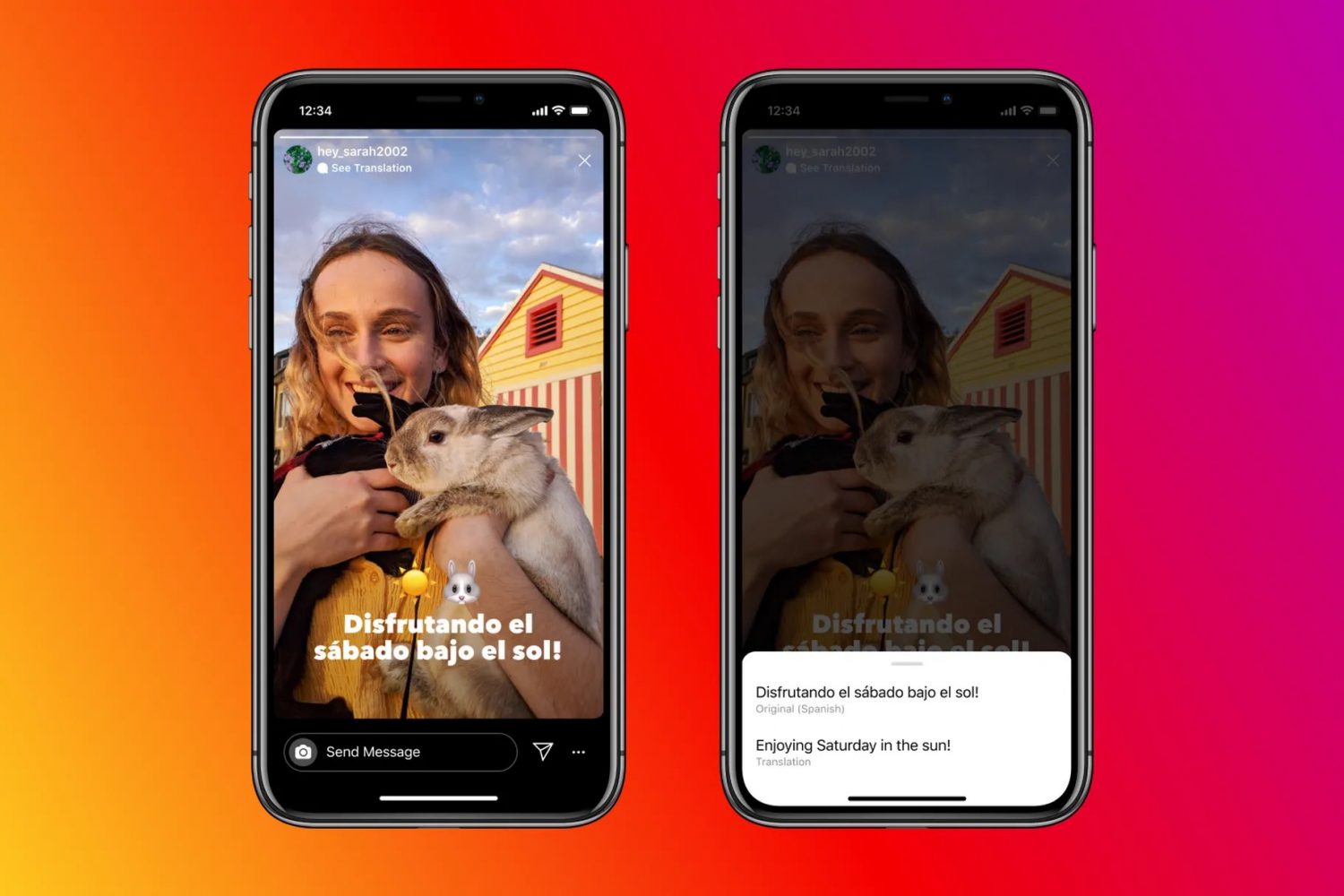
Learn how to translate foreign text in Instagram stories into one of the 90+ supported languages on your iPhone or Android phone.
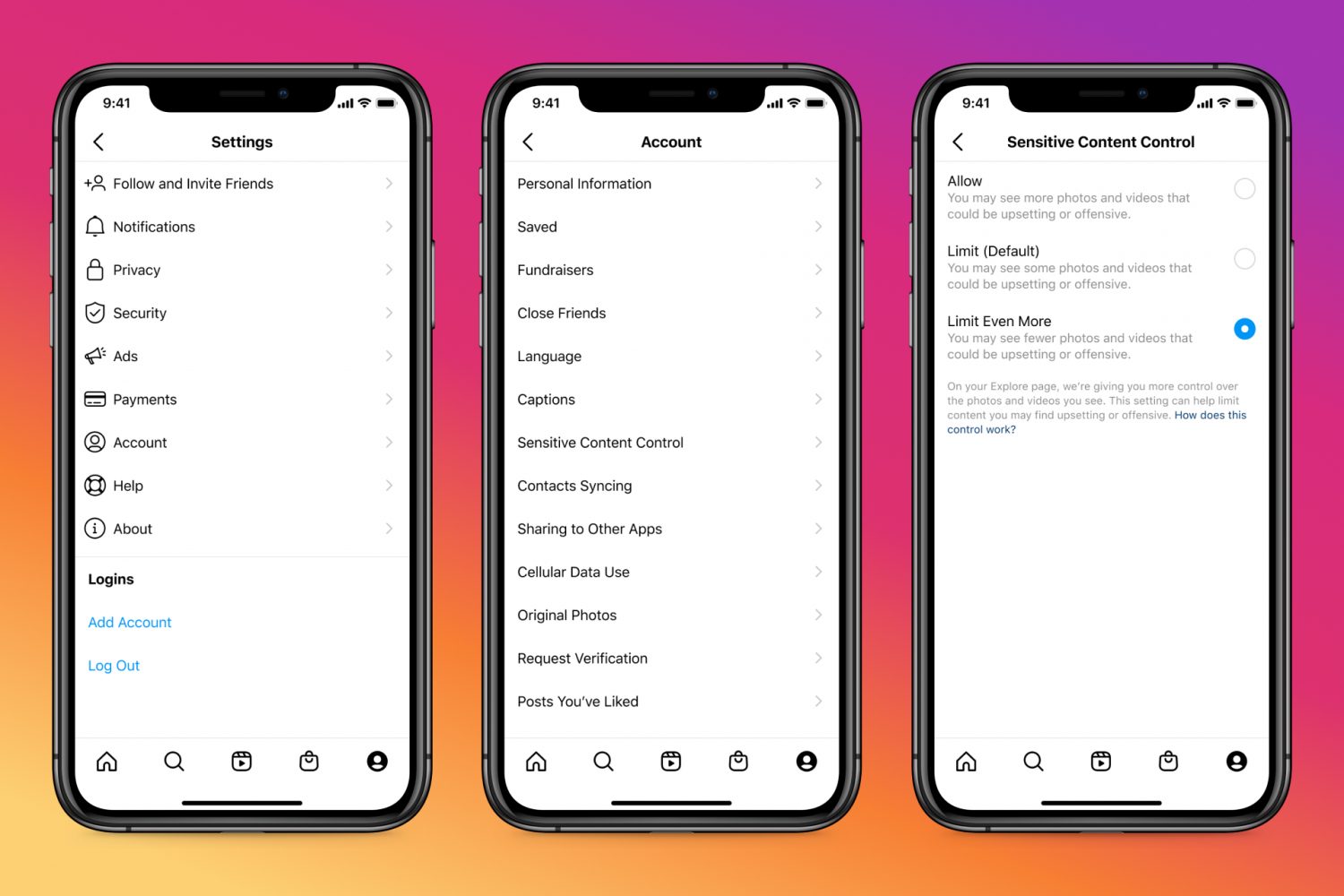
Learn how to adjust the Sensitive Content Control to see less or more sensitive content recommendations when browsing Instagram on your phone or computer.