Learn how to create and use Tab Groups in Safari on iPhone, iPad, and Mac to organize your open tabs from an improved browser experience.
How to organize your tabs with Tab Groups in Safari

Learn how to master your Apple devices with our comprehensive tutorials. From iPhone and iPad to Mac, Apple Watch, AirPods, and more, our expert guides will help you unlock the full potential of your Apple products. Discover new features, tips, and tricks each day to enhance your user experience.
Learn how to create and use Tab Groups in Safari on iPhone, iPad, and Mac to organize your open tabs from an improved browser experience.

Learn how to enjoy Apple Music songs in lossless quality on your iPhone, iPad, Mac, HomePod, Apple TV, Apple Vision Pro, Android phone, and Windows PC, to hear every fine detail of the audio and elevate your media experience.

Learn how to increase or decrease the text size of specific apps without changing the system-wide text size of your iPhone or iPad.
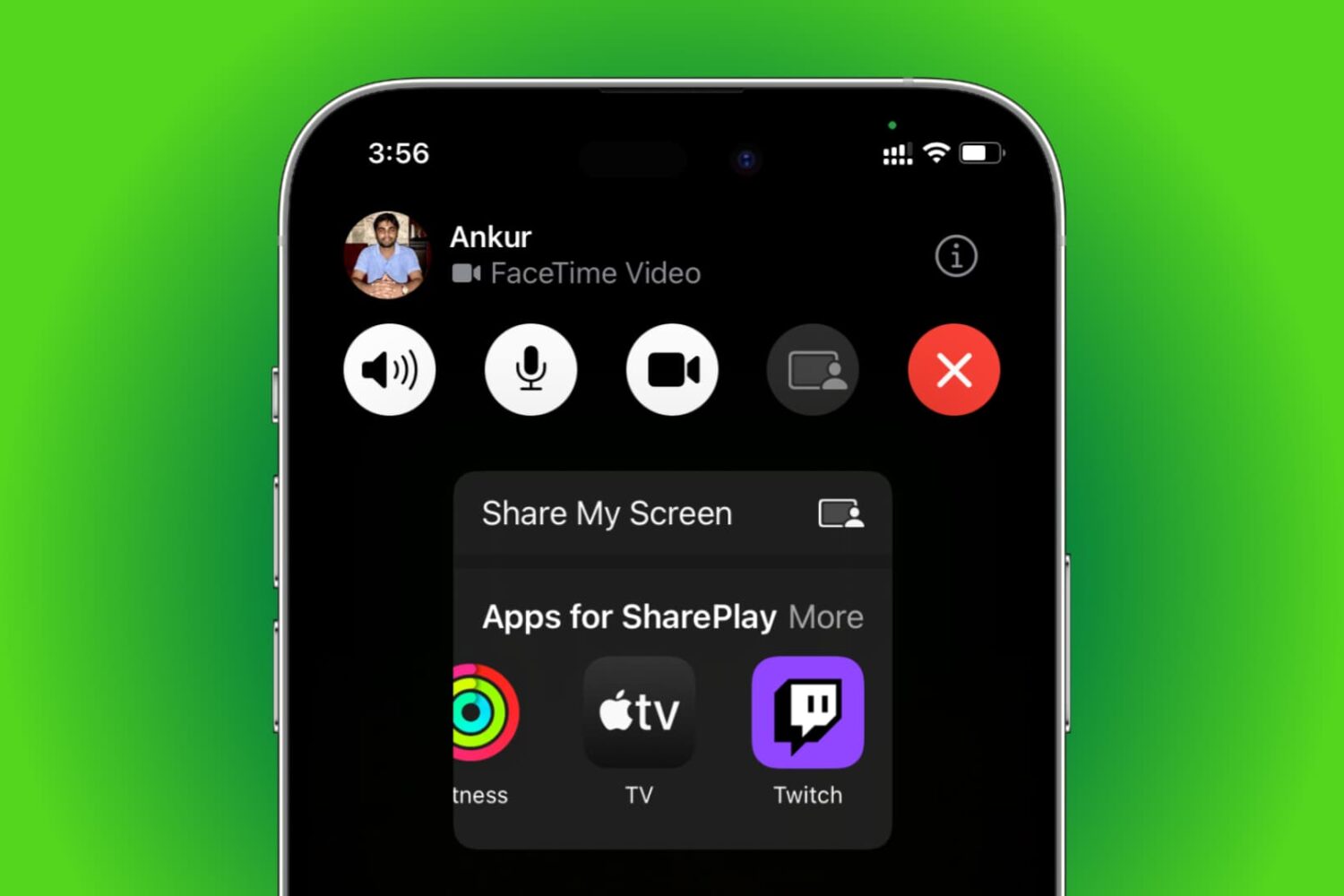
Learn how to use SharePlay to listen to music or watch movies & TV shows together with your friends over FaceTime on your iPhone, iPad, Apple TV, or Mac.

Learn how to listen to Apple Music songs in Dolby Atmos on your iPhone, iPad, Mac, Apple TV, HomePod, Vision Pro, and Android phone to enjoy an immersive, three-dimensional audio experience.
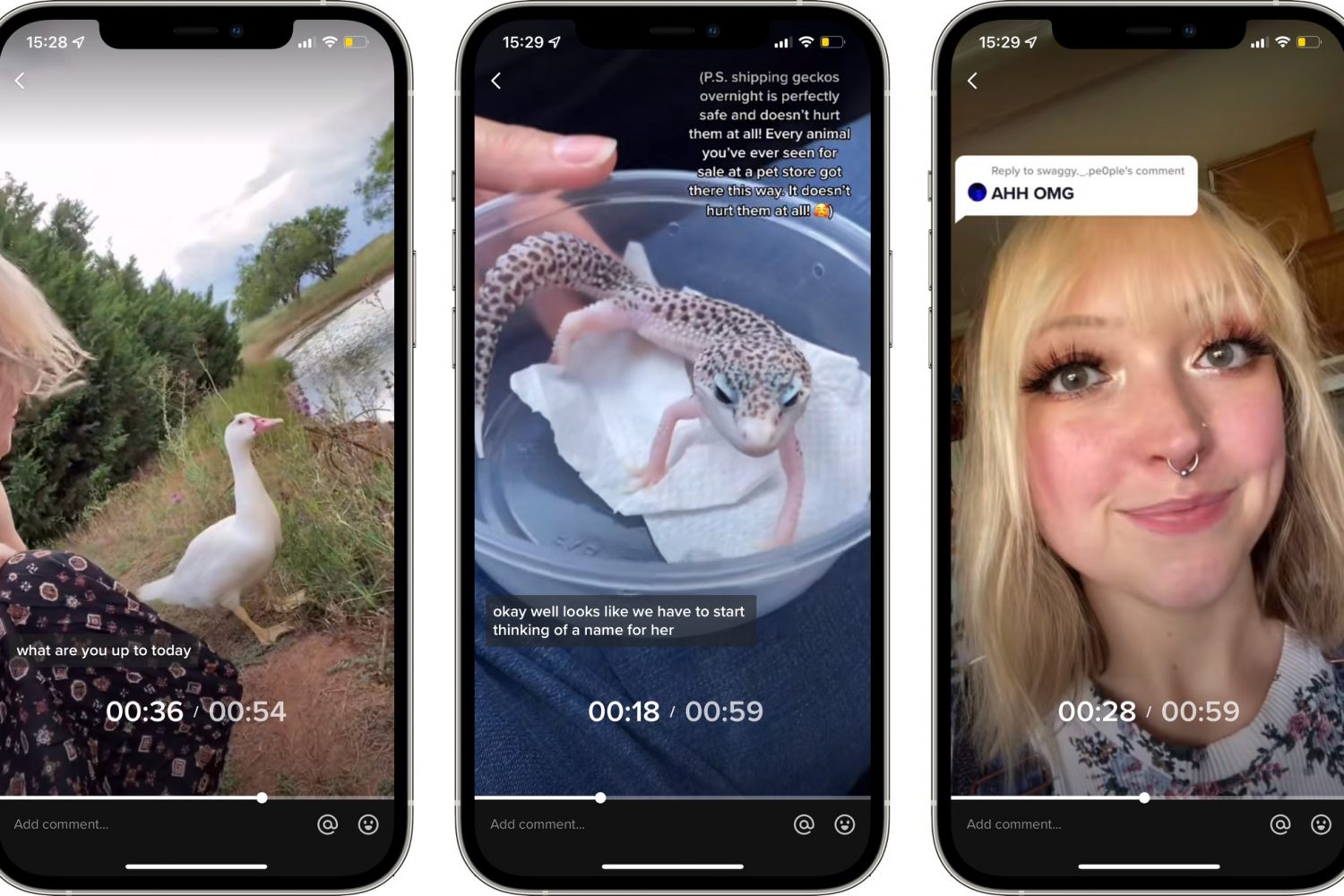
TikTok used to lack playback control because it initially focused on short-form videos up to sixty seconds long. But with TikTok videos now up to three minutes long, the app's gained video navigation. Here's how to use TikTok's fast-forward and backward scrubbing control.

Learn how to create a FaceTime link on your iPhone, iPad, or Mac and share it with your Android or Windows friends so they can join your call from their non-Apple devices.
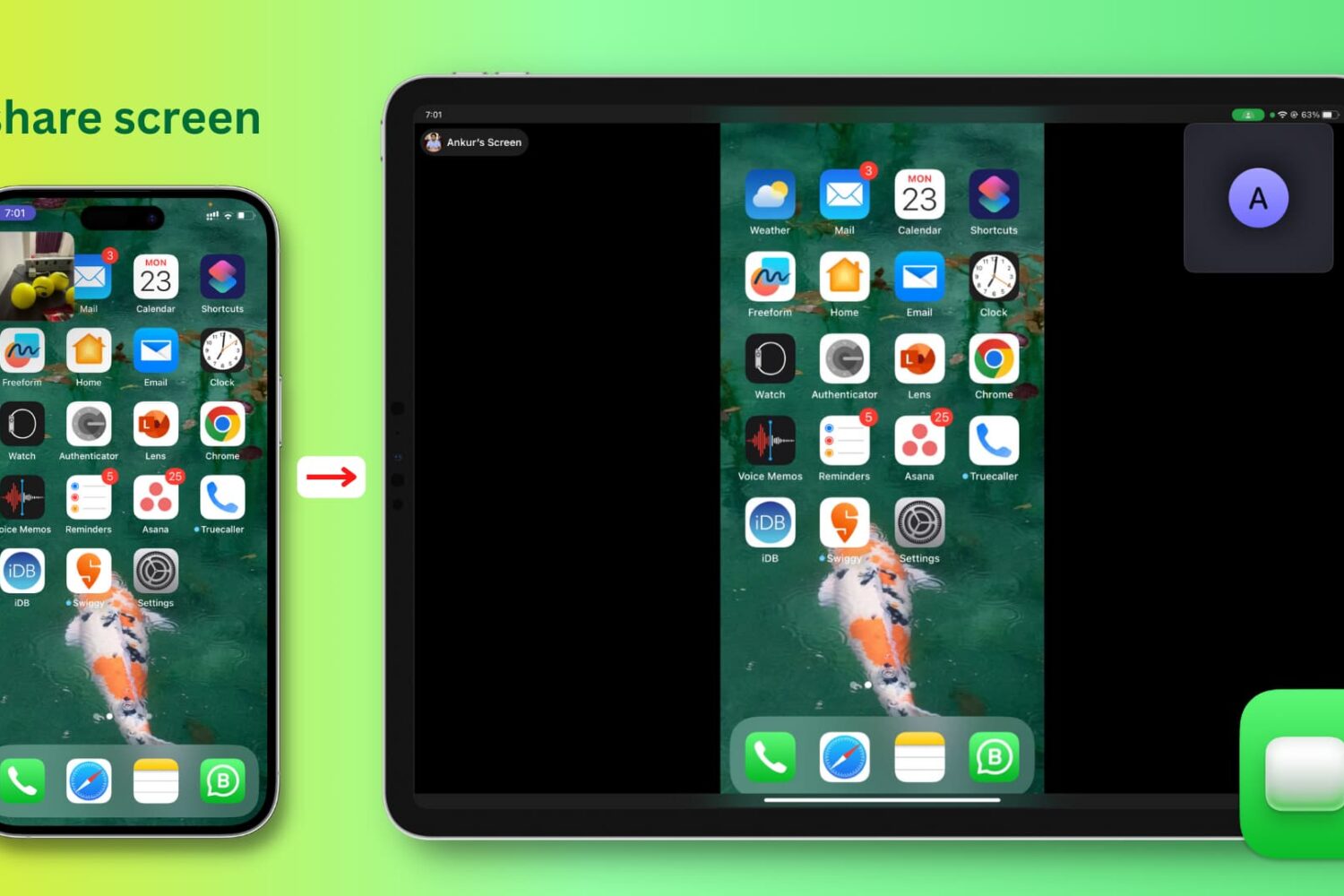
Learn how to easily share your iPhone, iPad, or Mac screen with colleagues, friends, and family using FaceTime.

Learn how to send images, videos, and voice notes on WhatsApp that automatically self-destruct after the recipient has viewed or listened to them once.

iCloud Backup is a great convenience. But before you use this handy feature, be sure to learn about Apple's data retention policy in terms of keeping old backups.

Learn how to use the Scheduled Summary or Notification Summary features on your iPhone and iPad to eliminate distractions from apps that send you non-urgent notifications throughout the day.

Apple released the first public beta of macOS 12 Monterey last week, which means that anyone can now test out the latest macOS. The latest macOS 12 Monterey comes with several new features and improvements. If you've been wanting to try out the new software, then you can now install the macOS 12 public beta.