Filter out junk notifications and get alerted only about the stuff you care about by turning on the quality filter option in the X app or website.
How to turn on the quality filter for your X notifications
Filter out junk notifications and get alerted only about the stuff you care about by turning on the quality filter option in the X app or website.
Learn how to show device icons for the internal startup drive, storage devices, volumes, and partitions on your Mac's desktop for quick access to the files within.
If you’re an Instagram user and post often, then you probably enjoy the Story feature. You can use photos in your Instagram stories as well as capture short videos. So if you want to make another user a part of your story, you can “mention” them.
Here we’ll show you two easy ways to mention someone in your next Instagram story.

Are you on a capped data or internet plan? Discover how to adjust settings to minimize the Skype app's cellular or internet data usage on your iPhone or iPad.
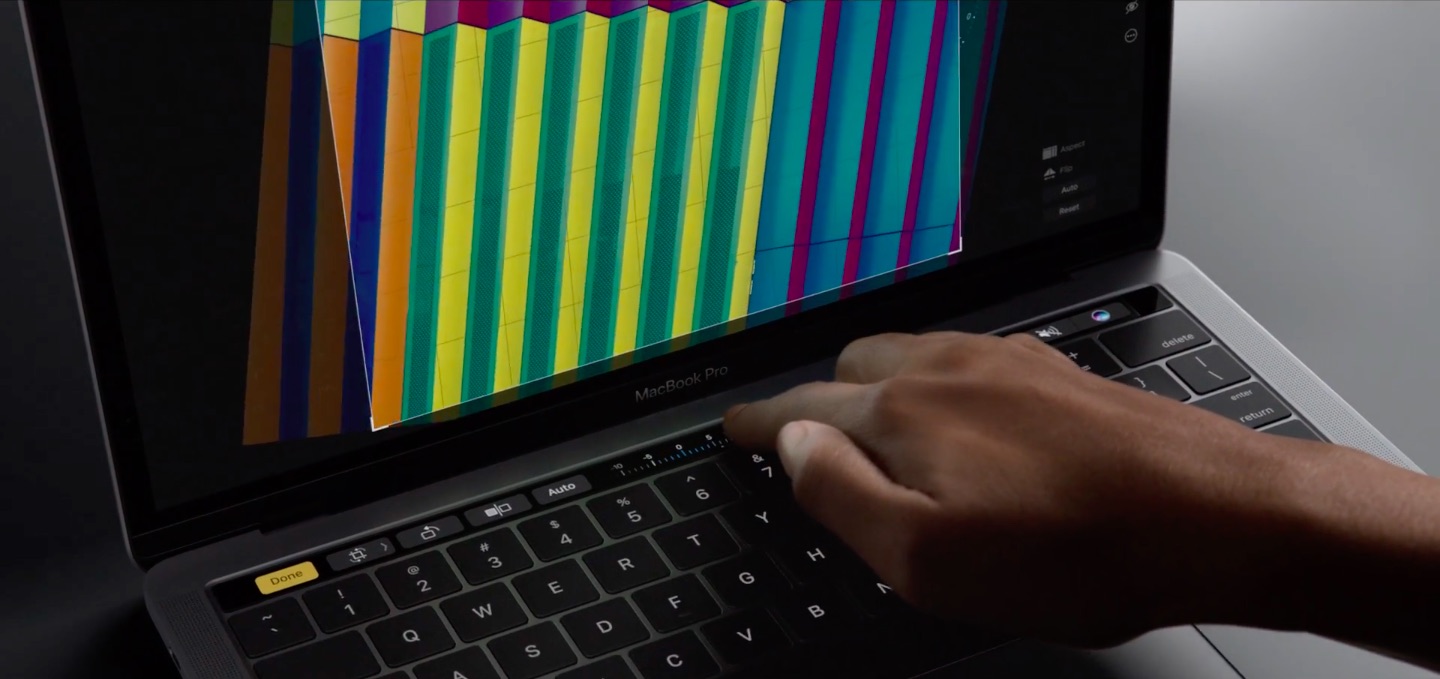
If you take screenshots on your Mac, you may wonder if macOS supports screenshotting the Touch Bar. The default Shift (⇧)-Command (⌘)-3 keyboard shortcut captures a screenshot of everything shown on the display, sans the Touch Bar.
With macOS 10.12.2, Apple has implemented a brand new shortcut specifically designed for taking screenshots of the Touch Bar.
Here's what you need to know about capturing everything that's shown on the Touch Bar as an image file on your computer. You'll also learn how to save Touch Bar screenshots to the clipboard for pasting in other apps and how to add screenshot-taking shortcuts as buttons to the Touch Bar itself.
The Touch Bar is an exciting new feature that comes with the higher end MacBook Pro Apple unveiled last month, but you don't have to buy a new MacBook Pro to experiment with the Touch Bar resources that come baked into macOS on every Mac.
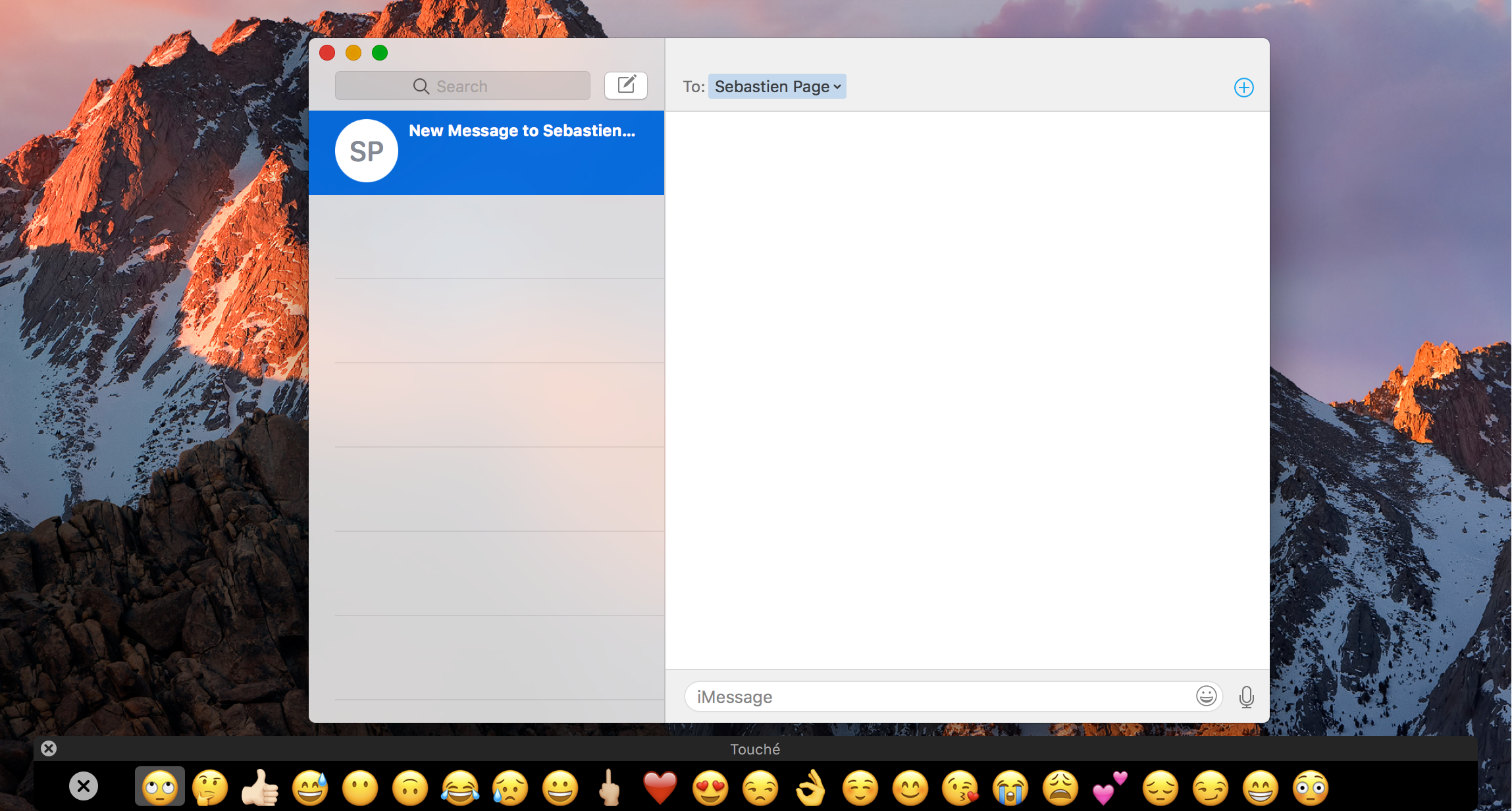
Last week we showed you a way to simulate the Touch Bar experience with a third-party app that utilizes the resources already in macOS, and now, another app called Touché is bringing a cleaner implementation of the Touch Bar simulator to all Macs.
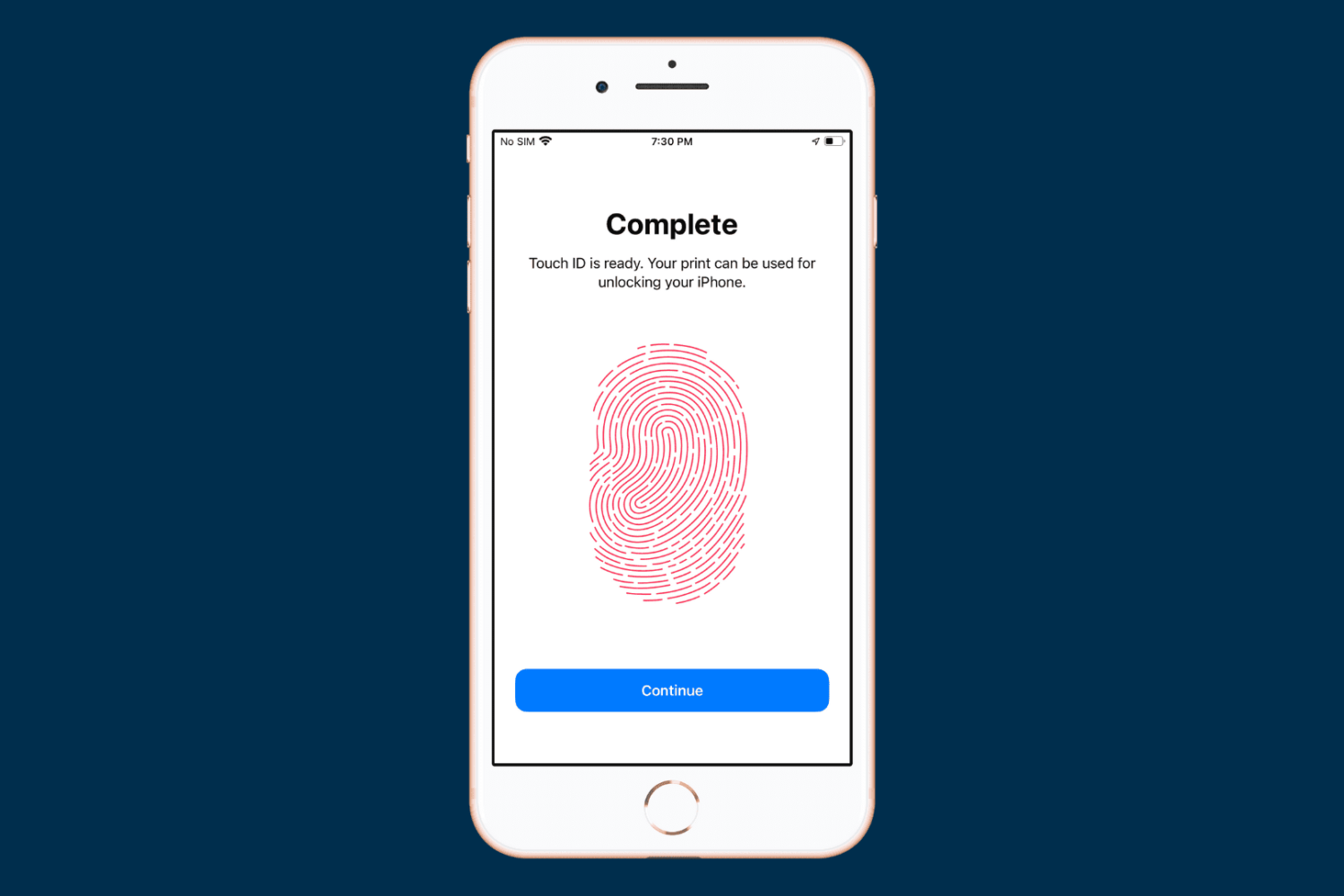
When you set up your device for the first time, you’re asked to register one fingerprint with Touch ID. But you can add more at any time, and in this tutorial, we will show you how to do that.
From time to time, you might come across an audio file format known as .caf (Core Audio Format), which was originally created by Apple to put an end to file size barriers set by other audio file types.
Unfortunately, not every audio player or device works with .caf files, so it might do you good to know how to convert them to another audio file type using the software that comes with your Mac. In this tutorial, we'll show you how to convert .caf files to more commonly-used audio files such as AAC or MP3 with Garageband.
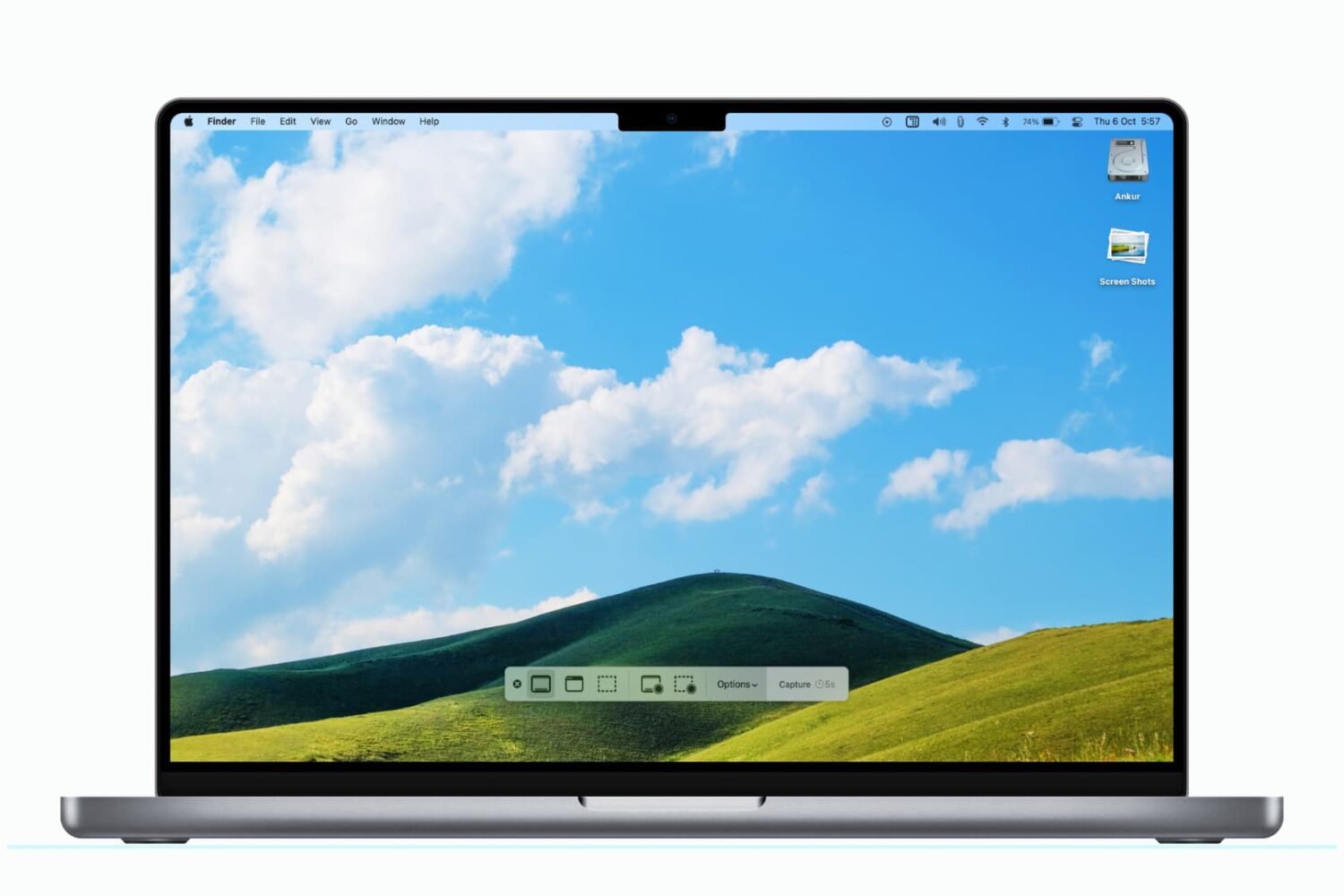
You can use a modifier key to save a Mac screenshot directly to the clipboard for quick pasting in other apps and even on your iPhone or iPad, provided you use Universal Clipboard.
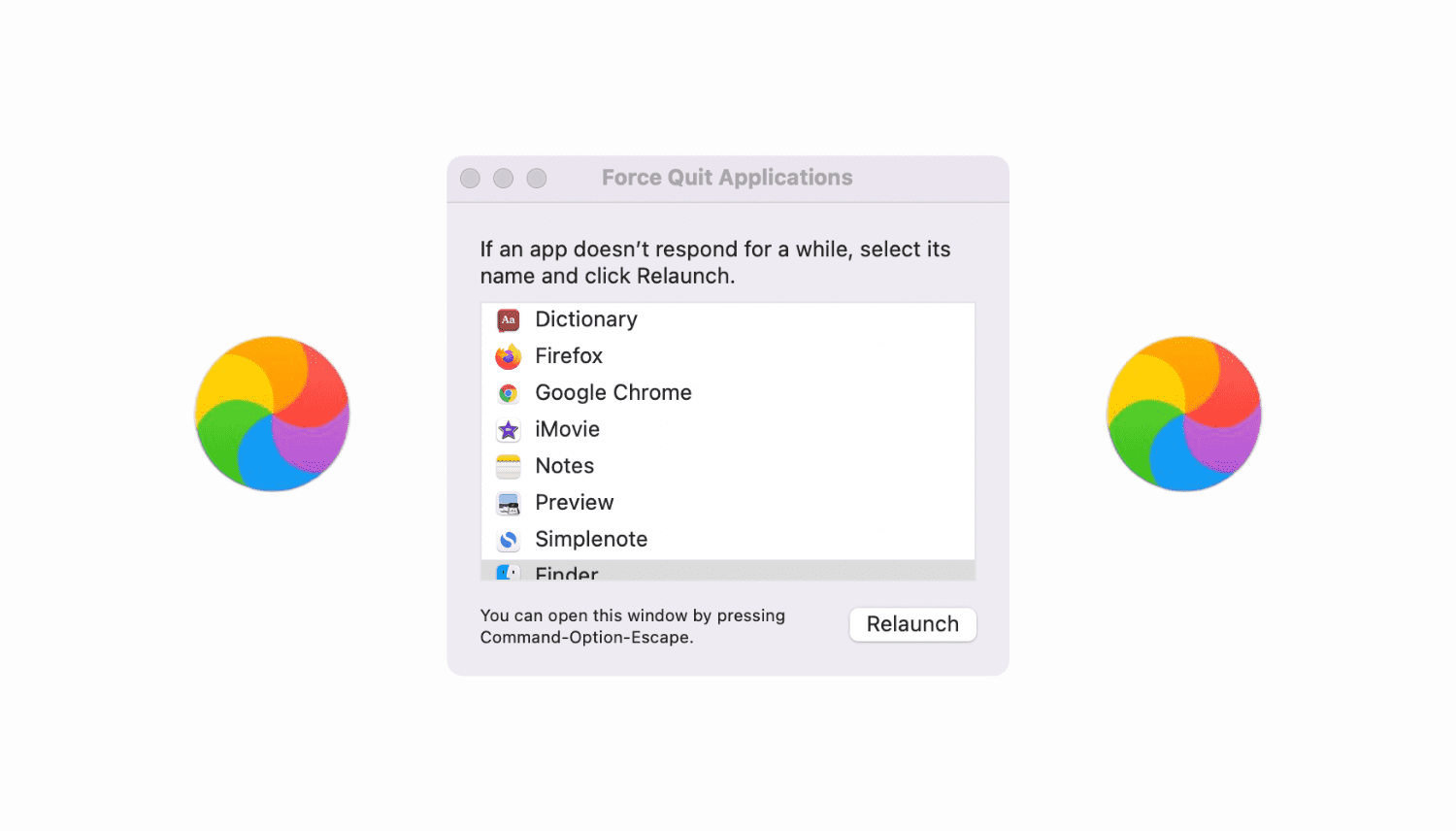
Learn how to troubleshot your Mac not responding to the force quit command, force-quitting not working, and the Force Quit menu itself freezing.
If you're really interested in that new Touch Bar that comes built into the top of the keyboard portion of the higher-end MacBook Pro, but don't have the dime to drop on an expensive new computer right now, then you're gonna love this.
A new hack has surfaced on Github that lets you simulate the Touch Bar on any Mac, and it's fully functional, sans the flashy OLED touch surface. We'll show you how to get it in this tutorial.
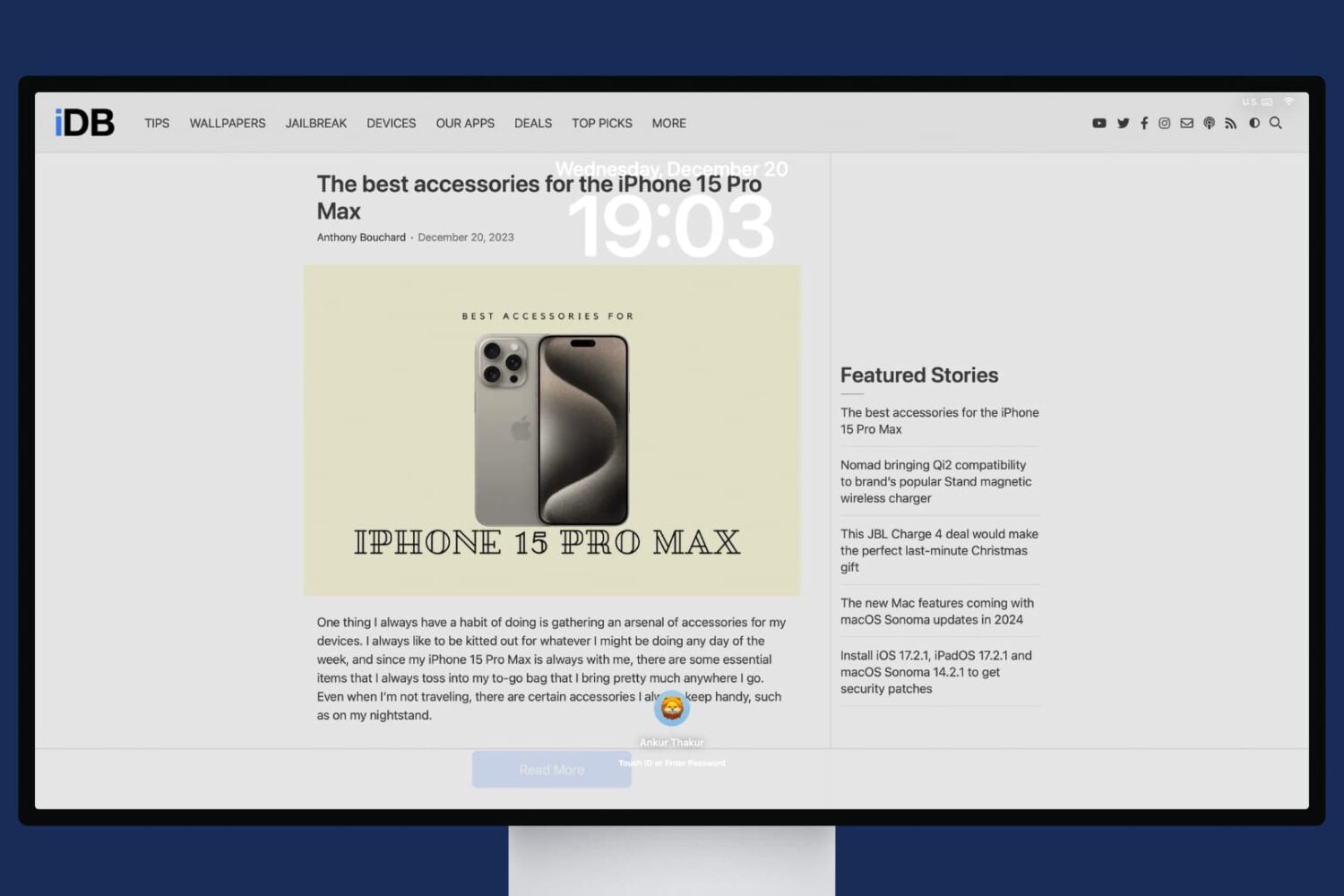
In this tutorial, we will share the quick steps to set one or more websites as your Mac's screen saver so you have their latest news or articles displayed constantly on the screen.