Did you know your Apple Watch can be used as a bedside clock? In this tutorial, we will show you how to use the Nightstand Mode feature to give your Apple Watch a purpose even when you’re not wearing it.
How to use Nightstand Mode on Apple Watch
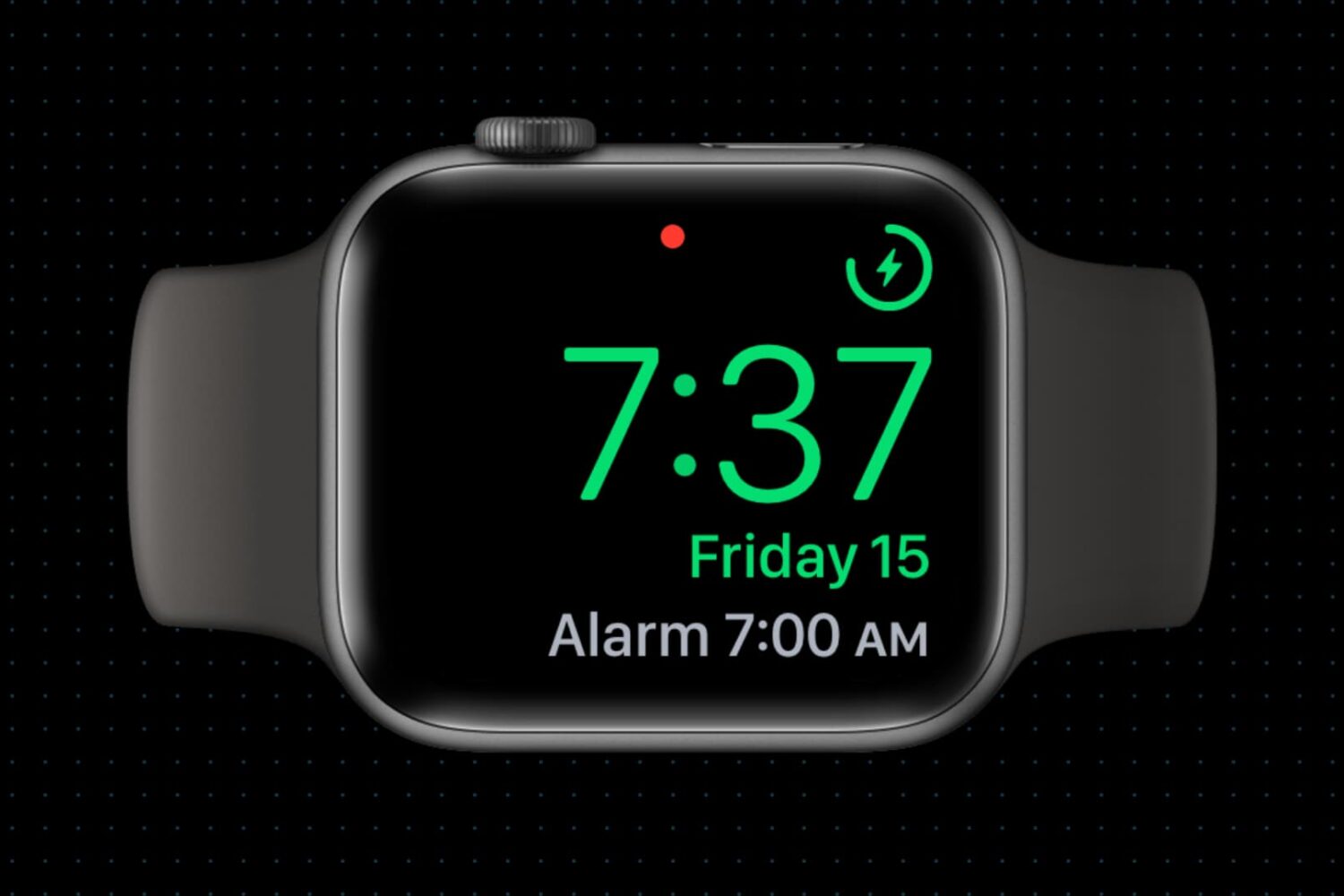
Did you know your Apple Watch can be used as a bedside clock? In this tutorial, we will show you how to use the Nightstand Mode feature to give your Apple Watch a purpose even when you’re not wearing it.

It's been a while since we posted in our Account Deletion series, which deals with terminating accounts on popular services from brands like Apple, Google, PayPal, Netflix, Spotify, Dropbox, Twitter, Viber, WhatsApp, Facebook, Instagram and many others. In this tutorial, you will learn how to close and terminate your personal account on Yahoo along with personal information and settings associated with it.
We'll also show you how to remove your child's account as part of your family account, educate you on Yahoo's data retention policy and lay out any caveats you should be aware of ahead of breaking ties with Yahoo.
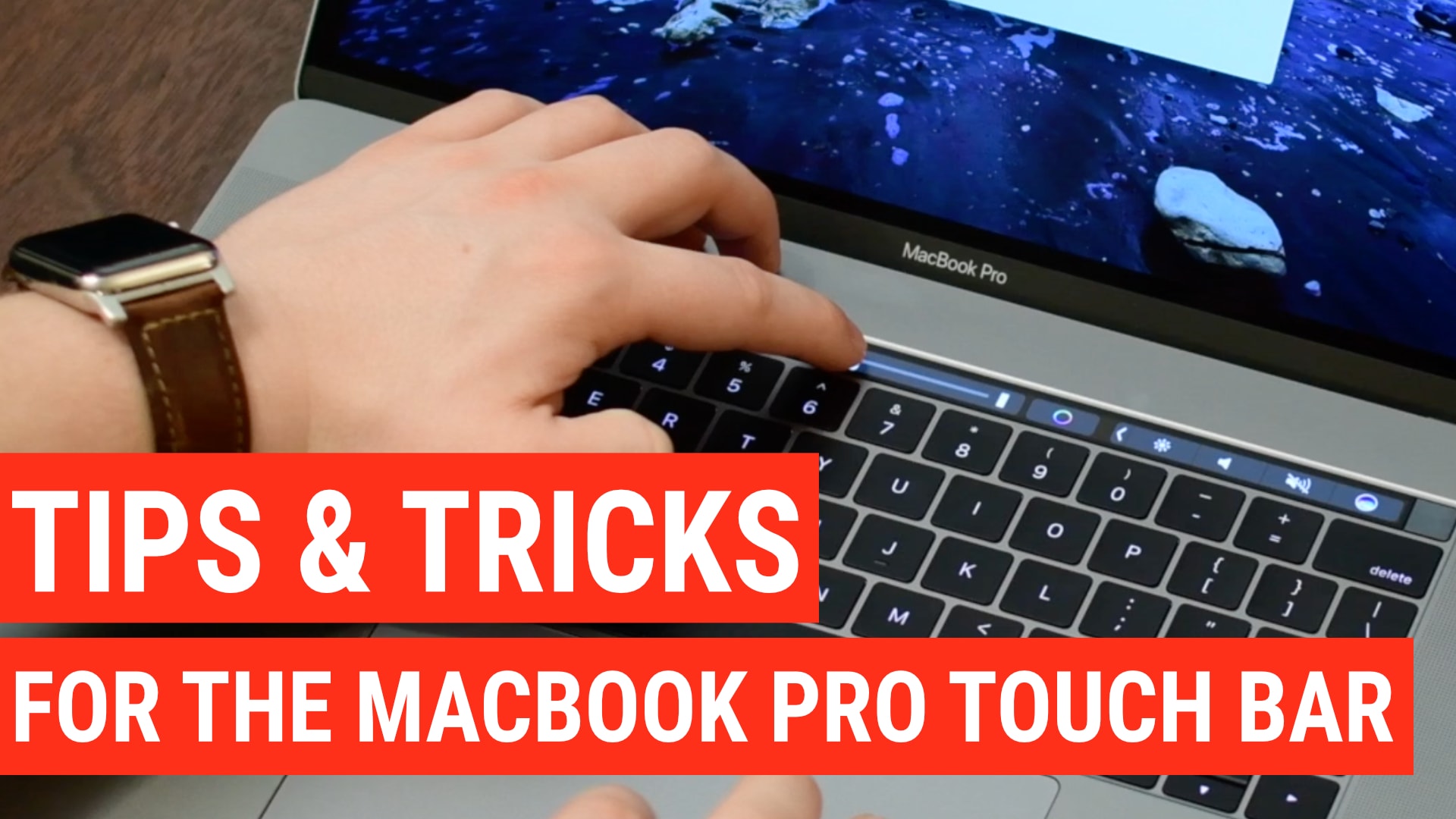
Touch Bar is a versatile OLED bar at the top of your keyboard that replaces the function keys with software-based buttons that change based on what app you're in and what you're doing. In this post, we'll mention twenty-five awesome things you can do with the Touch Bar on your MacBook Pro.

Wouldn’t it be nice if you could just turn on your Mac and start using it without having to log in to it all the time? If you’re someone who doesn’t need Fort Knox-like security to keep people from getting into your computer, then you can set up your Mac to log in to your account automatically when you turn it on, and we’ll show you how to do that.
Learn how to delete the Apple Music cache to regain storage space on your iPhone, iPad, Android phone, Mac, or Windows PC.

Learn how to set up Touch ID on a MacBook or Magic Keyboard, enroll your fingerprints in the system, and use it to quickly unlock your computer, make purchases on websites with Apple Pay, and much more.
Learn how to add your company logo, picture, business card, or other image to your email signature in the Apple Mail app on Mac to improve its aesthetics or enhance functionality.
Have you ever run into this issue where your Mac displays the incorrect date or time? It can throw a lot of things out of whack across all of your apps. But this problem can be pretty easy to fix, and we’ll walk you through how to do that.
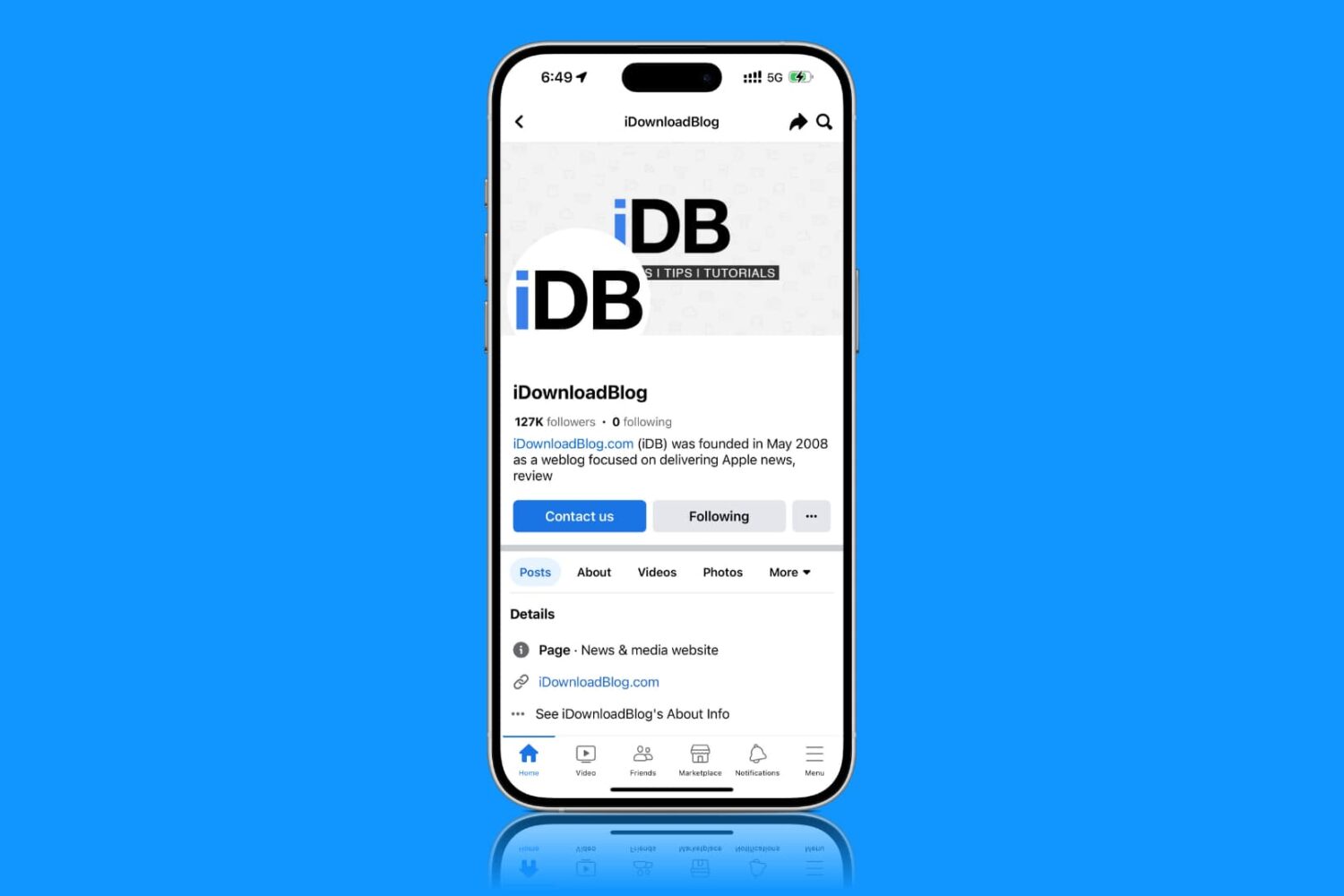
Are you on a capped data plan? In this brief tutorial, we will share a few quick tips to reduce cellular data usage when you use the Facebook app on your iPhone or iPad.
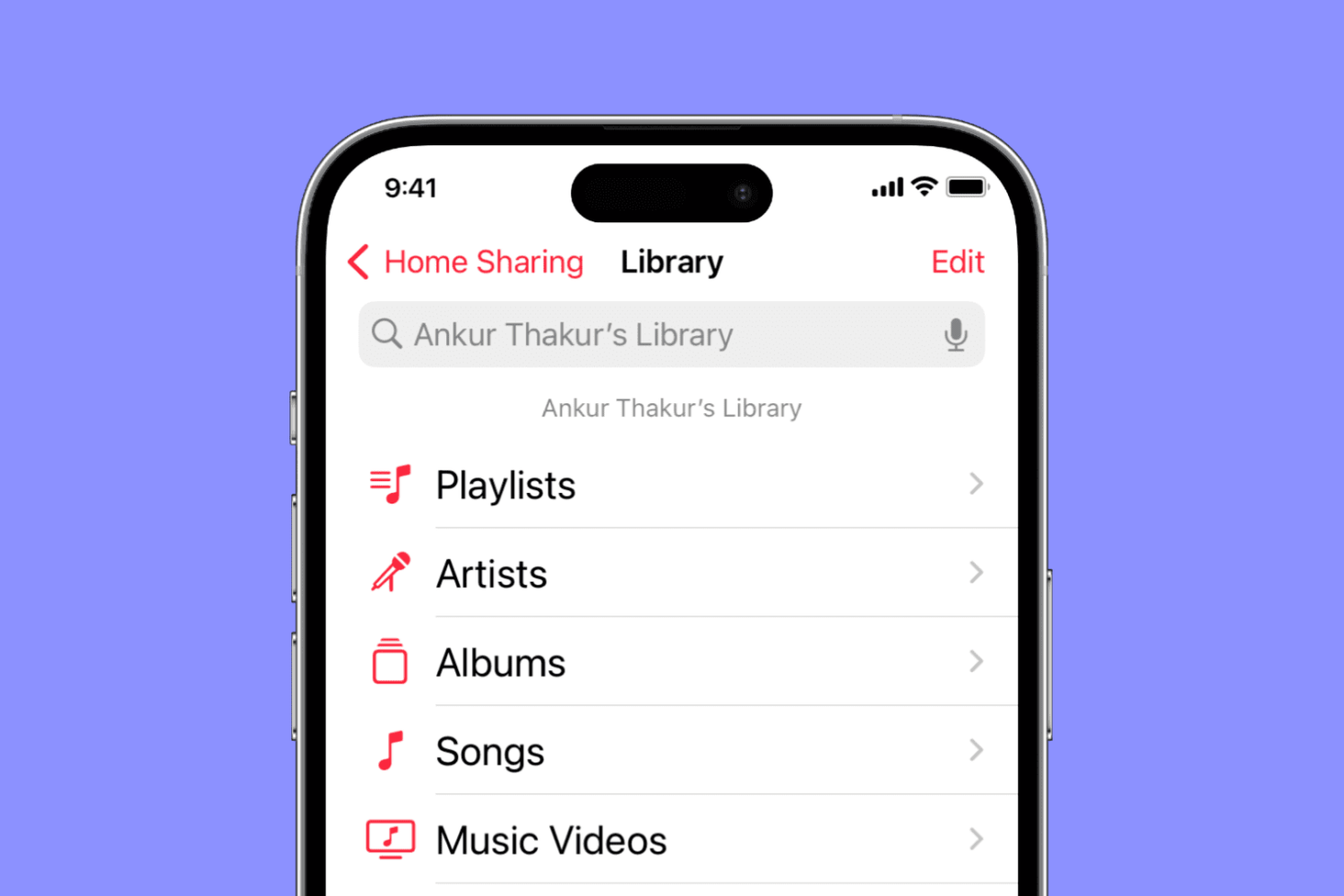
Find out what to do if music and video Home Sharing isn’t working between your Mac, iPhone, iPad, Apple TV, and Windows PC.

Filter out junk notifications and get alerted only about the stuff you care about by turning on the quality filter option in the X app or website.
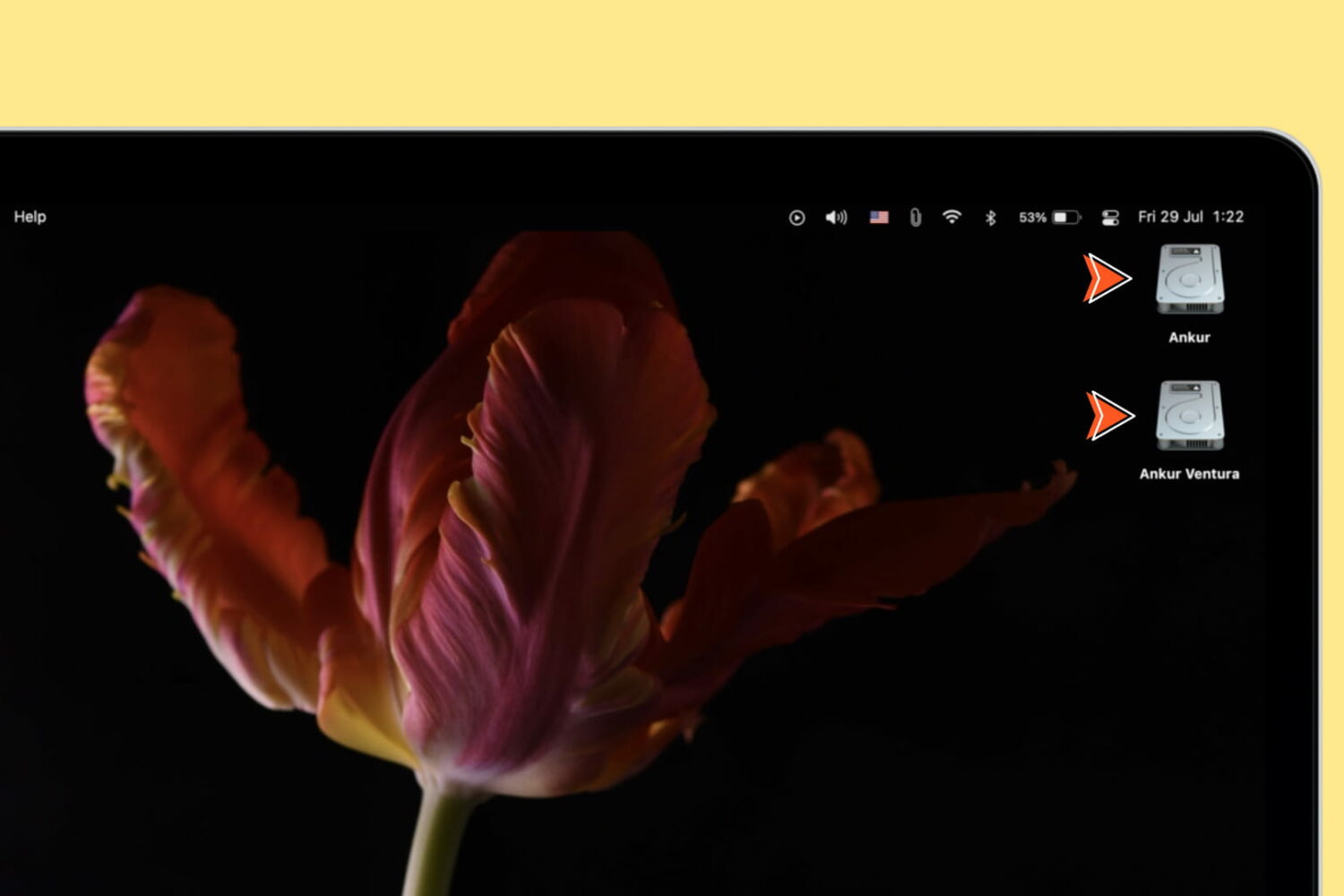
Learn how to show icons for the internal startup drive, external storage devices, volumes, and partitions on your Mac’s desktop for quick access to the files within.