Are GIFs opening as still images or as individual frames on Mac? In this tutorial, we’ll share 3 quick built-in methods to view animated GIFs the right way.
3 easy ways to view animated GIFs on Mac
Are GIFs opening as still images or as individual frames on Mac? In this tutorial, we’ll share 3 quick built-in methods to view animated GIFs the right way.
Safari, like just about all other web browsers, lets you set a home page to load every time you open the app. Most people think this feature is limited just to only websites, but that's not the case at all. In this tutorial, we'll show you how to set an image file as your Home page in Safari.
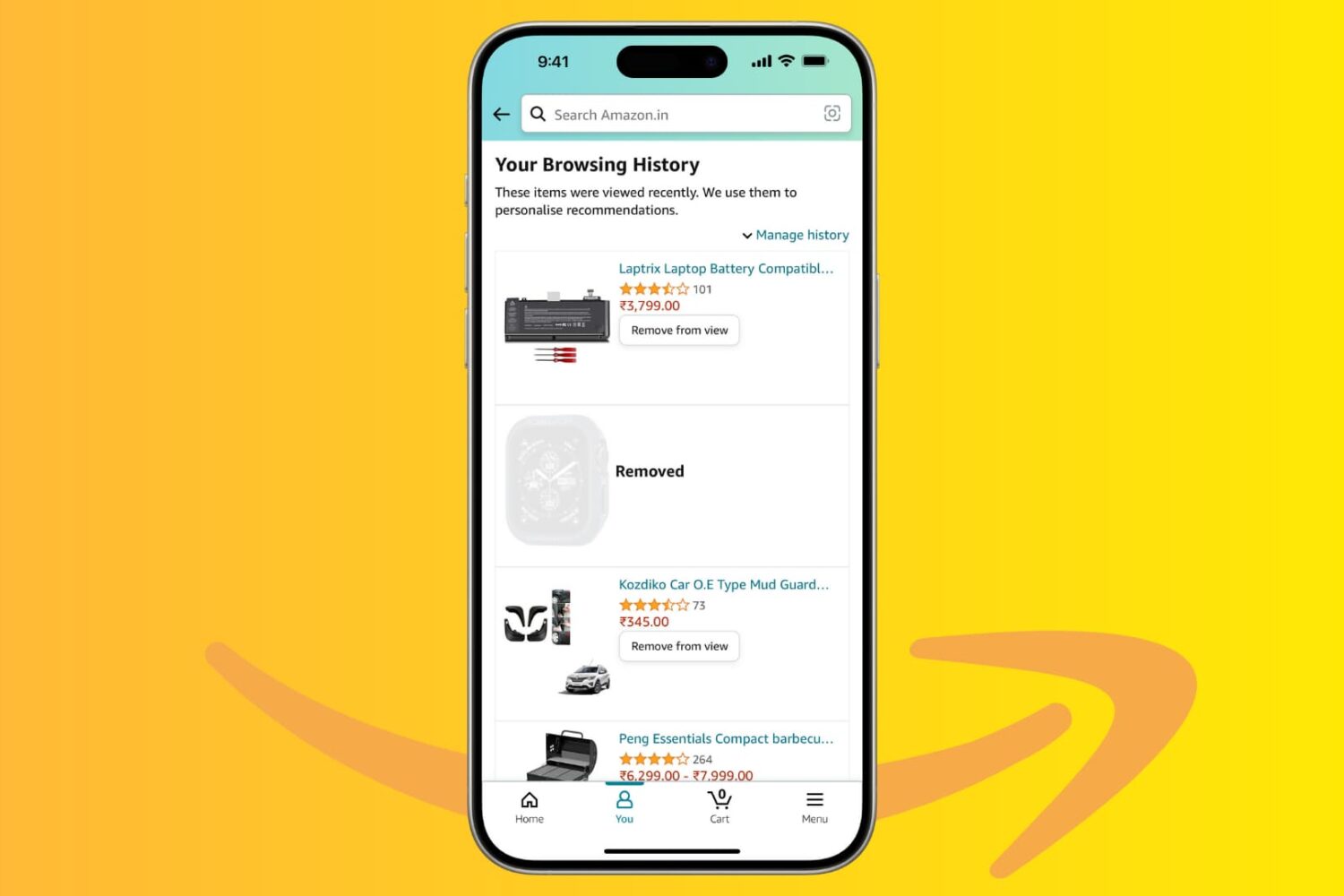
Amazon keeps a history of everything you look at on their platform, and in this tutorial, we’ll show you how you can hide or remove items from your browsing history using the Amazon app or website. We’ll also show you how to stop the shopping giant from saving your browsing history.
In this brief tutorial, we will share how to create email filtering rules on Gmail, which lets you do all sorts of things with your email inbox to customize your experience and maximize your productivity.
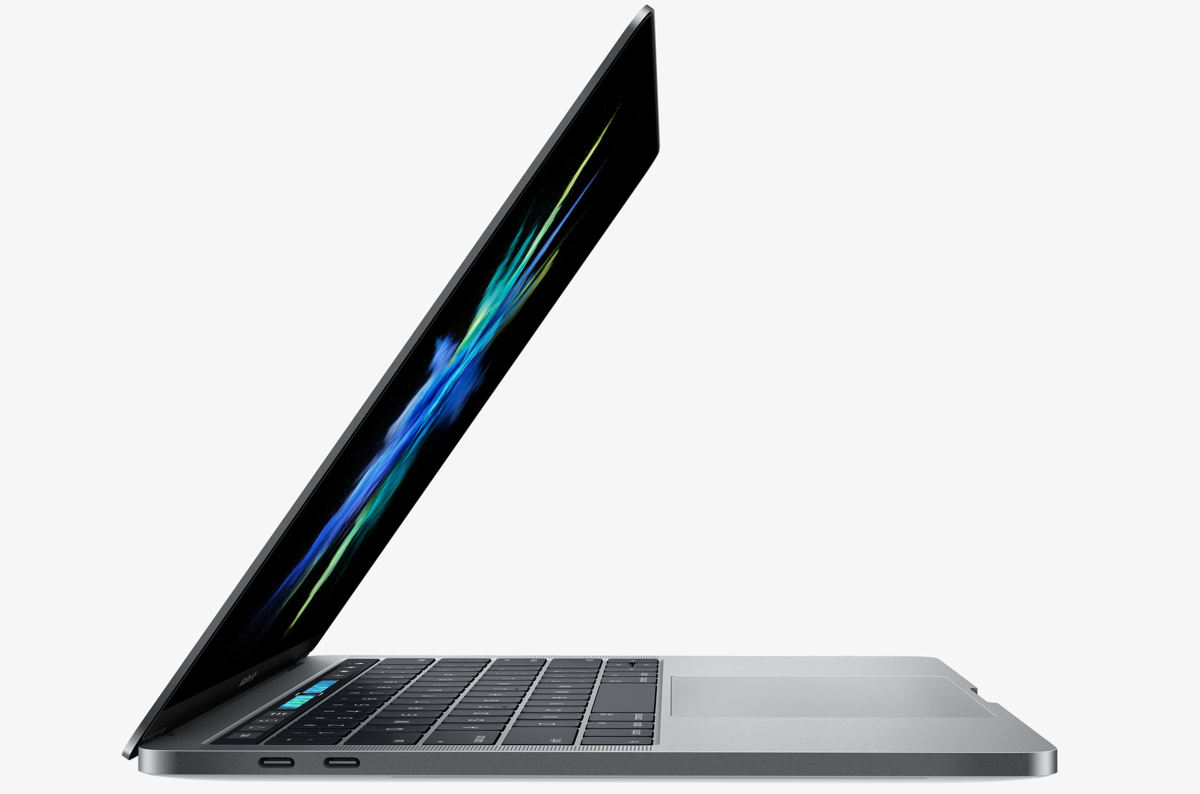
Aside from the marquee Touch Bar feature and other hardware advances, the new MacBook Pro introduces a tweaked boot process where the machine automatically starts up when you open its lid or connect it to power. To avoid forcing users to listen to the startup chime every time they open the lid, Apple's also decided to disable the boot chime on the new notebook by default (you can easily re-enable it).
But what about the mentioned auto-boot features? Unfortunately, Apple does not provide user-facing switches in System Preferences to control the new boot on power and boot on lid capability. With a little help from Terminal and smart folks over at Pingie, you can manually stop the late-2016 MacBook Pro from automatically powering on when you lift the lid or connect it to a power adapter or an external display.
The new MacBook Pro has ditched the iconic boot chime that's been a signature part of the Mac startup process over the last 17 years. Pingie discovered that the sound is not gone entirely. Apple's just disabled it and it's possible to bring it back should you want. In this quick tutorial, we'll show you how to re-enable the boot chime on your late-2016 MacBook Pro with a simple Terminal command.
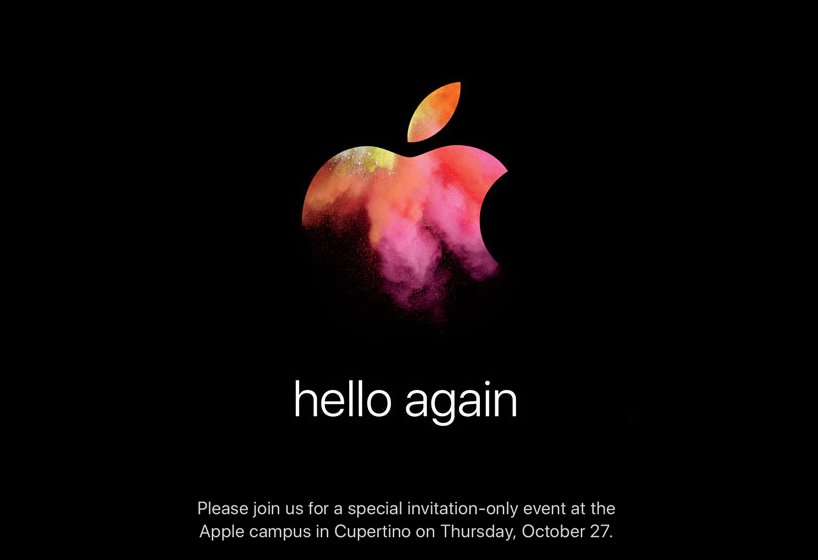
Apple will be streaming its "Hello Again" keynote event from its home campus in Cupertino, California today.
If you want to tune into the event to see everything Apple brings to the table, then this post will have all the information you'll need to learn how to stream the event live.
iOS provides a Portrait mode in the stock Camera app to owners of the dual-camera iPhone 7 Plus.
As you know, Portrait mode lets you take dramatic DSLR-like depth of field photographs where the camera automatically creates a beautifully blurred background while keeping the subject in the front sharp and in full focus.
Your iPhone 7 plus defaults to saving both the original twelve-megapixel photo and its depth of field counterpart, effectively doubling storage requirements for Portrait shots.
In this quick tutorial we're going to show you how you can easily disable photo duplicates for depth of field photos with just a few taps.
Learn how to place a video playing in a floating picture-in-picture window overlay anywhere on your Mac's screen instead of automatically snapping to corners.
I'm a big time YouTube user, and even though I have zippy fiber optic internet, it seems like there are still times when YouTube videos get stuck buffering instead of playing when I want to enjoy HD video streaming.
If you can relate, then you should take a few minutes to read this piece, because we'll be talking about some common remedies for the annoying buffering problem.
In iOS 9, you could organize emails in Apple's stock Mail application by thread but that was pretty much it. iOS 10 introduced a pair of new settings for simplifying inbox management.
The first tells Mail to arrange emails in a thread in the order they were received, with the most recent ones at the top. The other prompts the app to unify threads by including relevant emails from other mailboxes.
In this tutorial, we're going to teach you how to enable and use Conversation View in Mail and leverage the aforesaid toggles to bring some order to your inbox.