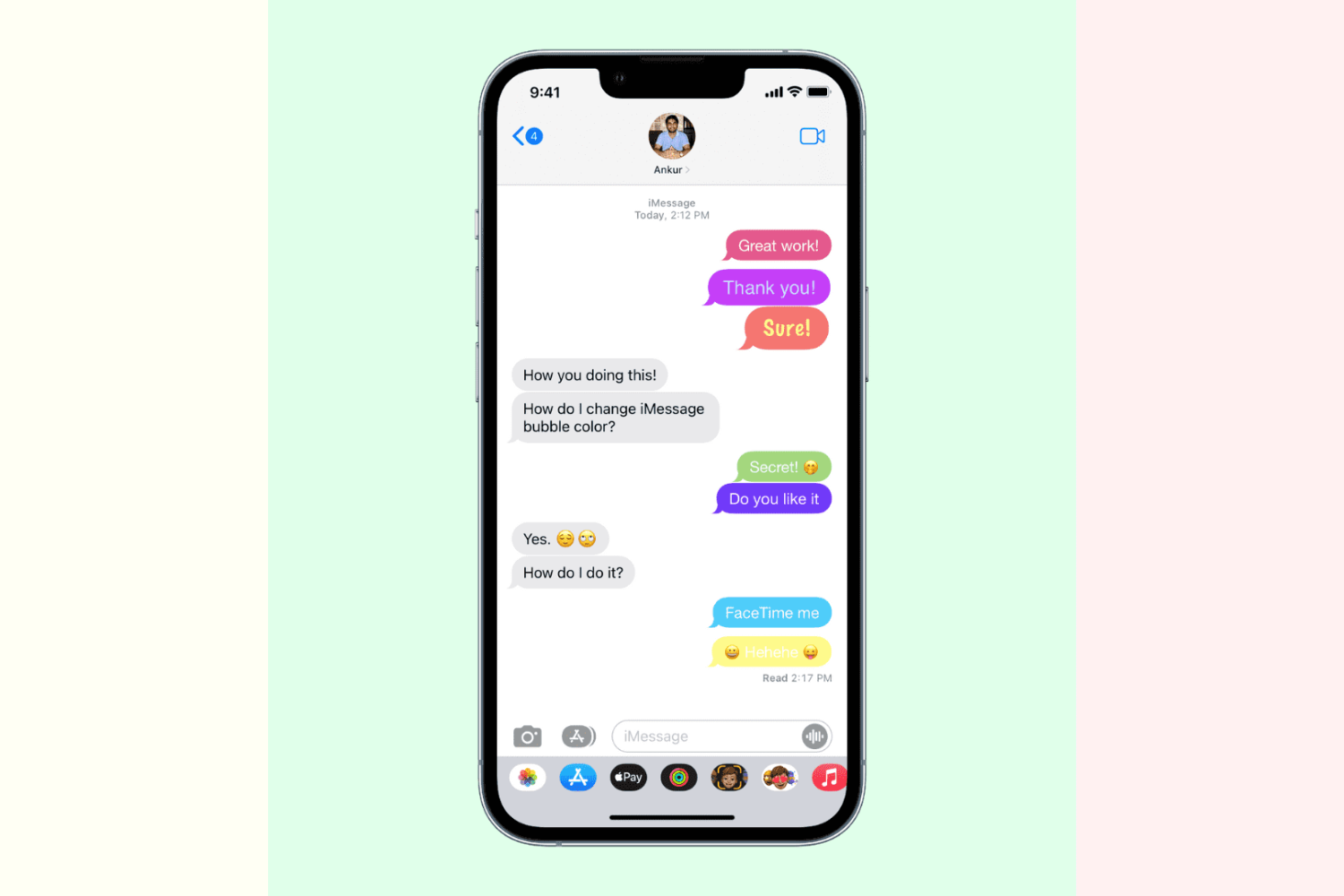
Learn how to reduce the HomePod bass level. You'll be able to listen to your favorite music and enjoy loud audio effects in movies without disturbing your neighbors.
How to reduce the bass level of your HomePod (neighbors will be grateful for that)

Learn how to reduce the HomePod bass level. You'll be able to listen to your favorite music and enjoy loud audio effects in movies without disturbing your neighbors.

Learn about the “Notify When Left Behind” feature in the Find My app so you can get notified if you accidentally leave your Apple devices or items attached to AirTags behind.
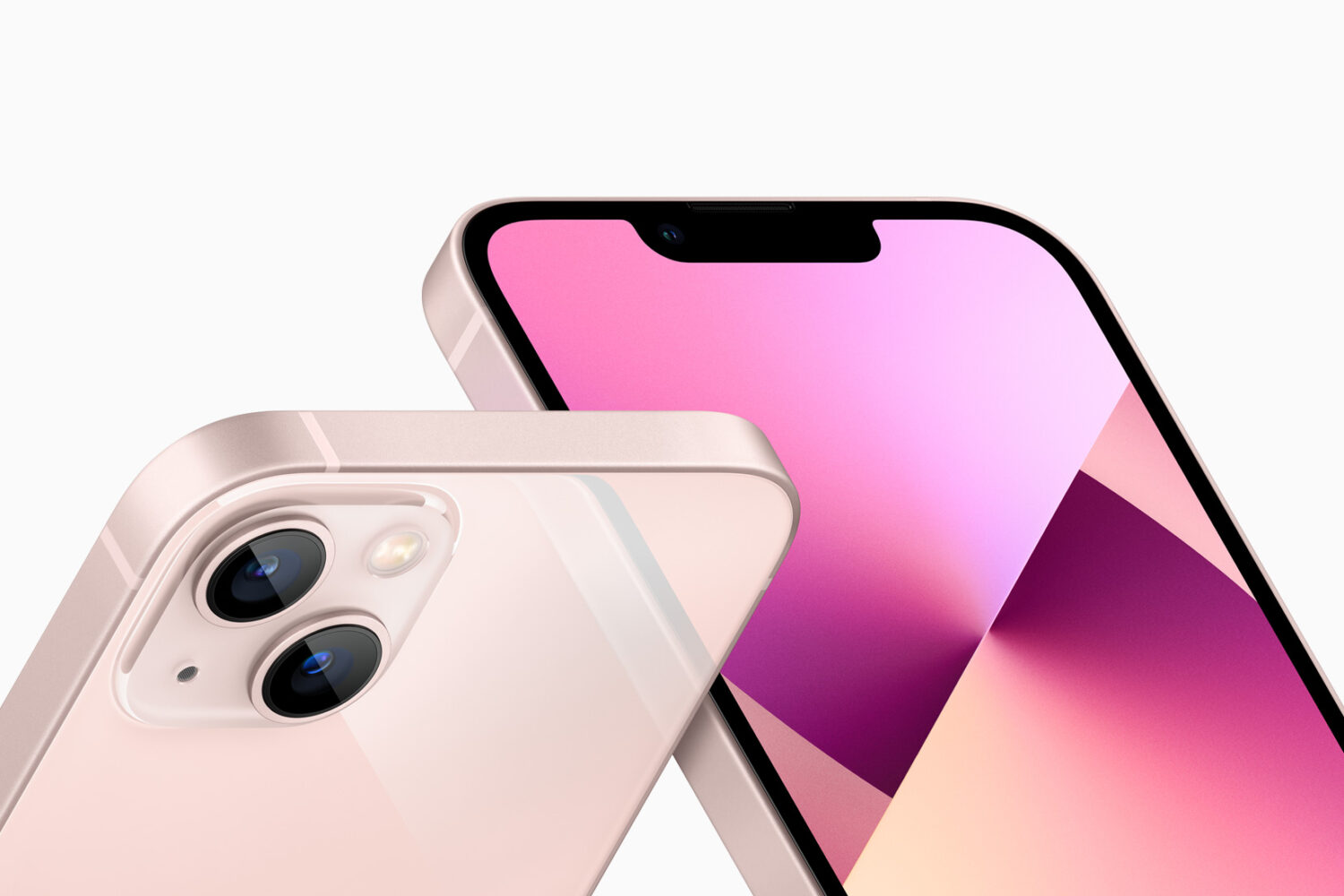
Every year Apple refreshes the iPhone lineup, so in 2021 we got the recently-unveiled iPhone 13 models with better battery life and much-enhanced cameras across the board. Chances are, many iPhone owners who are in the market for a new device are very particular about the existing items they wish to transfer to their future new phone. The only problem is, Apple won't let you do that. Thankfully, with specialized apps like iMobie's AnyTrans desktop software, you can easily transfer data from your old iPhone to iPhone 13 with just a few clicks.

Check out these six easy ways to sync and transfer contacts from your iPhone to your Mac, ensuring seamless communication from all your devices.
In this guide, we'll show you which settings to tweak so the Safari browser on your iPhone or iPad reverts to its old design, i.e., the look it had a few years back!
Learn how to archive a backup of your iPhone or iPad on a Mac to keep it intact, rather than have it overwritten by future backups.

Learn how to unenroll your iPhone, iPad, Apple Watch, Apple TV, HomePod, and Mac from Apple’s public or developer Beta Software Program.
Contemplating upgrading to iOS 15 but afraid of encountering install issues? With AnyFix from iMobie, you can easily fix iOS 15 update issues and resolve hundreds of various system problems that can occur during or after the update, ensuring a smooth upgrade to iOS 15.

Apple's refreshed its phone and tablet offerings with the September 14 unveiling of the new iPhone 13, sixth-generation iPad mini and ninth-generation iPad. The gadgets are shipping soon so read this if you're about to pre-order an iPhone 13 or one of the new iPad models.

In this tutorial, we'll show you how to move the Safari address bar of your iPhone back to the top, just like it used to be.
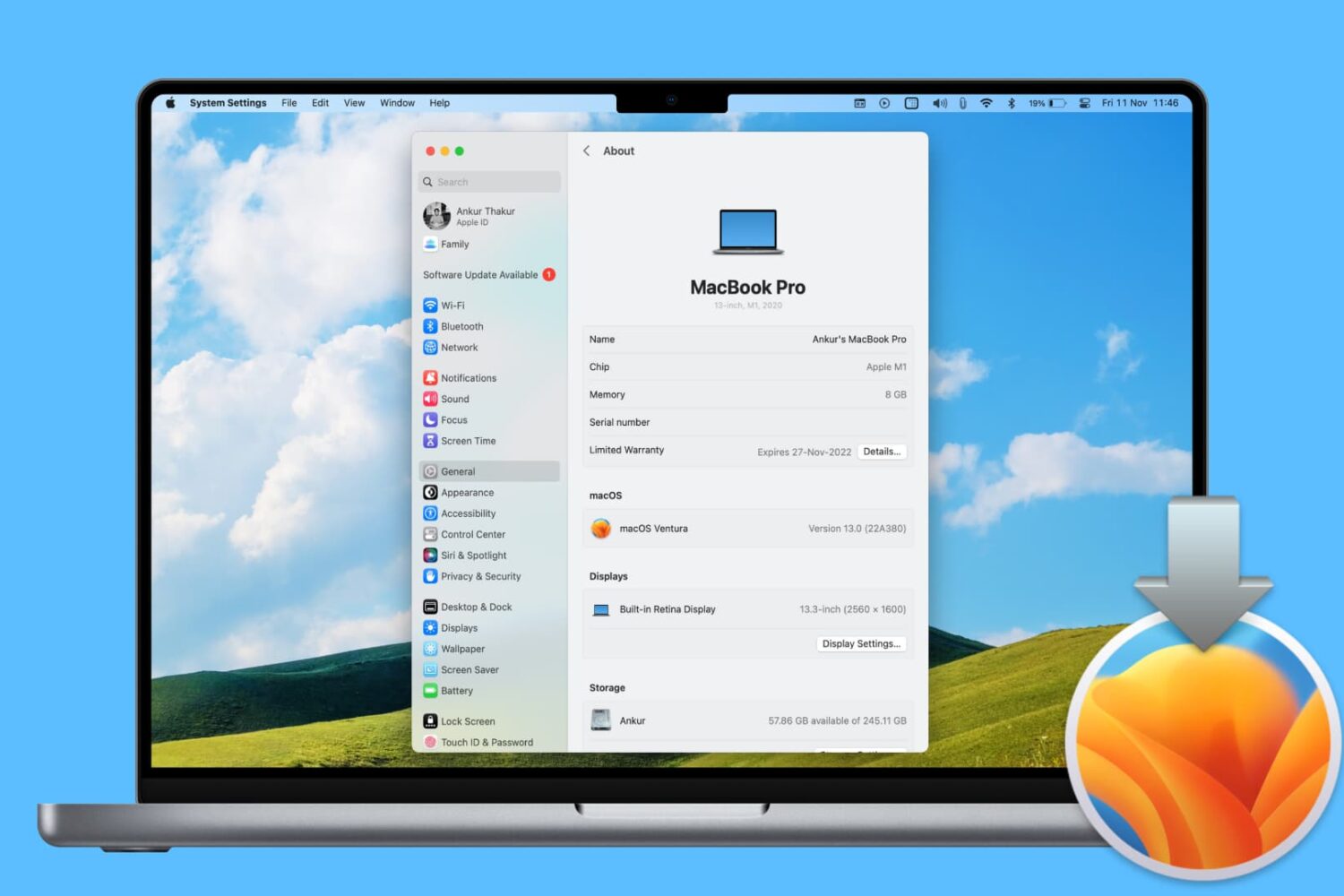
In this step-by-step tutorial, we’ll show you how to reinstall macOS on your Mac desktop or MacBook without losing your files, documents, or data in the process.