Learn how to send images, videos, and voice notes on WhatsApp that automatically self-destruct after the recipient has viewed or listened to them once.
How to send view-once self-destructing media on WhatsApp

Learn how to send images, videos, and voice notes on WhatsApp that automatically self-destruct after the recipient has viewed or listened to them once.

iCloud Backup is a great convenience. But before you use this handy feature, be sure to learn about Apple's data retention policy in terms of keeping old backups.

Learn how to use the Scheduled Summary or Notification Summary features on your iPhone and iPad to eliminate distractions from apps that send you non-urgent notifications throughout the day.

Apple released the first public beta of macOS 12 Monterey last week, which means that anyone can now test out the latest macOS. The latest macOS 12 Monterey comes with several new features and improvements. If you've been wanting to try out the new software, then you can now install the macOS 12 public beta.
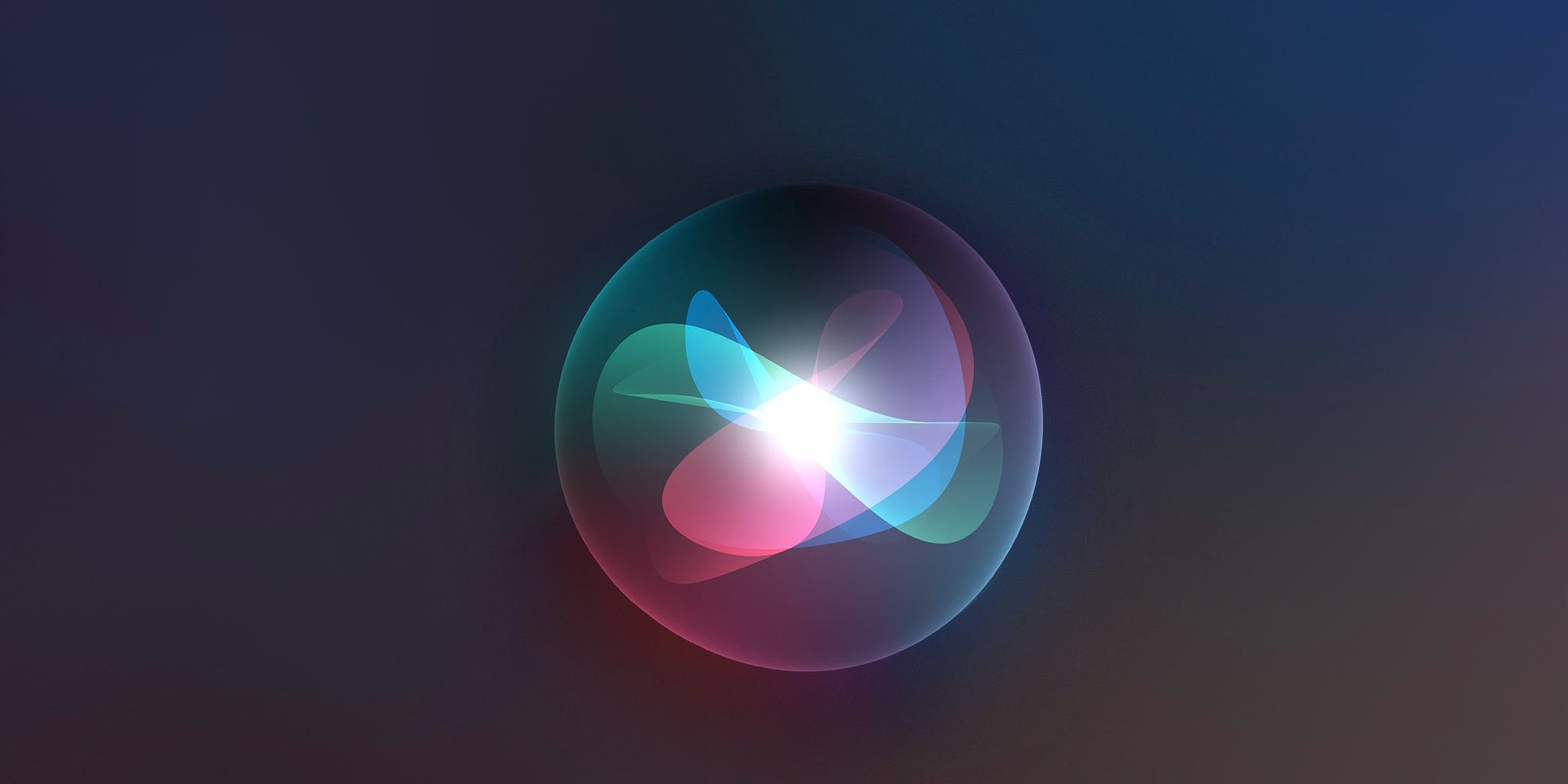
Check out this list of useful offline Siri commands on your iPhone and iPad that work without an internet connection, including messaging, networking, setting timers and much, much more.

Learn how to set up, activate, and use the Focus feature on your iPhone, iPad, Apple Watch, and Mac to cut down on distractions and set communication boundaries so you can work, sleep, game, or do other activities without interruptions.
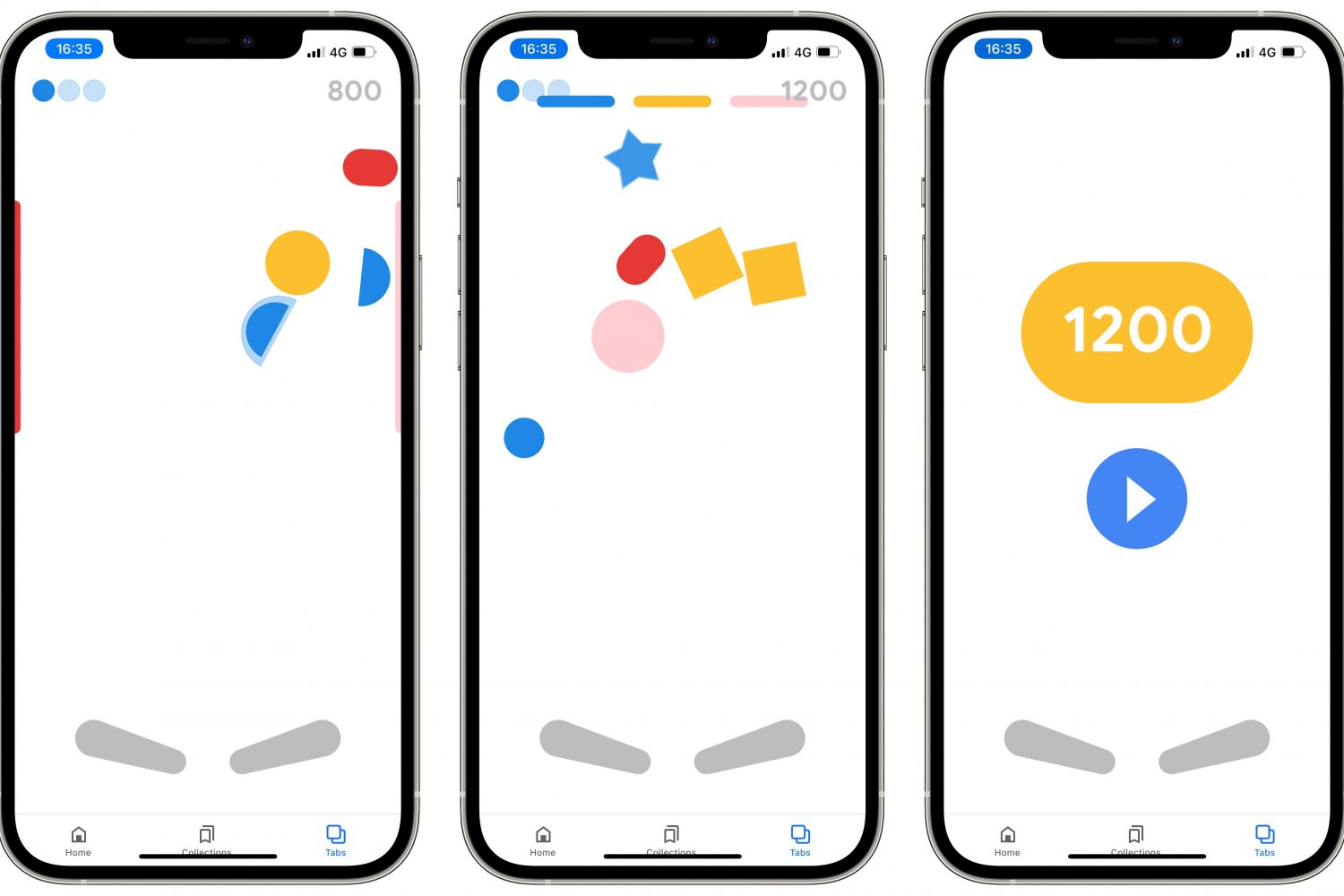
Follow a few simple steps laid out in our tutorial if you'd like to discover and play a secret Google Easter egg pinball game in the company's official app for iPhone and iPad.

Alongside the new iMac 24-inch announcement in April this year, Apple also unveiled a new 'Hello' screensaver in macOS Big Sur. The new screensaver showed off the new colors of the M1 iMac lineup. In the screensaver, the greeting 'hello' appears in bright animation and different languages. The iMac 24-inch features an all new design, and is available in seven colours.
The Hello screensaver wasn't available to all macOS Big Sur users, unless you purchased the new 24-inch iMac. If you have one of those, then you could enable the screensaver from the Display options in Settings. However, Apple did include the screensaver in macOS Big Sur, but did not enable it. In this post, you will learn how to install the Hello screensaver on your Mac.
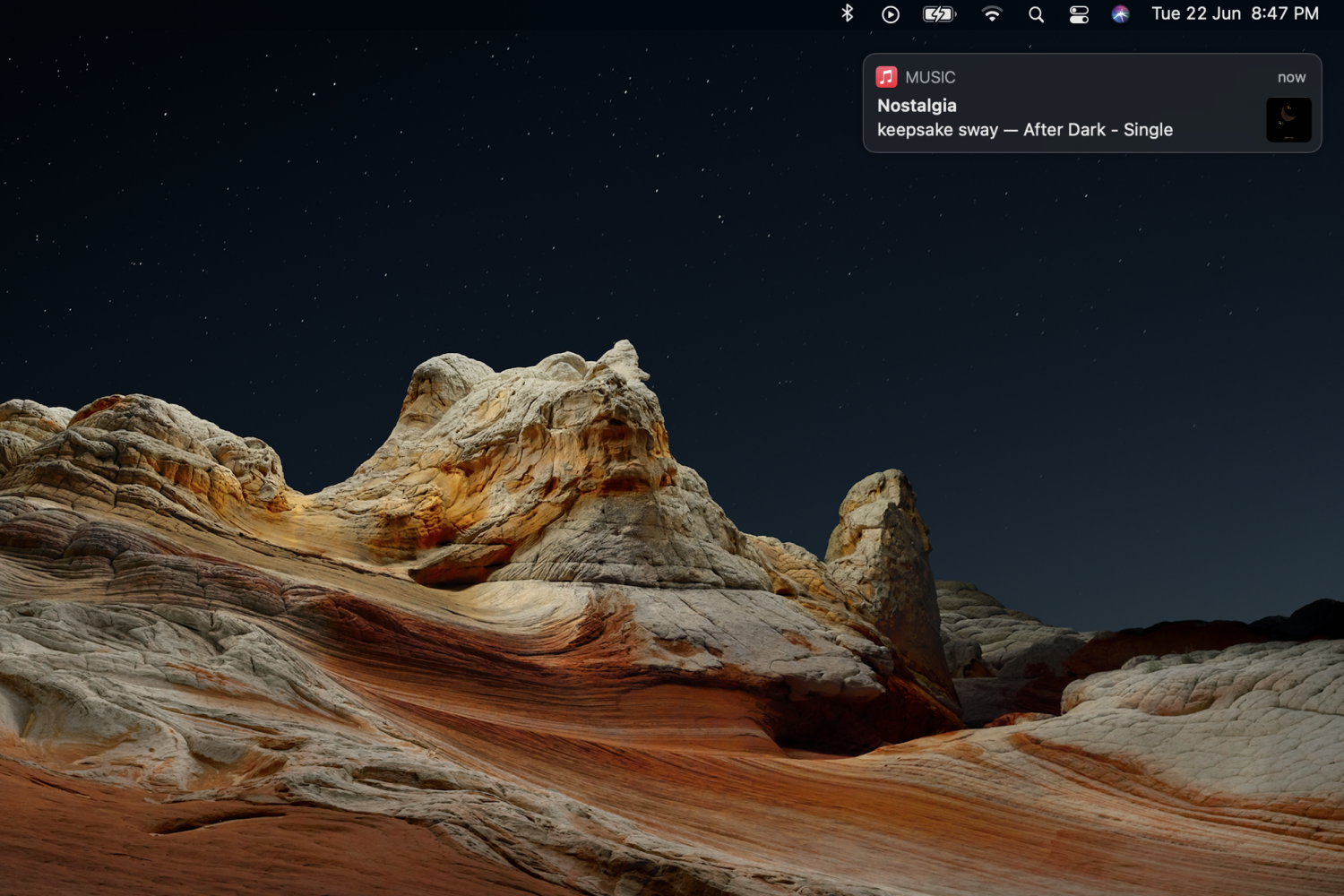
While notifications and alerts on macOS can be useful, they can easily become distracting if they aren't important. A notification that slides in and slides out while you're working, can make you lose your focus. Apple did make some changes to Notifications in the latest macOS Big Sur update, but they can still be annoying at times. Some notifications will slide in and stay on the screen, and will only go away if you click on the close button.

Learn how to easily hide, blur, or pixelate sensitive parts of a photo or screenshot on your Mac using built-in and third-party tools.

Learn how to enable Picture in Picture (PiP) for the YouTube app on your iPhone or iPad for seamless multitasking while watching videos.

Learn how to use Apple's Spatialize Stereo feature to boost stereo, two-channel audio, and other non-Dolby audio content on your iPhone, iPad, and Mac.