Check out these 7 useful tips to enhance your overall browsing experience and make the most of Firefox on your iOS device.
7 tips for using Firefox browser on iPhone and iPad

Check out these 7 useful tips to enhance your overall browsing experience and make the most of Firefox on your iOS device.
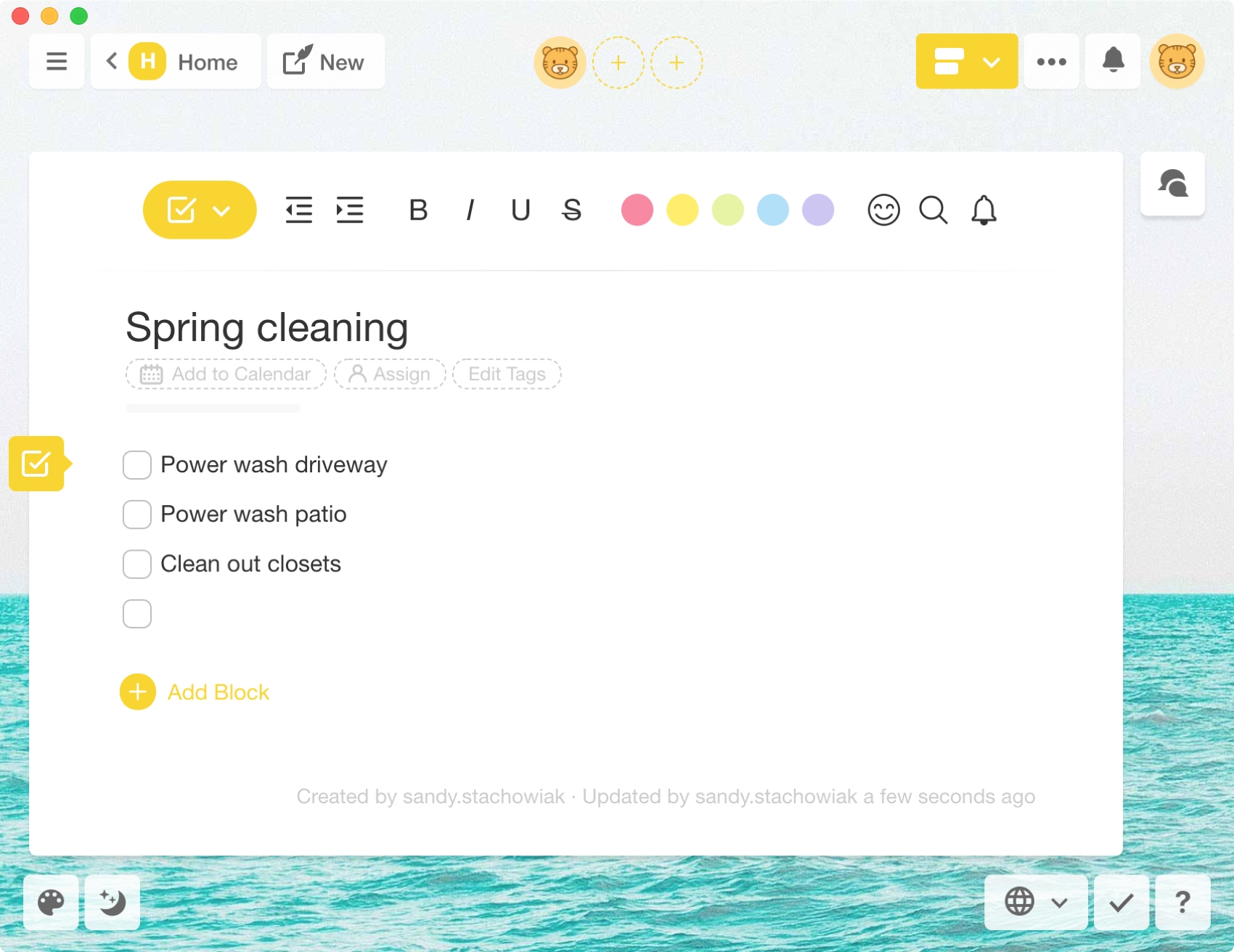
You may not be a project manager by trade, but you do have projects to manage. So you probably don’t need a fancy or extensive project management tool. But you do need one to keep track of smaller projects for work, school, or your home.
These Mac apps can help you stay up to date on all of your projects. They offer project and task management with extra features but still keep things simple. Best of all, they’re each available for free. And those that have in-app purchases do so to give you more features you might want but don’t necessarily need.
For keeping track of all your projects, check out this list of the best Mac apps for managing them.

Do you use Google Chrome as your main web browser on Mac? Check out our list of the top 40 keyboard shortcuts for Chrome on the Mac, boosting your browsing efficiency and workflow like never before.
With just a few adjustments, you can have your Mac announce alerts and speak text. Spoken alerts are super handy for grabbing your attention when you’re hard at work, and spoken text can help you spot errors or get pronunciations.
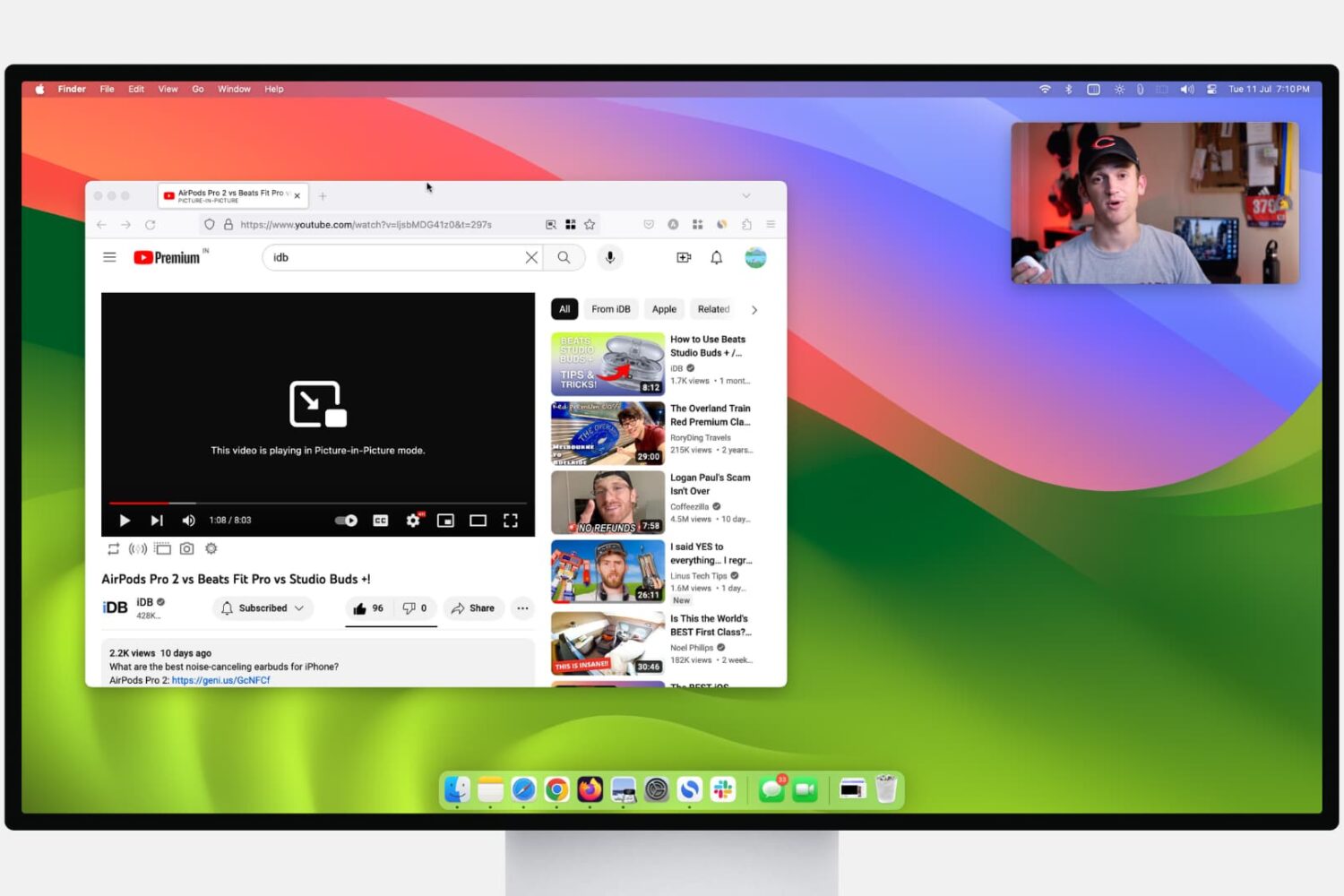
Learn how to use Picture-in-Picture in Firefox and Google Chrome for seamless video playback while you browse the web or use other apps on your computer.
Check out this list of handy keyboard shortcuts for Firefox to easily work with tabs, windows, bookmarks, and more from the comfort of your Mac's keyboard.
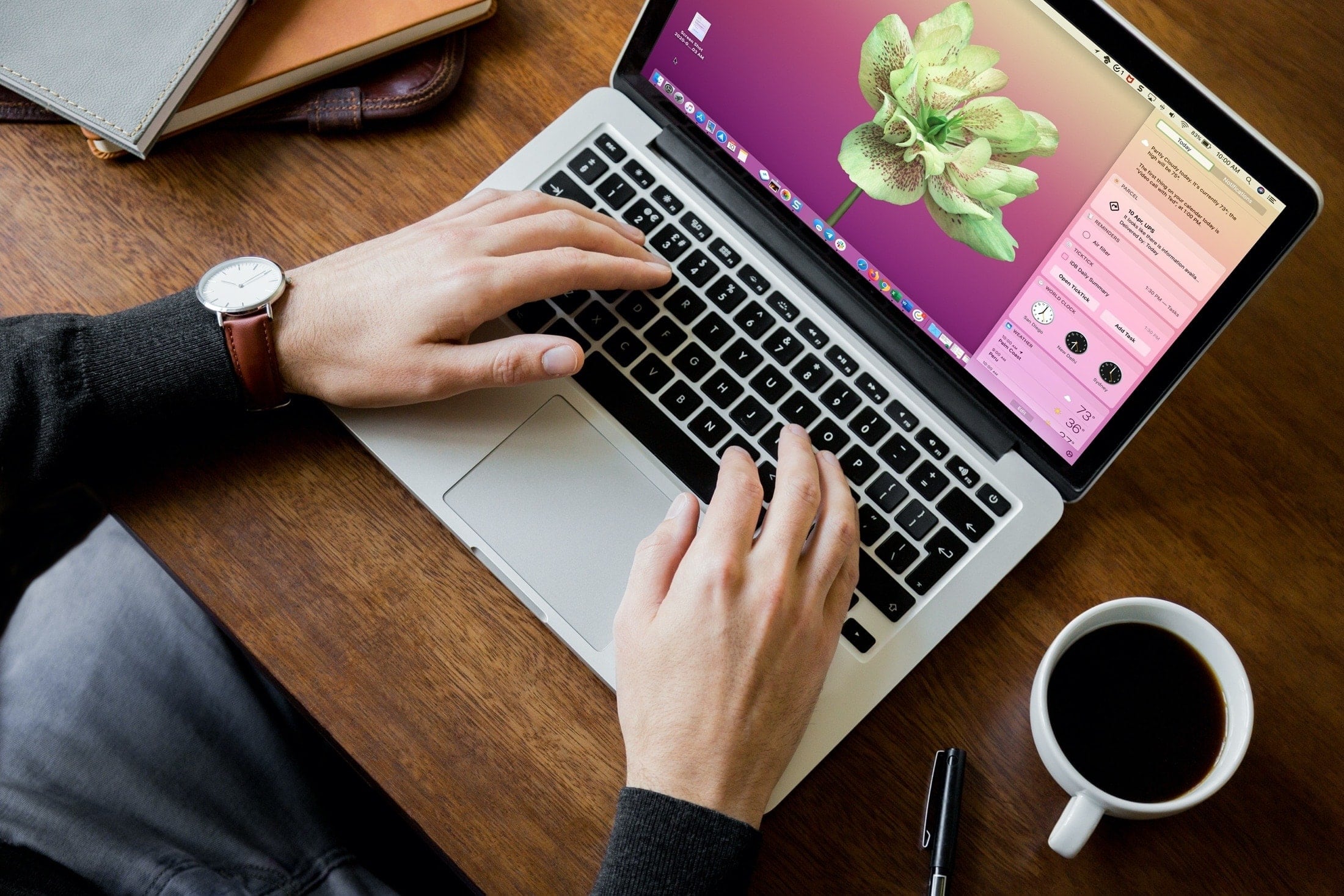
Set up your Mac for success when you’re working from home by following these handy tips to add useful widgets to your Notification Center.
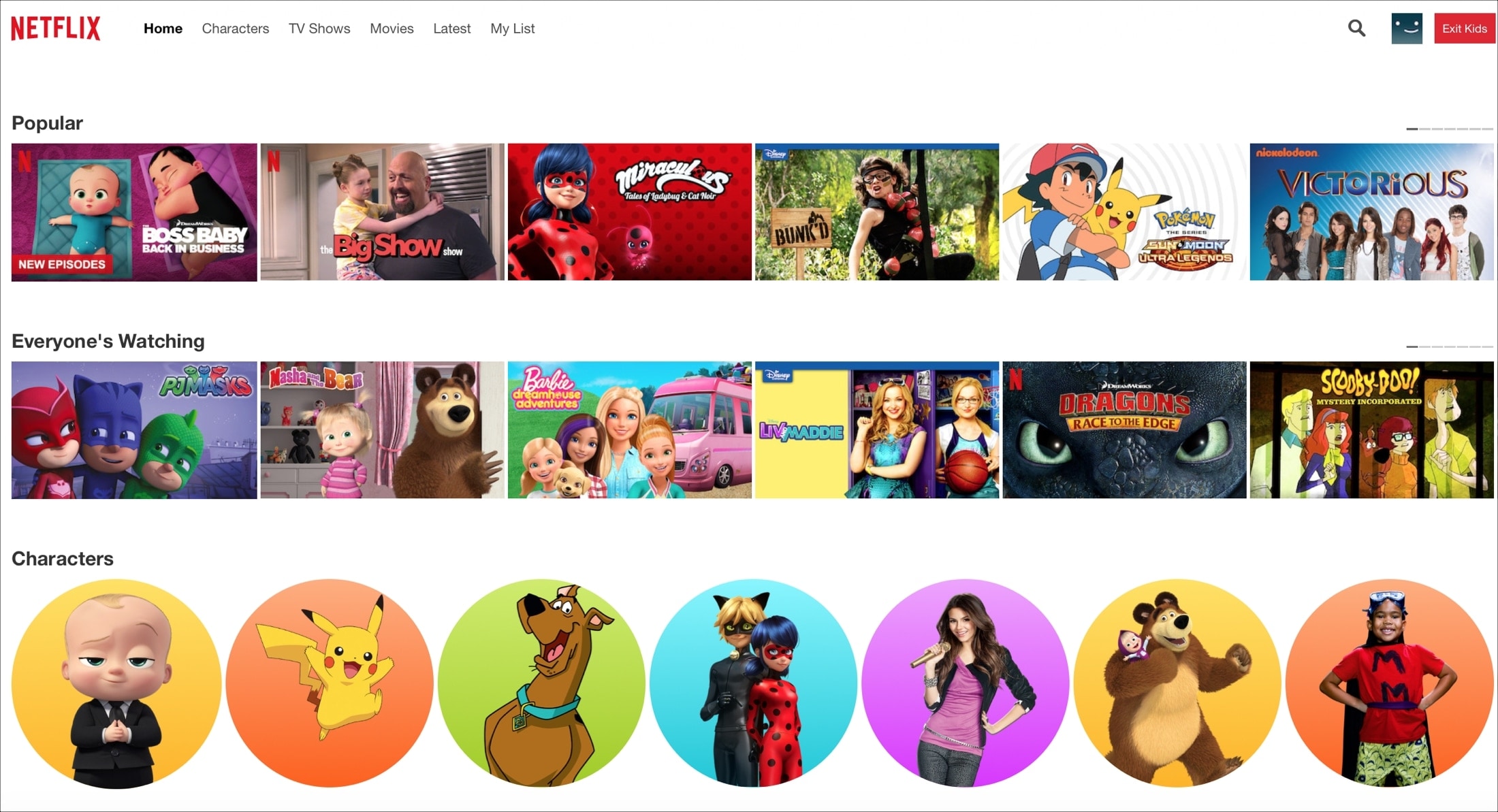
Learn how to safeguard your child's viewing experience with step-by-step guidance on setting up parental controls on Netflix.
Wondering how to quickly rotate, switch views, or drop a pin in the Maps app? Here is a list of keyboard shortcuts that will help you do things quicker in the Maps app on Mac.

Later in March 2020, Apple launched an app and website dedicated to the coronavirus and COVID-19. Both are free and provide up-to-date information, screening tools, best practices, answers to questions, and more.
To look at how the app and/or website can help you and your family during this time, here are details about using the Apple COVID-19 app and website.
Browse for apps and games without lifting a finger by learning about this list of Mac App Store keyboard shortcuts that are easy to use and remember.
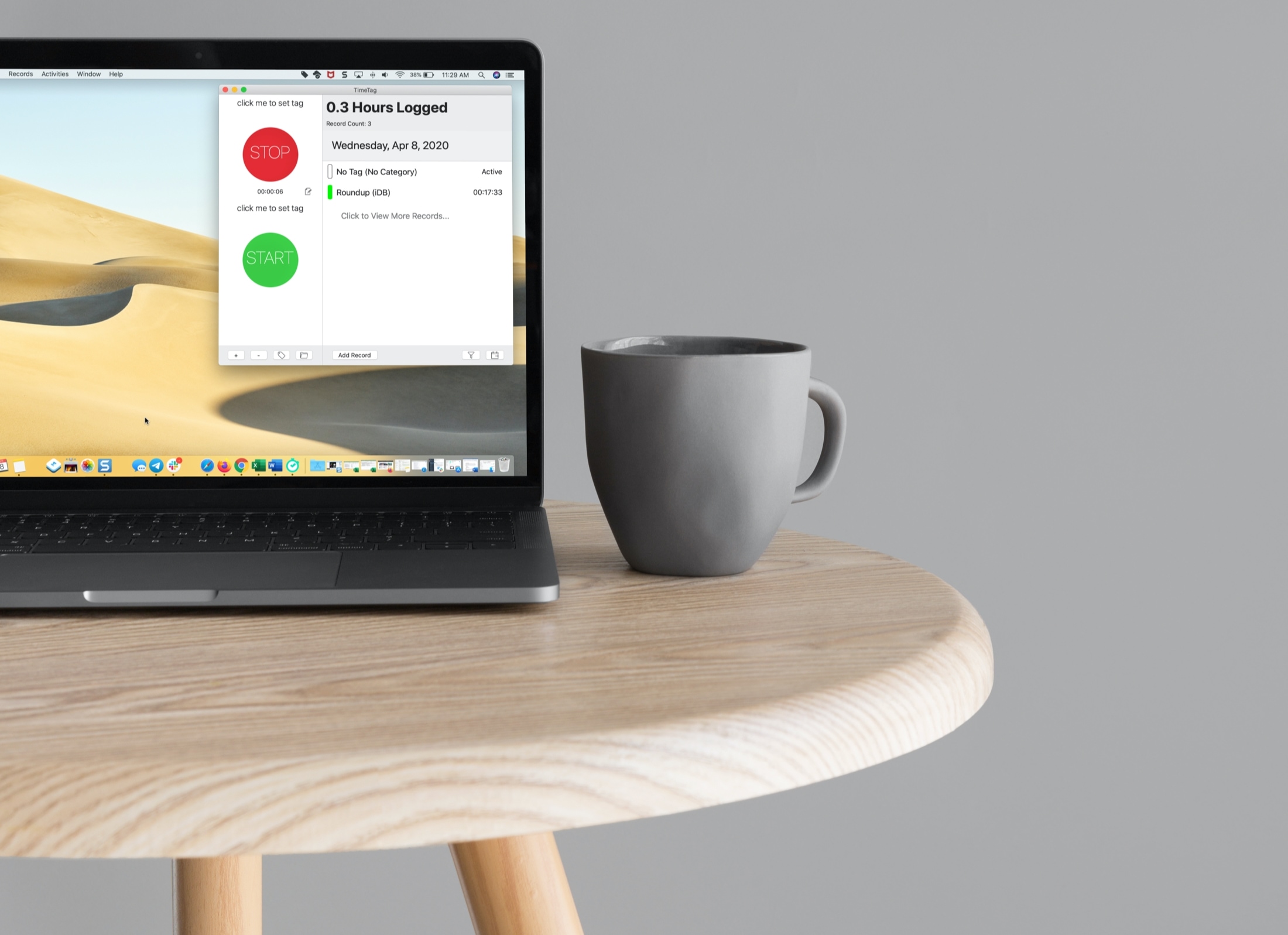
If you’re a freelancer, remote worker, or another job type where you need to log your time, then you want a good time tracking app for Mac.
Time trackers come in all shapes and sizes. From those that have a basic start and stop button to those that have built-in task management features, do you have the time to try them all and see which is best for you?
To help you out, we’ve tried several time trackers for Mac and have narrowed that list down to these best ones.