Sandy Writtenhouse

With her BS in Information Technology, Sandy worked for many years in the IT industry as a Project Manager, Department Manager, and PMO Lead. She then decided to follow her dream and now writes about technology full-time.

How to see and stop apps from accessing your Apple Music data

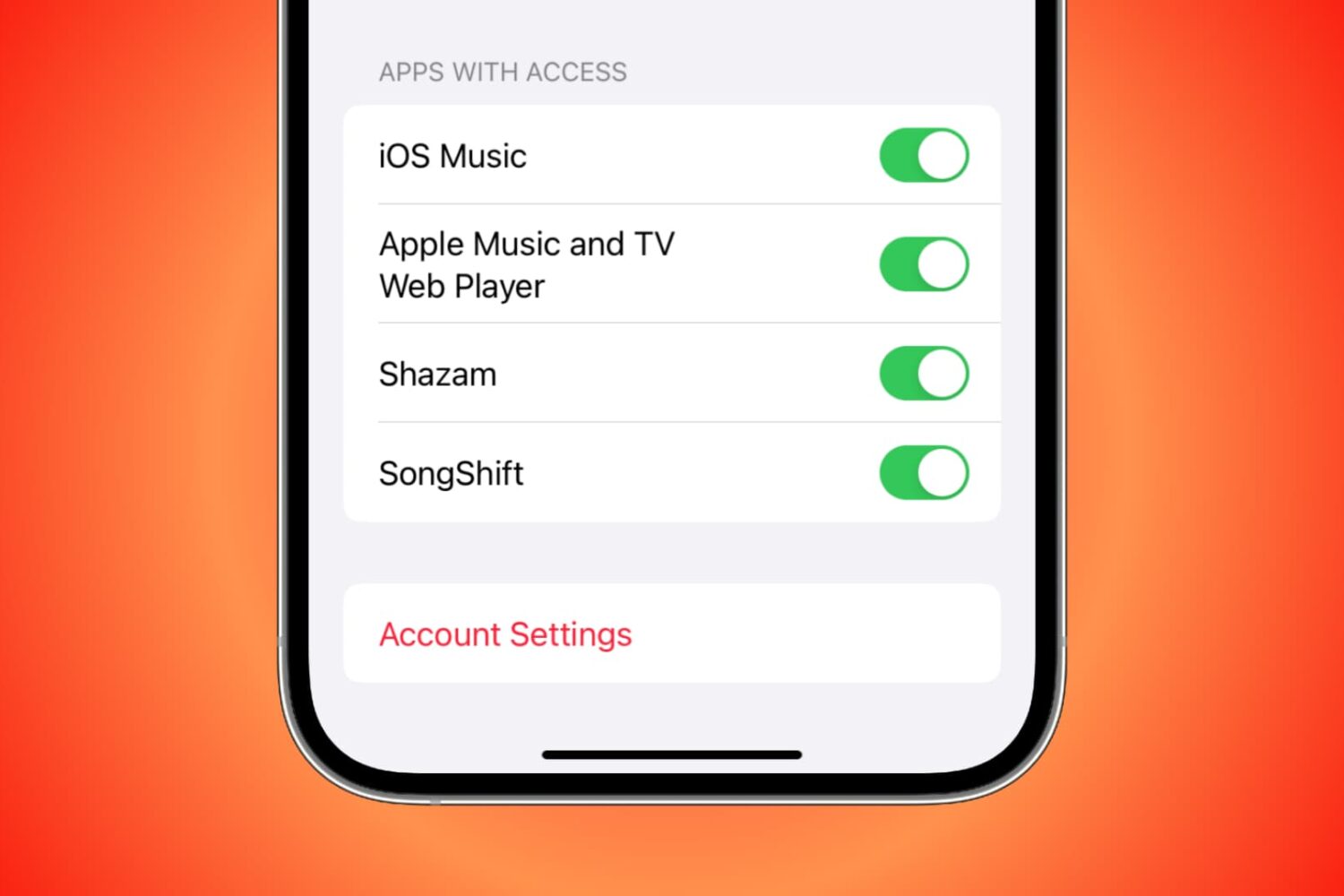
Apps with access to your Apple Music

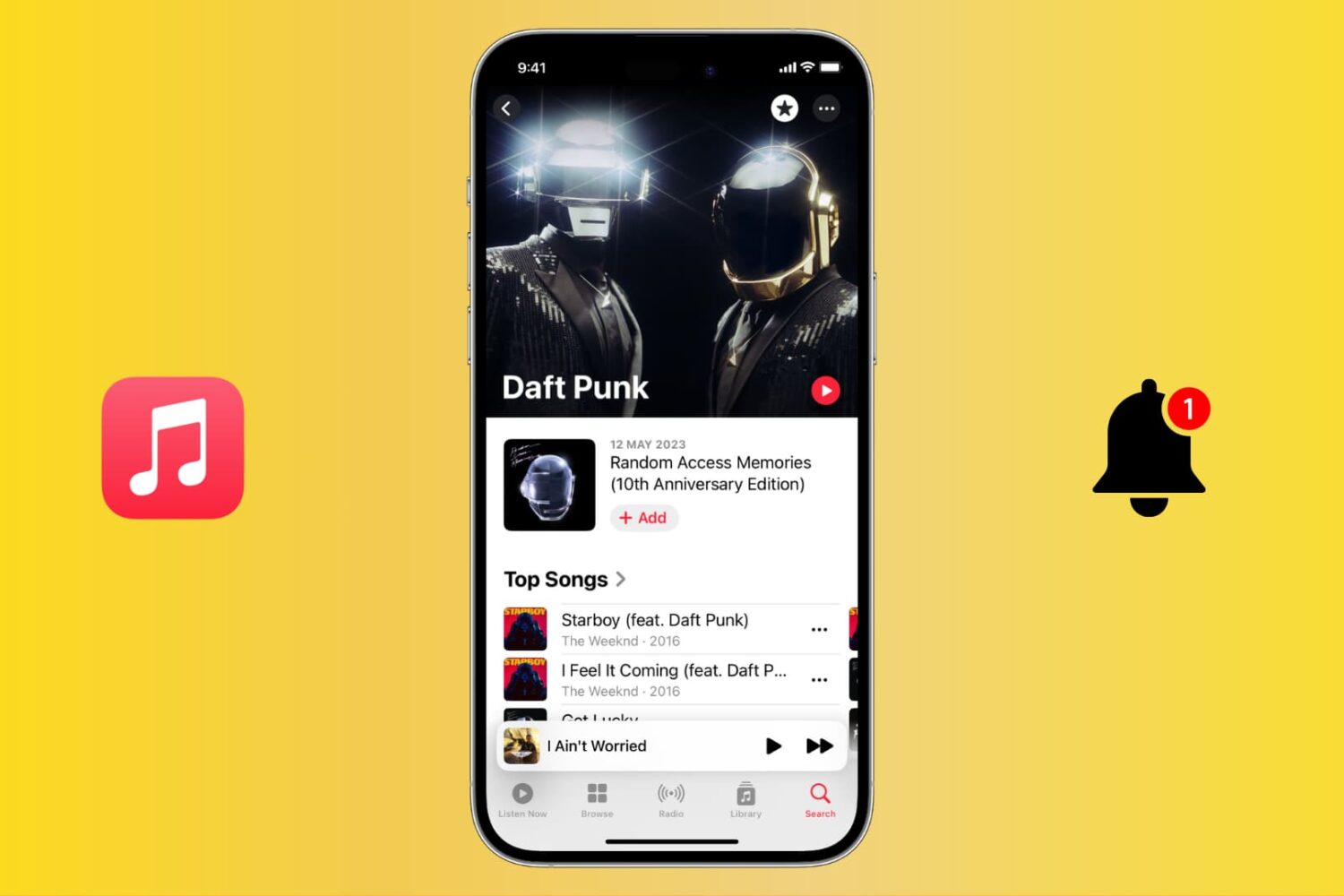
You can grant third-party apps and services access to your Apple Music for various reasons. For instance, you might allow Alexa access so you can play Apple Music on your Amazon smart speaker. But if there comes a time when you want to revoke access to an app or service for privacy or security reasons, you can do that easily by following the steps here.

How to use Apple Watch to get through your workday

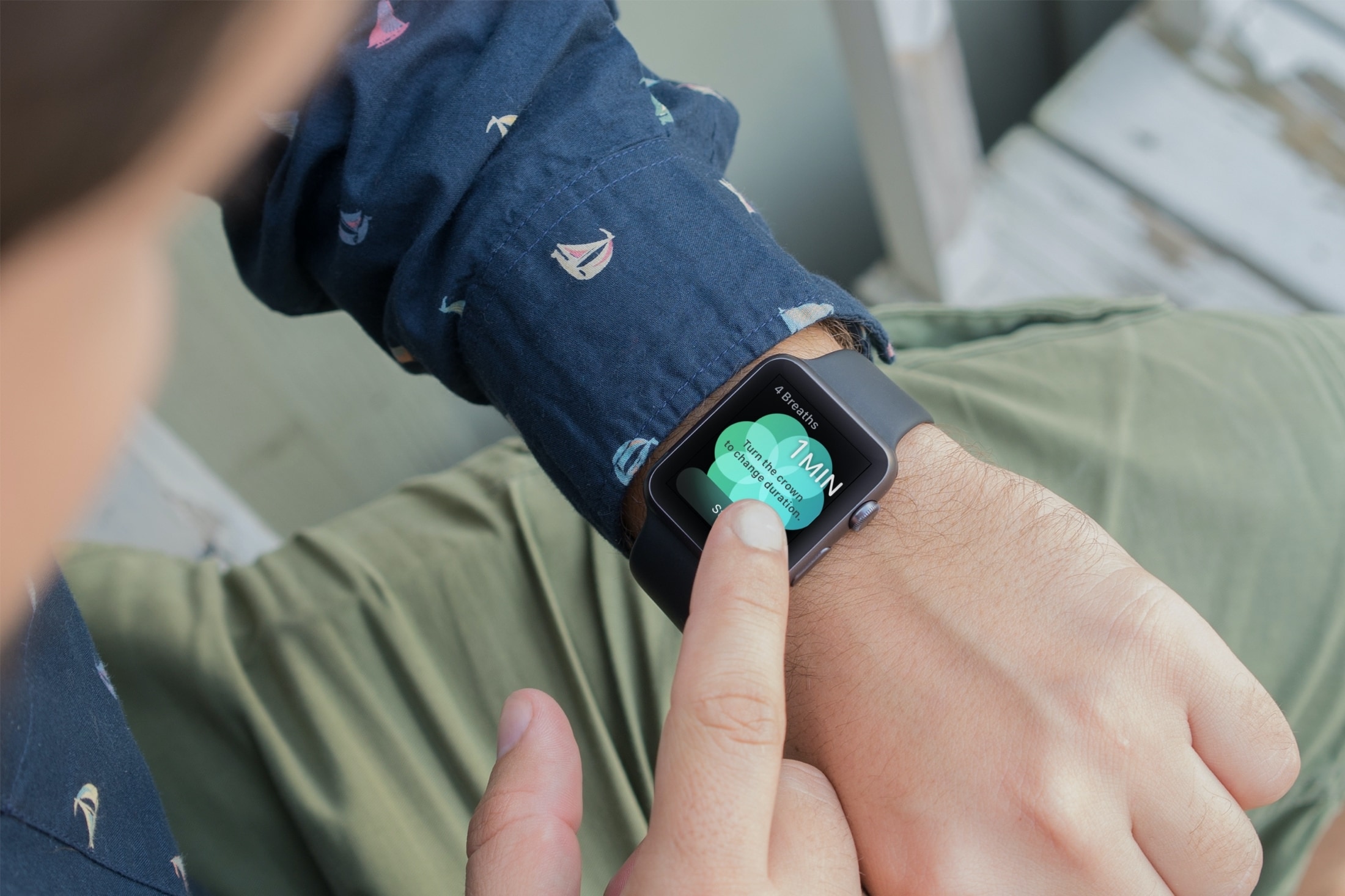
Breathe App on Mans Apple Watch

You might not realize it, but if you wear an Apple Watch, that handy wearable can help you a lot throughout your workday. Sure, you might use it to check emails, view your appointments, and even answer calls if your iPhone isn’t nearby. But with some of the built-in apps and features, your Apple Watch can be a helpful tool for getting through a stressful day of work.

How to use the Visualizer and enjoy a light show in the Music app or iTunes on Mac

Visualizer in the Music app on Mac

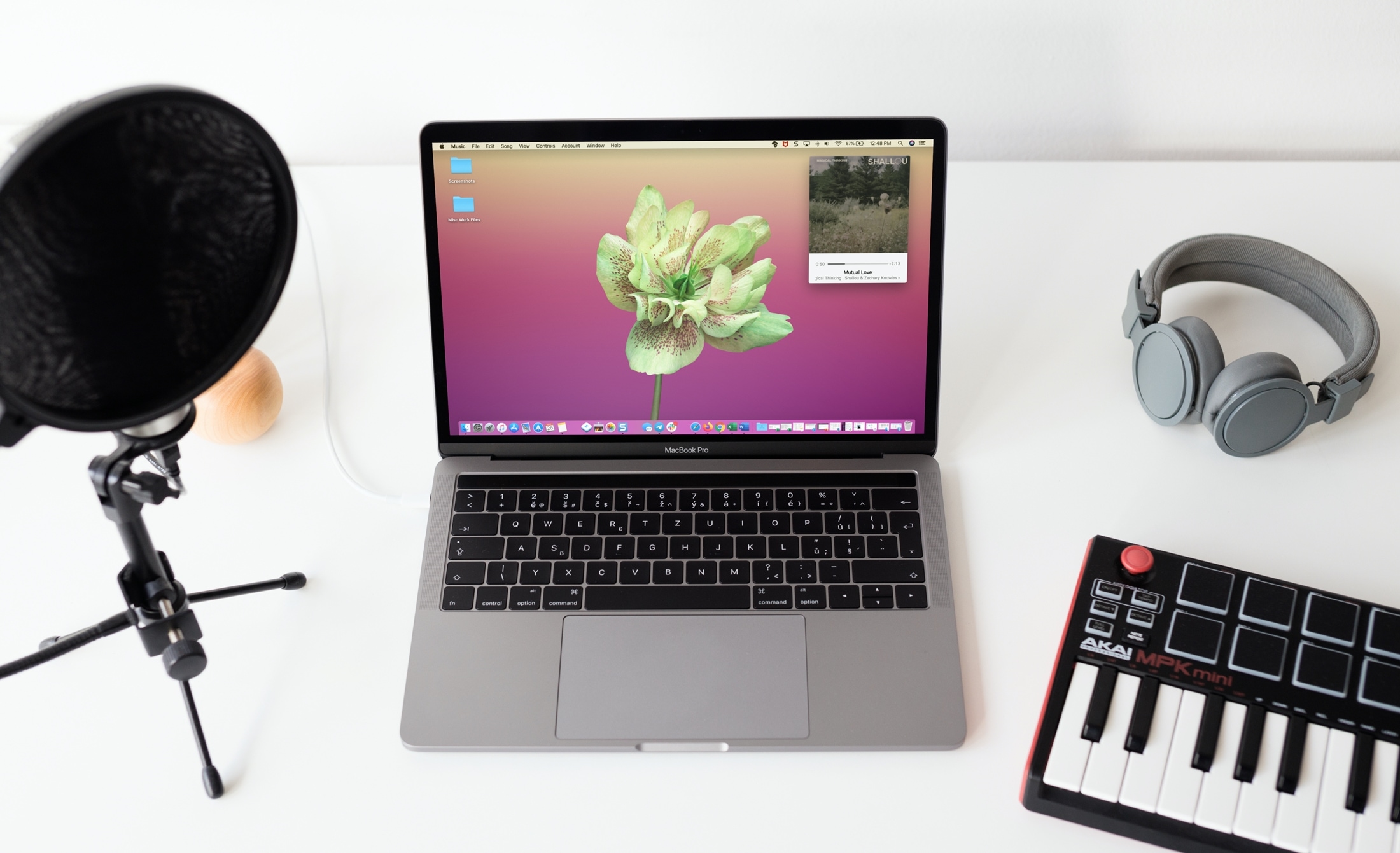
If you’re done working on your Mac for the day or simply taking a break but still have your favorite tunes playing, why not add a little pizzazz to the screen? The Music app on Mac offers a cool tool called Visualizer.

Visualizer is a light show that plays along with your music. You can adjust it to your liking and then just sit back and watch the colors and lights bounce off your screen. Never used the Music app Visualizer before? That’s why we’re here, to show you how to enjoy a light show with your songs!