Sandy Writtenhouse

With her BS in Information Technology, Sandy worked for many years in the IT industry as a Project Manager, Department Manager, and PMO Lead. She then decided to follow her dream and now writes about technology full-time.

How to collaborate with your team using Spark

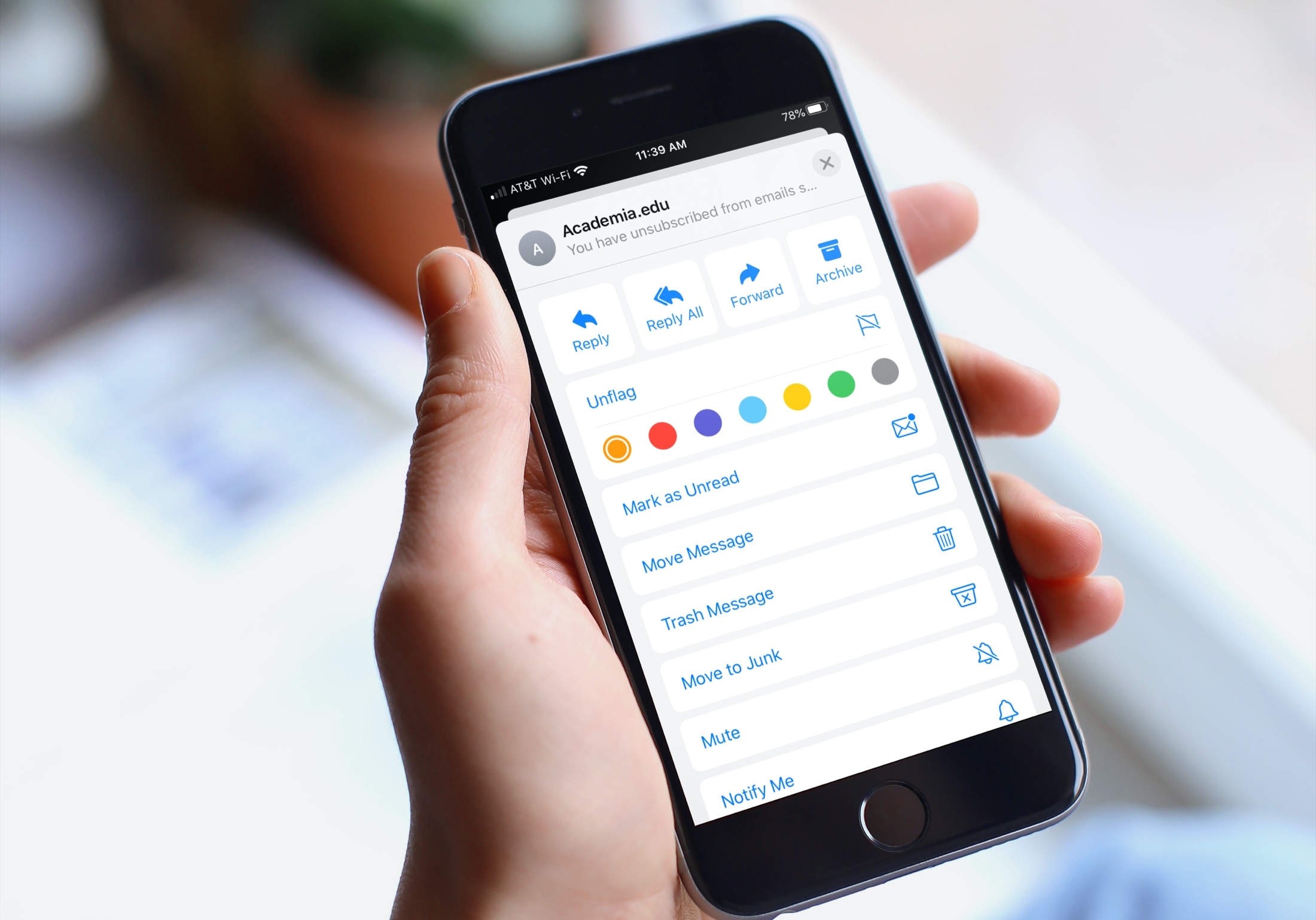
If you’re a Spark email user, then you already know and appreciate its terrific features. But if you’re new to the app or are thinking of giving it a try, Spark offers some wonderful collaboration features you can take advantage of for business. We covered some of these features before, but there are even more now.

To help you make the most out of using this email app for your team, we’ll show you how to collaborate with Spark.

The best free distraction-free writing apps for Mac

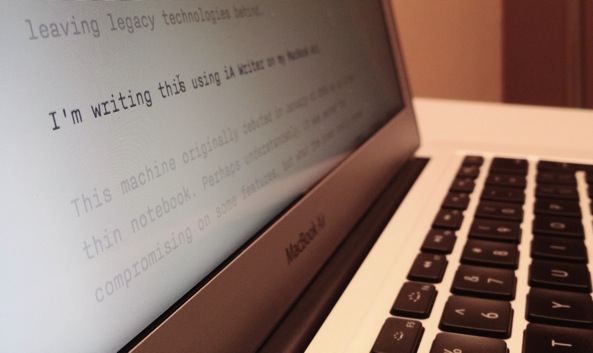
There are several terrific writing apps available on the Mac App Store for focused writing. But if you don’t want to shell out the cash just yet, try one of these free tools for capturing your articles, stories, or essays.

Writing with a distraction-free tool allows you to concentrate on what’s most important, your words. So whether you’re just giving this a try to see if you like it or don’t need extra features that the paid apps provide, this list of free focused writing apps is for you.

How to create and mark up a PDF from the Maps app on Mac

If you’re trying to describe a location to someone who isn’t familiar with the area, it can be difficult. You can’t just say, "It’s next to Walmart" if they don’t even know where Walmart is. But with the Maps app and Markup tool on Mac, you can easily use shapes and text to show exactly where you’re describing. And it can even be a little fun.

Here’s how to create and mark up a PDF from Maps on your Mac.

25+ useful keyboard shortcuts for the Books app on

Keyboard shortcuts for Apple Books app

If you enjoy reading with the Books app on your Mac, then keyboard shortcuts and gestures are great tools. They let you move around the app easier or continue reading your books without trying to take action with the menu bar. For a simpler way to use Books on Mac, check out this list of keyboard shortcuts.