Learn how to set macOS to automatically turn off keyboard backlight on your Mac laptop after a certain period of inactivity, saving a little bit of power.
How to automatically turn off your MacBook backlit keyboard when inactive
Learn how to set macOS to automatically turn off keyboard backlight on your Mac laptop after a certain period of inactivity, saving a little bit of power.
Want a quicker way to get things done in the Contacts app on your Mac? Here are several useful keyboard shortcuts for Contacts so you can move around faster.
These tips will supercharge your iPhone web browsing experience in Google Chrome with custom settings for URL bar location, tab groups, and more.
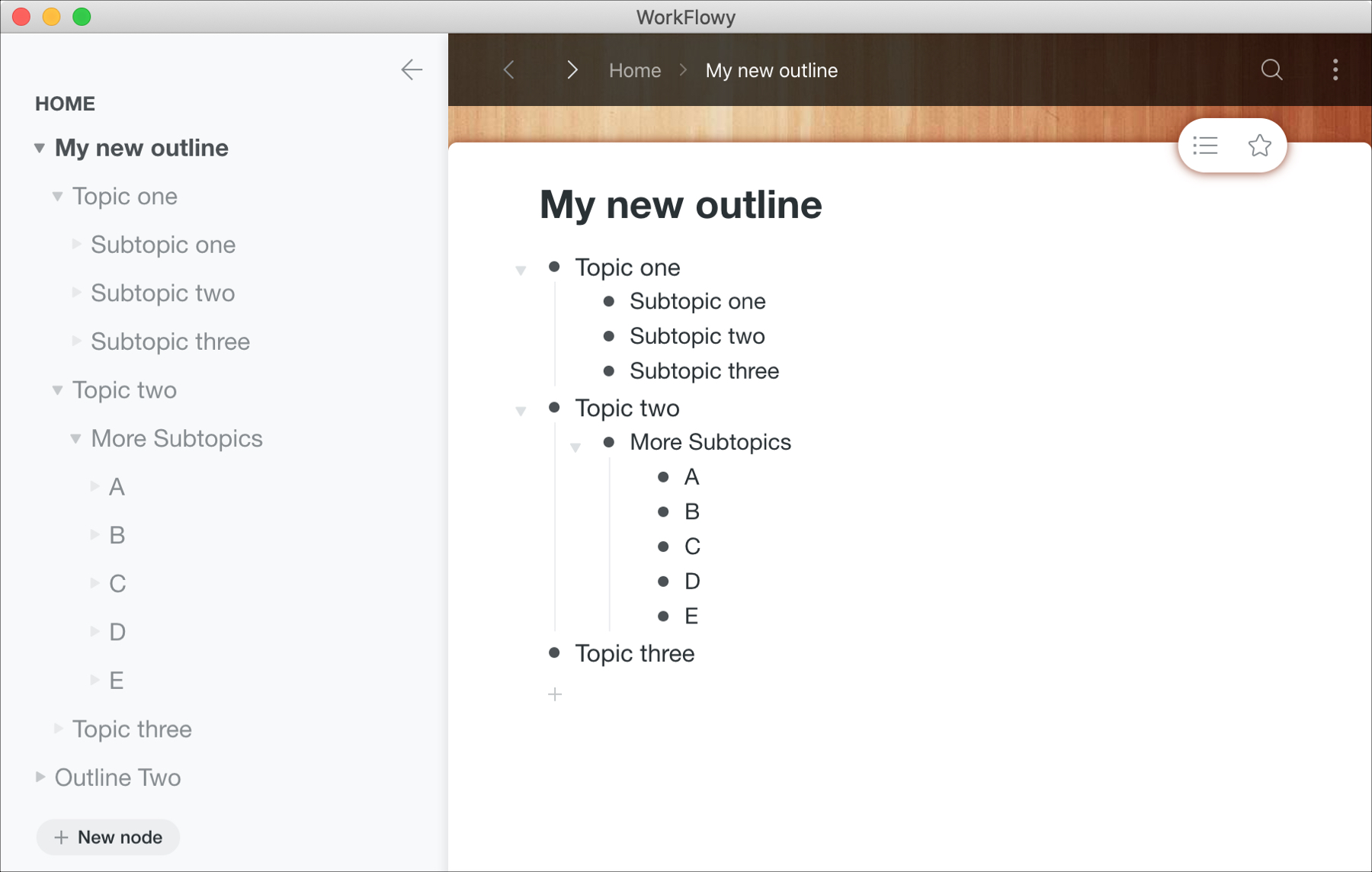
If you need to create outlines for business or for school, you can certainly use Notes or even Pages on your Mac. But setting those apps up for outlines can take a little time. So why not try a tool that’s built specifically for outlines.
The Mac App Store has some terrific apps with extensive features like OmniOutliner, TaskPaper, and Outline. They offer great features, but with a price tag.
Trying a free Mac app for creating outlines is the best first step. After all, you may find that the free app has exactly what you need, so you can save a few bucks. And if it doesn’t, you’ll know exactly which features you do need and can opt for a paid version of that free app or at least know what to look for in a different app.
Here are a few of the best free Mac outline apps to get you started.

Learn how to use the Alexa app to set alarms, reminders, and timers on your iPhone or your Amazon smart speakers, such as the Echo Dot.
Learn how to listen to Spotify using Alexa on your Amazon smart speaker. We'll also show you how to make it the default music service so you don't have to say "on Spotify" in every voice command.
Learn how to declutter the systemwide Share menu on your iPhone or iPad to only show the apps, people, and options you frequently use.
Learn how to use the Mac Automator Calendar Alarms to speed up your regular tasks and have a more productive and smooth experience.
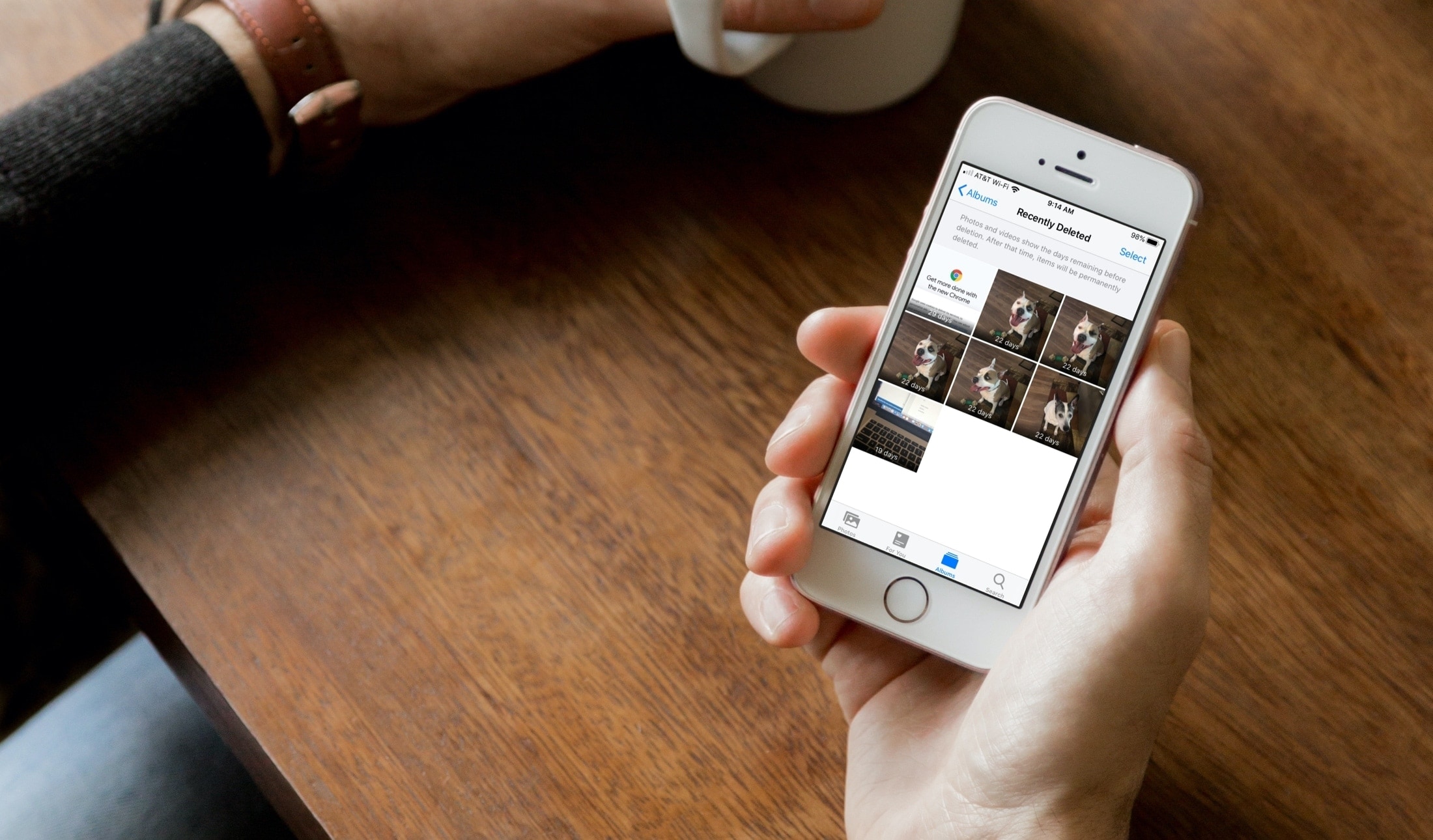
Learn how to easily check the remaining days before your deleted photos and videos are permanently removed from your iPhone, iPad, and Mac.
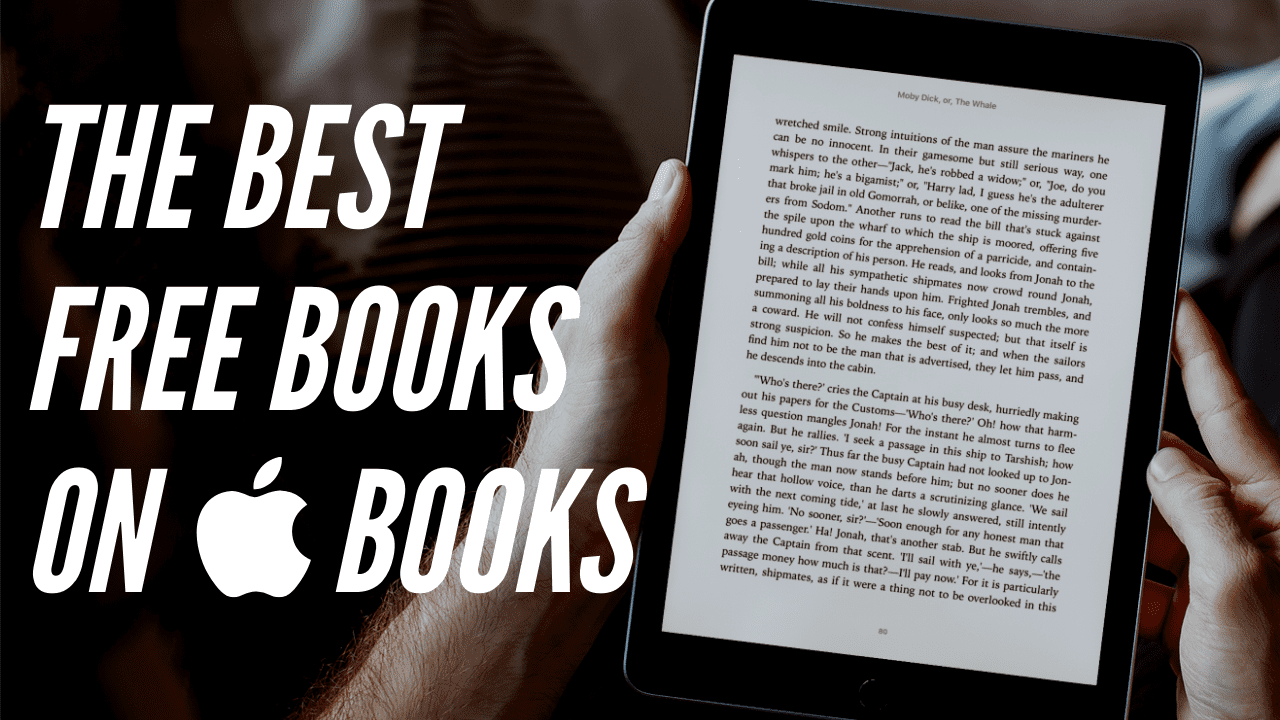
It’s not unusual to run out of things to do when you’re stuck at home. Between movies, games, and idle chit-chat, there comes a time when you need something new to keep you entertained. The Books app on both Mac and iOS offers up a terrific selection of books. And the nice thing is, many great ones are available for free!
To help you through this difficult time, we’ve assembled a list of the top free books you can read in the Books app, in a variety of categories, for both adults and kids. Download a few, even if you don’t read them right away, and immerse yourself in something other than boredom.
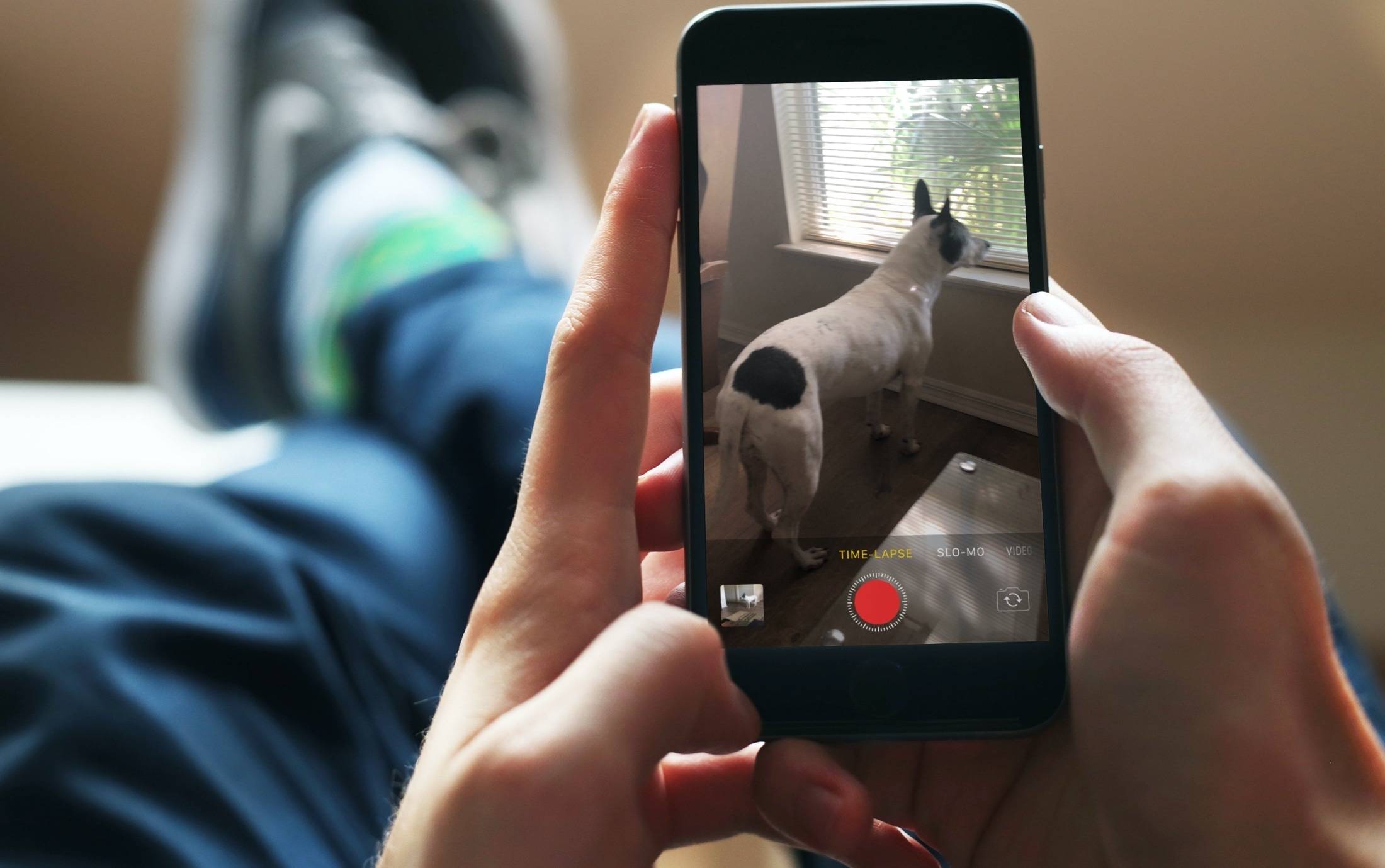
Learn how to slow down or speed up timelapse videos shot on your iPhone using Apple's free iMovie app to adjust video speed to your liking.