Learn how to rearrange rooms in the Home app on your iPhone, iPad, and Mac, so they appear in your preferred order.
How to rearrange the order of rooms in iPhone Home app
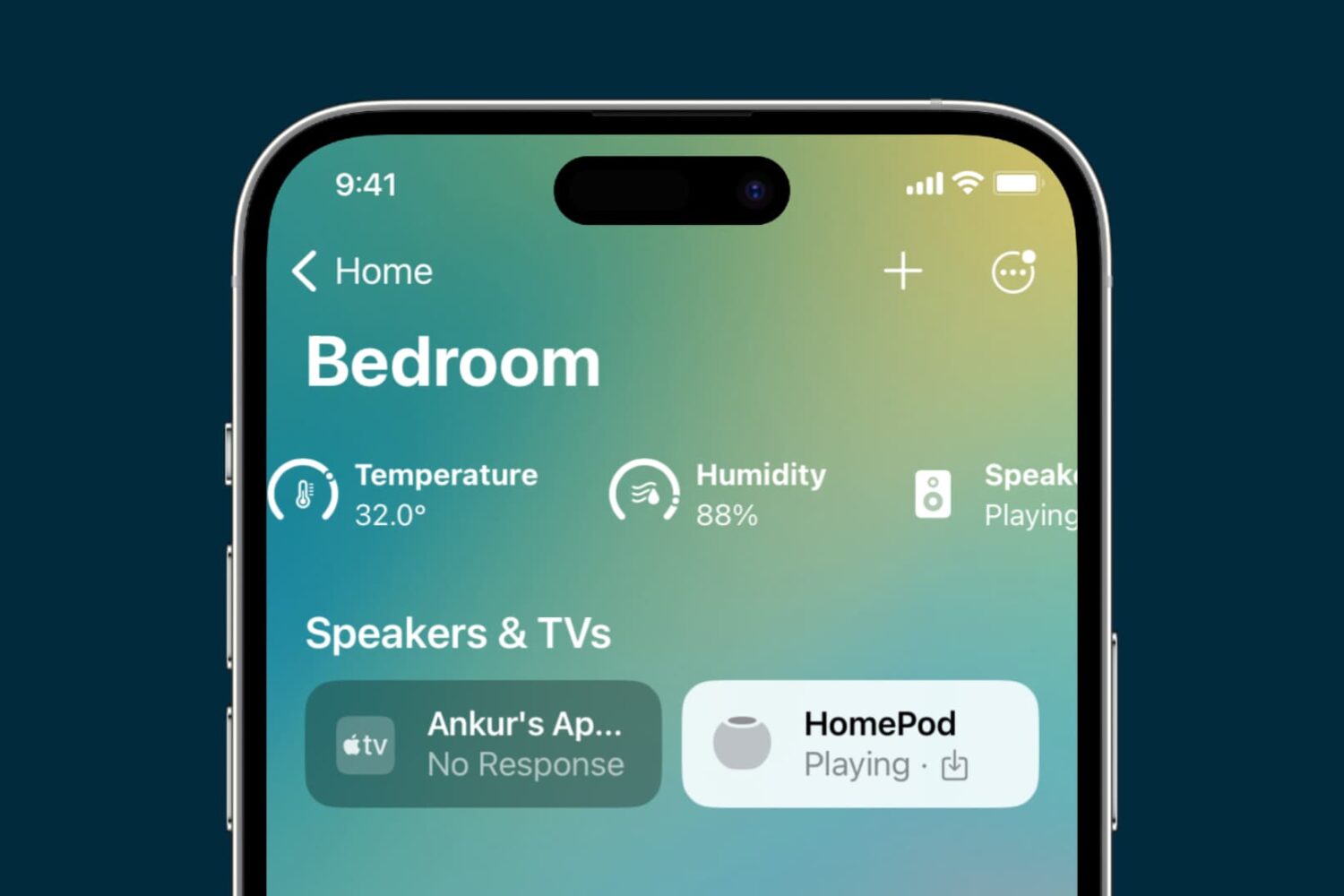
Learn how to rearrange rooms in the Home app on your iPhone, iPad, and Mac, so they appear in your preferred order.
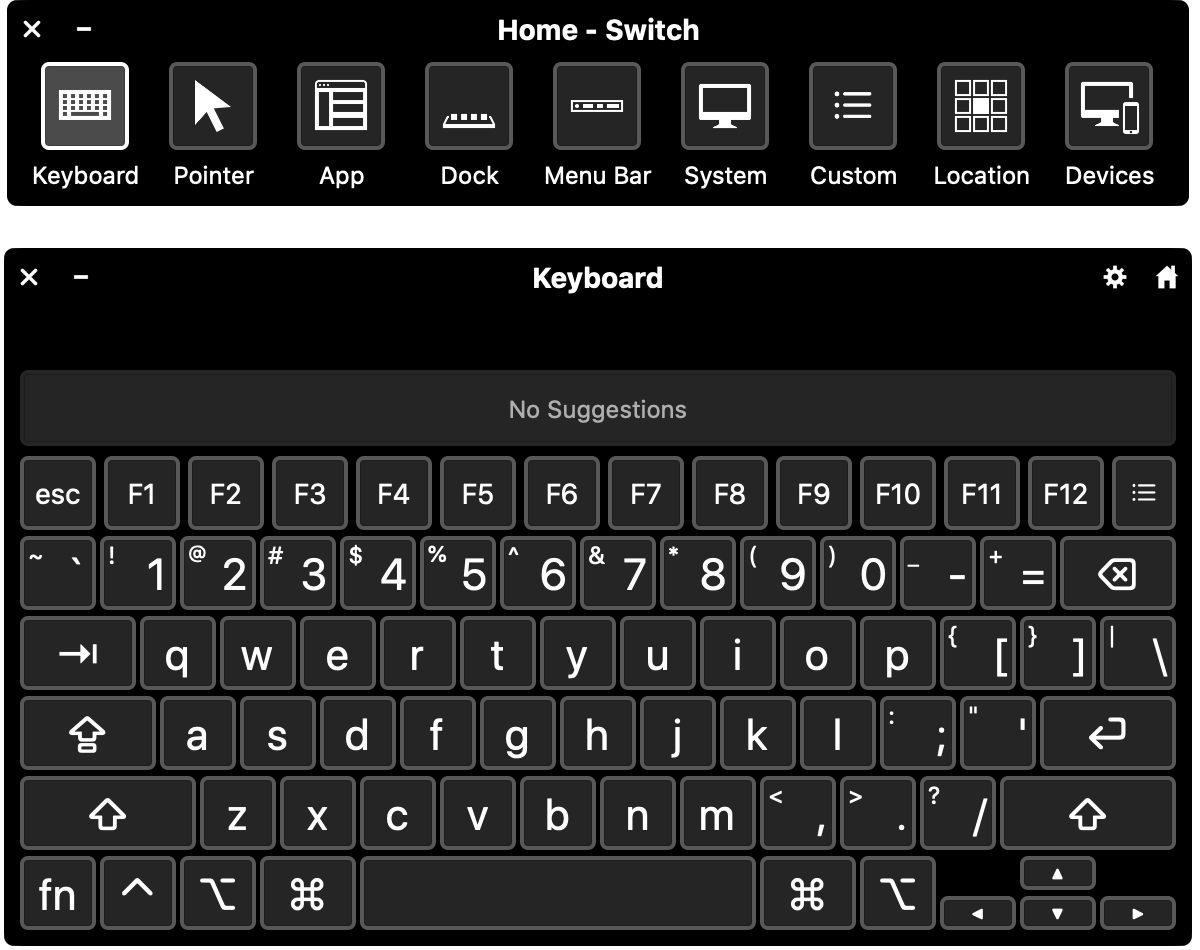
Switch Control is a helpful accessibility feature on Mac. It lets you connect an adaptive device and then interact by entering text, selecting items, and controlling your Mac.
If you want to use Switch Control for you or someone you share your computer with, this tutorial shows you how to enable and customize Switch Control on Mac.
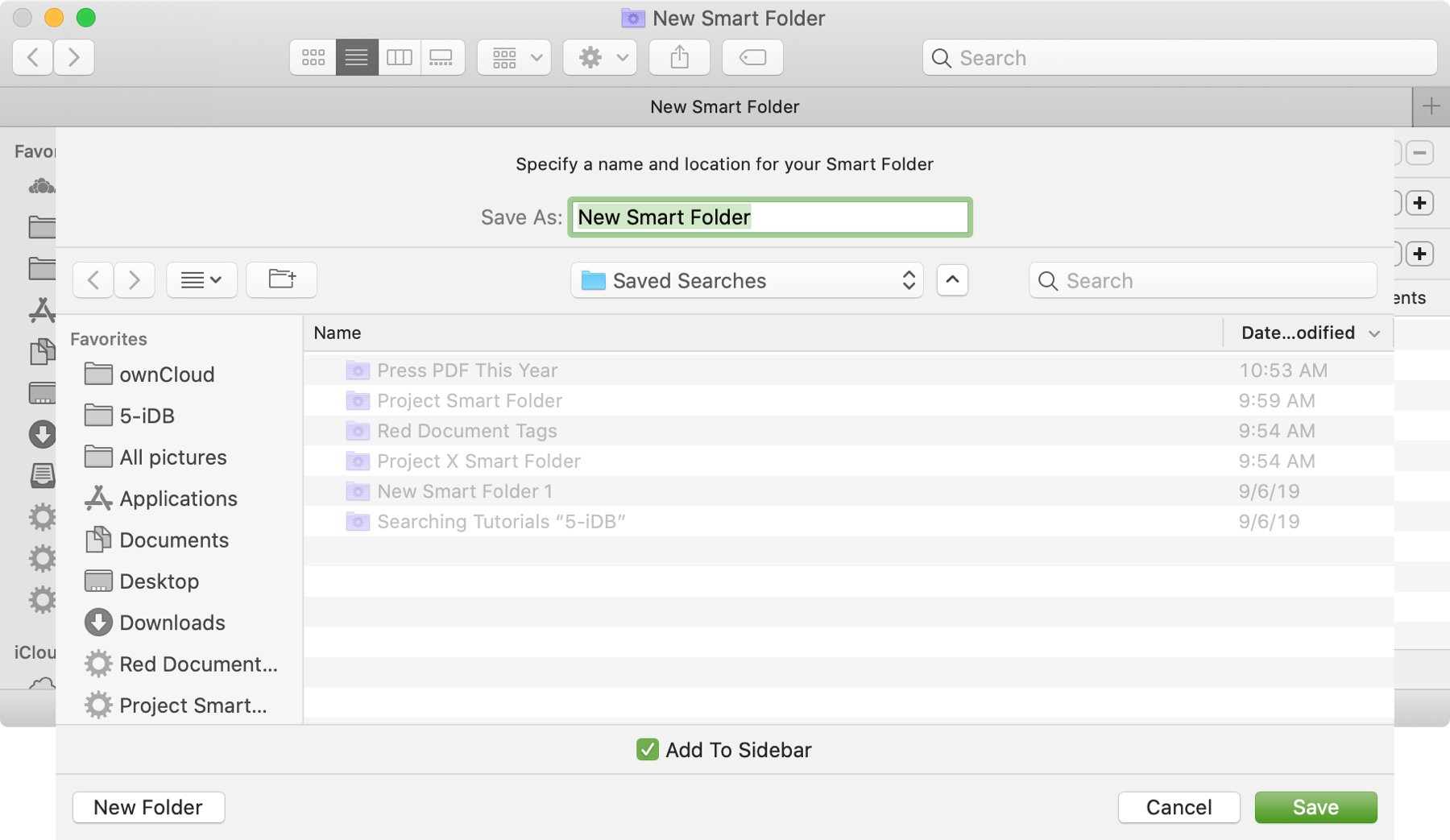
The Smart Folders feature on Mac gives you a great way to collect items that match specific criteria. You can use Smart Folders for business or pleasure and instead of searching for files, images, or documents.
We have a basic tutorial for how to use Smart Folders on Mac if you’re just getting started. But if you’ve used Smart Folders before, you might be interested in additional ways these handy folders can be even more useful.
To keep up with your work or school projects, here are several creative ways to use dates as conditions for Smart Folders on your Mac.

Learn how to organize your albums more efficiently by creating folders in the Photos app on your iPhone, iPad, or Mac.

Take control of the Podcasts app on your Mac by learning about these handy keyboard shortcuts that make it easy to browse, search, and listen to your favorite shows.

If you or someone you know is showing symptoms of coronavirus and feel a test is needed, there is a super handy way to find COVID-19 testing locations.
Using the Apple Maps app, you can find COVID-19 testing spots quickly and easily, here’s how.
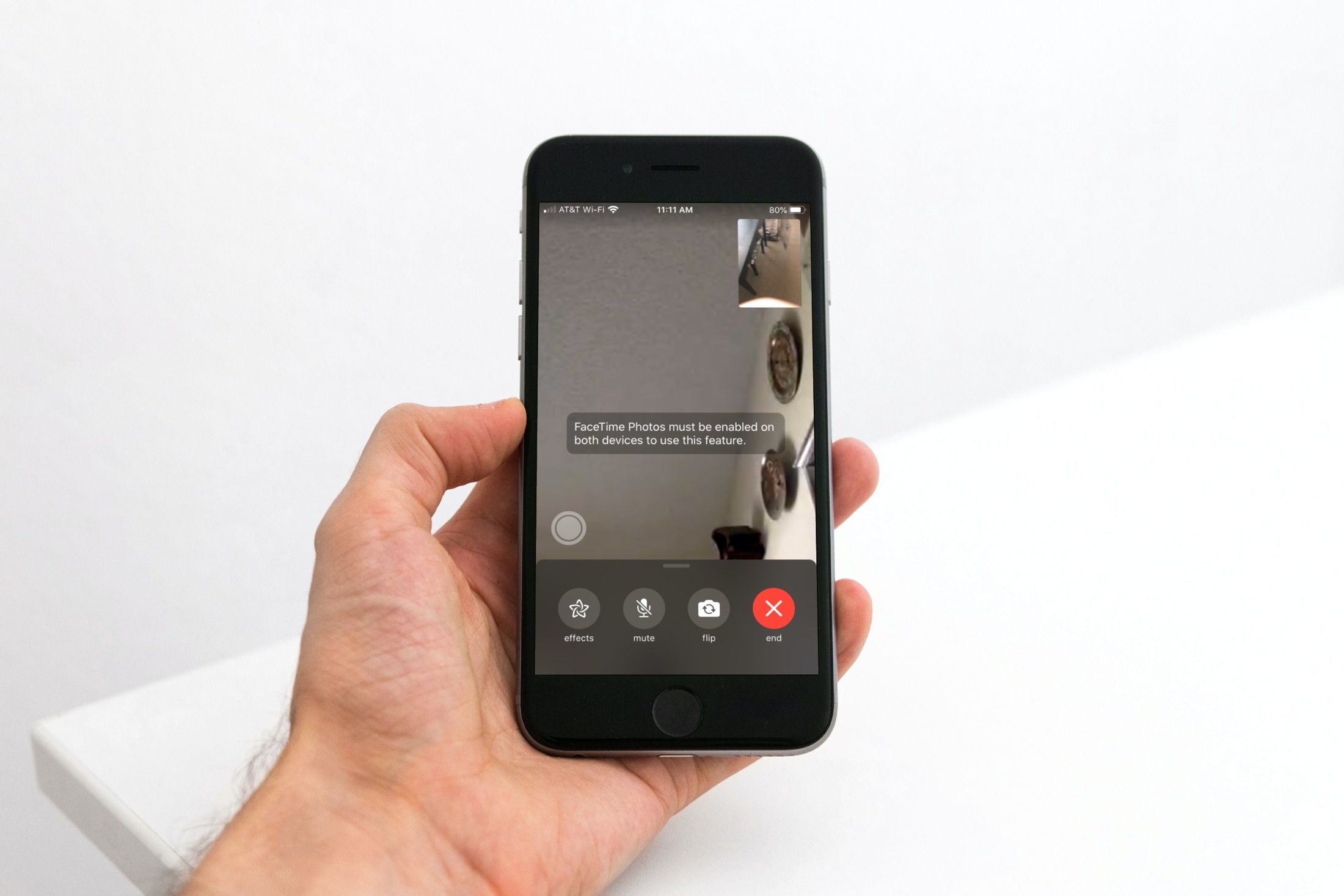
Learn how to toggle the ability to capture a special moment of your FaceTime video call as a Live Photo on your iPhone, iPad, and Mac.
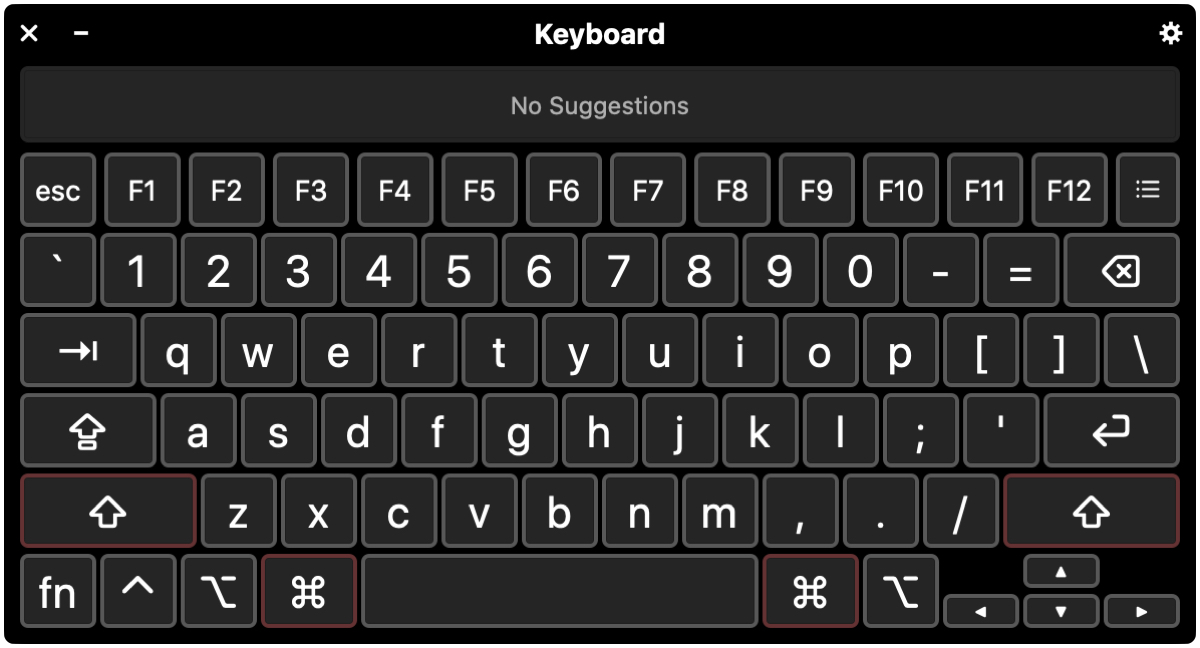
In this tutorial, we’ll walk you through four handy keyboard accessibility features to help you get the best typing experience if you have difficulty using the Mac’s keyboard in its standard configuration.
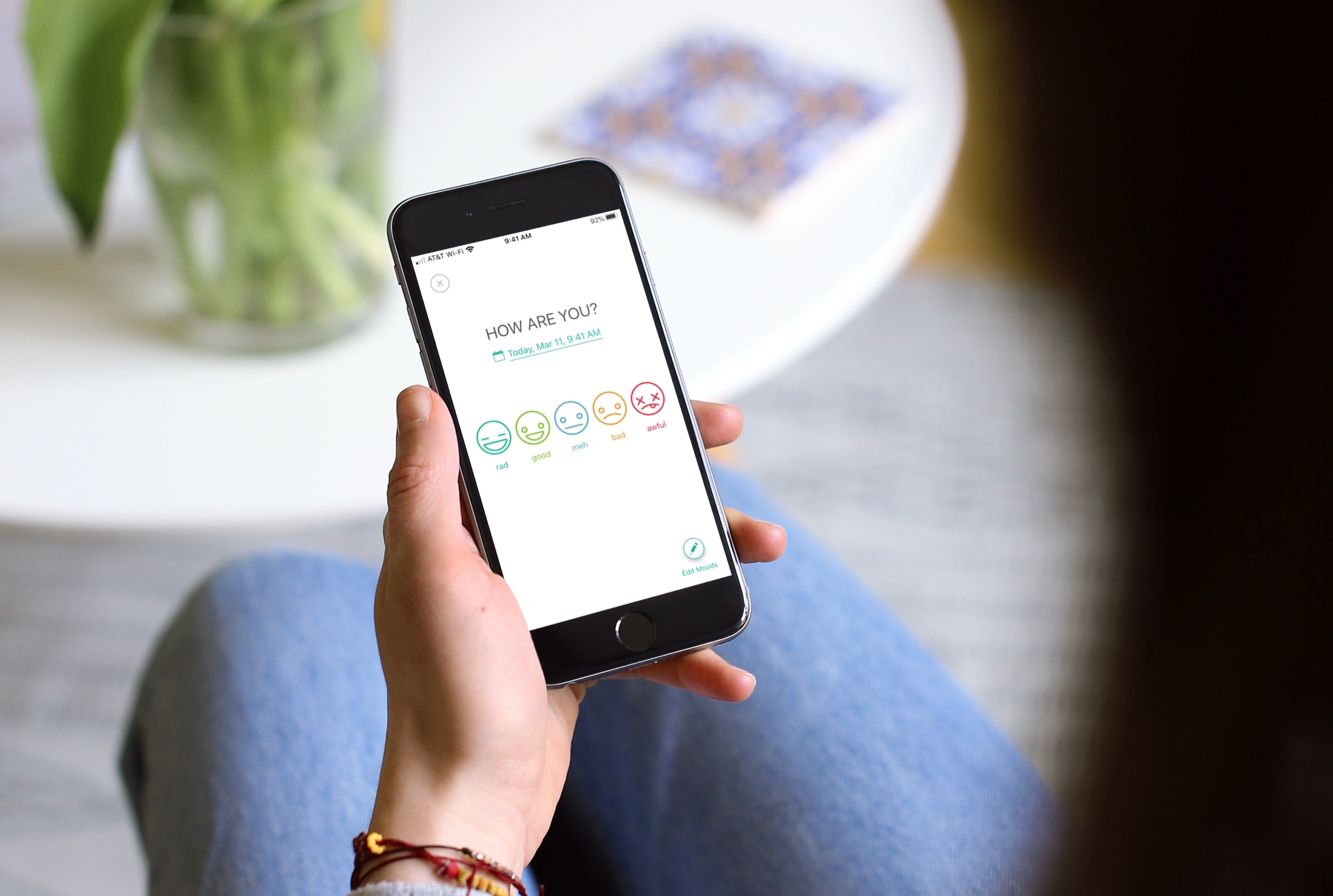
Check out the best mood-tracking apps for your iPhone and iPad so you can capture how you’re feeling no matter where you go.
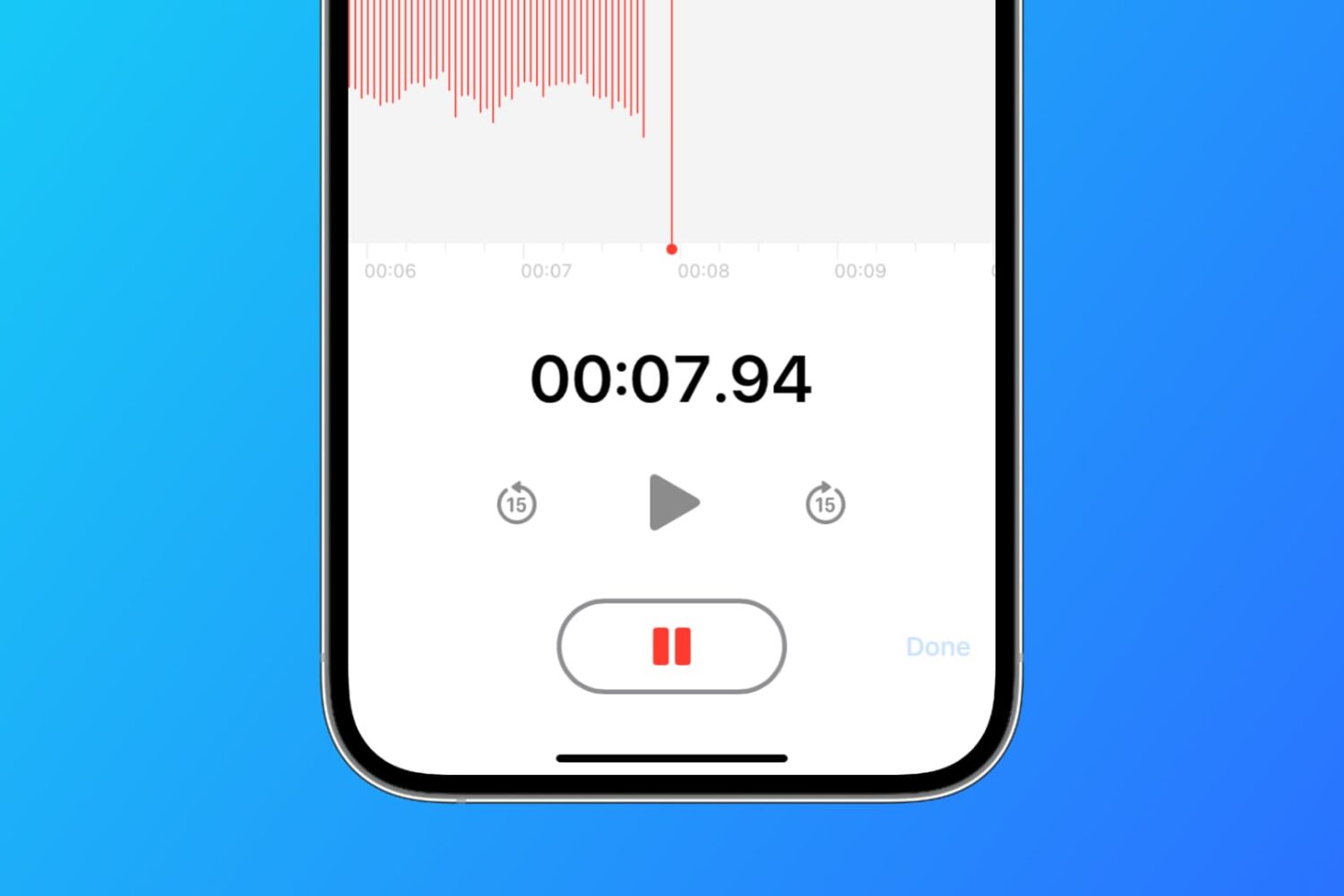
Learn how to set the Apple Voice Memos app on your iPhone, iPad, and Mac to save all your new voice recordings with the current location name.

At iDB, we offer up some terrific wallpapers for your devices. Our Jim Gresham continually finds the best backgrounds for all tastes and preferences. So if you’re in the market for a cool screen saver to go along with your awesome wallpaper, this list is for you.
We’ve assembled some of the best free animated screen savers for Mac. Whether you step away from your computer for a few minutes or just let that screen saver pop up so you can relax for a bit, check out these amazing moving screen saver options. And as a bonus, some double as wallpapers too!

Learn how to enable accessibility options on your Mac login screen if you or another user needs these accessibility features while getting into the computer or user account.