Want to use a downloaded app but can't find it? In this tutorial, we go over all the ways to find, open, and unhide hidden apps on your iPhone, iPad, and Apple Watch.
How to unhide and open hidden apps on iPhone, iPad, and Apple Watch
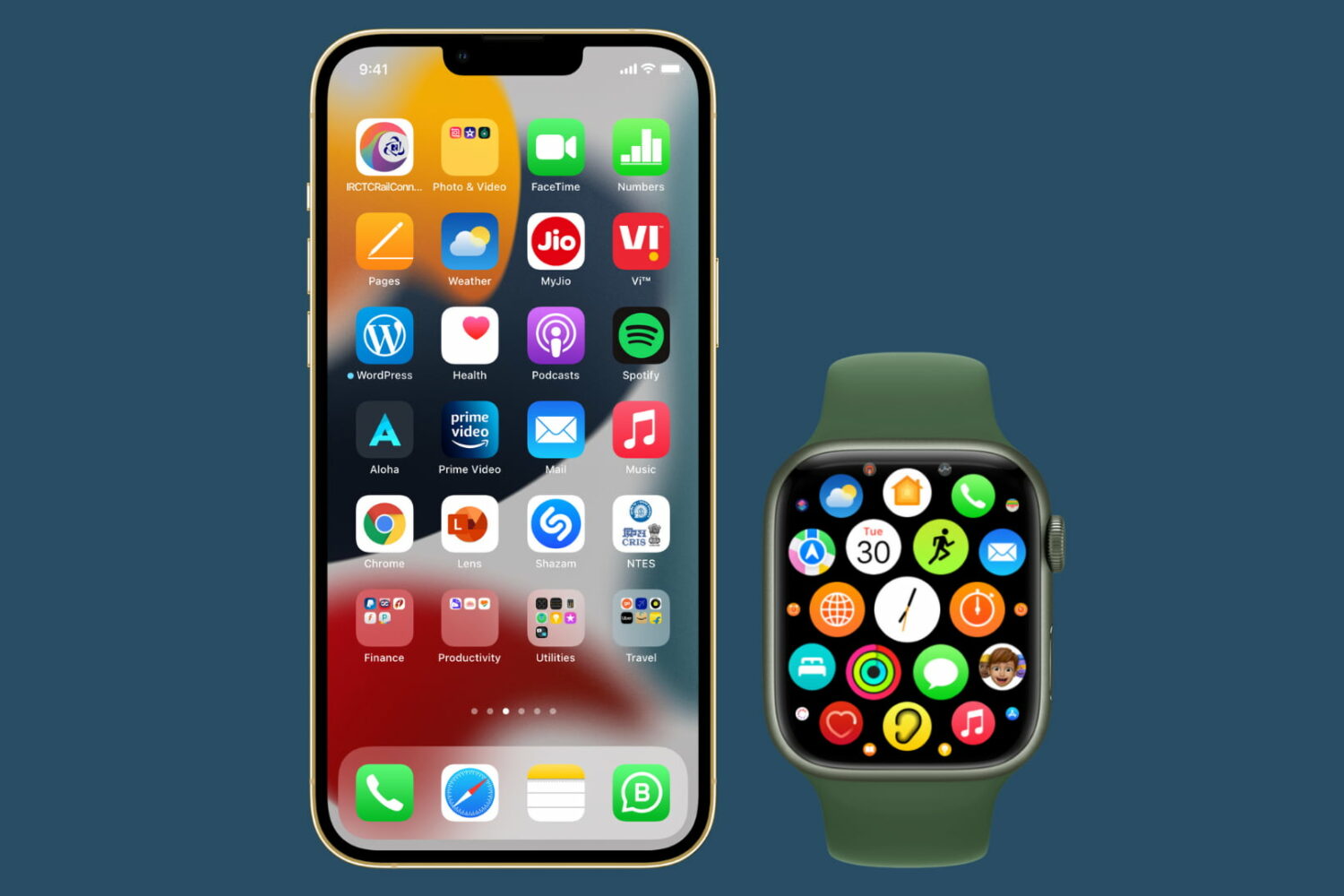
Stay up-to-date on the latest Apple Watch news, and learn how to get the most out of your device with our comprehensive tutorials. From updates to features to troubleshooting tips, we’ve got you covered.
Want to use a downloaded app but can't find it? In this tutorial, we go over all the ways to find, open, and unhide hidden apps on your iPhone, iPad, and Apple Watch.

Apple's refreshed its phone and tablet offerings with the September 14 unveiling of the new iPhone 13, sixth-generation iPad mini and ninth-generation iPad. The gadgets are shipping soon so read this if you're about to pre-order an iPhone 13 or one of the new iPad models.
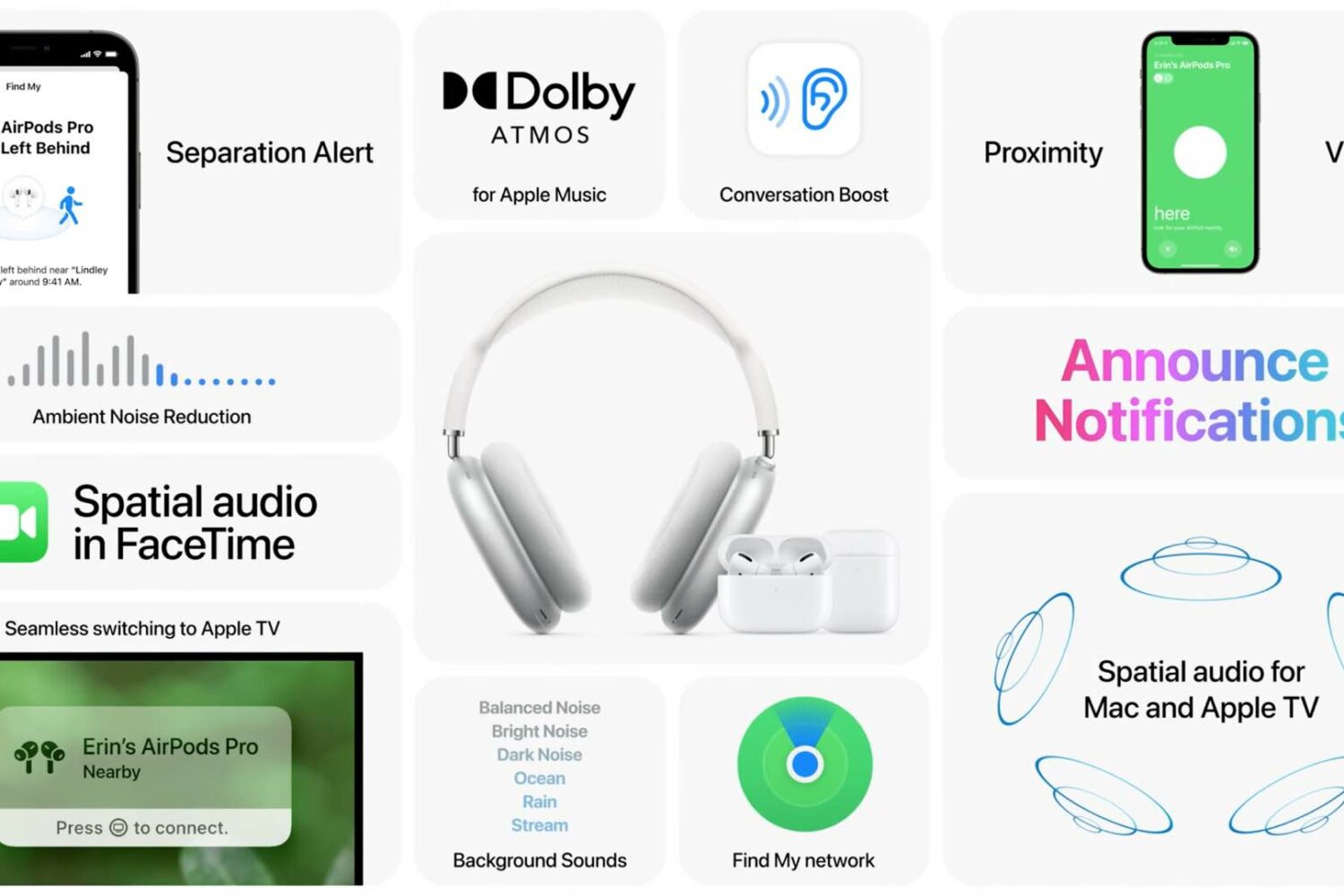
Apple has plenty of new AirPods features ready for your enjoyment, all you need to do is install iOS 15 and other software updates on your Apple devices. Here are all of them in one place.
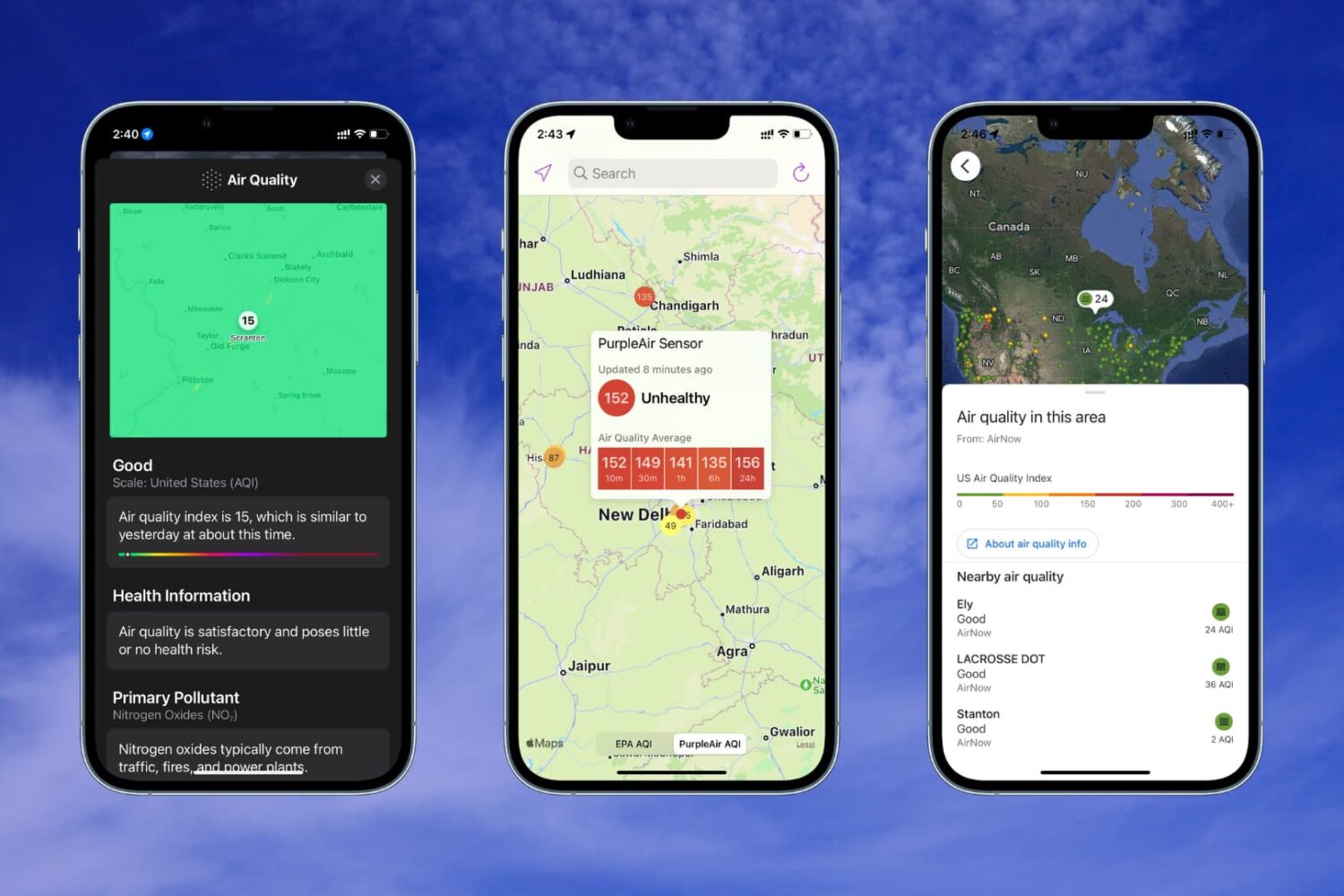
Learn how to check the Air Quality Index on your iPhone or Apple Watch if you live in a region with poor air quality or just want to know more about the air you breathe.
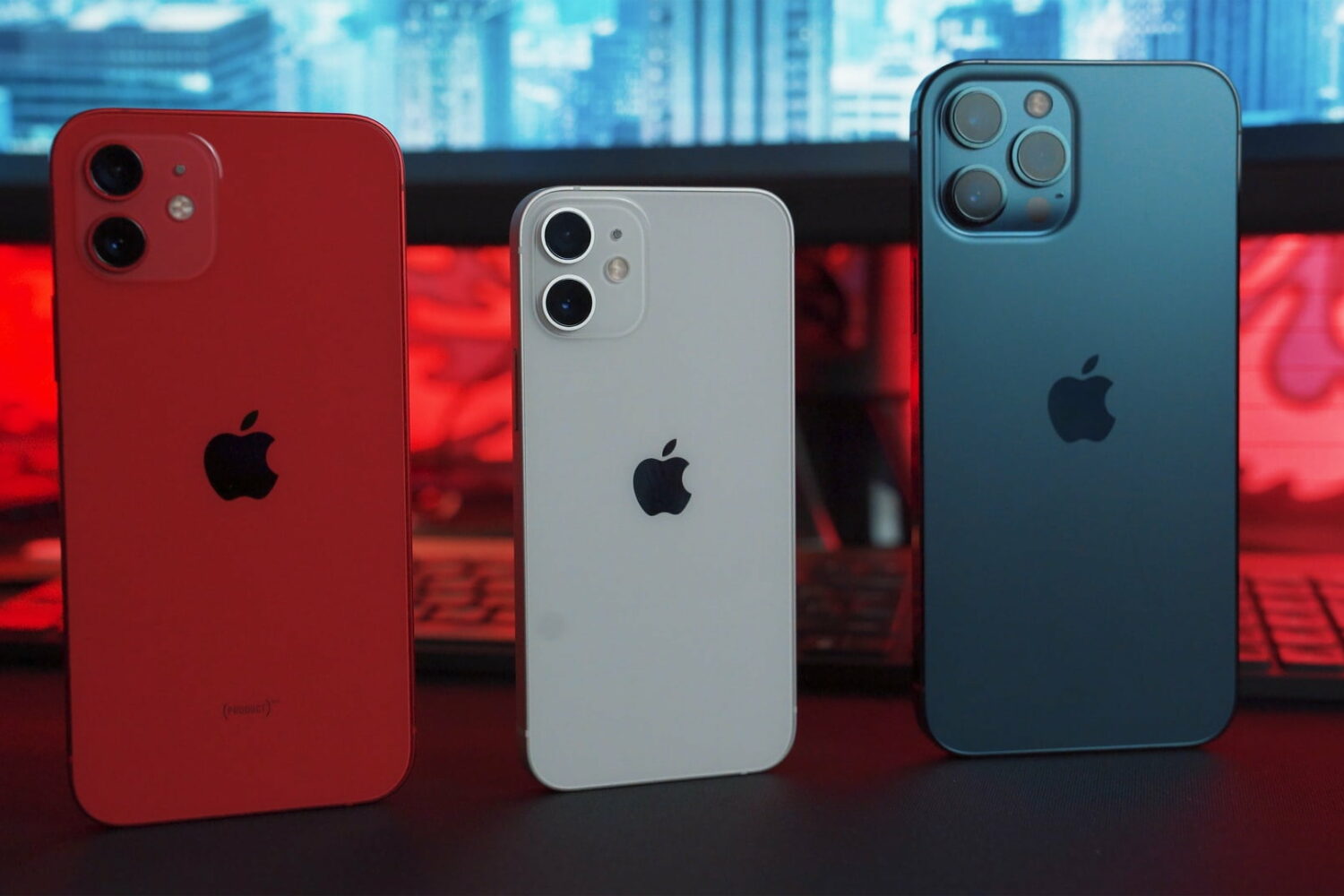
Learn how to remotely trigger the iPhone’s camera shutter and take perfect selfies and group shots, or record video hands-free without physically touching the device.
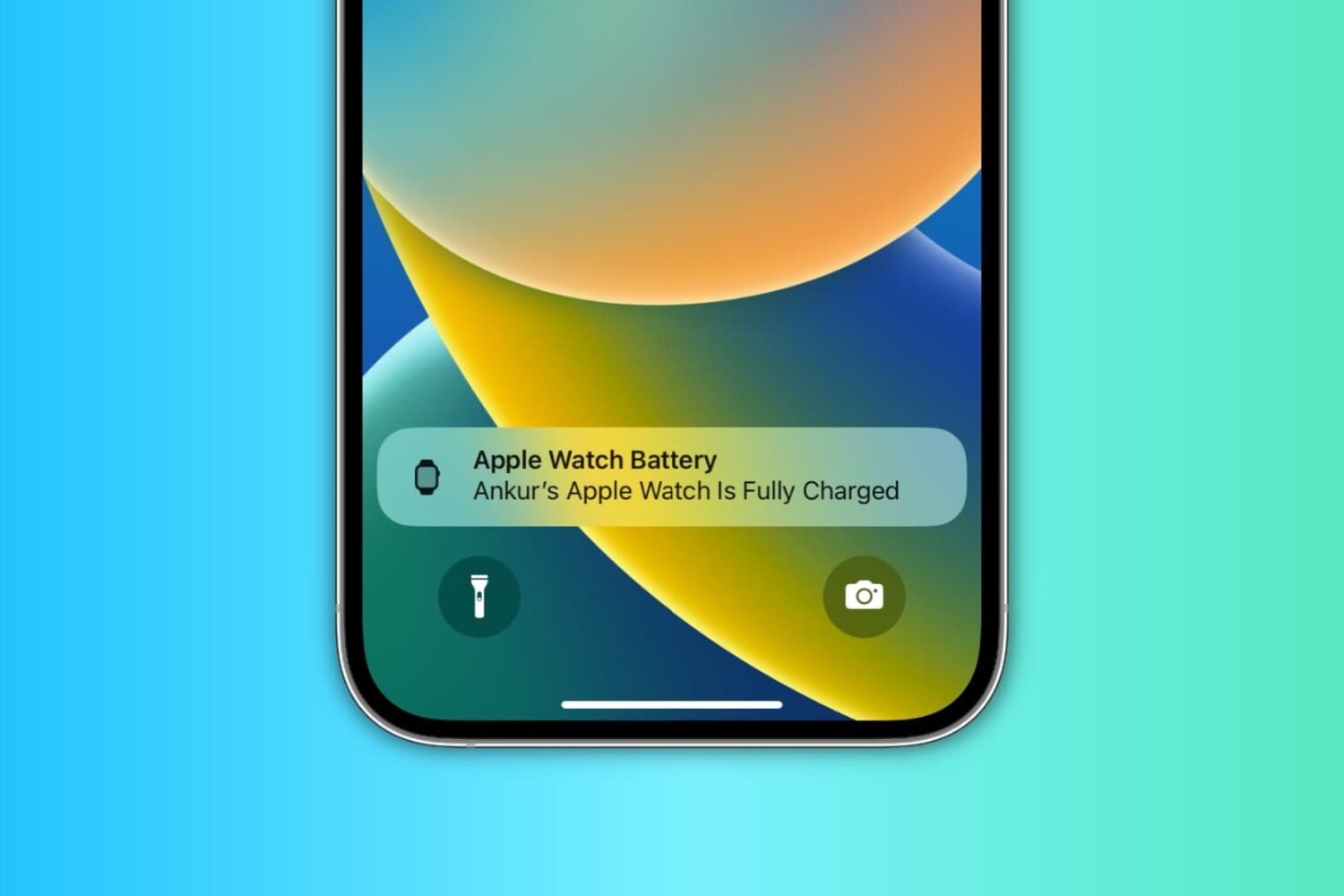
Learn how to use the handy Charging Reminders feature, which sends an alert on your iPhone to charge your Apple Watch before going to sleep and notifies you when the wearable is fully charged.
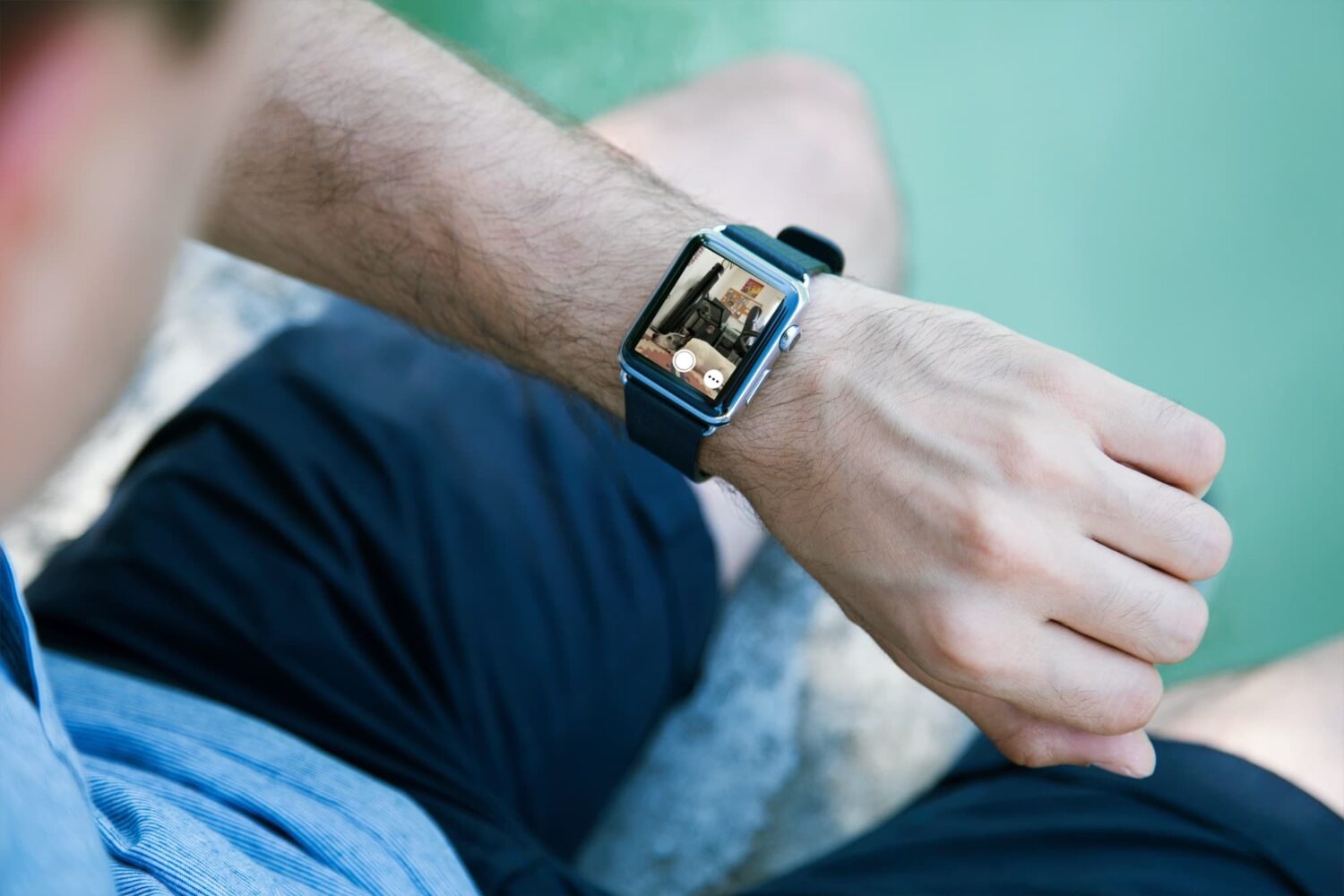
Learn how to use the built-in Camera Remote app on your Apple Watch to take pictures, Live Photos, and record videos on your iPhone.
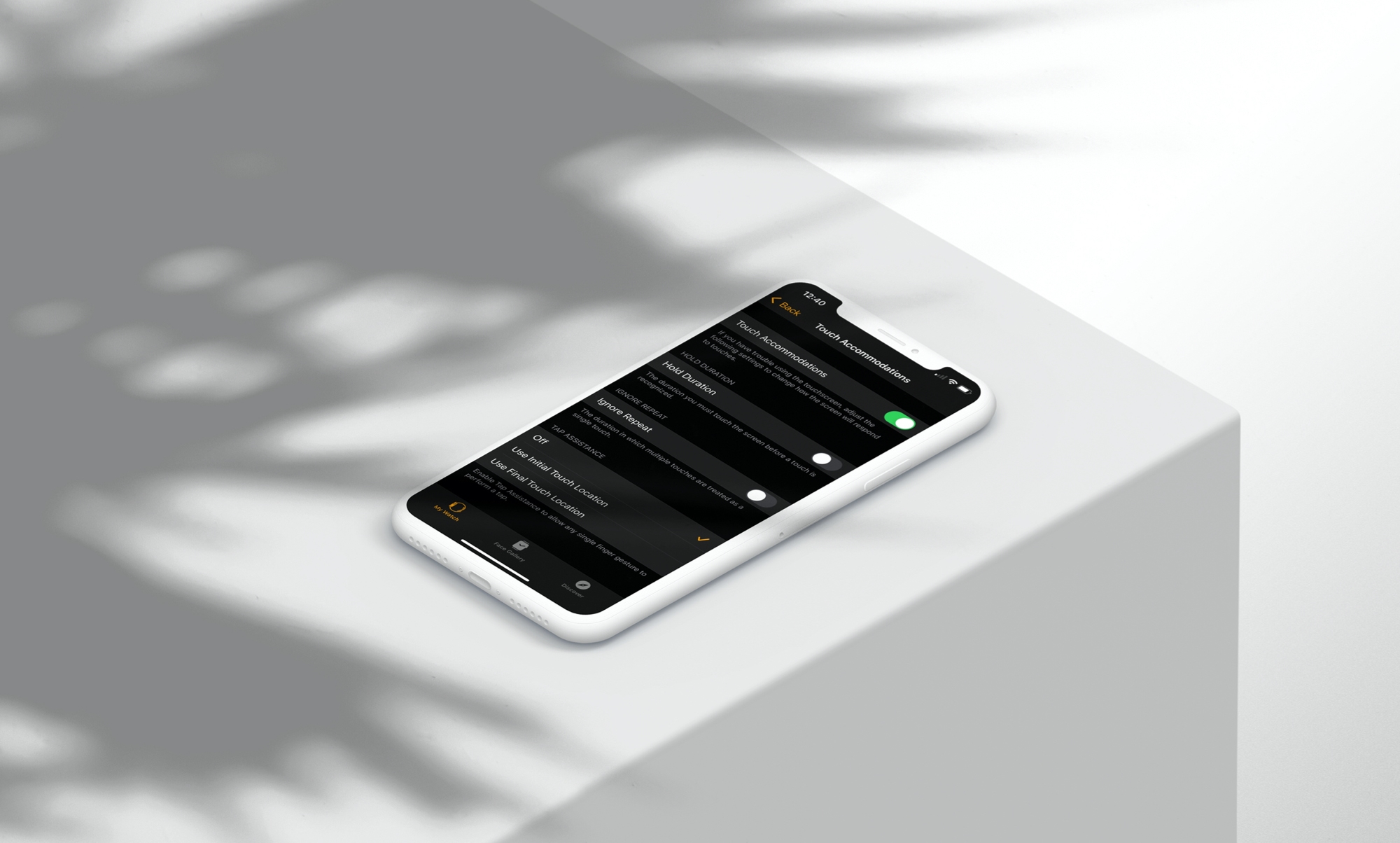
Learn how to tweak a few simple physical and motor skill accessibility settings on your Apple Watch so you can use your wearable comfortably to the fullest.
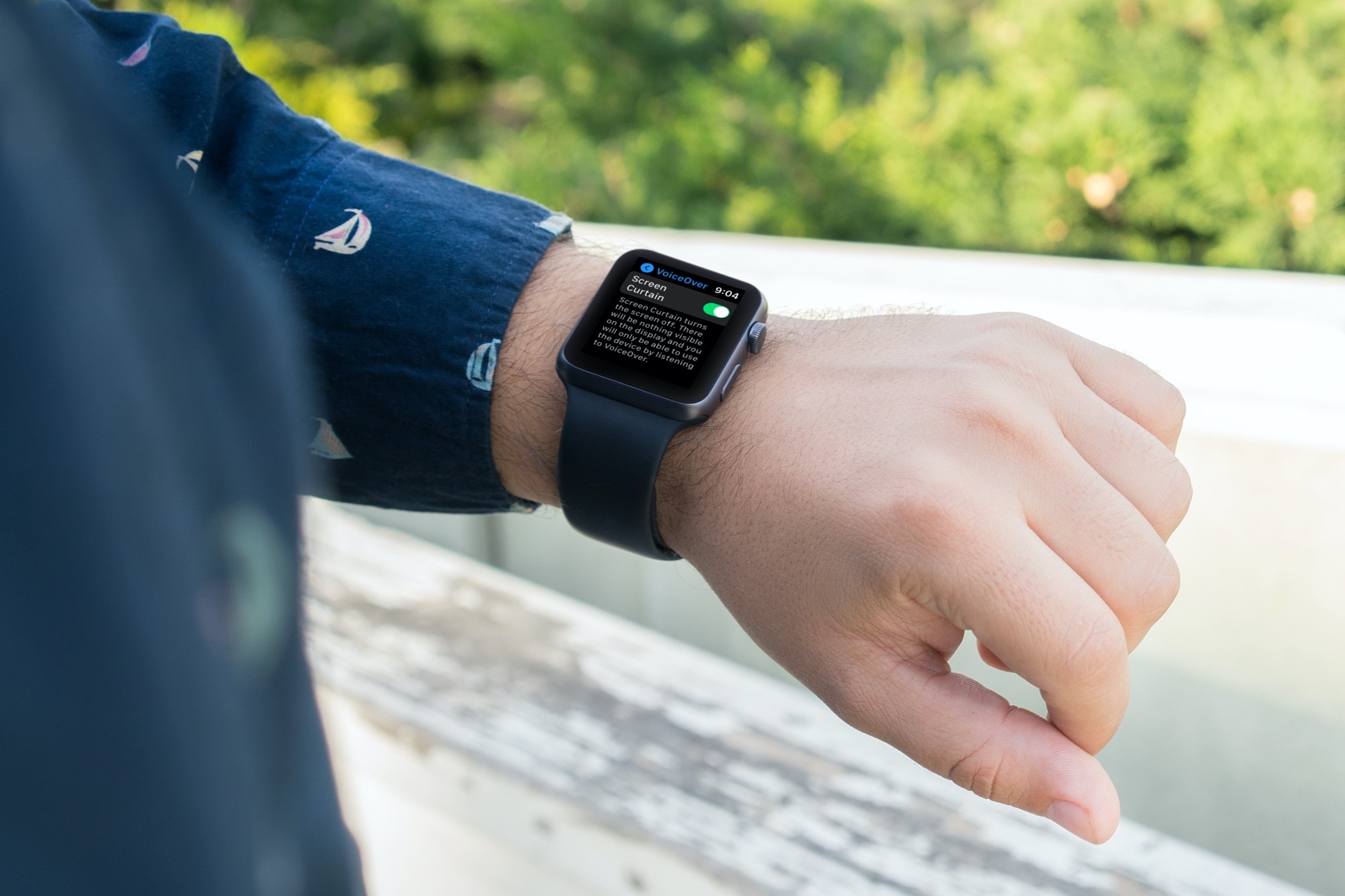
There’s a feature called Screen Curtain you can use along with VoiceOver for increased privacy. Screen Curtain turns off your display while keeping it active. So, you can still control it with VoiceOver, but keep what you’re viewing private. This is convenient when you’re in a public place and have personal information on your screen.
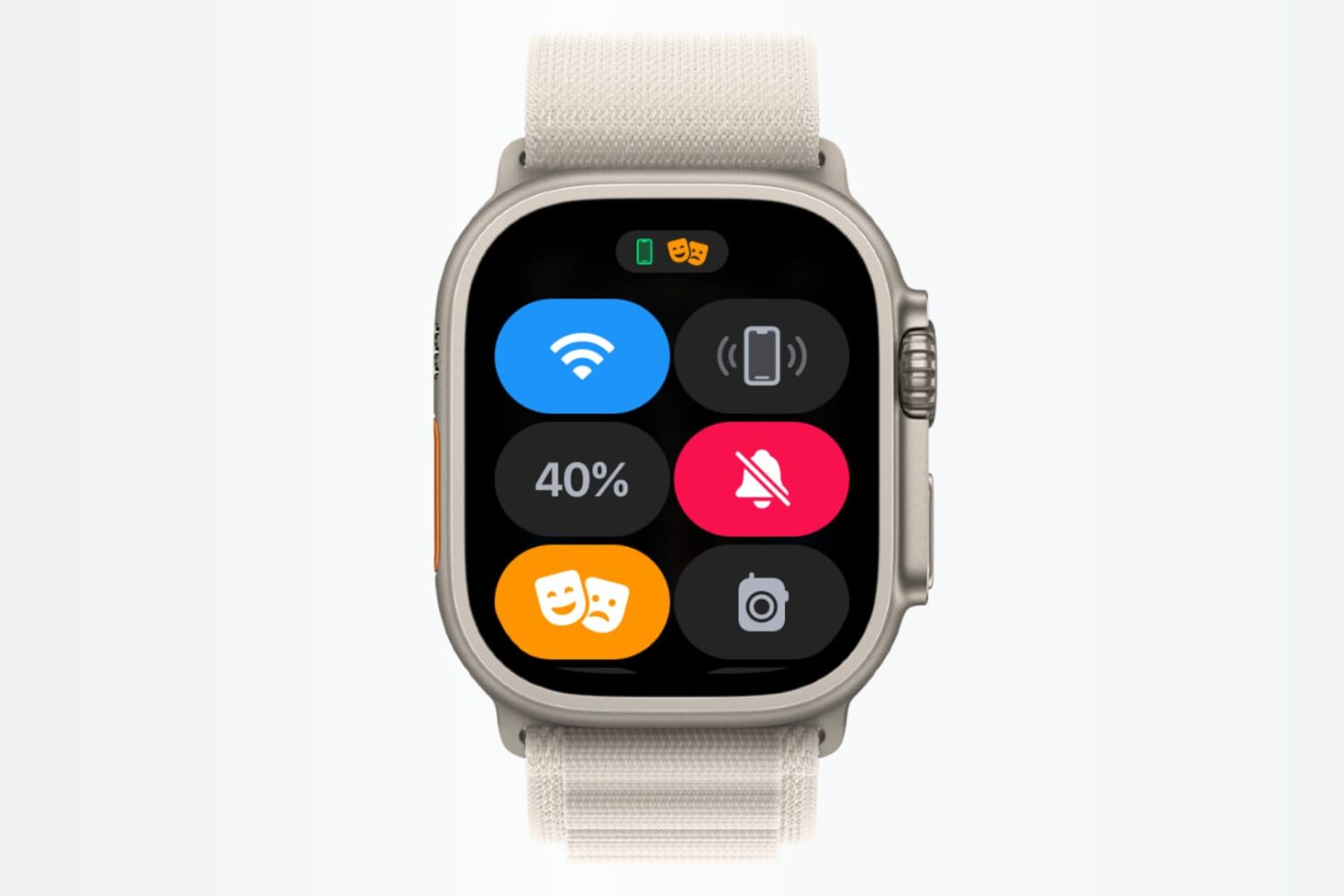
In this tutorial, we’ll show you how to use shortcuts and automations to silence your Apple Watch automatically based on where you are.
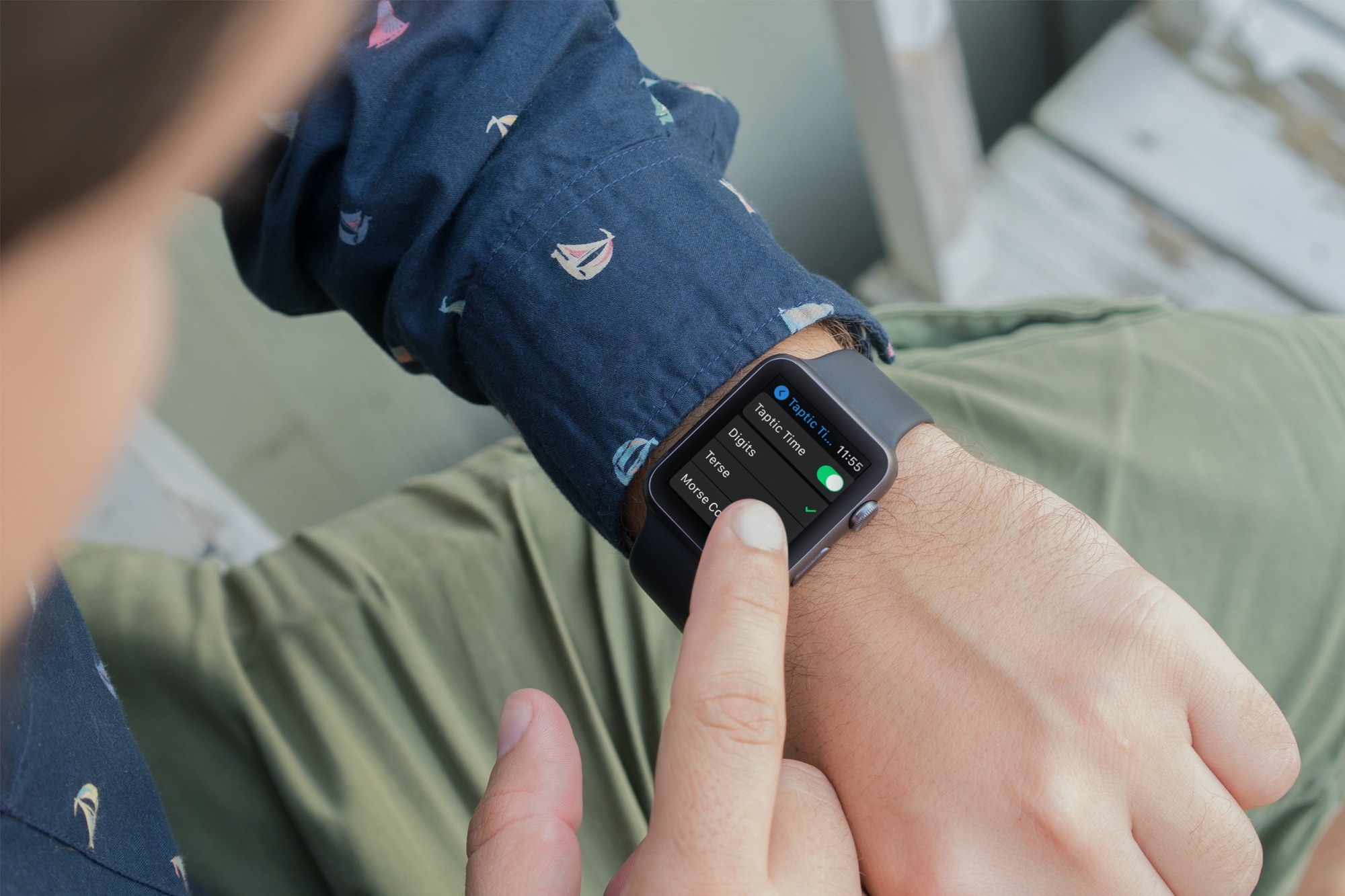
Learn about using important audio enhancements accessibility settings from Taptic Time to Haptic Alerts on your Apple Watch if you have difficulty hearing.

Learn how to unlock your iPhone with your Apple Watch for times when you’re wearing a face mask, sunglasses, or ski goggles and can’t use Face ID.