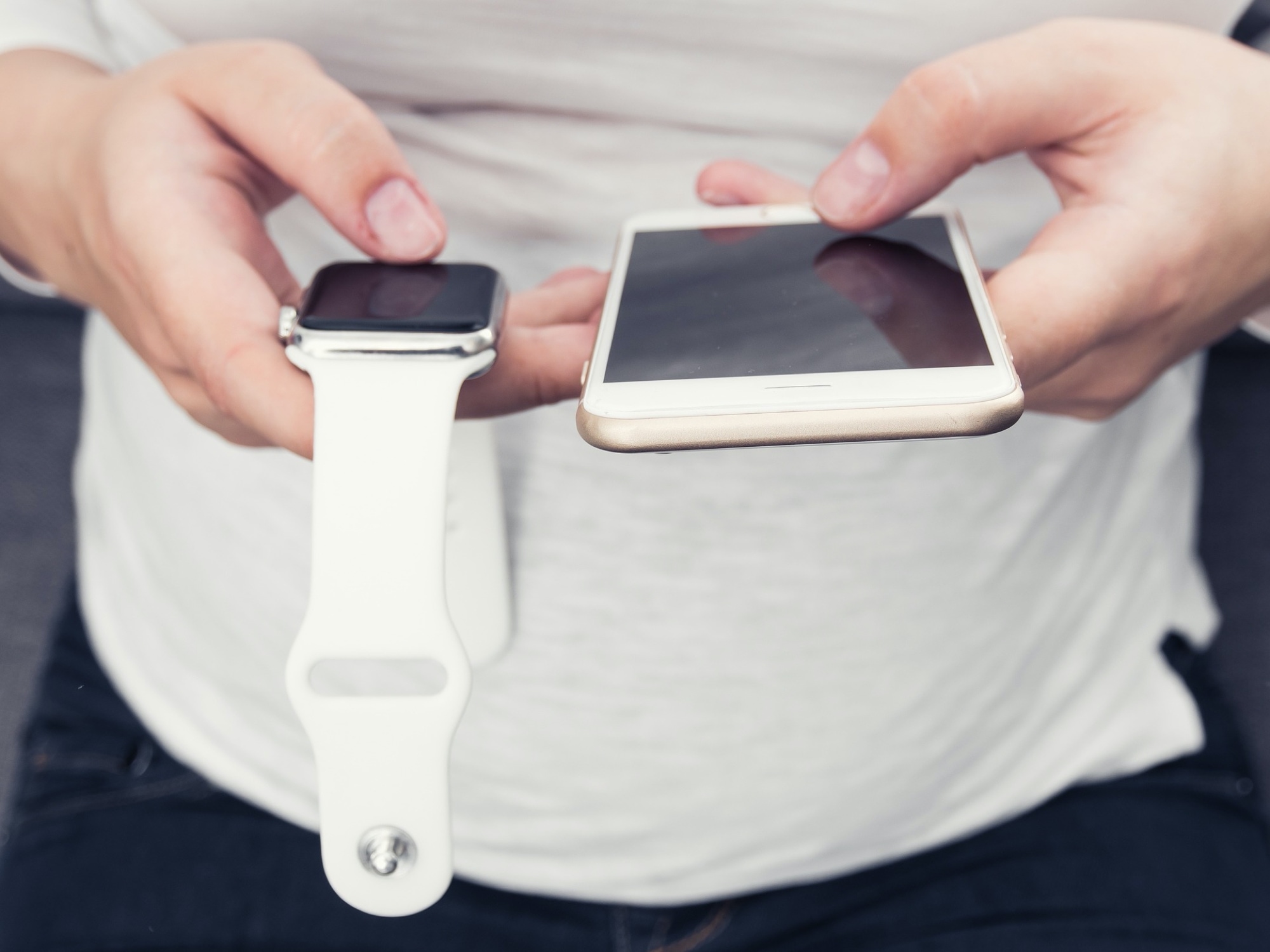
Learn how to unlock your iPhone with your Apple Watch for times when you’re wearing a face mask, sunglasses, or ski goggles and can’t use Face ID.
How to unlock your iPhone with Apple Watch

Stay up-to-date on the latest Apple Watch news, and learn how to get the most out of your device with our comprehensive tutorials. From updates to features to troubleshooting tips, we’ve got you covered.
Learn how to unlock your iPhone with your Apple Watch for times when you’re wearing a face mask, sunglasses, or ski goggles and can’t use Face ID.
Is your Apple Watch running low on local storage space? In this tutorial, we’ll share five easy ways to make space on your watch for newer apps, media, and more.
Learn how to use the power of shortcuts and automation to change your Apple Watch face automatically based on sunrise, sunset, chosen custom time of the day, or your location.
In this tutorial, we will help you explore various accessibility settings that make it easy for you to see and interact with your Apple Watch screen.
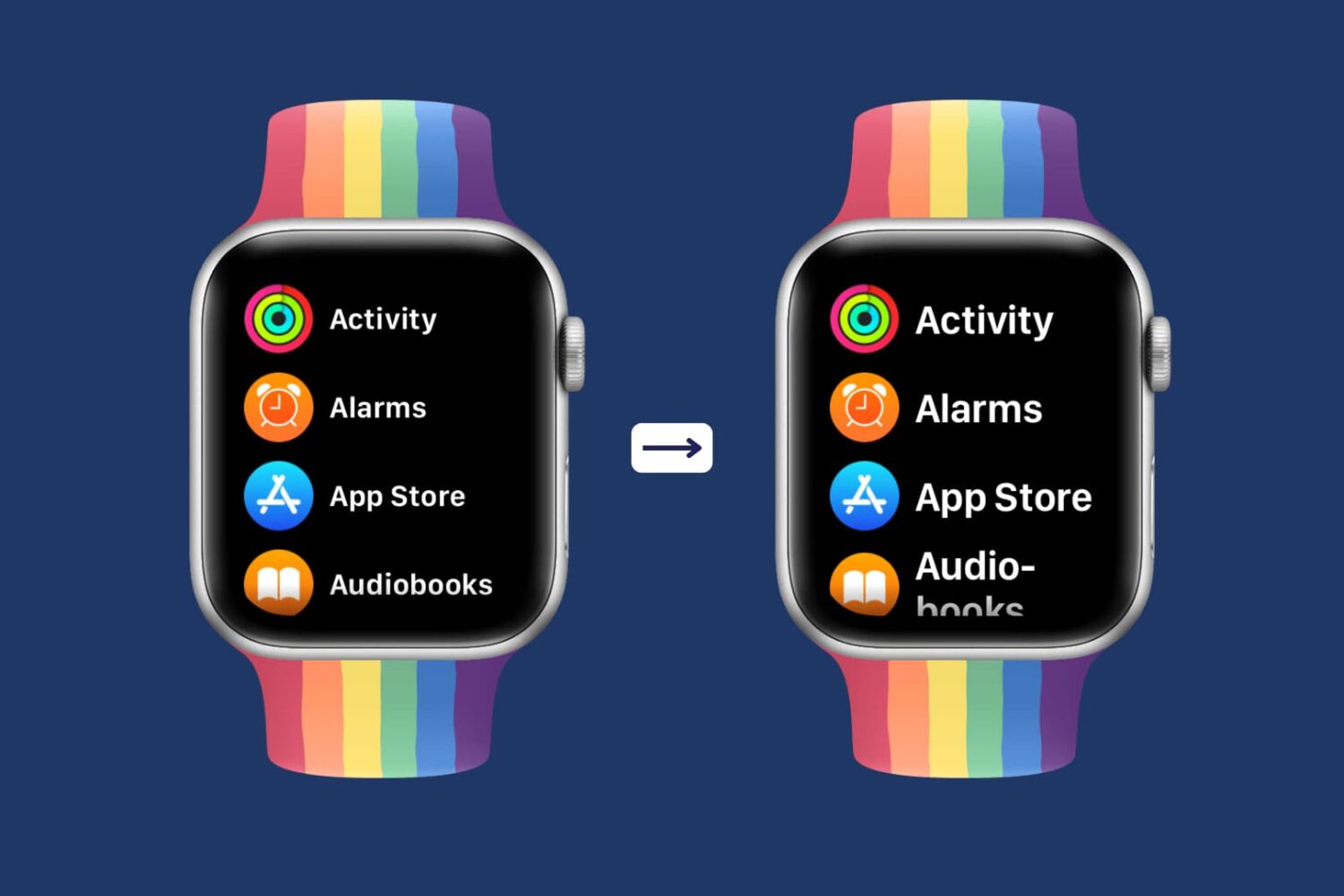
Having difficulty seeing the small text on the already small Apple Watch screen? This tutorial shows you how to increase the text size of your Apple Watch so that it becomes easier to read the text and use your smartwatch comfortably.
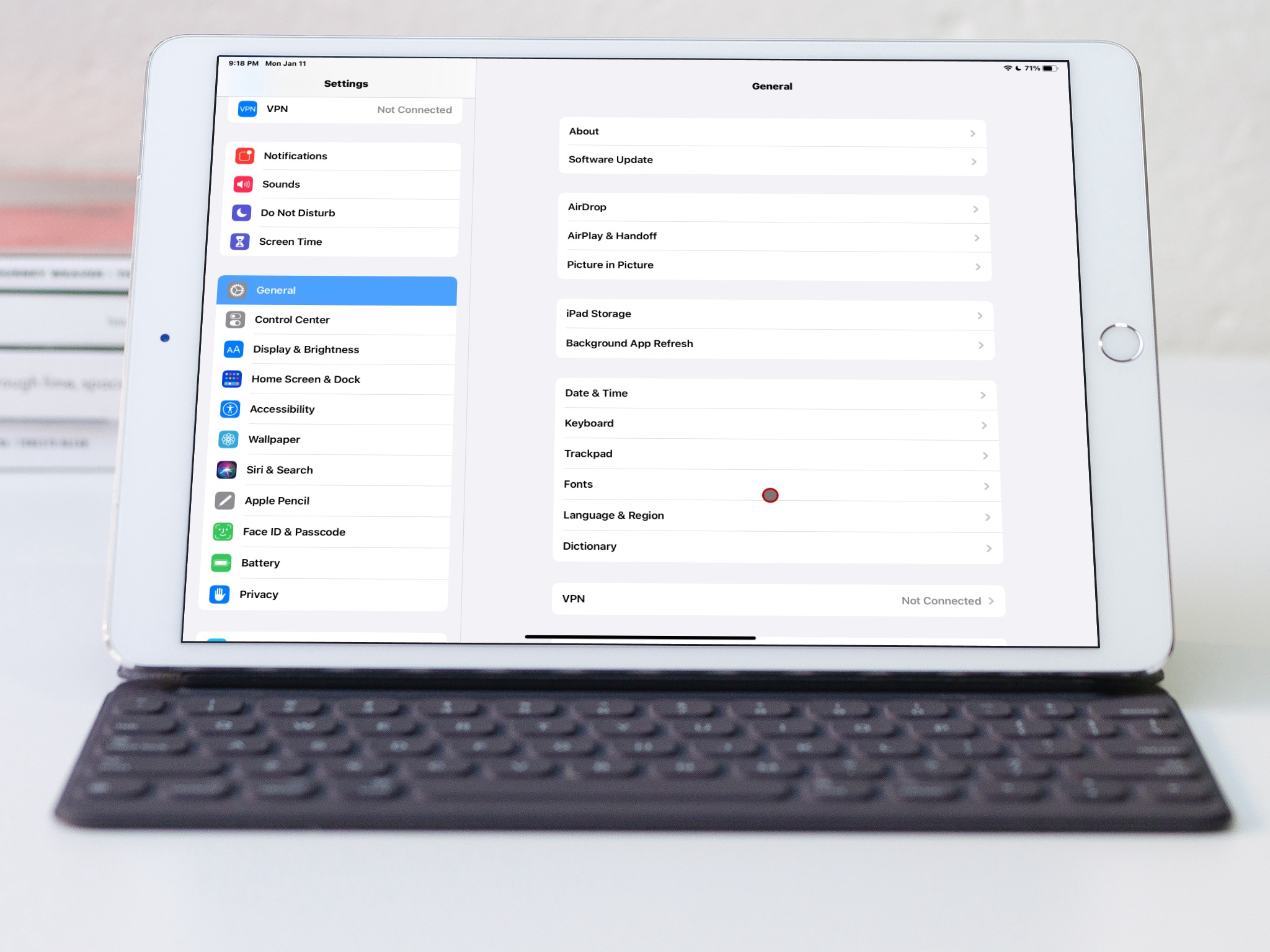
Learn how to switch to bold text on iPhone, iPad, Apple TV, and Apple Watch to display all system text in boldface characters.
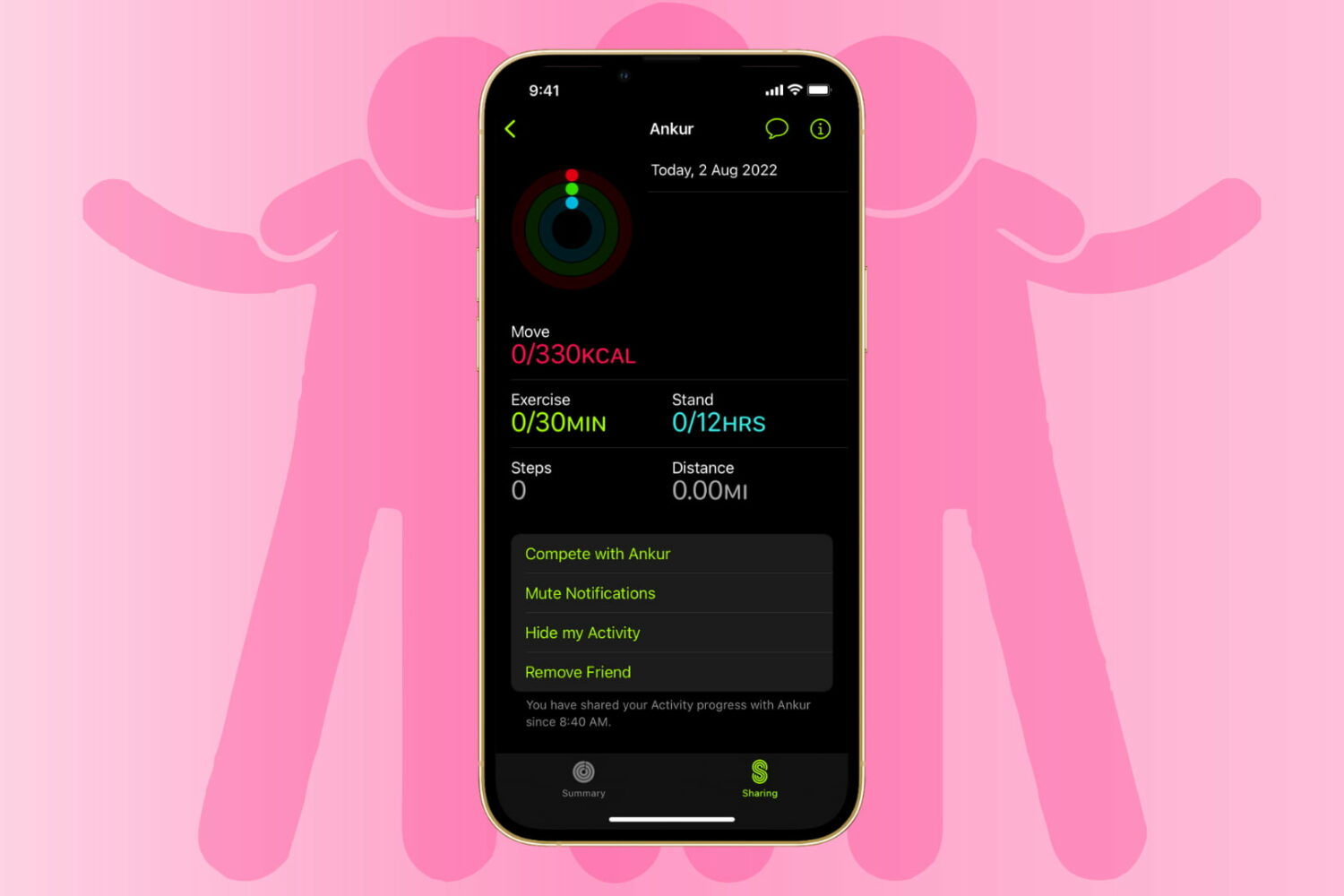
Learn how to stop sharing your Apple Watch activity with your friends and family by hiding your activity from them or removing them as a friend altogether.
In this guide, we’ll answer some of the most common questions about where to find something on your Apple Watch.
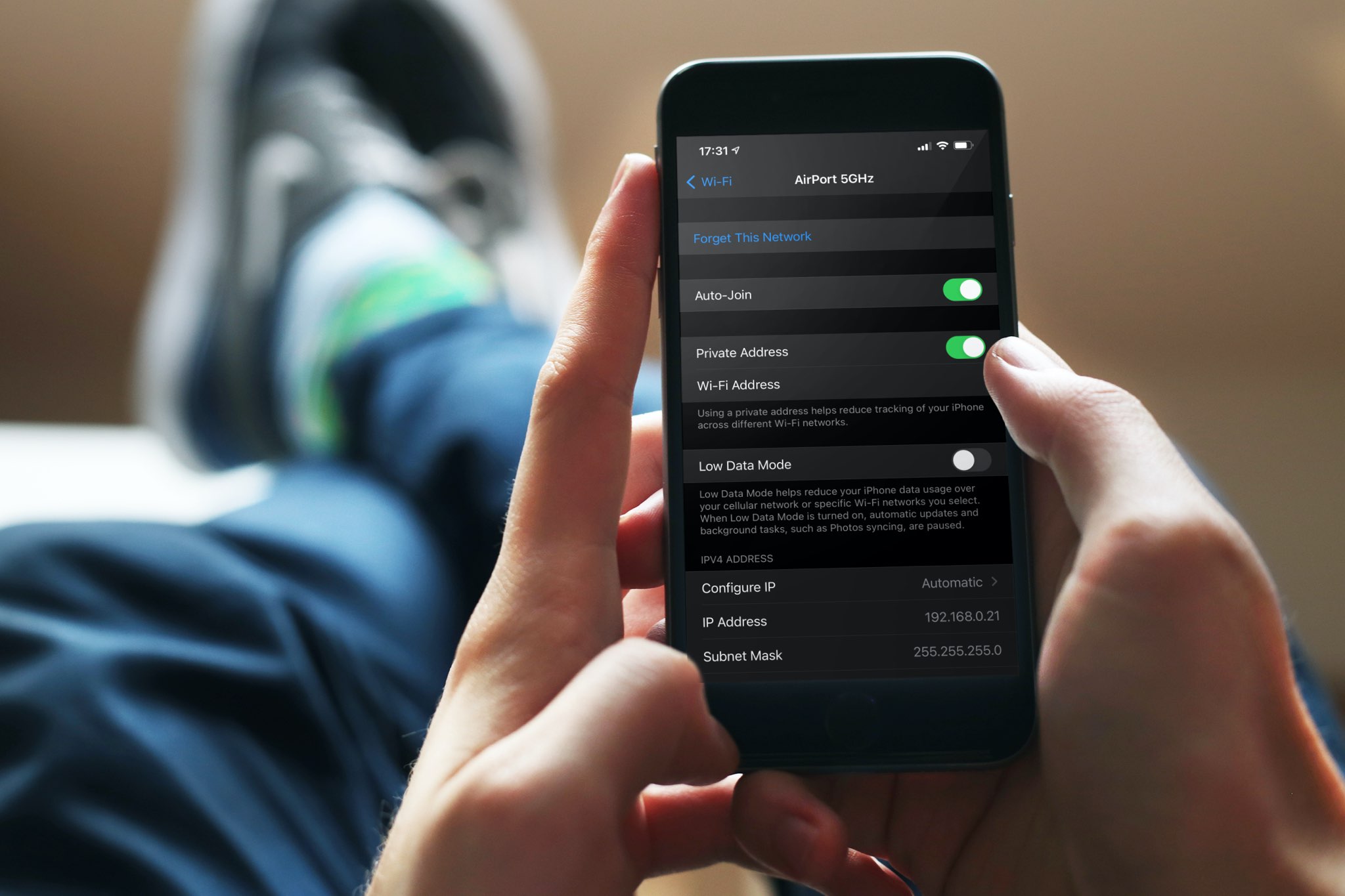
A private Wi-Fi address protects your privacy by reducing the tracking of your iPhone, iPad, Mac, and Apple Watch across different wireless networks. In this tutorial, you’ll learn how to enable a private Wi-Fi address on your Apple devices to enhance your privacy.
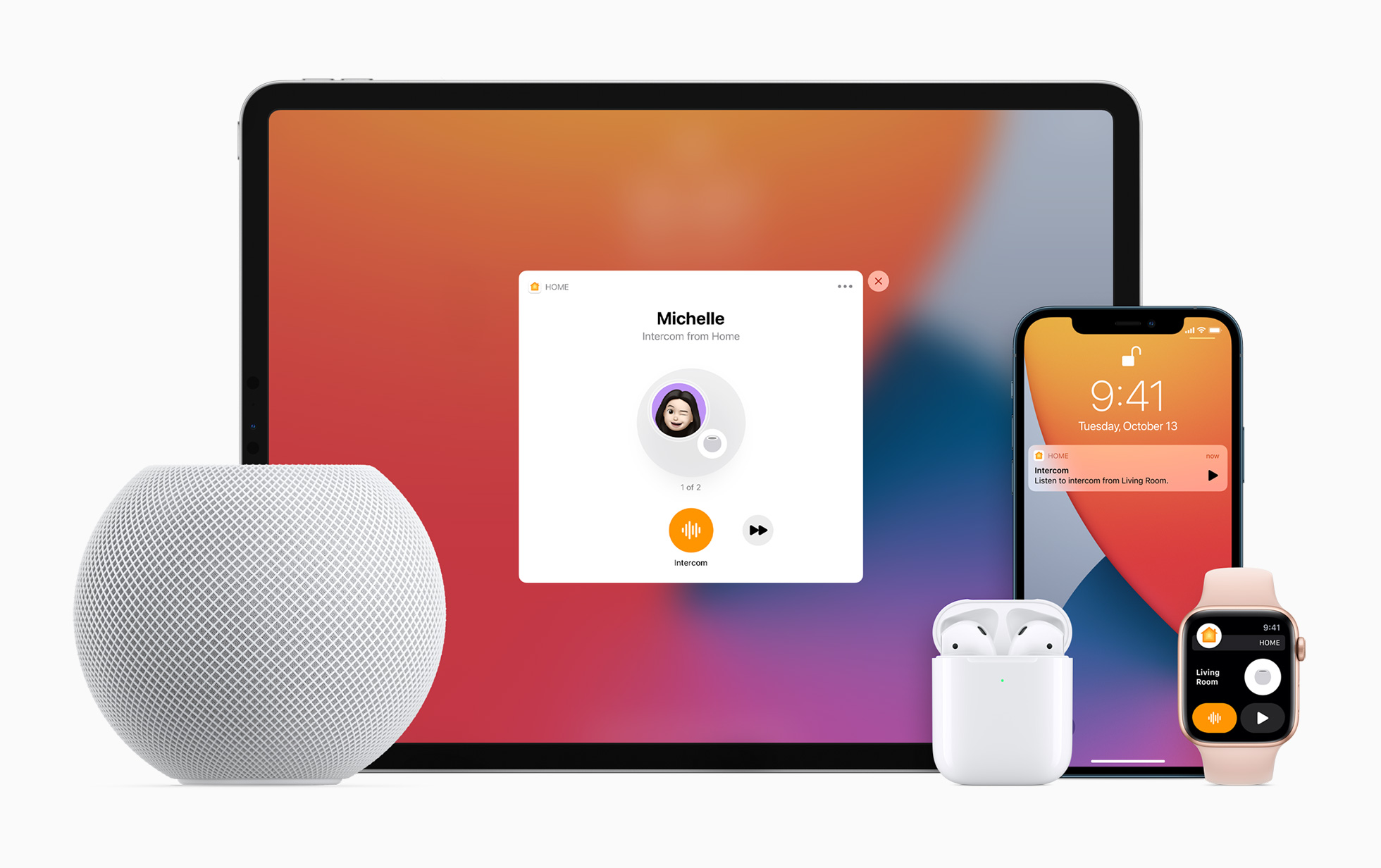
Apple lets you turn your HomePod speaker into an intercom, allowing family members to send audio messages from one Apple speaker or device to another in your household. Family members receive Intercom notifications and can send Intercom messages from their devices.
Do you wear an Apple Watch to bed? Learn how to set up and use Sleep mode on your Apple Watch to create schedules to hit your sleep goals, set up a time to Wind Down beforehand, track your sleep, and view your sleep and respiratory rate data.
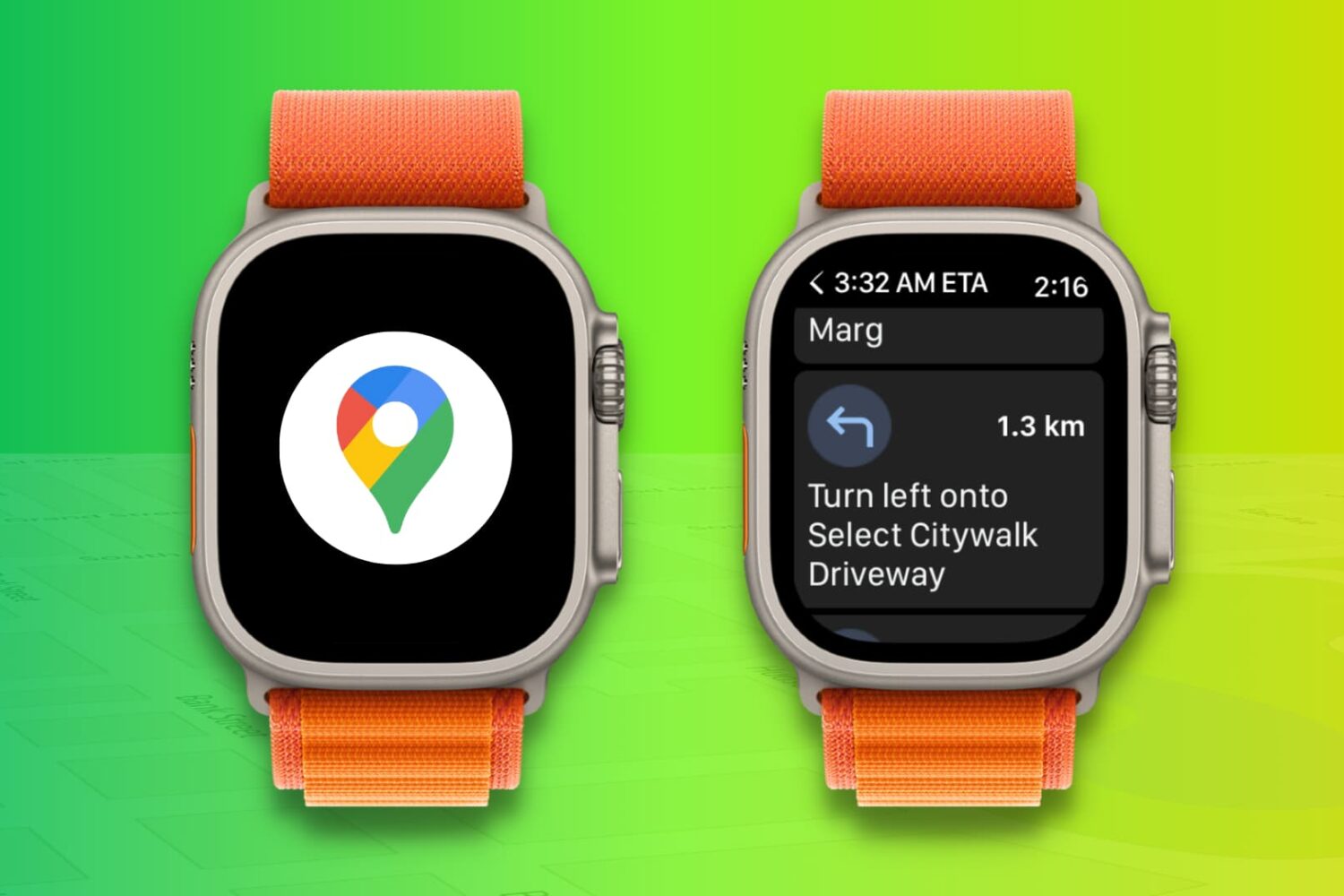
Learn how to use the Google Maps app on your Apple Watch to get navigation directions right on your wrist while cycling, driving, or walking, and eliminate the need to look at your phone screen constantly.