Looking for a bit of fun or quirkiness on your Apple Watch? This tutorial explains how to use the Memoji watch face with your own Memoji or an Animoji and see it move!
How to use the Memoji watch face on Apple Watch
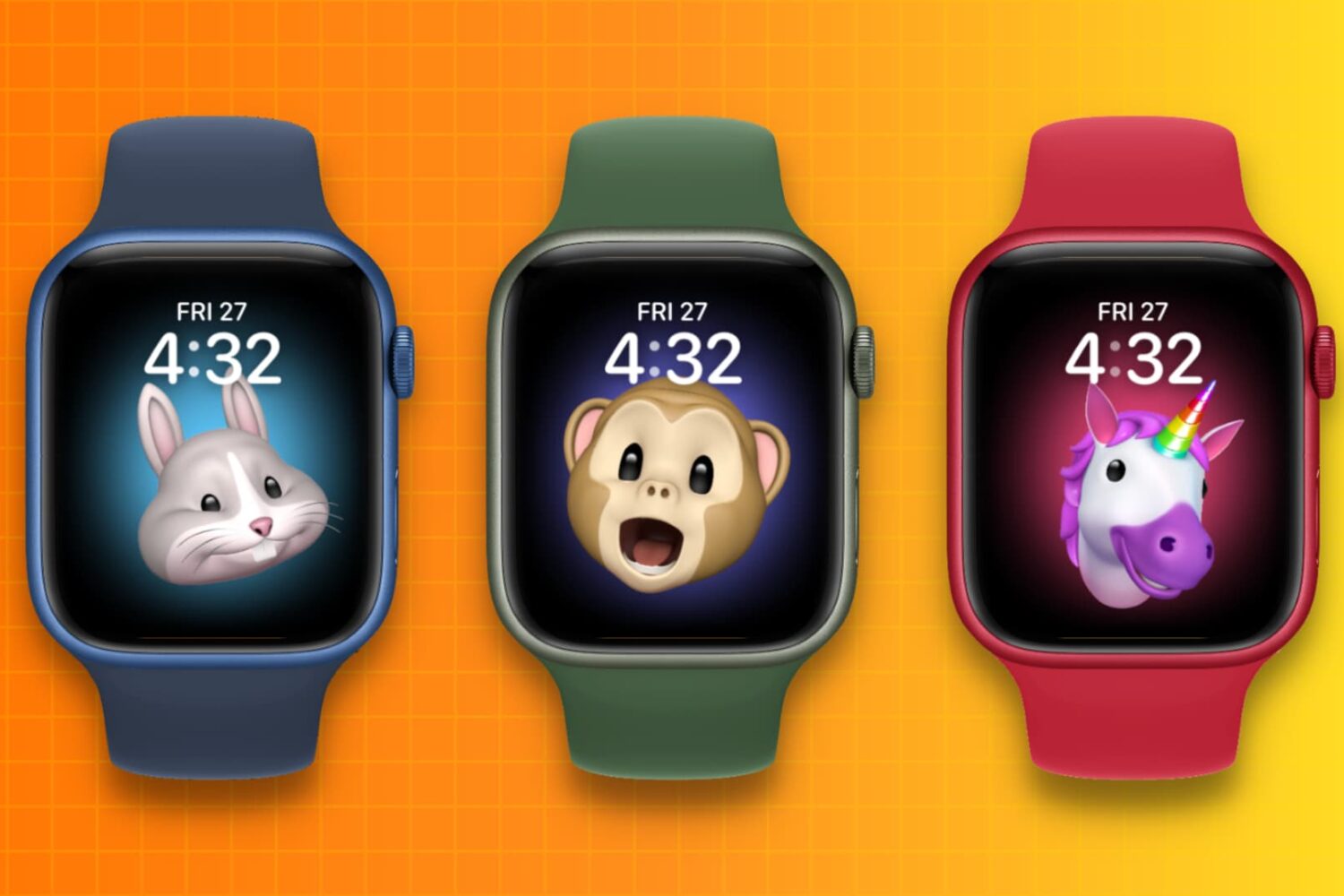
Stay up-to-date on the latest Apple Watch news, and learn how to get the most out of your device with our comprehensive tutorials. From updates to features to troubleshooting tips, we’ve got you covered.
Looking for a bit of fun or quirkiness on your Apple Watch? This tutorial explains how to use the Memoji watch face with your own Memoji or an Animoji and see it move!
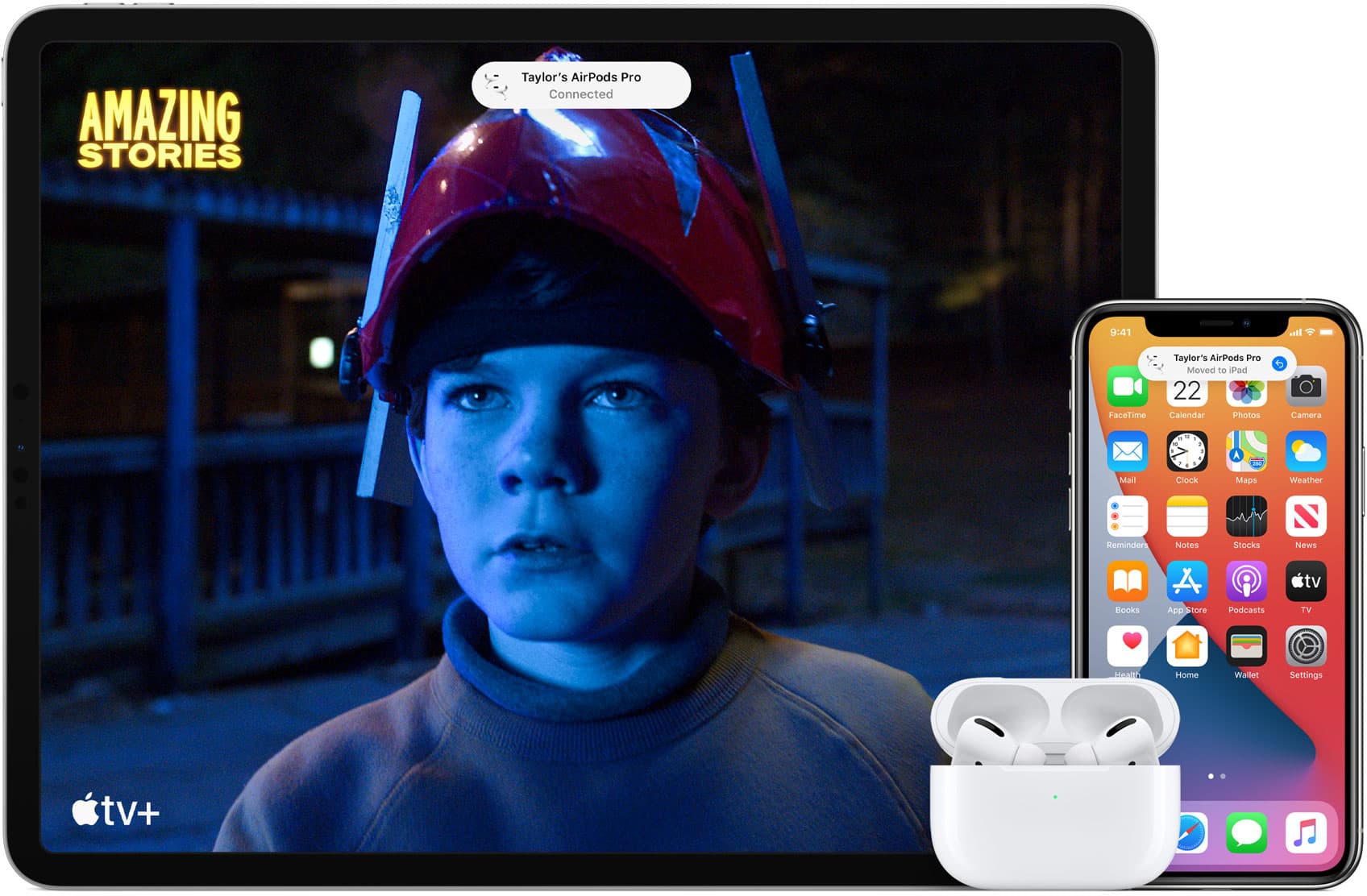
In this tutorial, we will tell you about AirPods and Beats headphones automatically switching between your Apple devices, and how to turn off this feature if you find it annoying.
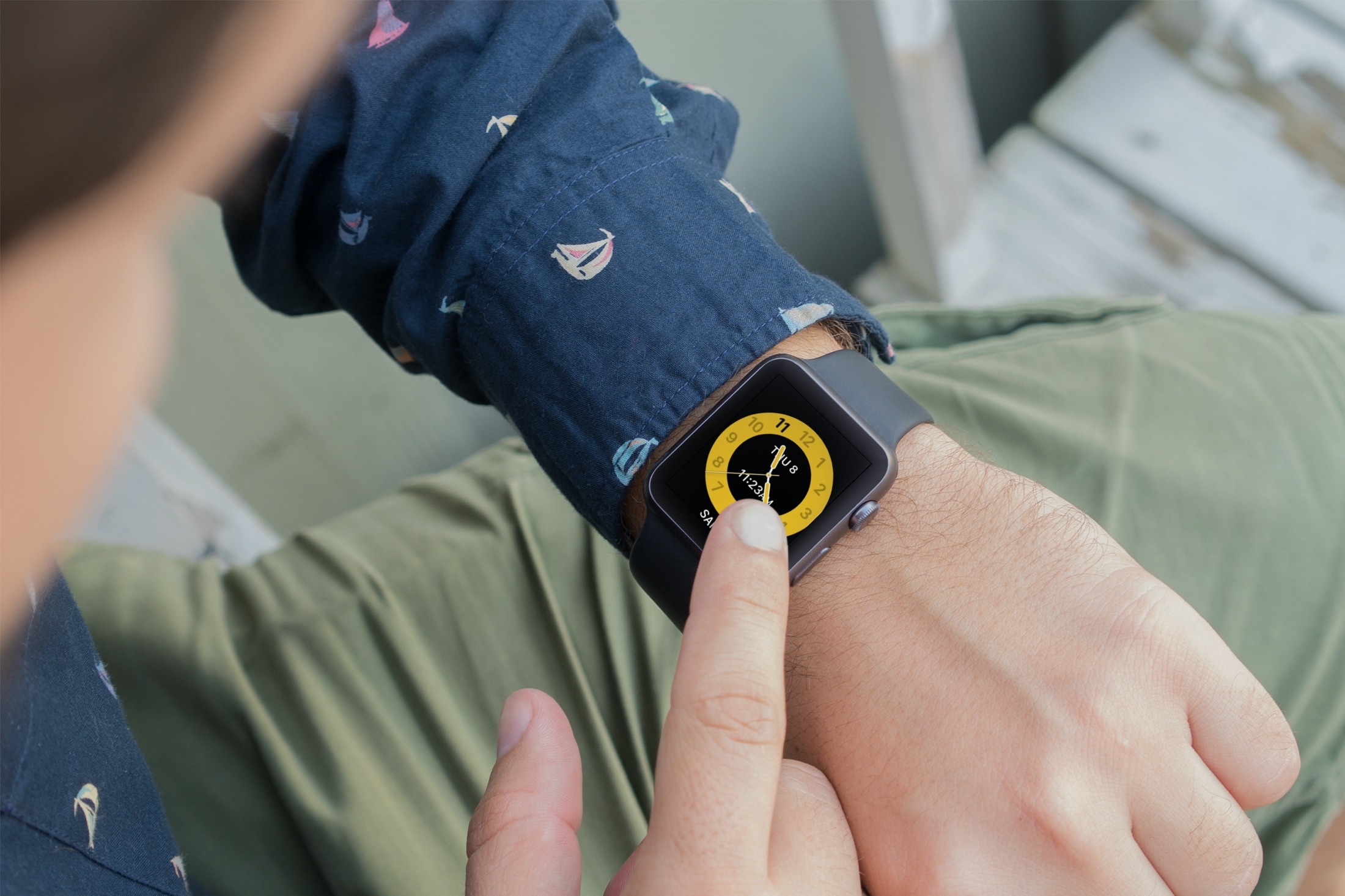
Learn how to use Schooltime on Apple Watch to minimize distractions and stay focused during school hours with our step-by-step guide.
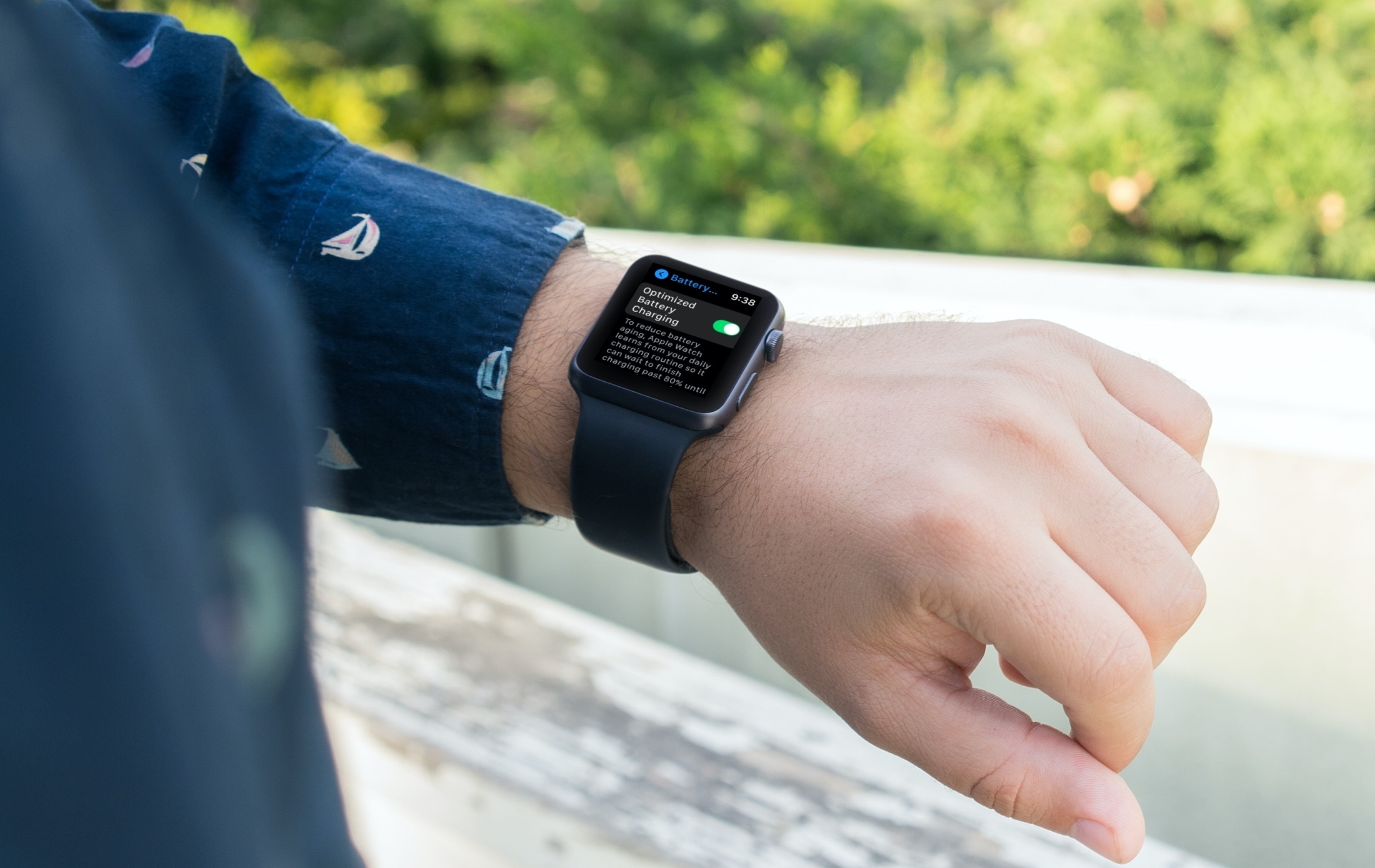
Learn about Optimized Battery Charging on the Apple Watch, how it reduces battery wear to extend its life, and the steps to disable it if you so choose.
Learn how to increase or decrease your daily Move goal calories, Exercise goal minutes, and Stand goal hours in the Activity and Fitness apps on your Apple Watch and iPhone so it’s more suitable for your current activity level.
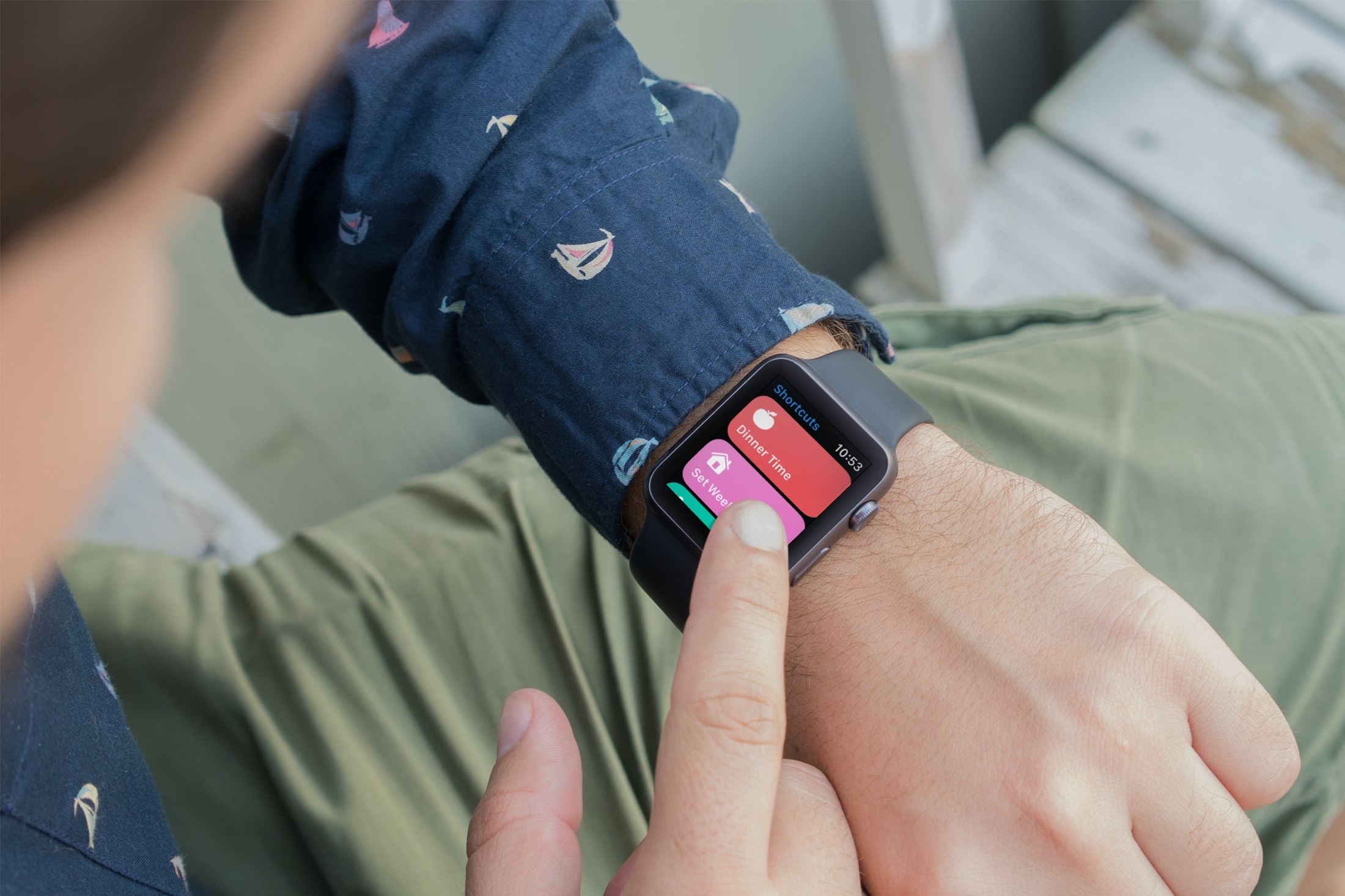
Learn how to enable an iPhone shortcut to run on the Apple Watch and add that shortcut as a complication on your watch face to run it quickly in one tap.
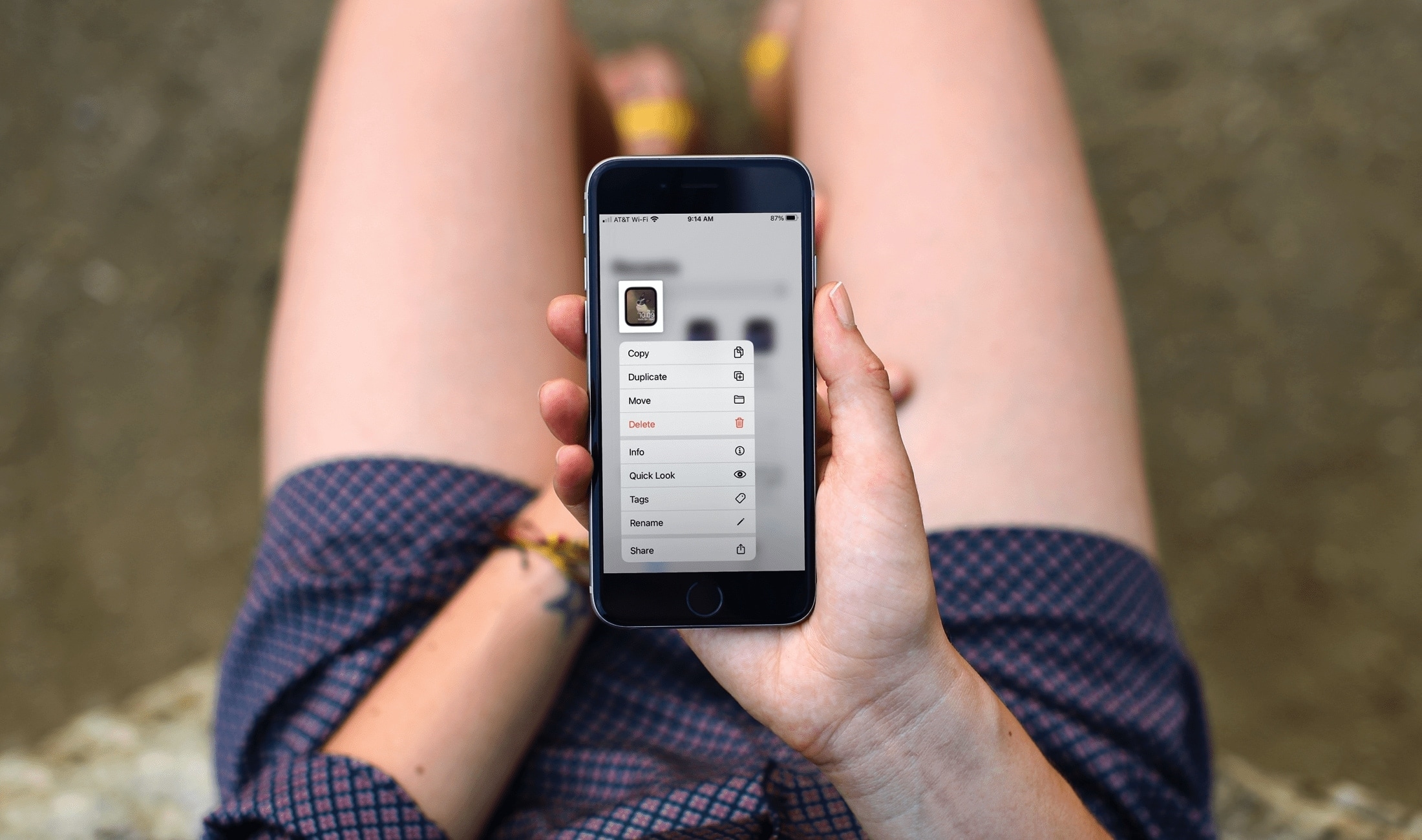
In this tutorial, we’ll cover the basics of sharing an Apple Watch face from your Watch or iPhone, uploading it online, and using a shared face yourself.
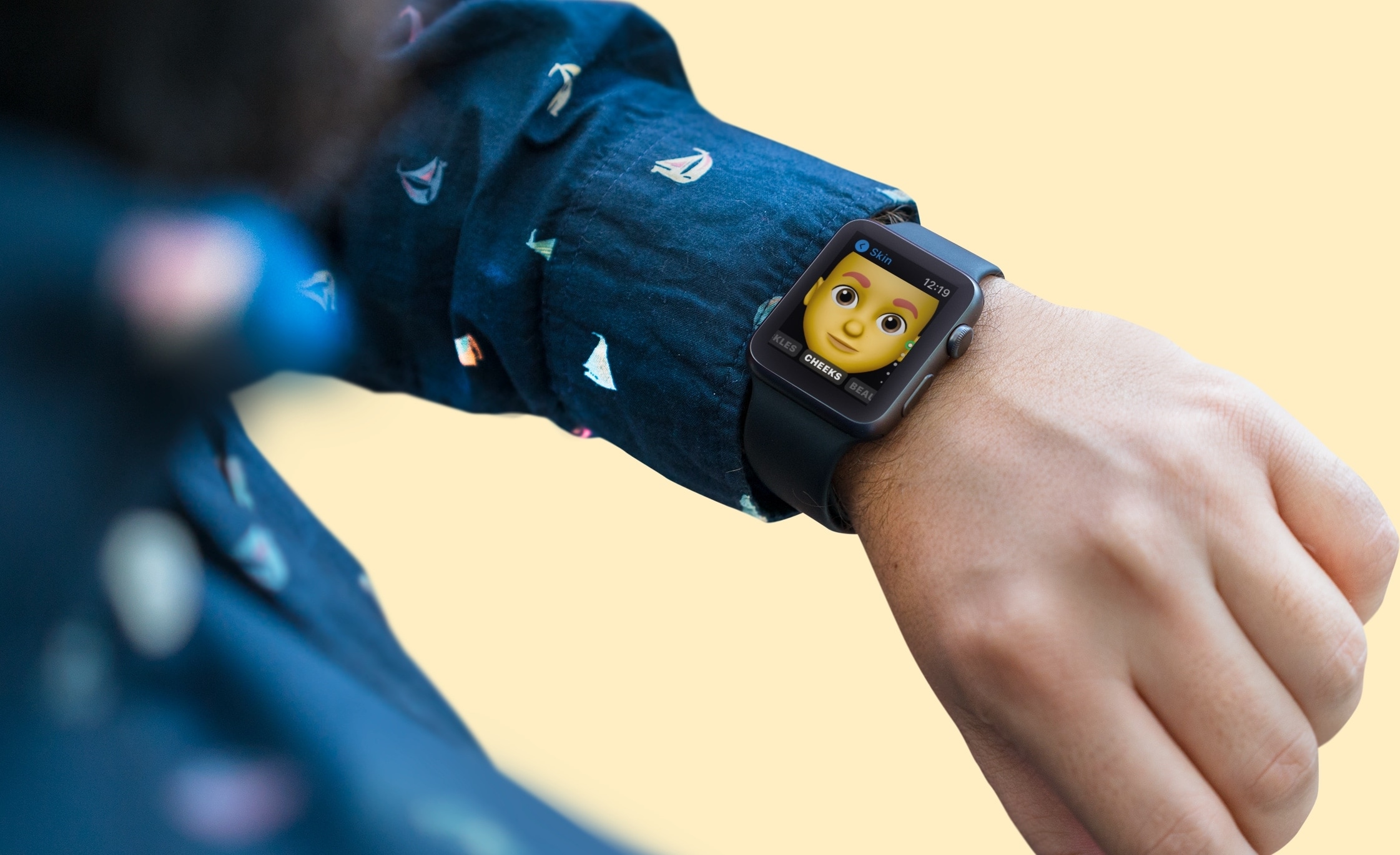
If you own an Apple Watch and recently upgraded to watchOS 7, you might notice a new app on your wrist. The Memoji app is a new addition for those with watchOS 7 or later that lets you create and edit a Memoji as well as turn one into a Watch face.
Make your first Memoji, spruce up your existing one, or create something totally funky. Sound like fun? Here’s how to use the Memoji app on your Apple Watch.
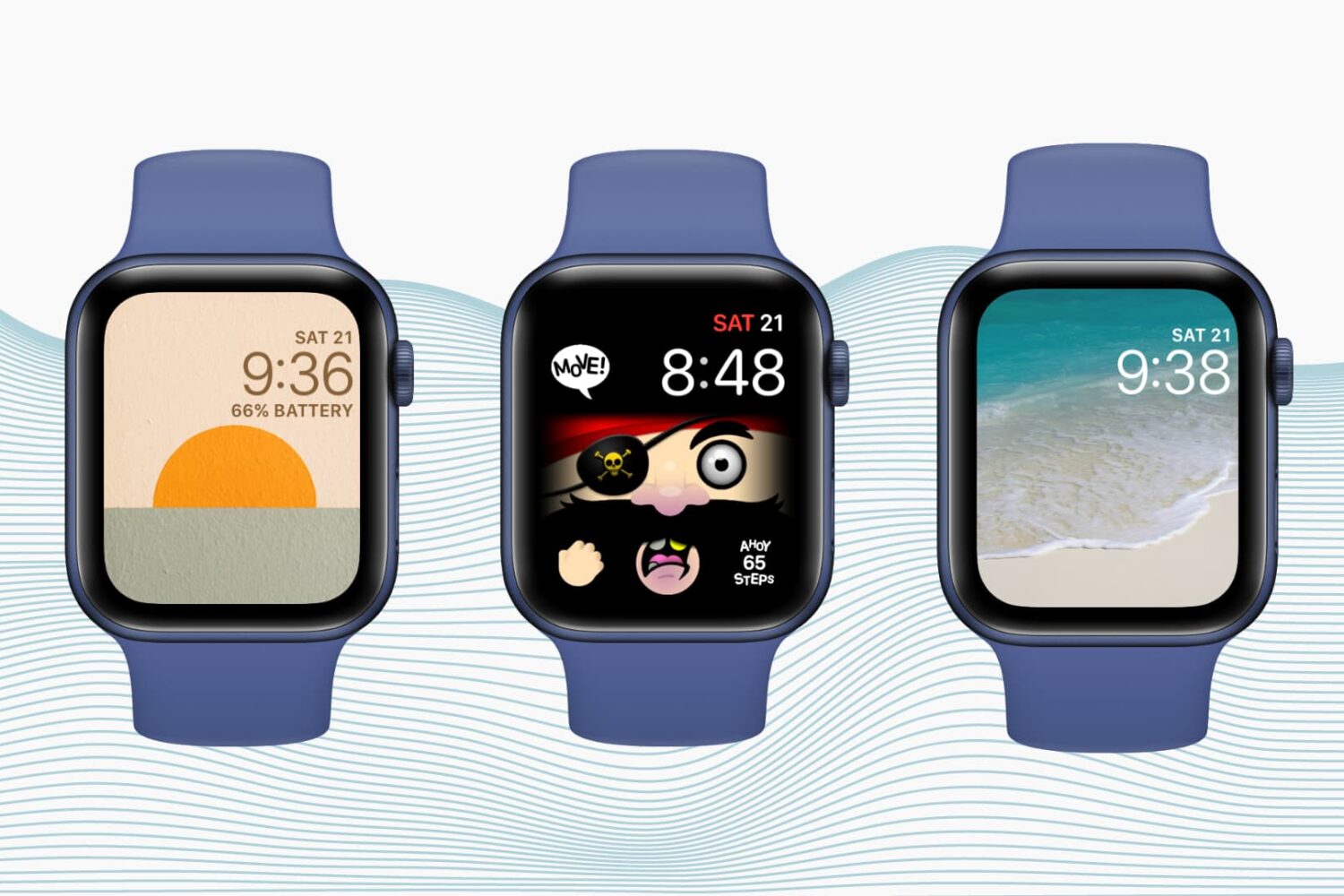
Want to personalize your Apple Watch? Check out how to create custom watch faces and complications to match your taste, style, or even your day.
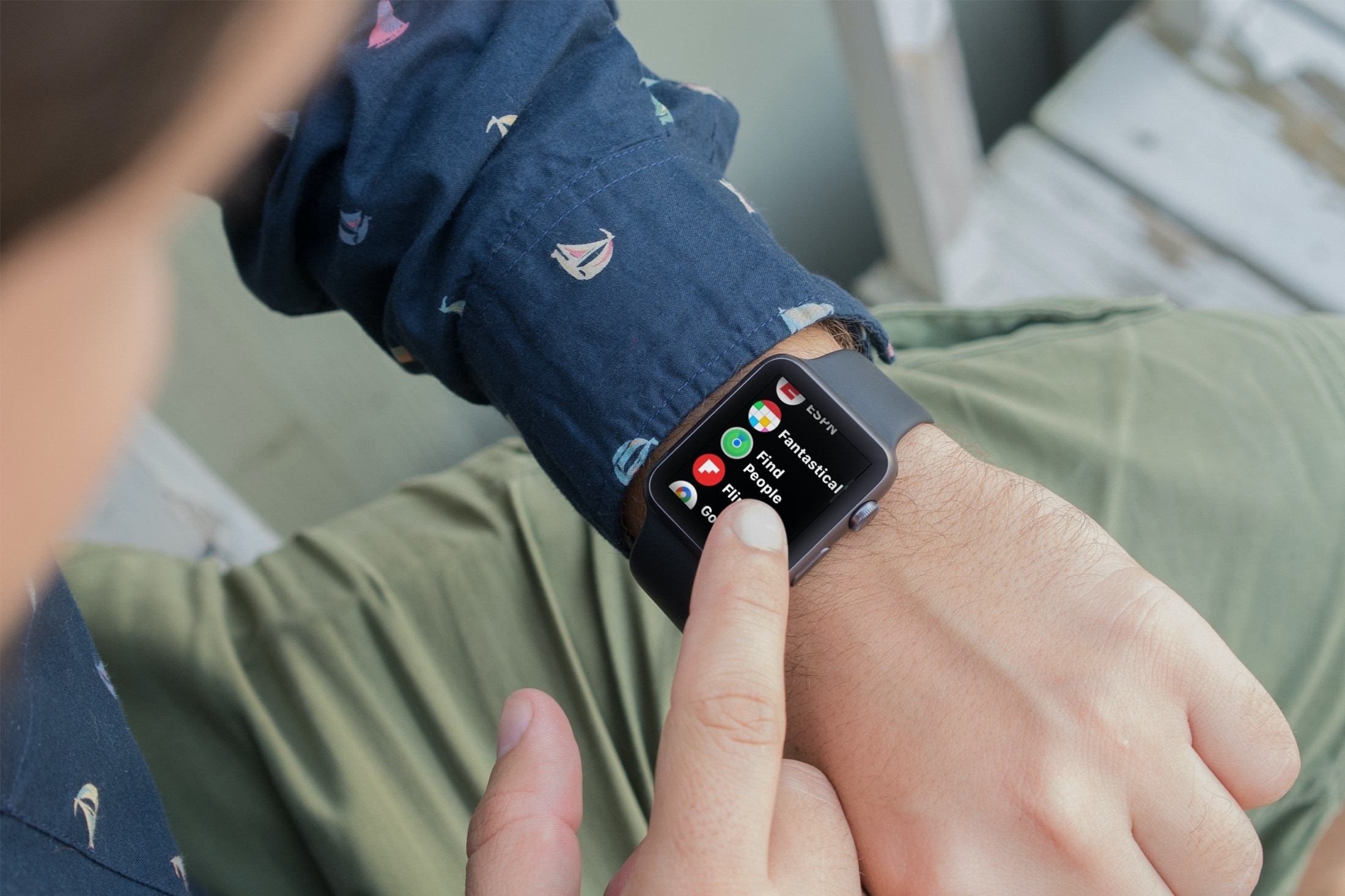
Learn how to use the Find People app on Apple Watch to see your friends and family members’ locations and share your location with them.
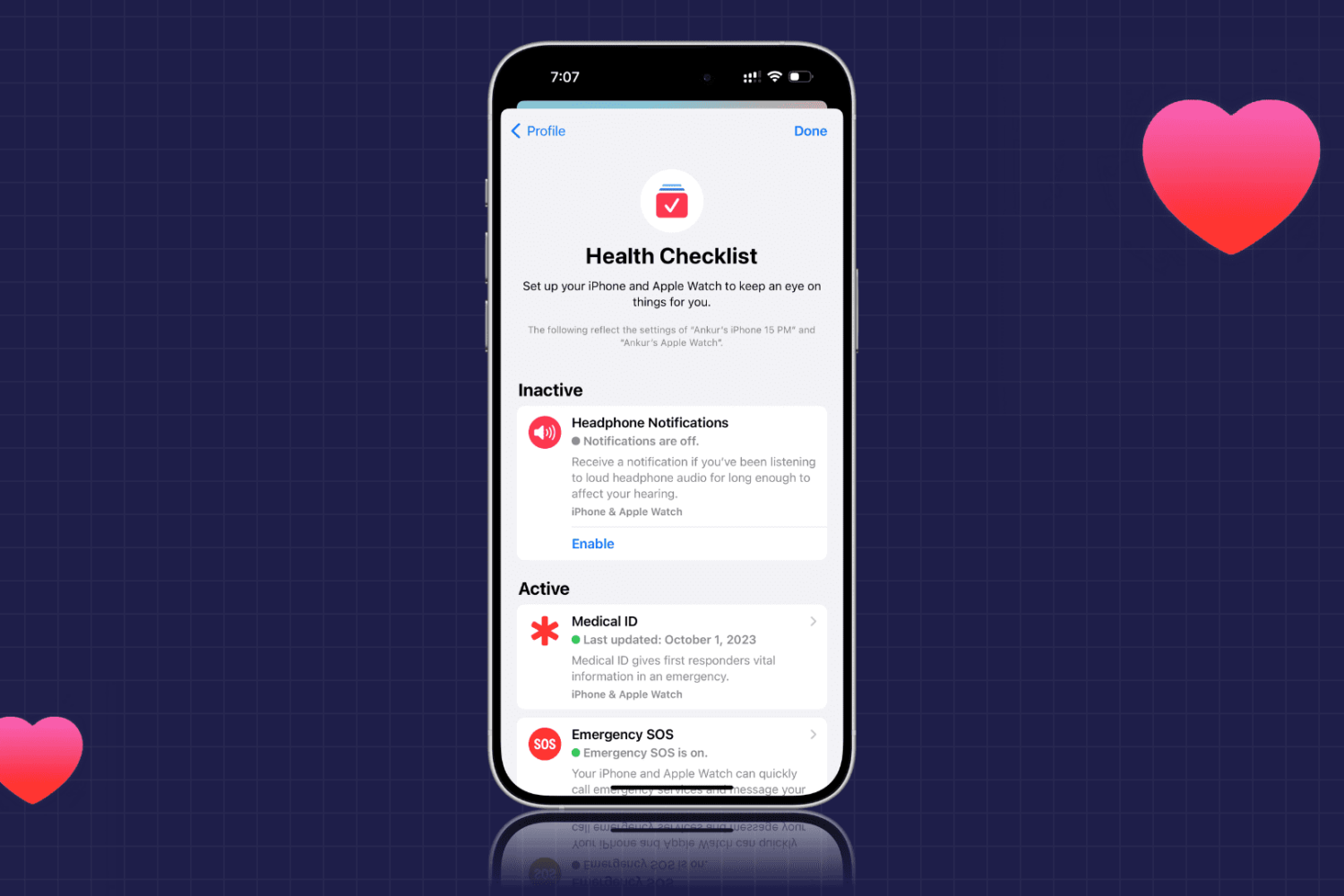
Learn how to use the Health Checklist option for iPhone and Apple Watch to make sure that you’re using the health features you really need.
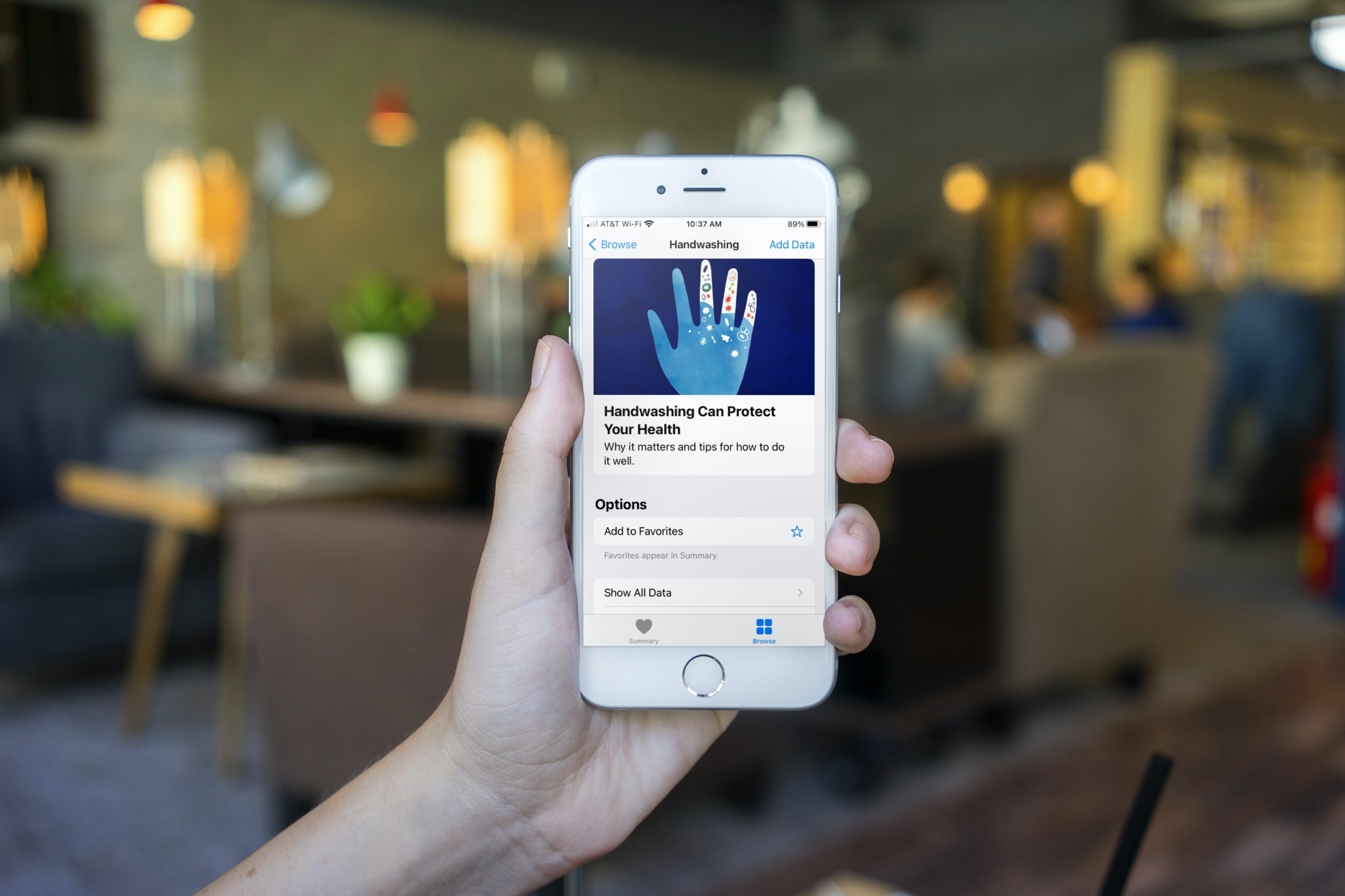
Learn how to get reminded to wash your hands at the right time and for the correct amount of time with the automatic Handwashing Detection feature on Apple Watch.