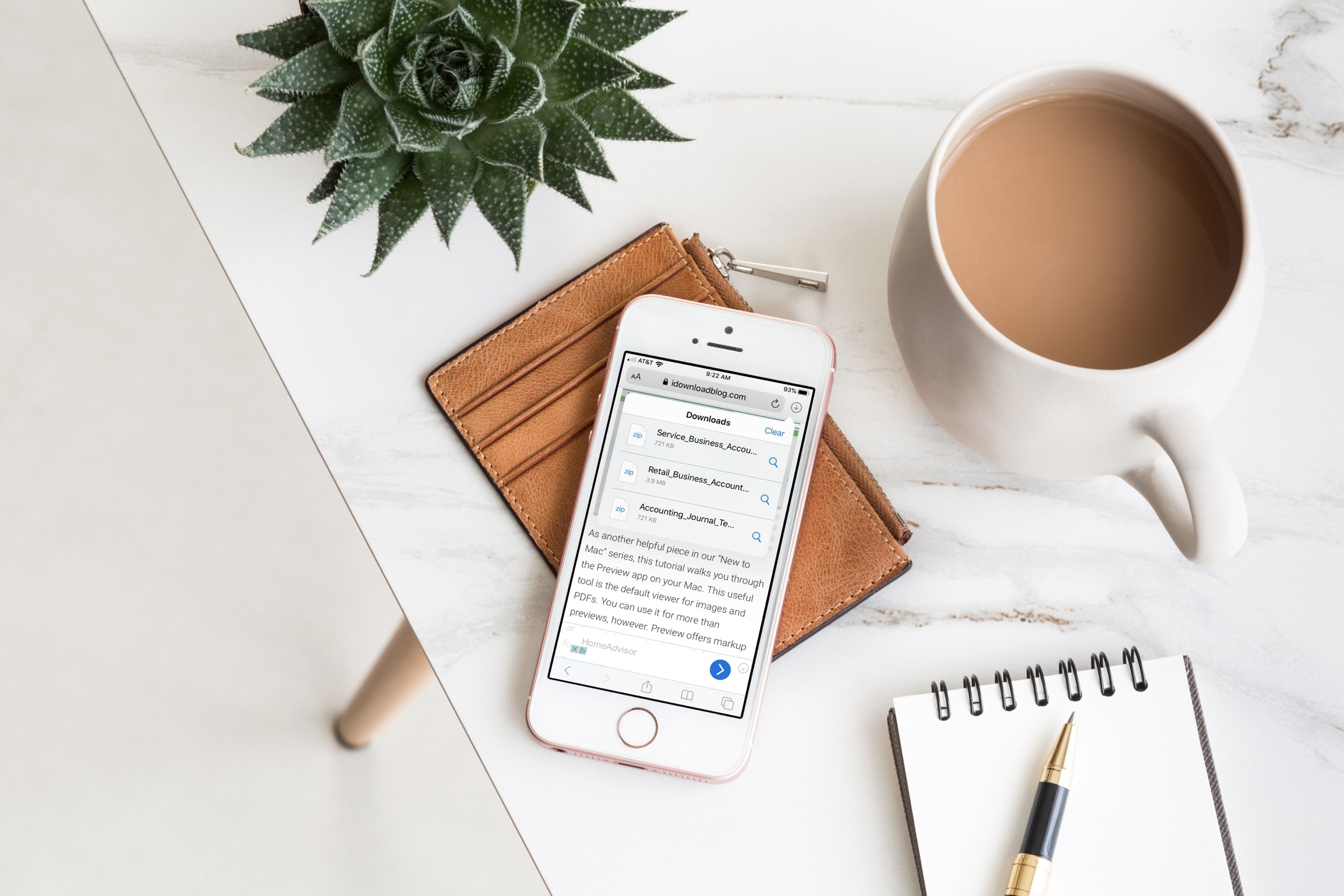
Learn how to turn off Safari link previews on iPhone or iPad so you can see the destination URL of where the link will take you without opening the webpage.
How to disable Safari link previews to see the URL instead
Learn how to turn off Safari link previews on iPhone or iPad so you can see the destination URL of where the link will take you without opening the webpage.
Early on Monday, it was reported that Apple's internet browser, Safari, sends some Safe Browsing data to the giant Chinese company Tencent. It was flagged as a potential major issue, especially since the "feature" that makes this happen is turned on by default.
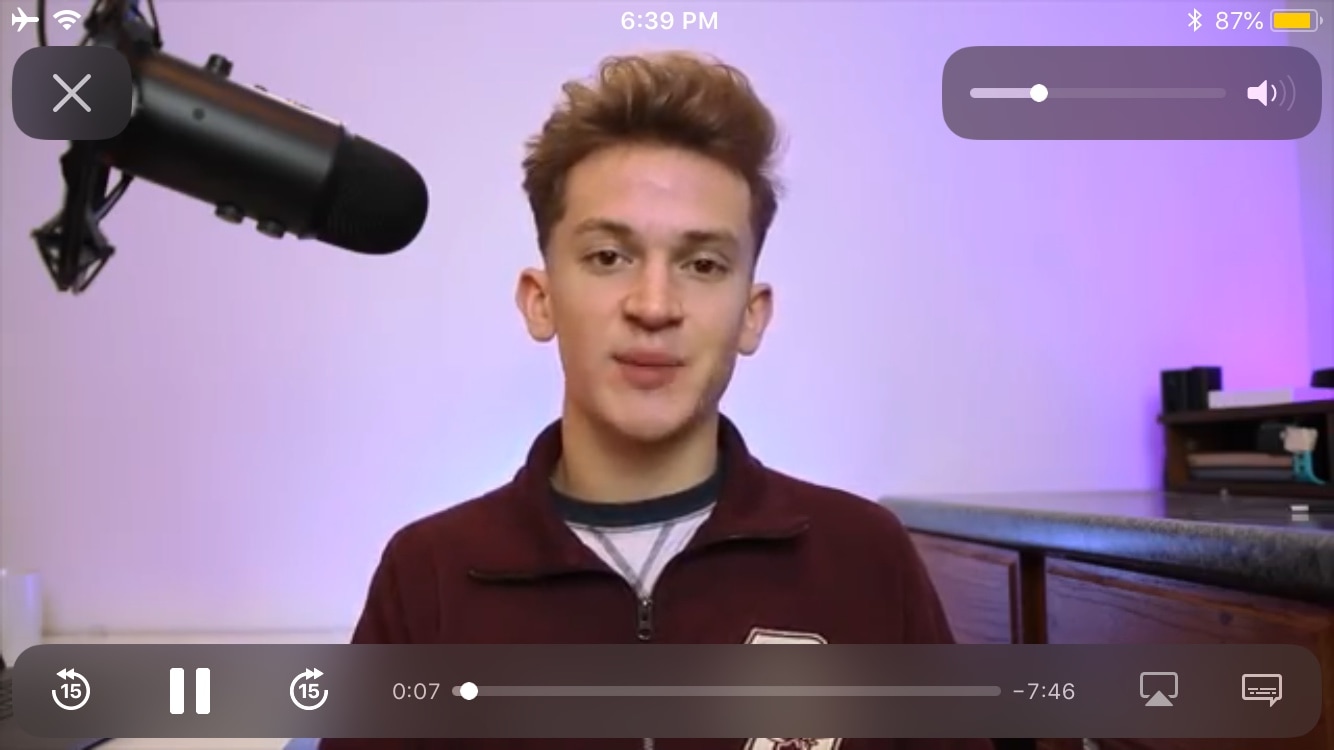
Whenever you tap on a video in the mobile Safari web browser, such as on YouTube or otherwise, iOS displays that video in a familiar interface called the AVPlayer, which appears in the screenshot example above.
Like most video players, iOS’ native AVPlayer provides only the fundamental controls to and get things done, but with the help of a newly released and free jailbreak tweak called AVPlayerPlus by iOS developer Tr1fecta, you can enjoy several more luxury controls in the native AVPlayer interface that Apple never bothered to provide to you out of the box.
Safari Download Manager is a powerful tool for managing and organizing your downloads on the go. From documents to media files, we will show you how to harness its capabilities and take control of your downloads.
While refreshing my sources in Cydia this week, I happened upon a particularly interesting jailbreak tweak dubbed playbackSafari by iOS developer CydiaGeek. Intrigued by the name and the brief description provided in Cydia’s ‘Changes’ tab, I tapped on the tweak to learn more about it, and I’m glad that I did.
With playbackSafari, you can begin playing a video in the Safari web browser and then close the app or lock your device without experiencing interruptions to the playback. While leaving the app would prevent you from watching the video, it’s worth noting that the audio continues playing in the background.
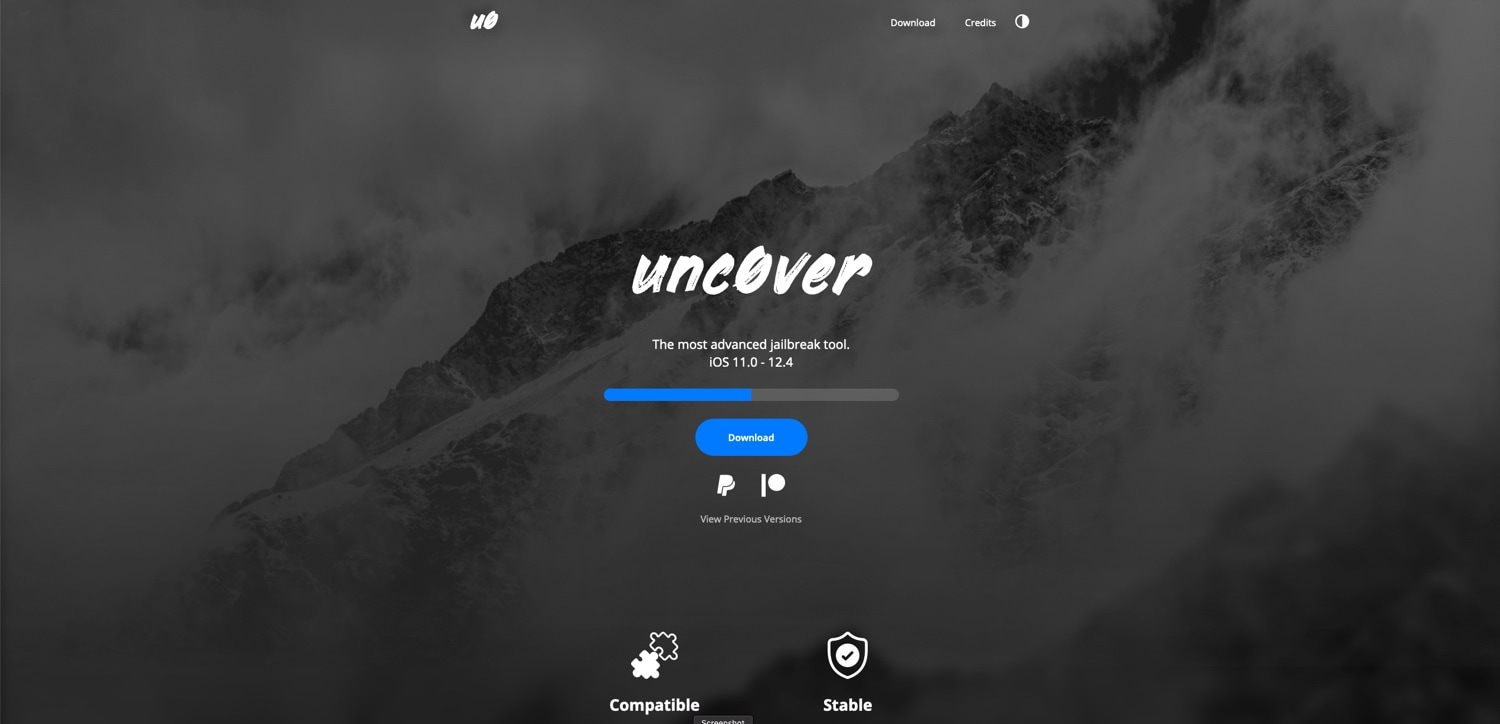
If you’ve ever used Pwn20wnd’s unc0ver jailbreak tool to liberate a device running iOS 11 or iOS 12, then you’re probably familiar with the process of visiting the hacker’s GitHub page to find and download the latest iteration of the tool. But that’s all changing as of today, and in a very good way.
In a rather exciting turn of events, Pwn20wnd launched a brand-new website on Tuesday dubbed unc0ver.dev to host the unc0ver jailbreak tool. Pwn20wnd announced the launch of the website via Twitter just this afternoon, noting that the current and all future releases will be published there:
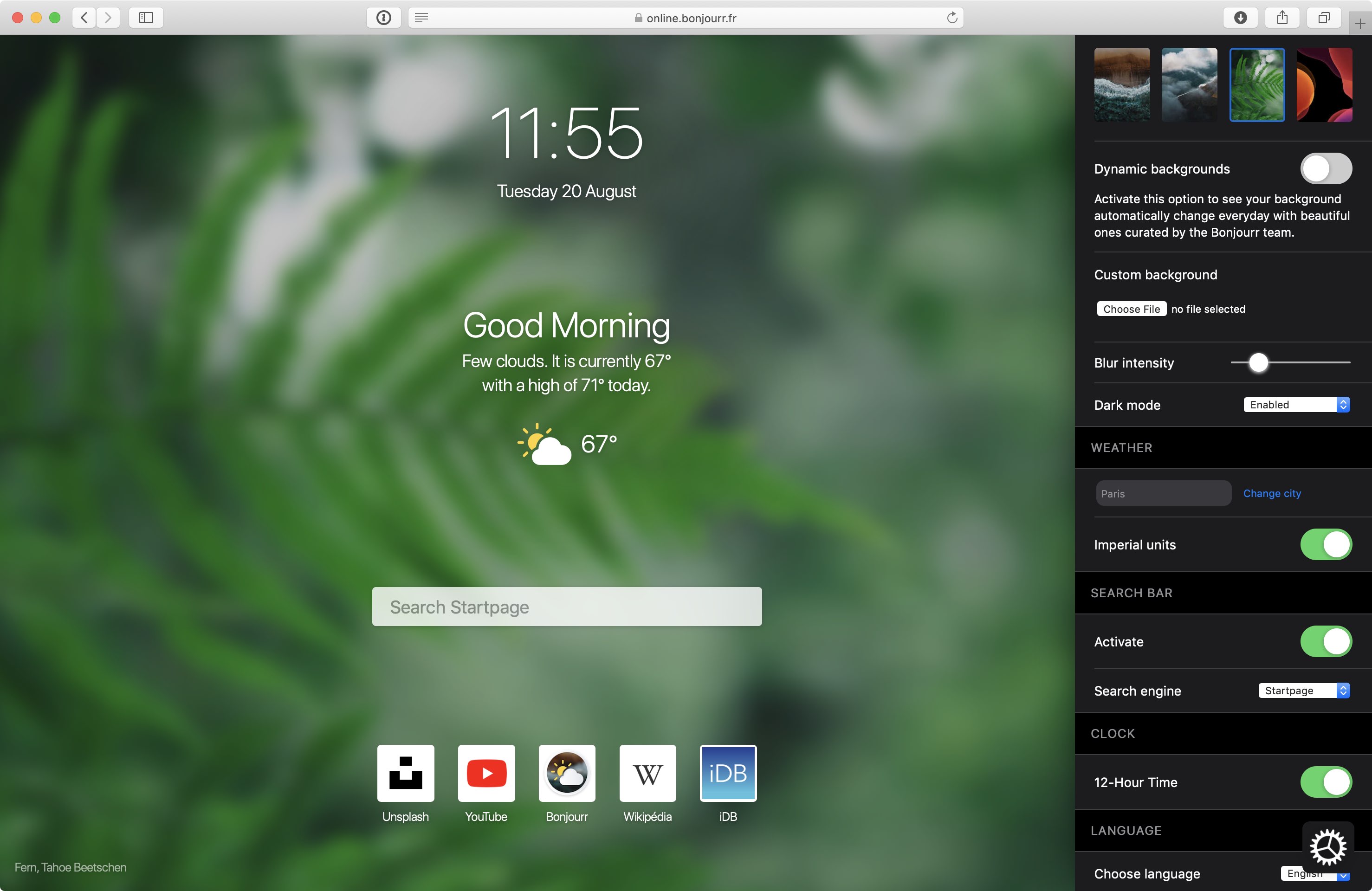
Bonjourr, a lightweight browser start page, promises to boost your productivity and serenity with its minimal beautiful design inspired by iOS which you can customize to your liking.
Learn how to save all open tabs in Apple's Safari browser at once as bookmarks, so you can revisit those links easily on your iPhone or iPad.
Apple Pay is one of Apple's most popular services to date, but it's availability is still missing in some areas. StubHub is aiming to close the gap a bit.
Maximize your reading experience on Safari for iPhone and iPad by learning how to customize the Reader view and per-site settings.
One of my all-time favorite jailbreak tweaks was once LiveClock by iOS developer Ryan Petrich, and while Apple has since implemented its functionality into iOS right out of the box, that never changed my appreciation for small, yet fun and quirky jailbreak tweaks of similar nature.
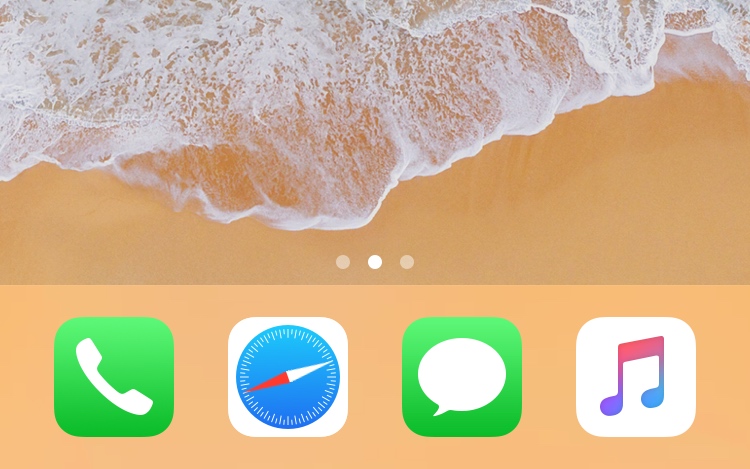
One of the latest jailbreak tweaks to fall under this category of fun and quirkiness is a new and free release called LiveSafari by iOS developer Skitty. Perhaps unsurprisingly, LiveSafari animates the native Safari app icon on your Home screen such that the compass arrow always points to the North.
Learn how to change the default save location where Apple's Safari browser stores files you download on your iPhone, iPad, or Mac.