Learn how to use the Picture in Picture feature in Apple’s Safari browser to watch web videos from websites like YouTube while doing something else on your Mac.
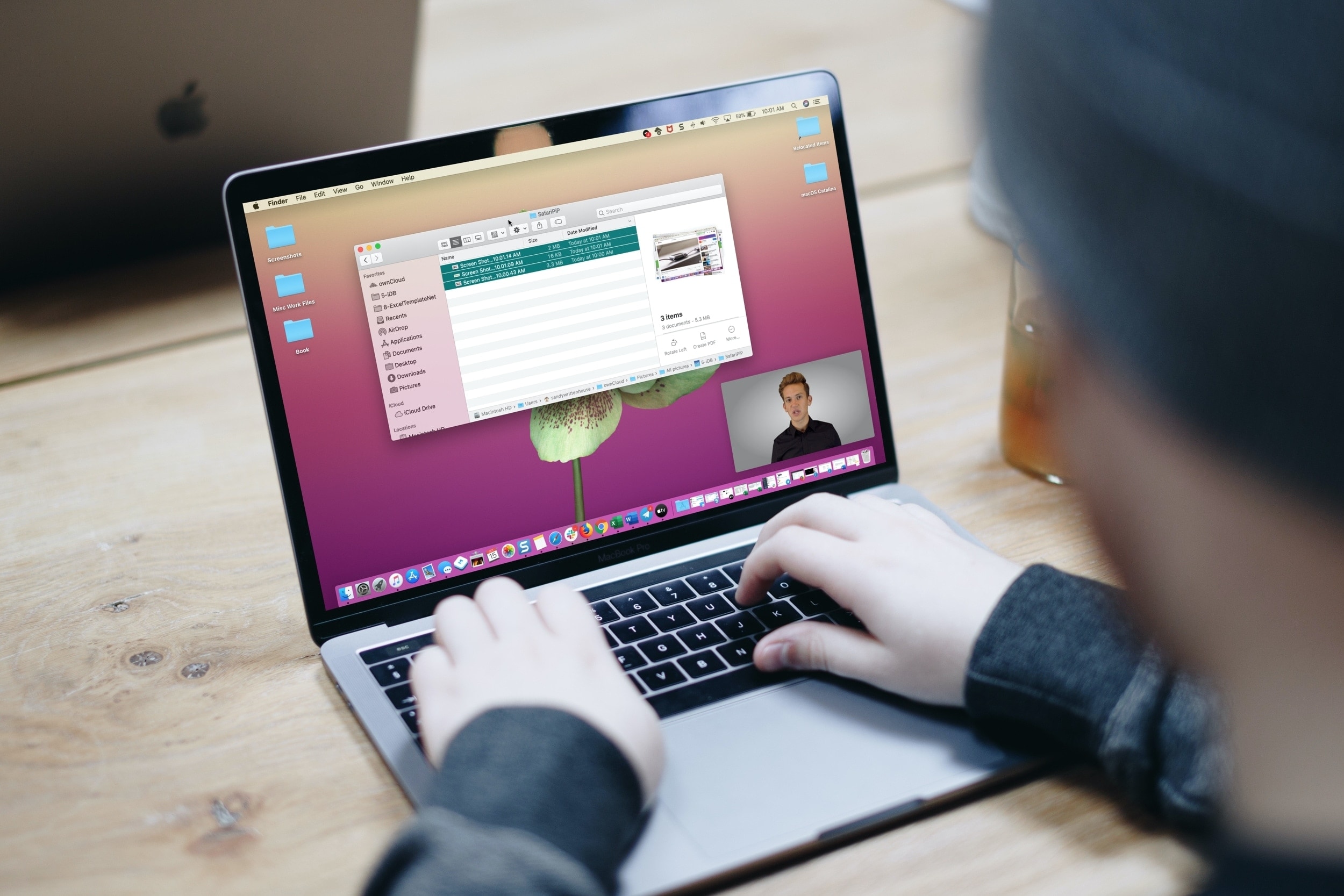
There are three different ways to enter PiP mode in Safari for Mac.
1. Right-click the volume icon on a tab
With the video playing, right-click or Control-click the small volume icon at the top, as shown in the screenshot below, and select Enter Picture in Picture in the menu. With multiple tabs open, the volume icon will appear on a tab’s rightmost side.

2. Right-click twice for PiP on YouTube
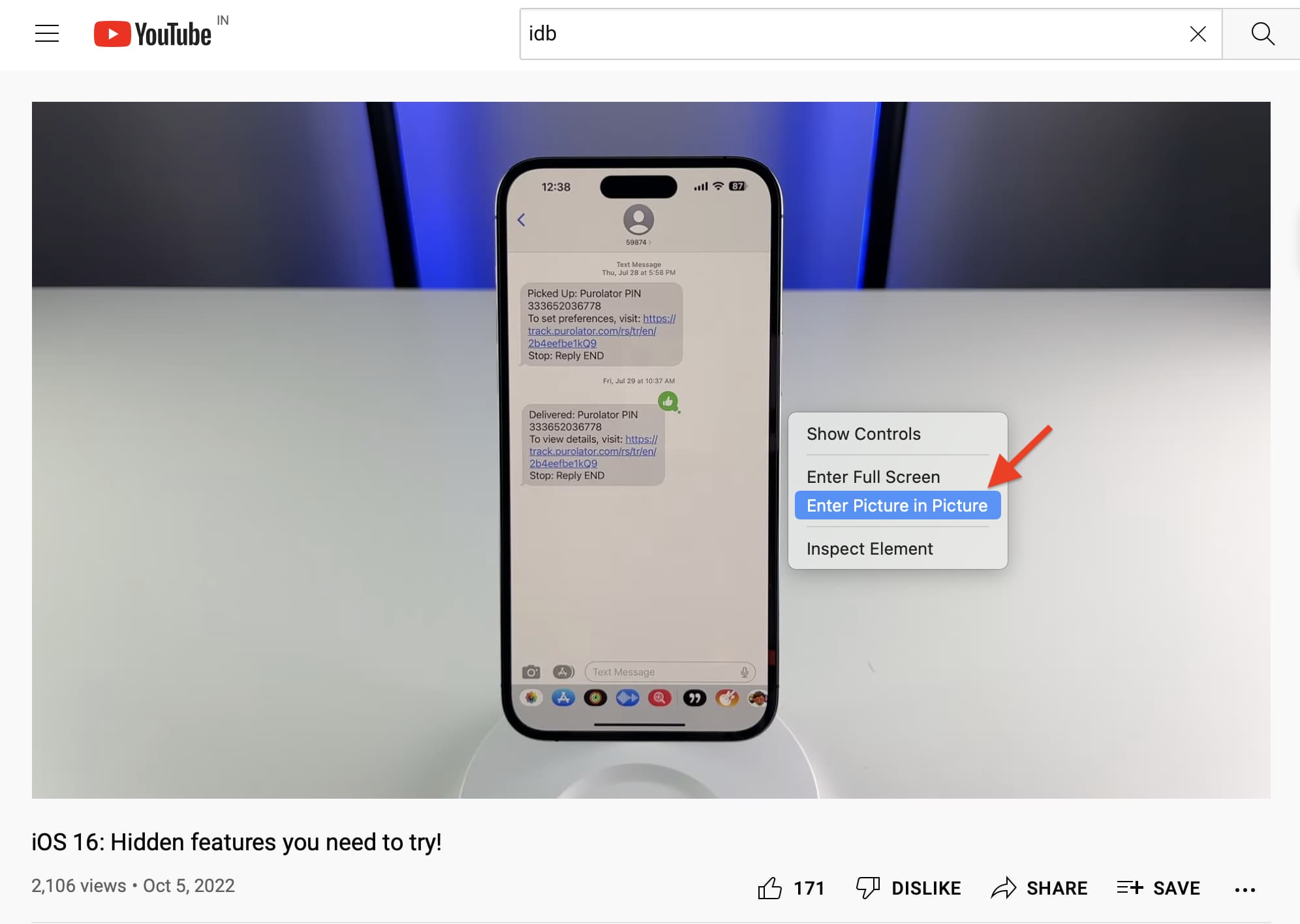
On YouTube, right-click the clip in the video player. This will bring up YouTube’s menu. Right-click again (outside the menu) to reveal another menu with native macOS options, including Enter Picture in Picture.
3. PiP icon in video controls
The video player on some websites like Vimeo may provide a native Picture in Picture button. Simply click it to enter PiP.

Moving, resizing, and pinning the PiP window
In PiP mode, the video shrinks into a small window in one of the screen corners. The overlay remains on top of all other windows, making it easy to multitask while watching the video.
- Click and drag to reposition the PiP window.
- To resize, drag one of its edges.
- To pause and resume the video, click the Play/Pause button.

To close the PiP window and continue playing the video on the originating website, click the Picture in Picture button in the top-right corner. If you’d like to close the PiP overlay and return to the website, click X in the top-left corner.
Multitask like a pro with Picture in Picture
Picture in Picture is a systemwide feature available in other places on your Mac, not just Safari. The PiP window uses corner snapping, but you can freely position it anywhere on the screen by holding a keyboard modifier.
Picture in Picture also works in other Mac browsers, like Firefox and Chrome. On the iPhone and iPad, Picture in Picture works across most apps. For YouTube, which locks PiP functionality behind a Premium subscription, you can use various workarounds to watch YouTube in PiP on an iPhone.
Do you use Picture in Picture mode on your Apple devices? Do you find the feature useful? If not, why? Chime in with your thoughts and observations in the comments!