In this brief tutorial, we show you when the X app (formerly Twitter) starts playing videos in Picture in Picture on your iPhone and how you can stop that from happening.
How to stop X app videos from playing in background on iPhone
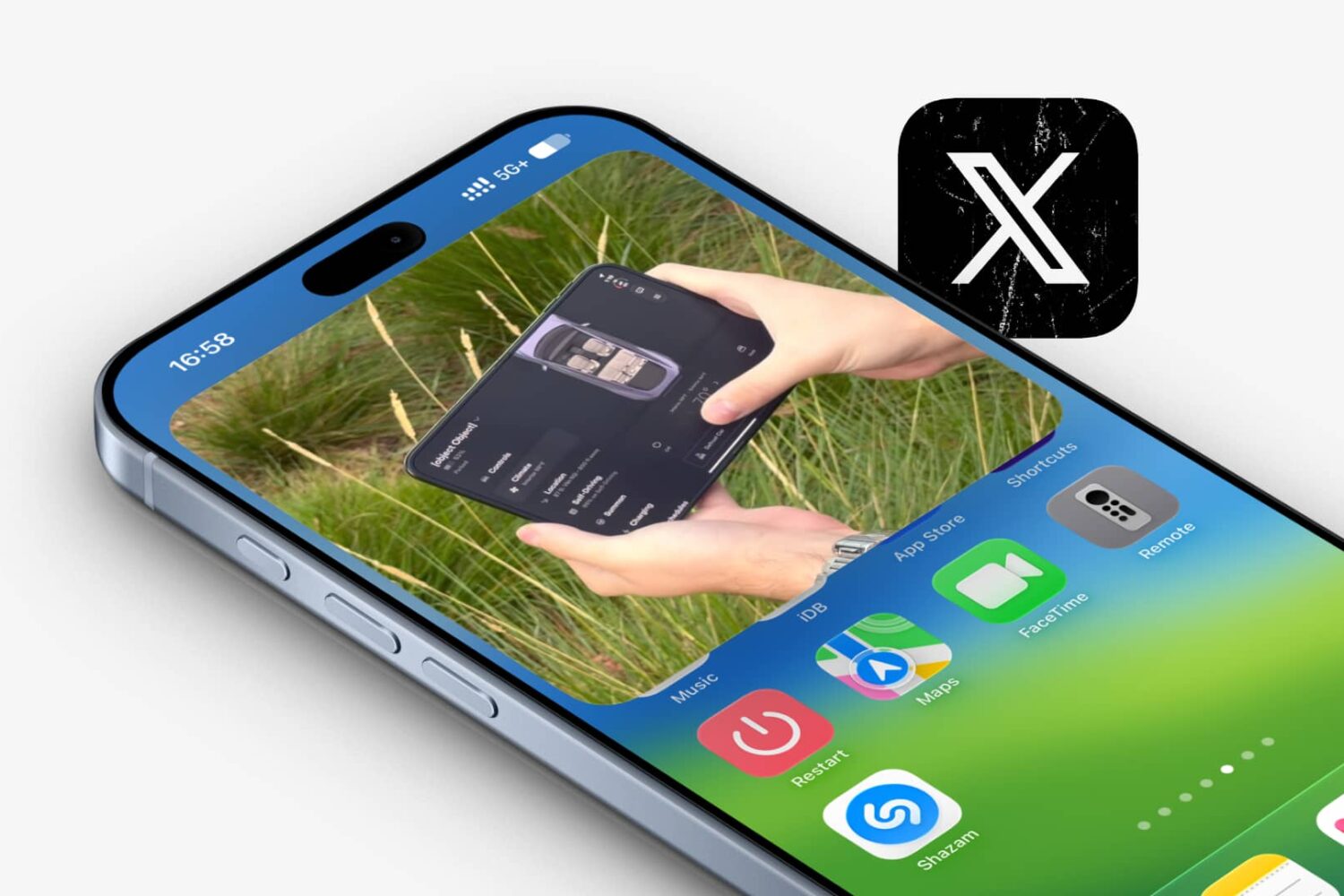
In this brief tutorial, we show you when the X app (formerly Twitter) starts playing videos in Picture in Picture on your iPhone and how you can stop that from happening.

iPhone and iPad users alike have long benefited from the native Picture-in-Picture video viewing mode that iOS & iPadOS bring to the table. This mode allows a miniature video window to appear anywhere on your display and over the top of in-app content so that you can keep watching while you multitask.

YouTube's new minimalist miniplayer which just launched on iOS can be tucked away to either screen edge, similar to Apple's native picture-in-picture window.

If you’ve been refreshing your package manager’s sources recently, then you might’ve stumbled upon a new and free jailbreak tweak called FrontestPiP by iOS developer @ChromiumCandy (uz.ra) that claims to change how Picture in Picture works on your device.

When watching videos on your iPhone or iPad, you will often be able to close the app currently playing the video and a floating Picture-in-Picture video player will appear on your screen so that you can keep doing other things on your device while the video continues – perfect for multitasking.
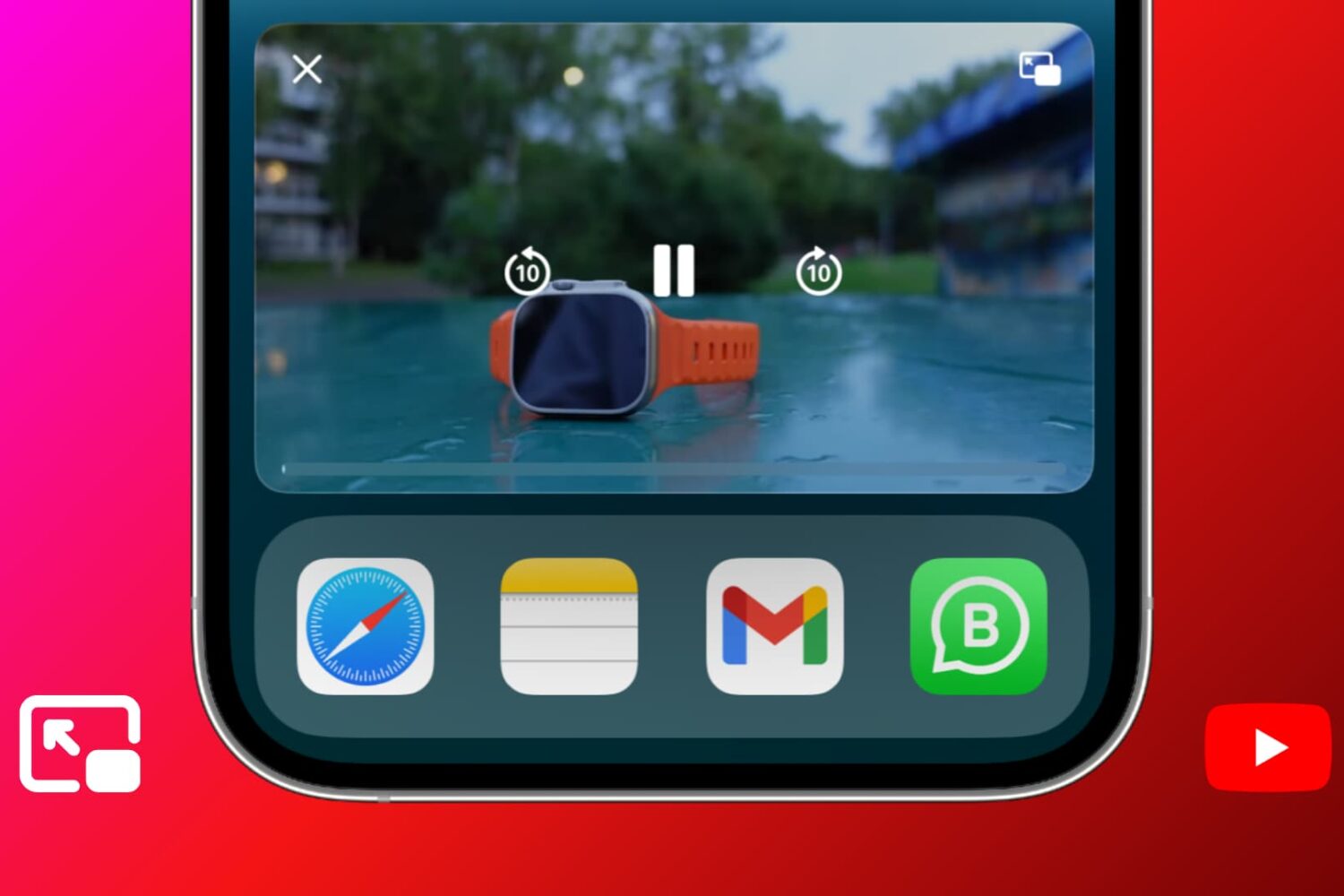
Learn what to do if YouTube Picture in Picture (PiP) stops working when you leave the app on your iPhone, iPad, or Mac.
The upcoming Multiview feature boosts Apple's picture-in-picture mode, and you'll especially like it when your favorite teams are playing at different times.
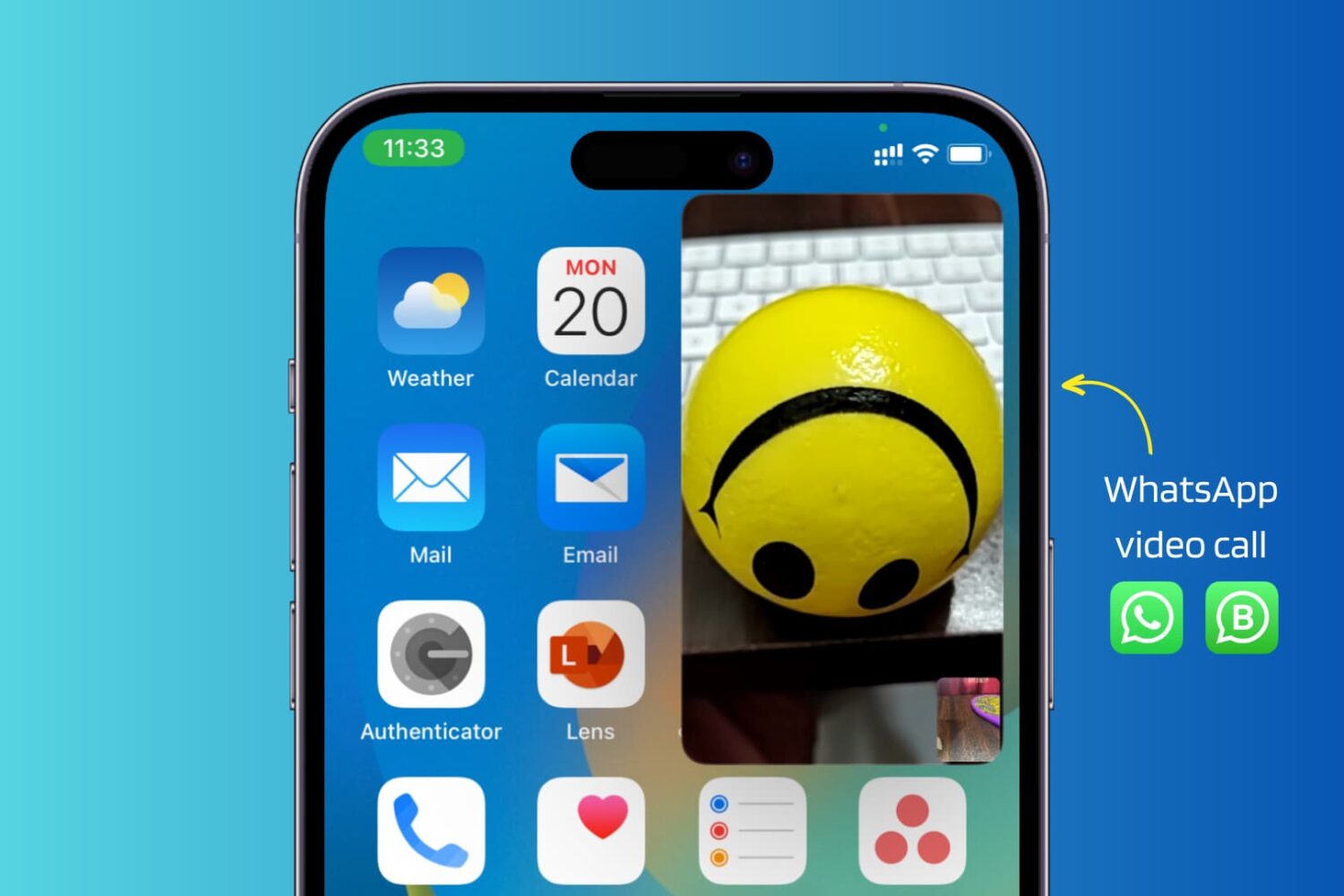
Use these troubleshooting tips to fix WhatsApp video calls not working in picture-in-picture (PiP) multitasking mode on your iPhone.
You can now multitask better by switching to another app during a WhatsApp video call on your iPhone without your video being paused.
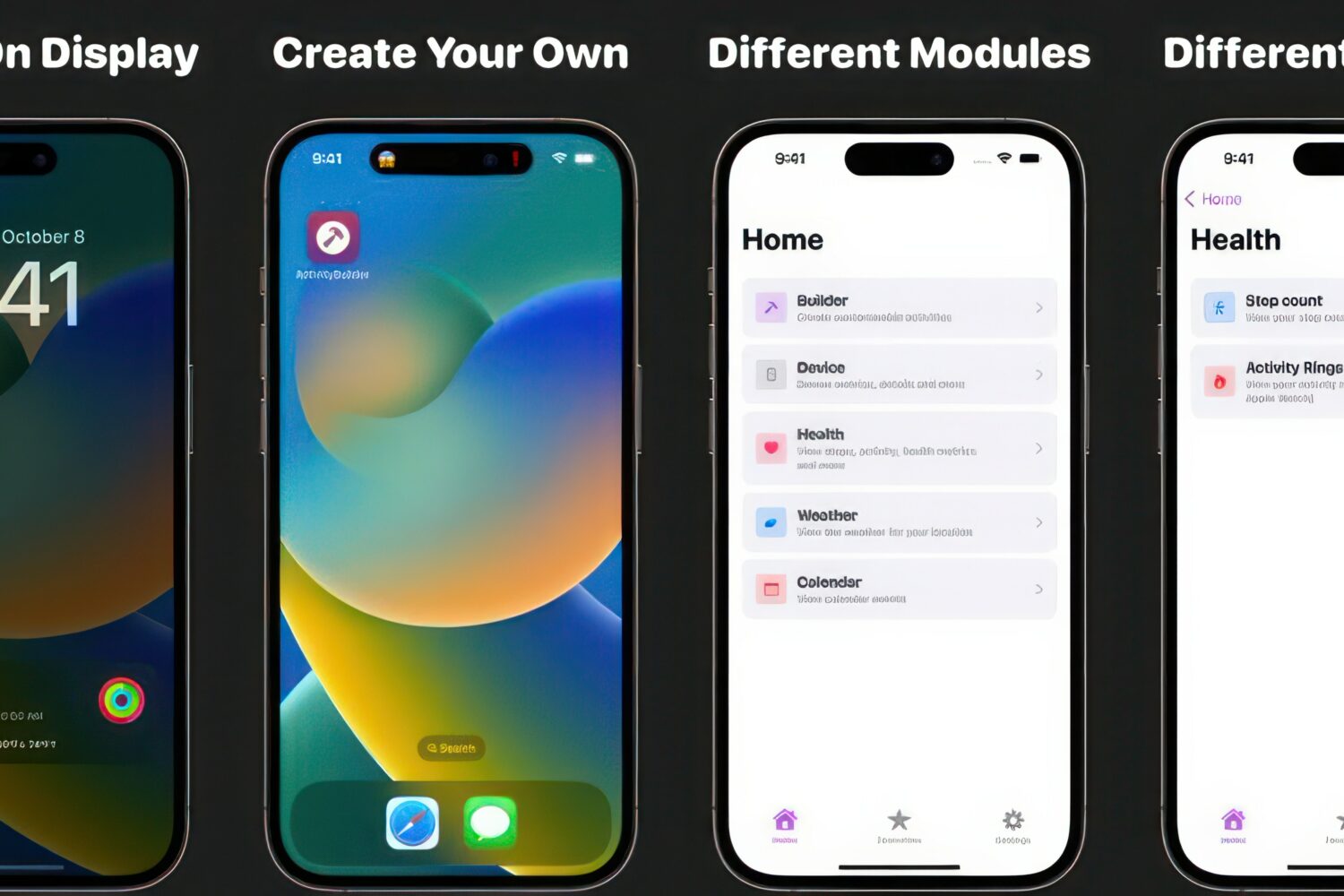
Live Activities are a feature introduced by Apple in iOS 16 to make your iPhone display useful information via the Lock Screen. Live Activities are interactive notifications that may show information such as your Uber progress, sports scores, or a wide array of other information types.
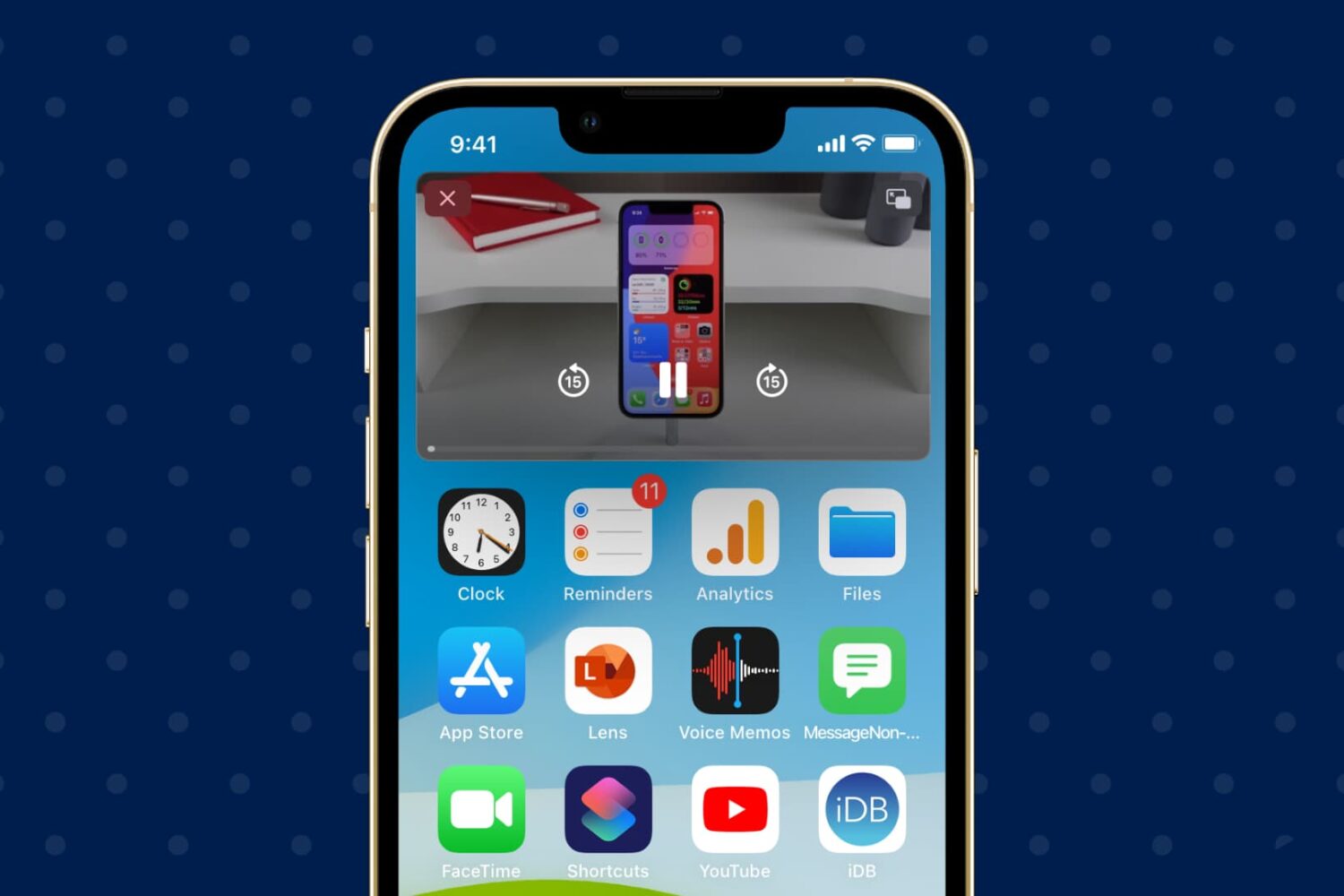
Follow these steps to turn off automatic Picture in Picture if you’re tired of videos playing automatically in a small PiP window on your iPhone or iPad.
If you ever take advantage of the iPhone’s Picture-in-Picture mode when viewing videos, then you may have noticed a somewhat infuriating interruption when you lock your device or it falls asleep for any reason.