Maximize your reading experience on Safari for iPhone and iPad by learning how to customize the Reader view and per-site settings.
How to customize the Reader view and per-site settings in Safari for iPhone and iPad

Maximize your reading experience on Safari for iPhone and iPad by learning how to customize the Reader view and per-site settings.
One of my all-time favorite jailbreak tweaks was once LiveClock by iOS developer Ryan Petrich, and while Apple has since implemented its functionality into iOS right out of the box, that never changed my appreciation for small, yet fun and quirky jailbreak tweaks of similar nature.
One of the latest jailbreak tweaks to fall under this category of fun and quirkiness is a new and free release called LiveSafari by iOS developer Skitty. Perhaps unsurprisingly, LiveSafari animates the native Safari app icon on your Home screen such that the compass arrow always points to the North.
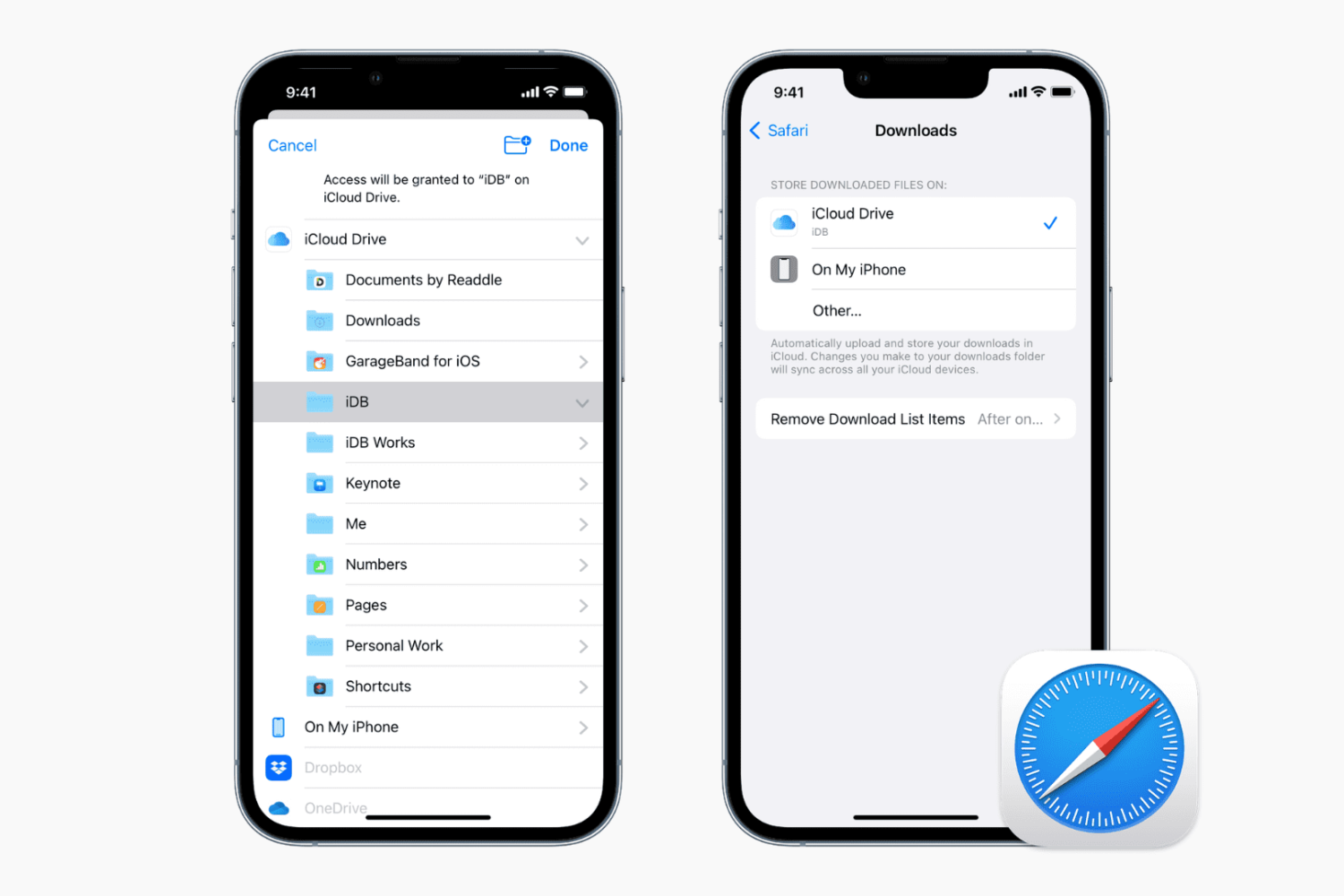
Learn how to change where Safari saves downloaded files on your iPhone, iPad, or Mac.
Learn how to stop Apple’s Safari browser on your Mac from automatically opening files downloaded from the internet to mitigate potential security threats.

Learn how to set Safari to automatically close open tabs after a day, week, or month on your iPhone, iPad, and Mac so that your web browser is not unnecessarily burdened with old, useless tabs.
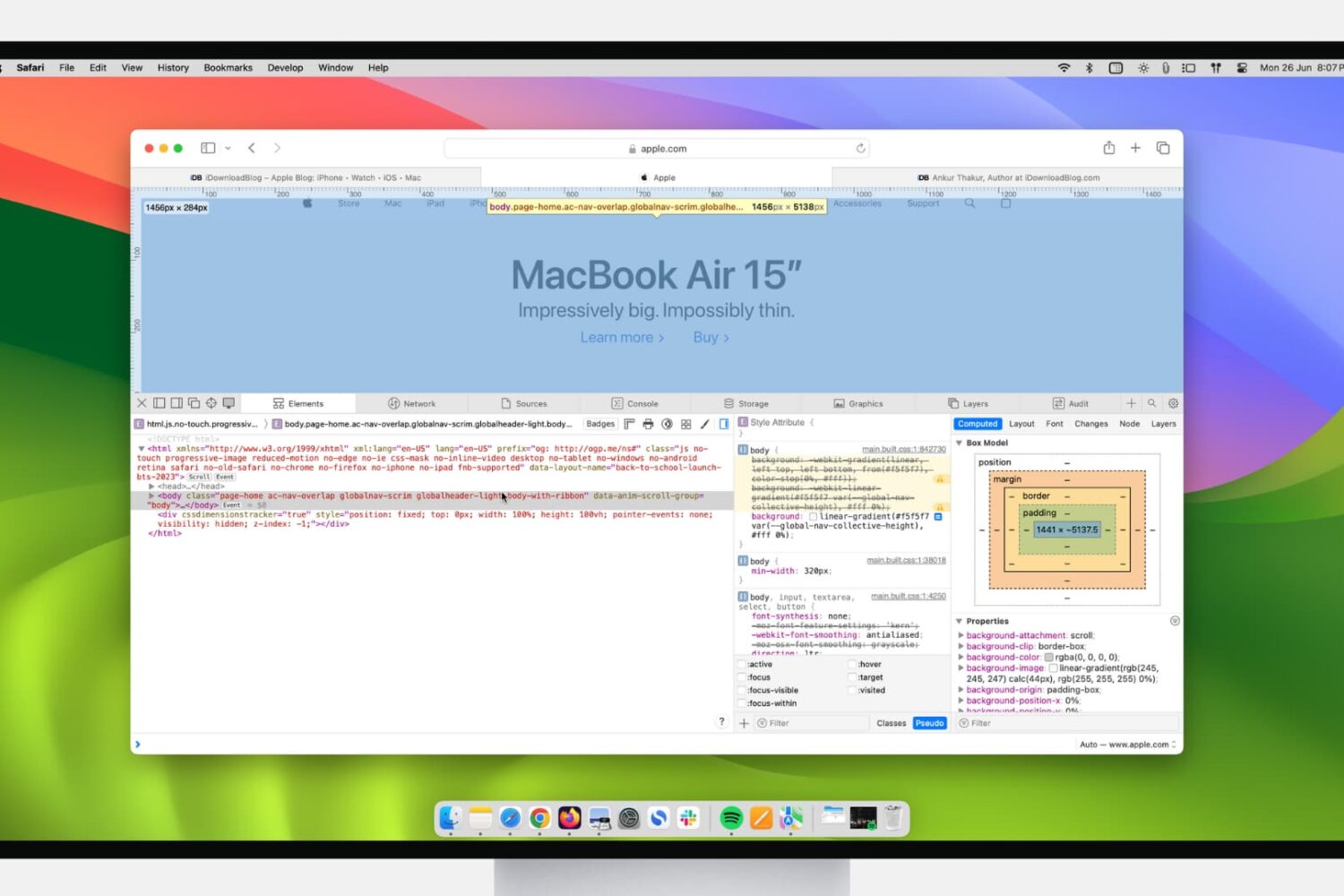
If you’re a web developer, then you likely already know about Safari’s Web Inspector. But if you’re just starting to use Safari for development or have just begun your Web Development career, this guide will show you the basics for getting started with the Safari Web Inspector on iOS and Mac.
iOS 13 brings a download manager in Safari along with support for connecting external storage devices in the Files app, opening up some pretty powerful on-the-go workflows.
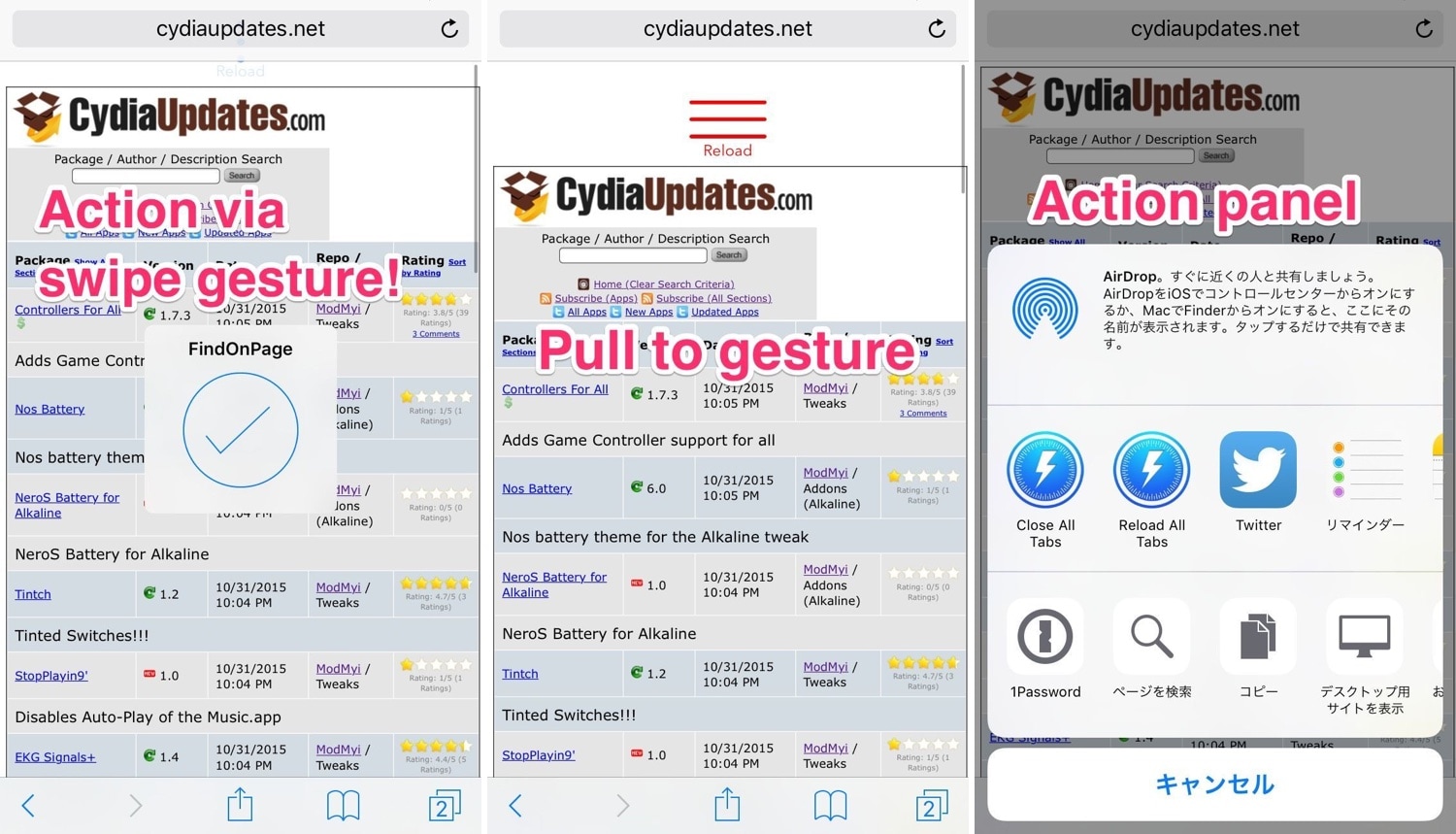
If you’re jailbroken by way of Chimera or unc0ver, then you can now take advantage of a jailbreak tweak dubbed Sleipnizer for Safari (iOS 9-12) by iOS developer r_plus to augment the usability of your handset’s native Safari web browser.
Fresh out of the box, Sleipnizer for Safari bakes a plethora of new gestures and shortcuts into Safari experience. Among those are:
iOS 13's Safari lacks the iPad-only capabilities afforded by the iPadOS software, such as the ability to create multiple browser windows by dragging, but there are plenty of other feature enhancements to make it a worthwhile update, like a dedicated download manager.
Apple introduced significant enhancements for Safari in iPadOS to make tablet browsing a desktop-class experience with new capabilities and features such as a dedicated download manager, desktop websites instead of mobile ones, easier multitasking and so forth.

Learn how to change the default Safari homepage to automatically open your favorite website when you click the Home button or open a new browser window or tab.
