Learn how to add frequently accessed websites to your Safari favorites on an iPhone, iPad, and Mac so you can quickly revisit them with just a tap or click.
How to add websites to Favorites in Safari

Learn how to add frequently accessed websites to your Safari favorites on an iPhone, iPad, and Mac so you can quickly revisit them with just a tap or click.

You've probably noticed that YouTube won't render 4K videos in the Safari browser even though modern Macs support native display resolutions higher than 1080p and have the processing power required for smooth 4K video playback.
Apple today previewed a new privacy-focused feature coming to the Safari browser, Privacy Preserving Ad Click Attribution, but this one's designed with advertisers in mind.
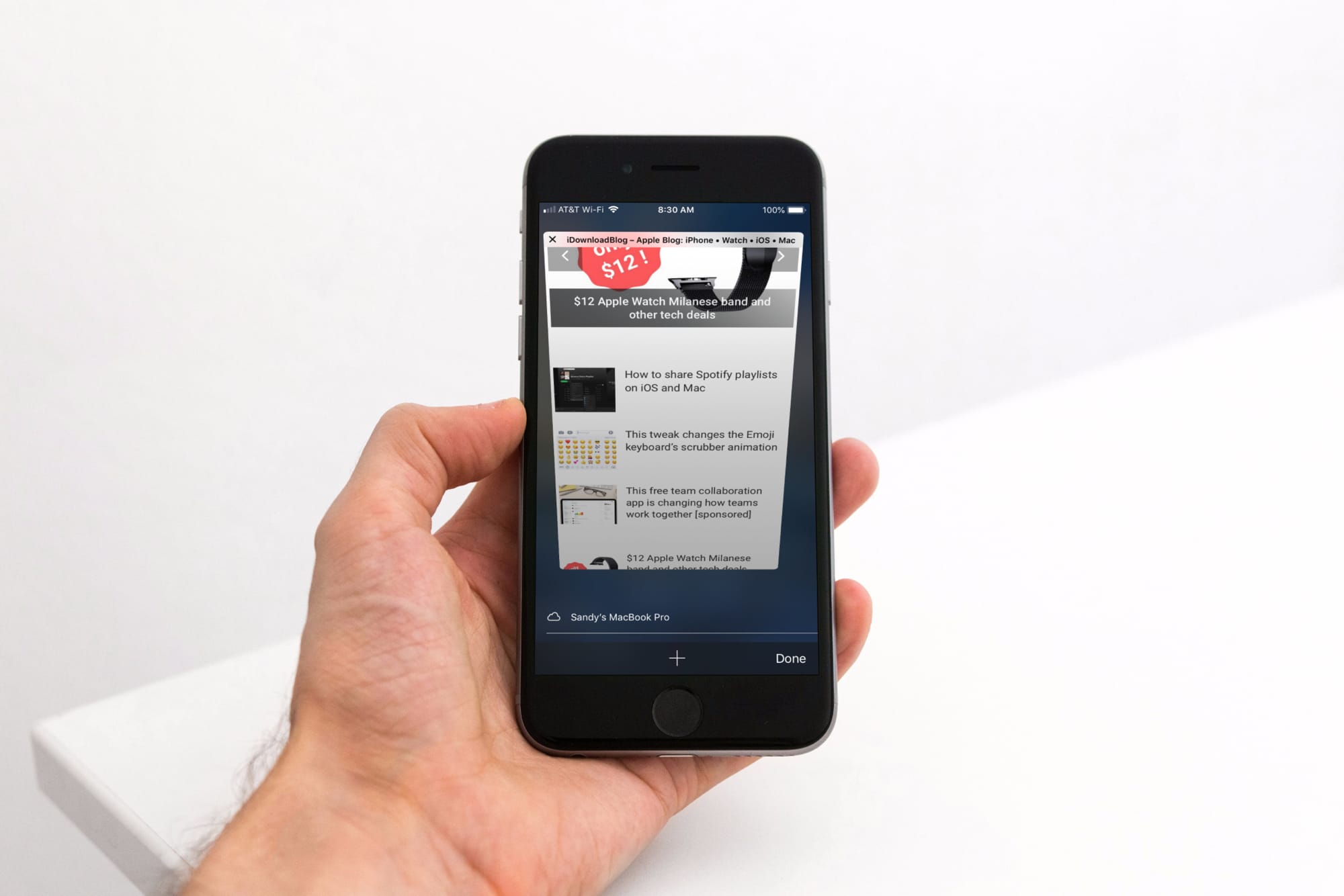
Some people love iOS’ Safari web browser, but if you’re the type of person who would rather use a third-party alternative like Chrome or Firefox, then you might be disappointed to learn that Apple doesn’t let you configure a default web browser apart from Safari. On the other hand, those with jailbroken handsets can have their cake and eat it too.
With the help of a new jailbreak tweak called BrowserDefault by iOS developer lpane, you can choose the default web browser apart from Safari that your handset will use to launch web links when tapped.
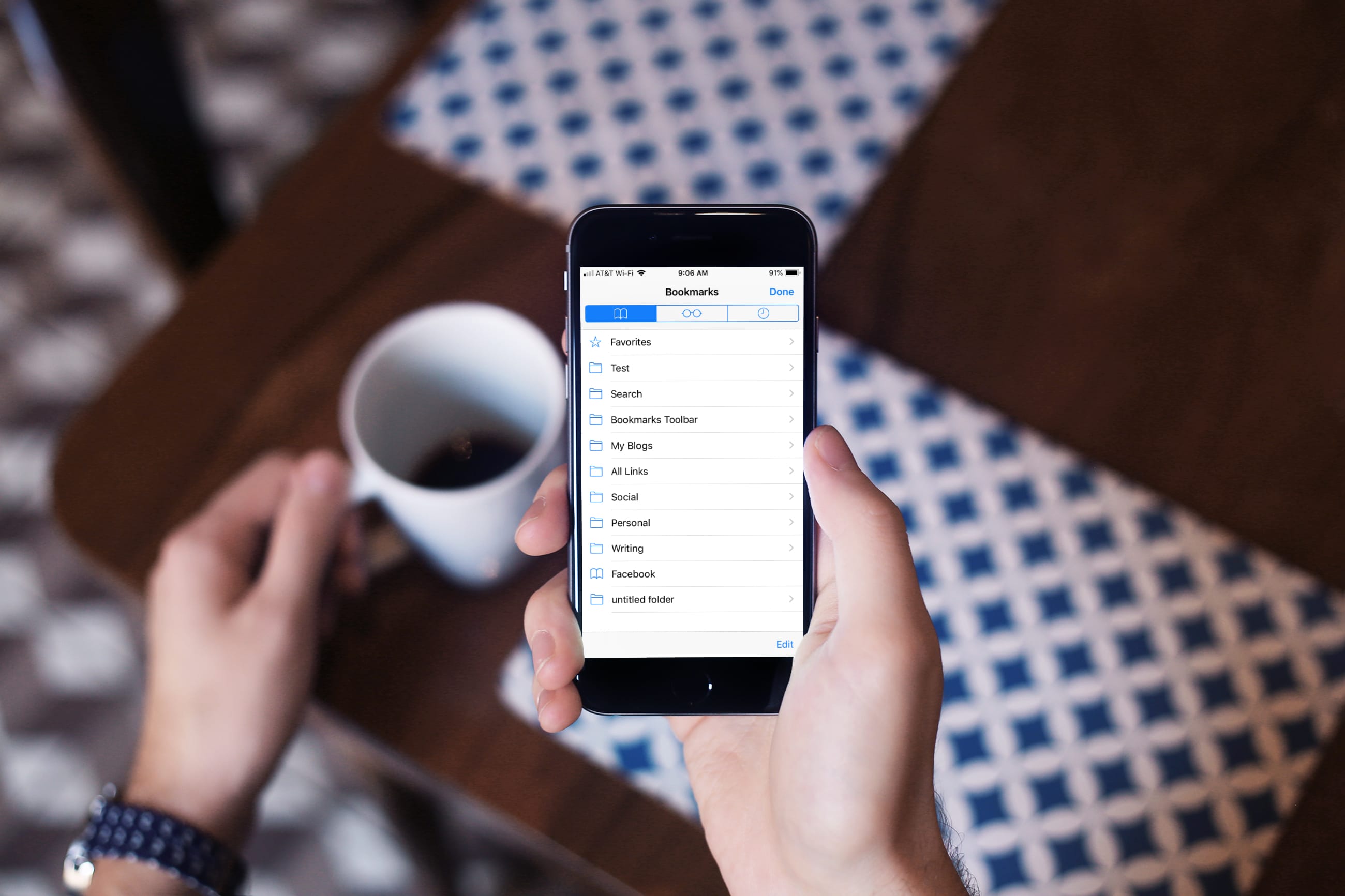
Learn how to turn off bookmark sync in Safari, Google Chrome, and Firefox on your iPhone and iPad if you’d like a different set of bookmarks on each device.

Dark mode-centric features are on the rise across the board, from typical apps that you can install from the App Store, to the very add-ons that you download from Cydia to enhance the native iOS experience.
That said, those who use Chrome on their iPhones or iPads instead of Safari might take a liking to a new free jailbreak tweak called DarkChrome by iOS developer Nathan Whitaker, as it can provide the dark mode experience you’re looking for in the official Chrome app for iOS.
Learn how to enable unrestricted web browsing to retrieve the missing private tab button in Safari on your iPhone or iPad.
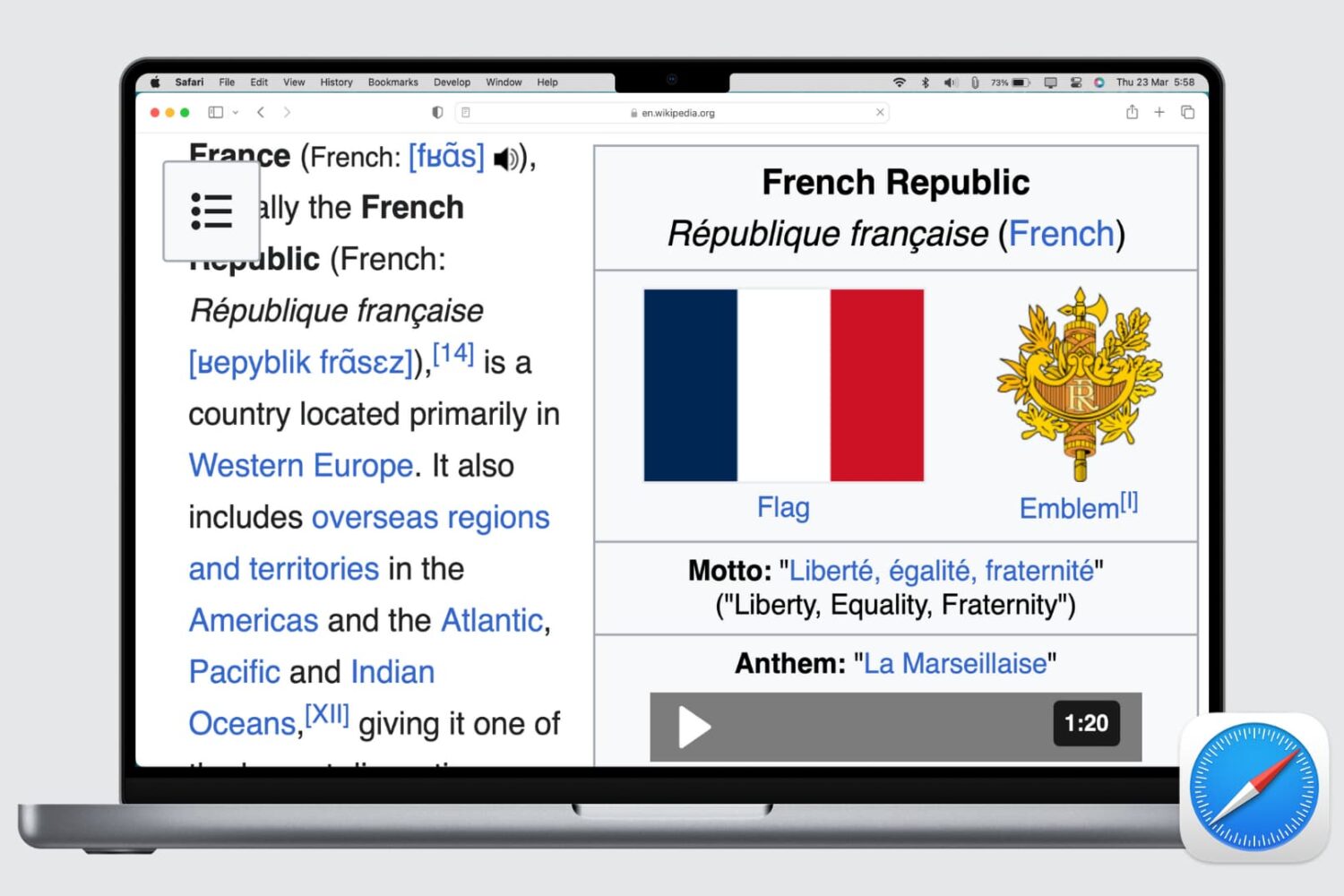
Whether the text of a webpage you’re visiting is too small to read or too big to handle, here’s how to use the Safari zoom feature on Mac to adjust it accordingly.
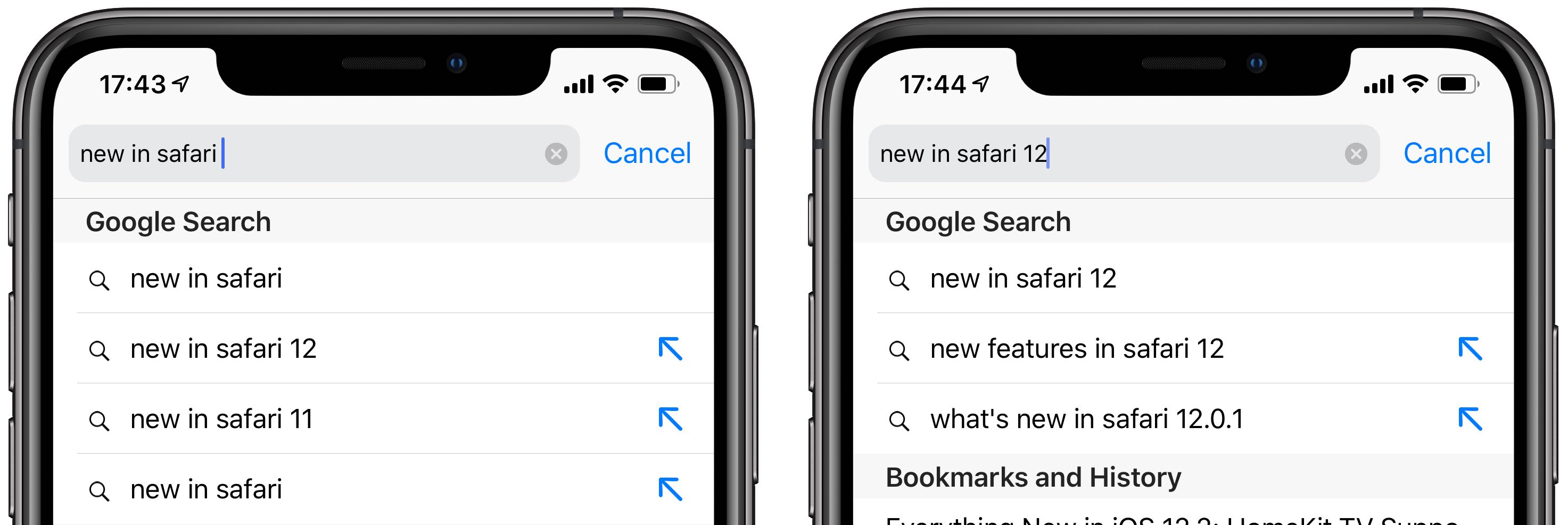
New in iOS 12.2, your Smart Search Field queries can now be modified by tapping a new arrow icon next to your Google-powered search suggestions. This highly useful new feature allows you to get targeted search results more quickly when conducting a search in Safari.
Apple today shared a new privacy-focused video through its official YouTube channel that highlights the intelligent tracking prevention feature in the Safari browser.
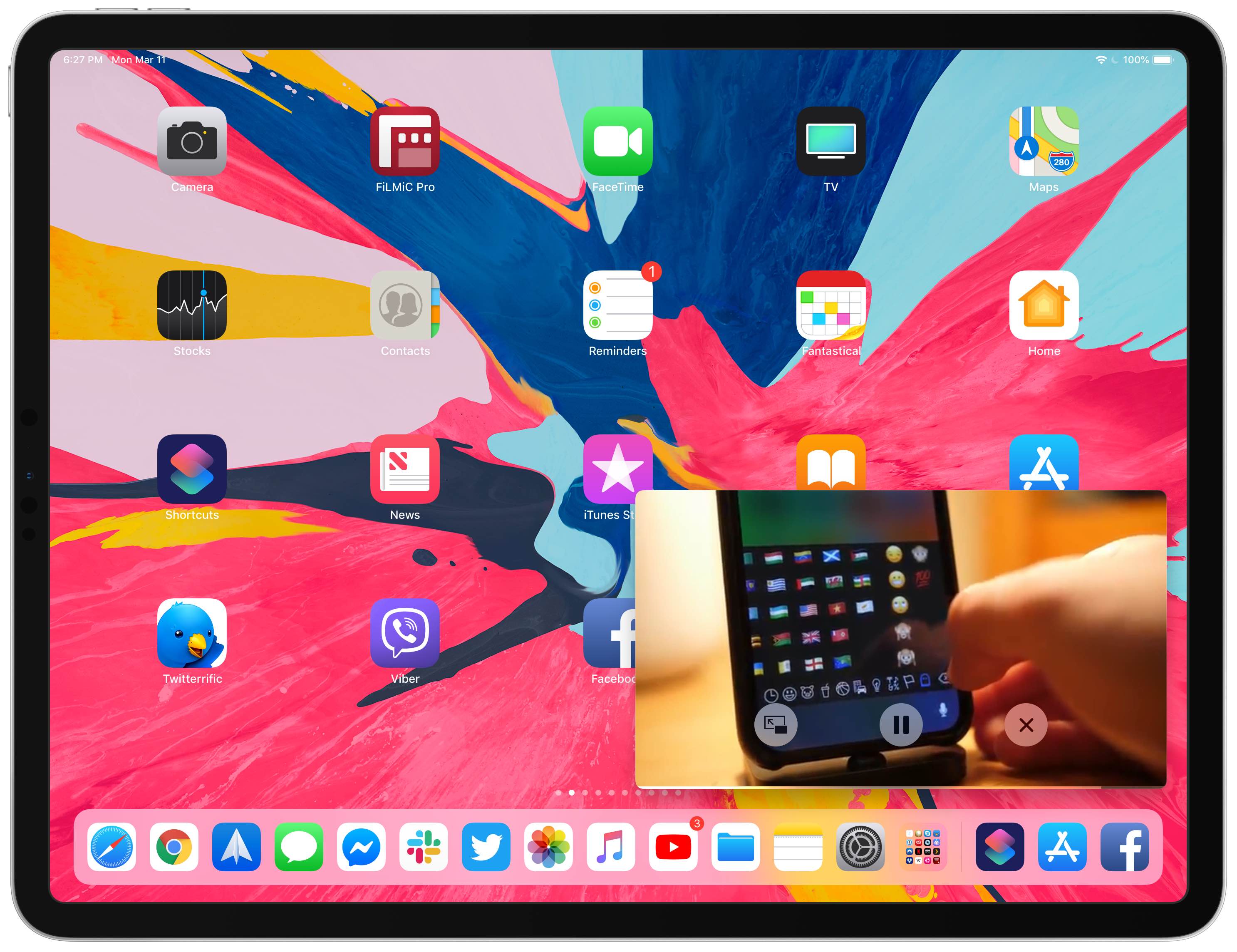
Your iPad supports Picture in Picture (PiP) videos in apps and webpages, but this handy mode isn't universally supported across all video-streaming websites. Crucially, PiP is unsupported by YouTube.com's iPad interface on Safari. But there's a shortcut for that, too—thanks to the power of iOS automation, you can enforce Picture in Picture on YouTube and other websites.

If you suck at remembering or creating strong passwords, you're going to love that the World Wide Web Consortium (W3C) yesterday approved Web Authentication (WebAuthn), a new authentication standard for password-free logins that's already supported by major browsers.