Find out how to always allow downloads in Safari on Mac from sites you trust, so you don’t have to deal with pop-ups asking for your permission every time you want to save something from these websites.
How to always allow downloads in Safari on Mac

Find out how to always allow downloads in Safari on Mac from sites you trust, so you don’t have to deal with pop-ups asking for your permission every time you want to save something from these websites.
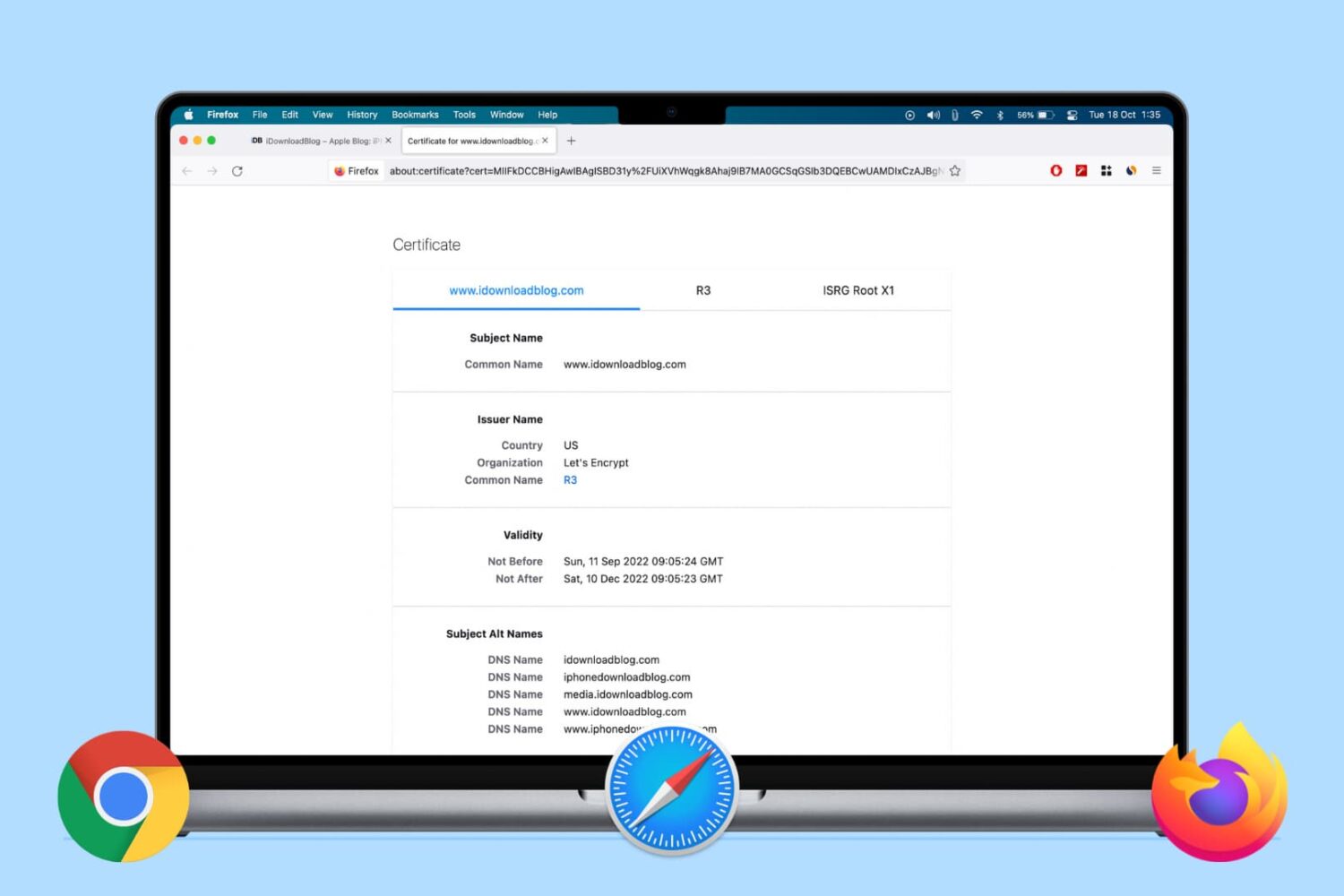
Learn how to view the digital certificate for websites in Safari, Google Chrome, and Firefox on your Mac or Windows PC to verify the ownership and ensure you’re transmitting data to a secure site.

Are you new to an iPhone or iPad? In this brief tutorial, we’ll show you how to quickly copy website URLs in Safari from browser tabs, bookmark folders, Favorites, and elsewhere to your device clipboard.

Discover some handy tips for using Safari Search on your Mac and find answers more efficiently with just a few clicks.

Learn how to add web pages to Safari Reading List on iPhone, iPad, or Mac and read them later, even when you don’t have an internet connection.
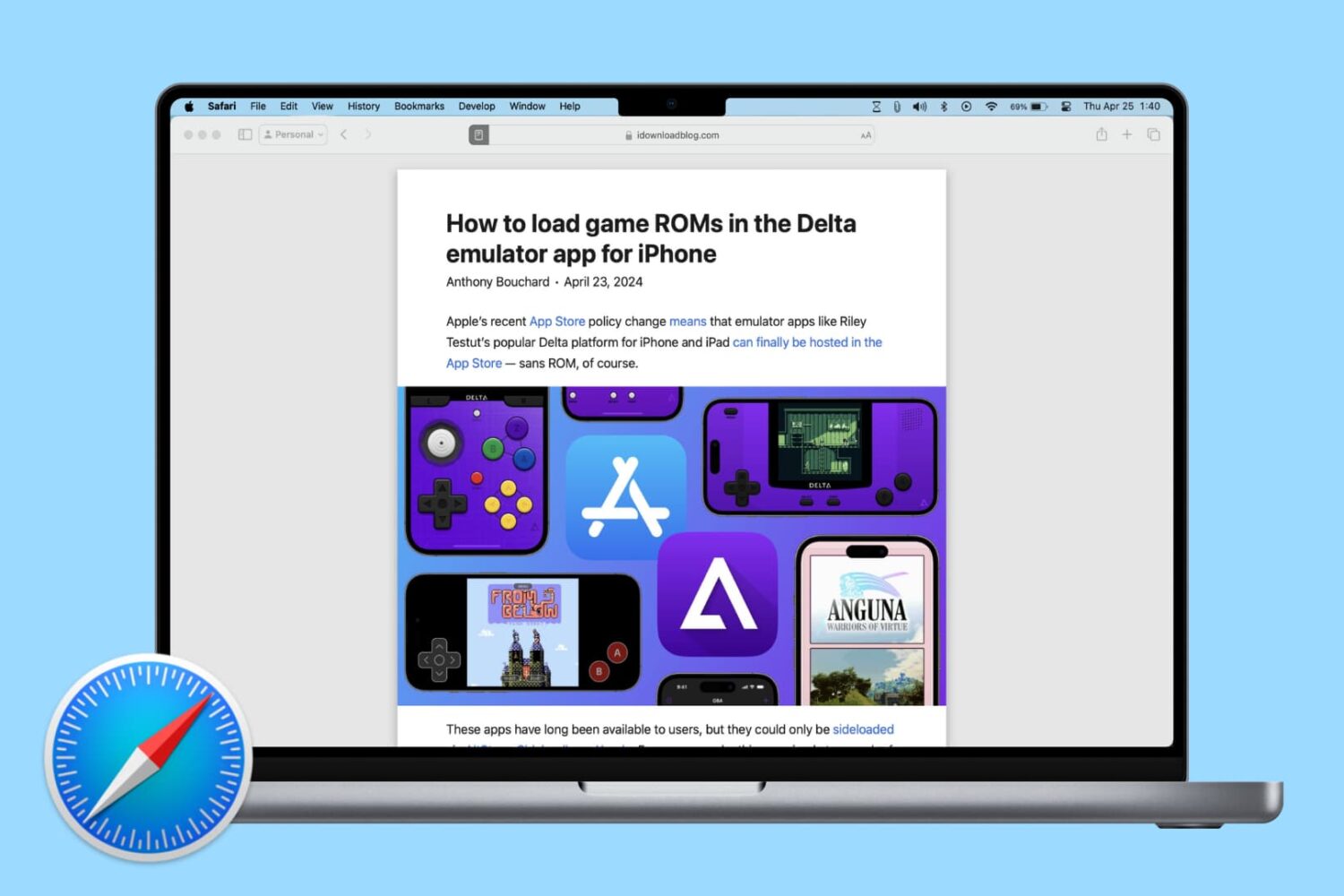
Learn how to change Safari settings on your Mac to make it just the way you like for a personalized and productive browsing experience.

Learn how to preserve all your open Safari tabs as bookmarks on your Mac so you can save them all for later or reopen them with a couple of clicks.
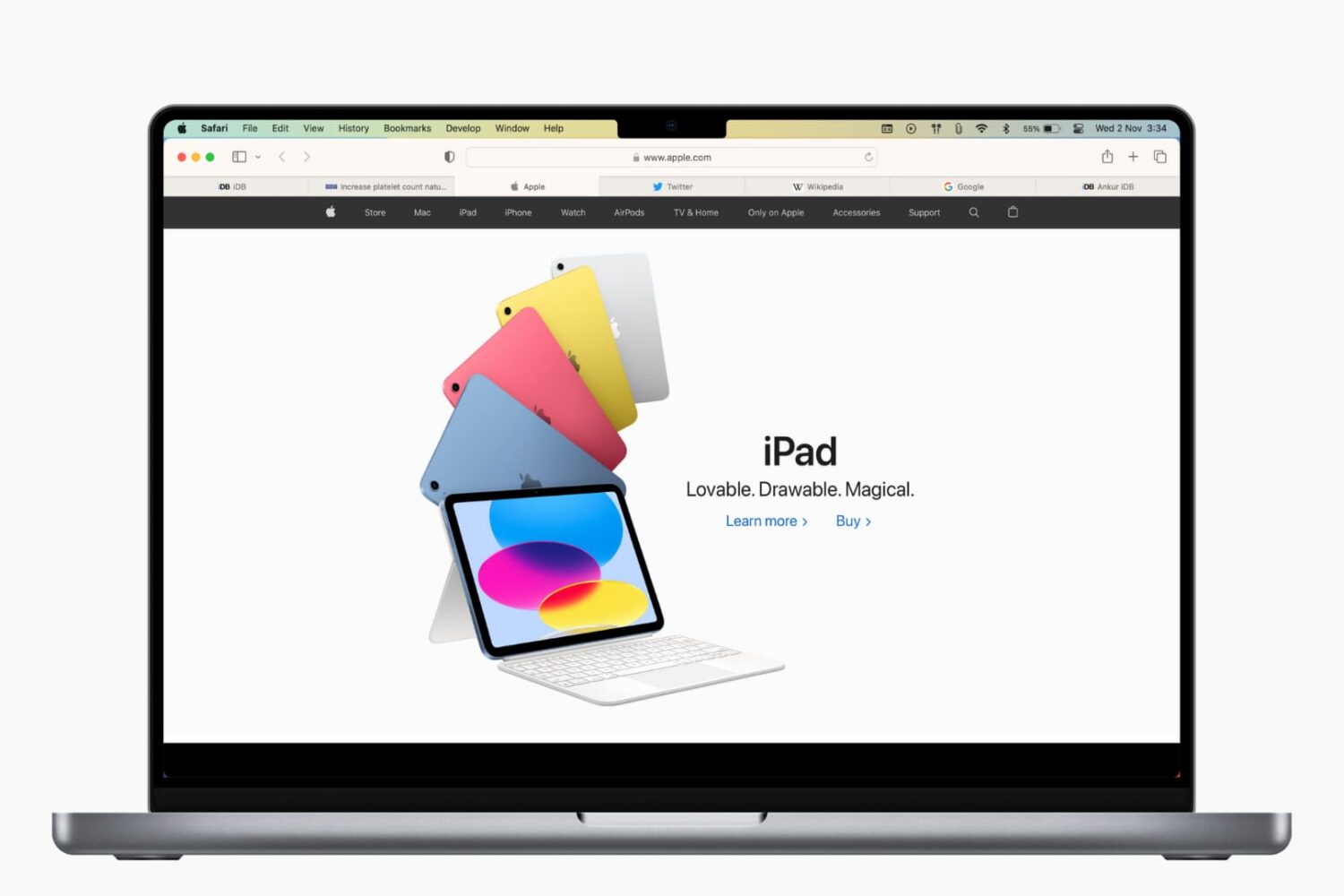
Learn how to save open tabs in Safari on Mac in several ways, which will enable you to revisit them later and pick up right where you left off without skipping a beat.

Websites that control how you scroll are a usability nightmare. Instead of scrolling as you normally would, those offenders take advantage of scrolljacking to alter the way your favorite web browser interprets scrolling commands just to run some fancy animation instead of scrolling down a page, which can be both disjointing and frustrating. On a brighter note, this unwanted behavior can easily be stopped. Follow along with iDownloadBlog's step-by-step tutorial to learn how to remove scrolljacking from Apple.com and other websites you frequent.
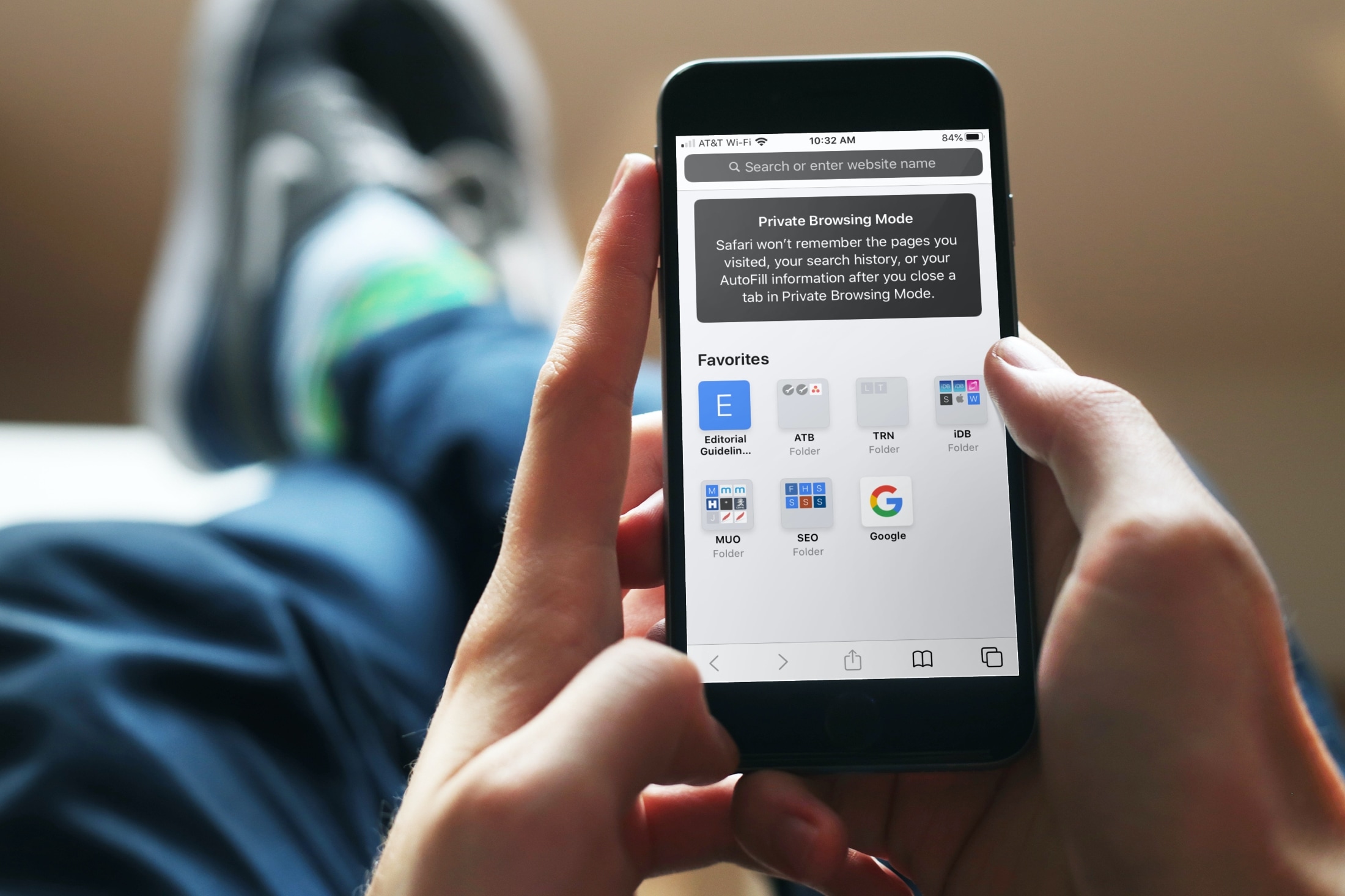
Using iCloud Keychain to save your account names and passwords for websites makes logging into your favorite sites a breeze. You don't have to remember many passwords and can use iCloud Keychain across your devices. It's a fantastic time-saver, except when you find iCloud Keychain not working.
If you're stuck and Safari on iPhone, iPad, or Mac isn't auto-filling your account information or details for your credit card, here are a few things to fix this issue.

Safari iCloud tabs enable you to access and view open tabs across your Apple devices, so you can continue your browsing sessions across your iPhone, iPad, Mac, and Vision Pro. Follow along with us as we show you how to set up and use iCloud tabs in Safari.

Repair services can't be cheap, especially for a company like Apple. And it turns out the company is certainly not making any profits from the endeavor, either.