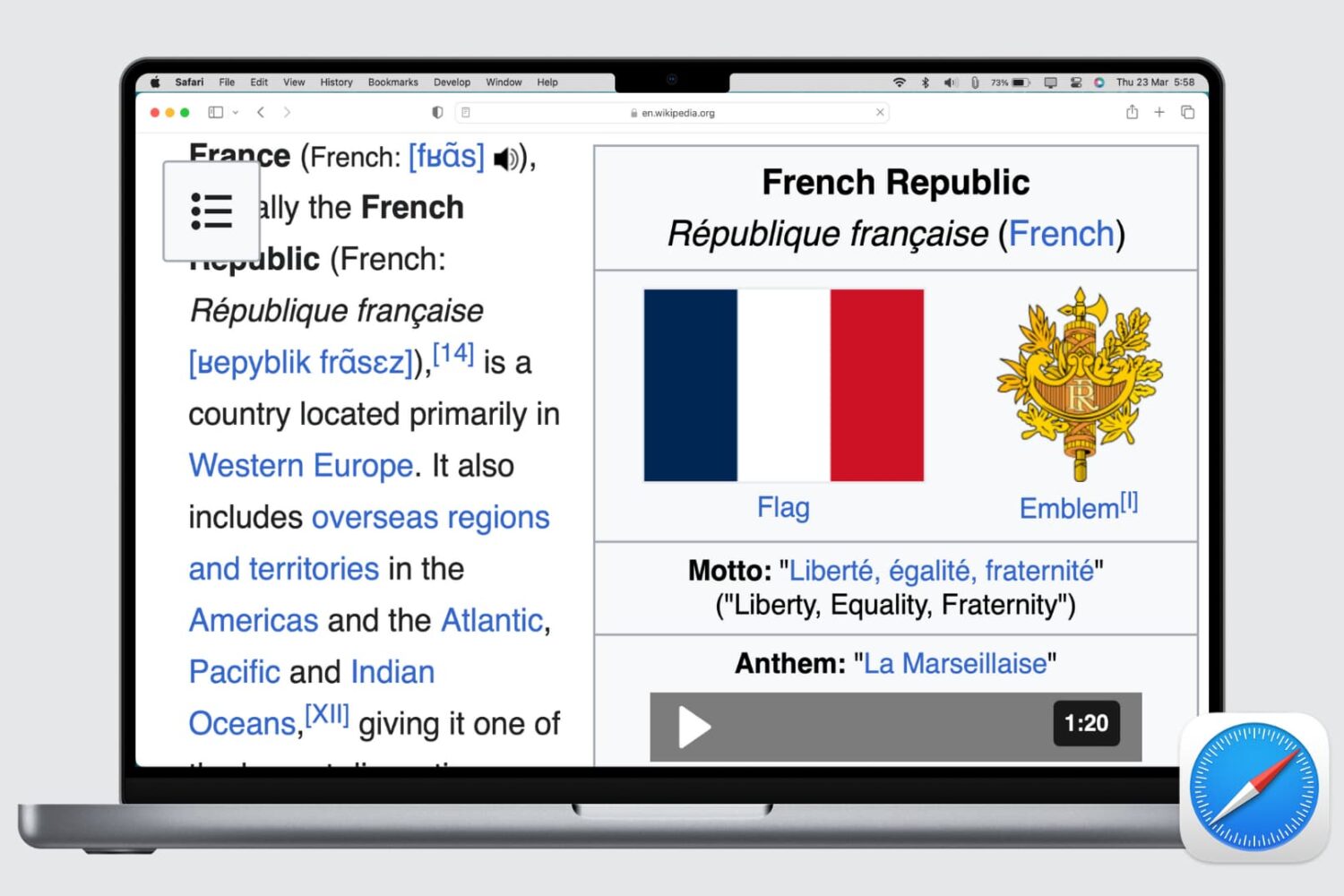
Learn how to set up automatic web page zoom in Safari on your iPhone, iPad, and Mac to make reading small text easier.
How to zoom one or all web pages in Safari
Learn how to set up automatic web page zoom in Safari on your iPhone, iPad, and Mac to make reading small text easier.
Learn how to make the text bigger in Safari for every website to see things more clearly when browsing the web on your iPhone, iPad, and Mac.
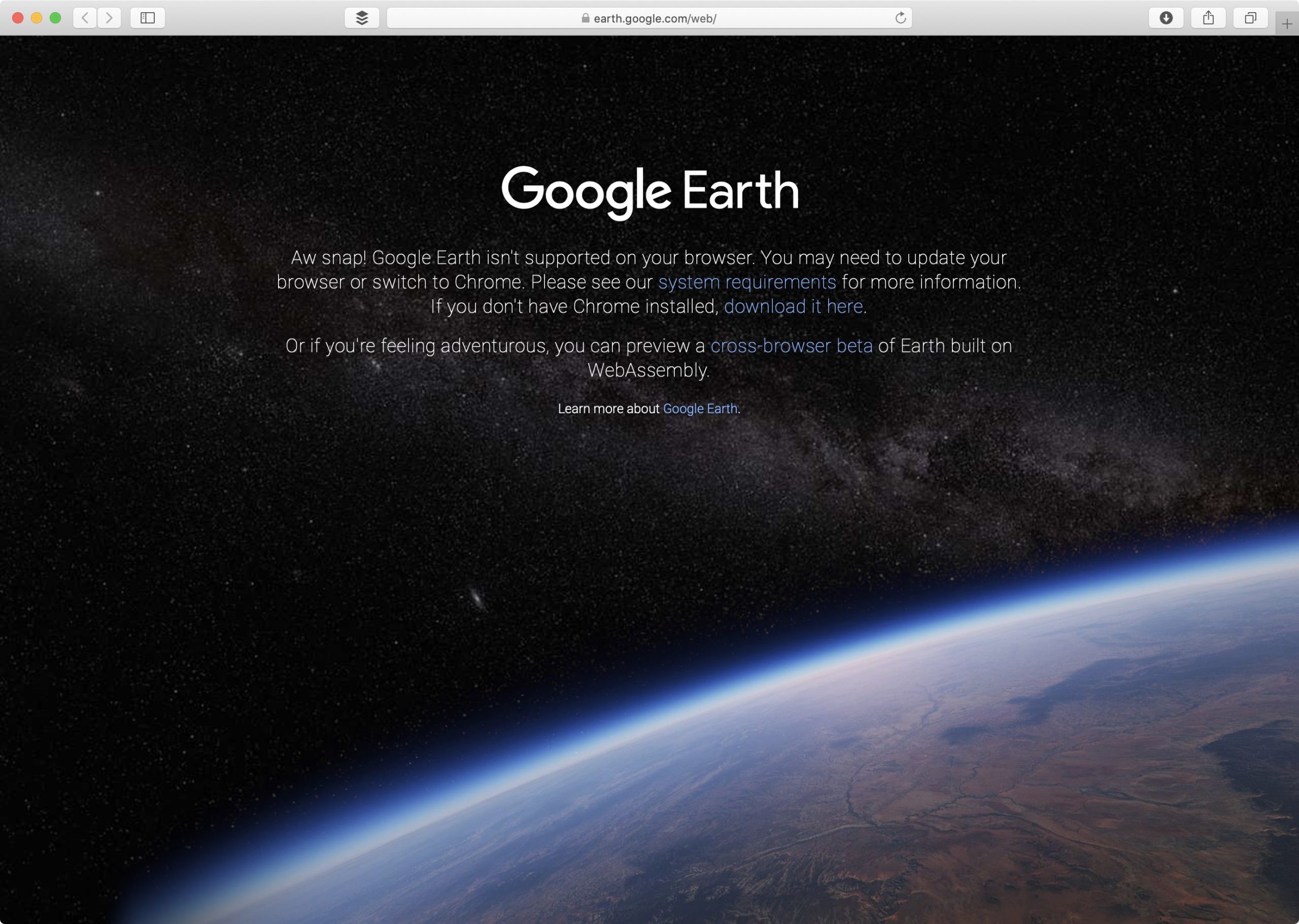
Google announced via a Medium blog post yesterday that its Google Earth web app now finally works in browsers other than its own Chrome app, such as Mozilla's Firefox, Microsoft's Edge and Opera Software's Opera, but acknowledged that support for Safari is still being worked on.
Apple's Safari browser for iPhone, iPad and Mac will begin enforcing a tighter certificate policy starting September 1 in an effort to boost the security of websites using the HTTPS protocol.
According to a new report Thursday from Bloomberg's Mark Gurman, Apple could soon remove another annoying limitation from iOS that for years has prevented people from using third-party apps as their default email clients and web browsers on the iPhone, iPad and iPod touch.
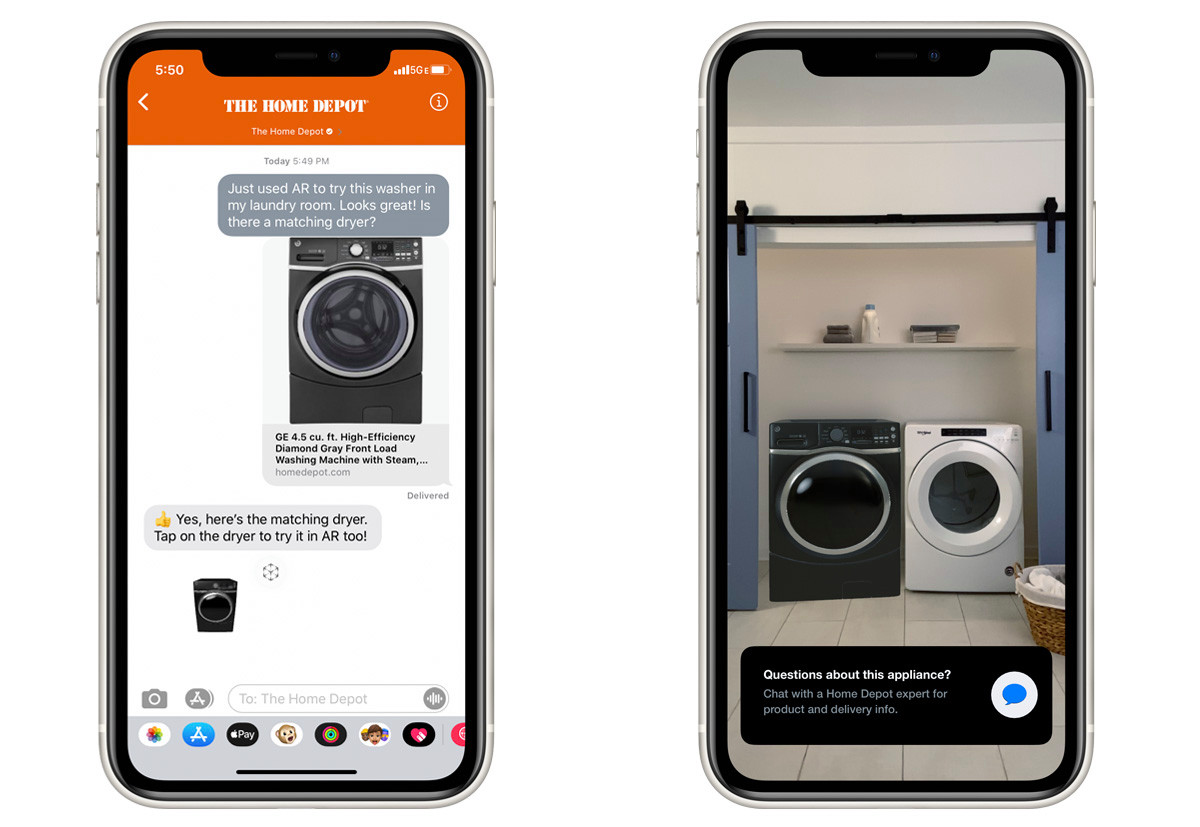
Back in 2018, Apple introduced "Quick Look", an ARKit-based feature that allows instant augmented reality (AR) experiences within apps like Messages, Safari, and others.
Apple's latest Safari Technology Preview has dropped support for Flash, signaling that support for Adobe's technology will likely be removed from Safari's next stable version.
Apple's privacy focus branches off in a variety of ways, including reducing the way websites can track individuals.
Find out how to always allow downloads in Safari on Mac from sites you trust, so you don’t have to deal with pop-ups asking for your permission every time you want to save something from these websites.
Learn how to view the digital certificate for websites in Safari, Google Chrome, and Firefox on your Mac or Windows PC to verify the ownership and ensure you're transmitting data to a secure site.
Are you new to an iPhone or iPad? In this brief tutorial, we’ll show you how to quickly copy website URLs in Safari from browser tabs, bookmark folders, Favorites, and elsewhere to your device clipboard.
Discover some handy tips for using Safari Search on your Mac and find answers more efficiently with just a few clicks.