Safari

Charitable Safari extensions that help you give back

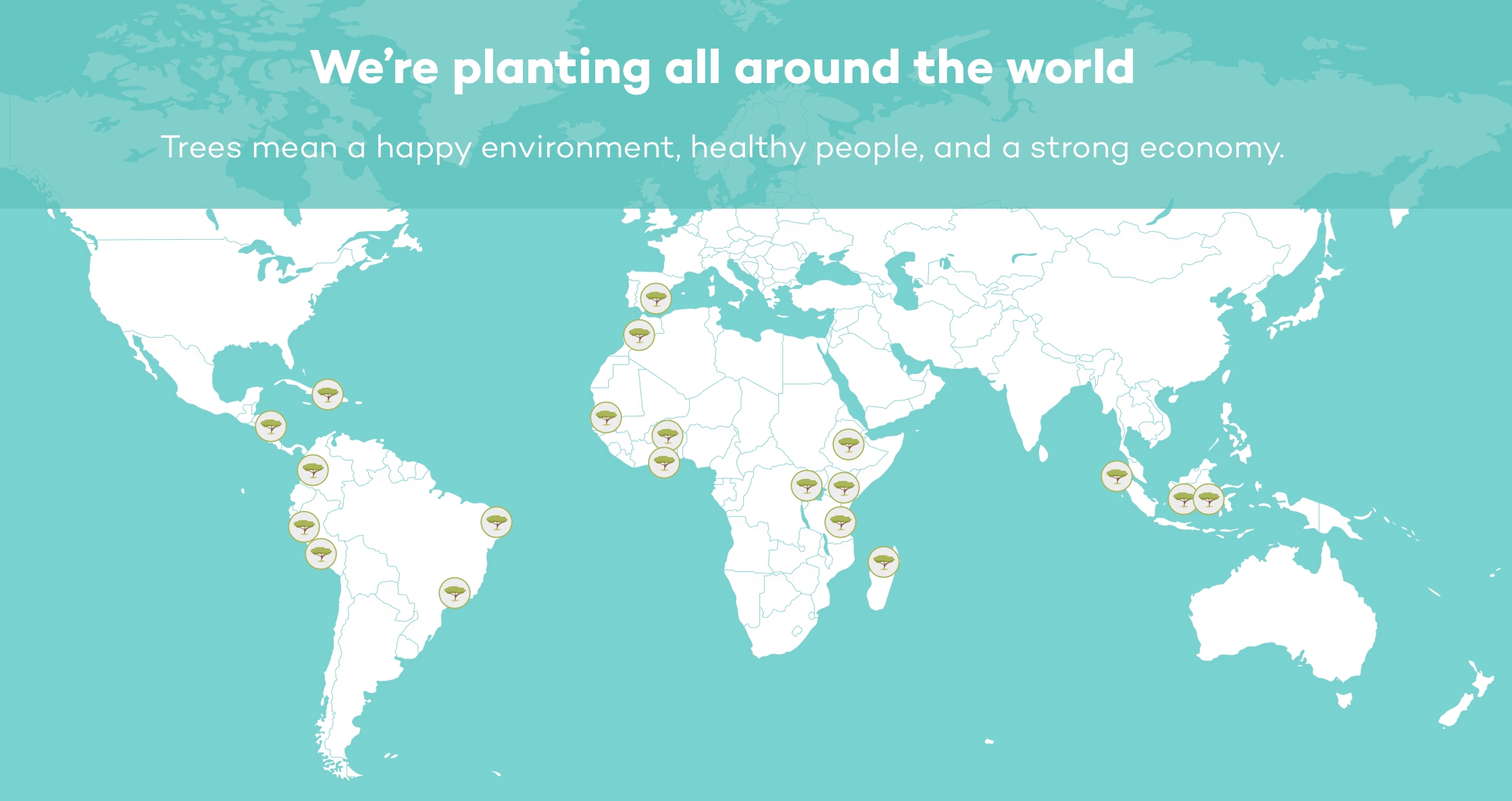
Ecosia How it Works Map

There are plenty of ways to help those in need. You can donate money, clothing, or household items, you can volunteer your time at a local shelter, and you can participate in events that assist charities. But one very simple way to give back is with one or more of these Safari extensions.

If you’re already using Safari to search for information or make online purchases, then it’s a no brainer. You’re not giving up time, money, or anything else to help those who need it. If you’re interested, here are some terrific Safari extensions that help you give back.

The best Safari extensions for saving money when you shop

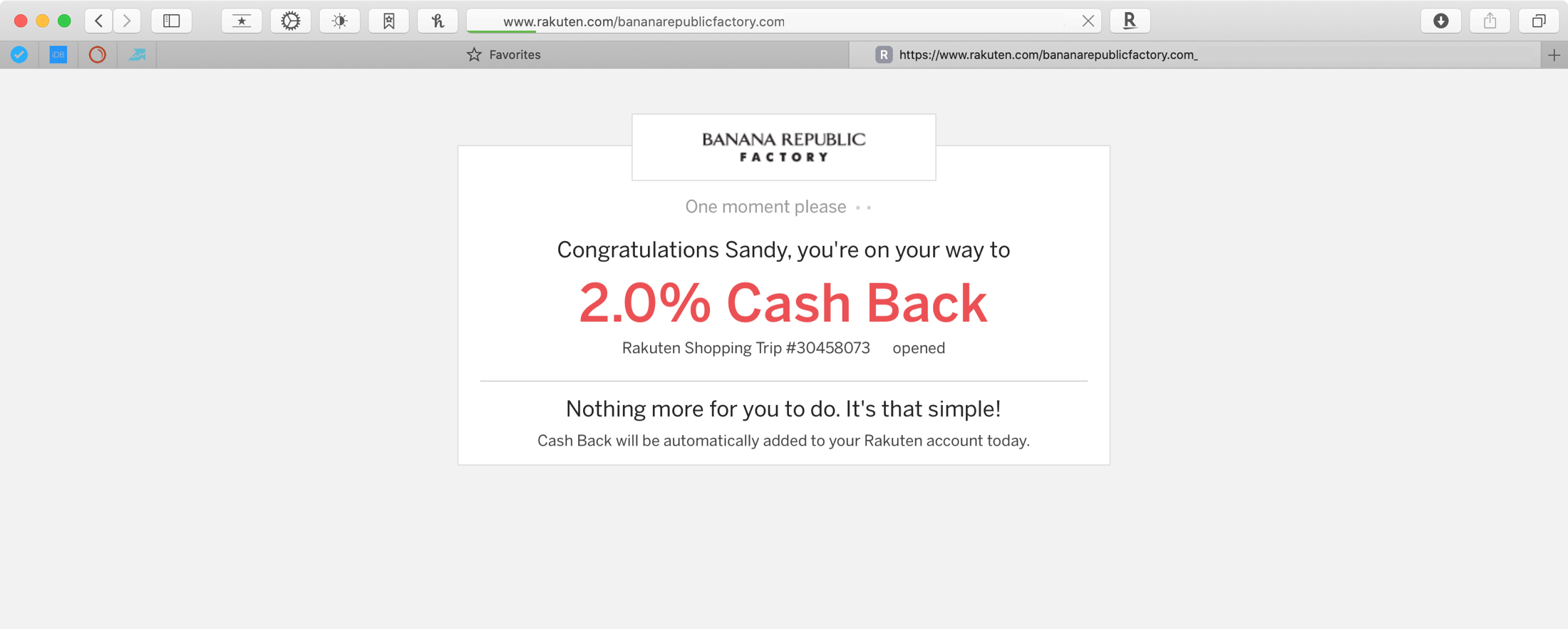
Rakuten Cash Back Safari Banana Republic

We could all use a helping hand now and then, and when it comes to saving money, who wouldn’t want a little help? With the number of people shopping online now more than ever, it makes sense to use coupons and get discounts where you can.

So when you jump on your Mac, open Safari, and start looking for products you need or want, have a useful extension ready to help you shop! These are the best Safari extensions for saving money when you shop your favorites stores online.

Safari in Messages lets you view webpages in the Messages app itself

I send and receive a lot of internet links via my iPhone’s Messages app, and one thing I can’t stand about the user experience in this respect is that tapping on a link jolts me out of the Messages app and into the Safari app. Why couldn’t Apple just build a simple webpage UI into the Messages app like several well-respected third-party app developers do in their own apps?

If you agree that the latter experience would make a lot more sense, then you’re likely to enjoy a newly released and free jailbreak tweak called Safari in Messages by iOS developer Andrew Abosh. Just as the name implies, this tweak makes it so that internet links load natively inside the Messages app via a dedicated webpage UI without actually moving you to the Safari app.

Safari Electro 2 brings improved web browsing and Safari theming to iOS

Apple’s Safari web browser is perhaps one of the best ways to explore the internet on your iPhone or iPad, but that doesn’t mean it’s perfect. In fact, we can think of a number of ways that it could be improved, such as importing many of the iPad’s web browsing features to the smaller iPhone.

But whether you’re looking for functionality upgrades or the ability to theme your Safari web browser from top to bottom, we’ve got a gut feeling that a newly released jailbreak tweak called Safari Electro 2 by iOS developer Minazuki could be right up your alley.

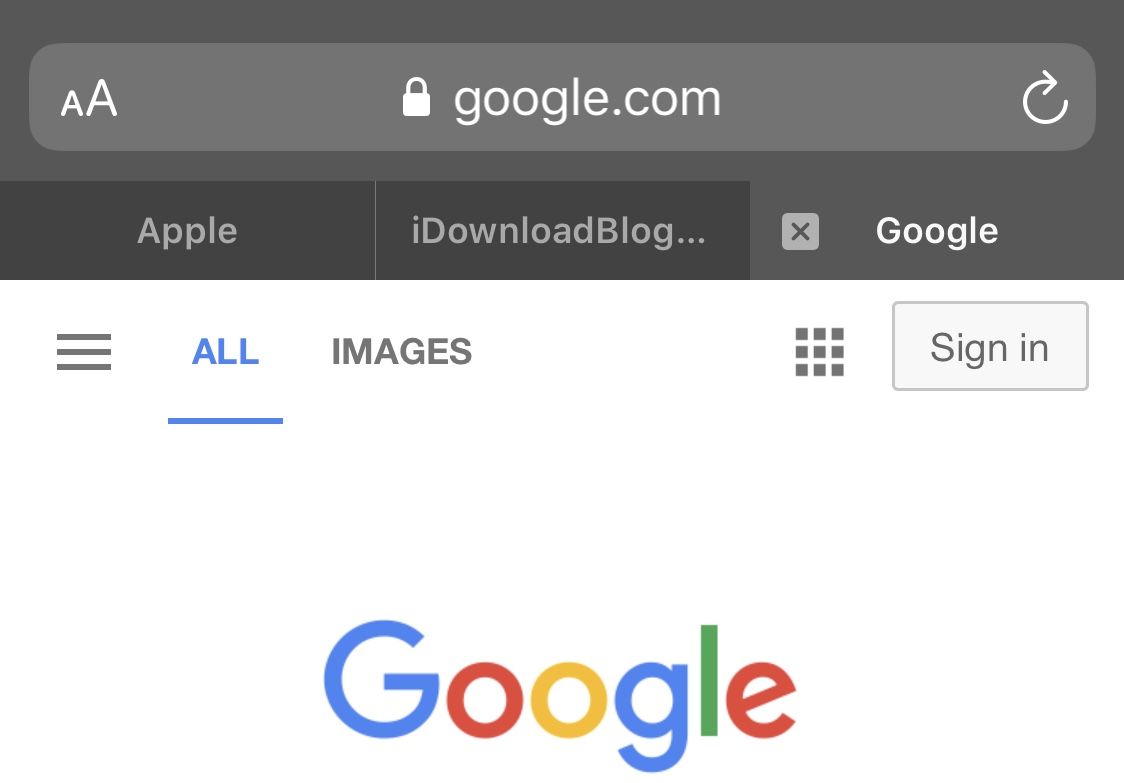
This tweak brings iPad-style tabbed web browsing to the iPhone

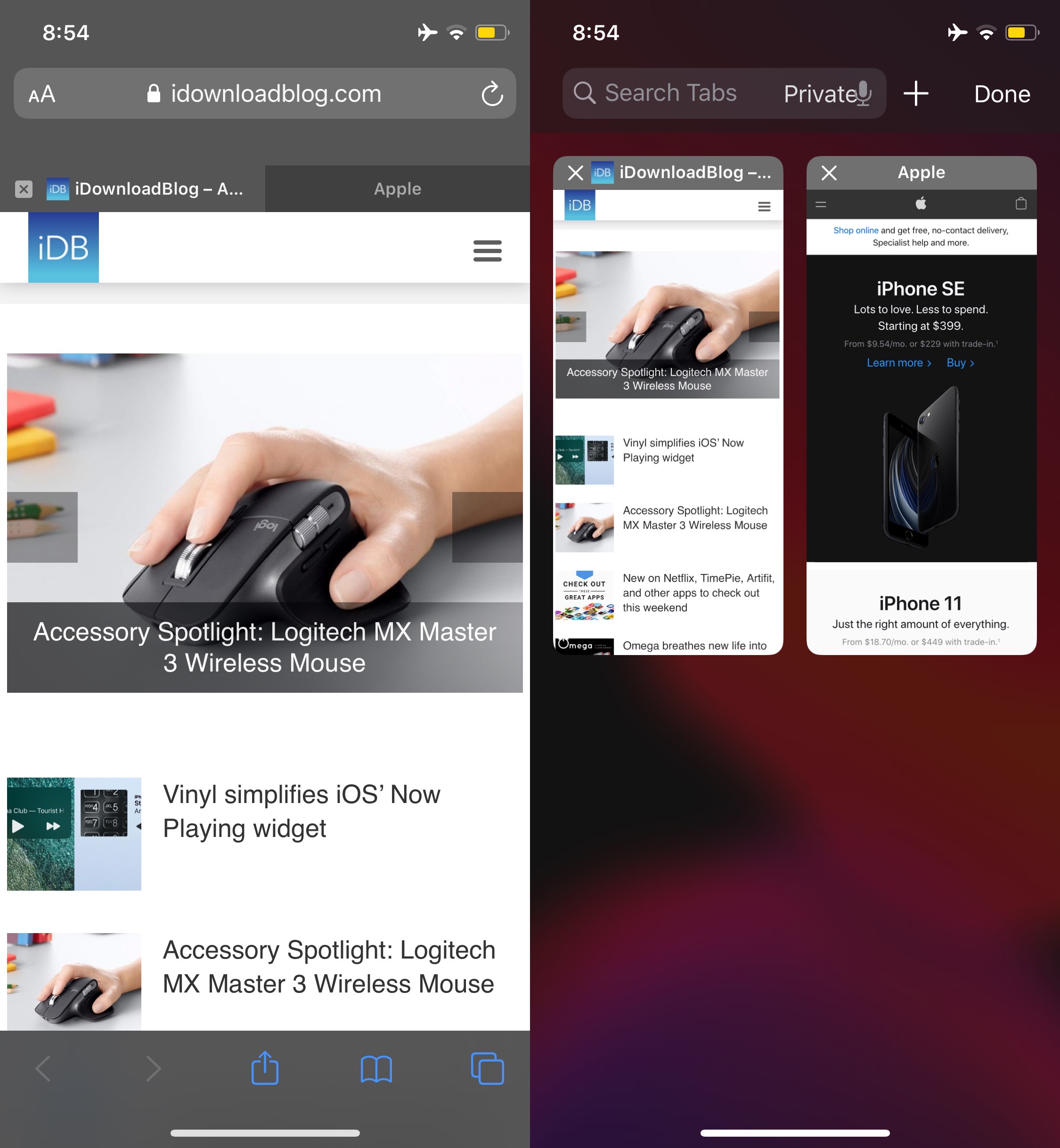
One of my favorite parts of browsing the internet on my iPad is having a near-desktop-class web browser at my fingertips. Unfortunately, many of the features that make the iPad version of Safari so convenient to use aren’t present in the iPhone version, such as tabbed browsing.

While you can certainly have more than one web page open at once on the iPhone, switching among them isn’t quite as satisfying as it is on the iPad. Fortunately, a newly released and free jailbreak tweak dubbed Safari Features by iOS developer HurouofTech brings the iPad’s incredible tabbed browsing experience to jailbroken iPhones and iPod touches.

FlatURL helps mobile Safari users embrace minimalism

To all those jailbreakers out there that are looking for a spicy new way to tech out their mobile Safari web browser, a newly released and free jailbreak tweak called FlatURL by iOS developer MTAC just might satisfy your cravings.

FlatURL is a relatively simple interface-centric tweak that, as depicted in the screenshot examples above, gives the Safari app’s search/URL bar a minimal aesthetic by removing its background and making it appear totally unified with the header itself.