Customize the Safari Start Page on your Mac by selecting just the sections you want to see, using a personal background image, and more.
6 tips to personalize your Safari Start Page on Mac
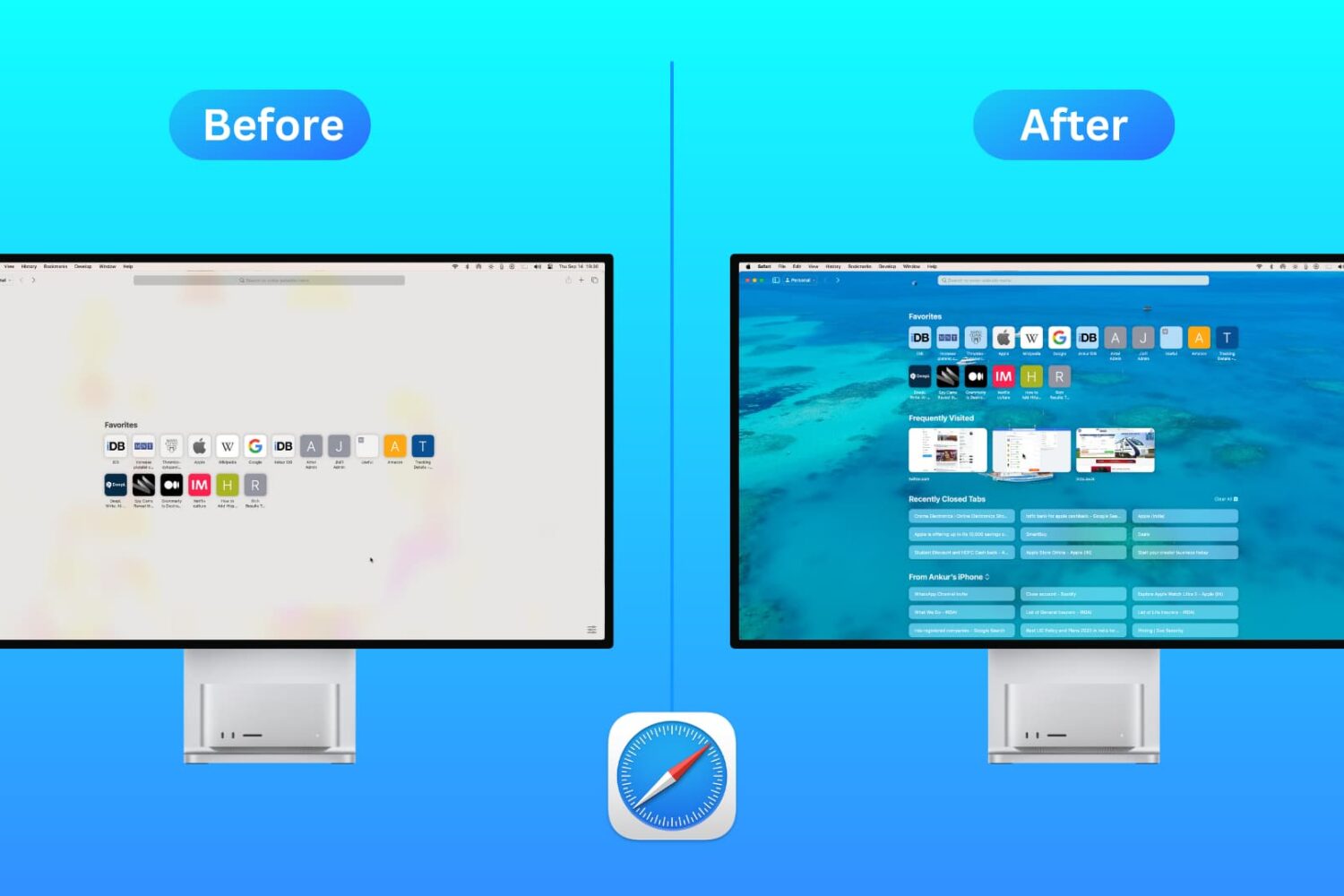
Customize the Safari Start Page on your Mac by selecting just the sections you want to see, using a personal background image, and more.
Sometimes a bug in the software can ruin the best of intentions. Take, for example, Apple finally letting iOS users switch some default apps. But an apparent bug is causing some issues.
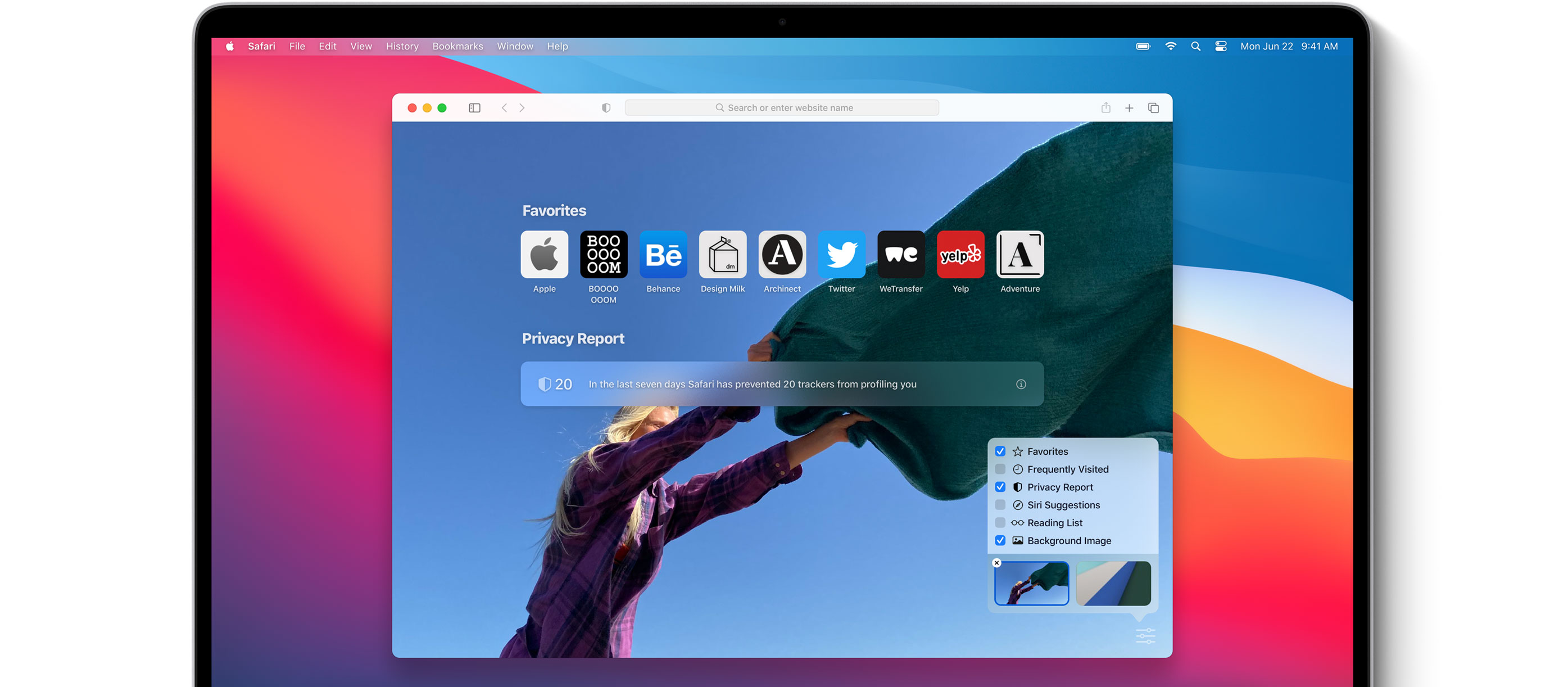
Apple launched iOS 14, iPadOS 14, tvOS 14, and watchOS 7 today. However, macOS 11 Big Sur didn't get the same treatment. But Safari users can experience some of the benefits without the full update.

Discover five essential Safari extensions that will enhance your browsing experience, boost productivity, and streamline your online experience.
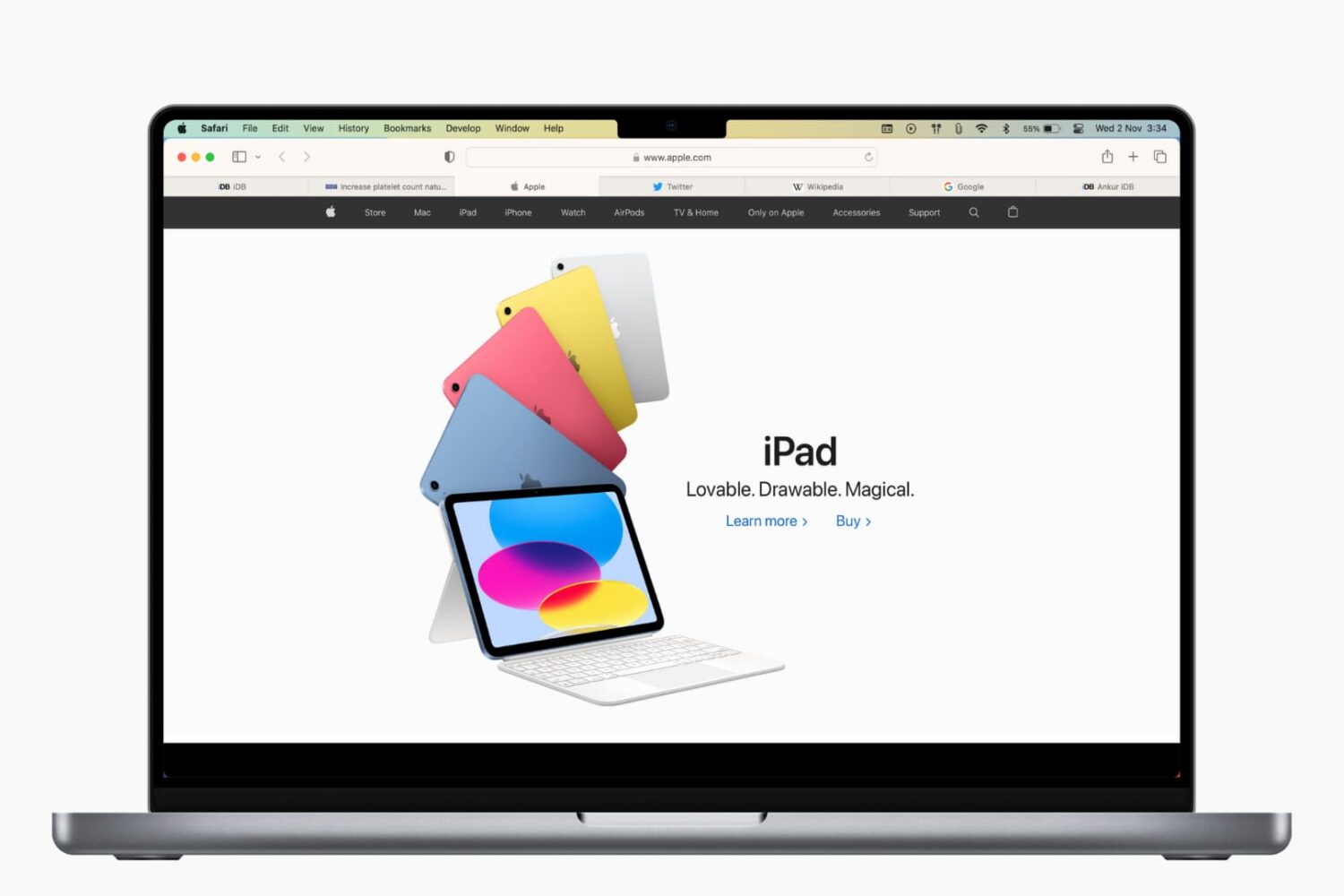
Learn how to refresh Safari favicons on your Mac to force the browser to fetch the new icons and display everything correctly if some website icons are missing or showing unrelated images.
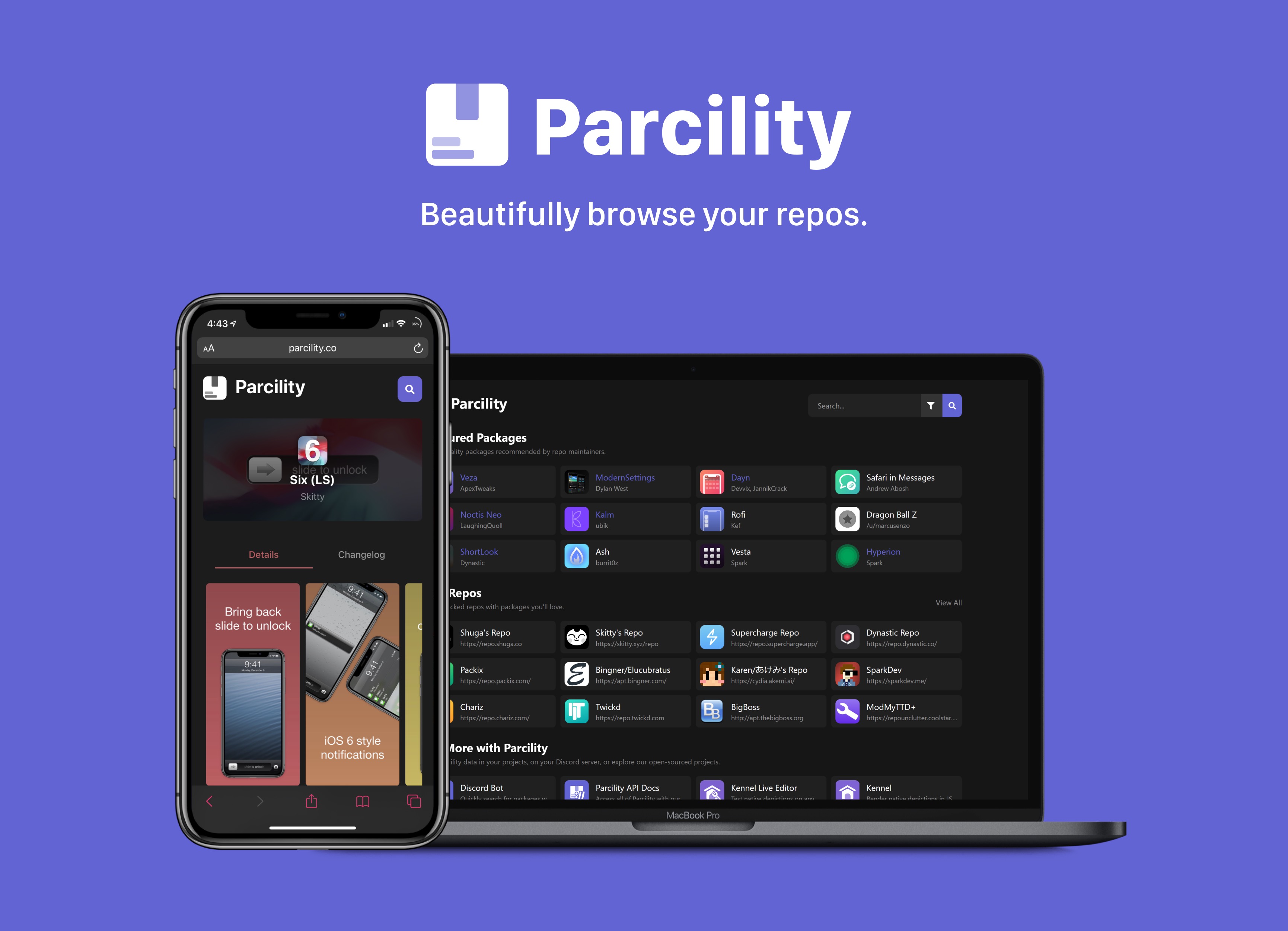
Repository fragmentation is a growing problem in today’s jailbreak community, especially if you’re a jailbreaker and you’re trying to keep up with all the latest tweak and extension releases from various sources. After Saurik closed the Cydia Store back in 2018, jailbreak tweak developers began flocking to one of the three major repository giants that still support paid packages. Otherwise, they opt to provide their own repositories to host their packages on.
Package managers like Cydia, Installer, Sileo, or Zebra can make it easier to peruse jailbreak repositories, but when using a computer or a non-jailbroken device, you might find yourself visiting a particular repository’s website to learn more about the packages it hosts. We teased a web-based utility dubbed Parcility a few days ago that intended to coalesce information from various repositories into one place, and we’re excited to share that it’s officially available to the public starting today.
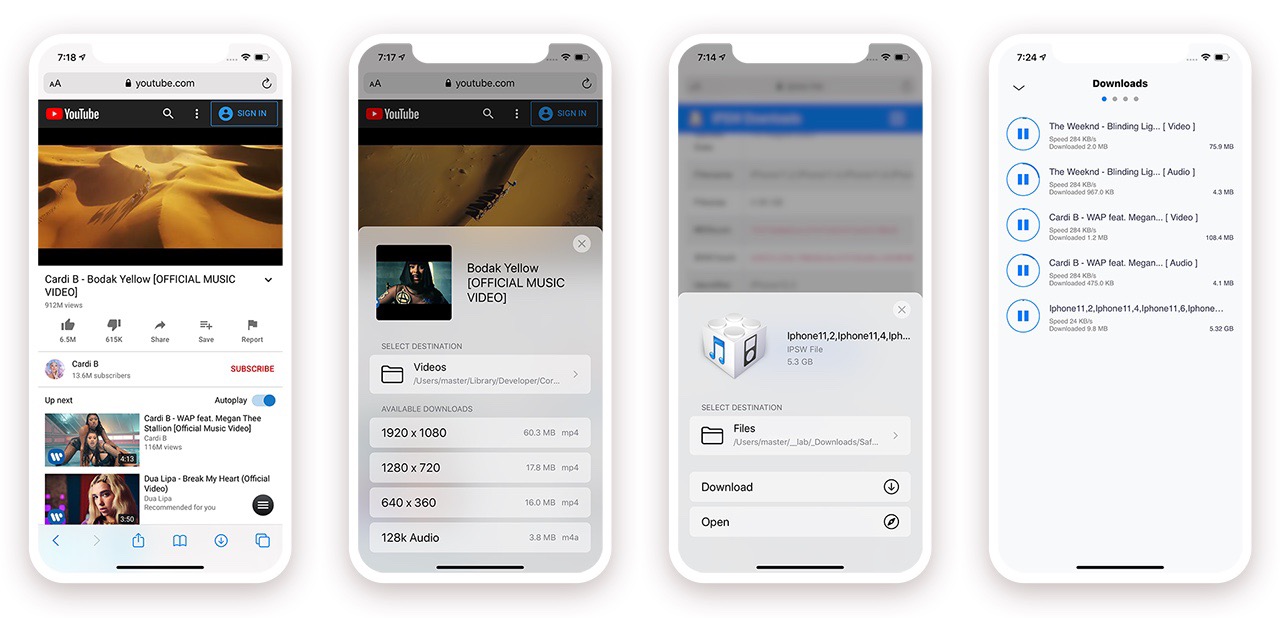
When Apple released iOS & iPadOS 13 last Summer, one of the exciting new features that the company added to the iPhone and iPad experience for the very first time was a built-in download manager for the native Safari web browser. As necessary as this was to make Apple’s platforms both usable and competitive with the rest of the mobile device market, it still left quite a bit to be desired — par for the course when it comes to Apple.
Jailbreakers have significantly more options to choose from when it comes to augmenting this user experience, and with the help of a recently-updated jailbreak tweak dubbed Safari Downloader+ by iOS developer Jalal Ouraigua, jailbreakers can both expect more and get it, especially in terms of the Safari file-downloading experience. The all-new version 5.0 of the Safari Downloader+ adds full support for iOS & iPadOS 13 for the first time.
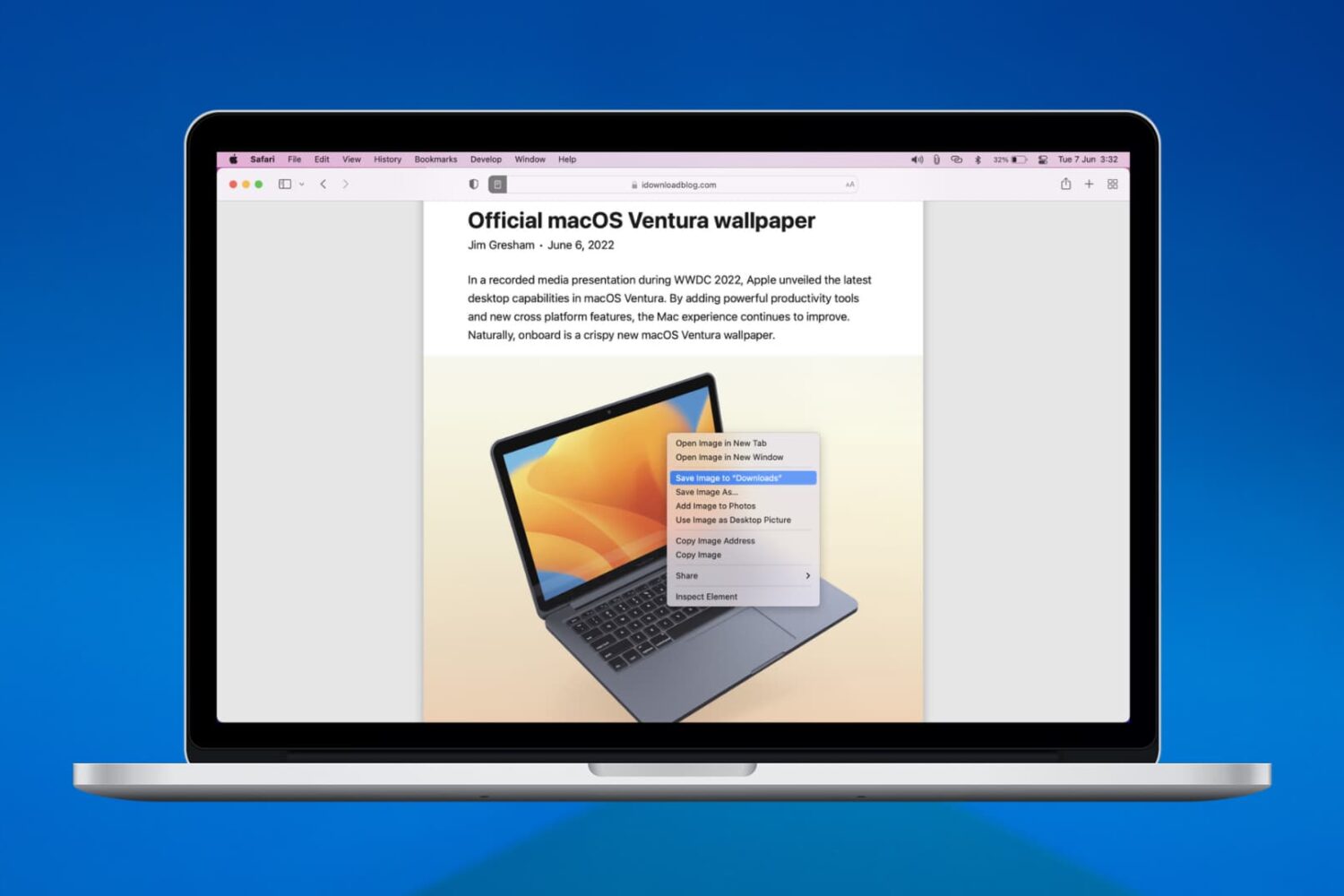
We’ll walk you through six easy ways to download, save, or copy an image on your Mac using Safari in this handy beginner’s guide.
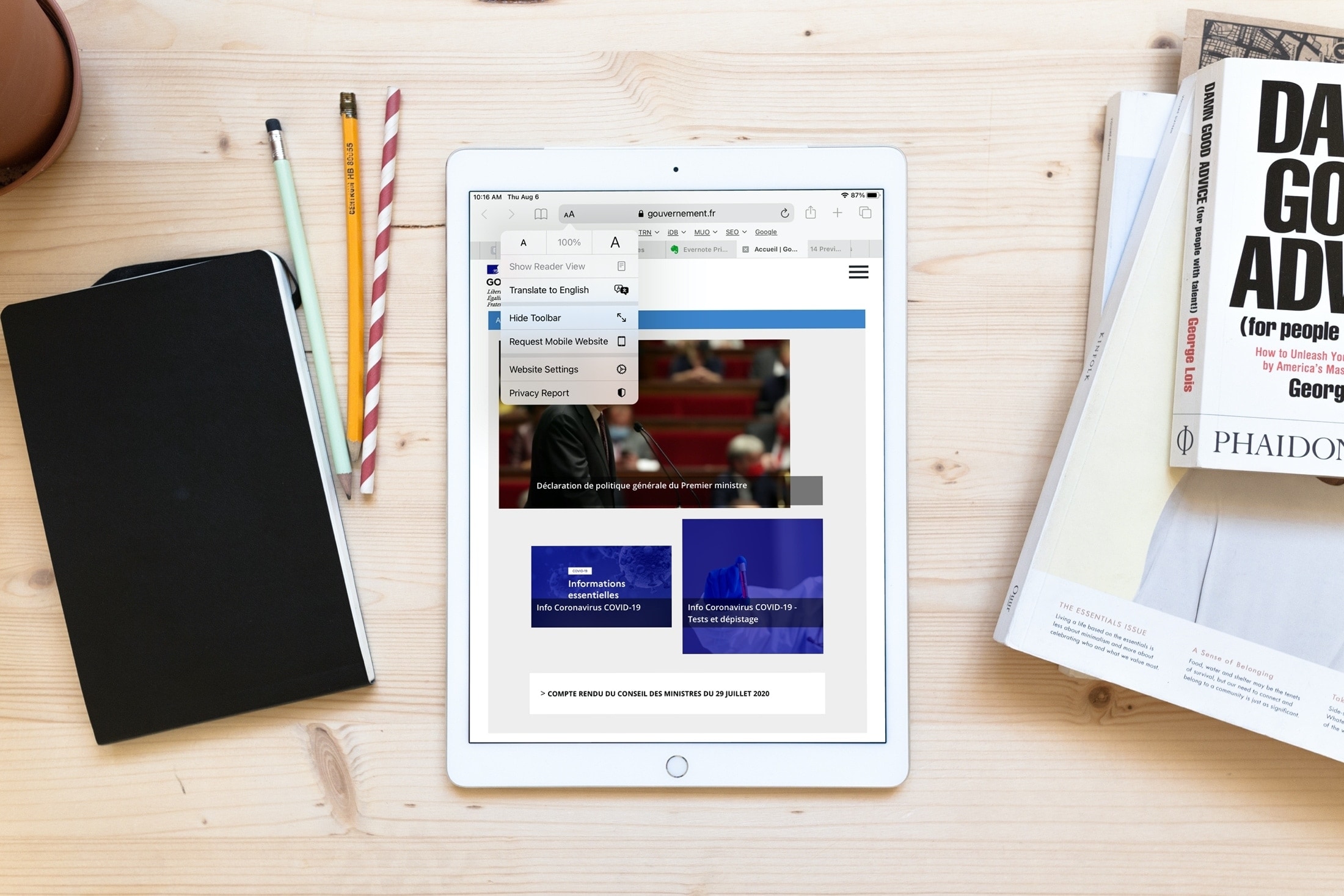
Learn how to use Apple’s built-in translation tool to translate web pages in Safari on iPhone, iPad, and Mac if you come across a website that’s in a language you can’t read or understand.
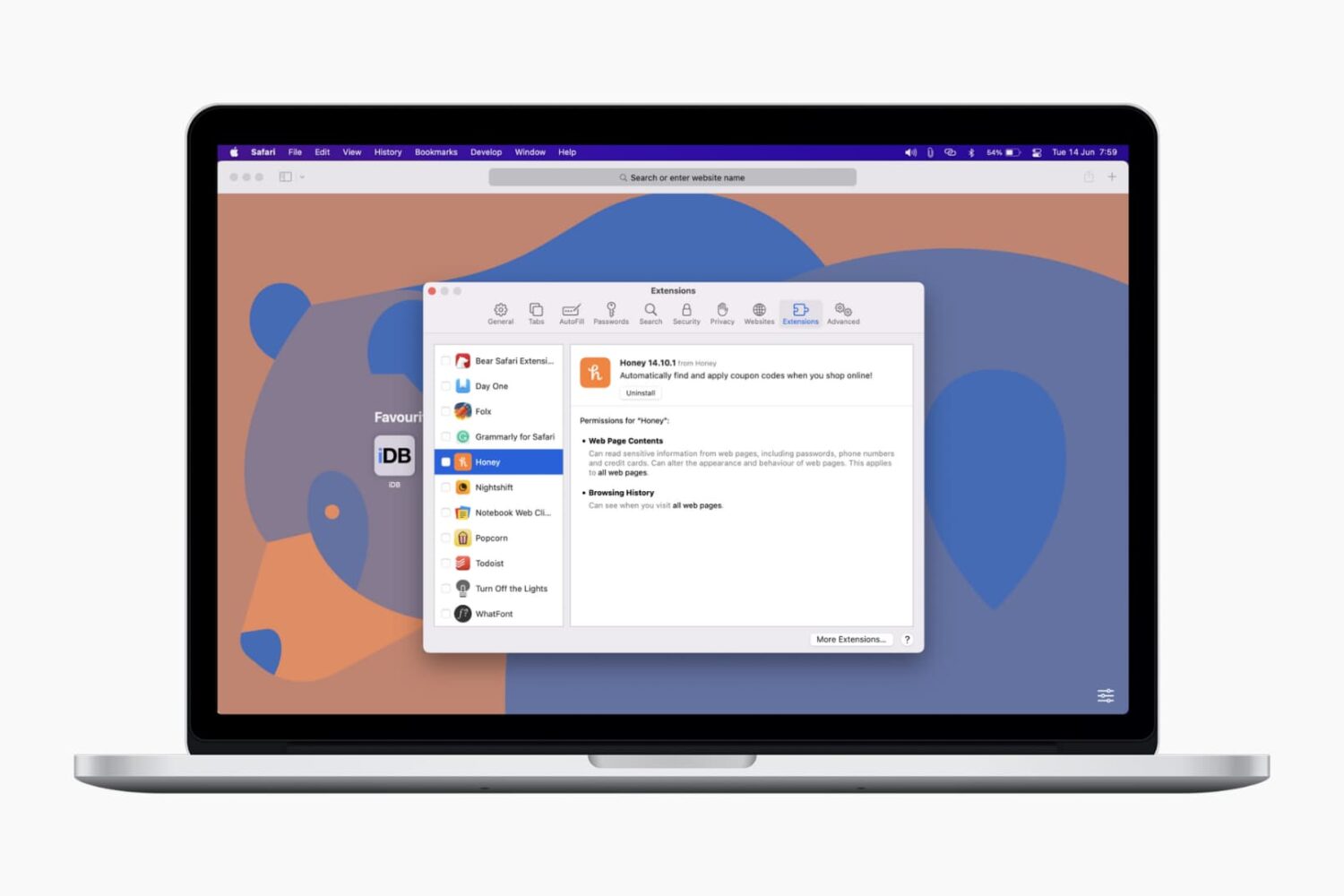
In this tutorial, we’ll show you how to install, view, run, and manage Safari extensions on your Mac to add extra features to your web browser.
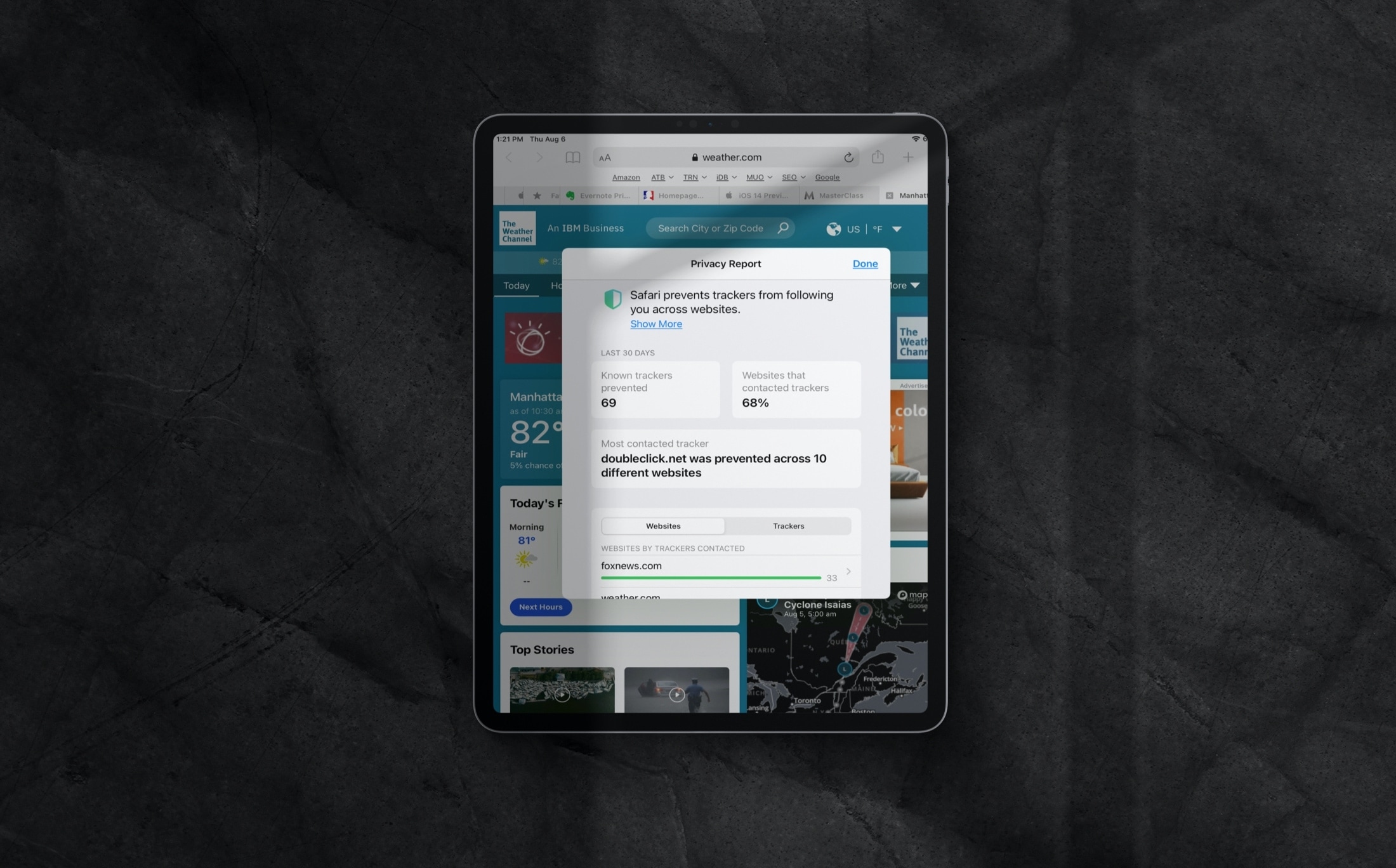
Learn how to review the Privacy Report in Safari on iPhone, iPad, and Mac to see which websites track your activity while you browse.