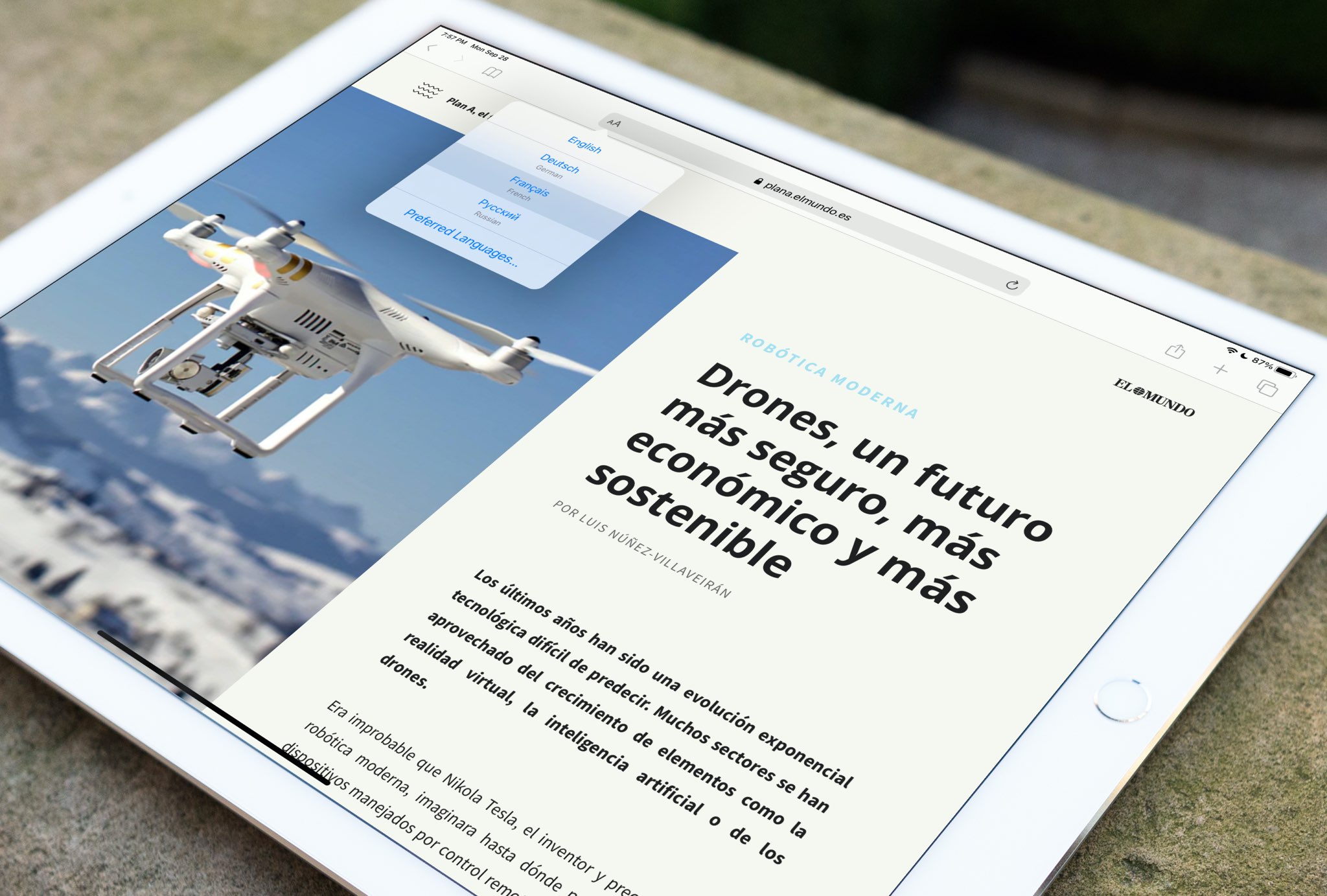
The new feature in iOS 14, iPadOS 14 and macOS 11 Big Sur that allows you to translate whole webpages in Safari is now available in Brazil and Germany.
Apple expands Safari webpage translation to additional countries
The new feature in iOS 14, iPadOS 14 and macOS 11 Big Sur that allows you to translate whole webpages in Safari is now available in Brazil and Germany.
If there’s one thing you need when looking up something with Safari, it’s a way to capture a note when you finally find it. Yes, you can save a webpage right to the Notes app from Safari, but maybe you need a bit more.
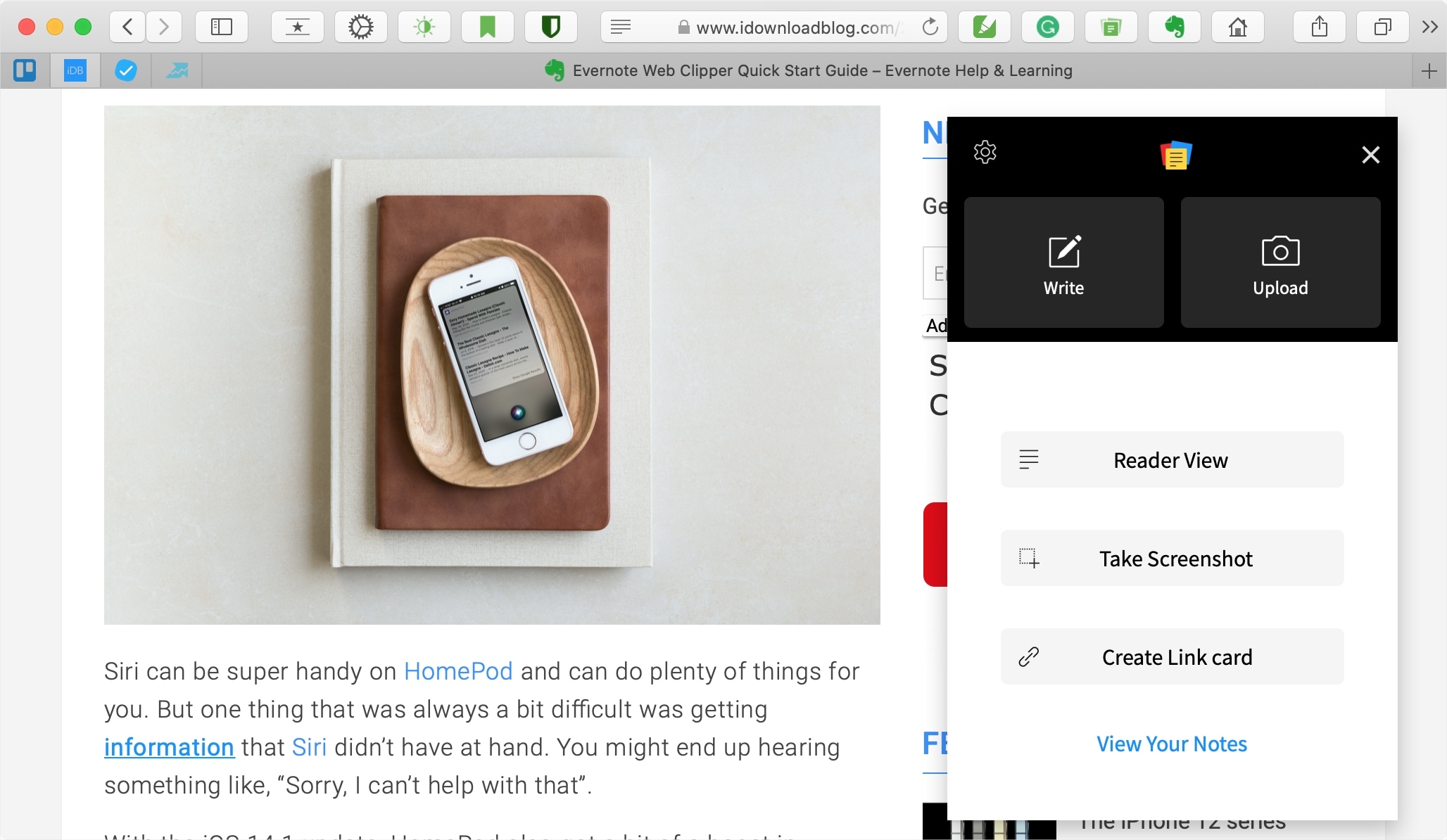
We’ve scoured the Safari extensions available for capturing notes and have brought this list of free tools to you. Whether you want to jot down a quick note, clip part of a webpage, or a little of both, here are several free Safari note-taking apps to check out.
Any time you feel like browsing the web, it’s essentially as easy as launching the Safari app and beginning a web search or asking Siri to search the web for you. But if even these two methods are too much effort for you, or you’d rather stay in the app interface you’re already in instead of closing that app to visit Safari, then we might have just the right solution for you.
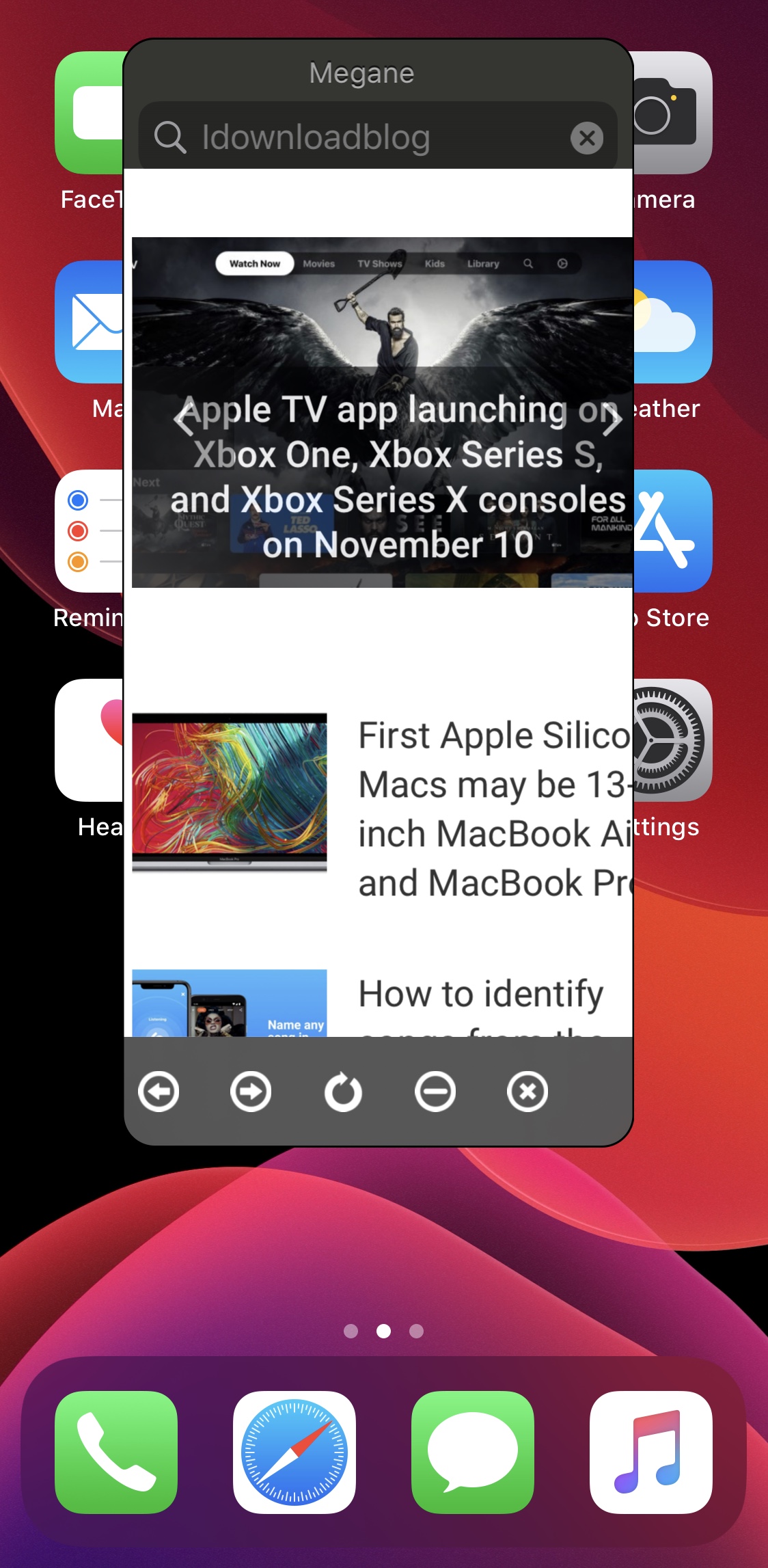
Enter Megane, a newly released and free jailbreak tweak by iOS developer sugiuta that allows users to summon a floating web search interface like the one shown in the screenshot example above from just about anywhere in iOS with a gesture of their choosing.
There’s no easier way to capture a note from Safari than with the Notes app. Whether you’re doing research for school or work, planning a trip or event, or just want to make a note of an article, Apple’s integration makes it simple to save Safari webpages or text to the Apple Notes app on your Mac, iPhone, and iPad for quick reference and organization.
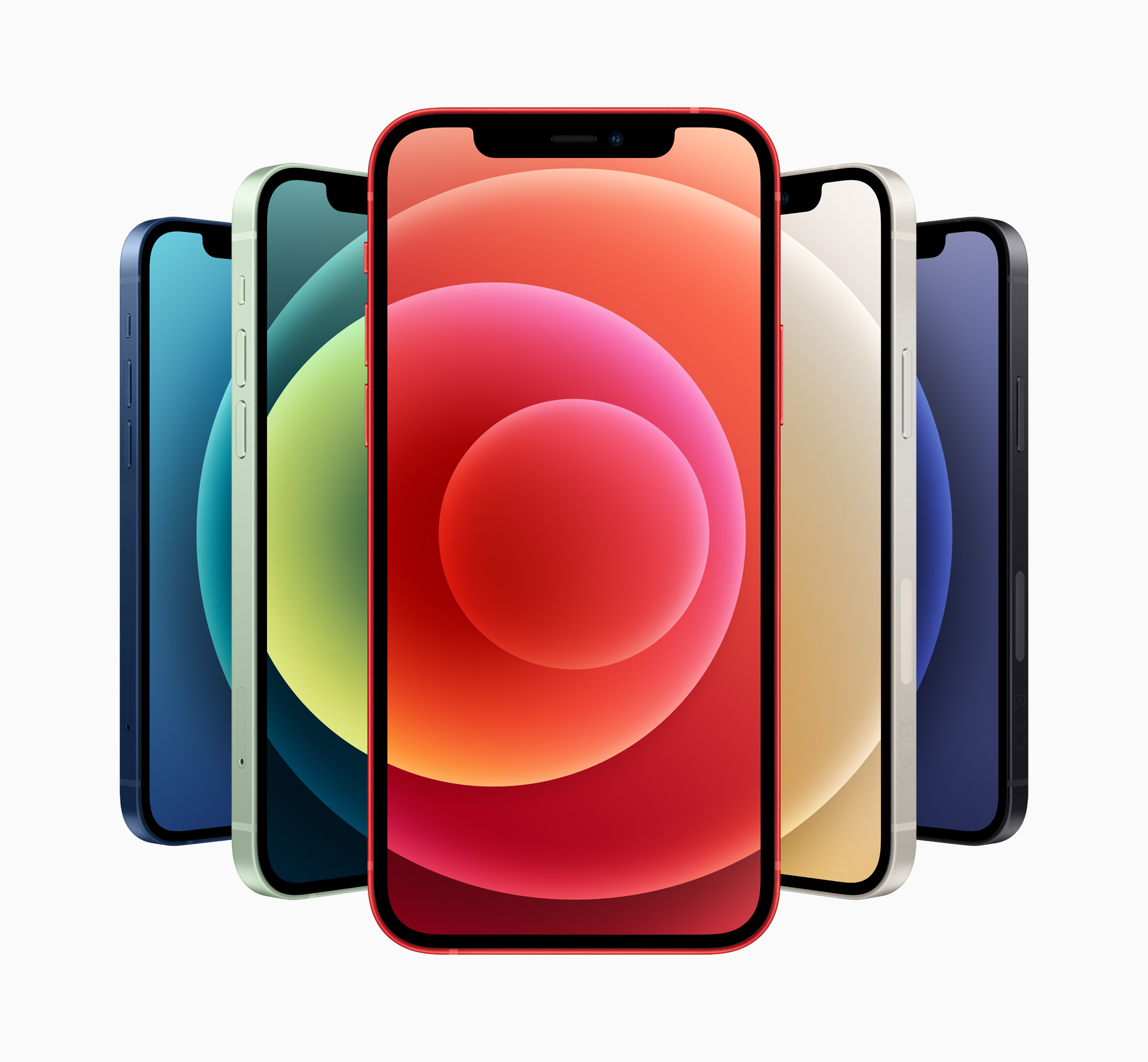
Earlier today, Apple announced the brand new iPhone 12 mini and iPhone 12. We've put together a quick rundown of what to expect, hardware wise, with the two new handsets.
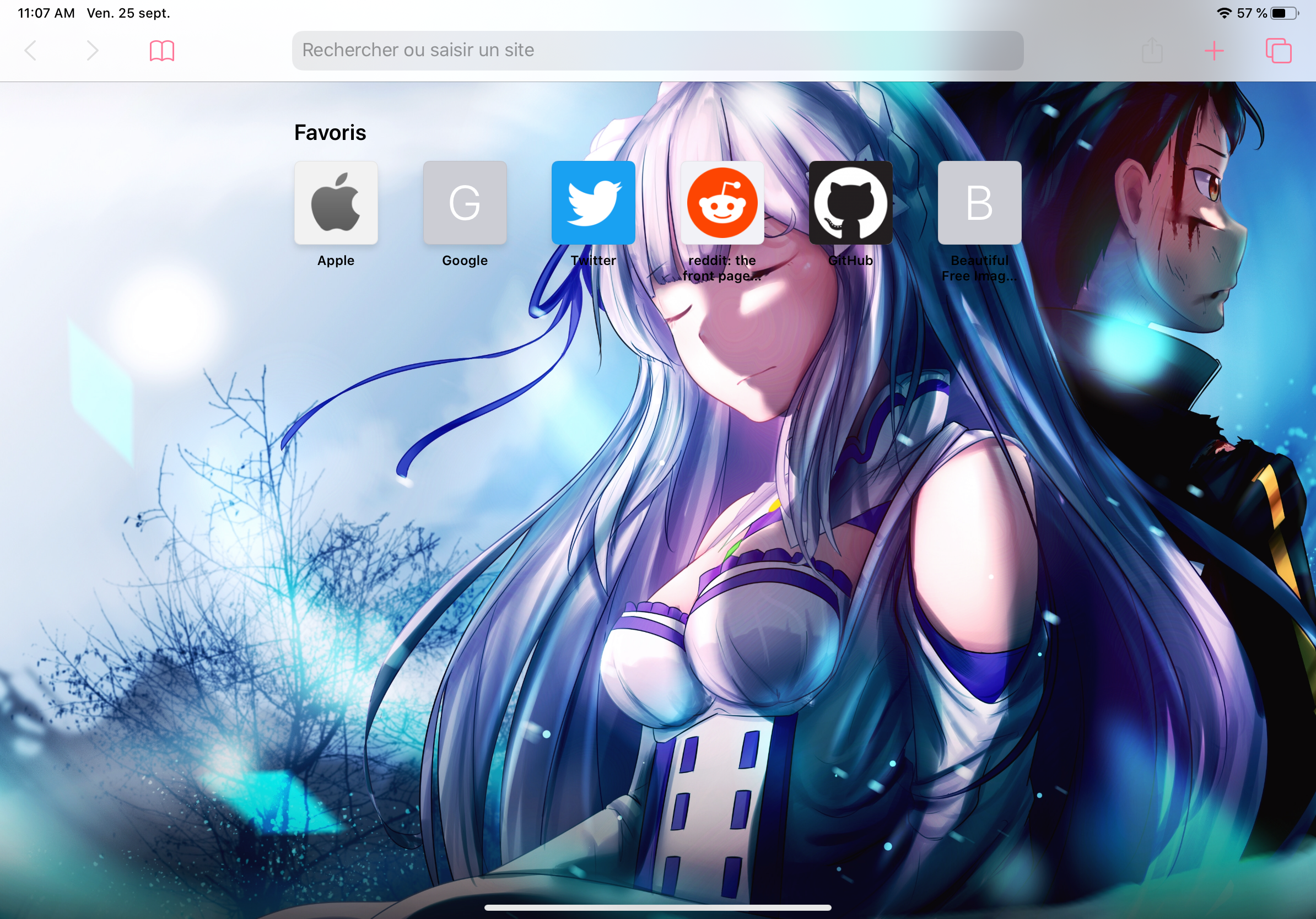
One of the takeaway features that shipped with the new Safari 14 update for macOS this month is the ability to configure a custom background for the Start Page. It’s a commonsense feature that I think Apple should have offered from the start, but perhaps even more peculiar is the fact that Apple still hasn’t enabled such a feature for the mobile Safari web browser on iPhone or iPad.
If you’re jailbroken, then the good news is you won’t need to wait for Apple to pry their heads out of their <expletive> to deliver a solution. A free jailbreak tweak named SafariWallpaper by iOS developer Litten brings this much-requested feature to pwned iOS 13 devices.
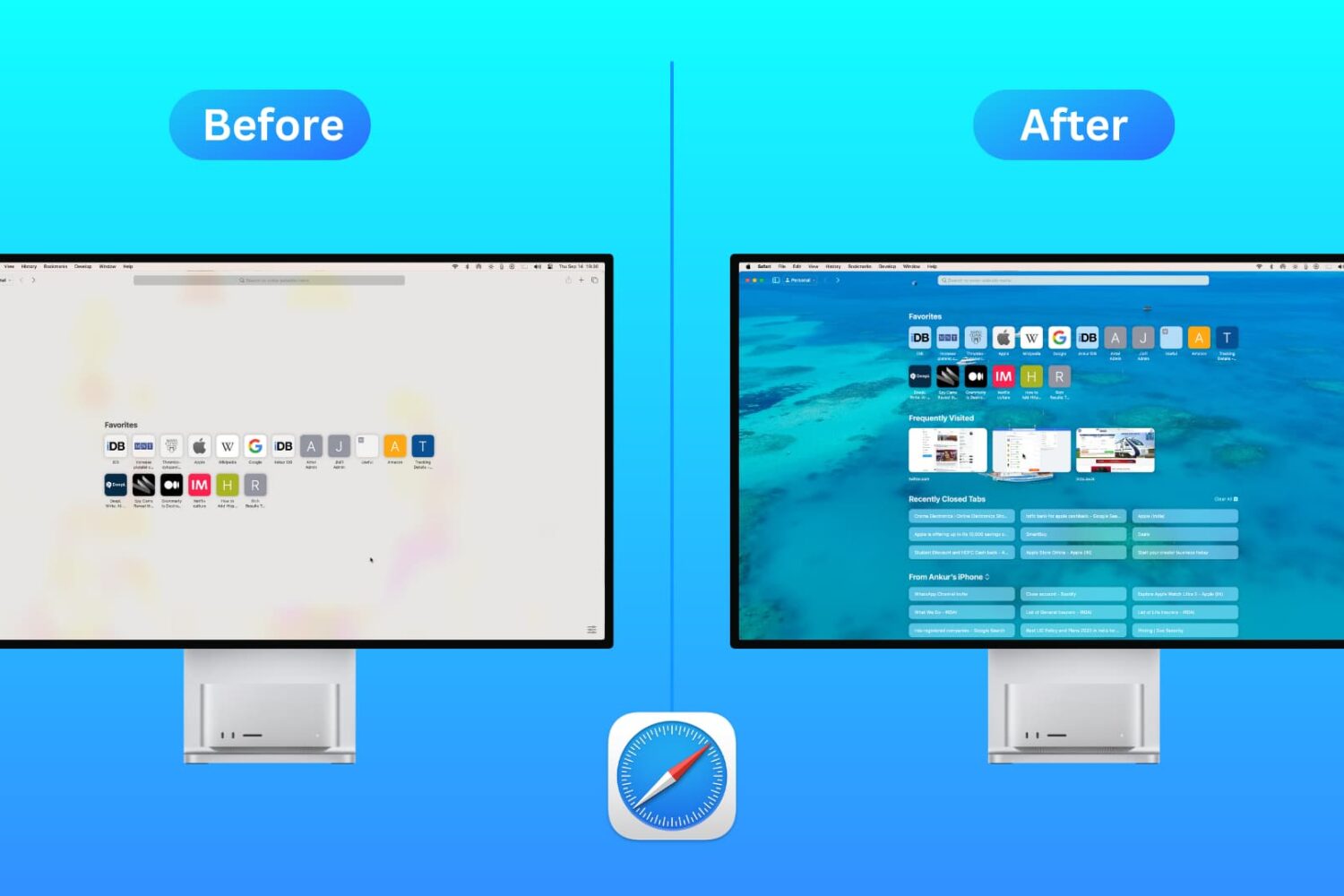
Customize the Safari Start Page on your Mac by selecting just the sections you want to see, using a personal background image, and more.
Sometimes a bug in the software can ruin the best of intentions. Take, for example, Apple finally letting iOS users switch some default apps. But an apparent bug is causing some issues.
Apple launched iOS 14, iPadOS 14, tvOS 14, and watchOS 7 today. However, macOS 11 Big Sur didn't get the same treatment. But Safari users can experience some of the benefits without the full update.
Discover five essential Safari extensions that will enhance your browsing experience, boost productivity, and streamline your online experience.
Learn how to refresh Safari favicons on your Mac to force the browser to fetch the new icons and display everything correctly if some website icons are missing or showing unrelated images.