Keyboard

‘PasteboardKey’ makes it easy to access previously copied text

I'm a huge fan of Alfred for OS X. Alfred is a productivity app for the Mac that allows you to launch apps, search, and do a whole host of other things via its sprawling settings. One of my favorite Alfred features is the pasteboard manager. It's basically a place where you can go back and access anything you've copied to your pasteboard.

Understandably, iOS doesn't have anything like this built in, but a new jailbreak tweak allows you to have quick access to your pasteboard from virtually any app as well. The tweak is called PasteboardKey, and it's accessed via the language button on the iOS keyboard. Have a look inside for our full video walkthrough...
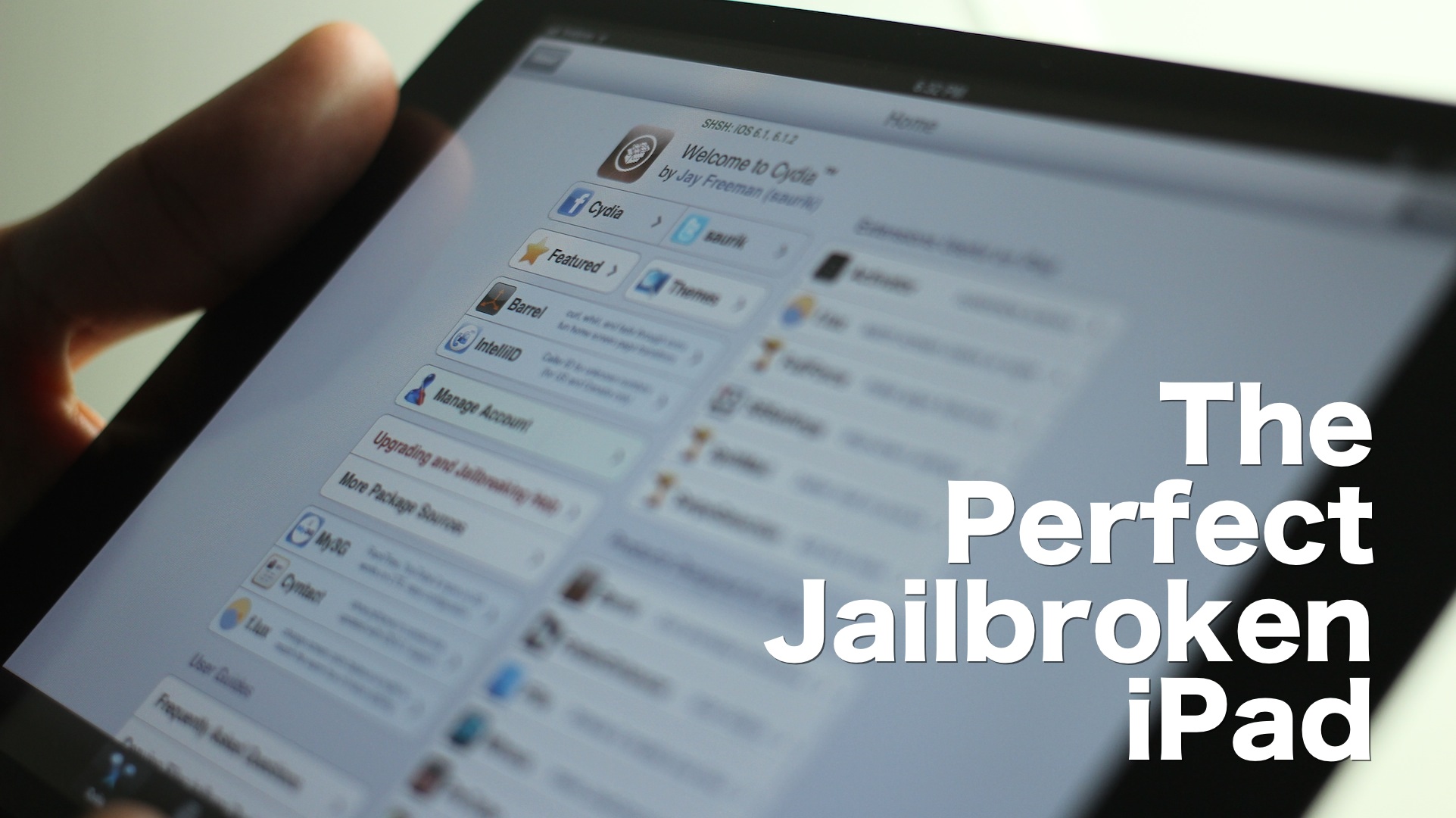
The best iPad jailbreak tweaks

I’m going to be honest with you — jailbreaking an iPad hasn't been nearly as appealing to me as jailbreaking my iPhone. But as I started working on this list, I realized that there really are some awesome, and I mean awesome ways to trick out your iPad once it's jailbroken.

Considering that I do a lot of writing on my iPad, I found that a many of these tweaks immensely helped my writing workflow. Tweaks like BeeKeyboard, and SwipeSelection are absolute essentials for iPad writers, even if you're not really into the jailbreak scene.

Obviously that's not all, as virtually everyone will find a jailbreak app or tweak that suits their fancy. Yes, the iPad jailbreak scene is alive, and it's better than ever. Despite my initial doubts, I was able to come up with this solid list of 15 best jailbreak tweaks for iPad running iOS 6. There's no filler here, and no fluff — each of these tweaks represent, what in my opinion, is the best of the best. Take a look inside, and see for yourselves.

‘Haptic Keyboard’ tries to make your typing experience more engaging

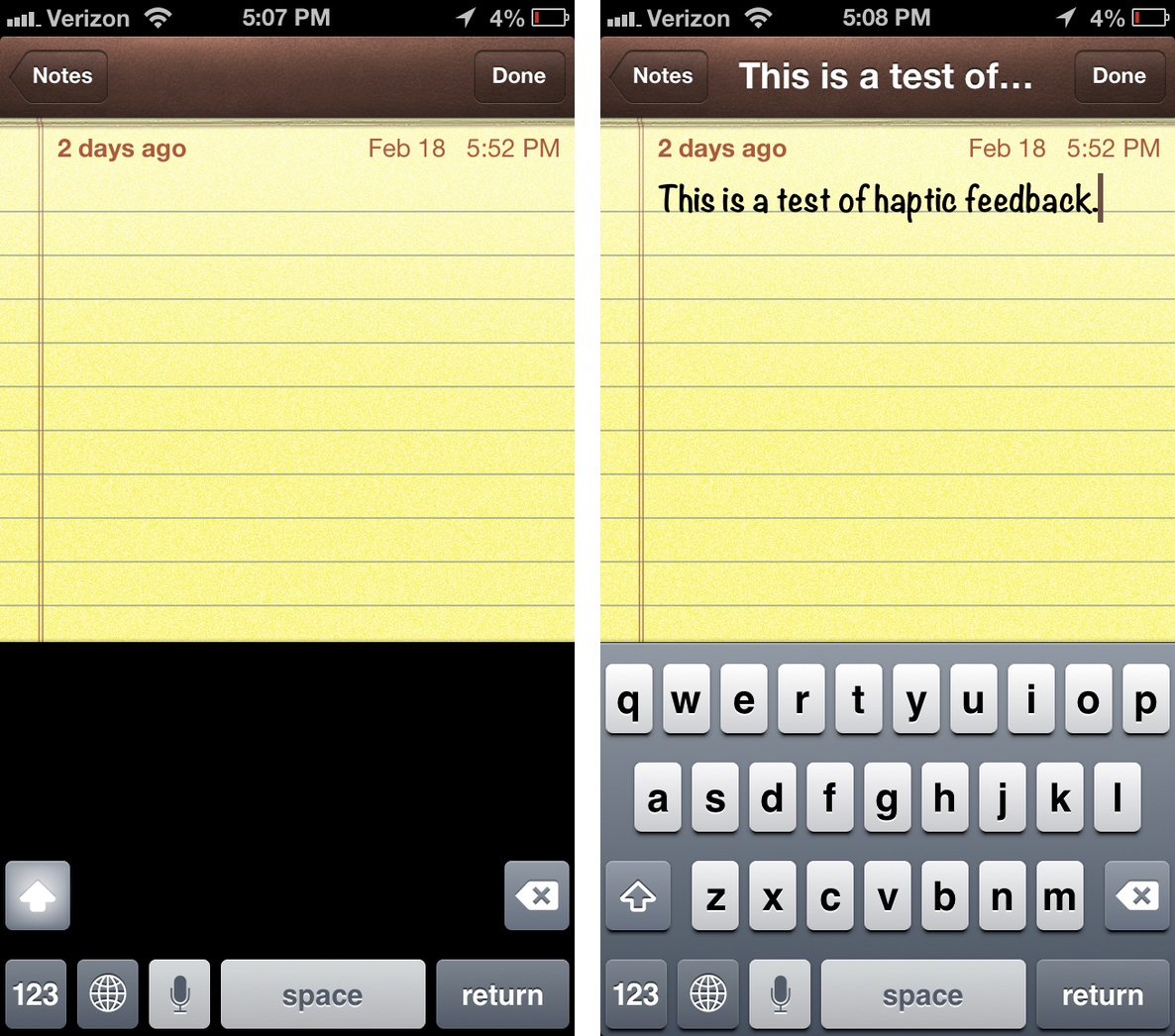
Haptic Keyboard is a new jailbreak tweak that institutes haptic feedback with each press of a key on the iPhone's keyboard. Similar tweaks have appeared on Cydia in the past, but their compatibility has been spotty with recent iOS updates.

The purpose of haptic feedback, is to give the end user the sensation of actually typing on a physical keyboard, instead of a piece of smooth glass. Unfortunately, in the case of this latest version of Haptic Feedback, the idea is much better than the final execution.

Apple wins patent for improved haptic feedback

The use of haptic feedback in smartphones is increasingly commonplace, however until now Apple has shied away from using the technology in its multitouch devices, such as the iPhone and iPad. However, the prospect is now open for a multitouch keyboard that provides consumers a tactile response, according to an Apple patent grant by the U.S. Patent and Trademark Office.

Apple first applied a filing for the invention back in 2009 to solve the problem of multiple haptic signals interfering with each other, thereby confusing users. Apple outlined a way to localize the haptic feedback by using secondary sensors which cancel-out the confusing signals. In this way, when an iPhone owner hits the 'L' key, he won't also receive a vibration under the 'K' key of a virtual keyboard...

Belkin launches FastFit Bluetooth keyboard case for iPad mini

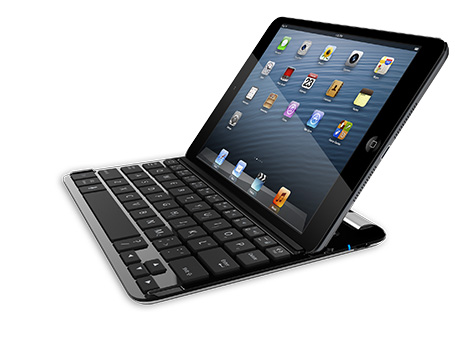
Logitech yesterday announced its Ultrathin Bluetooth keyboard for the iPad mini, but its rivals are not standing still. This morning, Belkin said its comparable offering will be available via its web site for the same eighty bucks as the Logitech keyboard case. Built with anodized aircraft grade aluminum, it's a fit for the iPad mini's industrial design. The FastFit Keyboard Case is also 0.3mm thinner than Logitech's (7mm vs 7.3mm).

We're not sure if anyone will be able to tell the difference in thinness, but that sure looks like a damn nice portable keyboard case, if I ever saw one. Jump past the fold for more info...

Logitech launches iPad mini Ultrathin Keyboard

http://www.youtube.com/watch?v=KsqsORSx23U#at=31

Accessory maker Logitech just announced its $79 Ultrathin Keyboard for the iPad mini. Billed as "the other half of your iPad mini", it's really thin and light and connects to your tablet wirelessly, over Bluetooth. Just like the Archos ultra-slim iPad keyboard, Logitech's baby incorporates the QWERTY key layout which comes in handy for prolonged text entry. We also love its aluminum cover which protects the iPad mini's display...

Apple TV updated: use Bluetooth keyboards, queue up songs, access purchased music

Hot on the heels of releasing the new iOS 6.1 software with iTunes Match improvements, Siri movie ticket sales and enhanced LTE carrier support, Apple just posted a matching firmware update for its $99 Apple TV set-top box.

As indicated back in December 2012, one of the biggest new features the new software brings out is awesome support for Bluetooth keyboards, making the little hockey-puck much more than a "hobby" device. Other improvements include enhanced iTunes in the Cloud and iTunes Up Next. Go past the break for the full breakdown...

Archos unveils new ultra-slim Bluetooth keyboard for iPad

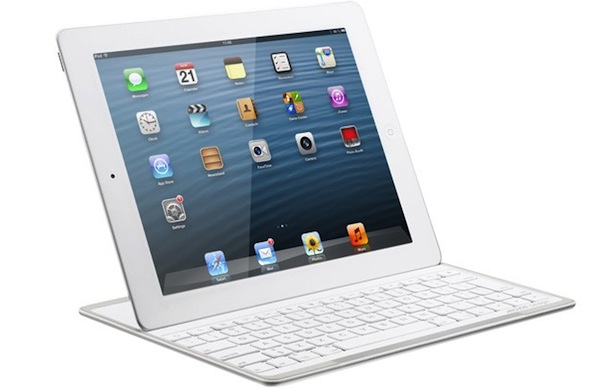
Archos, a long-time producer of tablets and media players, announced this week that it's getting into the iPad accessory space with a new keyboard called the G10XS. It's the first product of a new division in the company dedicated to sharing its technology with other platforms.

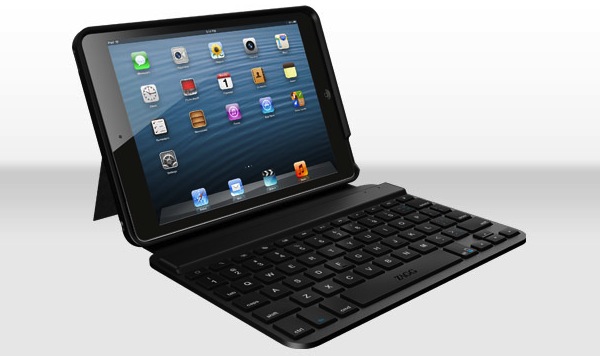
The keyboard uses Bluetooth to connect the iPad, and is largely based on the keyboard found in the company's Gen10 XS tablet. It features Smart Cover-like magnets, a built-in kickstand, and with just a 0.2-inch depth, it's one of the thinnest iPad keyboards available...

How to use your iPad as a shortcut keyboard for Mac OS X

Do you hate digging around in menus but have trouble memorizing all the key combinations for your most frequently used programs? Hotkeys is an app that allows you to use your iPad as a programmable shortcut keyboard, which comes with shortcut packs for Mac OS X and Photoshop preloaded.

While the preloaded packs are decent, you can also edit the packs to your liking or create your own packs from scratch. If you're a gamer, you might also find the labelled shortcuts handy...

DismissMyKeyboard allows you to quickly hide the iPhone’s keyboard

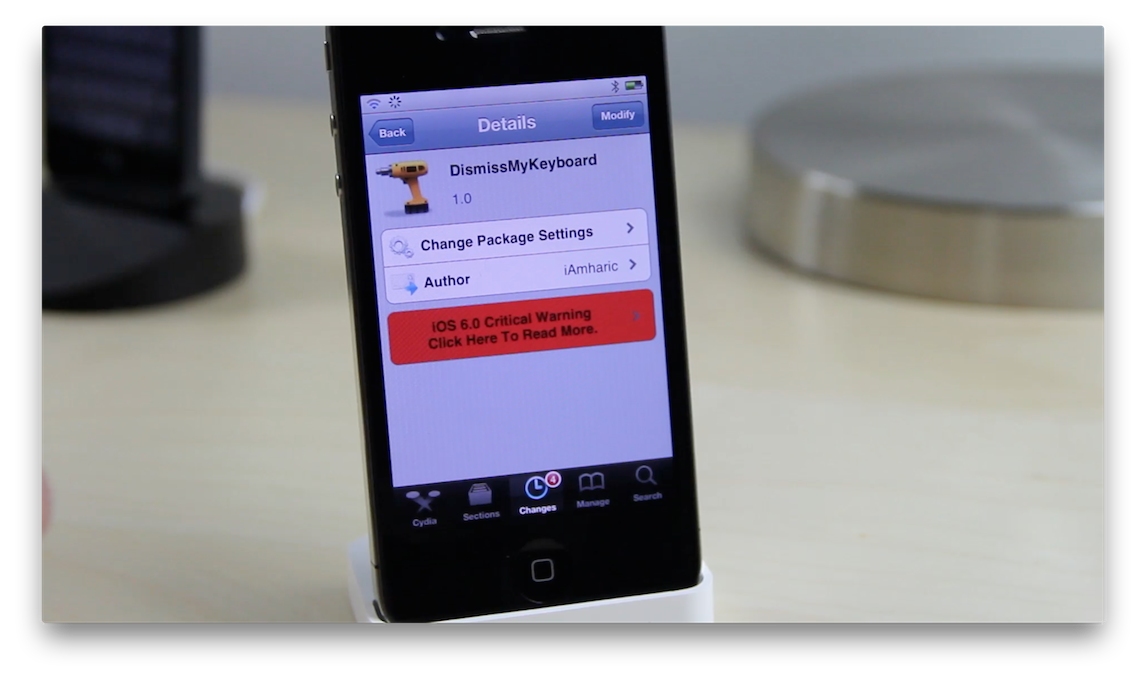
DismissMyKeyboard is a recently released jailbreak tweak for jailbroken iPhones that allows you to easily dismiss the software keyboard. While the iPad already benefits from such a feature due to the device's larger area of real estate, the iPhone's keyboard has no room for a dedicated dismiss keyboard button like you see on its larger brethren.

DismissMyKeyboard solves this issue by allowing you to perform a swipe gesture right on the keyboard in order to dismiss it. Take a look at our video walkthrough inside to see how it functions.

CES 2013: Magic Cube laser-projects a big virtual keyboard on any surface

http://www.youtube.com/watch?v=ia8mamWybcY

Fan-made concepts envisioning an iPhone with a laser projection keyboard are so captivating that even Fox 5 News thought the iPhone 5 has one built-in. While we have our doubts as to whether or not Apple would even consider such a technology, the prospect is tantalizing, at least on the paper. And now, one company has sought out to turn it into a reality. Enter the aptly named Magic Cube from Celluon.

What this gadget does is it enhances your device with a cool laser projection keyboard while also doubling as a virtual multi-touch mouse for your computer. Just to dispel any doubts: it’s not a proof-of-concept. This thing is as real as real gets and works as advertised. The little Bluetooth accessory will effectively laser-project a full-size QWERTY keyboard on nearly any flat, opaque surface to let you type away on its big virtual 'keys'...