After years of waiting and speculation, Apple has finally unveiled the new $2899 MacBook Pro (yes, it didn’t get a new name), whose major highlight is an OLED screen that responds to finger touch. You can now scroll, zoom, tap, draw, and more right on the screen with your finger, as if it were an iPad.
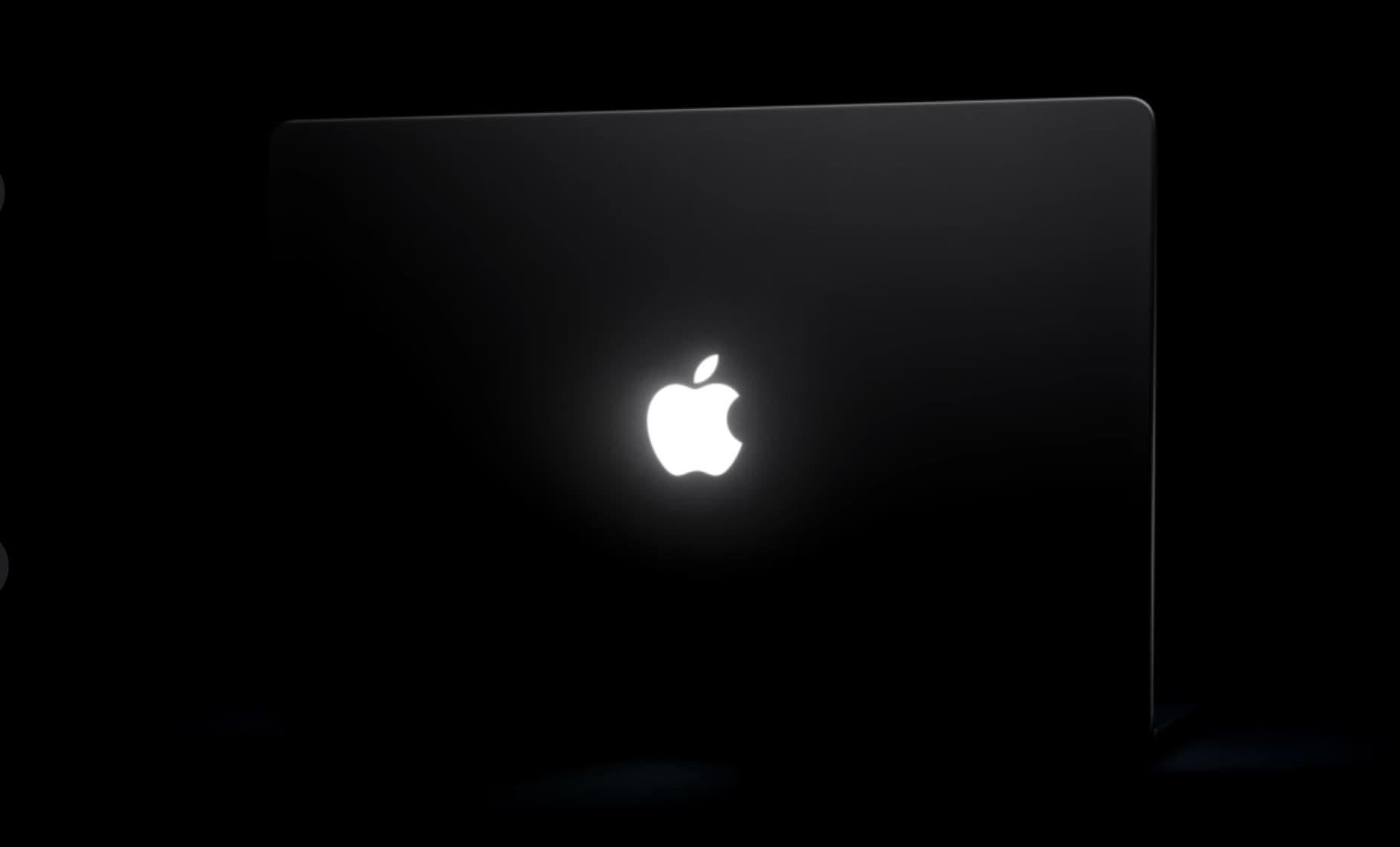
On top of that, this new model also brings back the iconic glowing Apple logo!
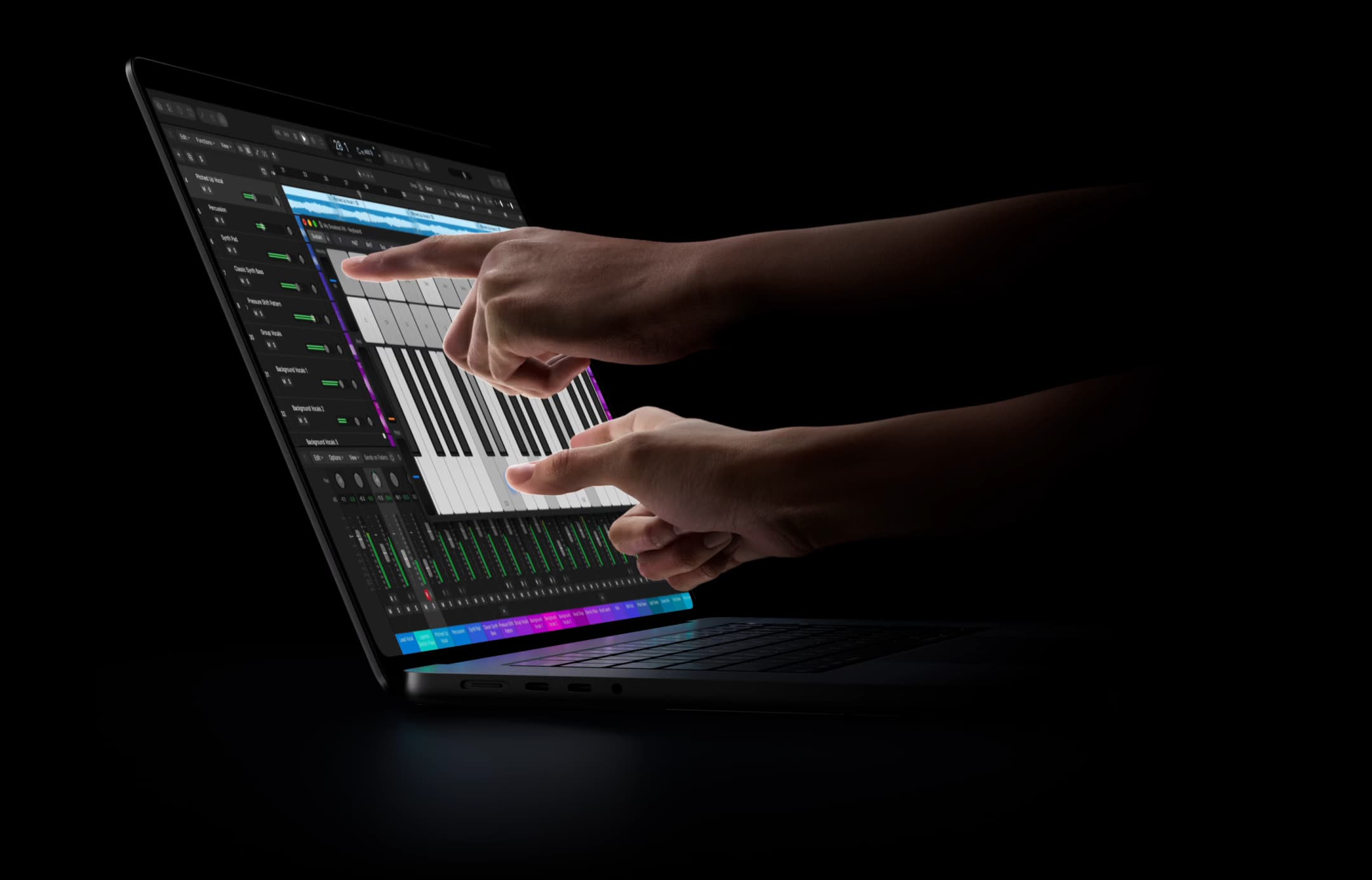
Steve Jobs dismissed the idea of touchscreen Mac notebooks and called them ‘ergonomically terrible.’ He said that vertical touch screens cause arm fatigue and ‘after an extended period of time, your arm wants to fall off.’
His full quote from 2010 reads:
“We’ve done tons of user testing on this, and it turns out it doesn’t work. Touch surfaces don’t want to be vertical. It gives a great demo, but after a short period of time you start to fatigue, and after an extended period of time, your arm wants to fall off. It doesn’t work. It’s ergonomically terrible. Touch surfaces want to be horizontal.”
Not everyone shared that view, though. Windows PC makers kept introducing new touchscreen laptops with screens that went flat all the way to 180 degrees, or even 360 degrees for comfortable finger or stylus use. Apple held back for years, and its closest move was adding a Touch Bar to some MacBook models. Touch Bar was a thin, touch-based strip above the keyboard that offered basic system and app-specific controls. Some people loved it, but many didn’t, and Apple dropped it from all its new notebooks in October 2023.
With no touchscreen desktop, Apple hoped people who needed a bigger touch device would just get the 13-inch iPad Pro or iPad Air, with Apple Pencil support. While iPadOS is better and more powerful than ever, it still isn’t a full-fledged desktop operating system. So, instead of continuing to convince users that the iPad is a ‘computer,’ Apple has finally changed its mind, and now we have a touchscreen MacBook option.
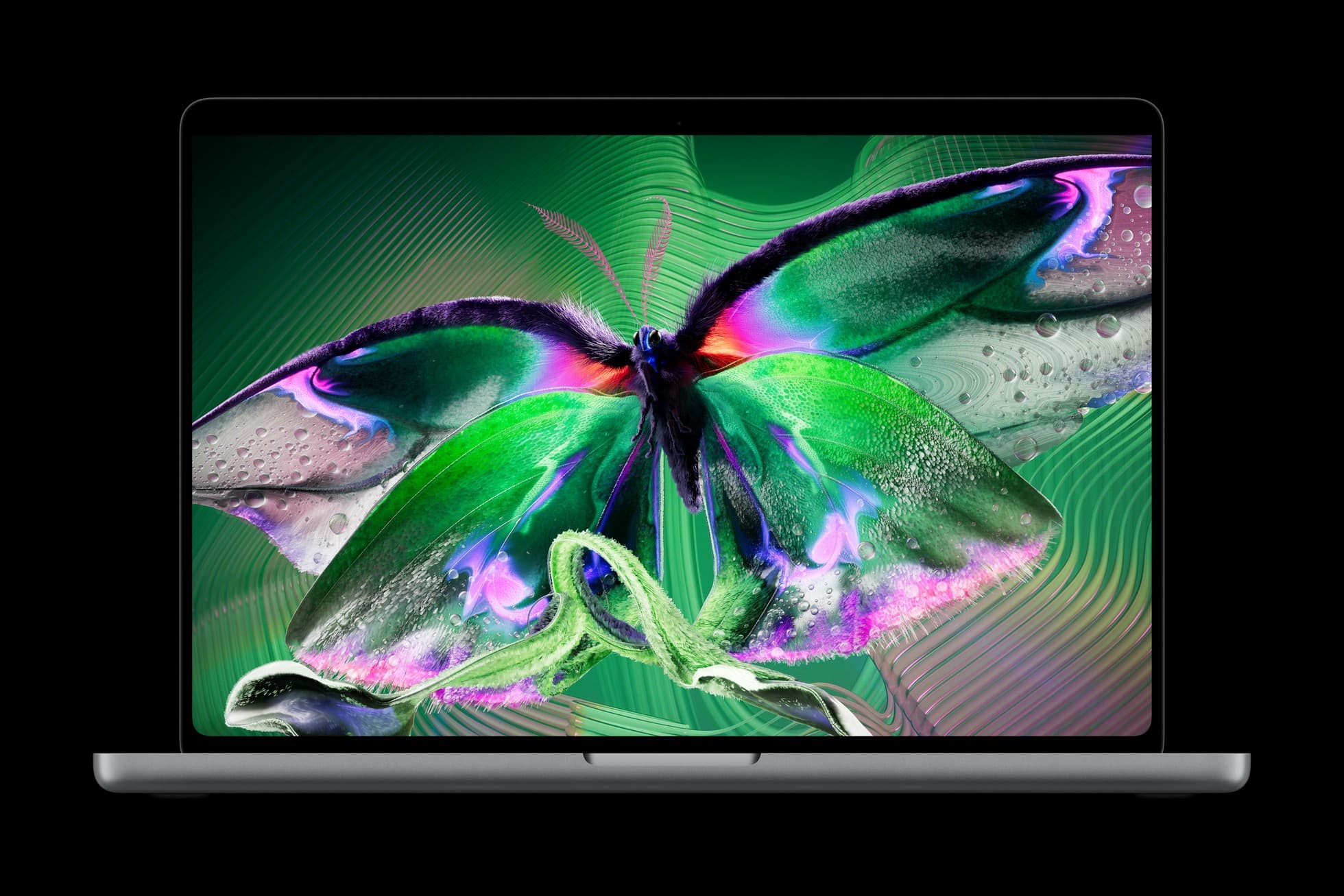
History and product development aside, the new touchscreen MacBook, which comes at a premium price, seems incredible, and here are some key things to know about it.
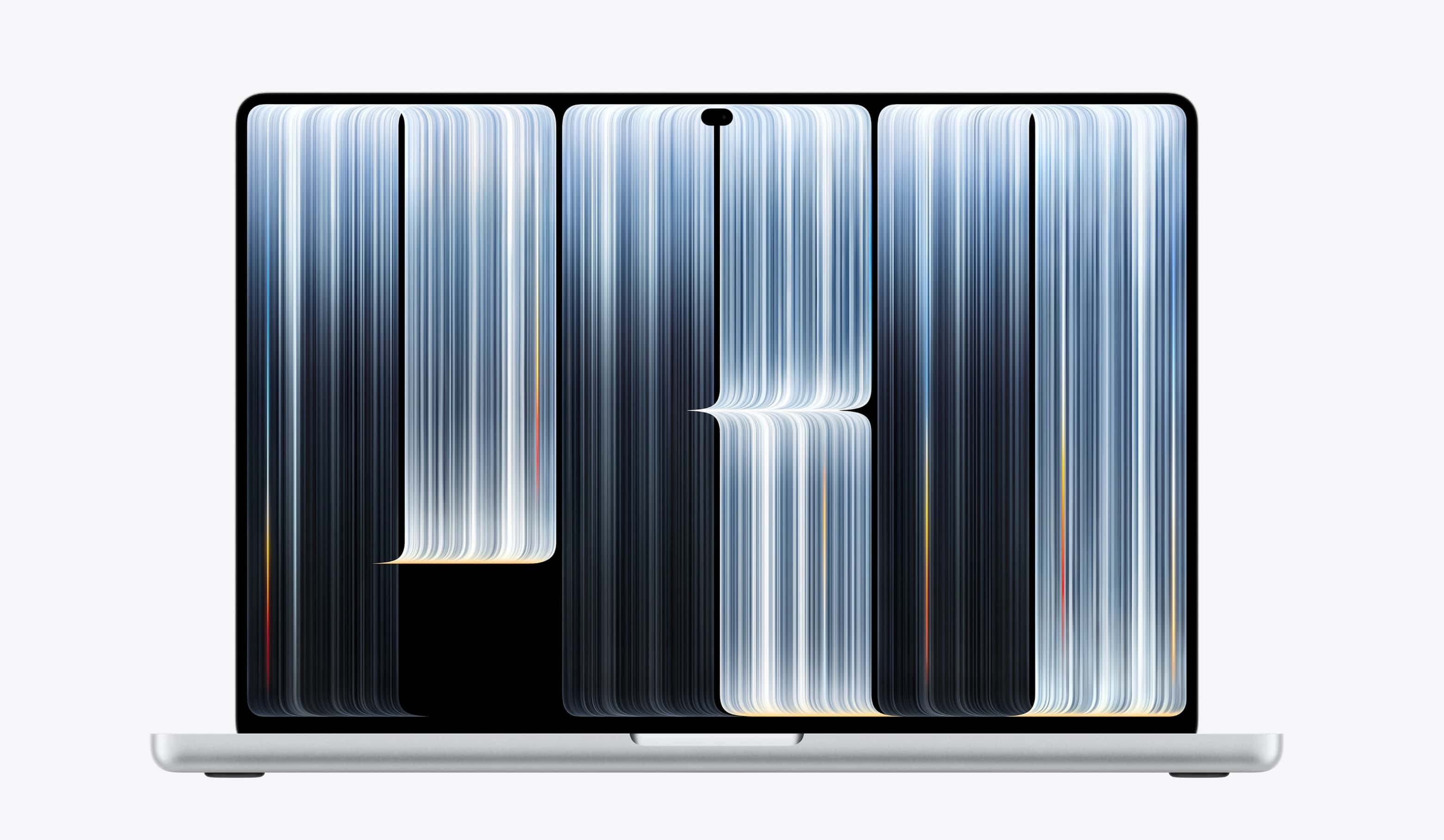
First off, this is one of the biggest changes that has happened to MacBook in recent times. Instead of having a full-fledged Apple Keynote event, there was just an invitation-only hands-on showcase for selected members of the press and online creators in Los Angeles. No live stream for general folks; only Newsroom post.
Here’s what we have learned so far:
- Touchscreen MacBook Pro has PROLED XDR display that delivers an excellent viewing experience with true blacks, like your iPhone. It supports up to 2000 nits peak HDR and SDR brightness and up to 1000 nits sustained full-screen brightness.
- Apple says, “The Touch sensor is built directly into the display panel — not layered on top of it — reducing latency so you feel like you’re touching the content itself.”
- Display supports wide color (P3 and Adobe RGB), True Tone, and ProMotion (adaptive 10–120 Hz refresh rate).
- It comes in two sizes: 14.2-inch and 16.3-inch.
- The 14-inch version has a screen resolution of 3024 by 1986 pixels. And the 16-inch version ups this to 3472 by 2266 pixels.
- You have two color options to choose from: Silver and Space Black.
- You can go with standard glass option or one with nano-texture to reduce glare in bright light.
- Touchscreen MacBook comes with M5 Pro or M5 Max chips for top performance.
- Apple says the 14-inch model gets up to 14 hours of wireless web and up to 22 hours of video streaming usage per charge.
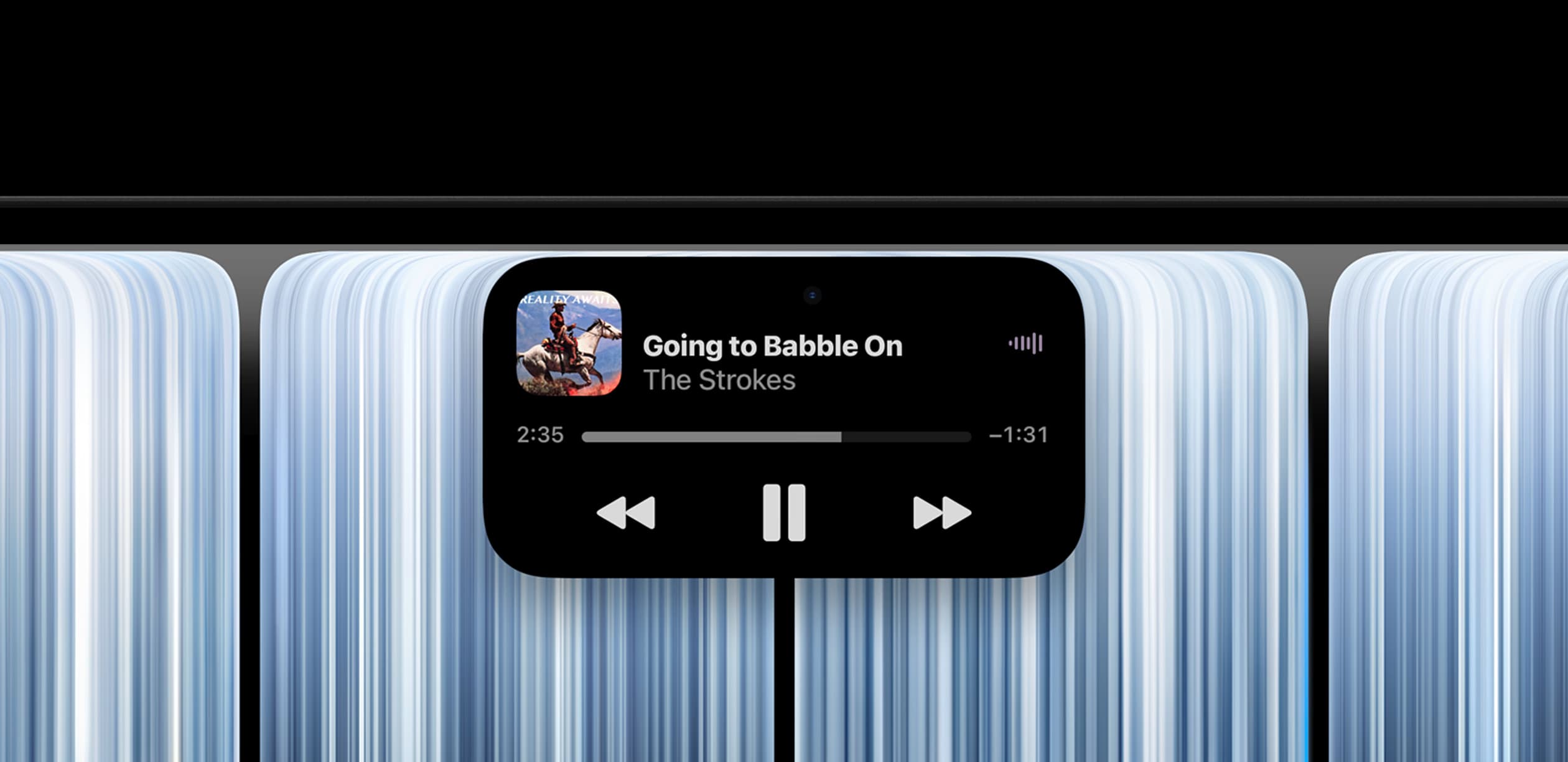
- It also has a Dynamic Island at the top to see your Live Activities, alerts, Spotlight, Siri AI, and notifications at a glance.
- Even the base model has 24 GB RAM and 1 TB storage.
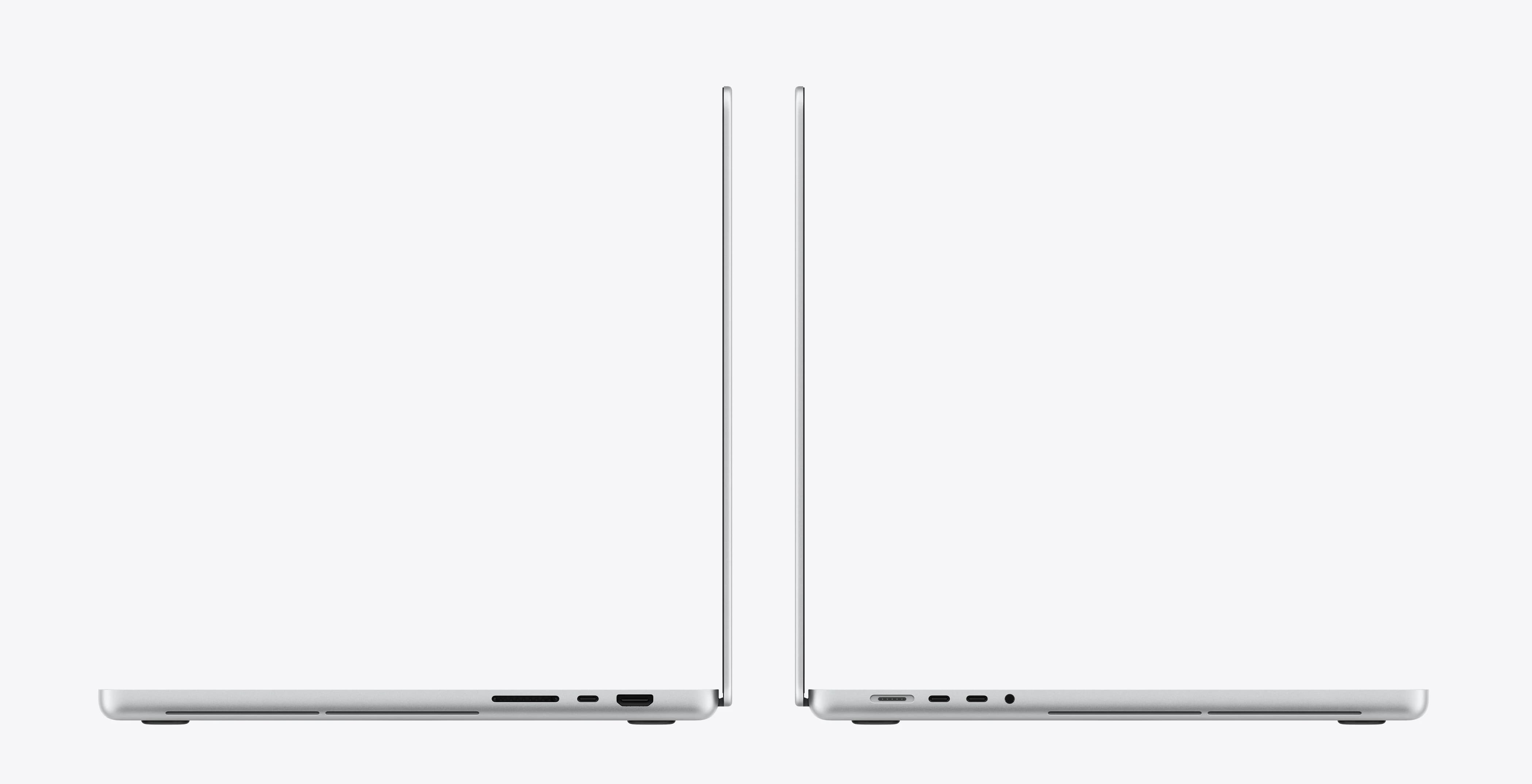
- Touchscreen MacBook Pro has three Thunderbolt 5 ports, an HDMI port, a MagSafe 3 port, an SDXC card slot, and a headphone jack.
- It supports Wi‑Fi 7 and Bluetooth 6.
- The webcam is a 12MP Center Stage camera that supports Desk View.
- Models with M5 Pro support up to three external displays over a single Thunderbolt 5 port, and models with M5 Max support up to four.
- Apple says you can fast charge your touchscreen MacBook Pro up to 50% battery in just 30 minutes using the right adapter.
- These new machines are also lighter than their non-touch counterparts. Apple says, “The 14-inch MacBook Pro now weighs half a pound less at 3 pounds, while the 16-inch MacBook Pro weighs just 4 pounds — 0.7 pounds lighter than before.”
You can order the new touchscreen MacBook today at apple.com, with first deliveries starting on 6th November. The base 14-inch model with 24 GB RAM and 1 TB storage starts at $2899. And the base 16-inch version costs $3399.
The introduction of new touchscreen MacBooks shows Apple is open to doing what its competitors do. However, it enters the market late, just as, after years of holding back, Apple recently released a foldable iPhone Duo; Samsung introduced its first foldable 8 years ago.
What do you think of a touch-based MacBook?
Also unveiled this week: