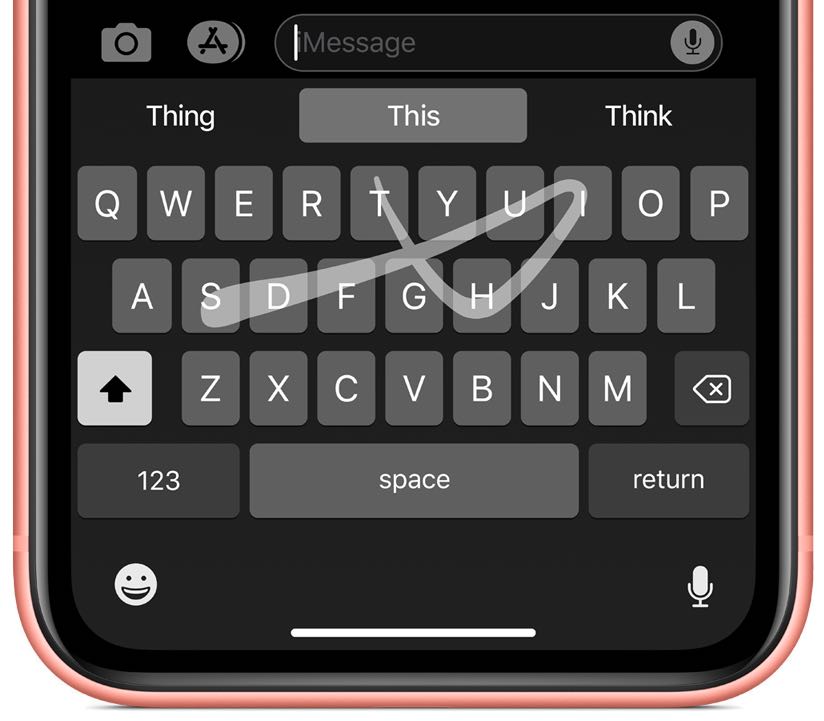
The system keyboard in iOS 13 has gained swipe typing, a dedicated Emoji key and more.
iOS 13 brings swiping, Memoji stickers, new shortcuts and more to the iPhone keyboard
Stay up-to-date on the latest iPhone news and learn new tips and tricks with our comprehensive tutorials. From software updates to new features, we’ve got you covered.
The system keyboard in iOS 13 has gained swipe typing, a dedicated Emoji key and more.
iPadOS brings a bunch of welcome feature additions to the Files app.
Learn how to turn off your active status on Facebook and Messenger on your iPhone, iPad, Mac, and the web so your friends can't tell you're online.
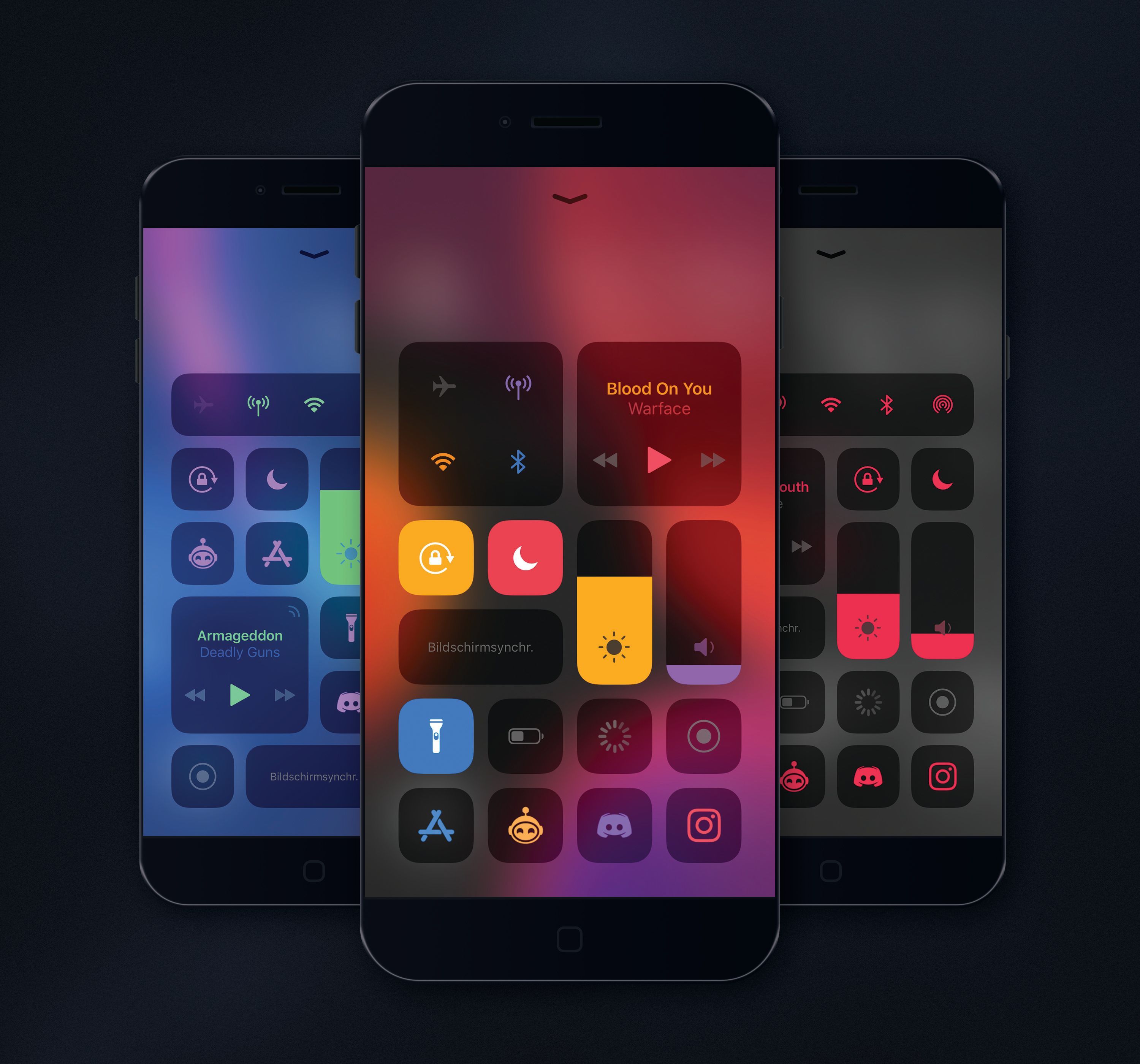
It wasn’t too long ago that we showed you a fun and quirky jailbreak tweak release called Magma by iOS developer NoisyFlake, which allowed users to customize the color-centric appearance of iOS’ Control Center interface.
Magma was an instant hit among jailbreakers, and this might explain why NoisyFlake has just released a more feature-packed version of Magma called Magma Pro.
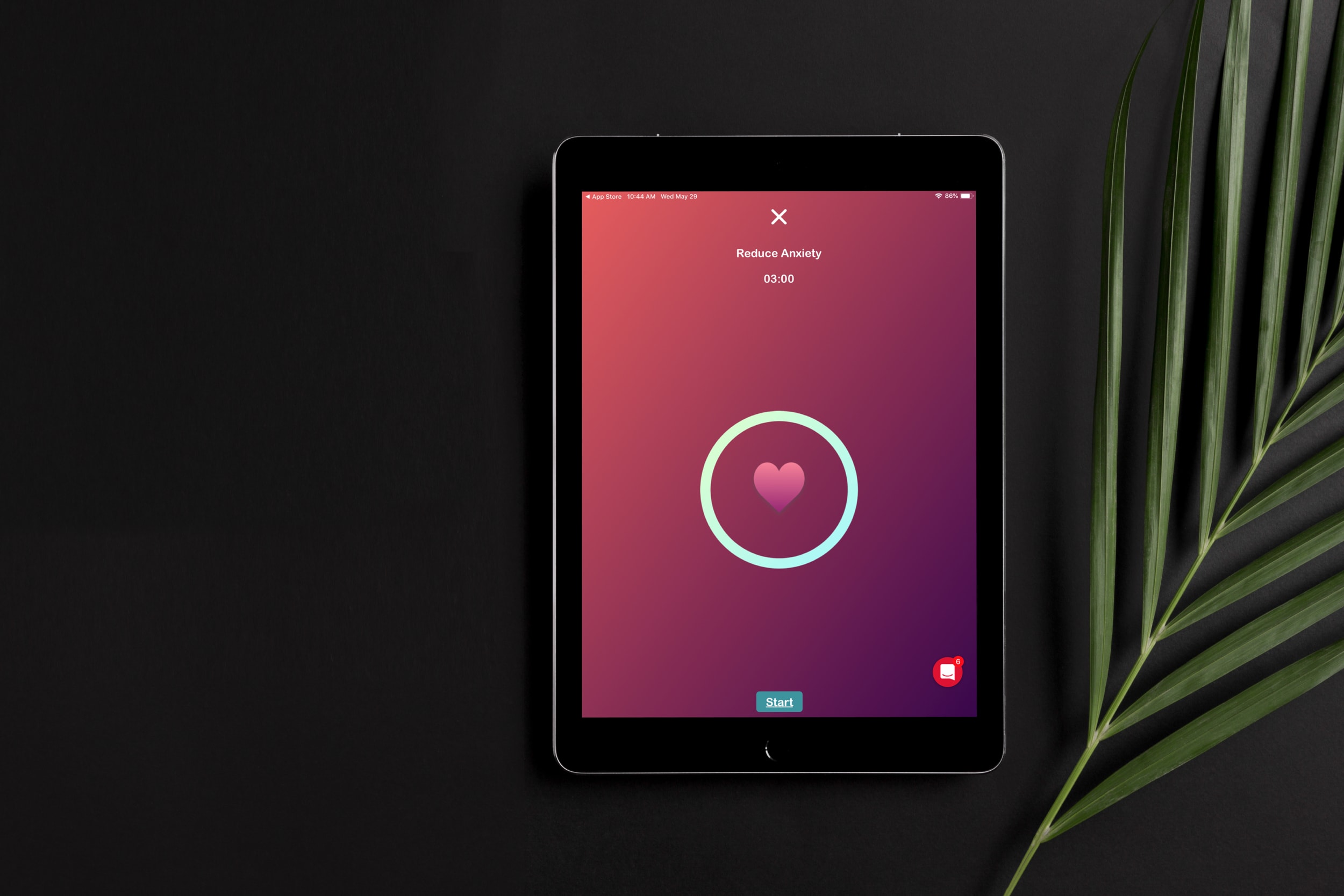
Whether you suffer from an anxiety disorder or just need help reducing stress and anxious feelings, your iOS device can be really helpful. Using apps that can make you feel relaxed and in control of your emotional and mental health is a terrific way to use your device.
Here are some of the best anxiety apps for iPhone and iPad.

Apple on June 3, 2019 released developer betas of the new iOS 13 and iPadOS software. You're advised to avoid deploying the betas onto your daily drivers, but if you do happen to have a spare iOS device laying around somewhere - or you're the type who prefers to live on the bleeding edge of technology - follow the instructions in our step-by-step guide to learn how to download and install the iOS 13 beta on your iPhone and the beta of iPadOS 13 on your iPad.

Learn how to change the default Safari homepage to automatically open your favorite website when you click the Home button or open a new browser window or tab.

It was only yesterday that Apple unveiled macOS 10.15 Catalina and launched the first developer beta, and it didn’t take long for beta testers to report that Saurik’s Cydia Impactor tool wouldn’t open on the newfangled macOS operating system due to its 32-bit nature.
Fortunately, this is no longer an issue. Saurik has updated Cydia Impactor on Tuesday with 64-bit support, which as you might come to expect, makes the popular side-loading software fully-compatible with Apple’s upcoming macOS Catalina update.
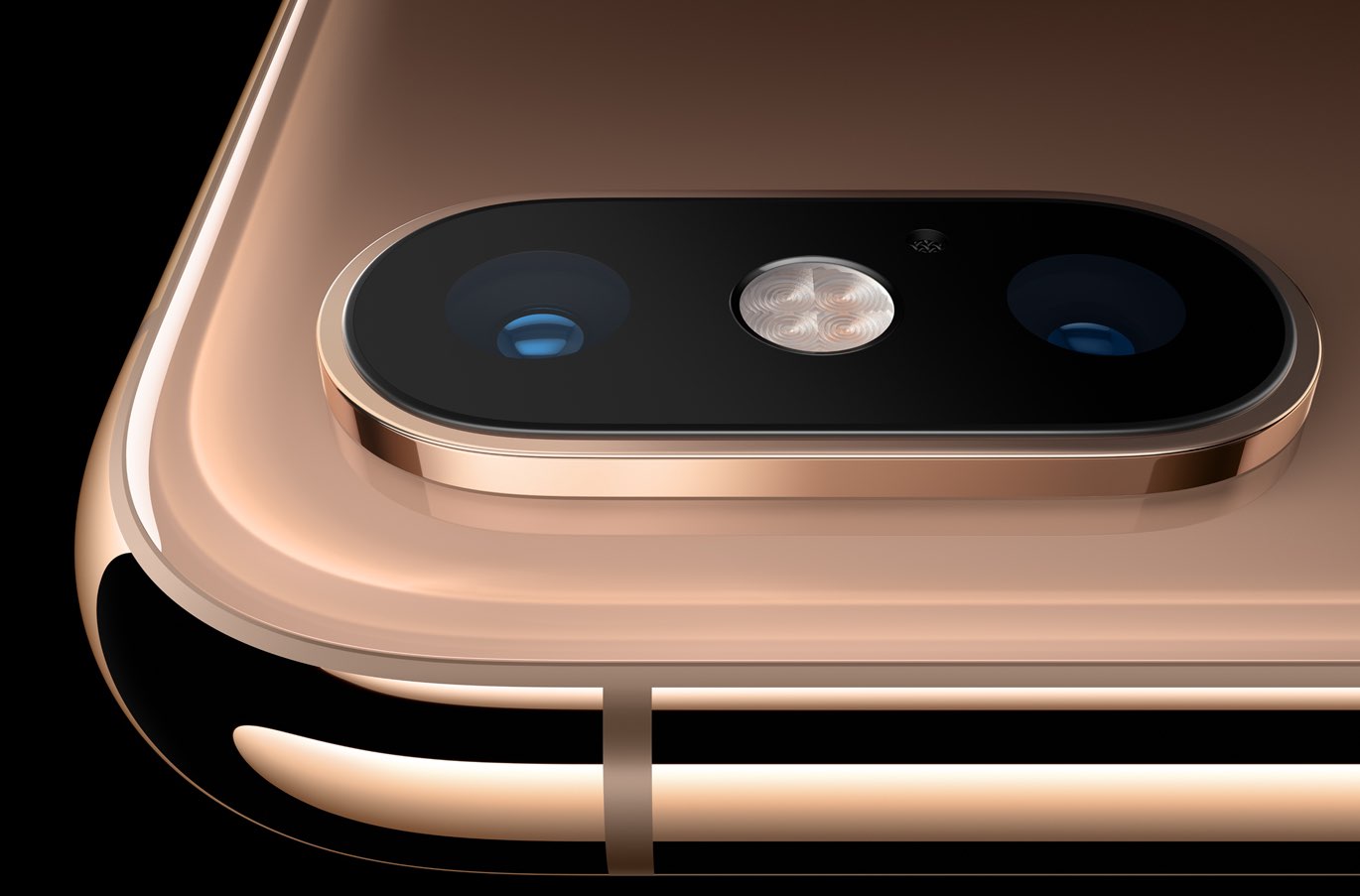
The Camera app in iOS 13 has received some love, too, although not as much as we've been hoping for. There are two main new user-facing enhancements. First, a new monochromatic image effect is available in-camera during capture, creating a classic look by setting a monochromatic subject agains an all-white background. The other new feature allows you to adjust the intensity of any Portrait Lighting shooting mode, while taking an image.
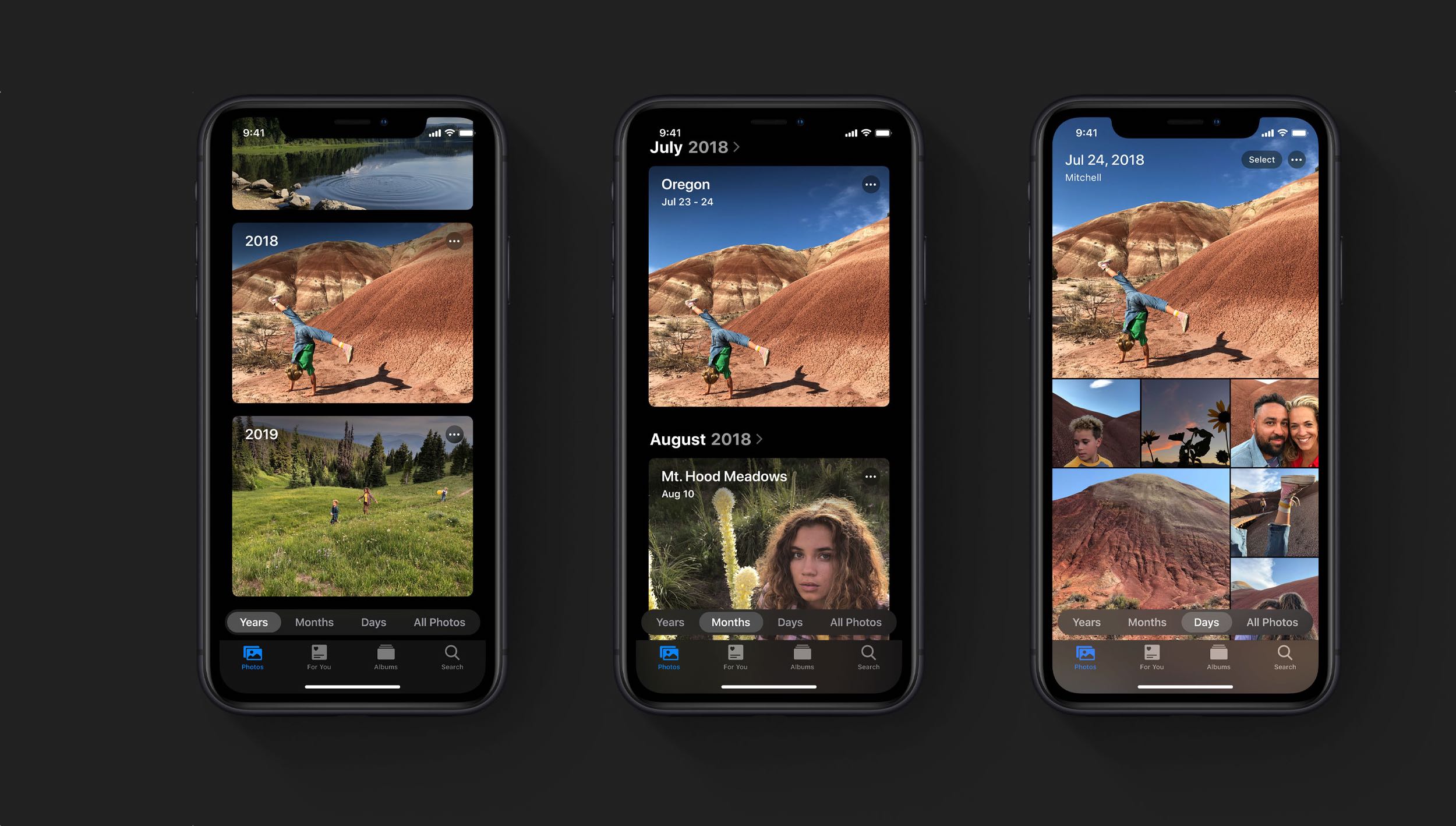
iOS 13's Photos app brings new ways to browse and edit not just images, but videos too.
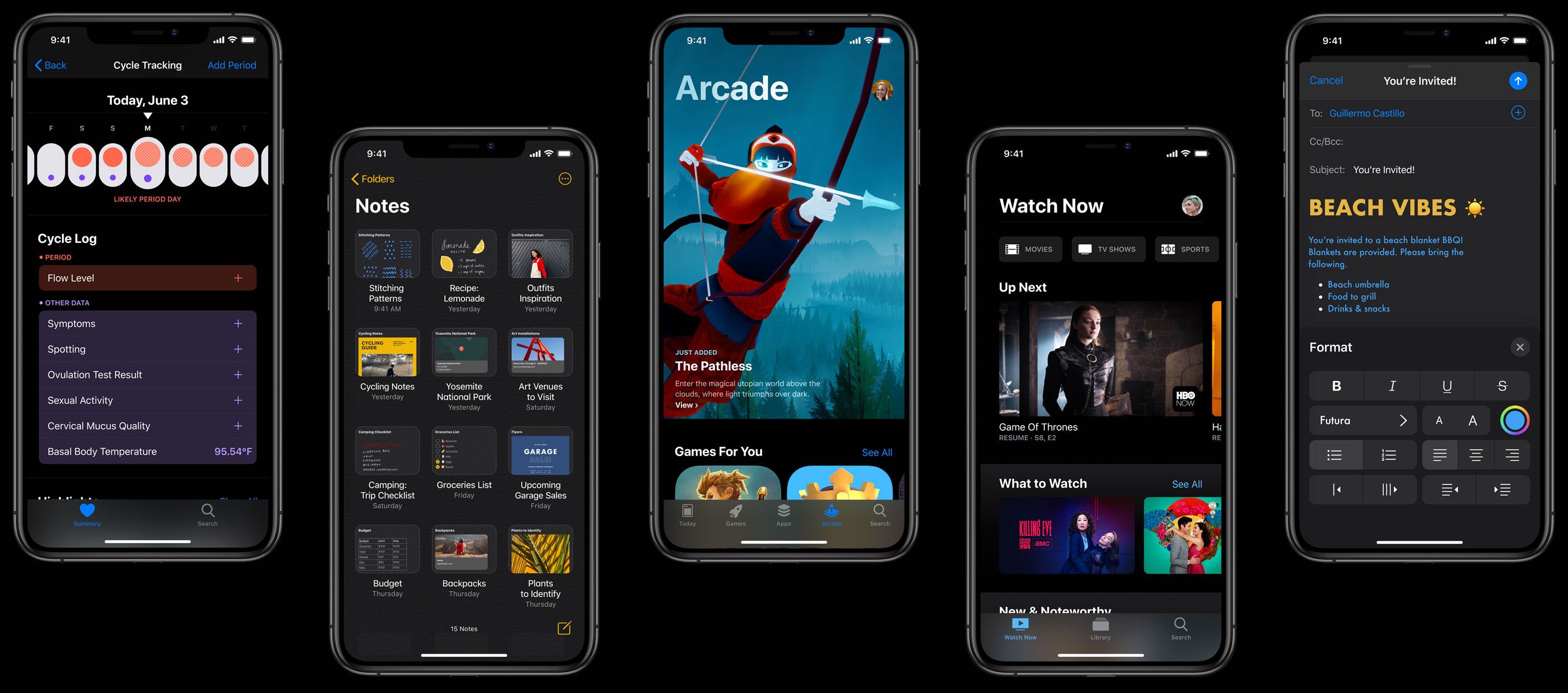
A long-rumored Dark Mode for iPhone and iPad has finally surfaced after its Mac debut in macOS Mojave last year. It's coming to everyone via a free iOS 13 software update in the fall.
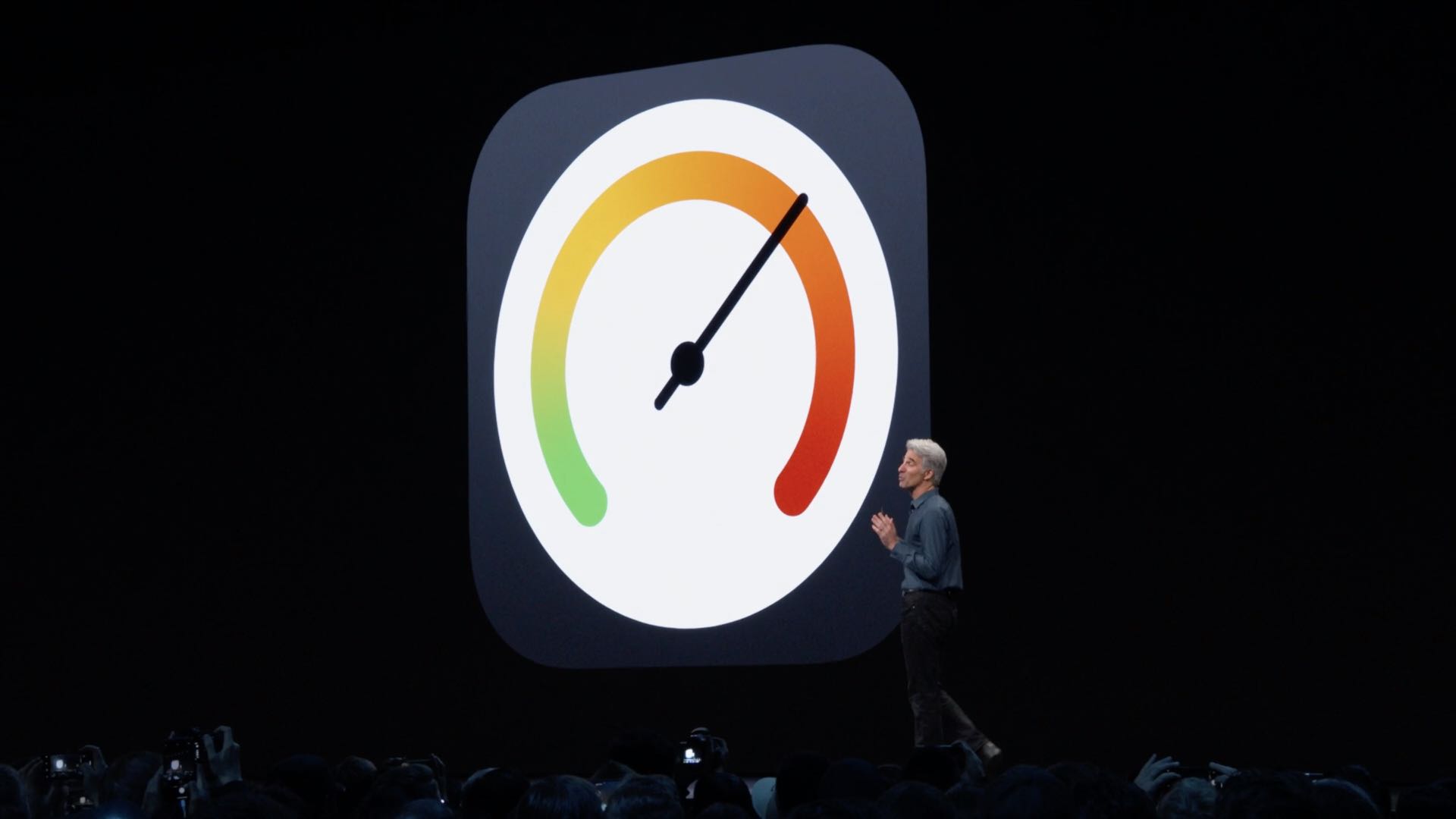
No other feature is more important to iPhone users than iOS's vaunted smooth performance. While some iOS releases did make our devices run slower, that has changed with iOS 10 which laid the groundworks three years ago for what would come in iOS 12 the following year: significant speed gains. iOS 13 continues on that trajectory with additional under-the-hood tweaks and optimizations that bring notable speed advances over iOS 12.