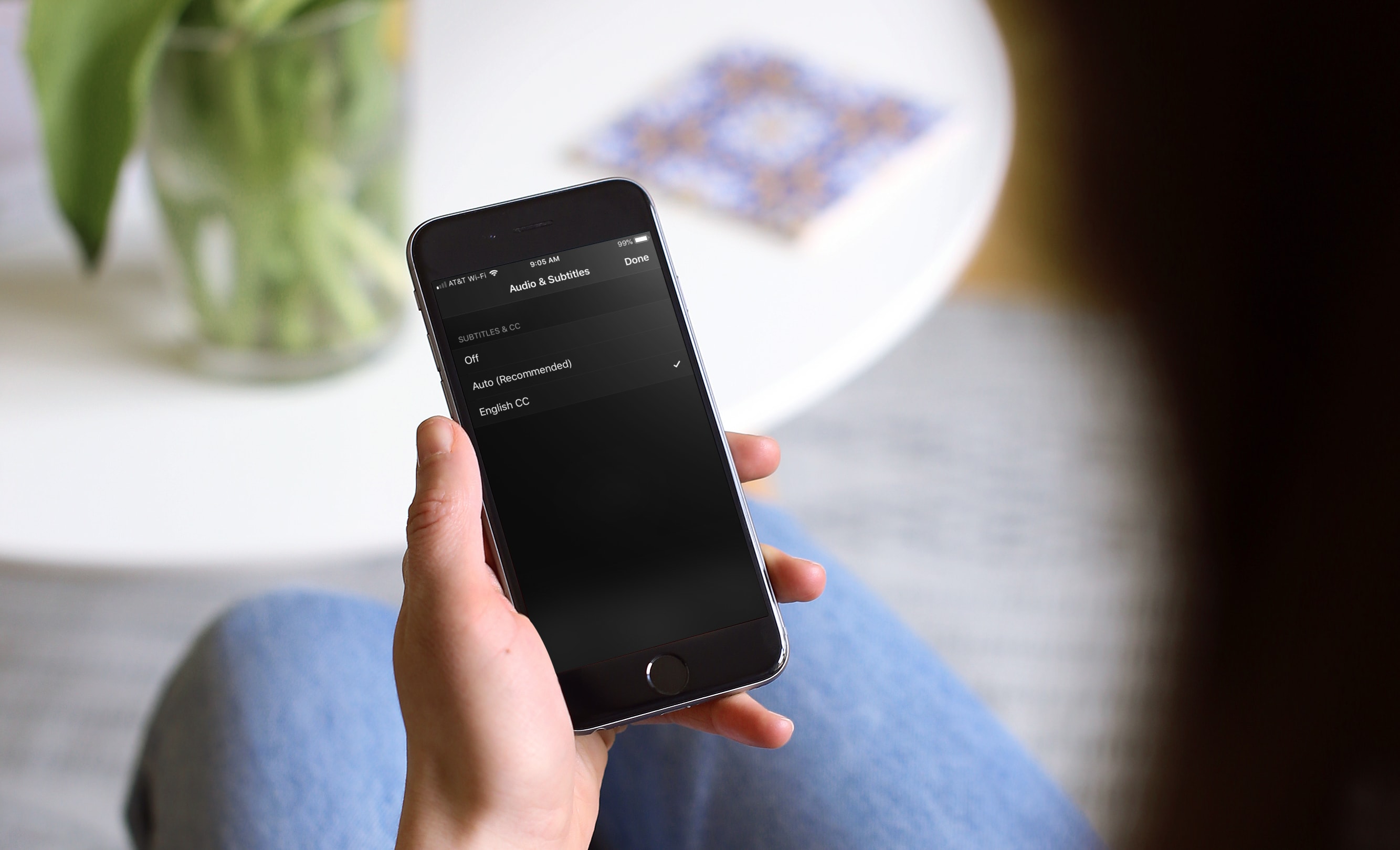
Learn how to turn on subtitles for Apple TV app and iTunes Store shows for a better viewing experience with these clear instructions.
How to enable subtitles for the Apple TV app and iTunes Store shows
Stay up-to-date on the latest iPhone news and learn new tips and tricks with our comprehensive tutorials. From software updates to new features, we’ve got you covered.
Learn how to turn on subtitles for Apple TV app and iTunes Store shows for a better viewing experience with these clear instructions.
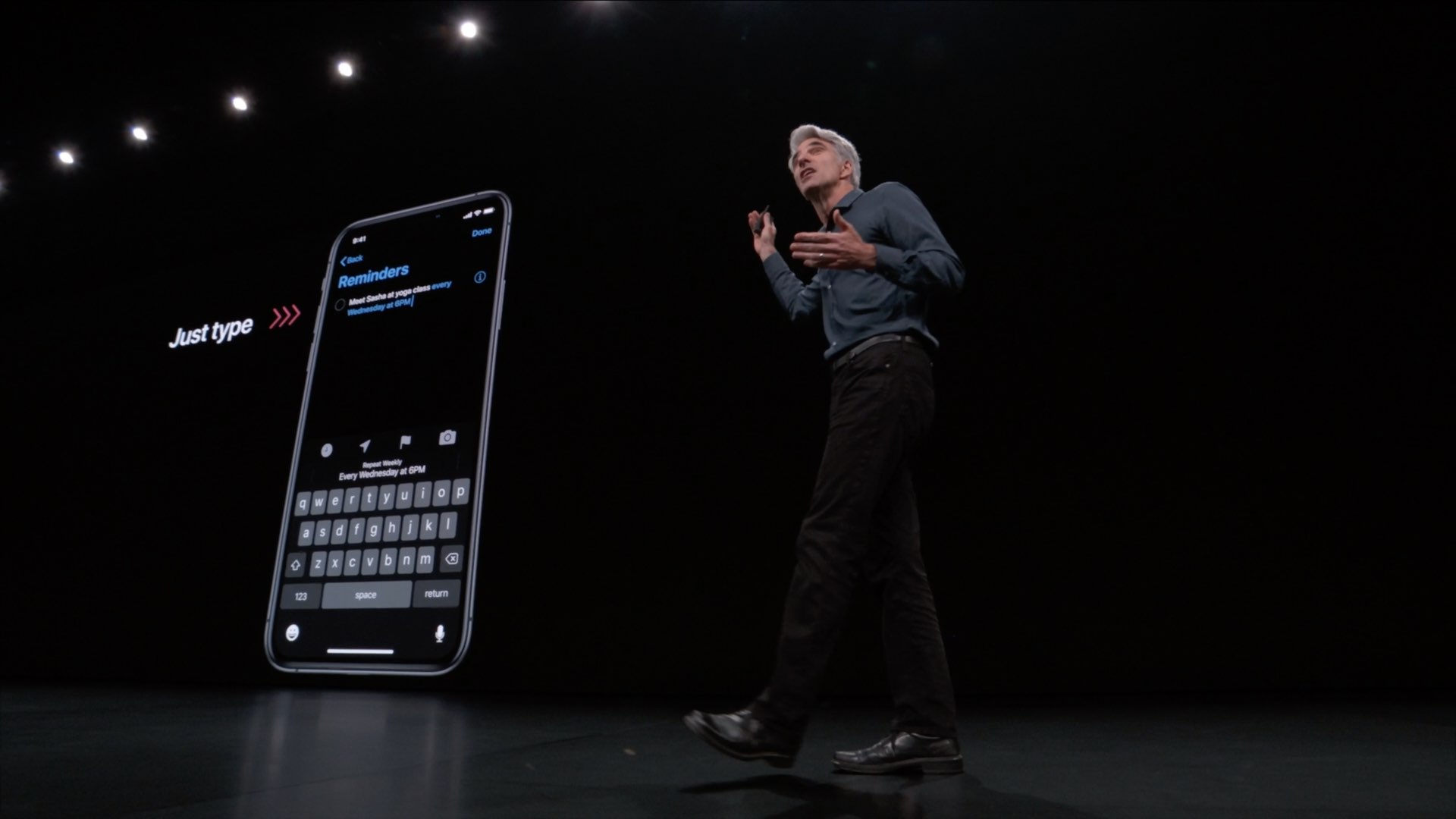
The Reminders app in iOS 13 and iPadOS has received a substantial facelift along with meaningful functional improvements and productivity boosts making this oft-overlooked app a lot easier to use when creating, organizing and track your reminders on the go.
Each of the latest jailbreak solutions, be it the Electra Team’s Chimera tool or Pwn20wnd’s unc0ver tool, only support iOS versions 12.0-12.1.2. That said, a teaser shared just this morning by talented security researcher iBSparkes tends to be particularly exciting.
In the Tweet, iBSparkes shares a screenshot of what appears to be the all-too-familiar Cydia package manager running on an iPhone SE (iPhone 8,4) with the iOS 12.4 beta installed:
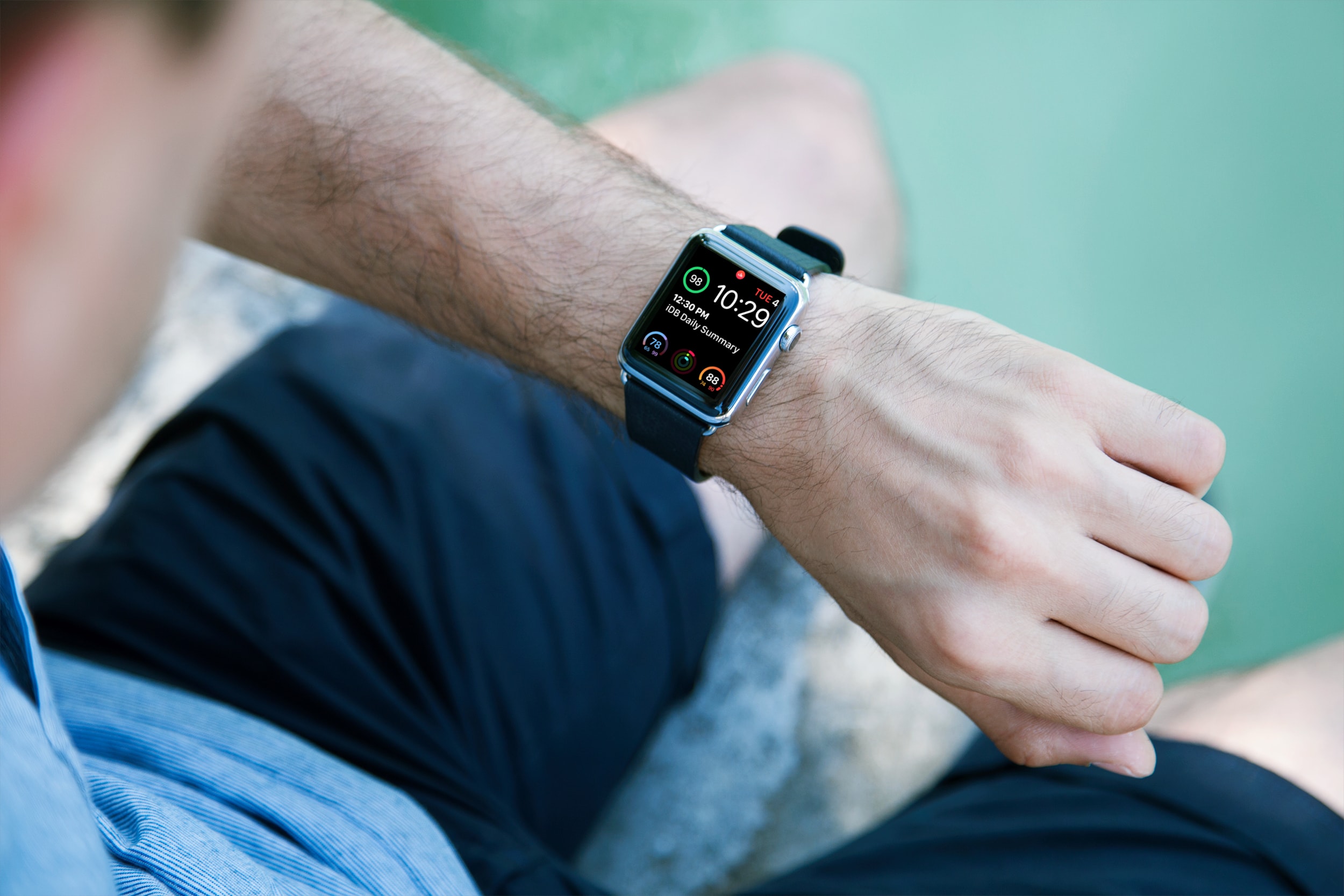
Learn how to easily identify your Apple Watch model and series numbers with this comprehensive guide, including images and step-by-step instructions.
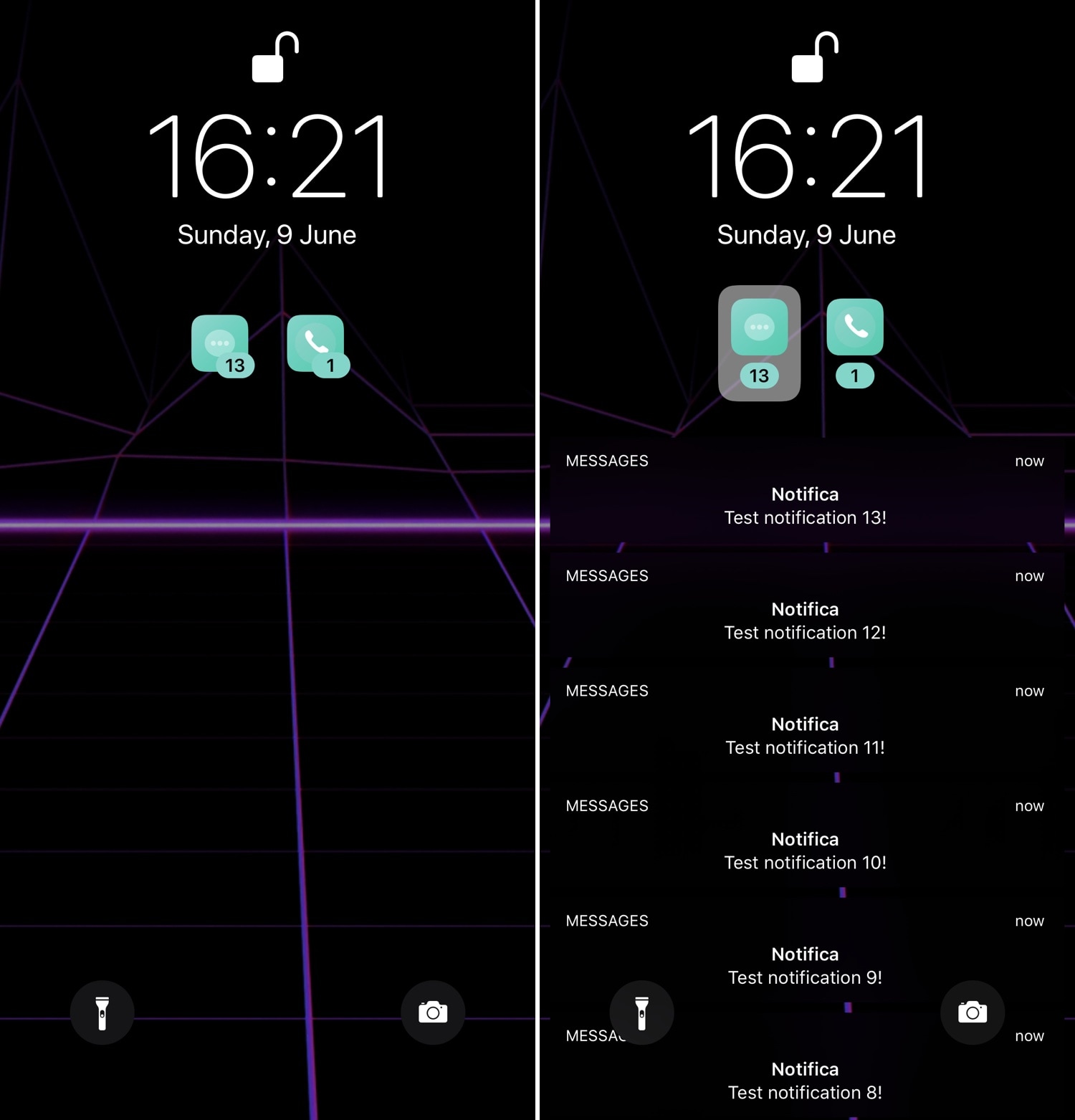
First released back in 2014, Priority Hub was perhaps one of the most popular notification-centric jailbreak tweaks of all time. It ported BlackBerry 10’s grouped notifications feature to the iOS Lock screen, allowing users to filter missed notifications on a per-app basis.
As time went on, developers have re-made Priority Hub for newer iterations of iOS, and now that both iOS 11 and 12 are jailbreakable, it only seems just that a proper remake should be released for those firmware versions. With that in mind, we’re excited to show you a new free jailbreak tweak release called Axon by iOS developer Nepeta.

At the bottom of your iOS device’s Lock screen is a subtle blurb of text that tells you what you should do to unlock your device. On a Face ID-equipped handset, it might say “Swipe up to unlock,” while Home Button-equipped handsets might show “Press home to unlock” instead.
If you’re jailbroken and you’re interested in customizing this text, then you’re in luck because iOS developer Dave van Wijk has just released a new free jailbreak tweak called LSTextChanger that lets you do just that.

The Electra Team published a surprise update for their iOS 12-centric Chimera jailbreak Sunday evening, officially bringing the tool up to version 1.0.8.
The announcement, shared just a few minutes ago via the Electra Team’s official Twitter account, denotes what appears to be a bug fix update that resolves a problem where the Sileo package manager’s app icon would disappear from the Home screen after jailbreaking with Chimera version 1.0.7:

Whether you're taking advantage of the A12(X)-supported Chimera jailbreak by the Electra Team, or the newly-redesigned unc0ver jailbreak by Pwn20wnd, chances are you're itching for something new that'll make your jailbroken handset look better than all the rest out there. Fortunately, we're here to help with that.
This roundup will encompass all the latest jailbreak tweak releases from Monday, June 3rd to Sunday, June 9th. As usual, we'll kick things off by discussing our favorite from the bunch first and then wrap things up with an outline of the rest afterward.
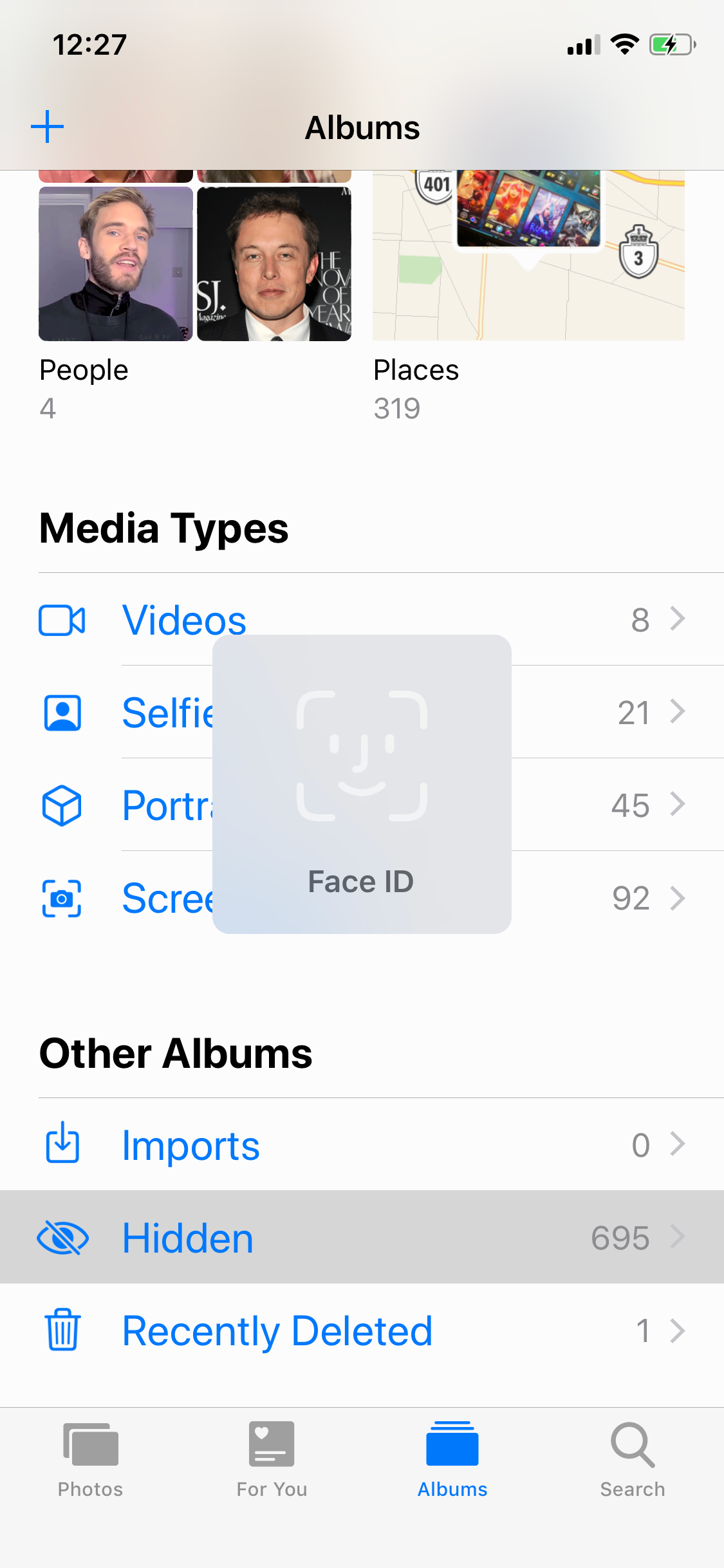
You can hide sensitive images from your Photos app’s Camera Roll by moving them to the app’s Hidden album, but it doesn’t take much for someone with access to your handset to find the Hidden album and start perusing through the images it contains.
With this caveat in mind, iOS developer Menuska has released a new free jailbreak tweak called FaceID for Hidden Photos that adds a biometric authentication requirement to the Photos app’s Hidden album. With it, you’ll need to pass a Face ID authentication test to access the Hidden album’s contents, as shown in the screenshot example below:
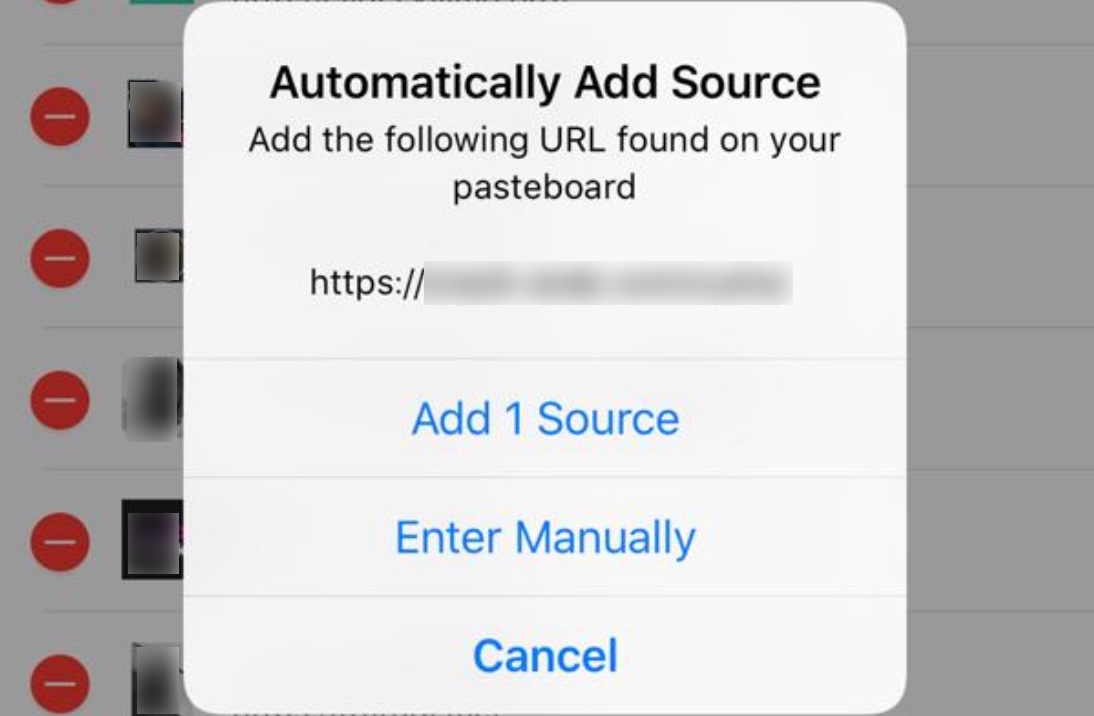
Handsets jailbroken with Pwn20wnd’s unc0ver tool will have Cydia installed as the default package manager, and with a newly-released free jailbreak tweak dubbed addsource by iOS developers yuosaf01 and 3bod_syr, you can augment the app’s native repository-adding functionality.
With any typical Cydia installation, users will need to enter a repository’s URL manually by tapping on the ‘Add’ button in the app’s Sources tab. This method works, but it tends to be cumbersome and exposes users to an increased likelihood of human error while typing the designated repository URL.
At WWDC 2019, Apple introduced both iOS 13 and iPadOS, each of which sim to significantly augment the features available on Apple’s mobile device lineup. But like most annual upgrades to iOS, it’s clear that Apple received inspiration for new features from the jailbreak community, which continues to tweak Apple’s mobile operating system to this very day.
In this piece, we’ll discuss thirteen new features from Apple’s upcoming iOS 13 and iPadOS mobile operating systems that the jailbreak community had first.

If you have a lot of tweaks installed on your jailbroken iOS handset, then you probably have a plethora of dedicated preference panes lurking in your Settings app. With that in mind, it can be useful in a pinch to have shortcuts to the preference panes you use the most.
With the aforementioned concept in mind, we’re excited to show you a newly-released free jailbreak tweak called QuickPrefs by iOS developer AnthoPak, which makes some of your most-used jailbreak tweak-centric preference panes in the Settings app easier to access.