iPhone

Stay up-to-date on the latest iPhone news and learn new tips and tricks with our comprehensive tutorials. From software updates to new features, we’ve got you covered.

SiriApp puts an app on the Home screen for launching Siri

iOS device users can invoke Siri on demand with a simple button press or by muttering ‘Hey Siri’ under certain circumstances, and jailbreakers have even more options for calling upon their virtual assistant for help, such as Ryan Petrich’s Activator extension. But who said your options had to stop there?

With a free jailbreak tweak called SiriApp by iOS developer level3tjg, you can add a dedicated application icon to your Home screen for invoking Siri.

This new jailbreak tweak effectively hides your iPhone’s notch

The notch at the top of modern Face ID-enabled handsets such as the iPhone X, XR, XS, and XS Max is a non-issue to me, but some people can’t seem to wrap their minds around having anything besides a straight line integrated with the display’s edge.

If you identify with the latter group of people and your notched handset is jailbroken, then you’ll be excited to learn that you can now download a newly-released jailbreak tweak called SmallStatusBarX by iOS developer level3tjg to hide the notch and enable the legacy Status Bar on relevant handsets.

Center-align all application titles in iOS with CenteredLargeTitles

iOS 11 and 12 introduced a lot of changes over iOS 10, but in the aesthetics department, the large emboldened titles that appear in certain apps really tend to stick out.

The emboldened titles don’t look terribly horrendous, but one of the most common complaints that we see regarding them is Apple’s choice to left-align the text. Given the circumstances, iOS developer level3tjg came up with a free jailbreak tweak called CenteredLargeTitles to resolve this debacle for the picky ones.

This tweak puts an audio visualizer on your Home screen

I’m a firm believer that the iPhone needs a native audio visualizer, and that’s mainly why I’m such a massive fan of a popular jailbreak tweak called Mitsuha Infinity that we showed you just last month.

Mitsuha Infinity enabled the audio visualizer in the Now Playing app and on the Lock screen, but with a new add-on called Mitsuha Infinity – Home Screen by iOS developer Nepeta, you can now enjoy the same effect on your Home screen.

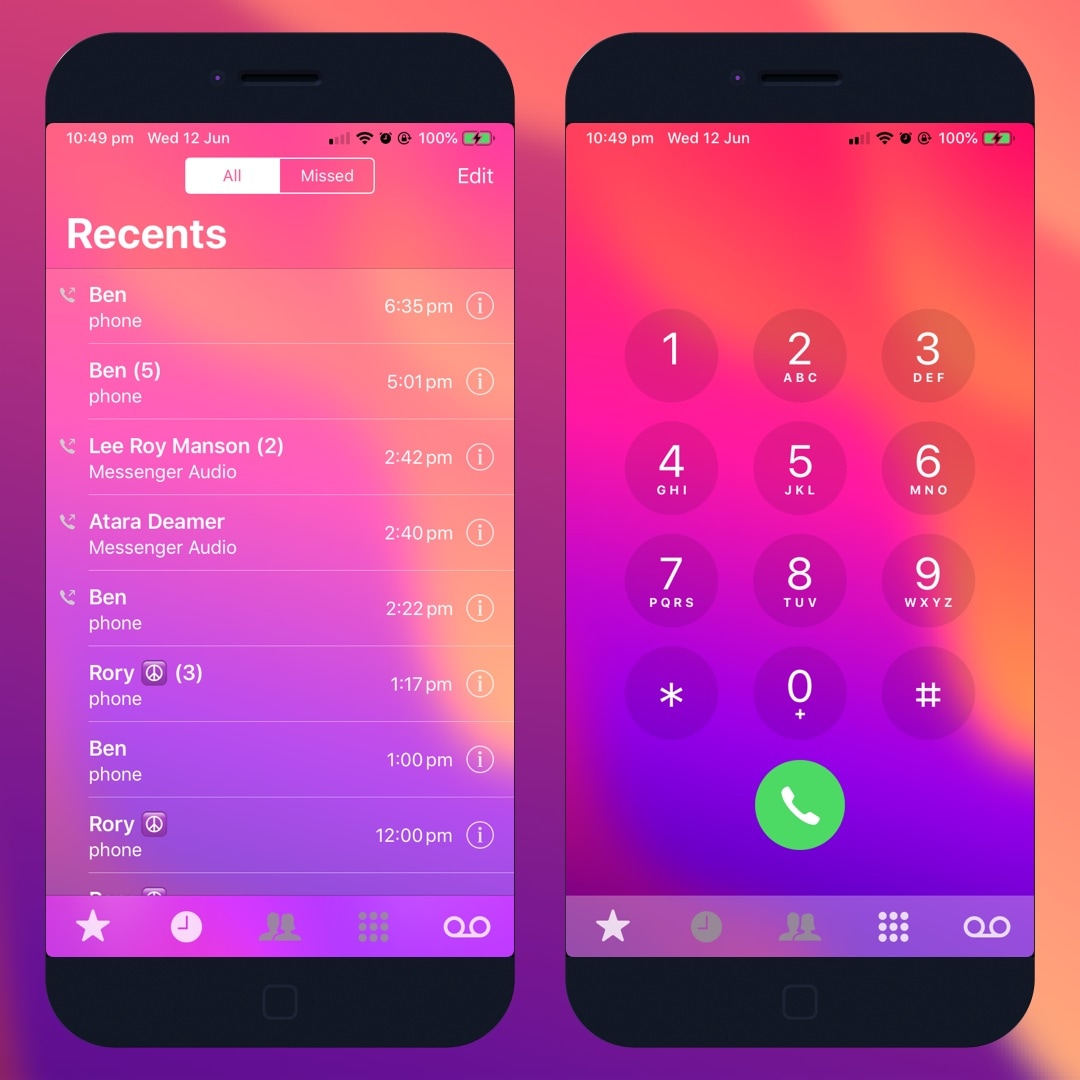
T9Dialer brings T9 dialing support to the iPhone’s native Phone app

T9 dialing was initially introduced as a means of making text input easier on 3x4 numeric keypads, much like those found on old cell phones. Modern smartphones with their phone number hot-linking and advanced contact lists have all but phased out the need for such things, but to those wishing they could access T9 in the iPhone’s native Phone app: you’re in luck.

T9Dialer is a somewhat new jailbreak tweak released by iOS developer Jordan Koch (eskimo_dev) that ports full T9 functionality to the numeric keypad in the iPhone’s native Phone app.

Centaur supercharges Notification Center with modules and other new features

There’s no better place in iOS to look for missed notifications than the Notification Center itself, but you wouldn’t be alone if you thought that the native Notification Center interface could benefit from a facelift.

If you’re in the market for a refreshed Notification Center interface, then you just might come to appreciate a newly-released jailbreak tweak called Centaur by iOS developer Muirey03. Centaur reimagines Notification Center by incorporating a slew of useful features like Control Center toggles, device information, and music controls, to name a few:

This tweak transforms the Home Bar into a Now Playing progress indicator

All notched handsets, including the iPhone X, XR, XS, and XS Max, ditch the traditional Home Button in lieu of the new Home Bar, which is a software-centric ‘grabber’ that lives at the bottom of your display. The Home Bar is used to unlock your handset, return to the Home screen, and access the App Switcher, but that’s about it.

It seems like the Home Bar could be made to do so much more, and that's why we were particularly fascinated by the release of a new free jailbreak tweak called HomeBarMediaProgress by iOS developer Jordan Koch (eskimo_dev), as it aims to give the Home Bar an added purpose. More specifically, the tweak transforms the Home Bar into a status indicator for any Now Playing media that might be playing in the background.

DockRemover hides the application Dock from your Home screen

Most people use the Dock on their Home screen for fast access to their favorite apps, but that isn’t the case for everyone; some jailbreakers, for example, run custom Home screen setups and may prefer to hide the Dock altogether.

If you fall into the latter group above, then you may take an interest in a new free jailbreak tweak dubbed DockRemover by iOS developer Blake Boxberger. As you've probably inferred from the name already, DockRemover hides the  Dock from your iOS device’s Home screen, offering a cleaner overall aesthetic.