Learn how to play new NYT-style crossword puzzles—both small 5x5 puzzles and large 15x15 ones—every day on your iPhone, iPad and Mac.
How to play daily NYT-style crossword puzzles on Apple News+
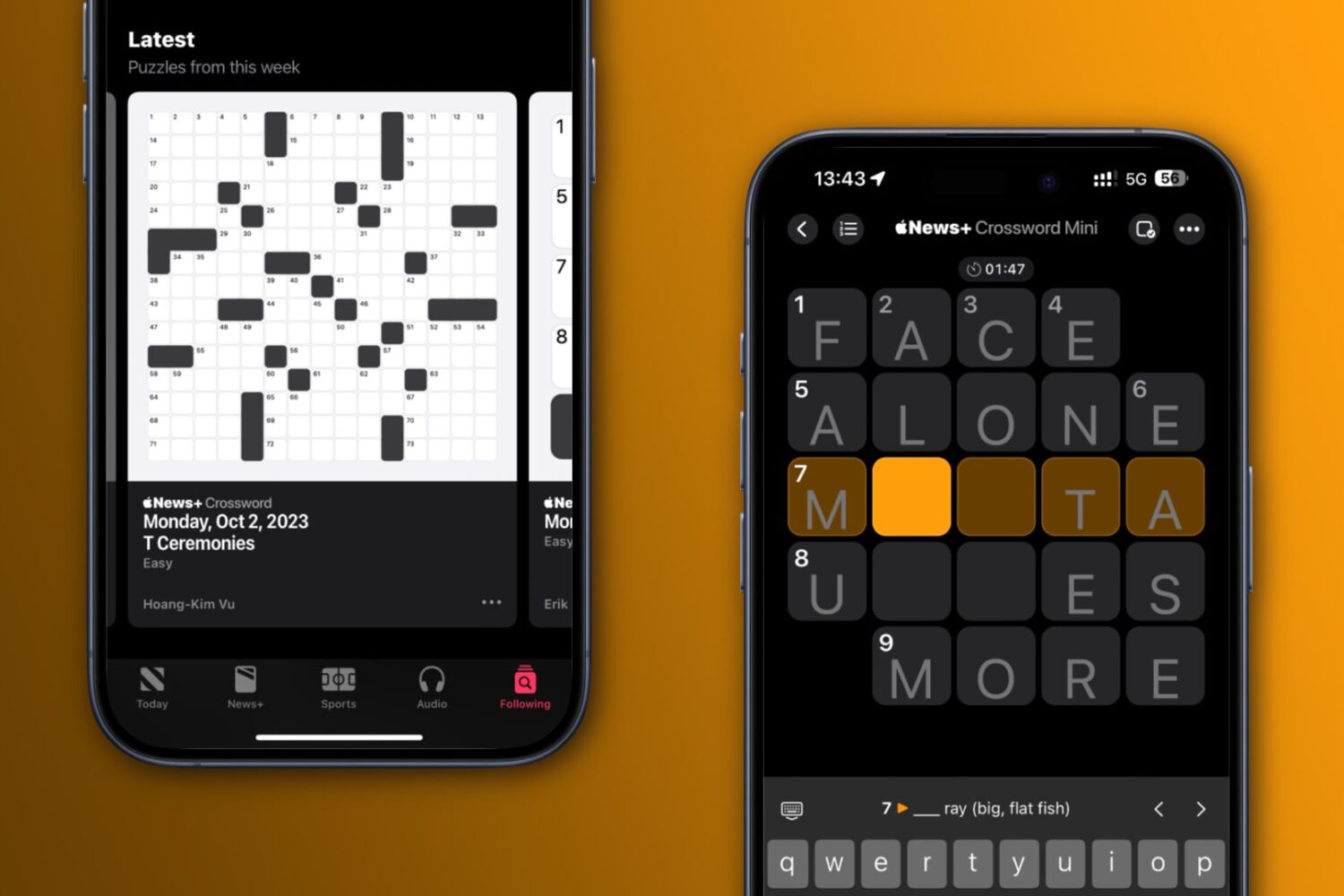
Learn how to play new NYT-style crossword puzzles—both small 5x5 puzzles and large 15x15 ones—every day on your iPhone, iPad and Mac.
Learn how to limit the 120Hz screen refresh rate on your iPhone Pro or iPad Pro and switch back to the standard 60Hz refresh rate to extend battery life.

Learn how to make a FaceTime call from your Apple TV or transfer an ongoing iPhone or iPad FaceTime call to your TV without disconnection.
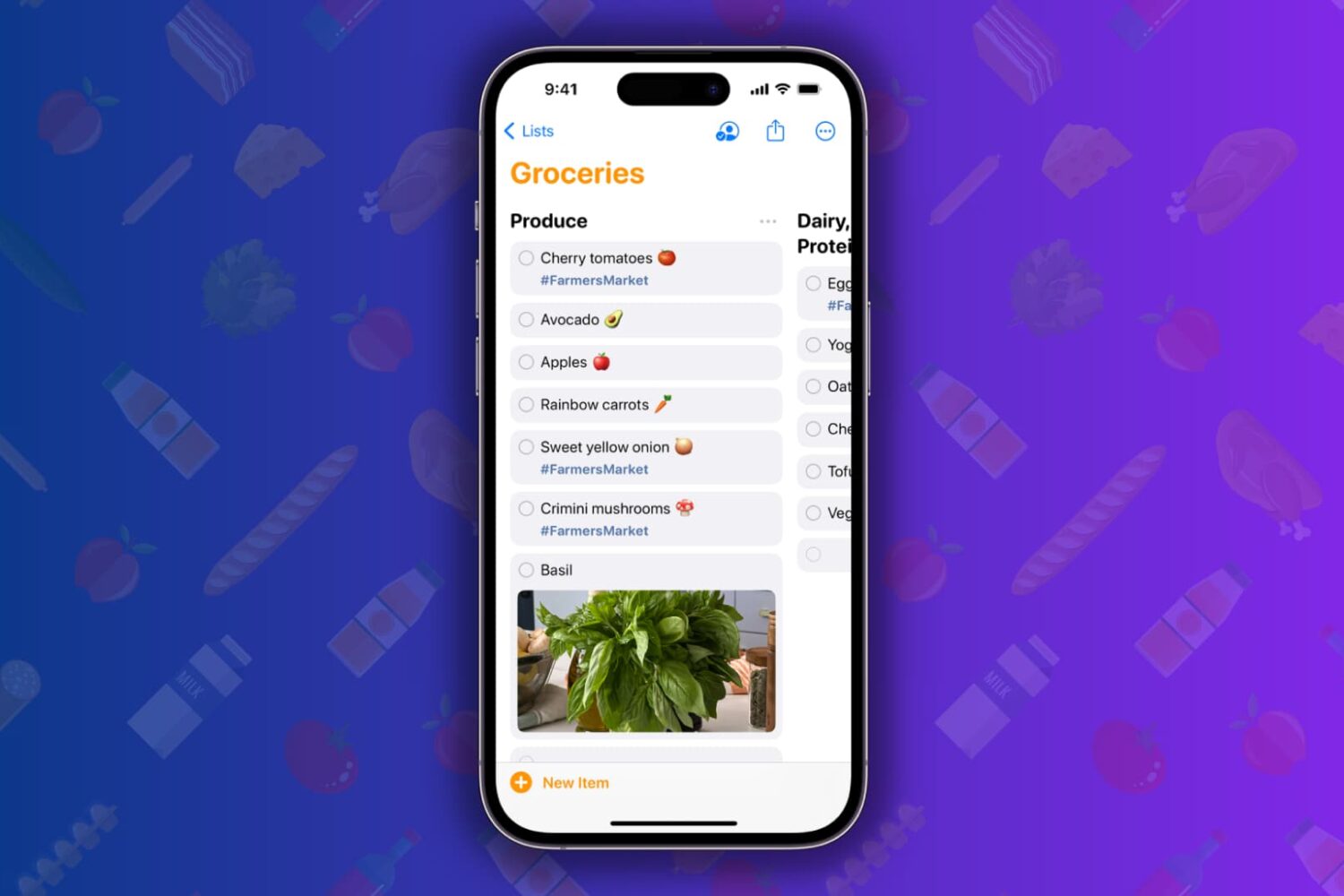
Learn how to simplify your shopping with the groceries list feature in the Reminders app, which sorts grocery items into categories on your iPhone, iPad, or Mac.

Learn how to create a Shared Passwords Group on your iPhone, iPad, or Mac to make your selected iCloud Keychain login passwords securely available to family members, friends, and other trusted contacts.
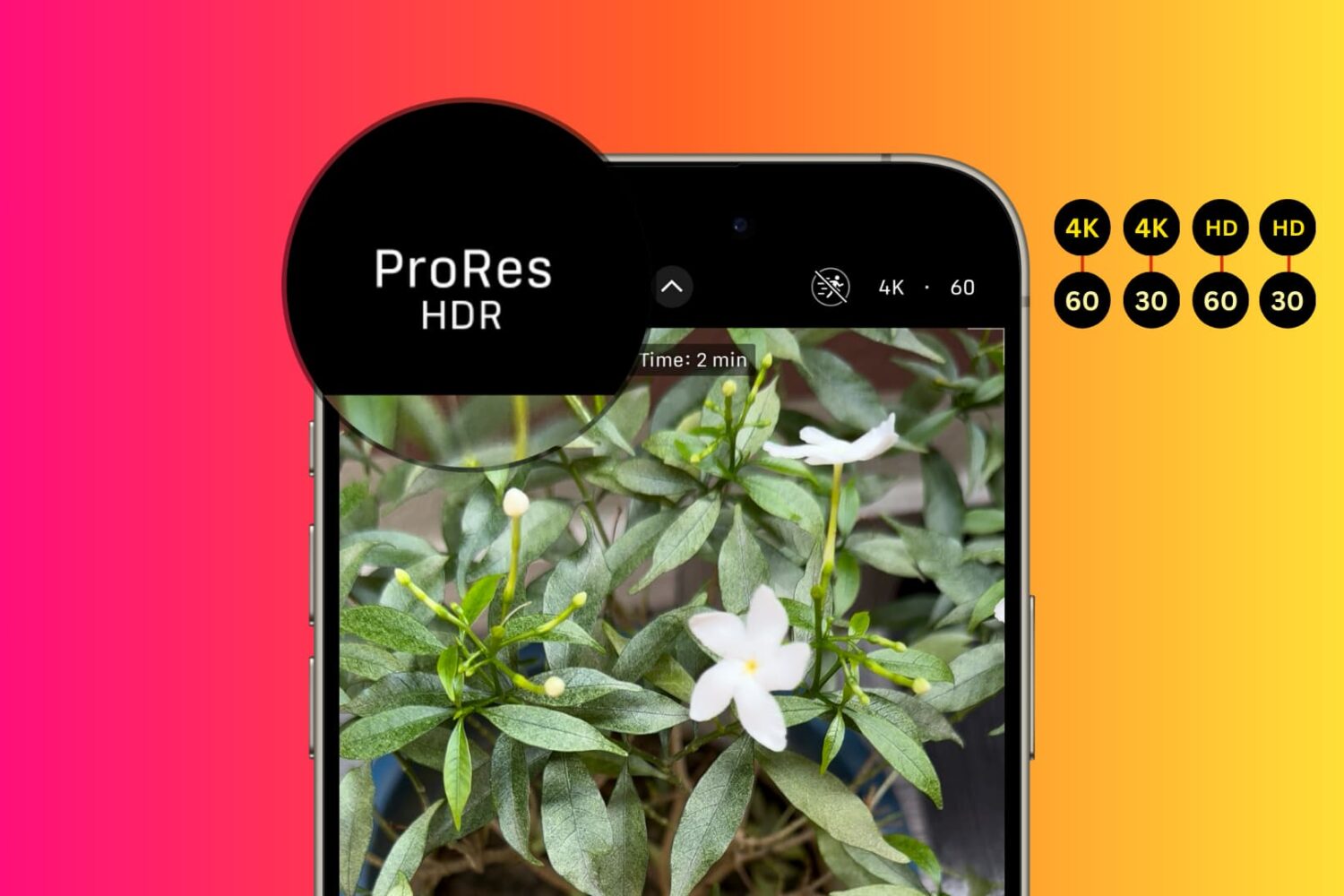
Learn how to use your iPhone to record ProRes videos on its internal storage or directly to an externally connected storage device like a USB thumb drive.
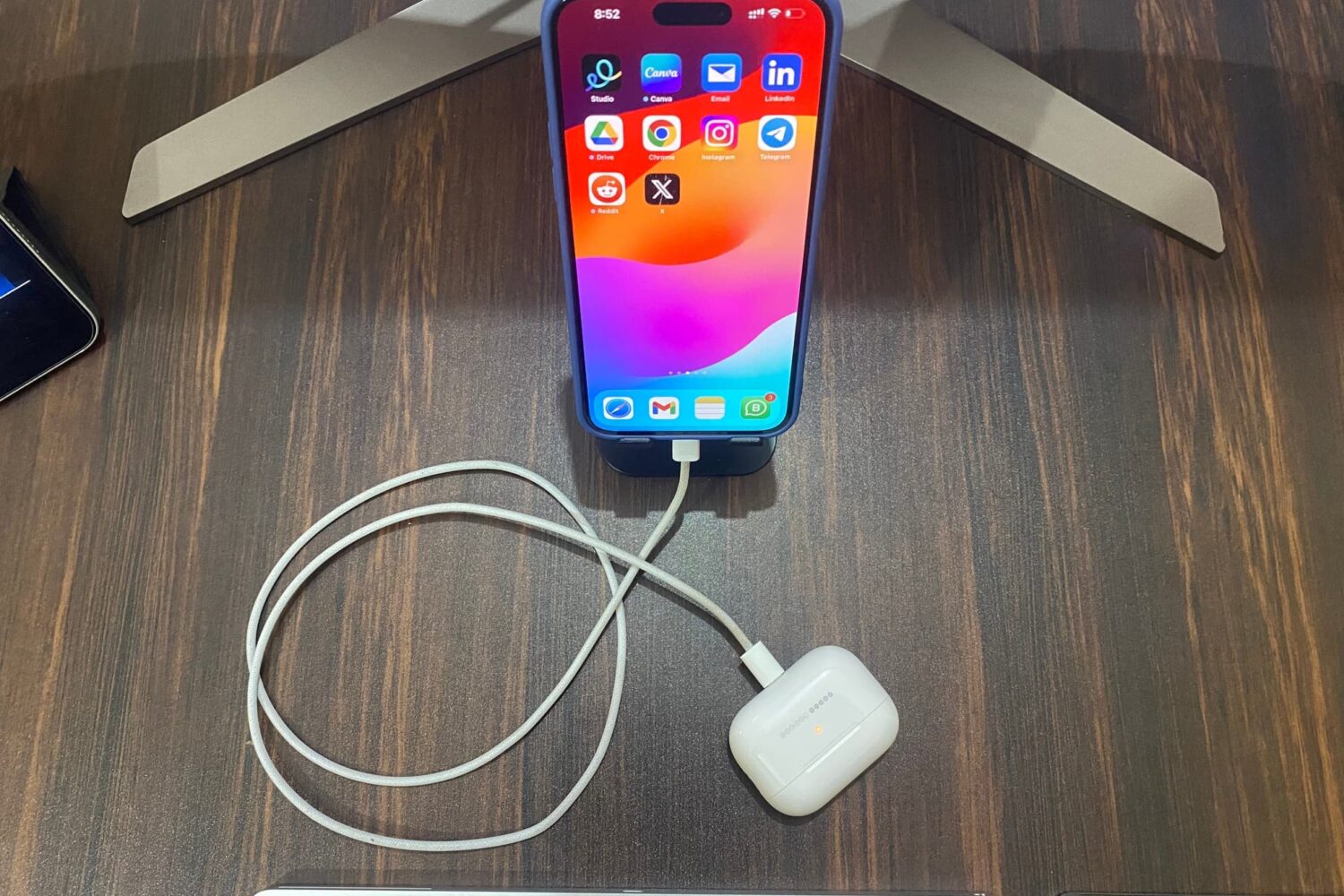
Learn how to use your iPhone or iPad with a USB-C port as a power bank to charge your Apple Watch, AirPods, and other devices or charge an iPhone using an Android phone.
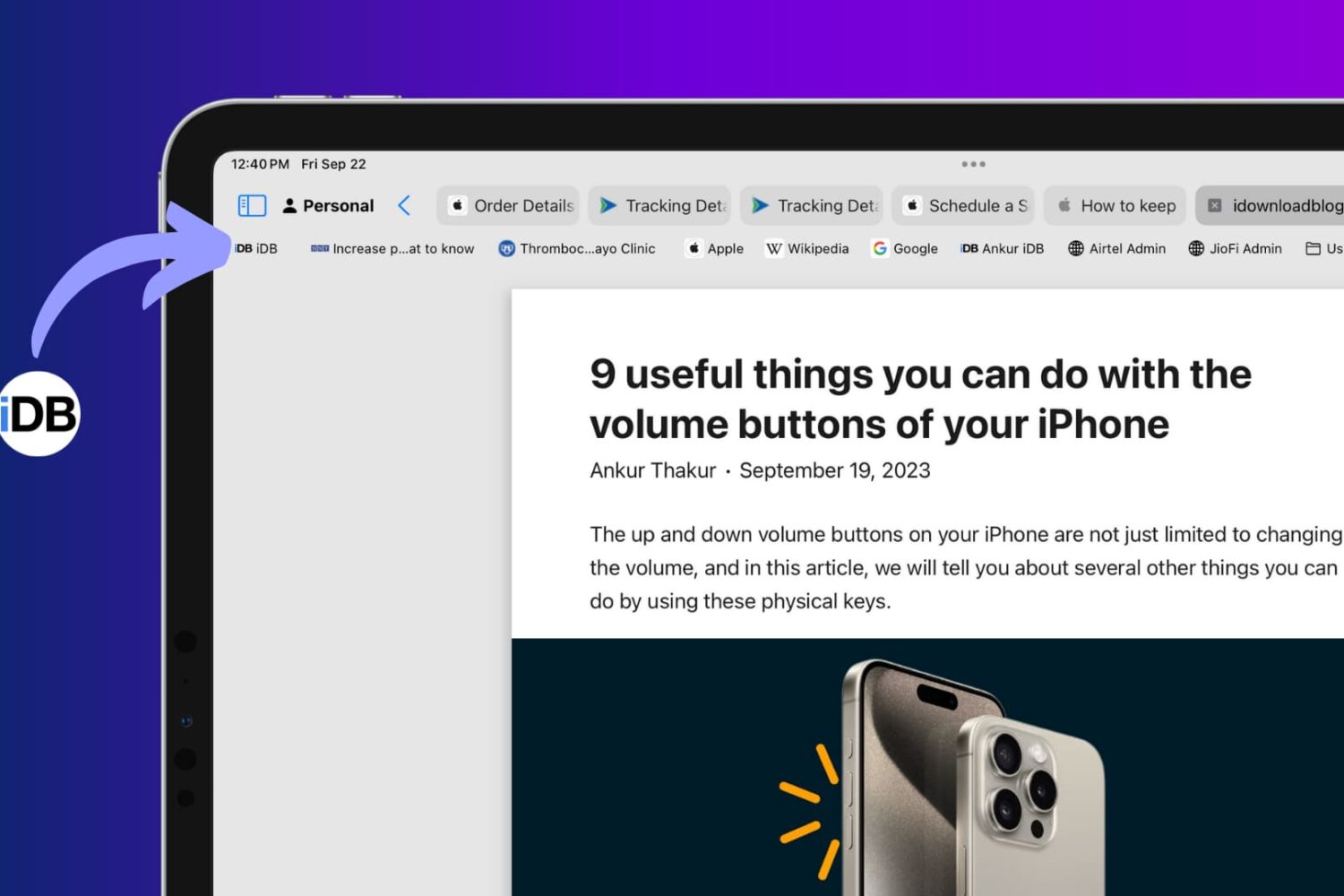
Learn how to toggle website icons for your saved bookmarks in Safari’s Favorites Bar on your iPad and Mac for clarity and visual appeal.
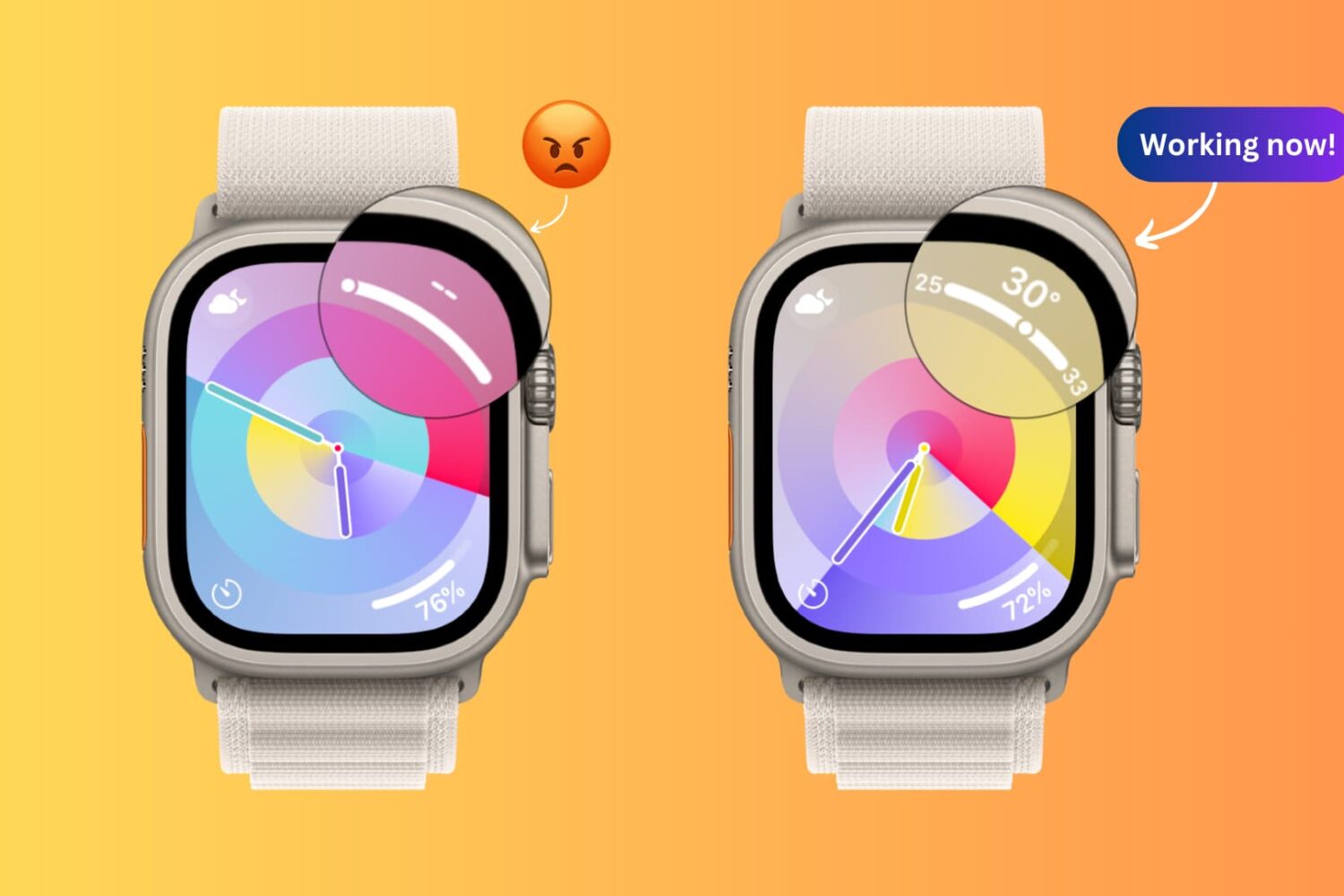
Learn how to fix the Weather app complication on your Apple Watch when it shows dashes instead of the temperature or weather conditions.

If you weren’t already aware, there’s a new jailbreak detection bypass in town called RootHide for the Dopamine jailbreak for devices running iOS & iPadOS 15.0-15.4.1.

Learn how to optimize Action Mode, the iPhone’s video stabilization feature, for low-light shooting when there isn’t enough light available.
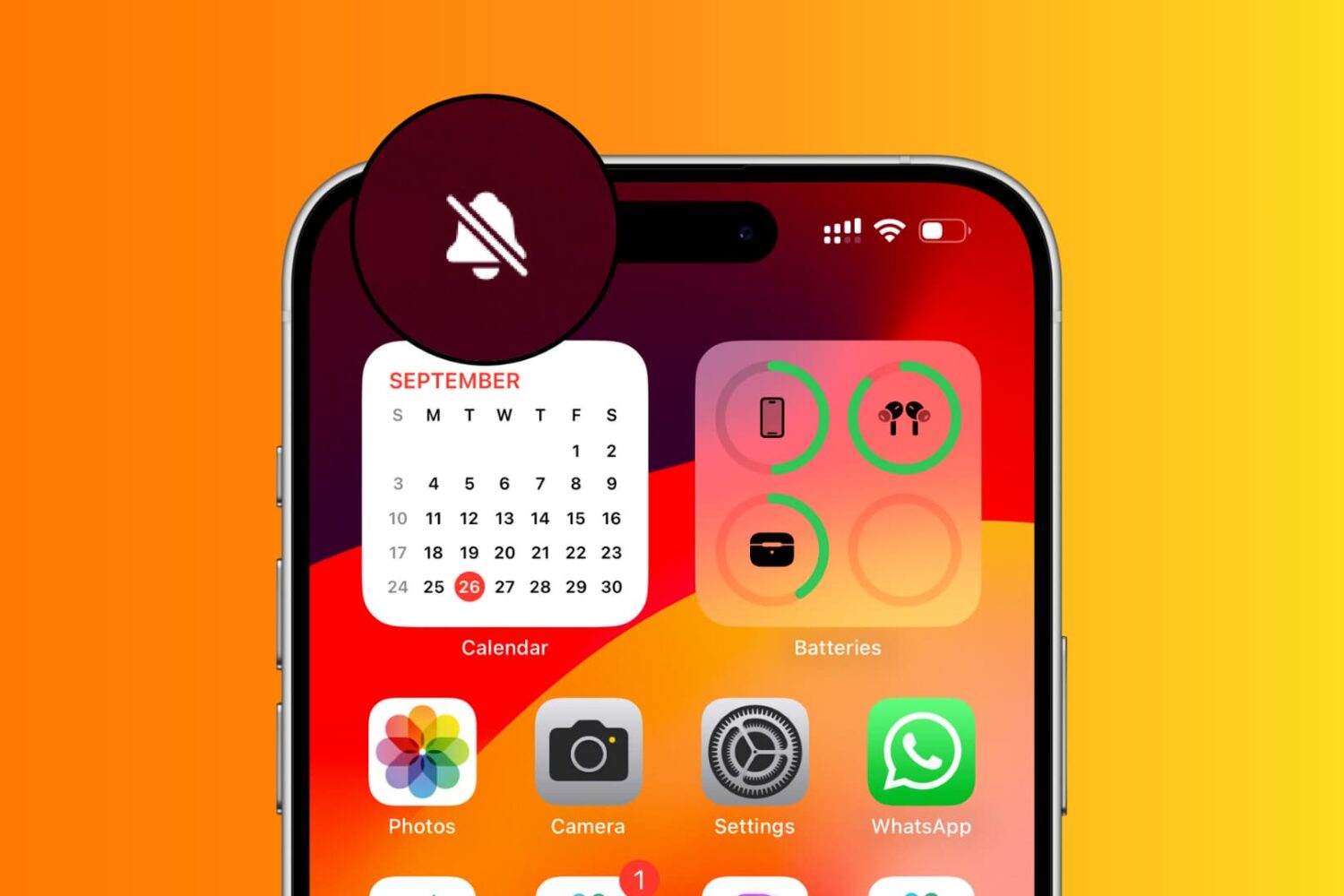
Clean up the top status bar on iPhone 15 Pro and later by removing the persistent silent-mode bell icon that appears when the device is muted.