Learn how to limit your iPhone’s battery charge to less than 100% for a longer lifespan and better battery health.
How to restrict your iPhone to only charge up to 80 or 90%
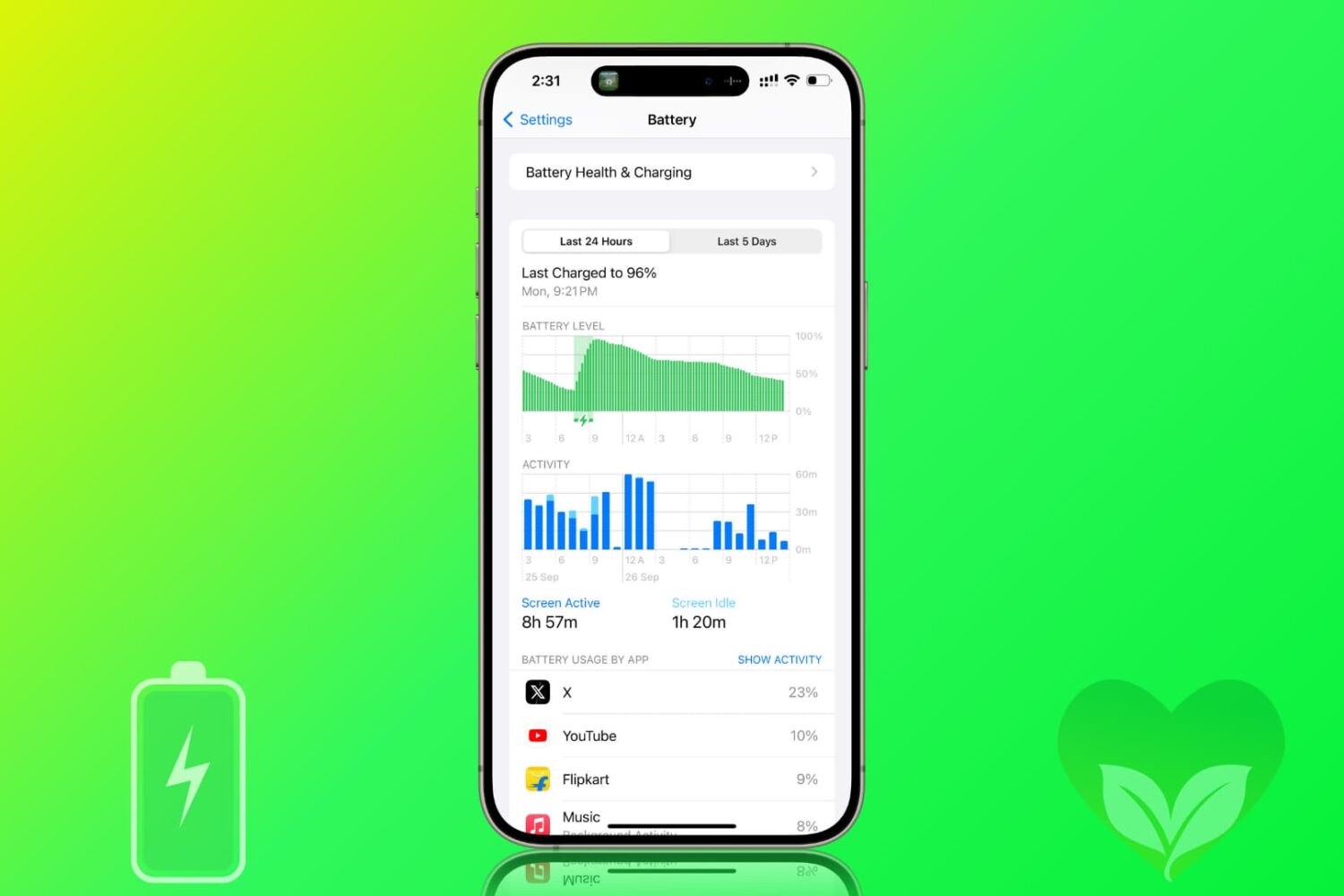
Learn how to limit your iPhone’s battery charge to less than 100% for a longer lifespan and better battery health.

Wondering what to do with your old iPhone? In this article, we share 21 tips to make use of your old iPhone or iPad and squeeze more value out of it for another few years.
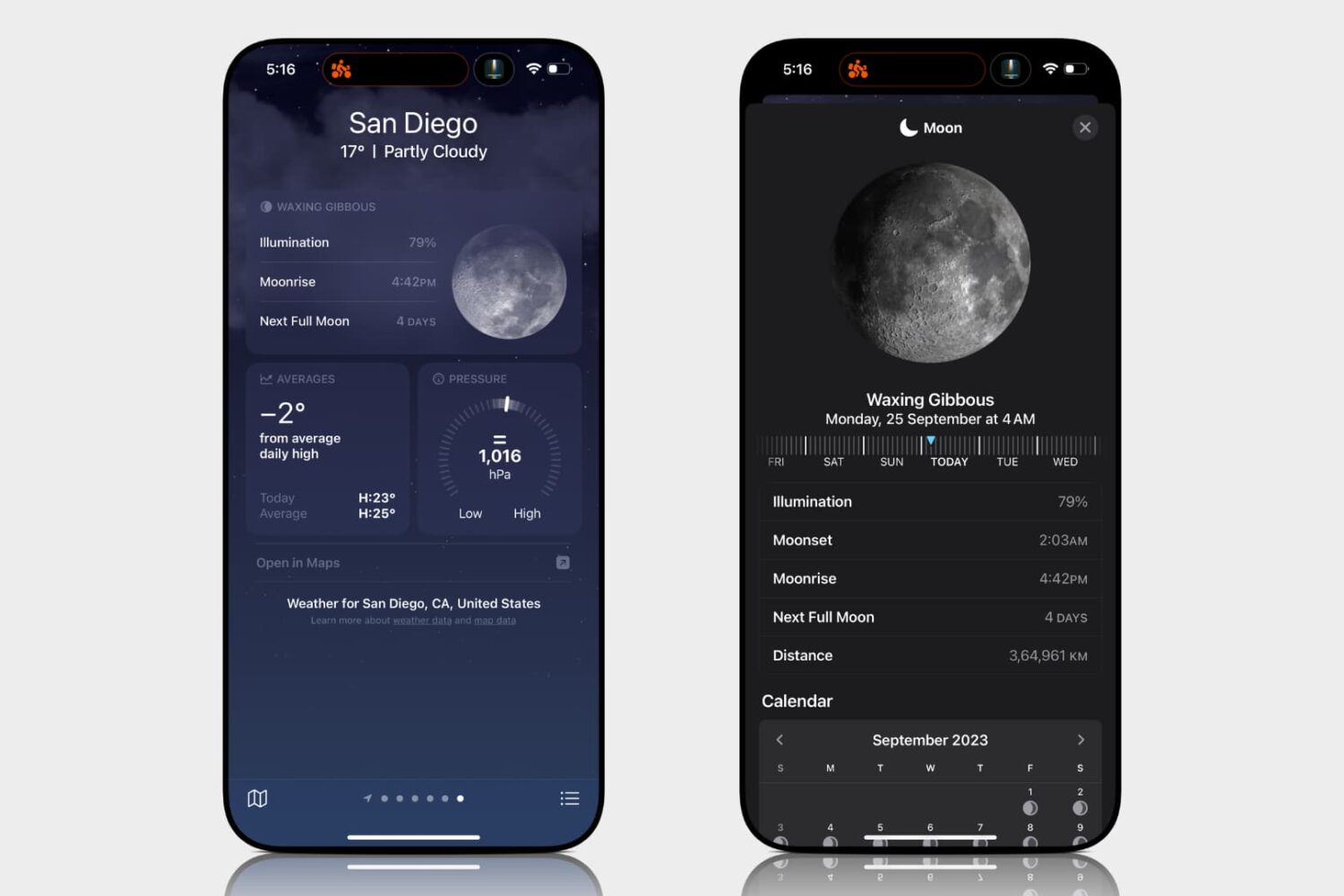
Learn how to access the lunar phase calendar on your iPhone, iPad, Mac, or Apple Watch to view the next new moon, full moon, moonrise/moonset times, and other details.
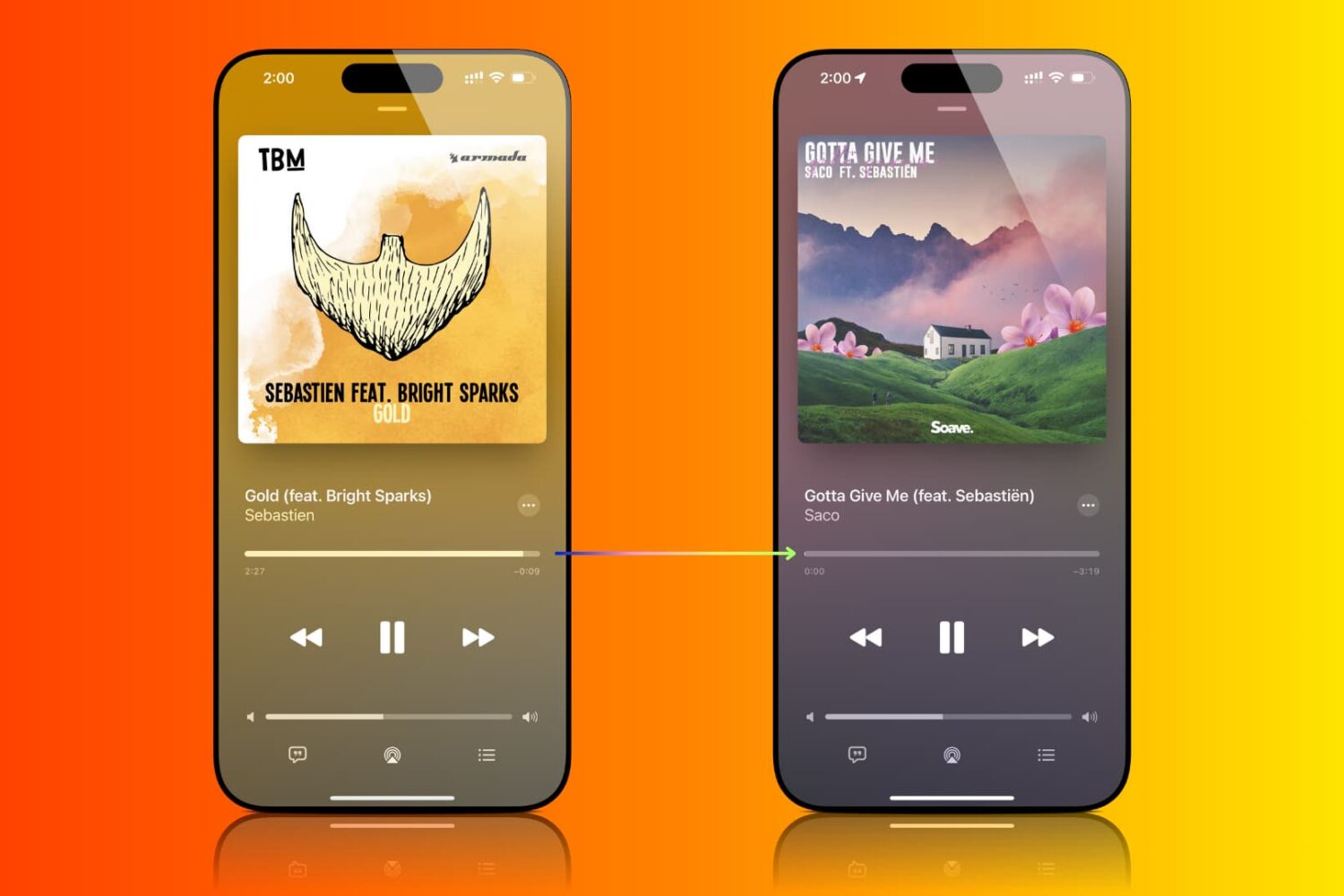
Find out how to enable crossfade for Apple Music so you don’t get an abrupt silence during track changes on iPhone, iPad, Mac, and Android phone.
Your iPhone warranty doesn’t always have you fully covered: here are 13 exclusions you need to know about now.
Learn how to browse the web privately and securely by hiding your IP address from trackers and websites and removing tracking information from URLs.

Learn how to recover deleted passwords, passkeys, and two-factor verification (2FA) codes from the Apple Passwords app or iCloud Keychain on your iPhone, iPad, and Mac.
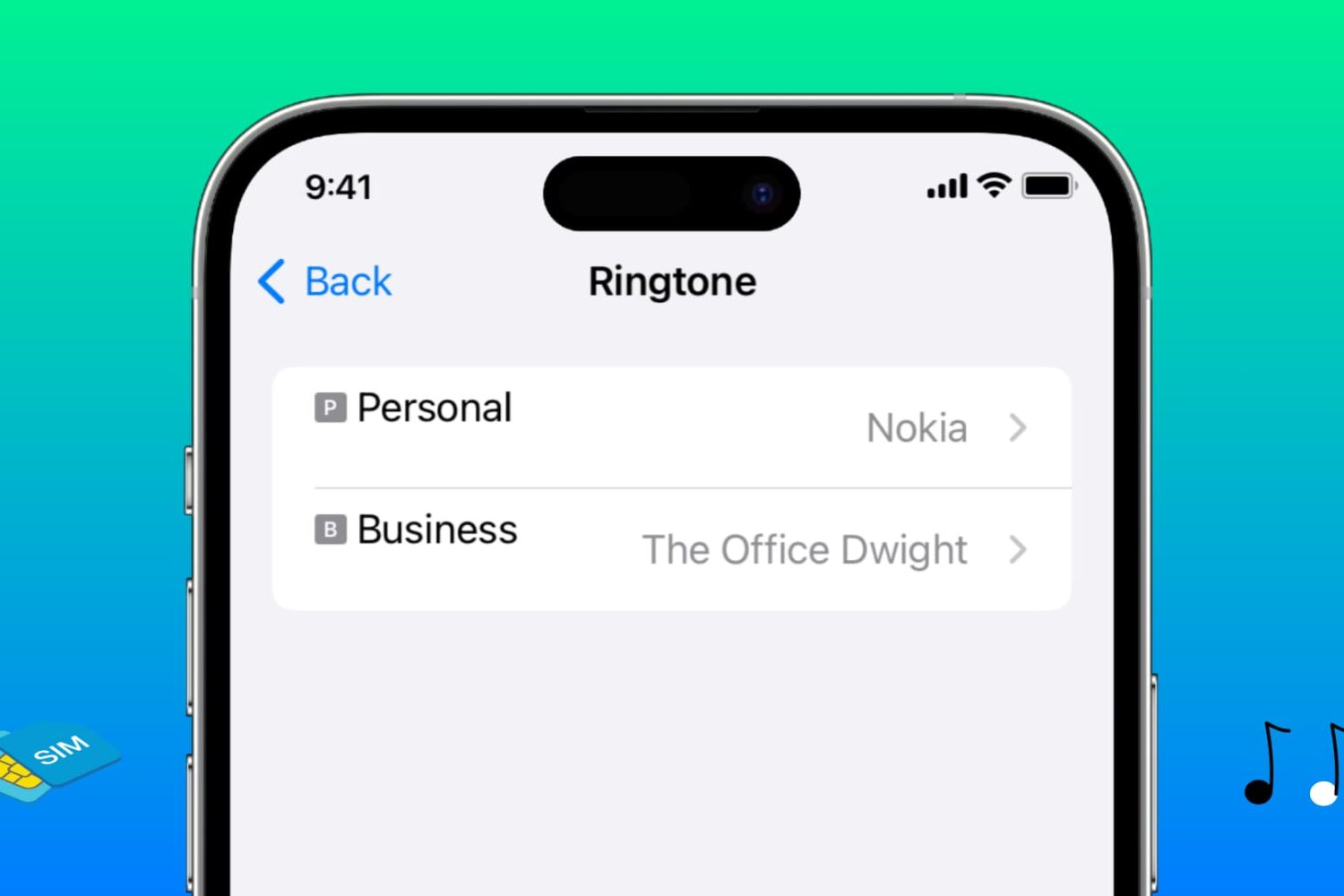
Learn how to assign different ringtones to each SIM line on your iPhone, making it easier to identify which phone number is receiving a call.
In this tutorial, we’ll show you how to view the cycle count, manufacturing month, and first use month of your iPhone battery to assess its health and age.
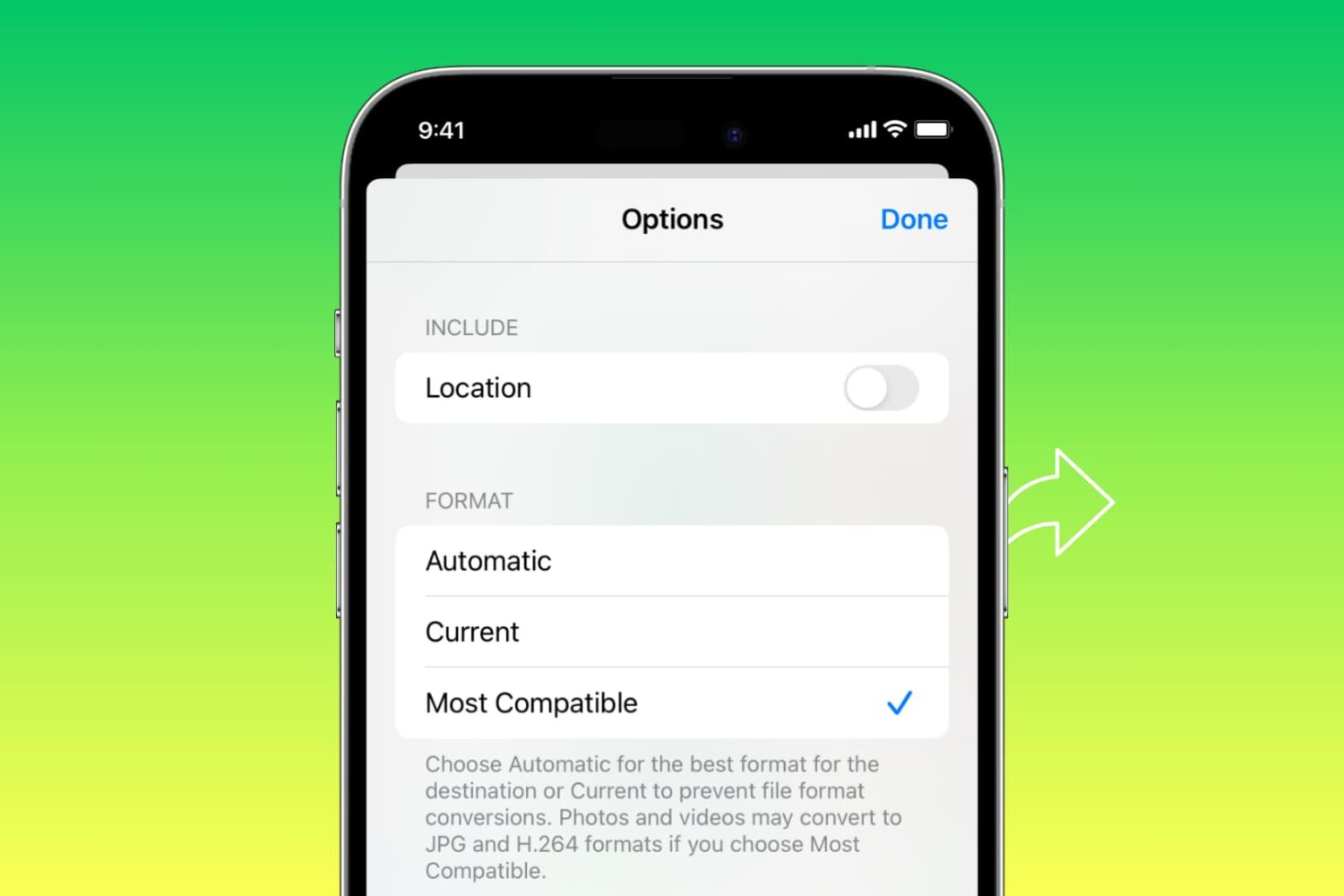
Learn how to automatically convert pictures to the JPG format and videos to MOV when you share them from your iPhone or iPad.
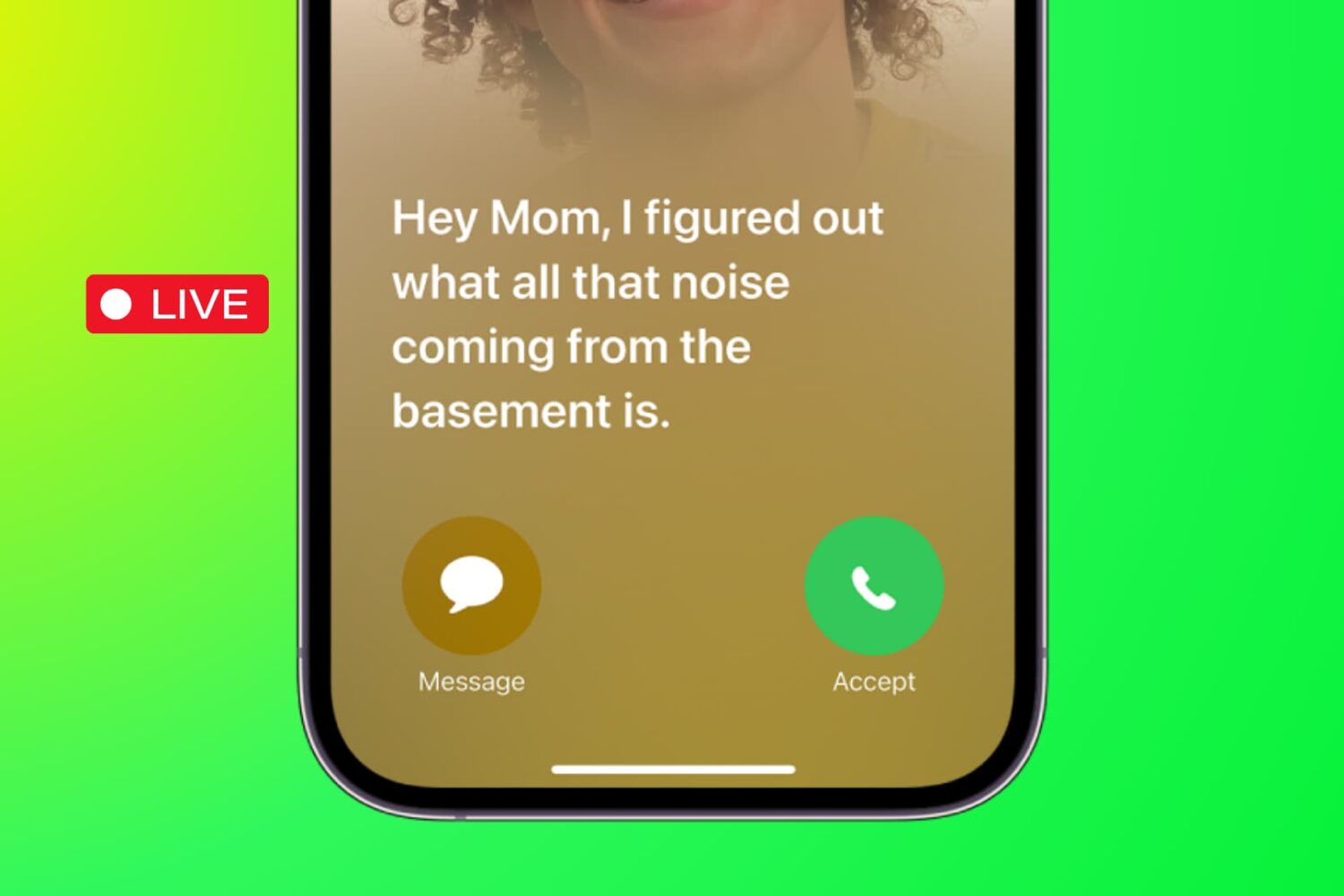
Learn how to use the Live Voicemail feature on your iPhone to view real-time transcription as the caller is still on the line, leaving their voice message.
