Learn how to report traffic incidents like speed checks and roadworks on Apple Maps on iPhone and CarPlay so other drivers can avoid them.
How to report road accidents and hazards in Apple Maps
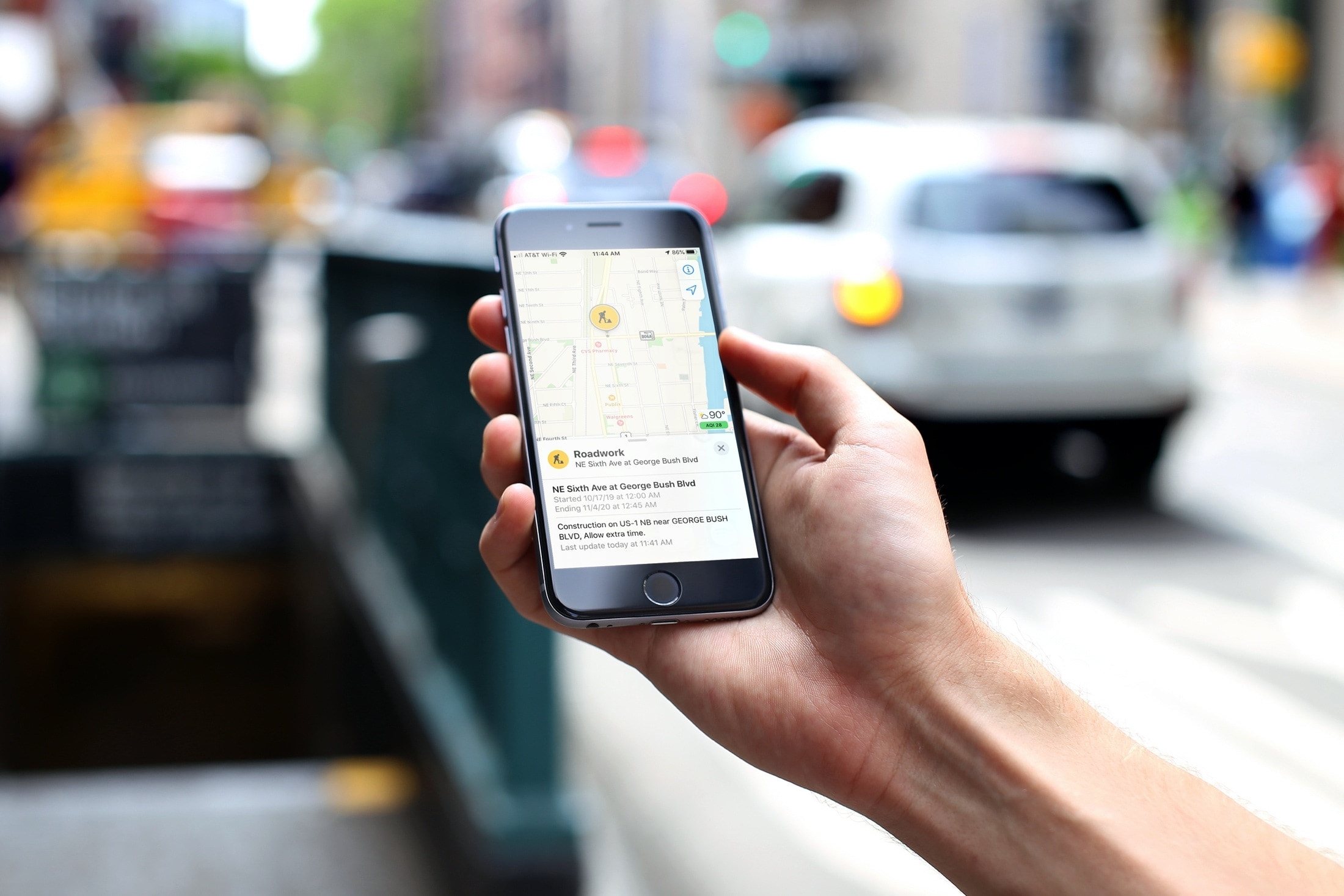
Learn how to report traffic incidents like speed checks and roadworks on Apple Maps on iPhone and CarPlay so other drivers can avoid them.
Check out this simple tip that can easily improve the audio quality of your Bluetooth headphones when connected to your Mac.

Learn how to adjust the color balance of your Apple TV using your iPhone in just a few seconds to enhance your movie-watching experience.
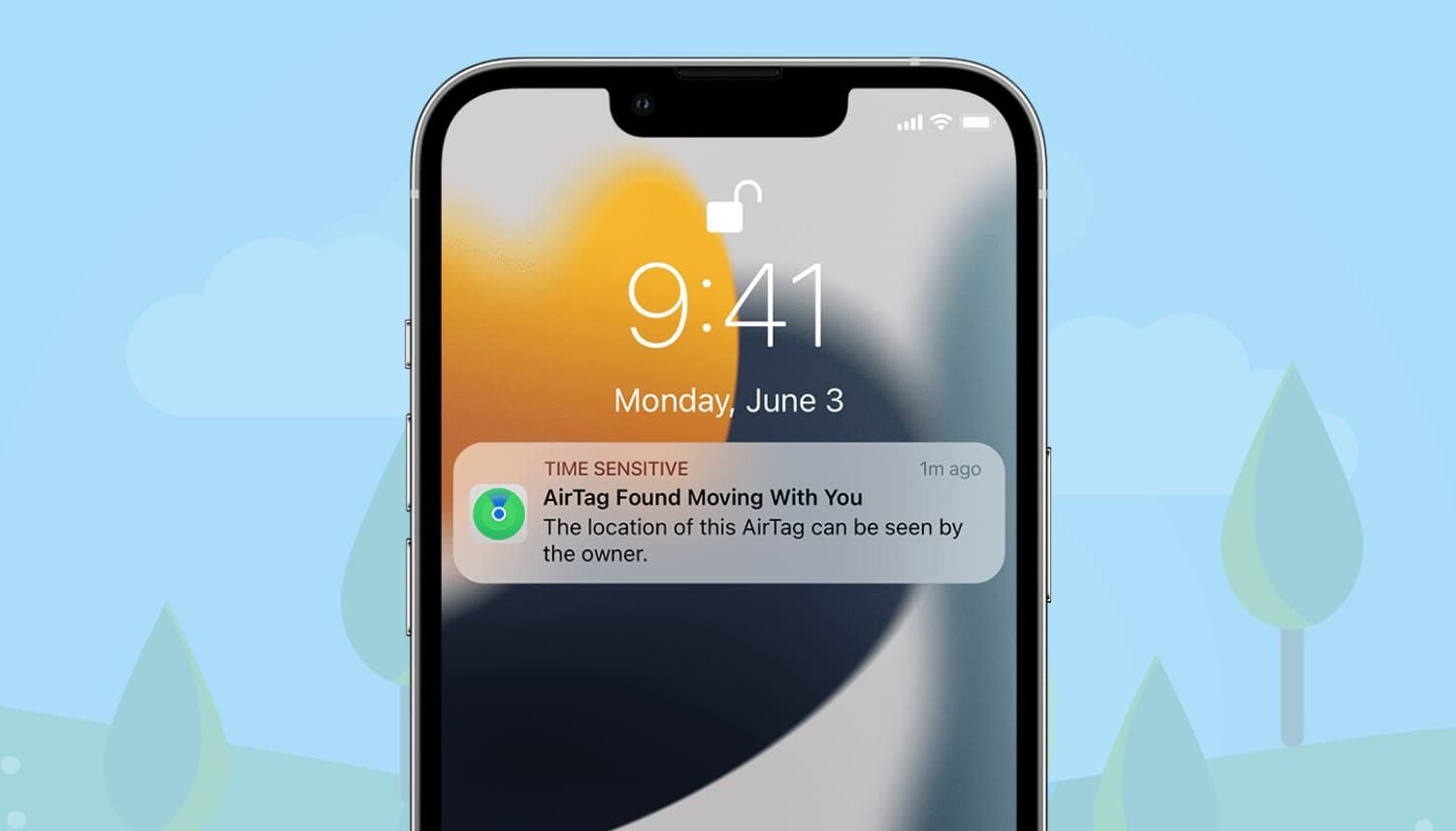
One of the AirTag safety features that Apple designed to discourage unwanted tracking shows a notification when your iPhone senses an unknown AirTag moving with you over time.
Besides AirTag, AirPods (3rd generation, Pro, Max), and other Find My network accessories can also be used to track. When that happens, you may see one of the following notifications:
AirTag Found Moving With You AirPods Detected, AirPods Pro Detected, or AirPods Max Detected "Product Name" Detected: For third-party Find My network accessories like Chipolo ONE Spot. Unknown Accessory Detected: You will see this message when a non-AirTag Find My network accessory is detected near you, but the Find My app on your iPhone has issues connecting to that accessory or the server.This tutorial focuses on what to do when an unknown AirTag is detected and found moving with you.

Learn how to add and display your preferred pronoun on your Instagram profile so people know how to refer to you.

In this post, we’ll show you a couple of methods for quickly hiding all icons on your Mac desktop, creating a clean, organized workspace.

Want to take a screenshot without touching any physical buttons on your iPhone? In this quick tutorial, we’ll share some easy ways to do just that.
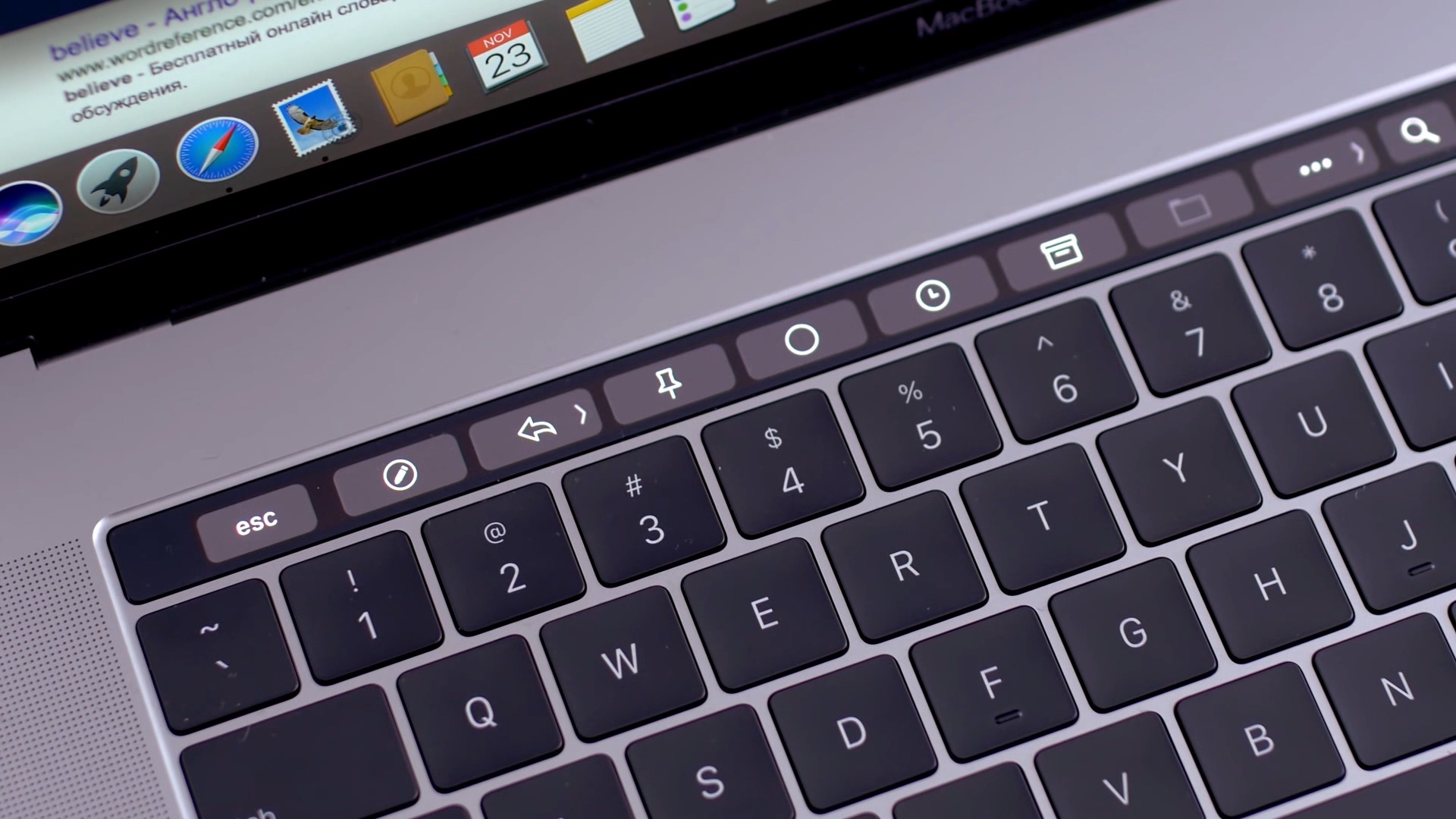
Apple introduced the Touch Bar on the MacBook Pro in 2016, and it's been included on the 13-inch as well as 15-inch model ever since. The OLED touch strip on top of the keyboard replaces the Function keys, but adds plenty of extra features. The Touch bar will adapt to the app that you're using and provide shortcuts and best controls for that app. Some people love the Touch Bar, but there are some who don't like it.
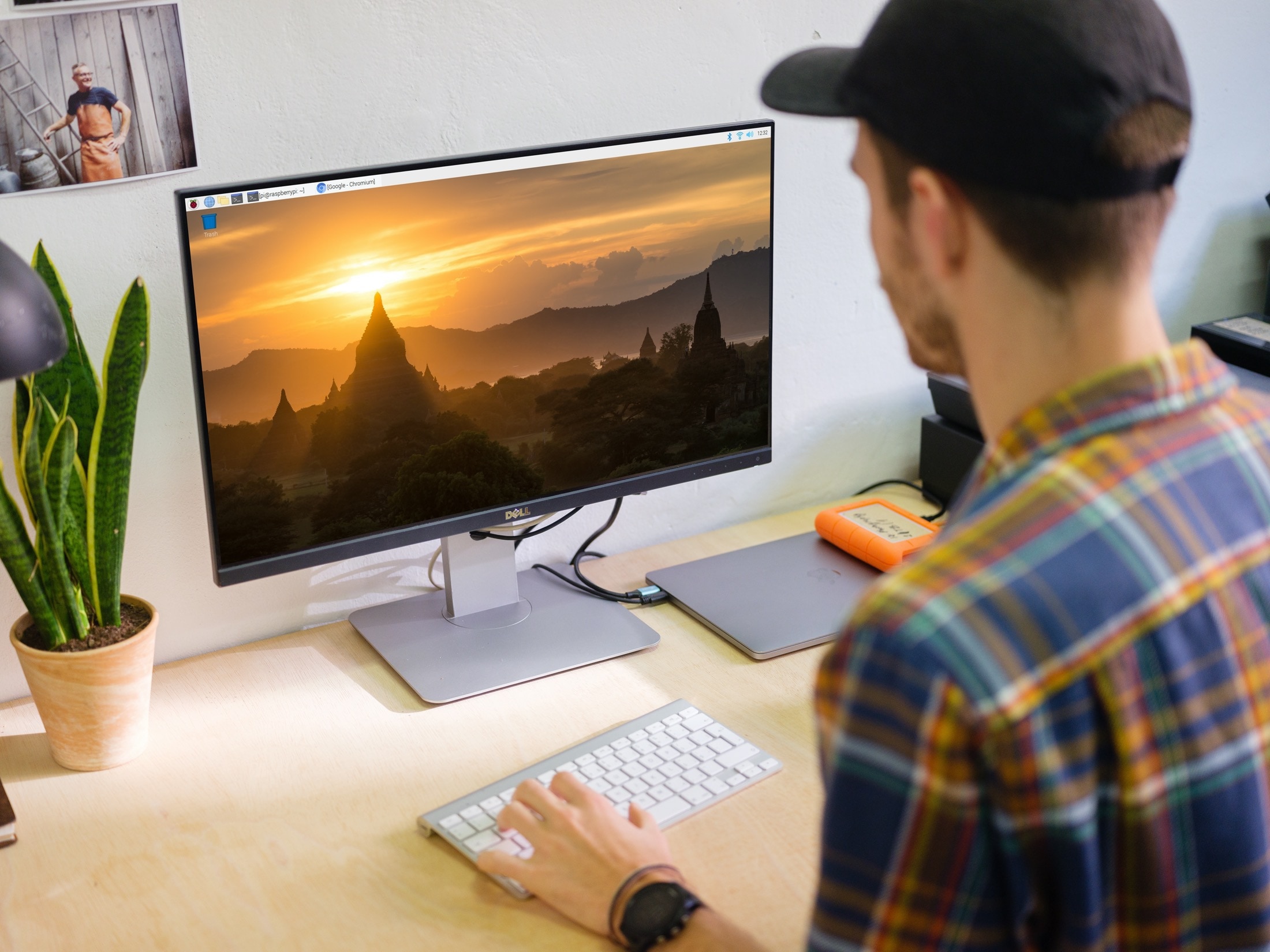
If you’ve recently purchased a Raspberry Pi and are interested in using it as a computer running Raspberry Pi OS (formerly called Raspbian), then you’ll need to get used to the desktop.
While the basic view of your desktop is pretty simple, you might wonder where to find things or what it is that you’re seeing.
Here, we’ll run down what you can find on your desktop with Raspberry Pi OS and where to look for things you’ll need.
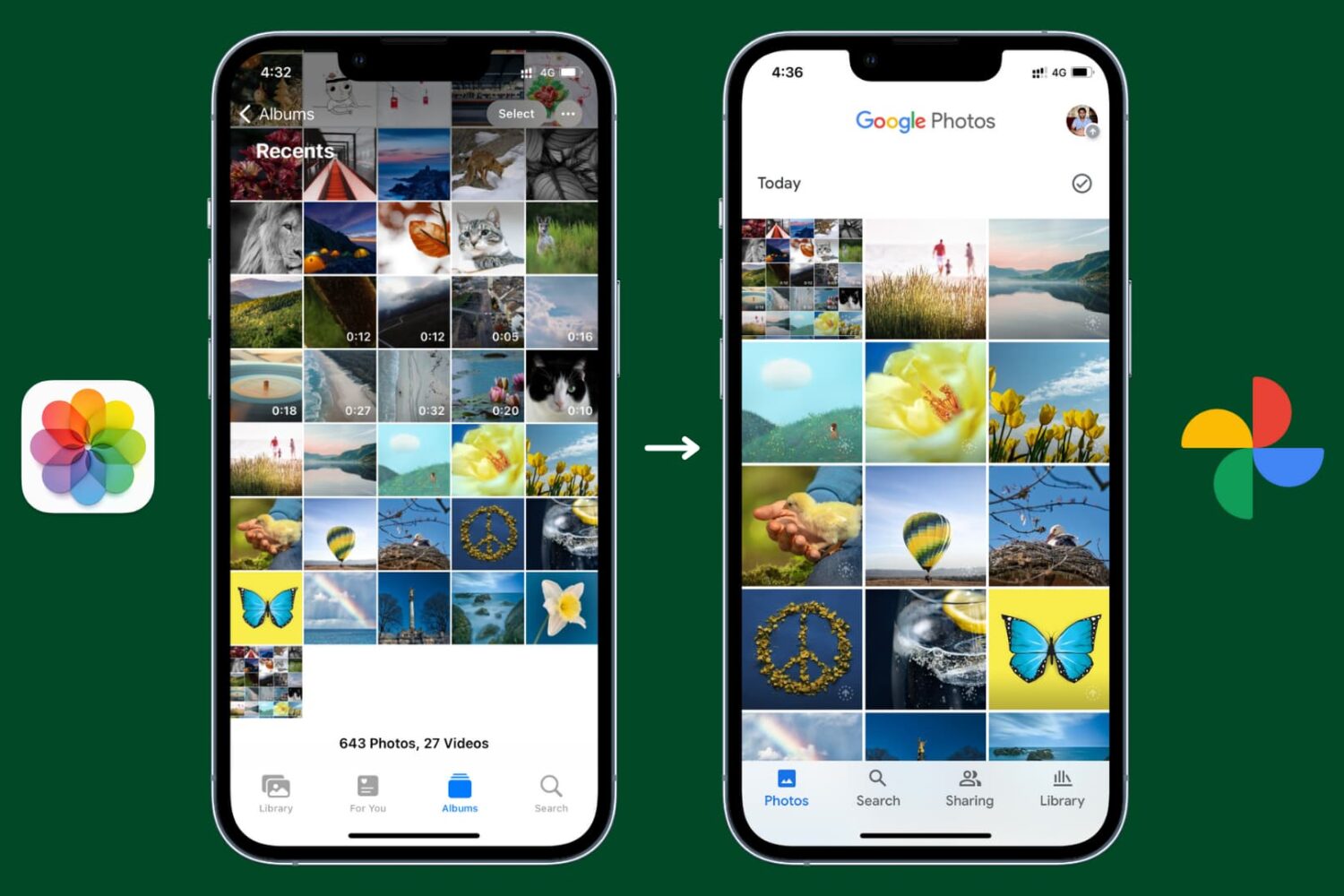
Learn how to back up your pictures and videos with Google Photos for iOS, which offers much more free storage and clients for all major operating systems, instead of Apple's iCloud Photos.
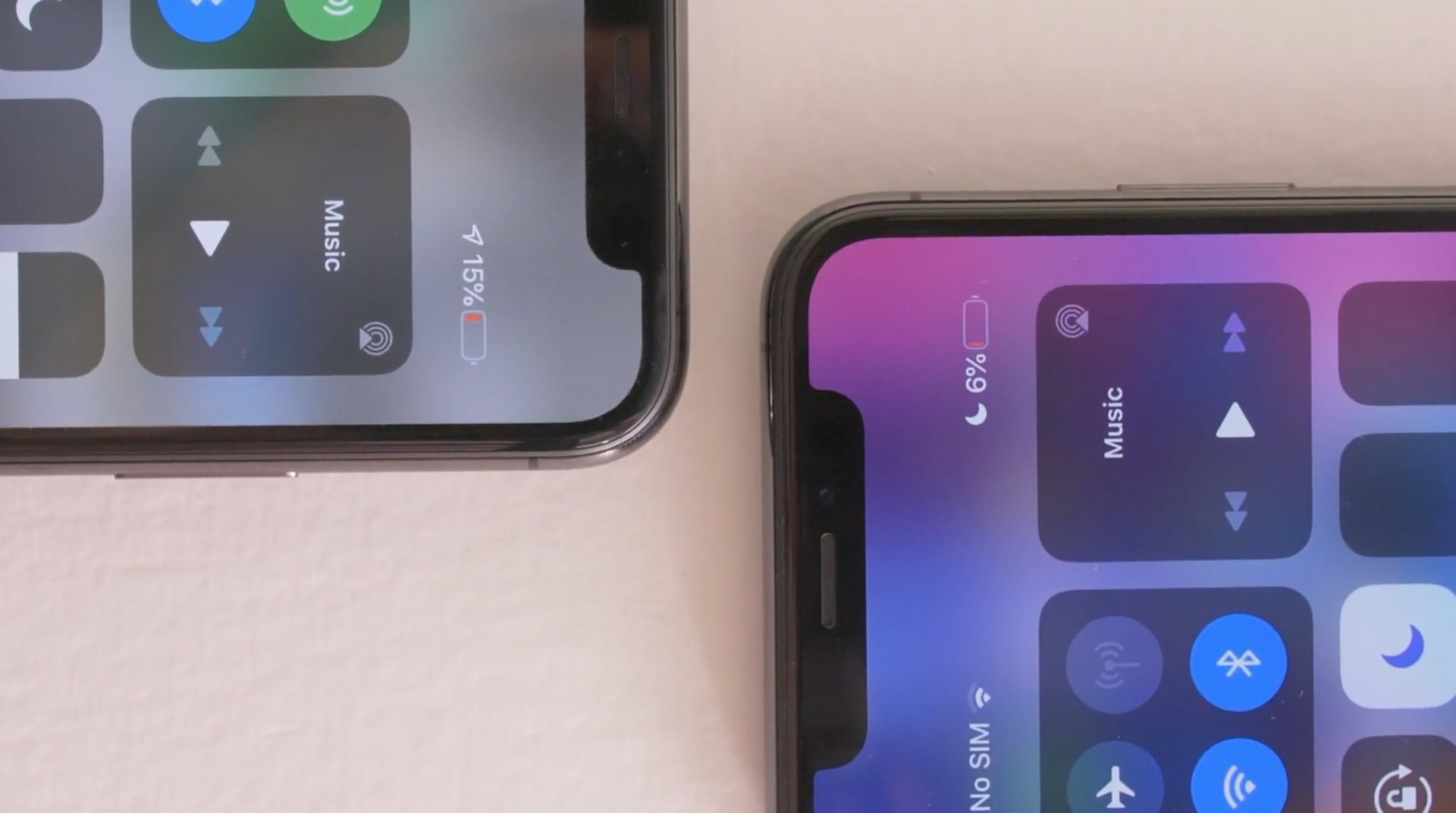
With the release of iOS 14.5, Apple brought a fix for iPhone 11 users who were facing inconsistent information regarding battery health. The update will recalibrate the battery on iPhone 11, iPhone 11 Pro, and the Pro Max models. Due to the issue, users faced sudden battery drains, and reduced performance, despite nothing being wrong with the battery.
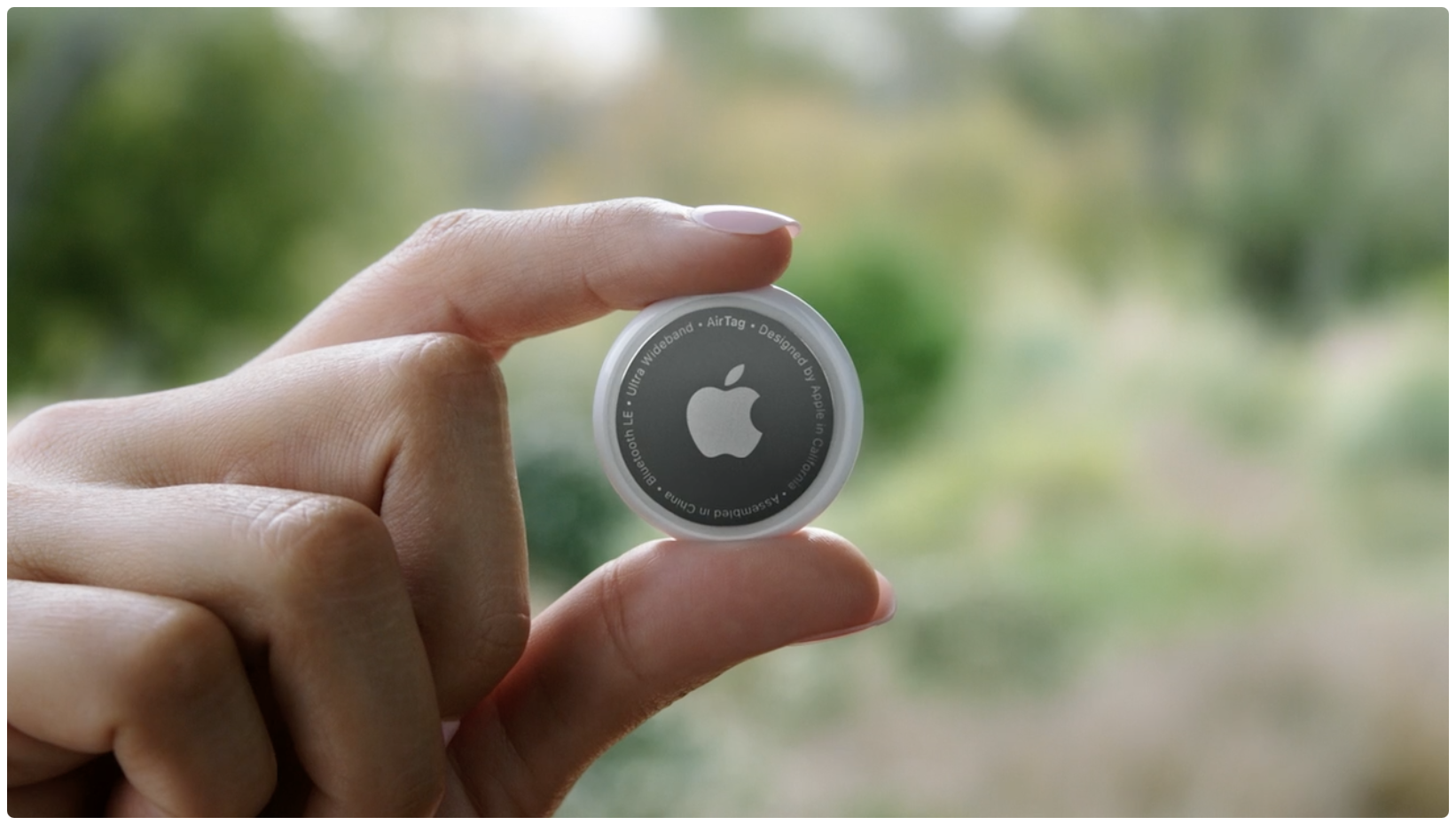
Learn how to rename your AirTag and change its emoji so you can distinguish it among multiple AirTags in the Find My app on your iPhone, iPad, and Mac.