Learn all the ways to launch the Terminal app on macOS if you'd like to interact with your Mac using a command-line interface.
6 simple ways to open Terminal on Mac
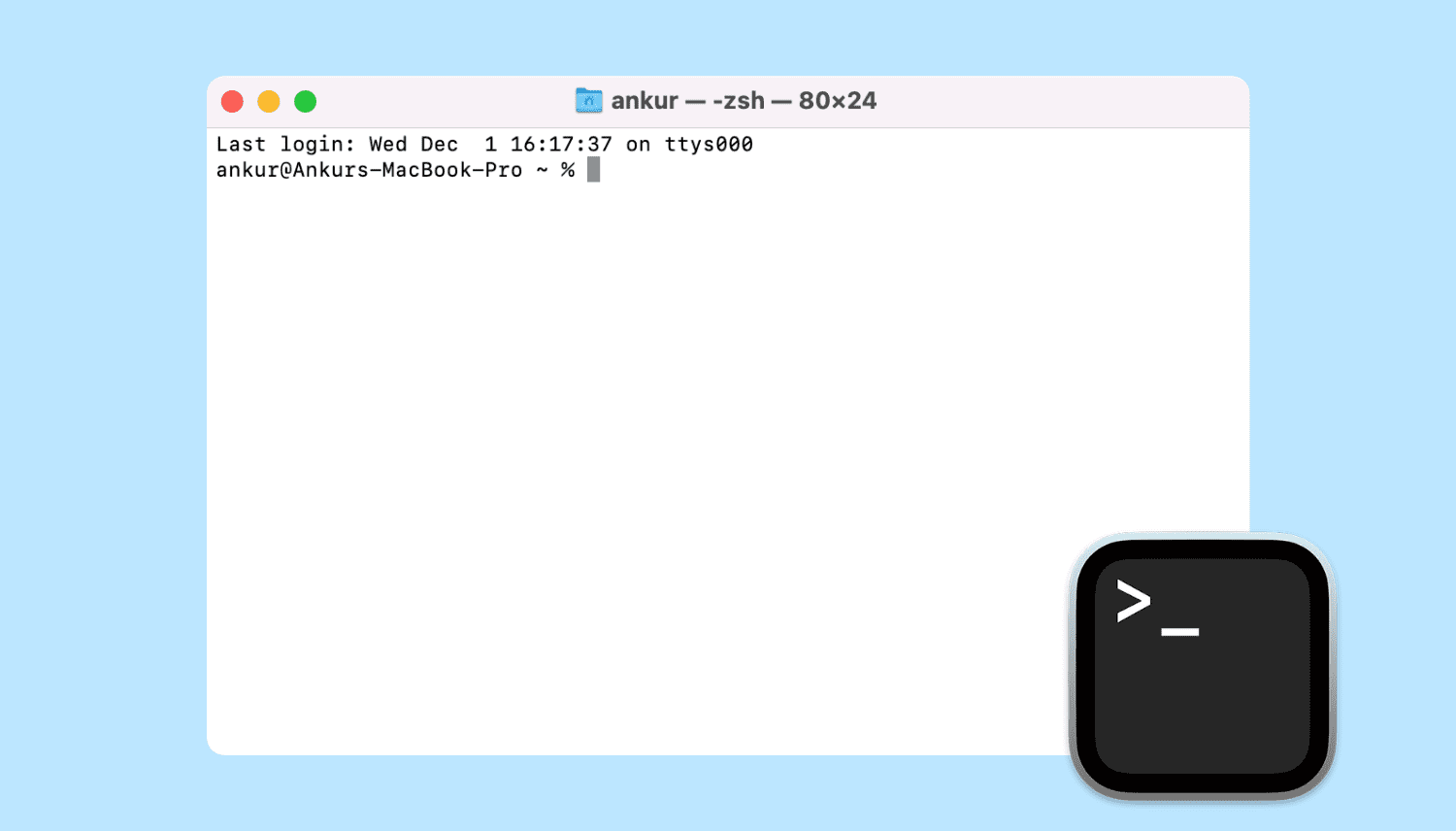
Learn all the ways to launch the Terminal app on macOS if you'd like to interact with your Mac using a command-line interface.

Learn how to add, replace, and edit images in your Keynote slides on Mac to make them standout and create engaging presentations.
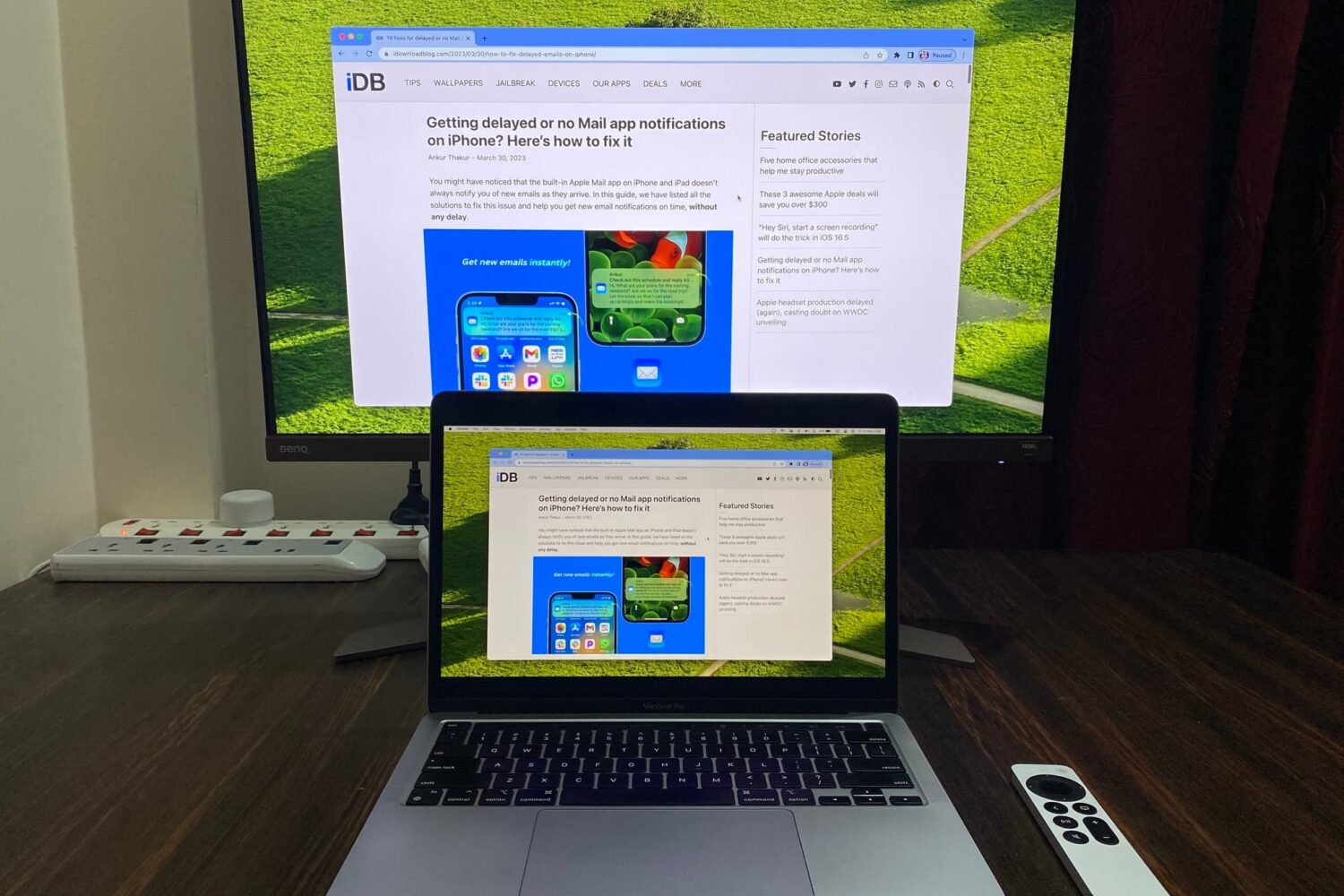
Learn how to mirror your Mac’s screen to your Apple TV to see the same things on the big screen or use the television as a separate, secondary display.

The table of contents (TOC) feature of the Apple Pages app automatically creates a table of contents in the sidebar for you to navigate your document easier. Plus, you can pop that TOC right into your document if you like.
This tutorial walks you through how to use the table of contents view in Pages.
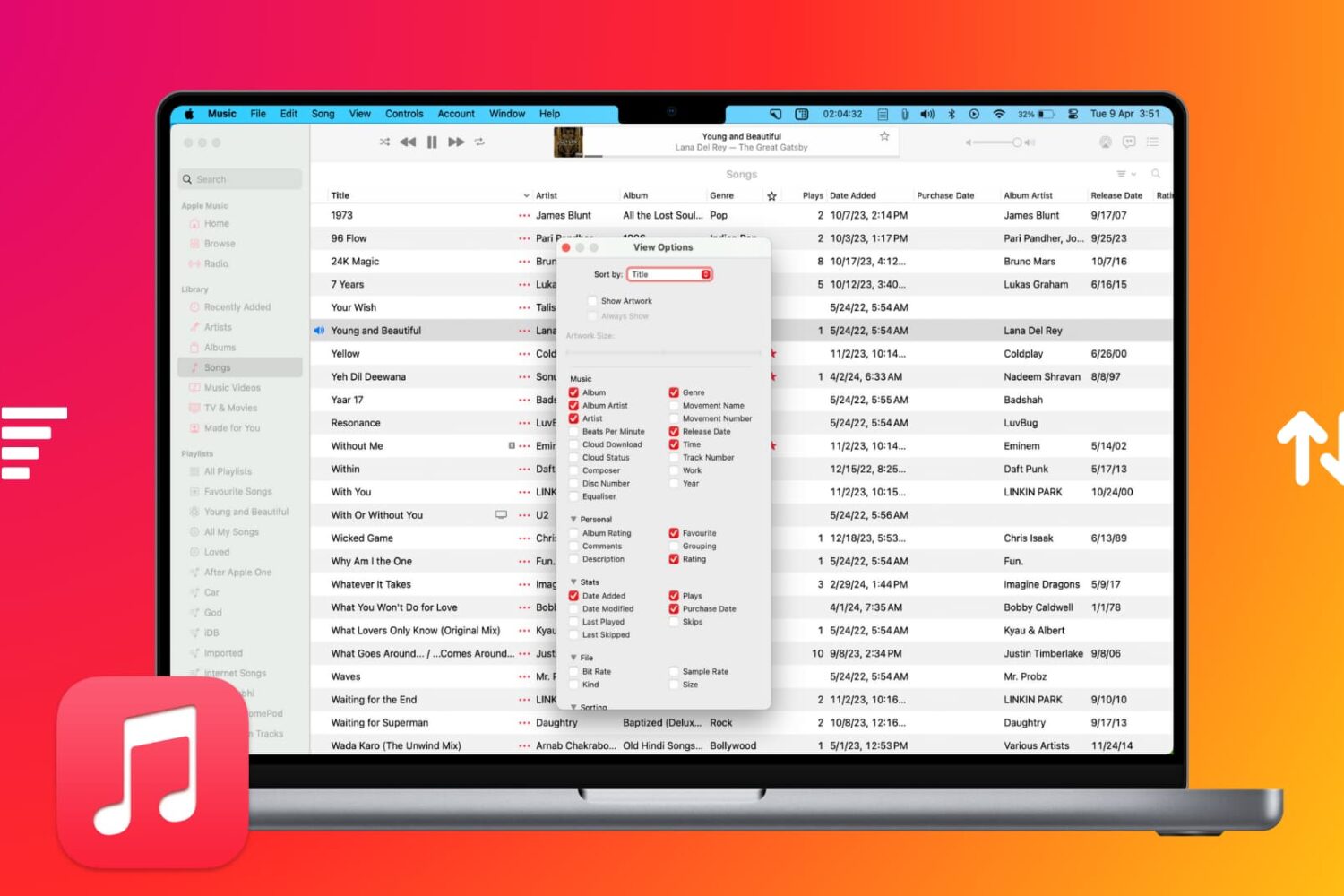
Learn how to sort your music collection to your liking, ensuring easy access to your favorite songs, albums, playlists, and more.
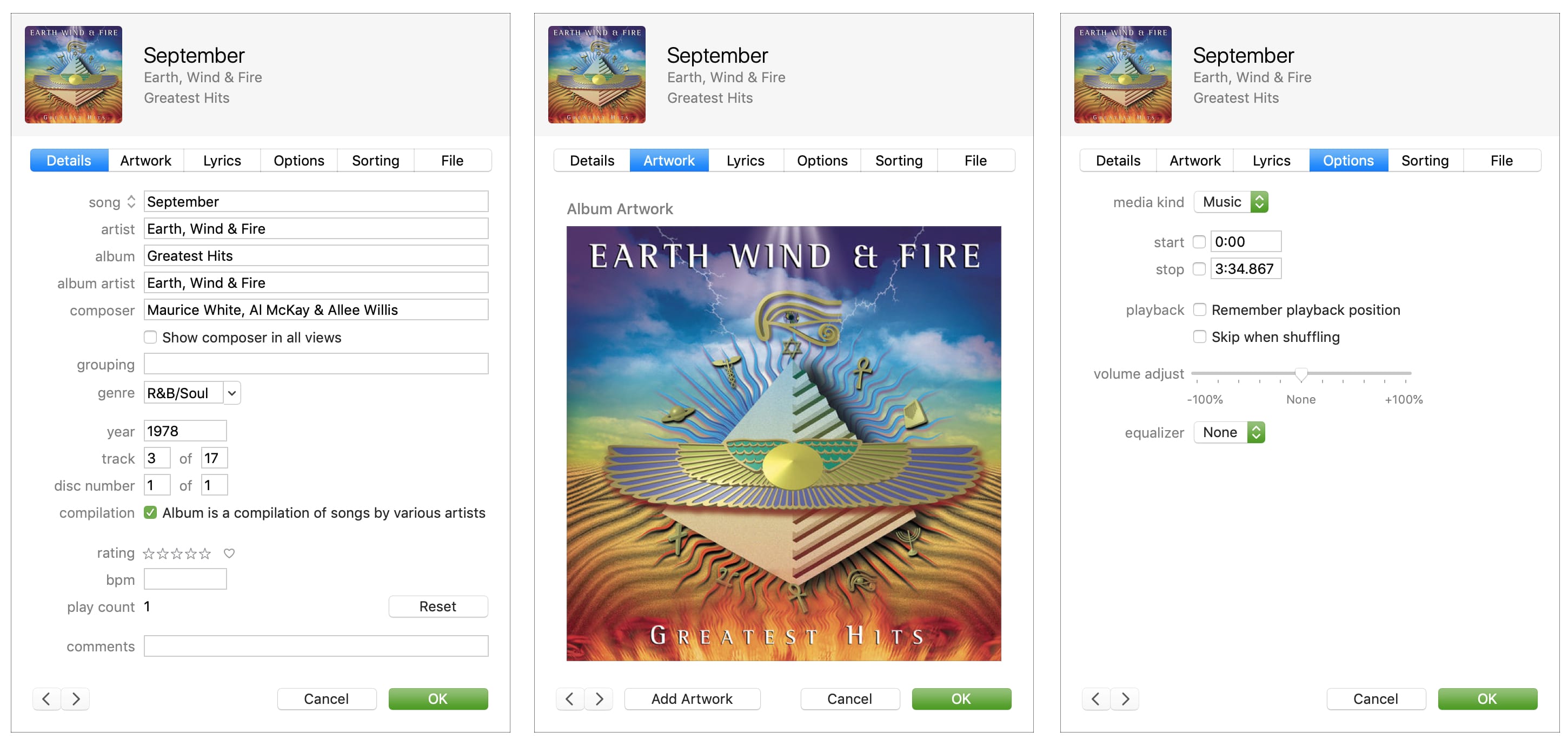
Learn how to get information about any song in your library or the Apple Music catalog, including metadata like title, artist, album, composer, genre, and more.
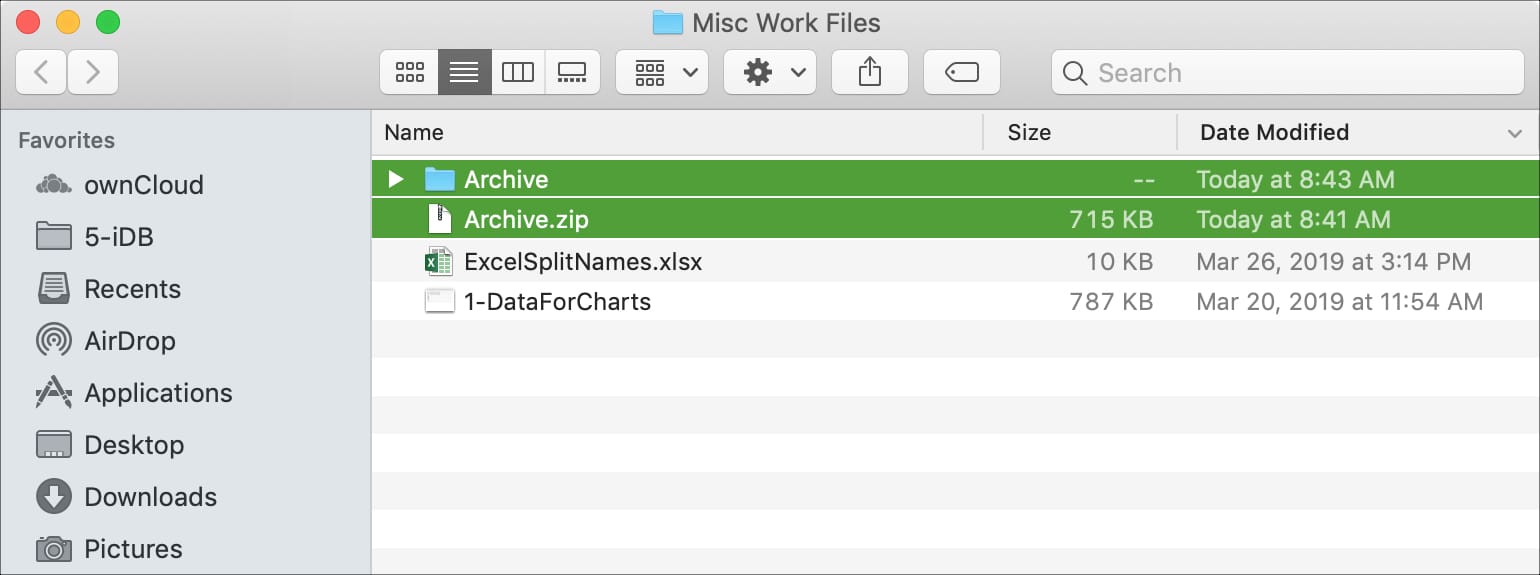
Learn how to extract and compress files and folders in ZIP archives to save storage space on your Mac and share files faster in email attachments.

Whether the text of a webpage you’re visiting is too small to read or too big to handle, here’s how to use the Safari zoom feature on Mac to adjust it accordingly.
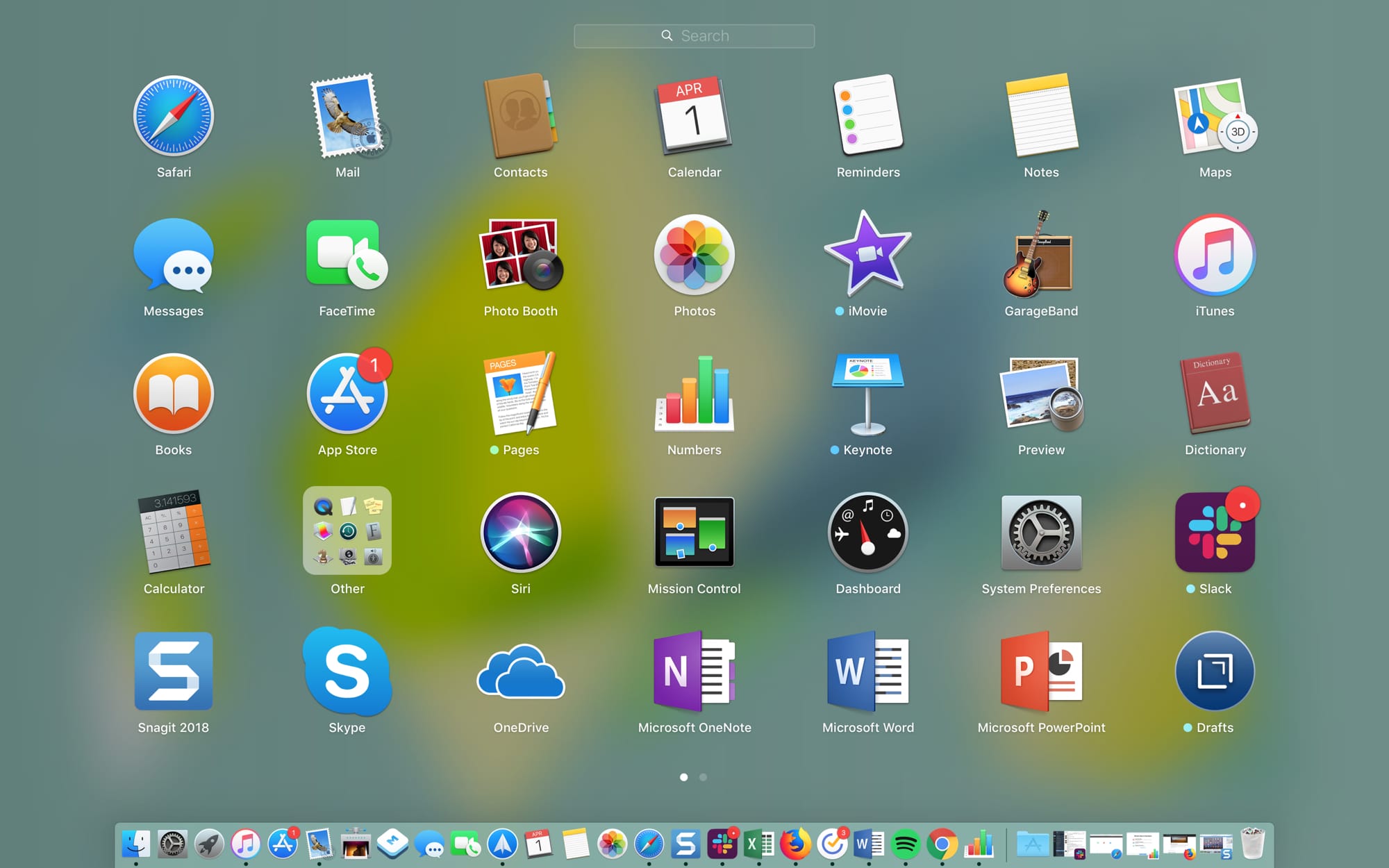
The Launchpad on your Mac might remind you of the Home Screen on your iPhone or iPad. There’s a nice and neat grid of your apps. When you download an app from the App Store, it pops right into the Launchpad, and you can take action on your apps from there.
The thing is, you have to access the Launchpad, so it’s not right on your screen when you use your Mac like the Home Screen is on your mobile device. This might keep you from using it as much as you could. But the Launchpad can be a handy tool.
We’ve put together some tips for making the most of the Launchpad on Mac in case you decide to make more use of it.
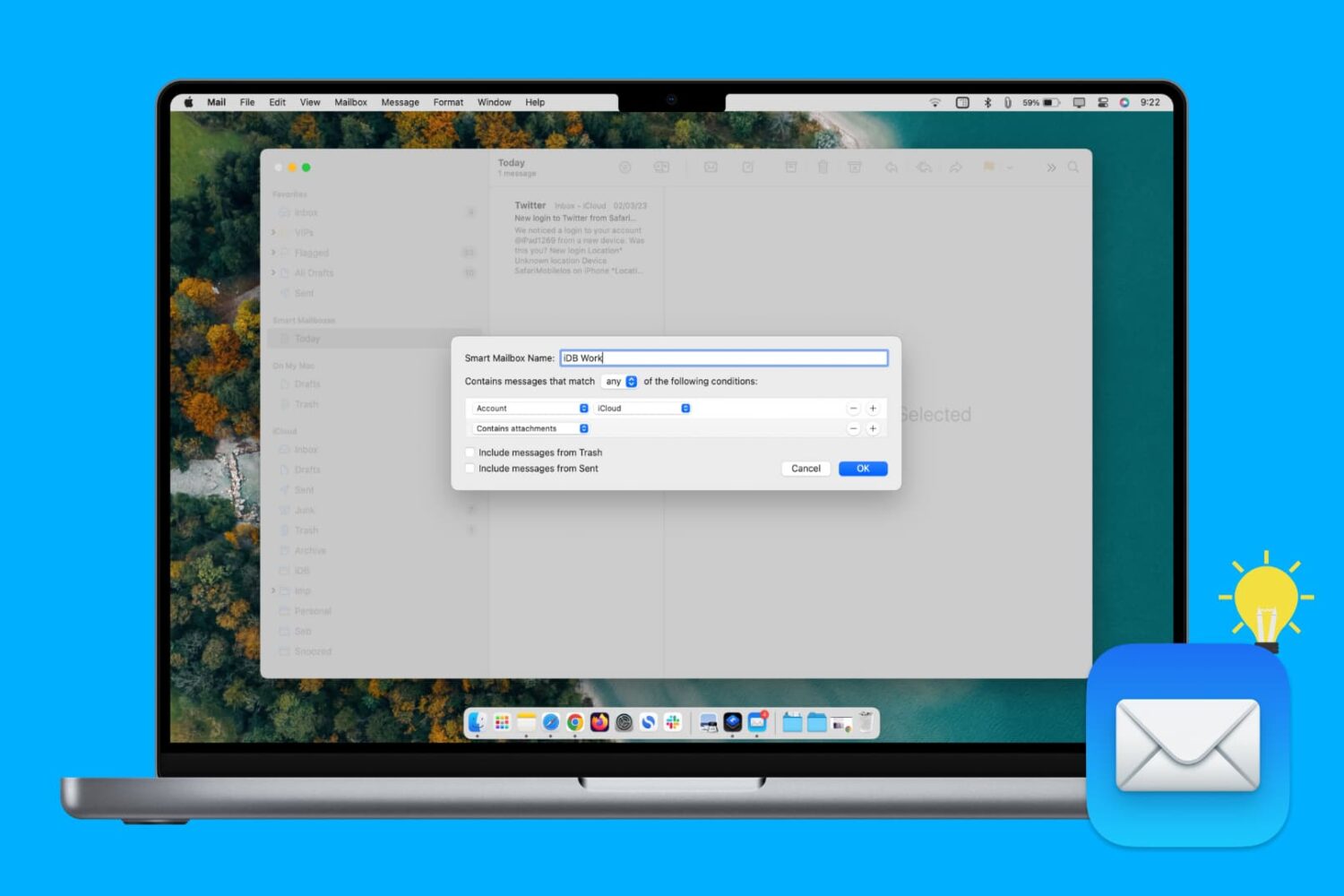
Learn how to create, edit, and delete Smart Mailbox and Smart Mailbox folders in the Apple Mail app on Mac to collect and better organize your emails.
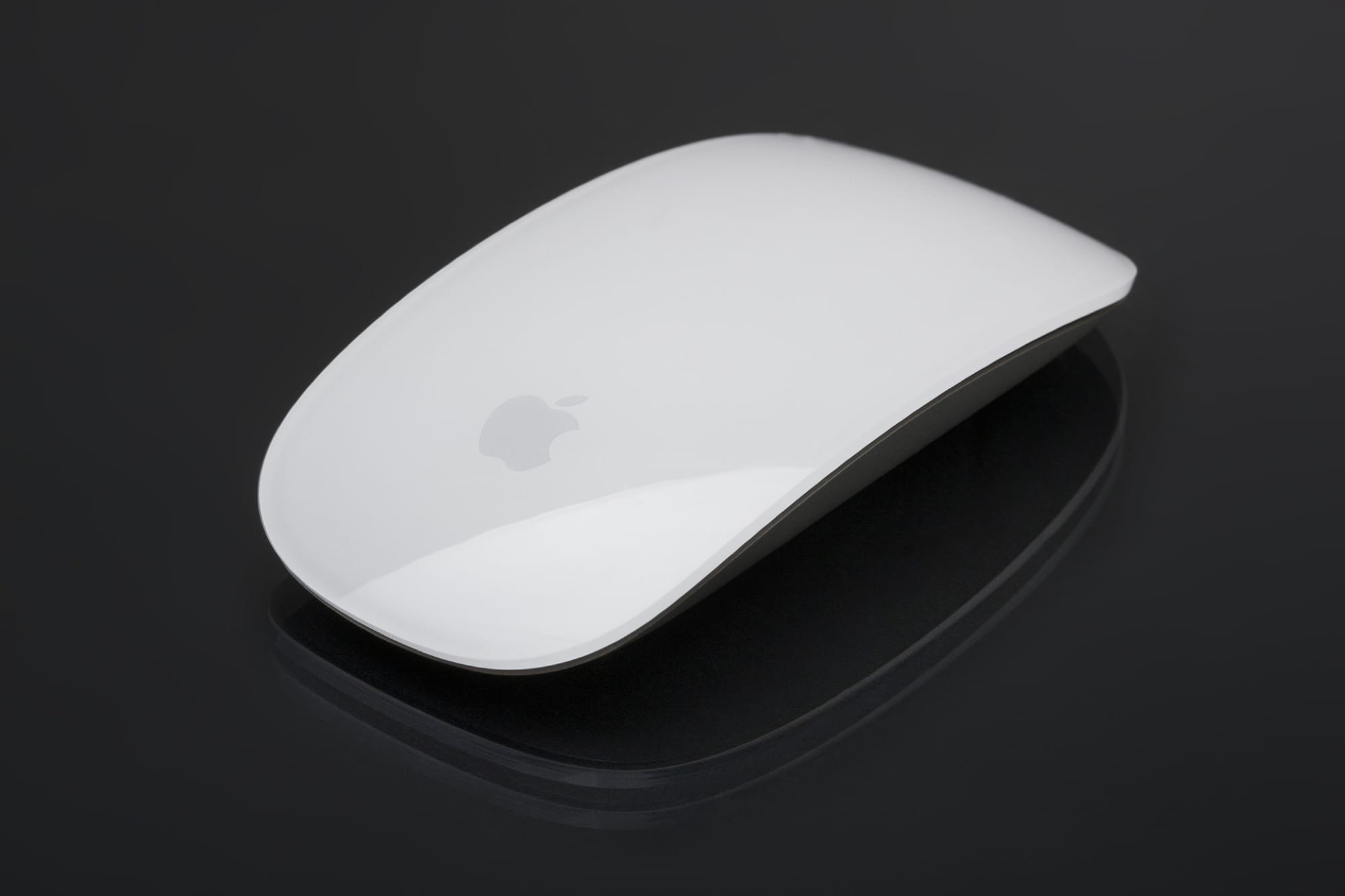
Learn how to prevent accidental trackpad touches by having your MacBook automatically disable it whenever a mouse or external trackpad is connected.
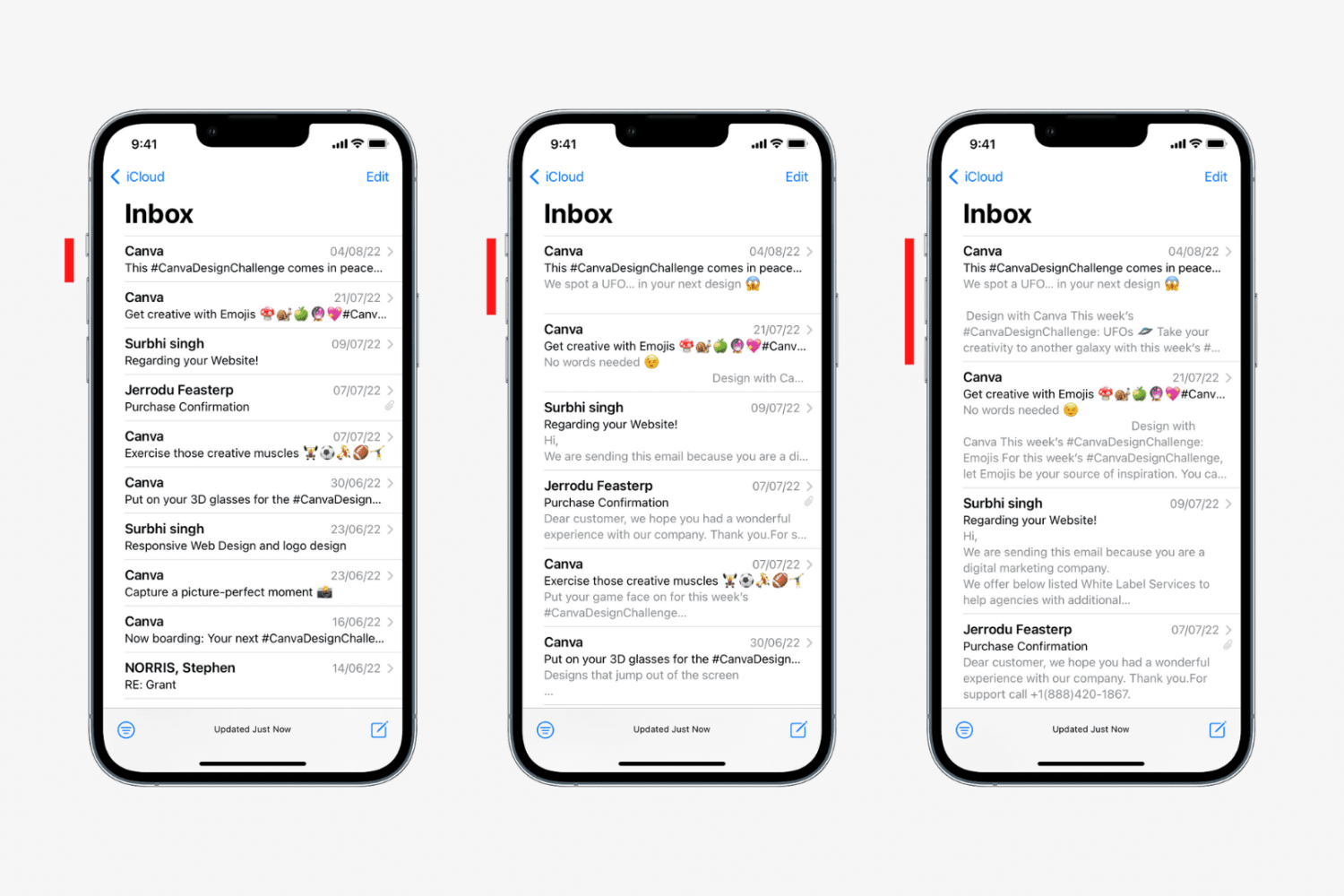
Learn how to change the number of lines for message previews in your Apple Mail inbox on the iPhone, iPad, and Mac to display more or less information.