Check out this simple tip that can easily improve the audio quality of your Bluetooth headphones when connected to your Mac.
How to improve the audio quality of Bluetooth headphones on Mac

Check out this simple tip that can easily improve the audio quality of your Bluetooth headphones when connected to your Mac.

In this post, we’ll show you a couple of methods for quickly hiding all icons on your Mac desktop, creating a clean, organized workspace.

If you're a budding programmer with a new Mac, and want to start coding, then you may be wondering how to install Git on macOS. Git is an open-source version control system that's used by coders, developers, and programmers all over. You will be able to use Git to maintain a code log, collaborate with other coders, track errors, and more.
Here's how you can install Git on macOS and get started with coding. Of course, before we begin, make sure you have a Mac machine and know how to use the Terminal.

Check out two easy methods to turn off the warning pop-up you see when you change the extension of a file in Finder on Mac.

Need VoiceOver when logging in to your Mac? In this tutorial, we’ll show you how to manually activate VoiceOver on the login screen or have it enabled automatically so that it’s ready to go when you are.

Learn how to plan your next road trip or getaway using the Apple Maps app on your Mac by seeing how far locations are from each other and adding stops along the way.
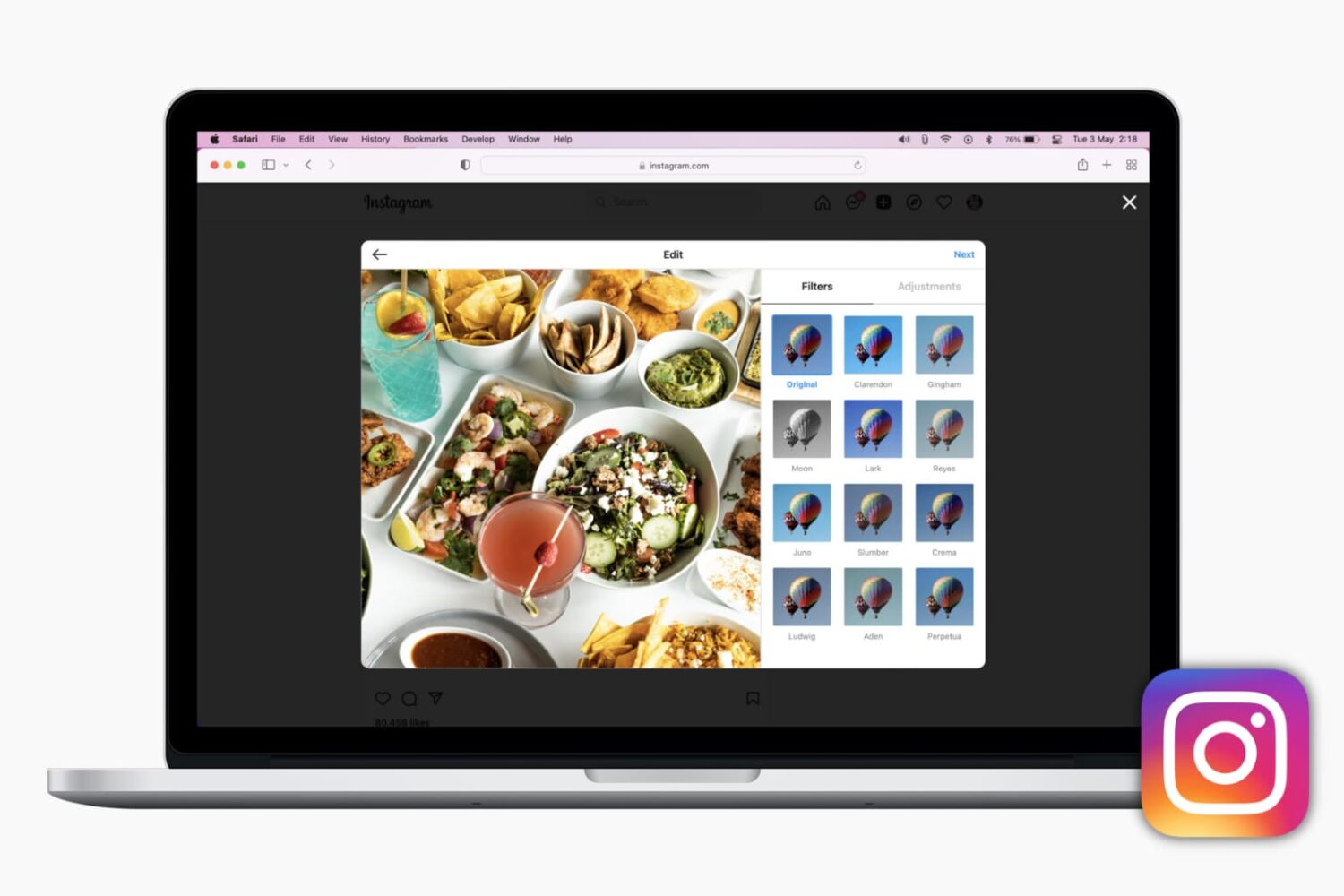
Here are the different methods to post on Instagram from your computer using Safari, Firefox, and Chrome. With this, you can grab those photos or videos saved on your computer and post them to Instagram without opening the app on iPhone or Android.

In this tutorial, we’ll show you multiple ways to share files between two or more Macs. You can go through all these tips and use the ones that are most convenient for you and your setup.
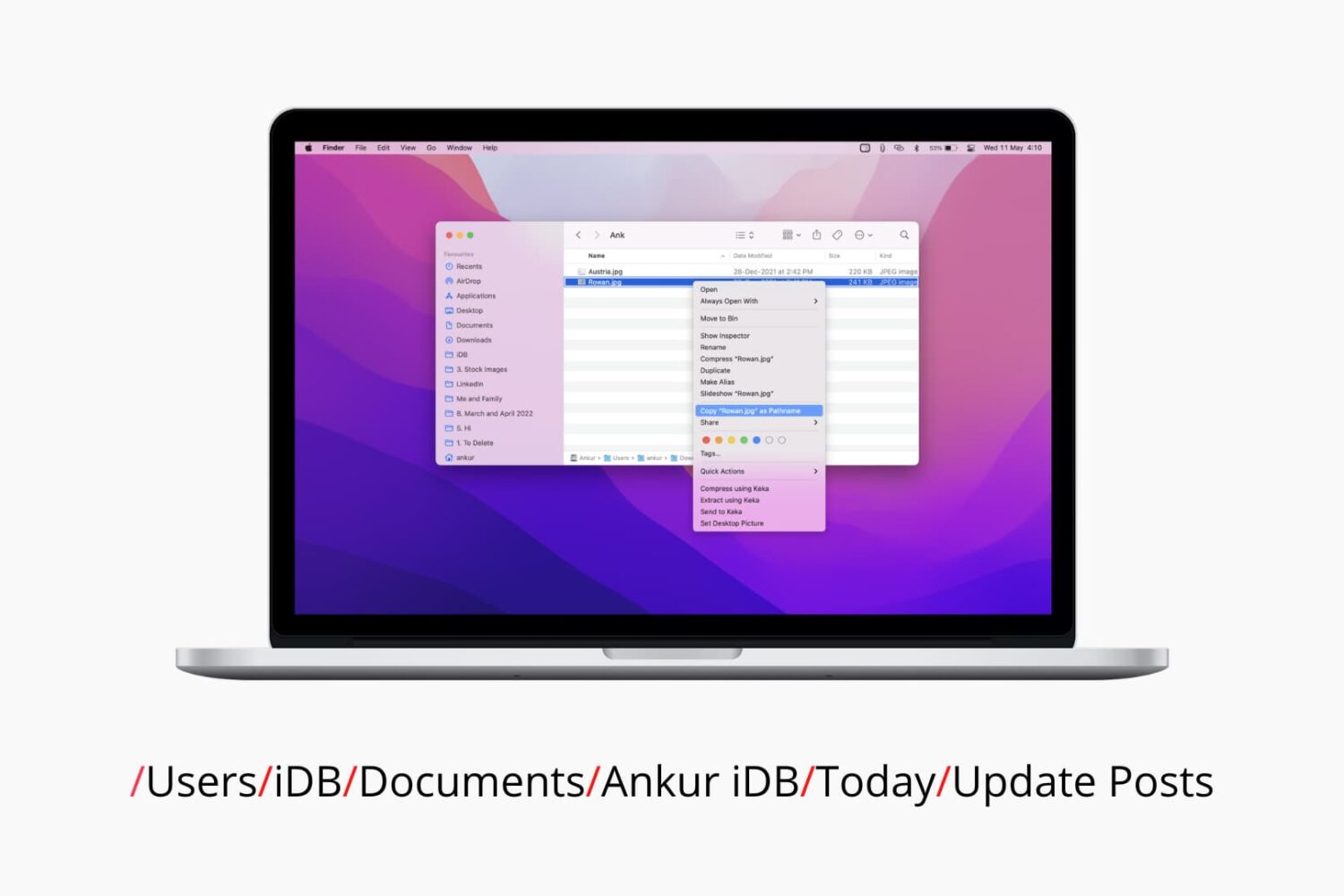
Check out six different ways to find the path or address of a file or folder on your Mac using Finder, Terminal, and more.

Learn how to use the Hover Typing and Hover Text accessibility features on Mac to see a huge version of text under the pointer when you’re typing or navigating around macOS.
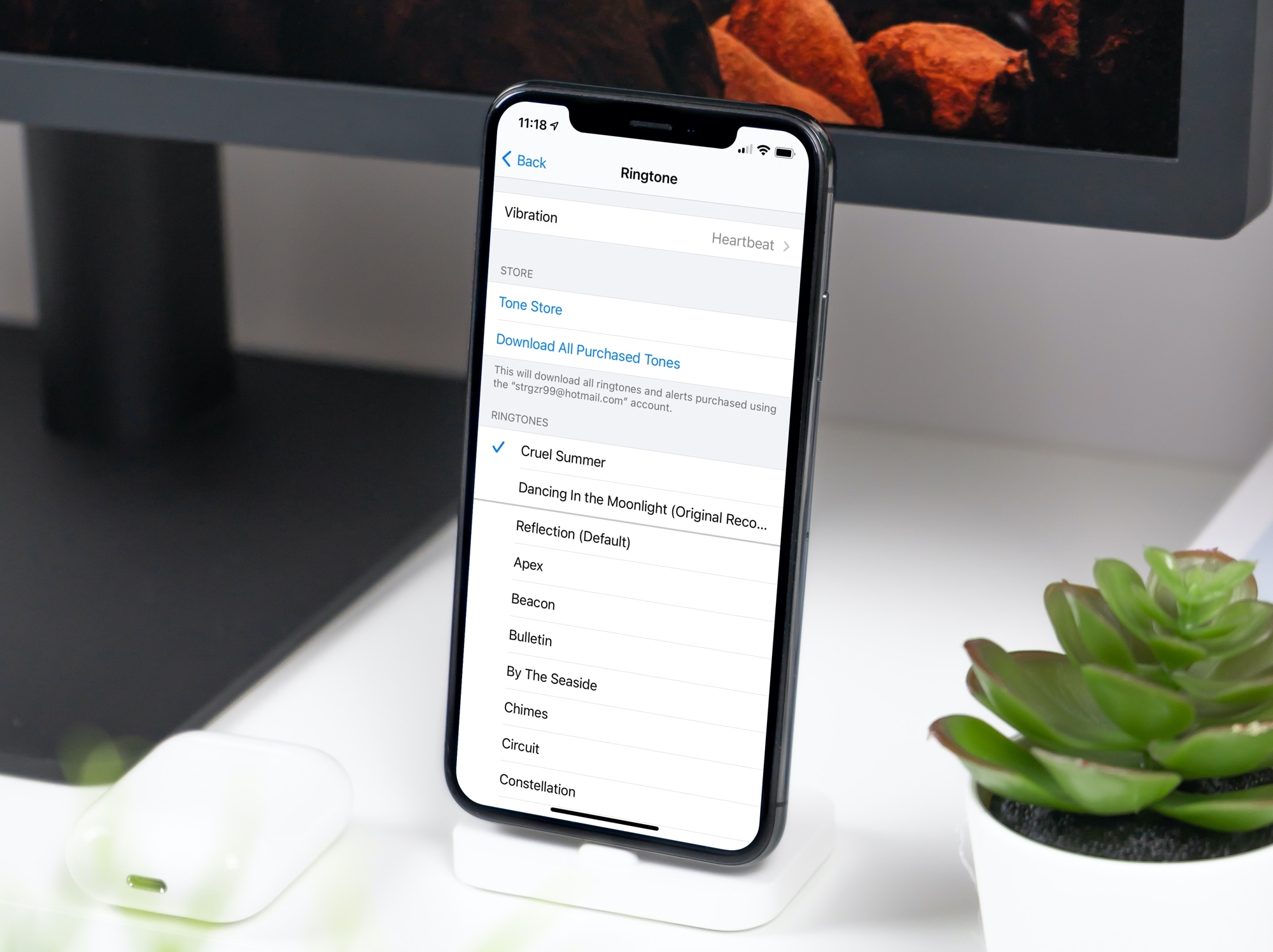
In this tutorial, we will show you how to convert a song or music file into a ringtone for your iPhone or iPad using the Music app on your Mac.
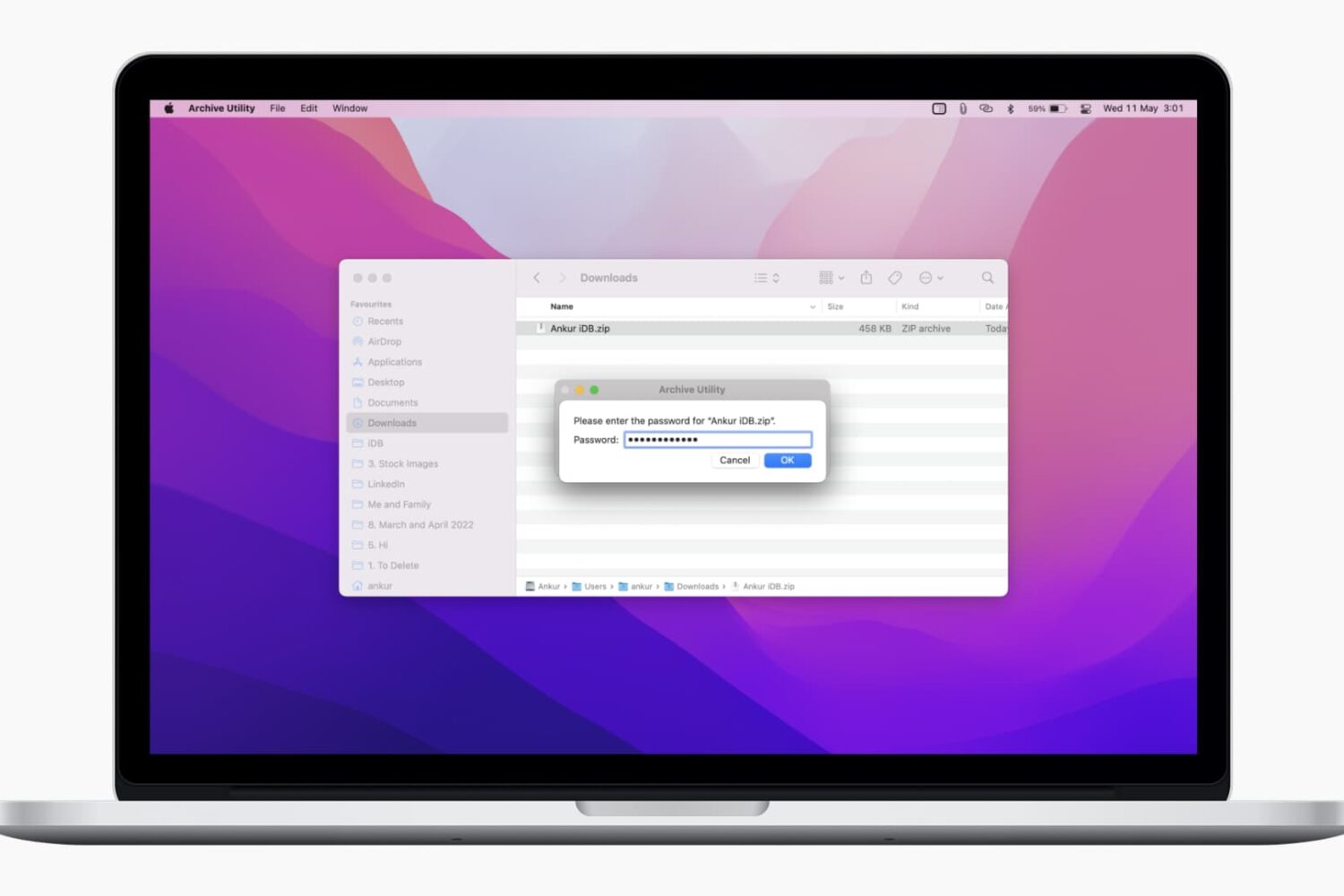
In this tutorial, we’ll show you two free and easy ways to secure your ZIP files on Mac with a password to prevent unauthorized use.