Learn how to use SharePlay to listen to music or watch movies & TV shows together with your friends over FaceTime on your iPhone, iPad, Apple TV, or Mac.
How to listen to music or watch movies & TV shows together with your friends over FaceTime
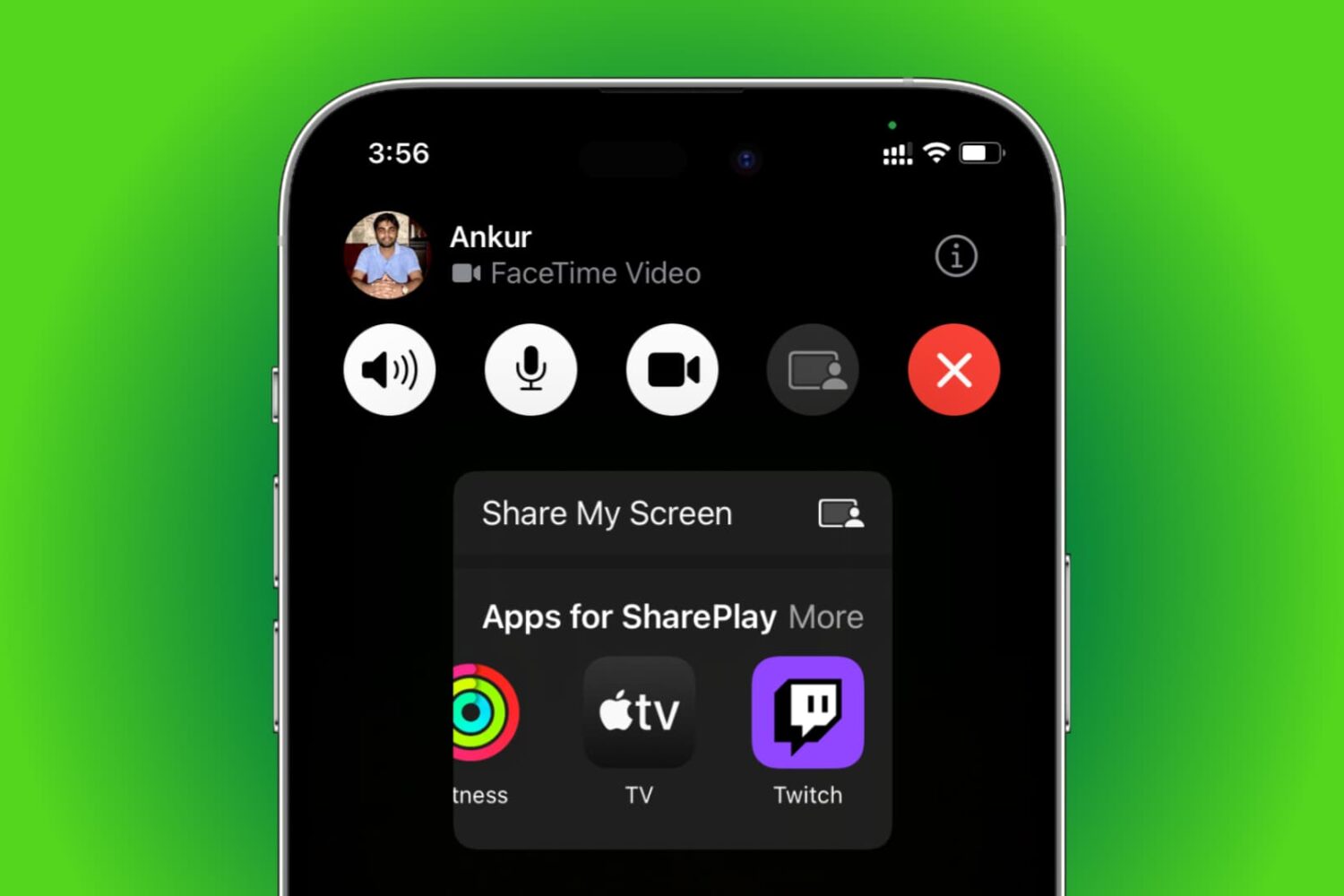
Learn how to use SharePlay to listen to music or watch movies & TV shows together with your friends over FaceTime on your iPhone, iPad, Apple TV, or Mac.

Apple released the first public beta of macOS 12 Monterey last week, which means that anyone can now test out the latest macOS. The latest macOS 12 Monterey comes with several new features and improvements. If you've been wanting to try out the new software, then you can now install the macOS 12 public beta.

Learn how to set up, activate, and use the Focus feature on your iPhone, iPad, Apple Watch, and Mac to cut down on distractions and set communication boundaries so you can work, sleep, game, or do other activities without interruptions.
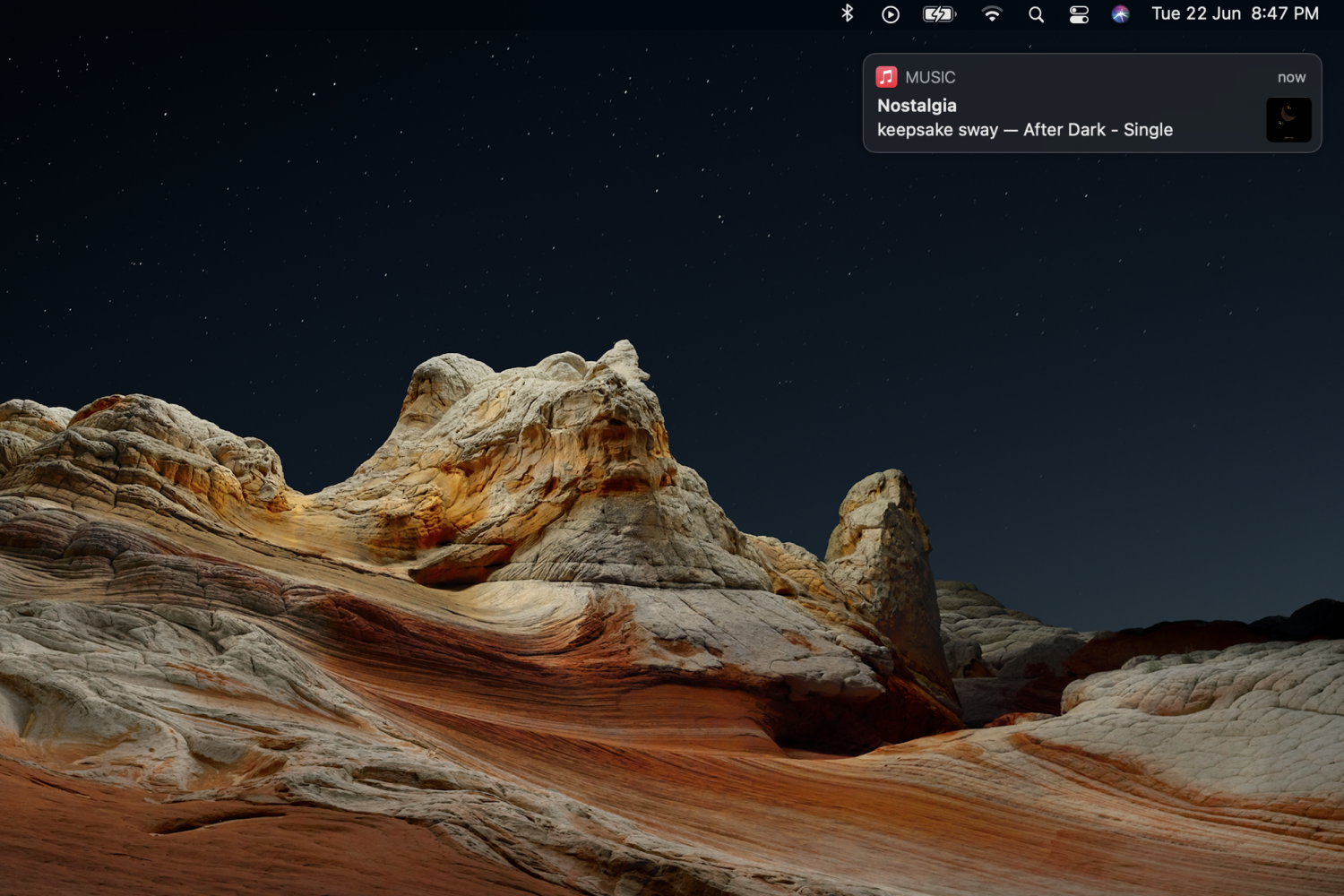
While notifications and alerts on macOS can be useful, they can easily become distracting if they aren't important. A notification that slides in and slides out while you're working, can make you lose your focus. Apple did make some changes to Notifications in the latest macOS Big Sur update, but they can still be annoying at times. Some notifications will slide in and stay on the screen, and will only go away if you click on the close button.

Learn how to easily hide, blur, or pixelate sensitive parts of a photo or screenshot on your Mac using built-in and third-party tools.

Learn how to sort mailboxes in alphabetical order in the iPhone, iPad, and Mac Mail app to keep them better organized.
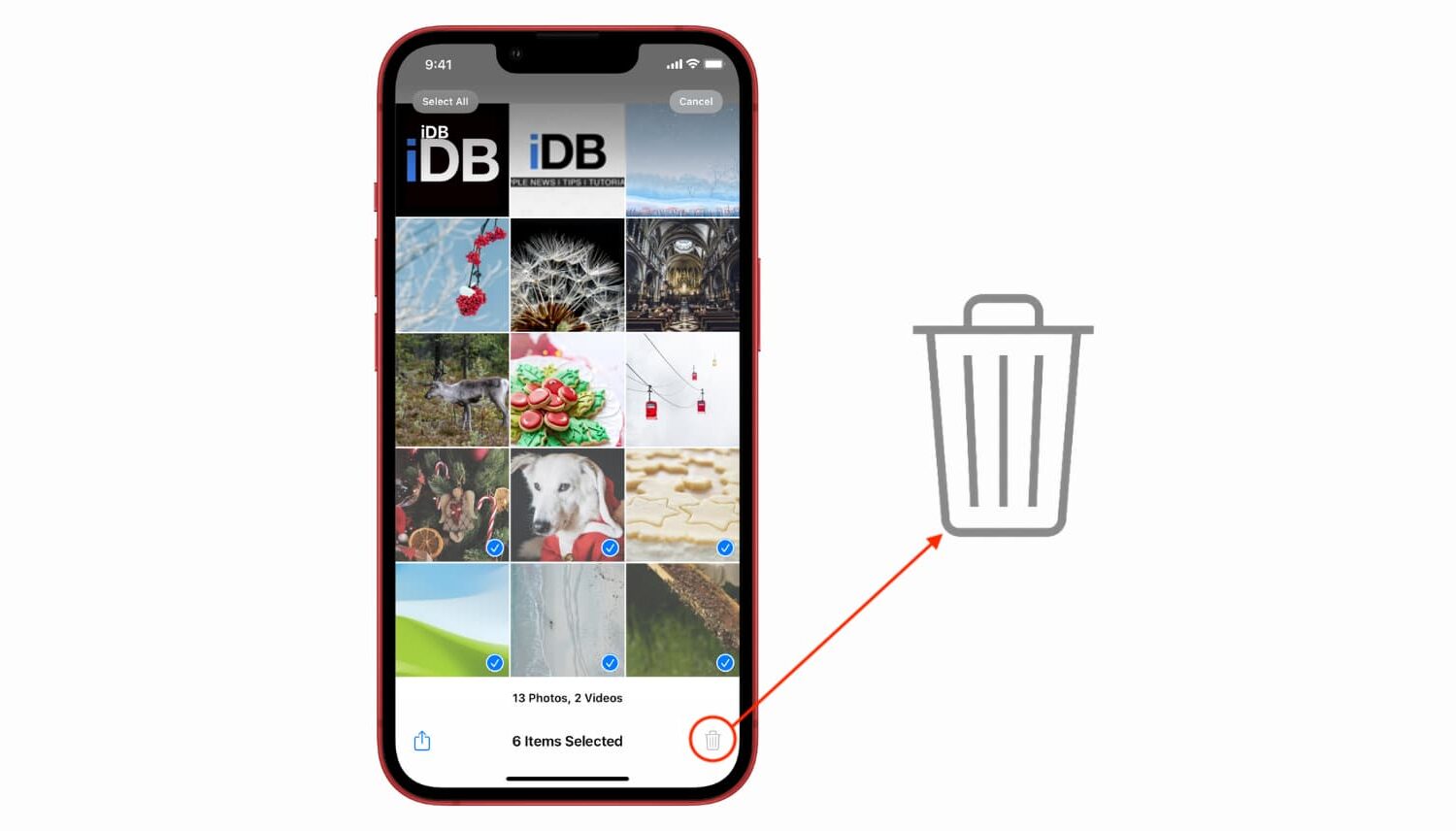
Learn what to do if you try to delete a picture from your iPhone or iPad, but the delete icon is grayed out, and you can’t remove it from your photo library.

Learn how spatial audio dynamically tracks your head movement on your Apple TV or Mac when using your AirPods or Beats headphones.

In this tutorial, we'll show you how to cancel this subscription from your iPhone, Mac, or Apple TV.
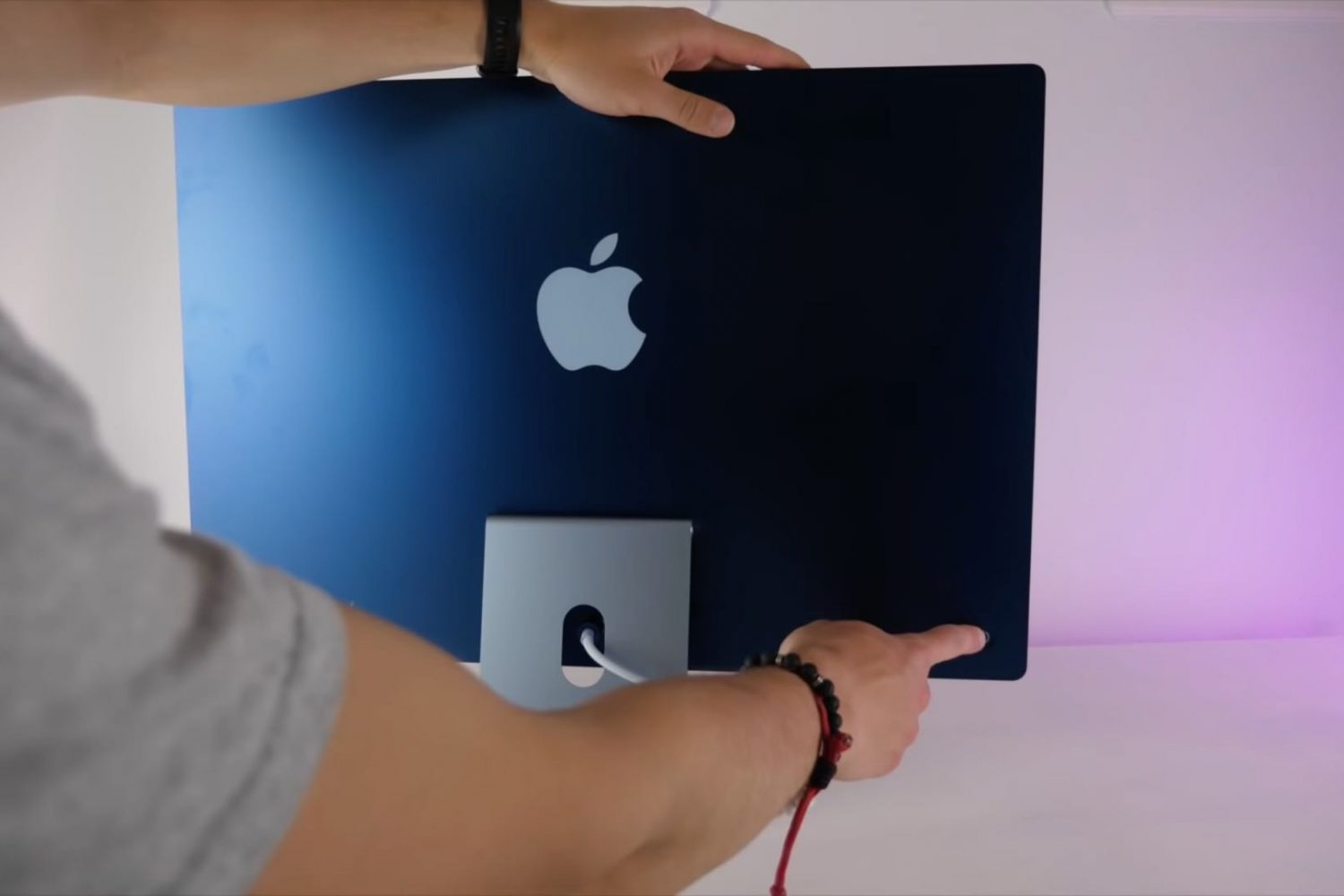
Your dream desktop has landed! The new 24-inch iMac powered by the Apple M1 chip runs circles around the previous Intel-based 21.5-inch model, but that's hardly the only thing it's got going for it. Watch our handy video tips highlighting some of its best features.

Learn how to flip a photo on iPhone, iPad, and Mac using the built-in Photos or Preview apps to create a mirror effect.
In this tutorial, we will show you a few simple ways to reduce video size on iPhone, iPad, and Mac. It must be noted that reducing the file size of a video will result in loss of quality to some extent.