Learn how you can get, set up, and access iCloud on your iPhone, iPad, Mac, Windows PC, or even a web browser like Chrome or Safari.
How to get iCloud on iPhone, iPad, Mac, or Windows PC

Learn how you can get, set up, and access iCloud on your iPhone, iPad, Mac, Windows PC, or even a web browser like Chrome or Safari.

Slack is down globally for several users due to "connectivity issues related to DNS." The situation is so bad that even its status page, which has one job to show Slack's status, is not loading for many users. However, we have found two quick and easy solutions that have worked for us and may work for you as well.
So, here is how to use Slack on your iPhone, Mac, Android, PC, or in a browser even when Slack is down, unresponsive, and not loading for you.

Learn about the “Notify When Left Behind” feature in the Find My app so you can get notified if you accidentally leave your Apple devices or items attached to AirTags behind.

Check out these six easy ways to sync and transfer contacts from your iPhone to your Mac, ensuring seamless communication from all your devices.

Learn how to archive a backup of your iPhone or iPad on a Mac to keep it intact, rather than have it overwritten by future backups.
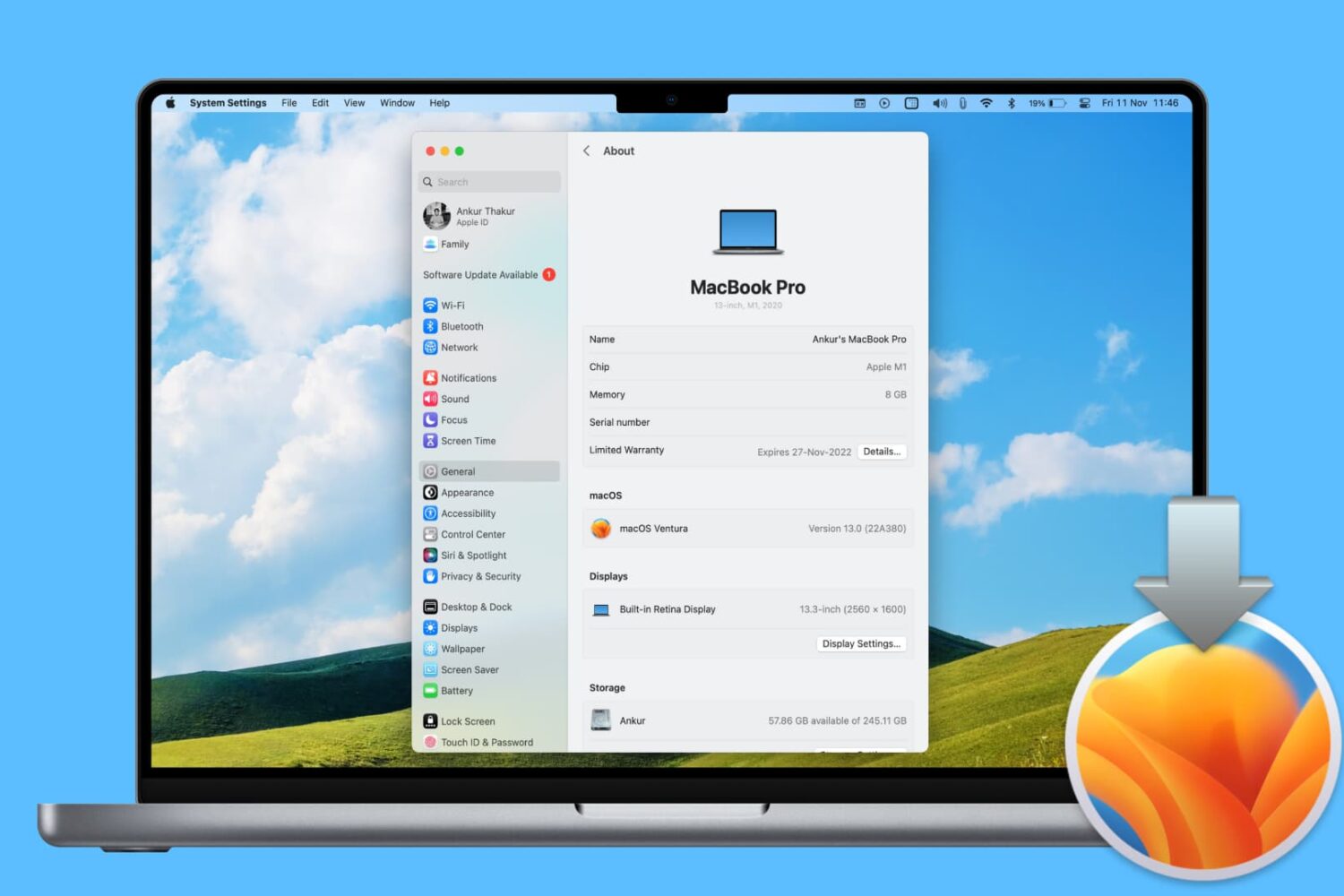
In this step-by-step tutorial, we’ll show you how to reinstall macOS on your Mac desktop or MacBook without losing your files, documents, or data in the process.
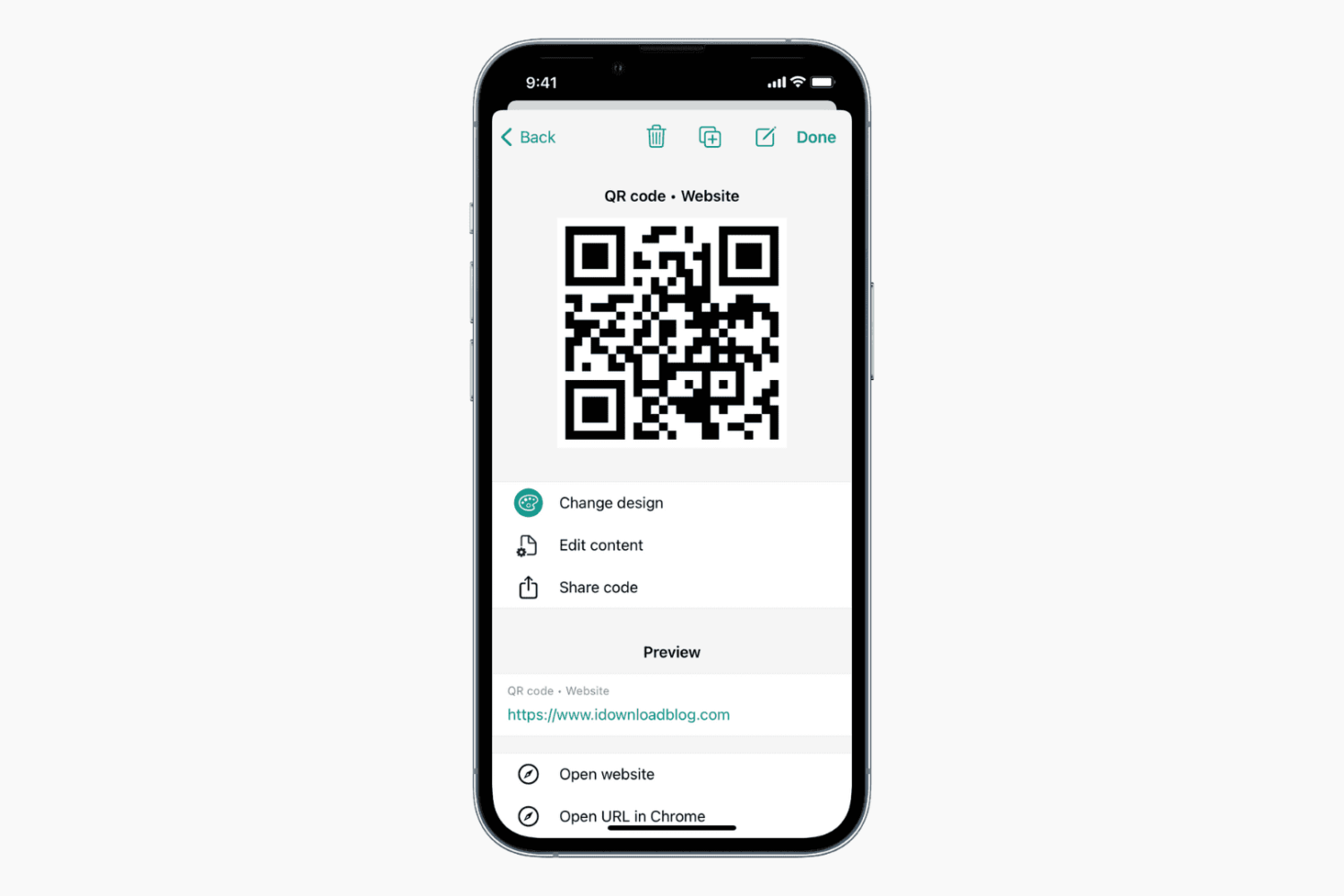
Learn how to create a QR code to easily share various pieces of information with others.
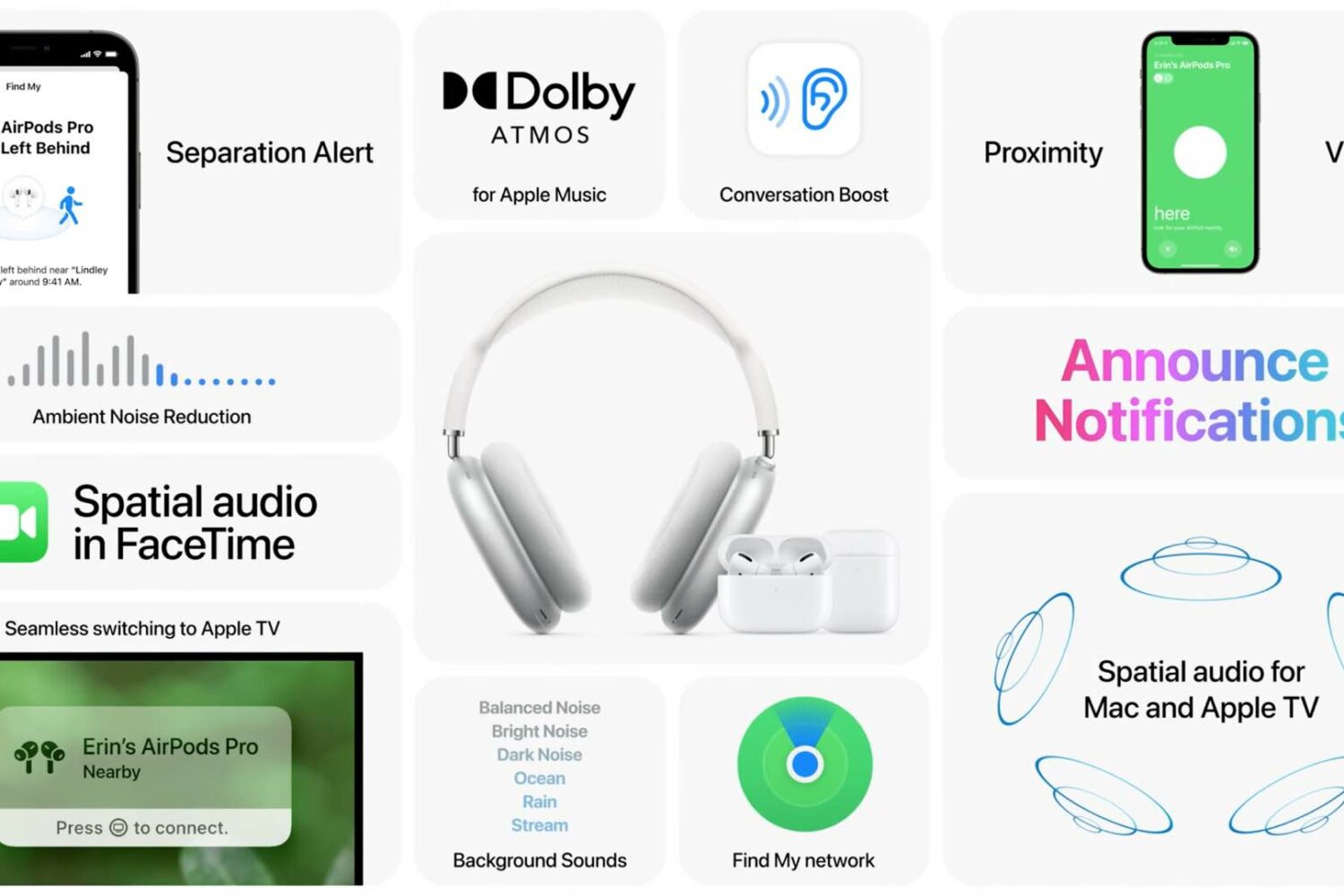
Apple has plenty of new AirPods features ready for your enjoyment, all you need to do is install iOS 15 and other software updates on your Apple devices. Here are all of them in one place.

Learn how to schedule a message in Slack for iPhone or Mac and for timely communication without disturbing your colleagues at odd hours.

The 2020 Olympics games officially commenced on July 23rd in Tokyo, Japan. As this is an international event, watching the game live isn't as easy as you may think. Due to the Covid restrictions, Japan has banned tourists from travelling to watch the games live. Hence, the only way to enjoy the Olympics is from the comfort of your homes. You can watch the games on your TV as several channels are broadcasting the games, but what if you want to watch it on your iPhone, iPad, or Mac.
Learn how to use the Quick Note feature on iPhone, iPad, and Mac to quickly write down notes from anywhere.

Learn how to create and use Tab Groups in Safari on iPhone, iPad, and Mac to organize your open tabs from an improved browser experience.