Learn how to set Safari to open links in a new tab or do it on the fly to control how and where links open.
How to open Safari links in new tabs on iPhone, iPad, Mac

Learn how to set Safari to open links in a new tab or do it on the fly to control how and where links open.
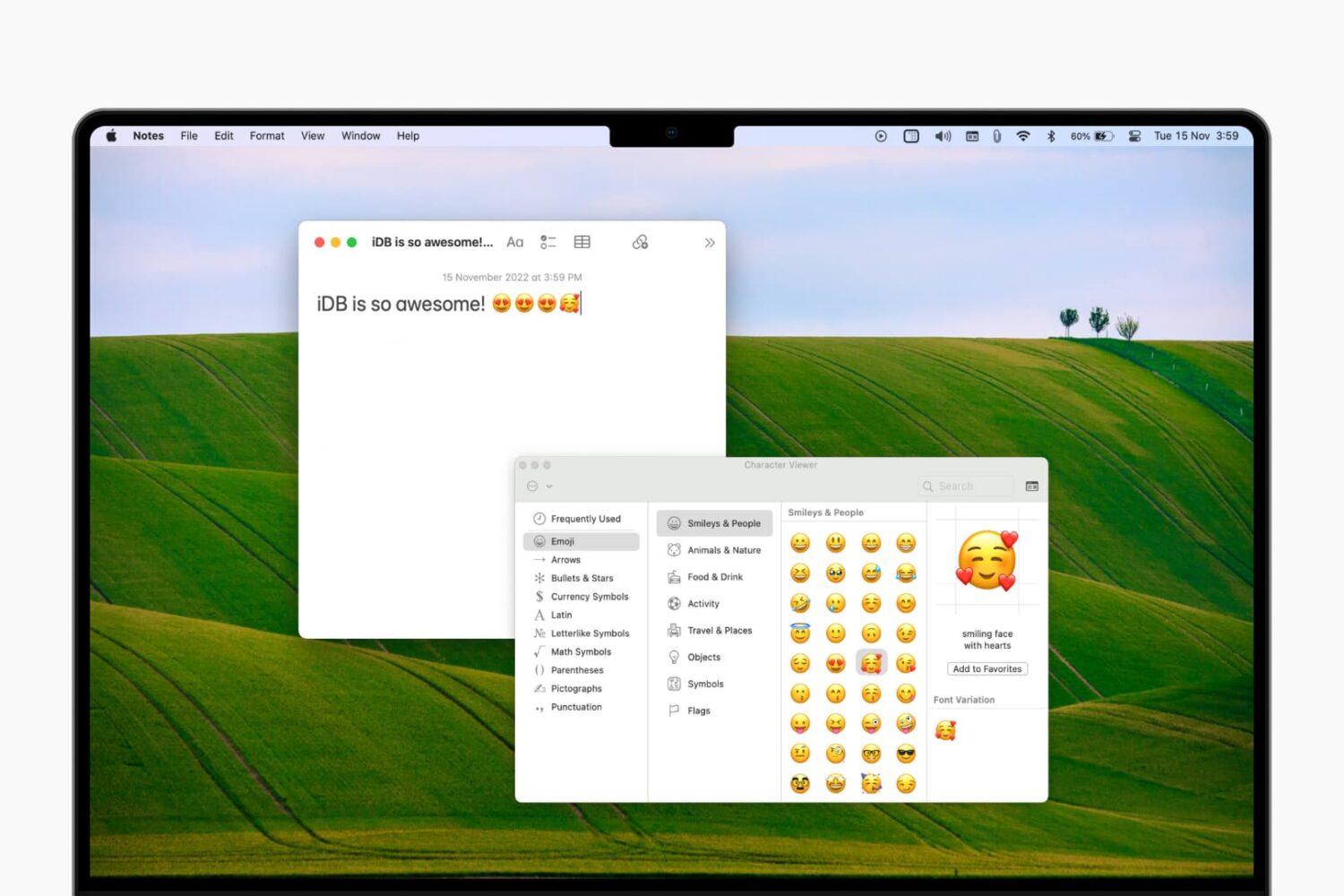
Learn how to access the emoji keyboard on your Mac to add emojis, symbols, characters, and icons to your notes, documents, emails, and other text fields.
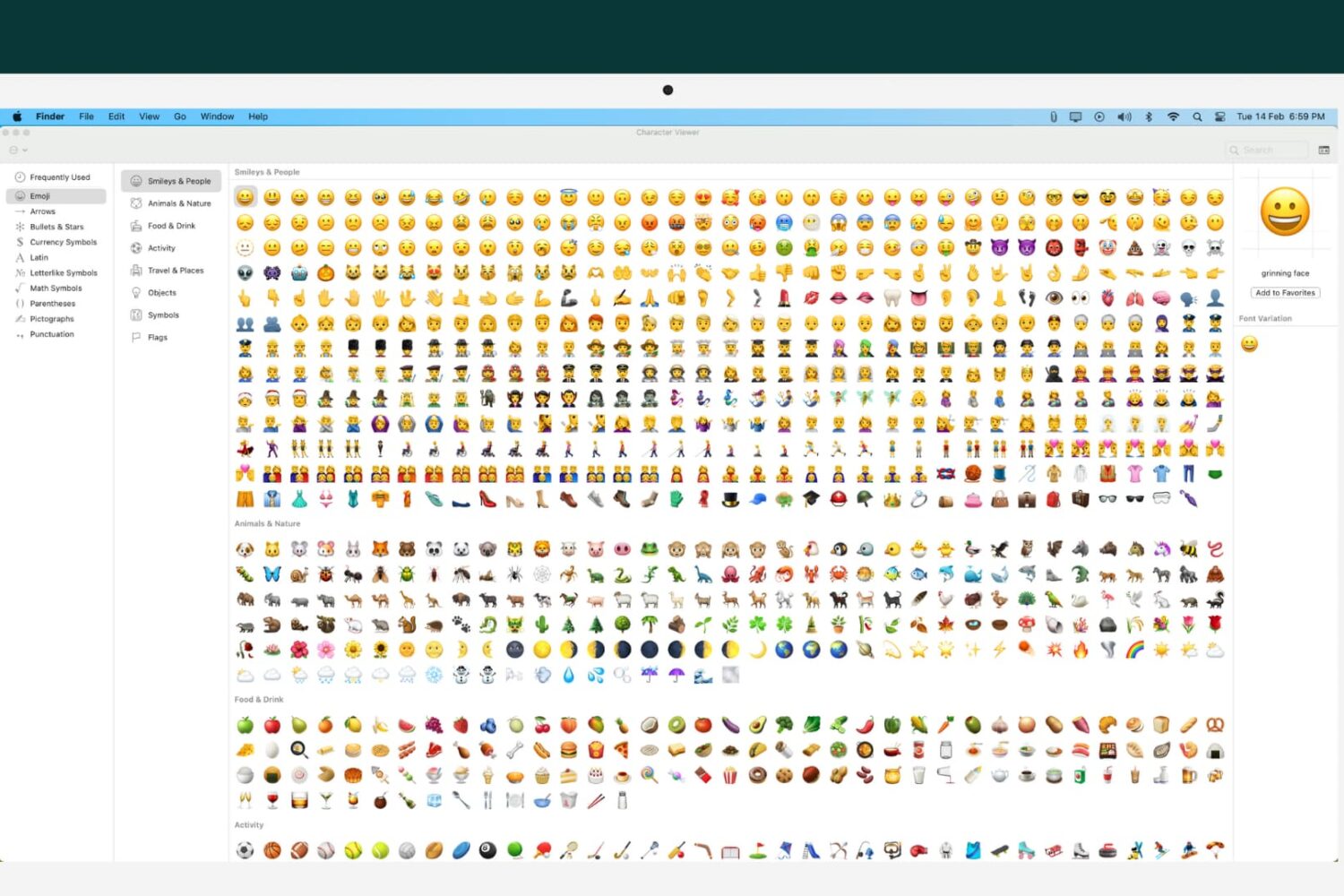
Learn how to customize your Mac’s emoji list of characters, icons, and symbols to tailor the Character Viewer to your needs.
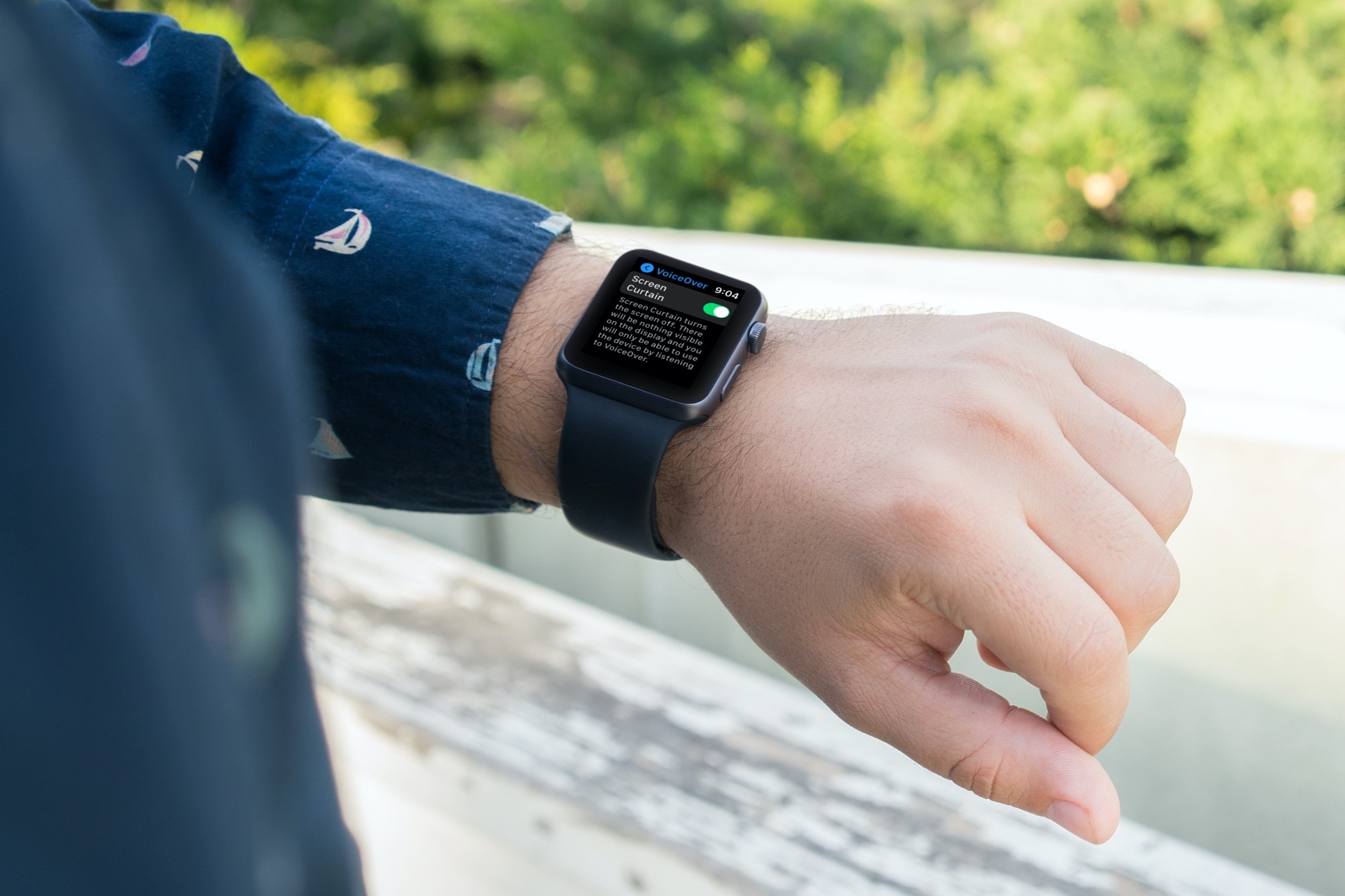
There’s a feature called Screen Curtain you can use along with VoiceOver for increased privacy. Screen Curtain turns off your display while keeping it active. So, you can still control it with VoiceOver, but keep what you’re viewing private. This is convenient when you’re in a public place and have personal information on your screen.
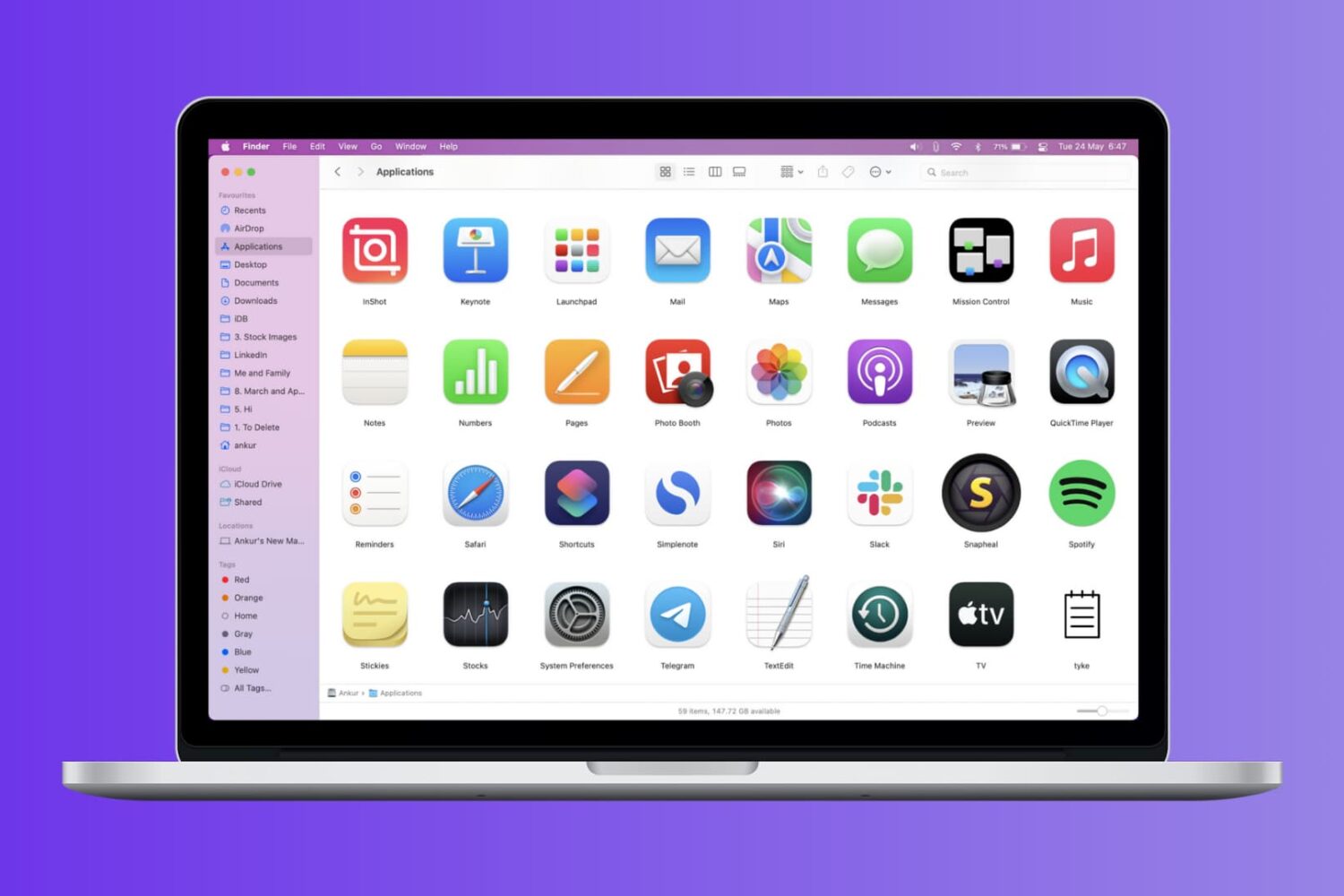
Check out these four easy ways to get a list of installed apps on your Mac and save or print that list.
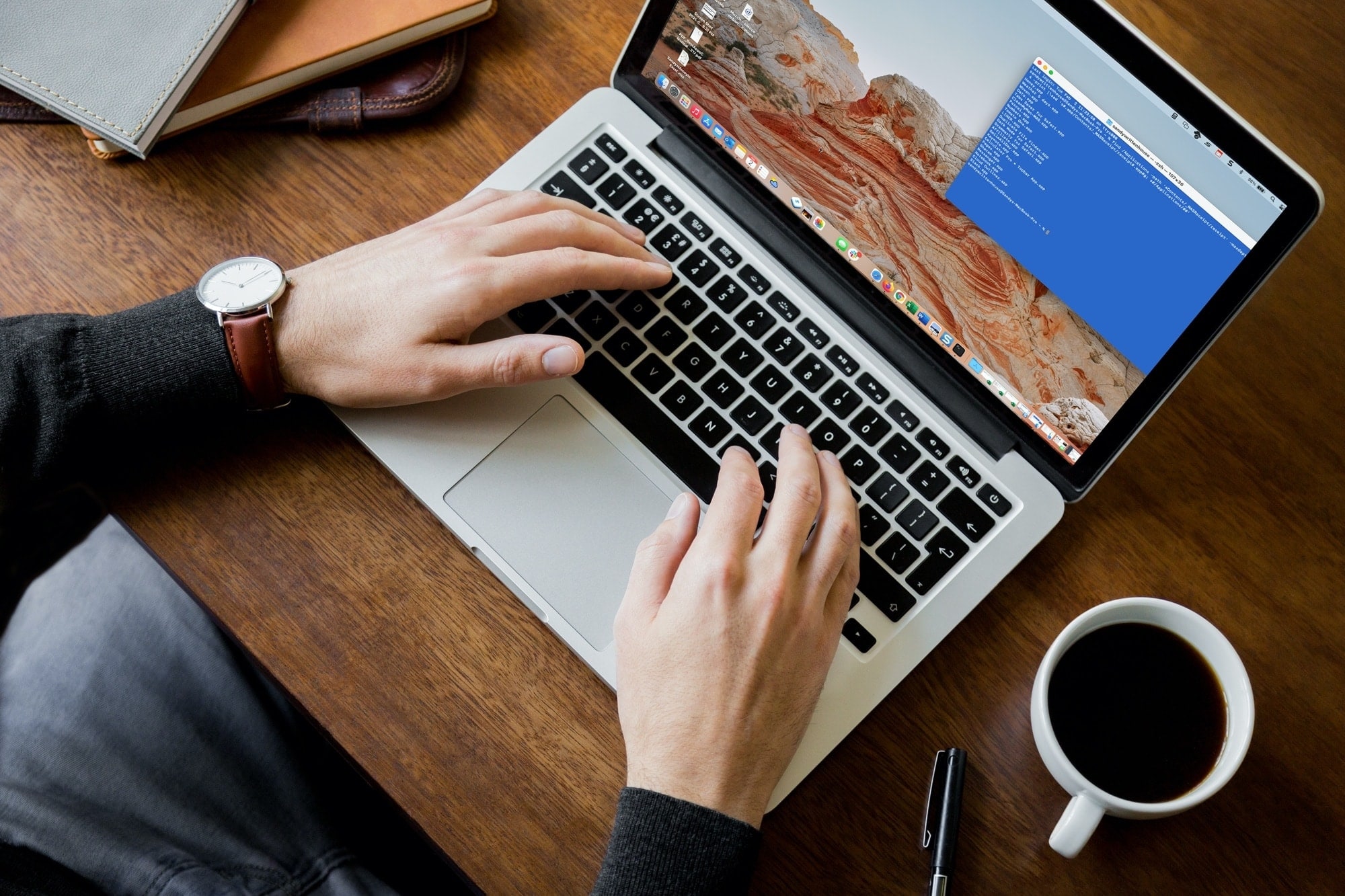
Whether it’s the results of a command, the command itself, or everything between the prompt marks, you can select what you need and print it easily from Terminal on your Mac.
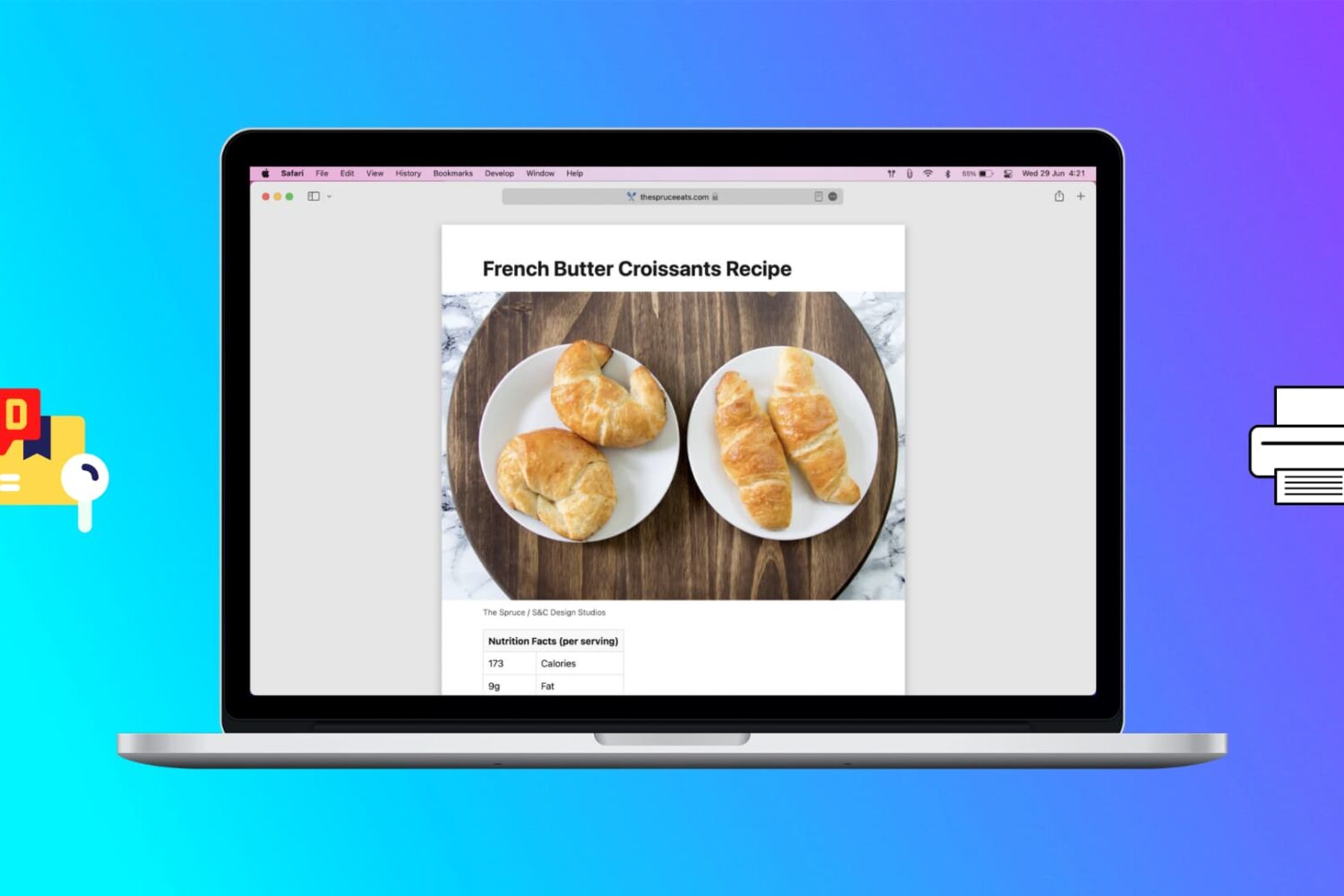
Learn how to print web pages without ads in Safari, Firefox, and Chrome on Mac to have fewer, clutter-free pages.
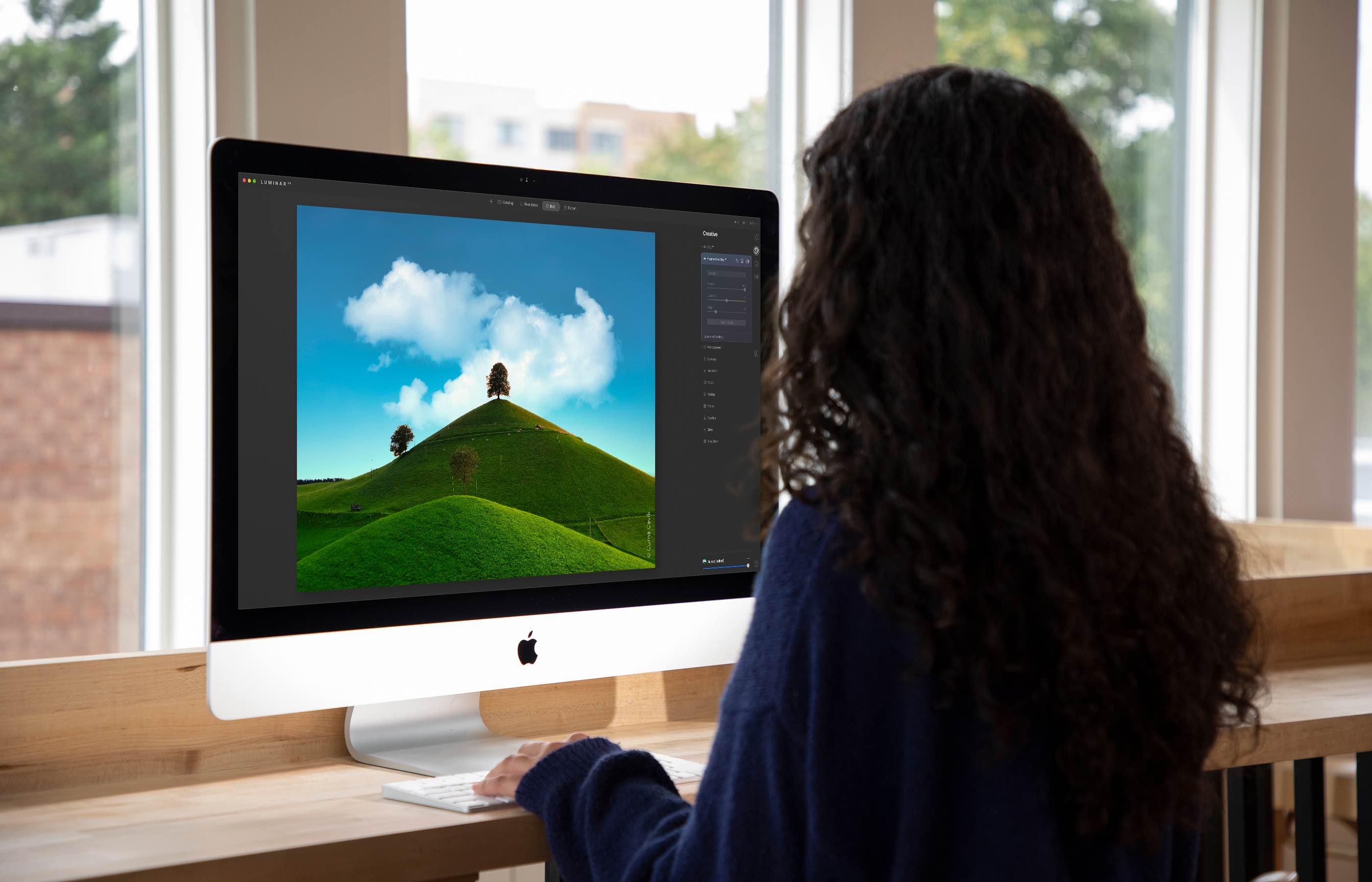
The Luminar AI image editor lets you edit landscapes, cityscapes, nature portraits and architecture photos with ridiculous ease—no need to deal with complex layers and palettes or adjust countless knobs. In this tutorial, we'll demonstrate how easy and fun achieving eye-catching landscape looks can be by with Luminar's rich assortment of AI-powered tools.
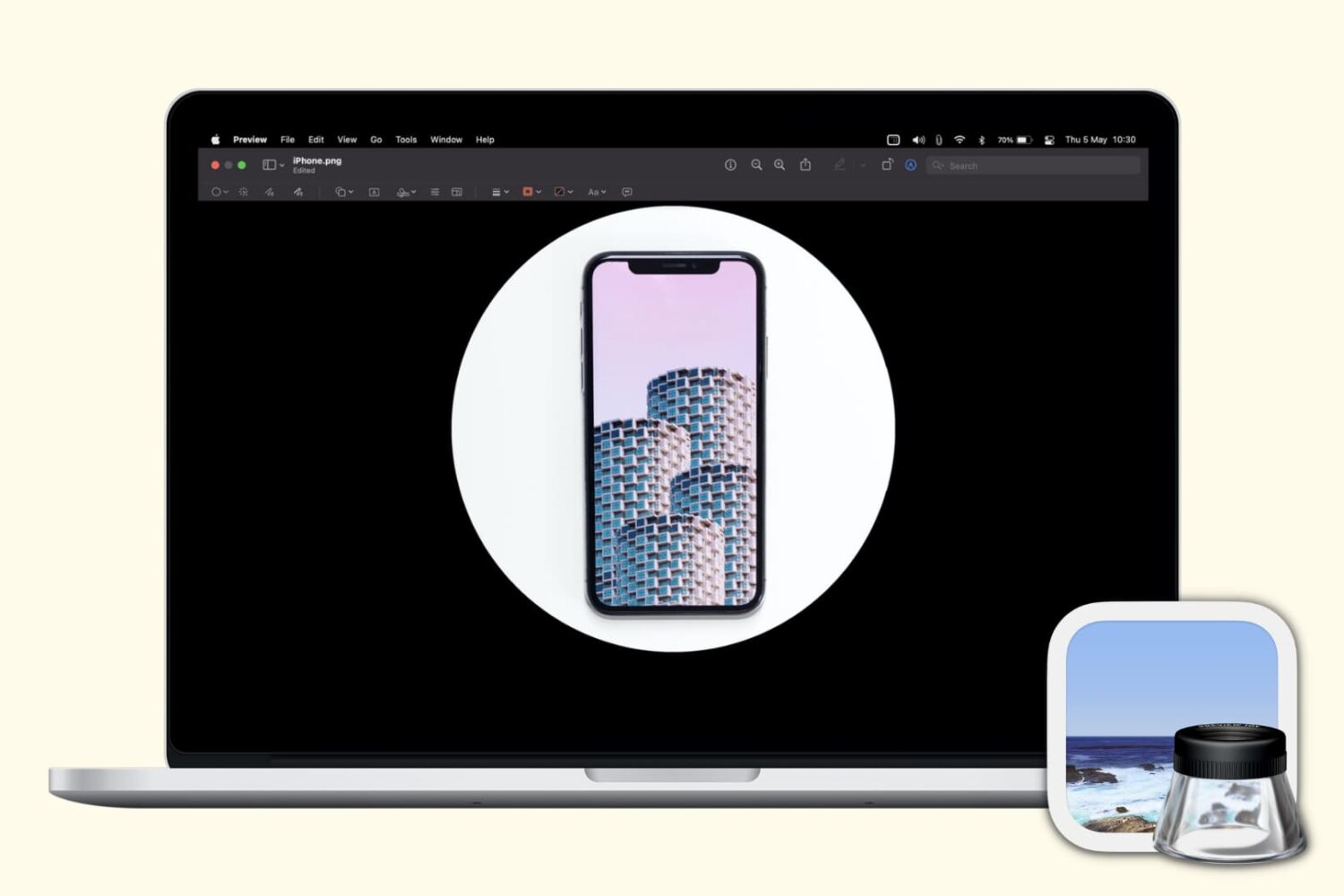
Check out several free techniques to crop photos on your Mac without downloading third-party image editors or using app extensions.
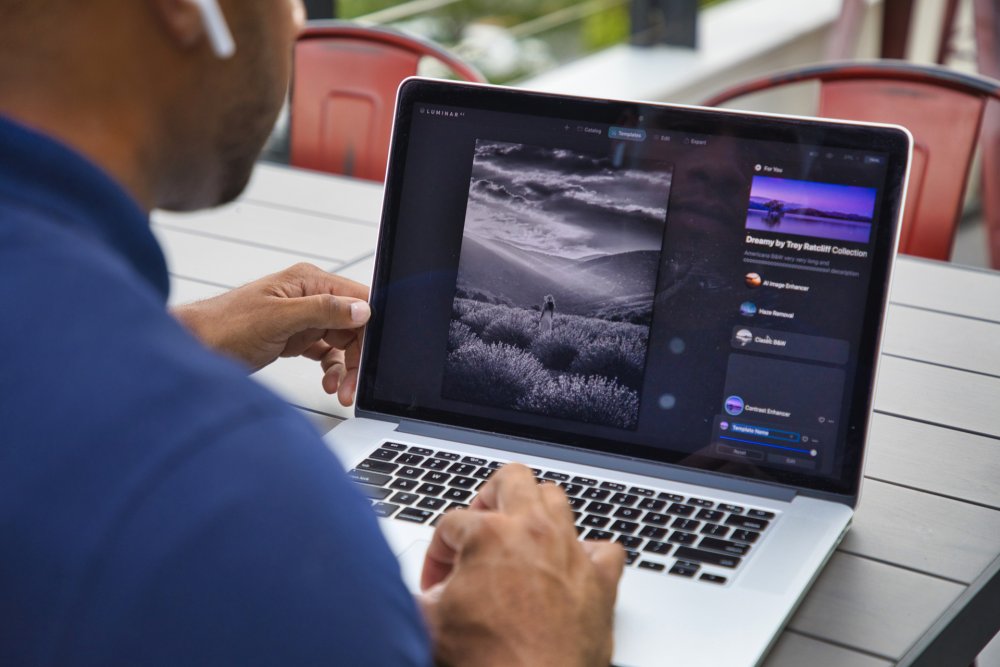
Achieve amazing results as if you had an entire graphics department working for you is easy with templates in the Luminar AI image editor. By leveraging artificial intelligence to understand the strengths and weaknesses of every image, templates make it easy to automatically correct common capture problems and apply enhancements across multiple images at once. In this tutorial, we'll show you how to use templates in Luminar AI.
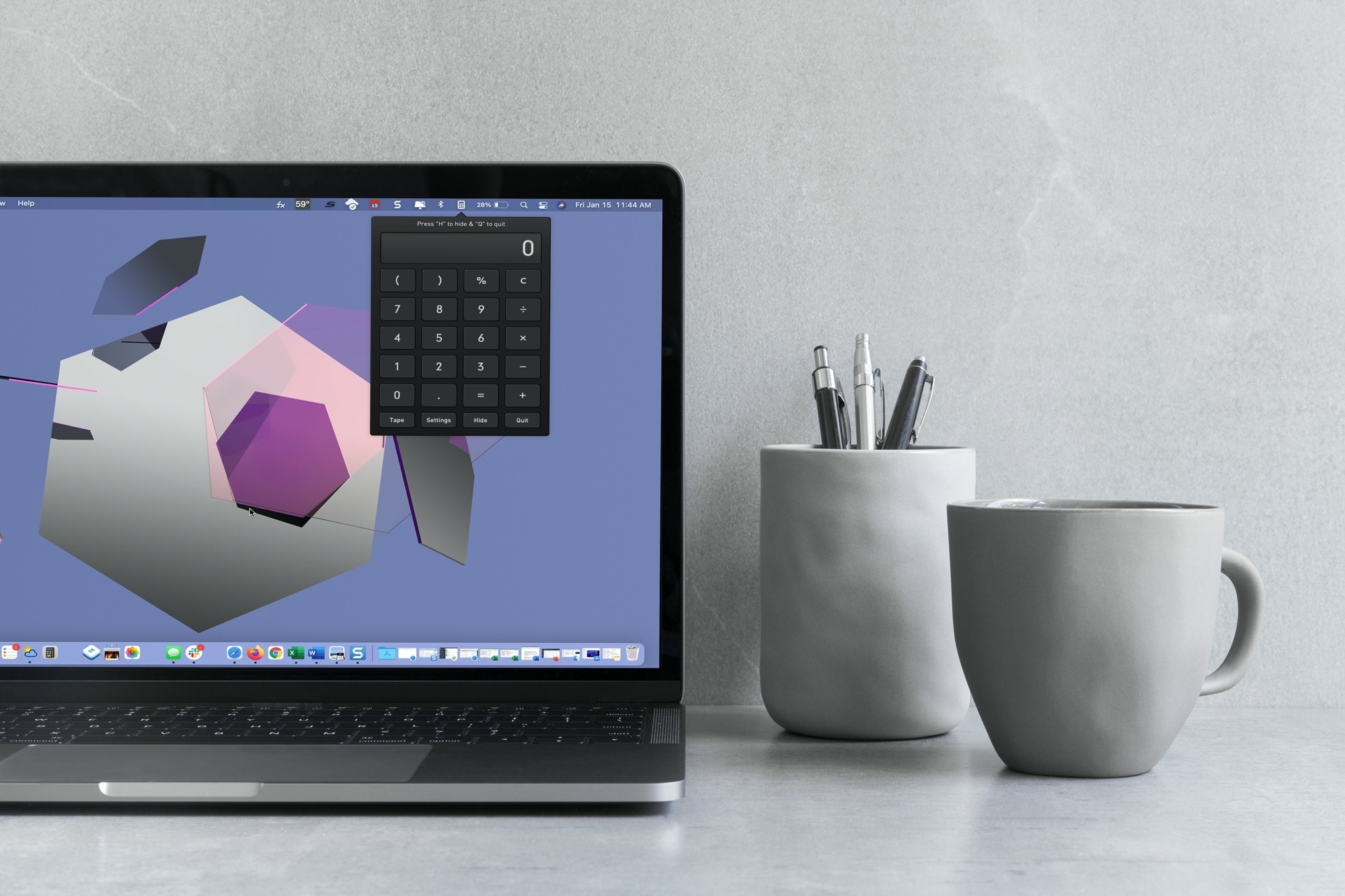
With macOS Big Sur and later, you can no longer enjoy quick access to interactive widgets in the Notification Center. Sure, you can still see widgets for things like the weather and a world clock, but you can’t perform calculations in a few clicks like before.
You can use Spotlight Search for simple equations in a hurry, but if you need a little more, you have to open the Calculator app. Since a calculator is one of those utilities you don’t want to have to hunt for, we’ll show you some alternatives to replace your missing widget.
Here you’ll find calculator apps for your menu bar along with shortcuts to open your existing Mac Calculator app from the Dock and using your keyboard. Review the options and see which one is the best fit for your needs.

Learn how to manage file and folder permissions on Mac and allow read only, write only, editing access, as well as no access at all.