Learn how to download and install apps on your Apple Watch from the App Store, either directly on the watch itself or through the paired iPhone.
How to install apps on Apple Watch in watchOS 27

Stay up-to-date on the latest Apple Watch news, and learn how to get the most out of your device with our comprehensive tutorials. From updates to features to troubleshooting tips, we’ve got you covered.
Learn how to download and install apps on your Apple Watch from the App Store, either directly on the watch itself or through the paired iPhone.

The Apple Watch features a Home Screen that significantly differs from the Home Screen on your iPhone or iPad. The icon layout is a big departure from what you’re used to on your iPhone, and while some may like it, others may think it looks a bit messy. Thankfully, apps can be rearranged per your liking, and we’ll show you how.

This tiny tutorial tells you about simple tips to quickly return to the last used app on your Apple Watch so that it's easier to multitask or switch back and forth between recently used apps!
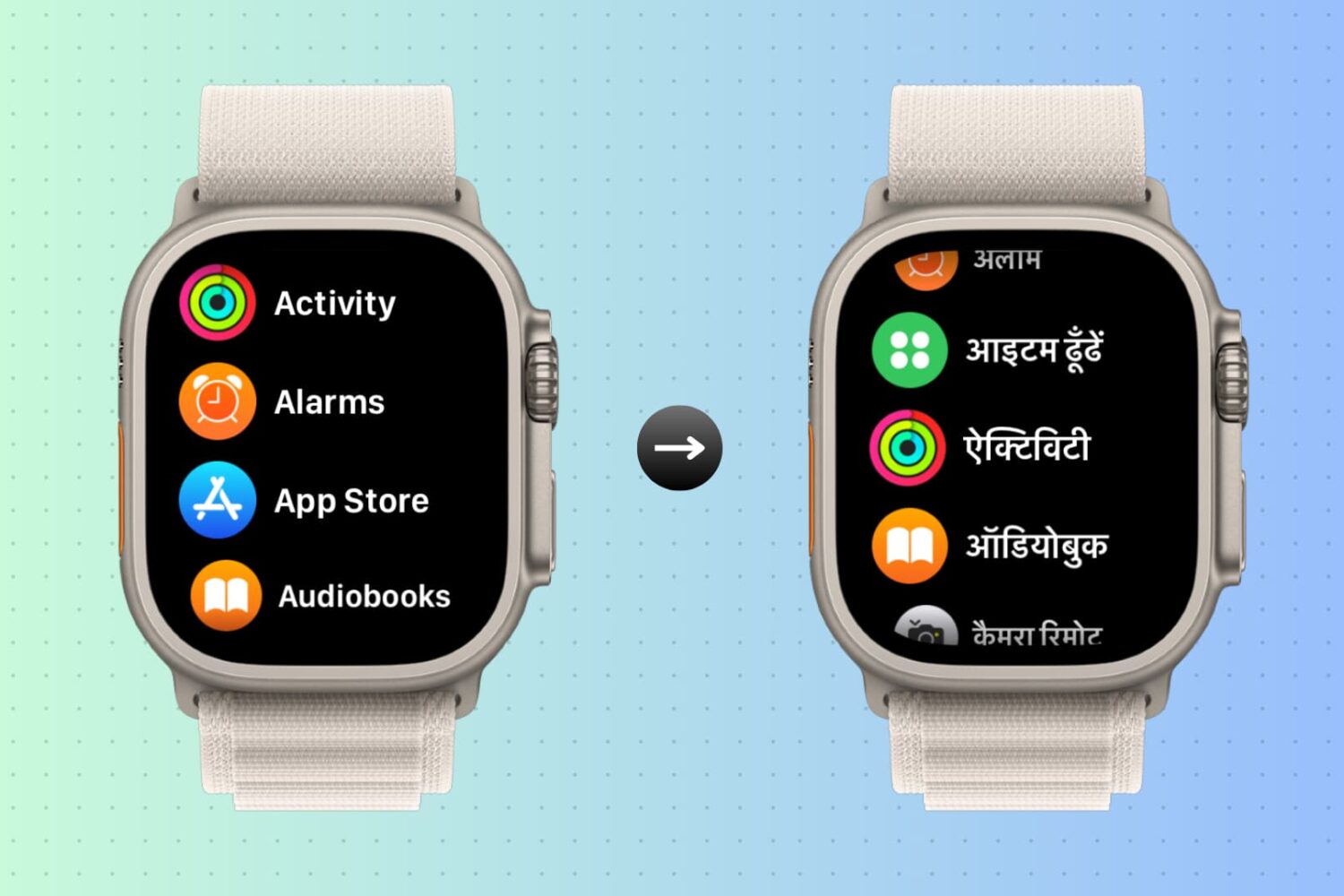
You can change the language of your iPhone and your Apple Watch together in one go or only change it for your Apple Watch while your iPhone’s language remains unaffected. Here are the steps for both.

In this quick tutorial, we’ll show you how to delete apps from your Apple Watch with or without your iPhone.

Go through these simple power-saving tips to save battery on your Apple Watch if you’re experiencing poor battery life.
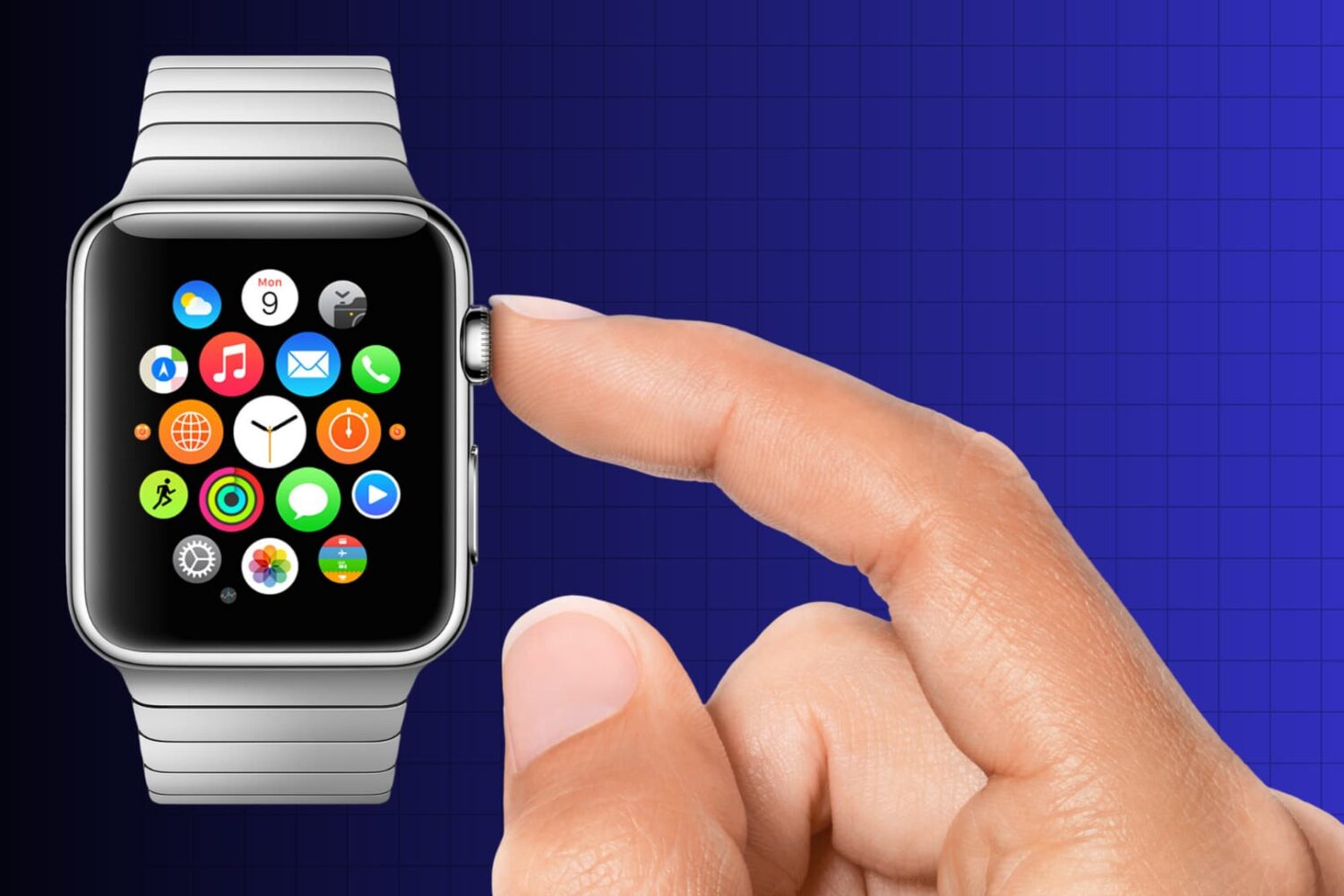
Occasionally, the Digital Crown on your Apple Watch may experience issues such as being stuck or being resistant to rotation. If you encounter these issues, here’s a guide to resolving them and restoring the functionality of your Apple Watch Digital Crown.

Learn how to change the intensity of the haptic feedback you get on your Apple Watch when you receive an alert or new notification.
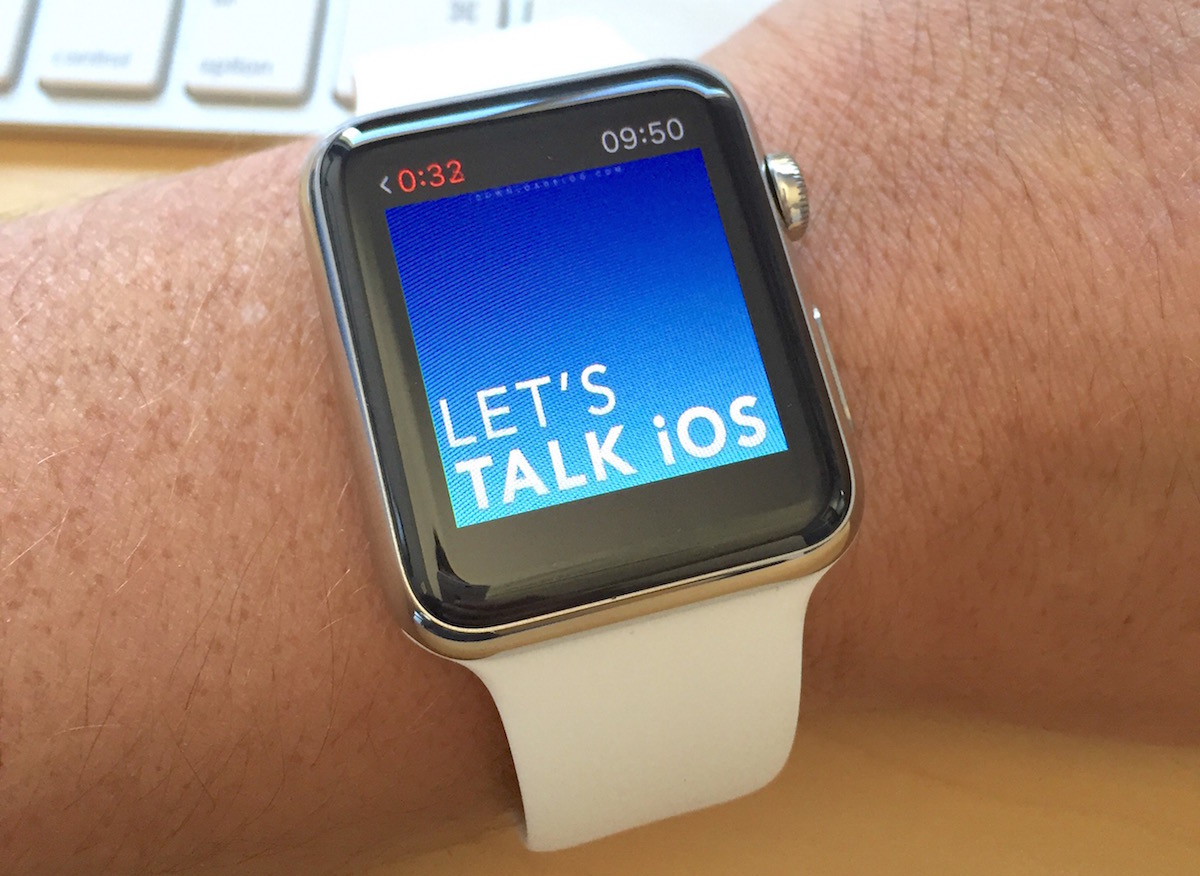
While you can sync music from your iPhone library to your Apple Watch, there is currently no way to sync podcasts, which is something Apple will likely address in a future update. In the meanwhile, podcast listeners must still be tethered to their iPhones to enjoy podcasts on the go with the help of Overcast, which apparently is the only podcast app with support for Apple Watch at this time. But again, it's not really a solution as you have to have your iPhone nearby to listen to podcasts via Overcast on Apple Watch.
However, there is a workaround that allows you to sync podcasts with Apple Watch. Like all workarounds, it's not very straightforward, and to be honest, a bit cumbersome, but if you want to listen to podcasts on your Apple Watch without an iPhone, this is currently your only option. In this post, we'll show you how to sync podcasts with your Apple Watch.

If you want to take screenshots of your Apple Watch screen, you must first turn this feature on. Here are the steps to enable screenshots. And after that, we will show you how to take a screenshot on the Apple Watch running any version of watchOS.

If you find your Apple Watch screen to be too bright or too dim, you can change the display brightness directly from the watch or from its companion app on the paired iPhone, ensuring a comfortable viewing experience.
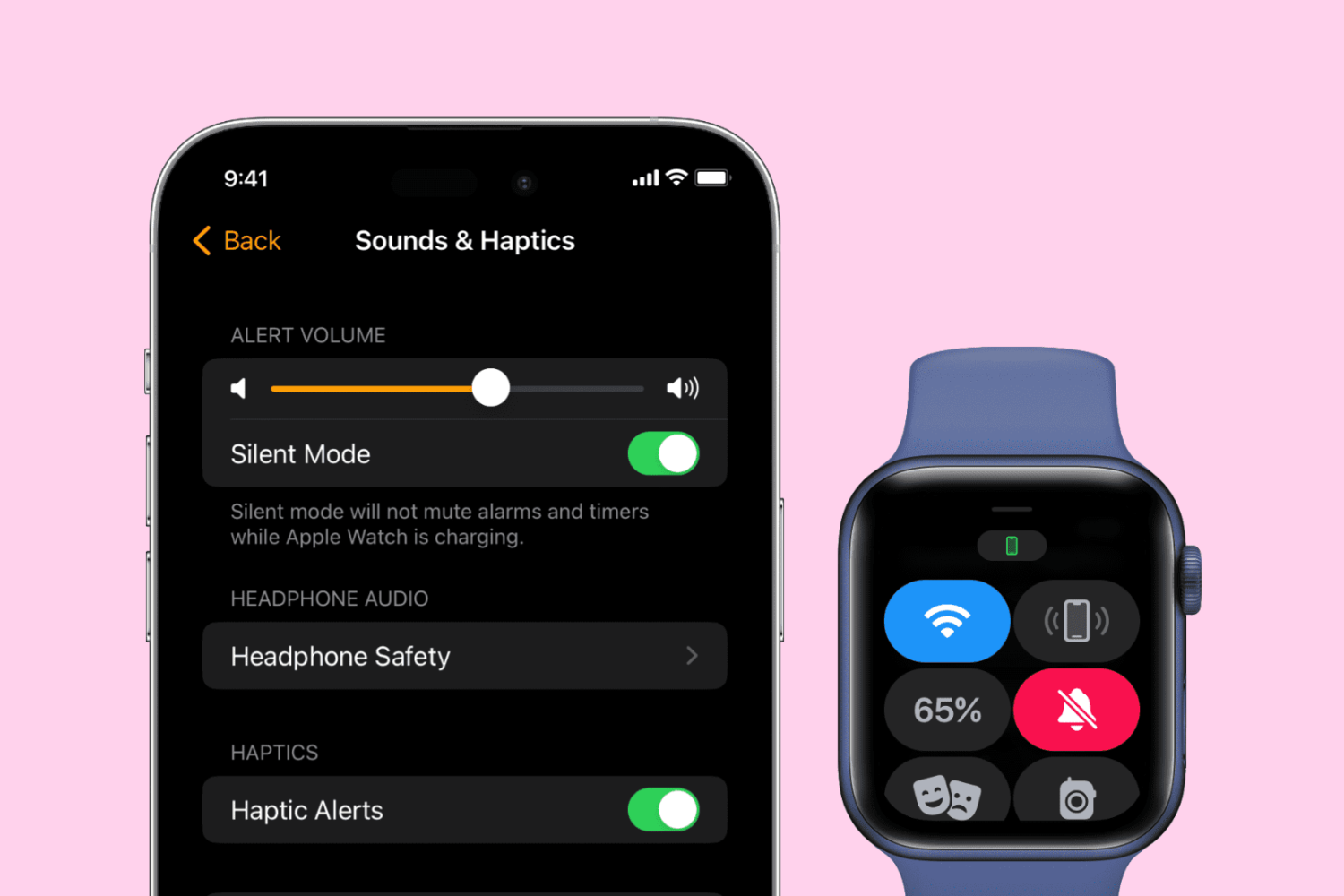
Learn how to mute sounds and silence notifications on your Apple Watch for some peace and quiet during meetings, school, the library, or other such situations.