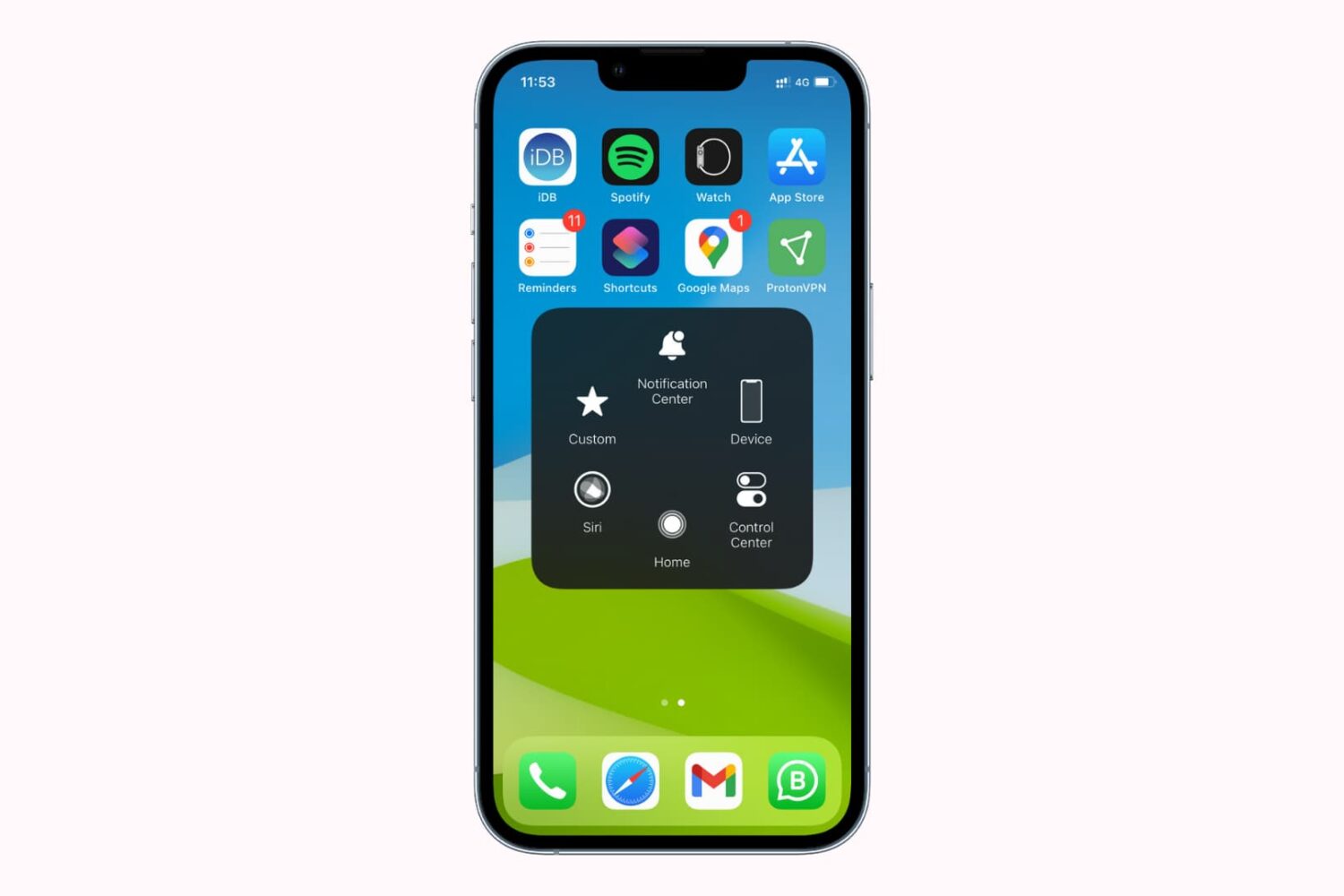
Learn about the basics of AssistiveTouch on iPhone and iPad, including what it is, when to use it, and how to use it to get things done by interacting with a virtual on-screen button.
How to use AssistiveTouch on iPhone and iPad
Learn about the basics of AssistiveTouch on iPhone and iPad, including what it is, when to use it, and how to use it to get things done by interacting with a virtual on-screen button.
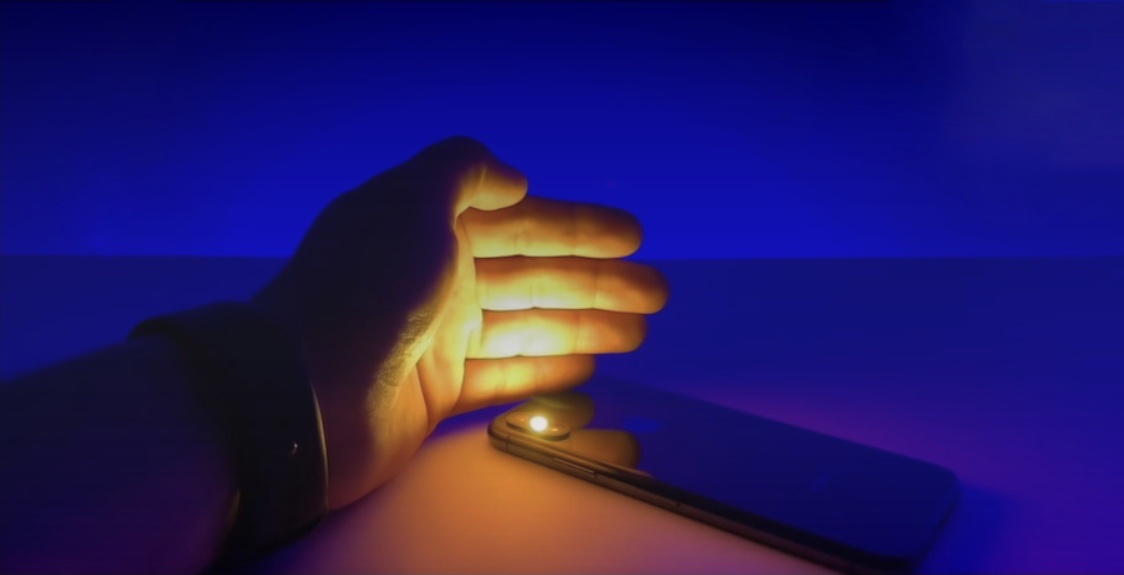
Almost everyone knows that their iPhone’s rear-facing LED flash can double as a handy flashlight, and the Control Center toggle makes it supremely easy to access from anywhere in iOS.
Apple makes it relatively easy to save images viewed on your display to your Photo Library. Almost everywhere you look, you can either tap on a share button to save a photo, tap and hold on a photo to reveal saving options, or you may opt to simply snap a screenshot.
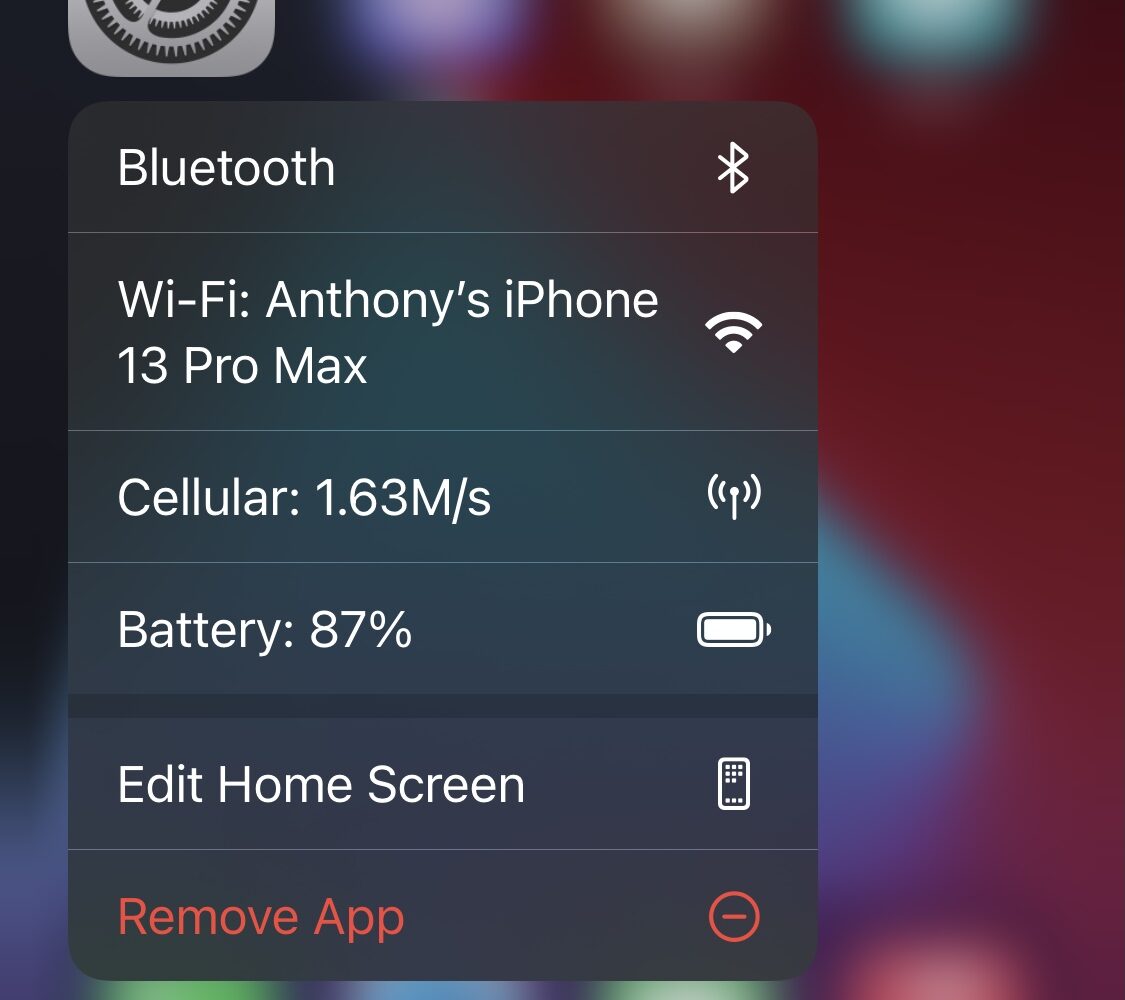
Whenever you’re curious about certain statistics involving your iPhone, be it battery health, current internet speed, or your current Wi-Fi network, much of this information can be found in the Settings app.
An interesting concept for jailbreakers that could merit attention appears to be in the form of a free jailbreak tweak called SleepAid by iOS developer LucifersCircle.
The iPhone’s native Wallet app lets users store and quickly summon important passes and payment methods, but Apple limits what you can store in the Wallet app, which proves frustrating in many cases.
Whether you’re a power user or a developer and advanced features matter to you more than the average Joe, a free jailbreak tweak dubbed 3Developer by iOS developer hearsedev could prove to be rather a handy add-on for you.
One of the things I’ve really come to appreciate about iPadOS 15 is the App Library icon that appears on the right side of the Home Screen’s Dock. With it, I can more easily navigate to the App Library to view all my apps at a glance.
I frequently use the Lock Screen-based Quick Action buttons to use the flashlight or Camera on my iPhone, but I’ll admit I wish there were more shortcut options at my disposal than just those two.
There are many different jailbreak tweaks that can boost both the accessibility and convenience of certain features in iOS or iPadOS 14, and it’s that very wide array of available jailbreak tweaks that can make finding and installing the best ones a challenge for even the most seasoned jailbreakers.
The iPhone’s Lock Screen user experience is both simple and user-friendly. But if you’re a power user, then you might find yourself demanding more, especially if you favor functionality over user-friendliness.