Accessibility

How to type to Siri instead of speaking to it

iPhone Type to Siri

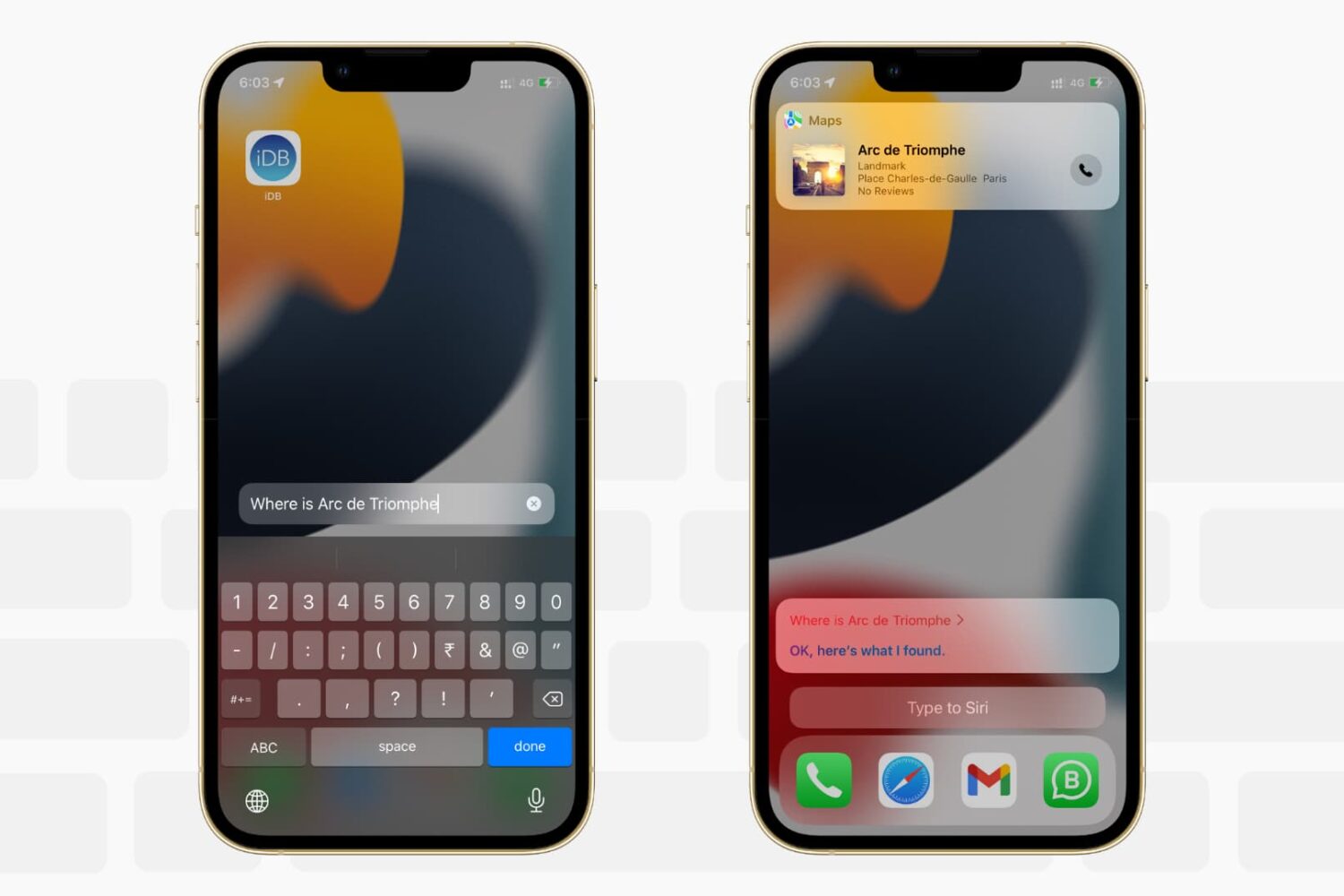
Want to write to Siri instead of speaking to it? In this tutorial, we’ll show you how to type to Siri instead of speaking, making it easier to communicate discreetly with Apple’s virtual assistant on iPhone, iPad, Mac, Apple Watch, and Apple TV.

How to unlock your iPhone with your voice

How to unlock your iPhone with your voice

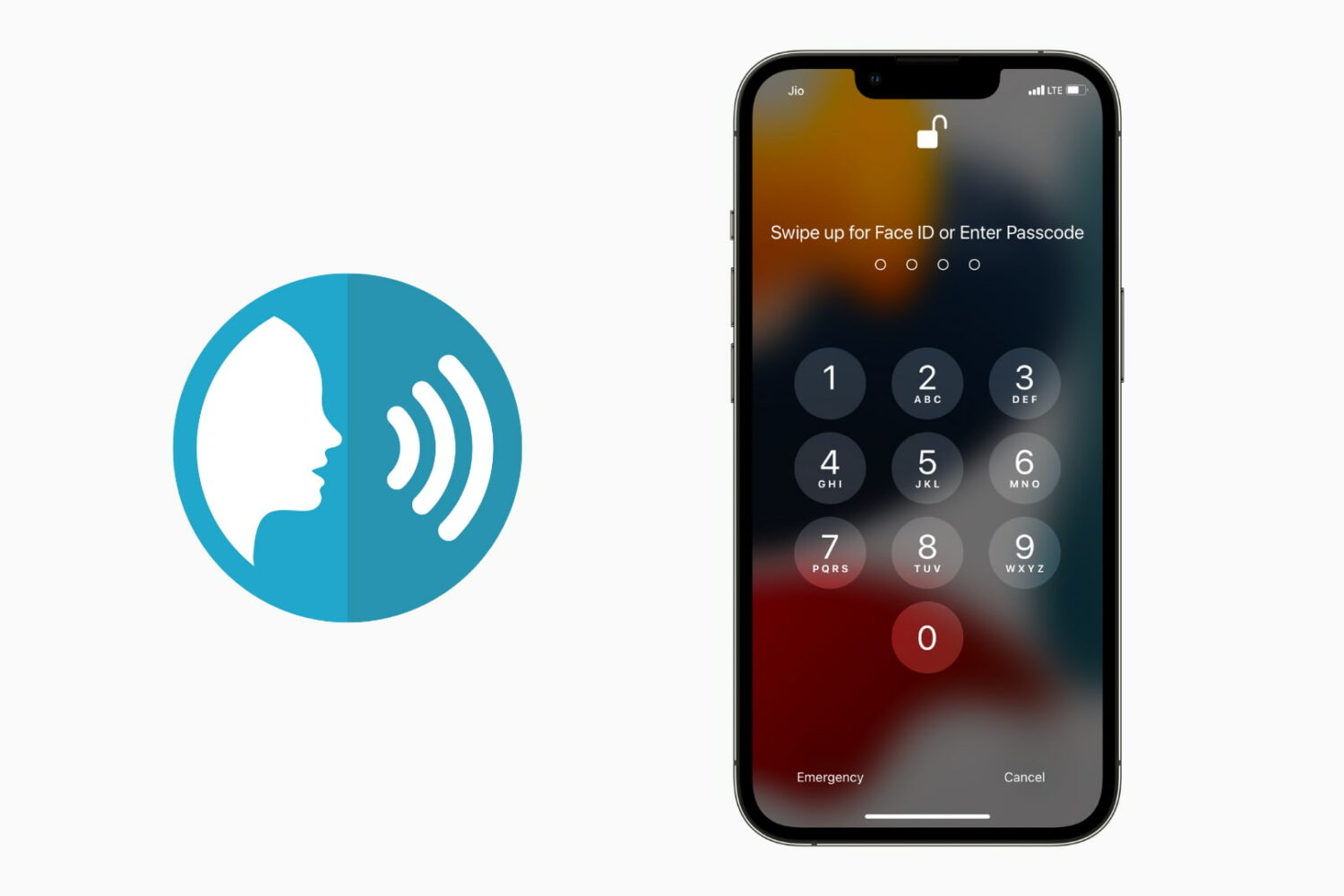
You usually unlock your iPhone using Face ID, Touch ID, or by entering the correct passcode. In addition to these, there is an accessibility setting that lets you unlock your iPhone using your voice. All you have to do is set up the voice command in the Voice Control feature and then say that phrase to unlock and get inside the iPhone. In this guide, we will show you how to do that. We also have a video demonstrating this. Finally, don't forget to see the drawbacks so that you can make an informed decision about using iPhone voice unlock.