In this step-by-step tutorial, we’ll show you how to quickly rename multiple files at once on a Mac without having to download a third-party app.
How to rename multiple files at once on Mac
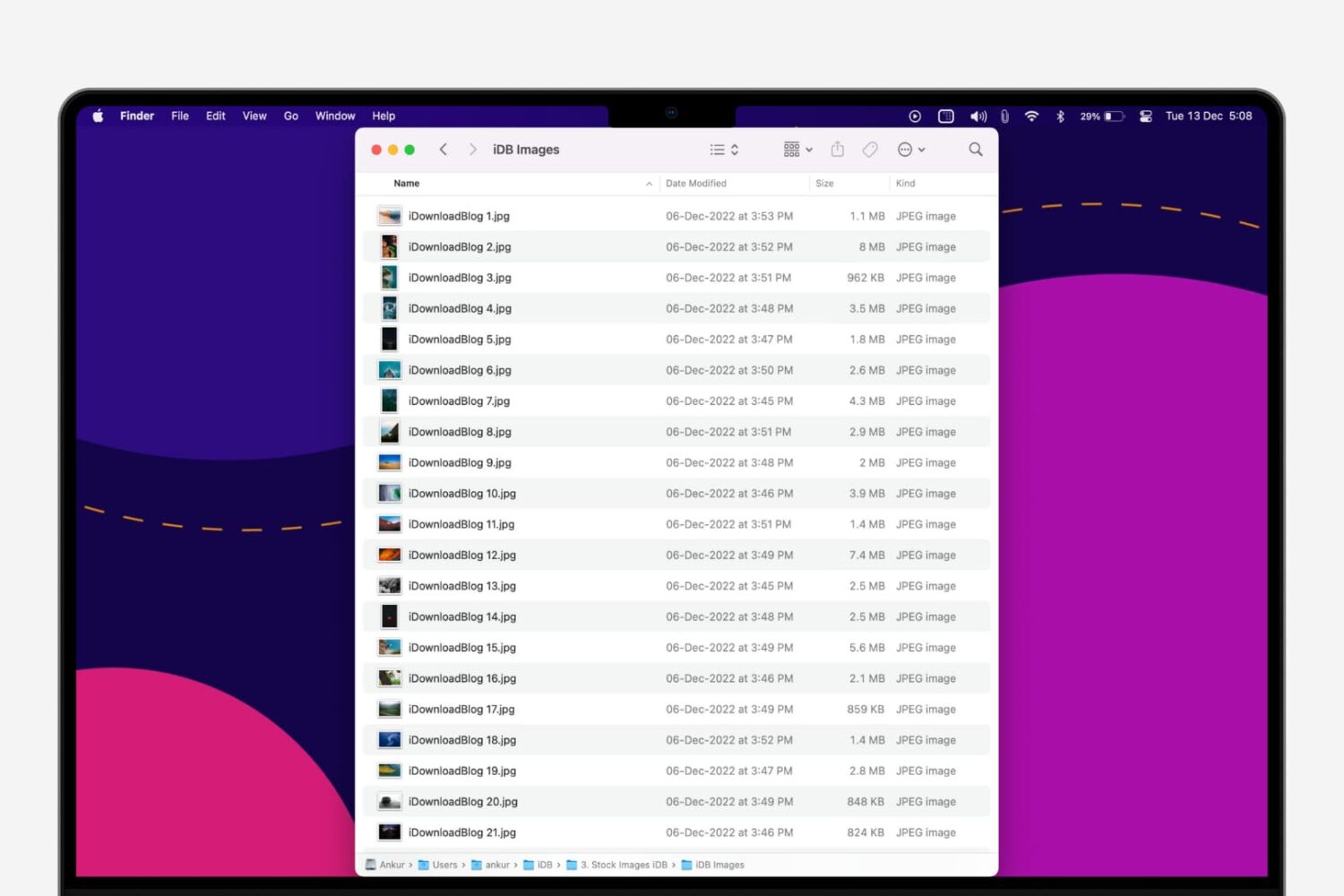
In this step-by-step tutorial, we’ll show you how to quickly rename multiple files at once on a Mac without having to download a third-party app.
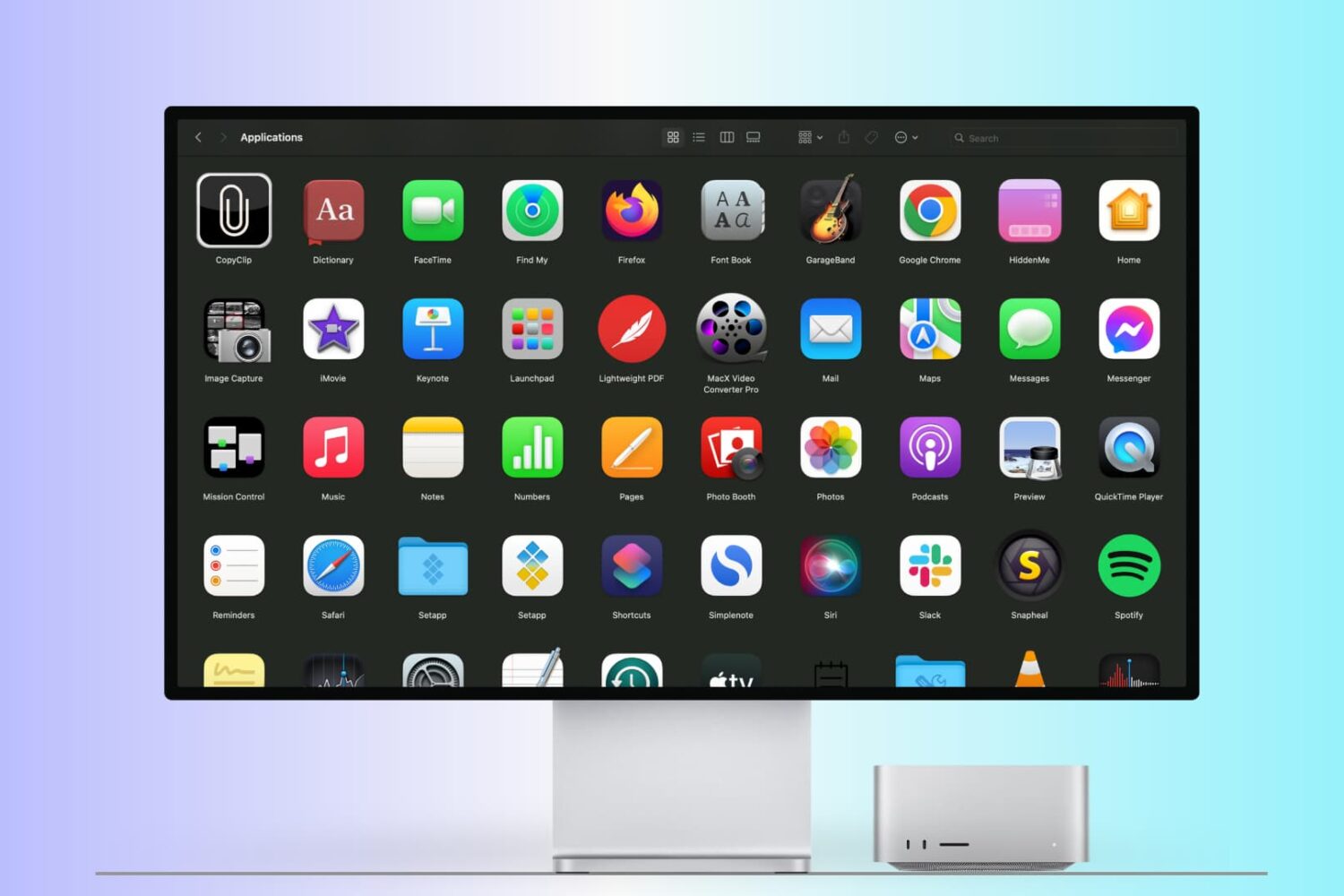
There are many ways to open an app on your Mac, and in this tutorial, we’ll cover 14 easy methods, including some you probably don’t know.
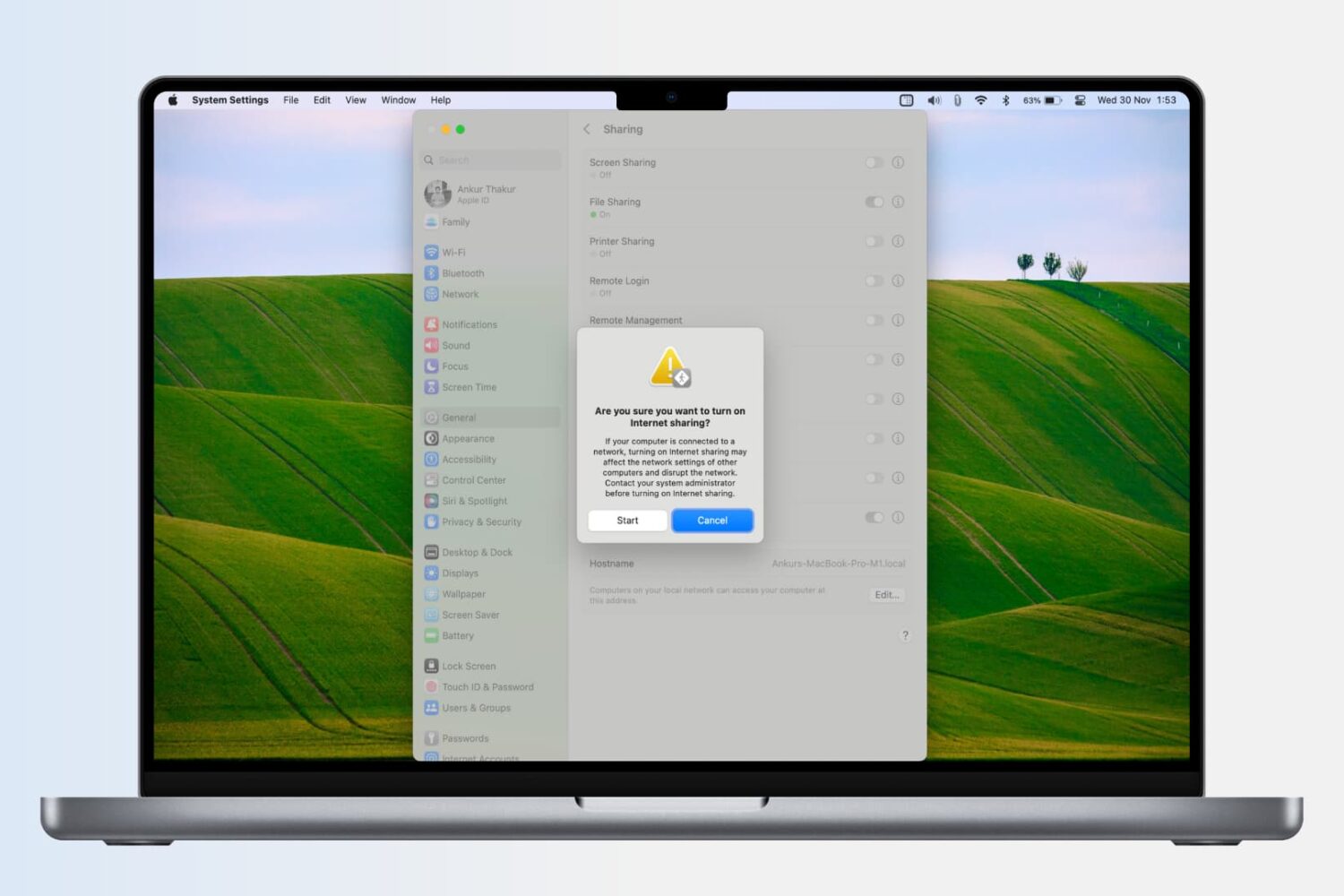
Learn how to turn your Mac into a wireless Wi-Fi router and share its Internet connection with other devices, or to share your Mac’s Wi-Fi with an iPhone or iPad via a USB cable or Bluetooth.
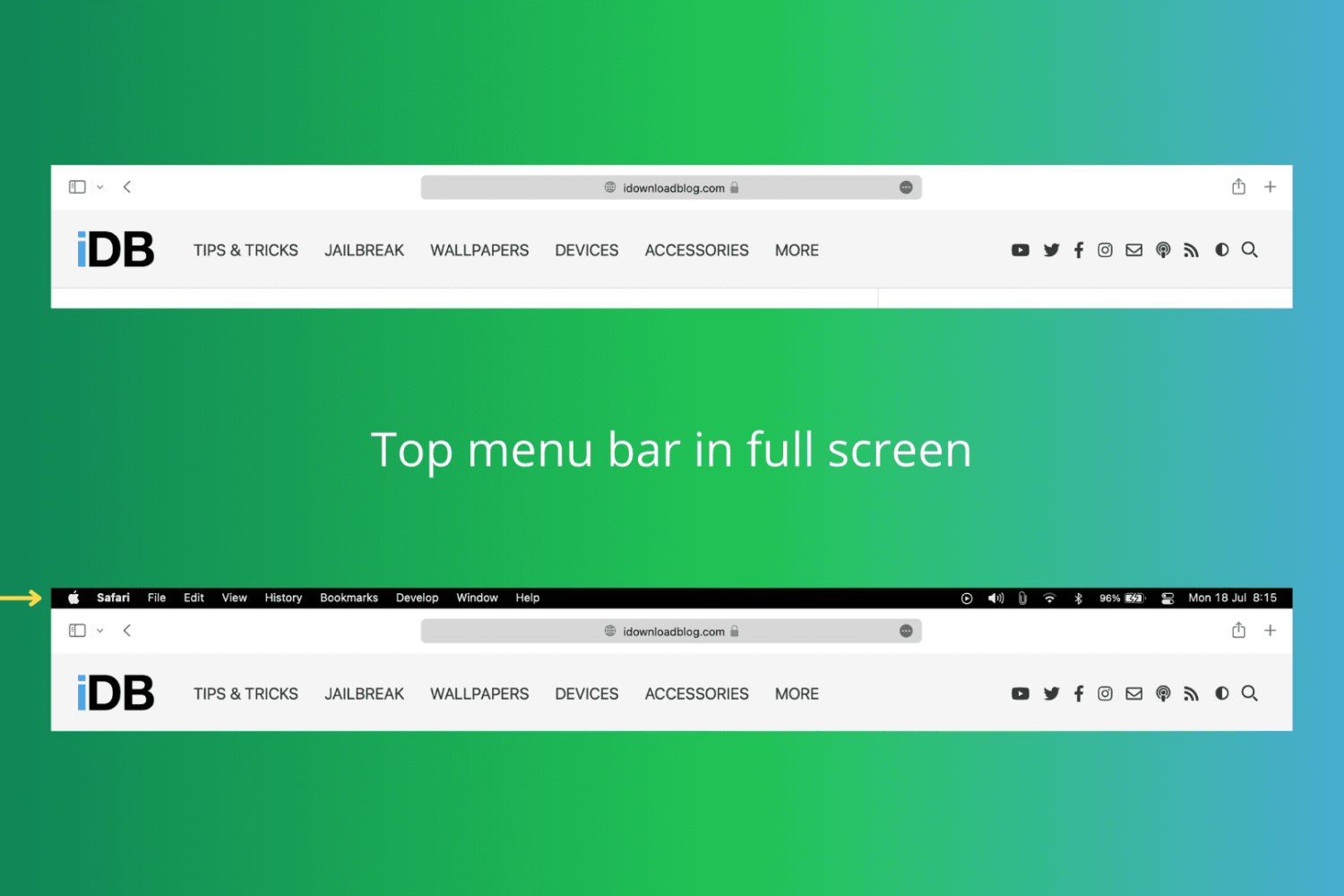
In this tutorial, we show you how to keep the top menu bar visible on your Mac even when you put an app in full-screen mode.
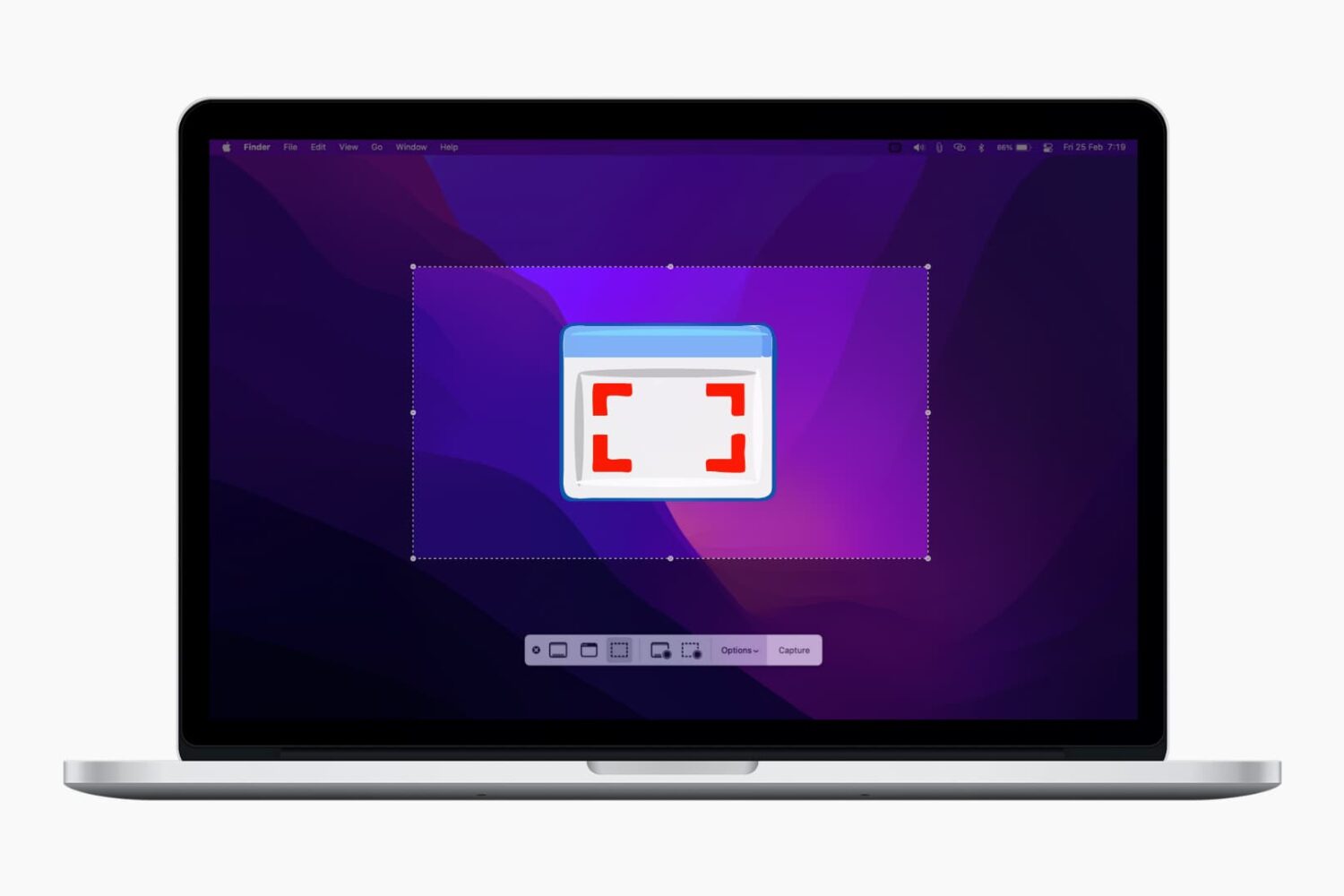
In this comprehensive guide, we’ll show you how to take screenshots of full or selected portions of your Mac’s screen without having to download third-party applications.
Learn how to use High Power Mode on your MacBook Pro to boost its performance during demanding, sustained workloads like video editing, file exporting, 3D designing, and more.
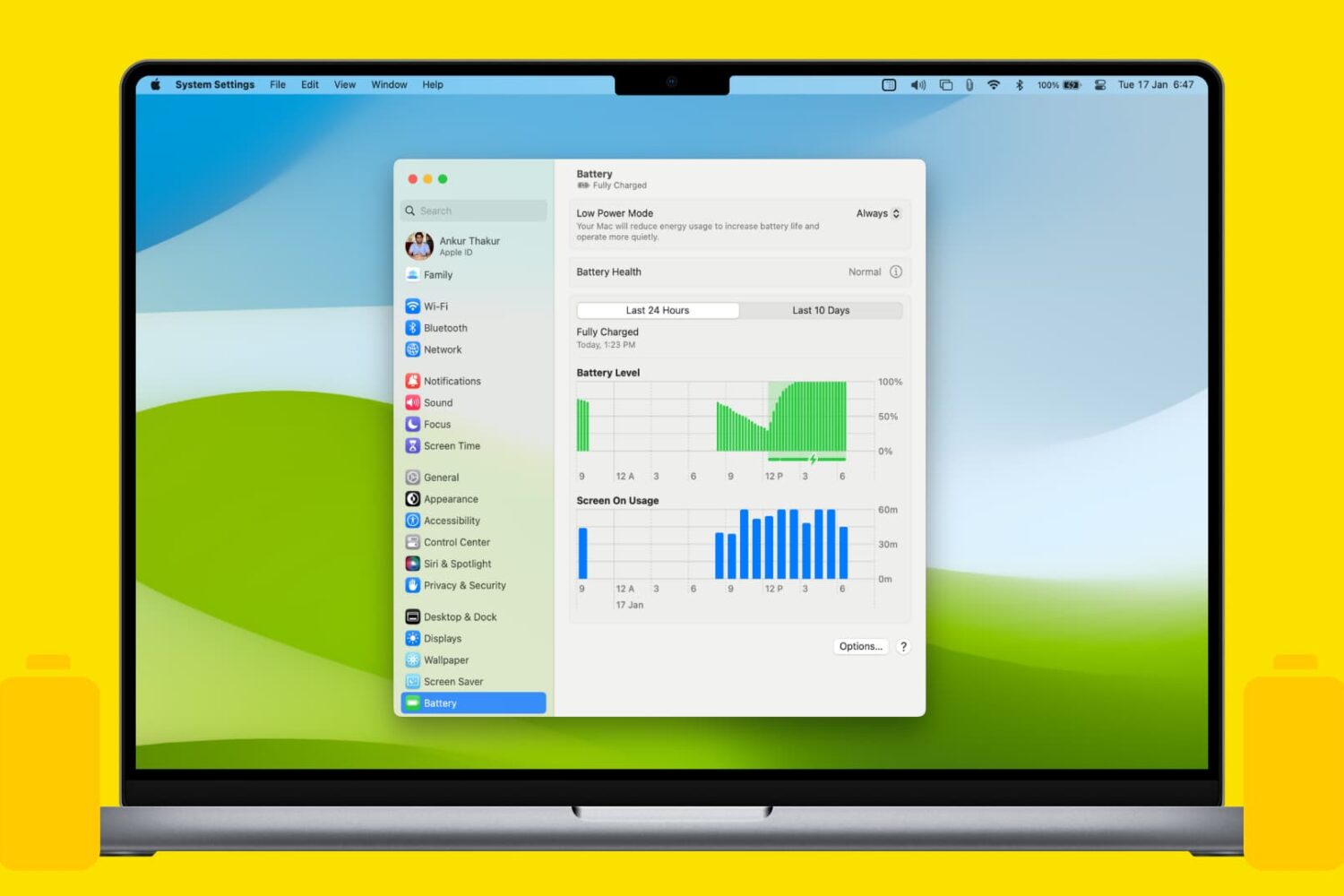
Learn how to enable the Low Power Mode on your MacBook Air, Pro, or Neo to extend battery life and help it run cooler and quieter.
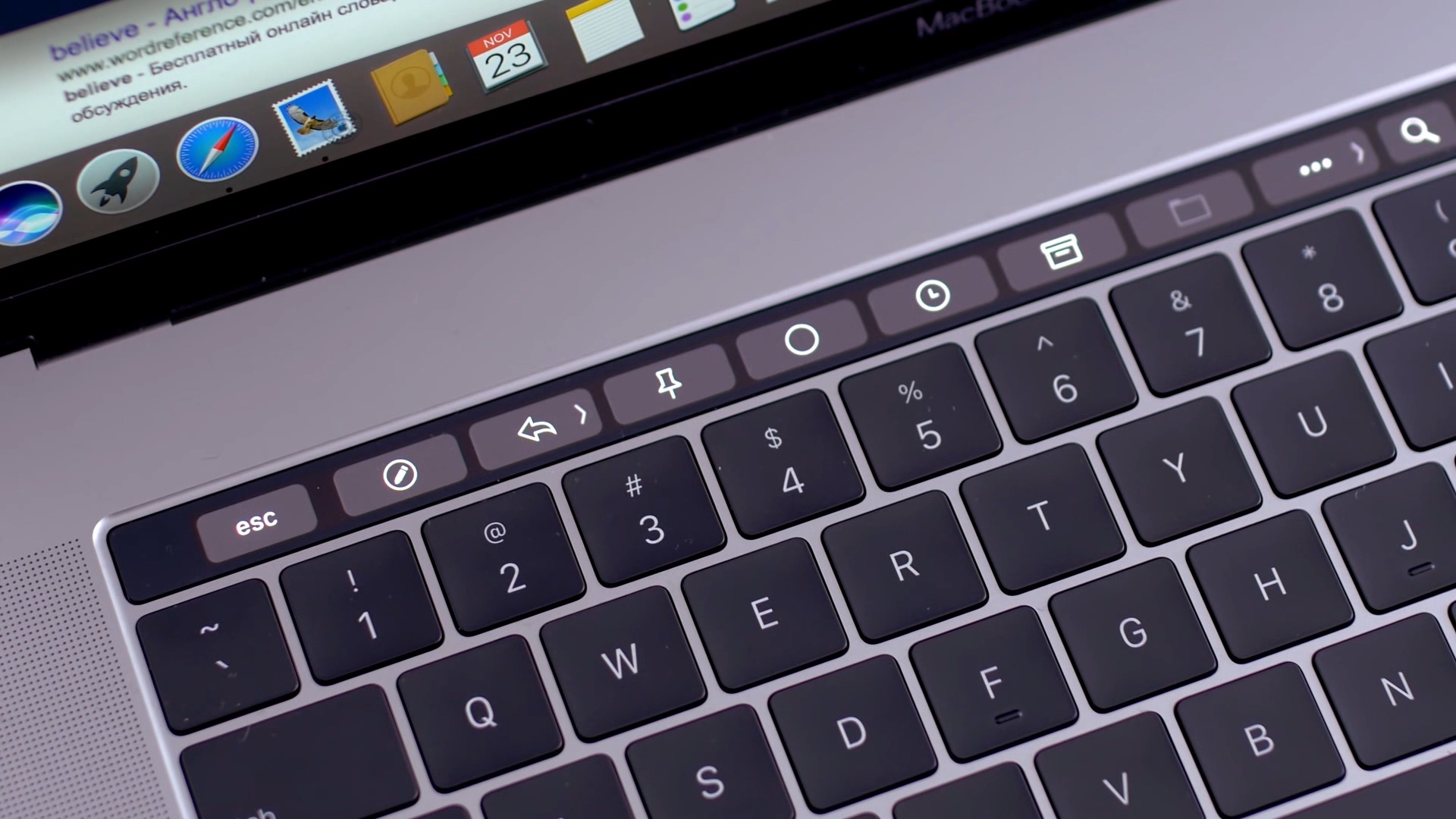
Apple introduced the Touch Bar on the MacBook Pro in 2016, and it's been included on the 13-inch as well as 15-inch model ever since. The OLED touch strip on top of the keyboard replaces the Function keys, but adds plenty of extra features. The Touch bar will adapt to the app that you're using and provide shortcuts and best controls for that app. Some people love the Touch Bar, but there are some who don't like it.

In this tutorial, we’ll show you multiple ways to share files between two or more Macs. You can go through all these tips and use the ones that are most convenient for you and your setup.
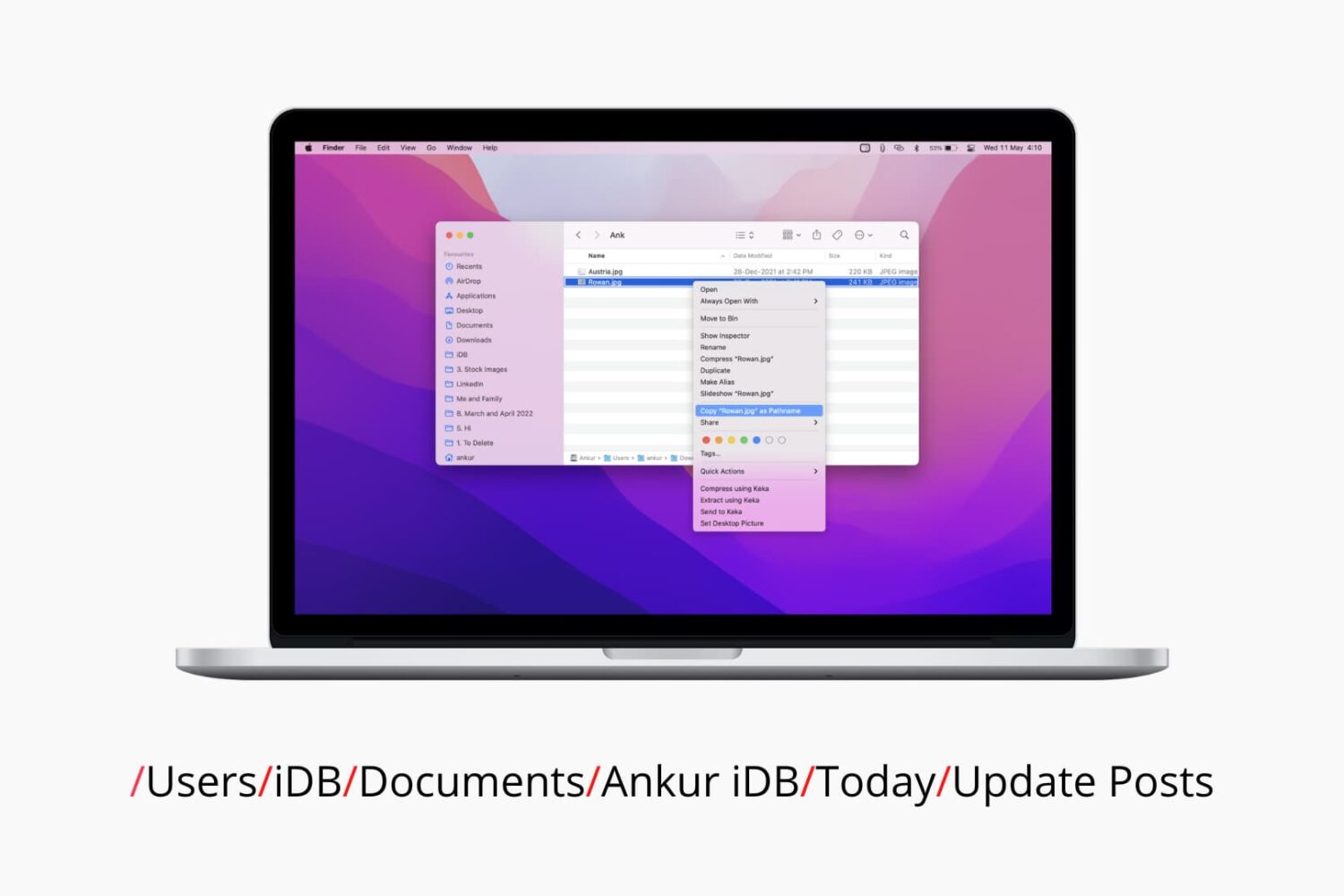
Check out six different ways to find the path or address of a file or folder on your Mac using Finder, Terminal, and more.

Learn how to use the Hover Typing and Hover Text accessibility features on Mac to see a huge version of text under the pointer when you’re typing or navigating around macOS.
