Learn how to customize your Mac’s emoji list of characters, icons, and symbols to tailor the Character Viewer to your needs.
How to customize your Mac’s emoji list with shapes & symbols
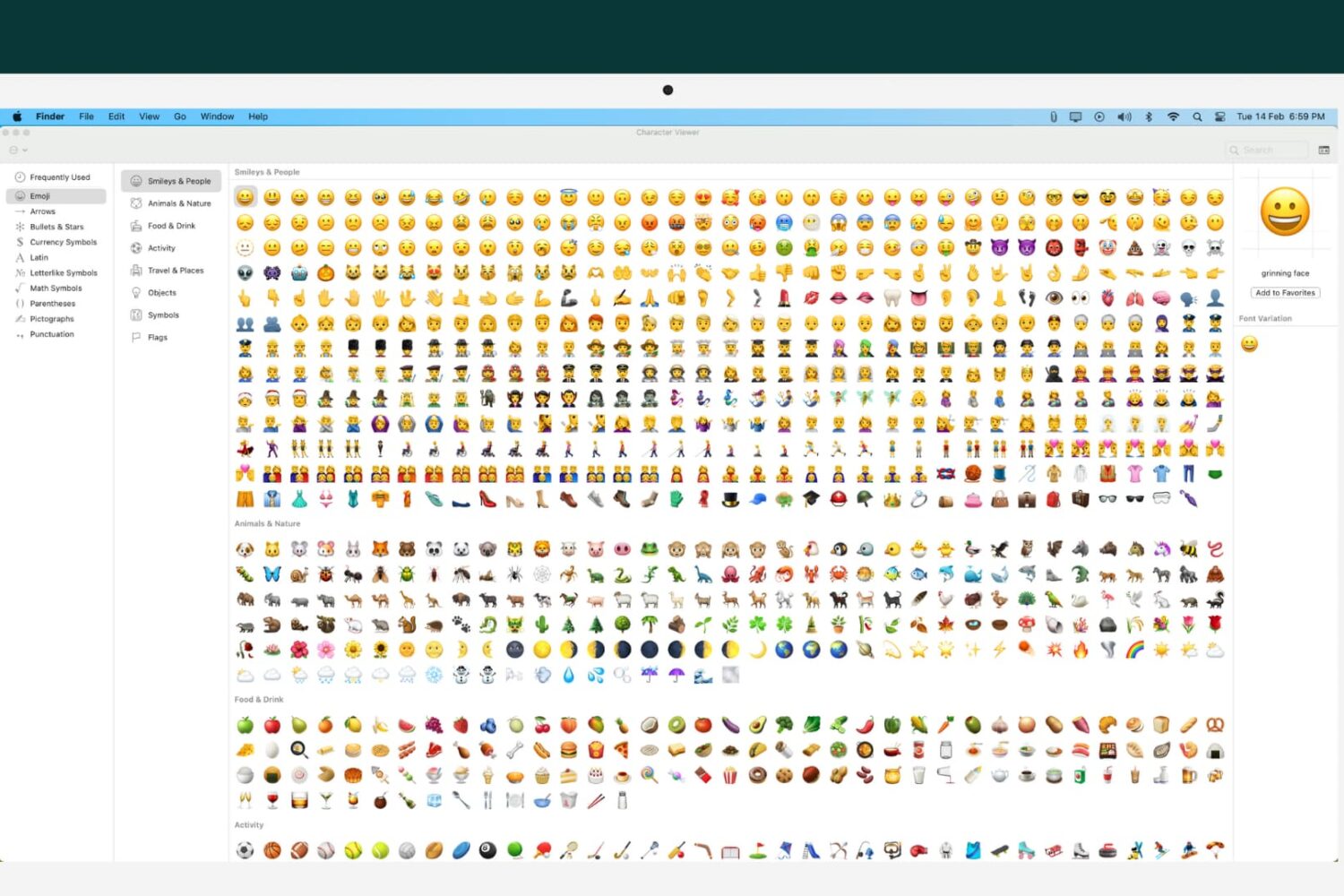
Learn how to customize your Mac’s emoji list of characters, icons, and symbols to tailor the Character Viewer to your needs.
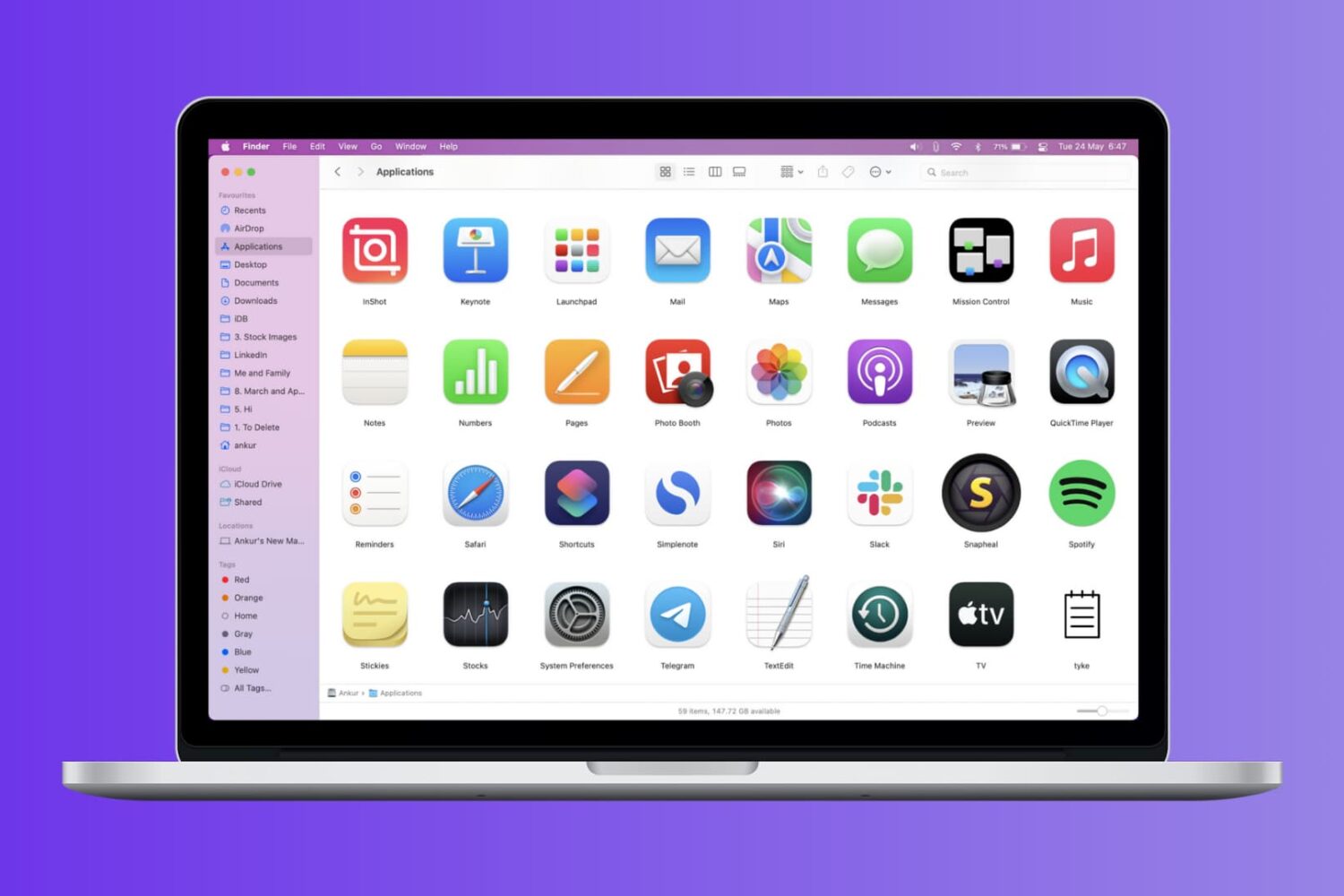
Check out these four easy ways to get a list of installed apps on your Mac and save or print that list.

Learn how to lock files and folders on Mac, including your Desktop folder, to prevent accidental changes or deletions.
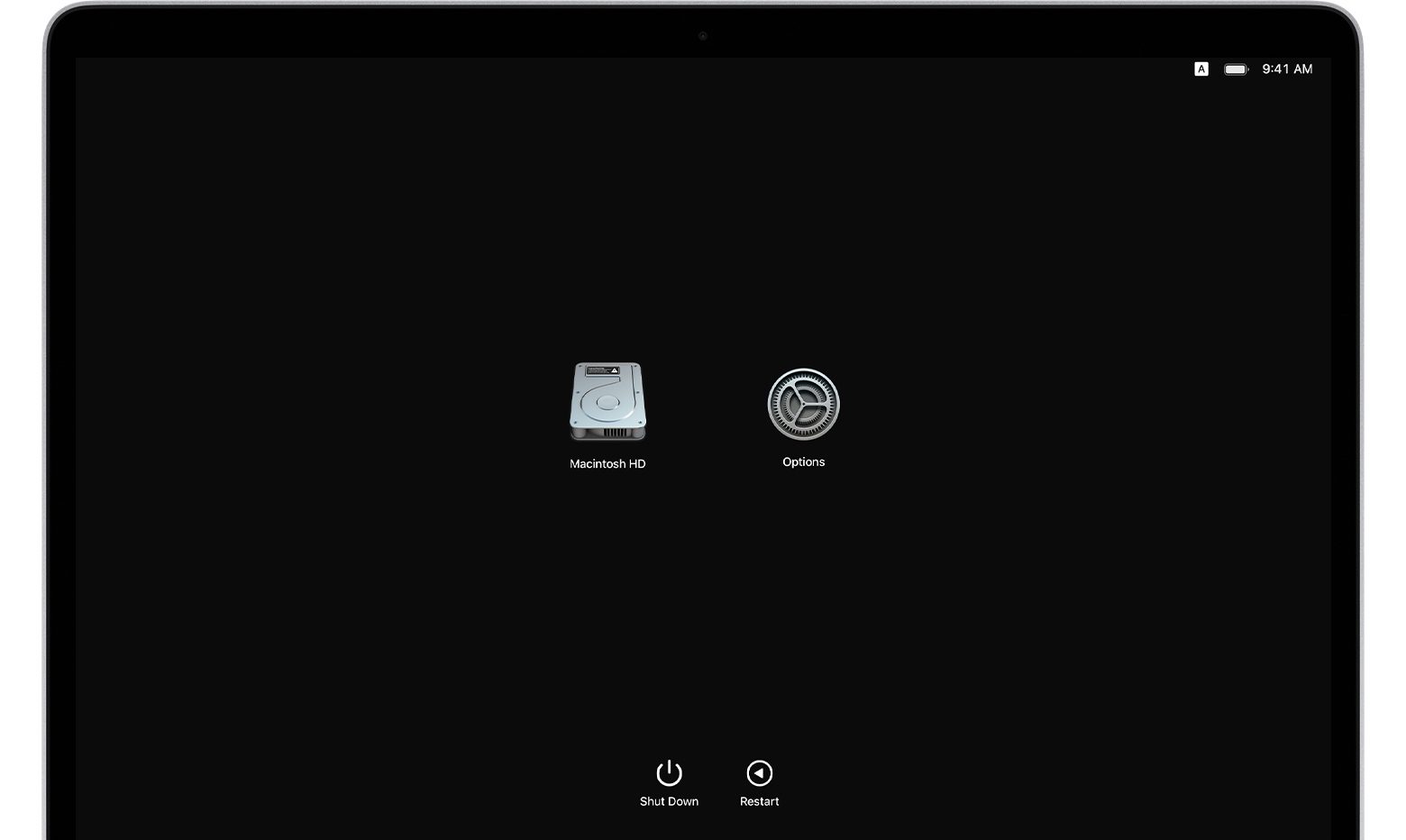
If you own an Apple silicon Mac and are wondering how to transfer your files to another Mac computer, you've come to the right place. Apple's macOS Recovery feature makes it simple to transfer files between two Mac computers, and we show you how it's done in this tutorial.
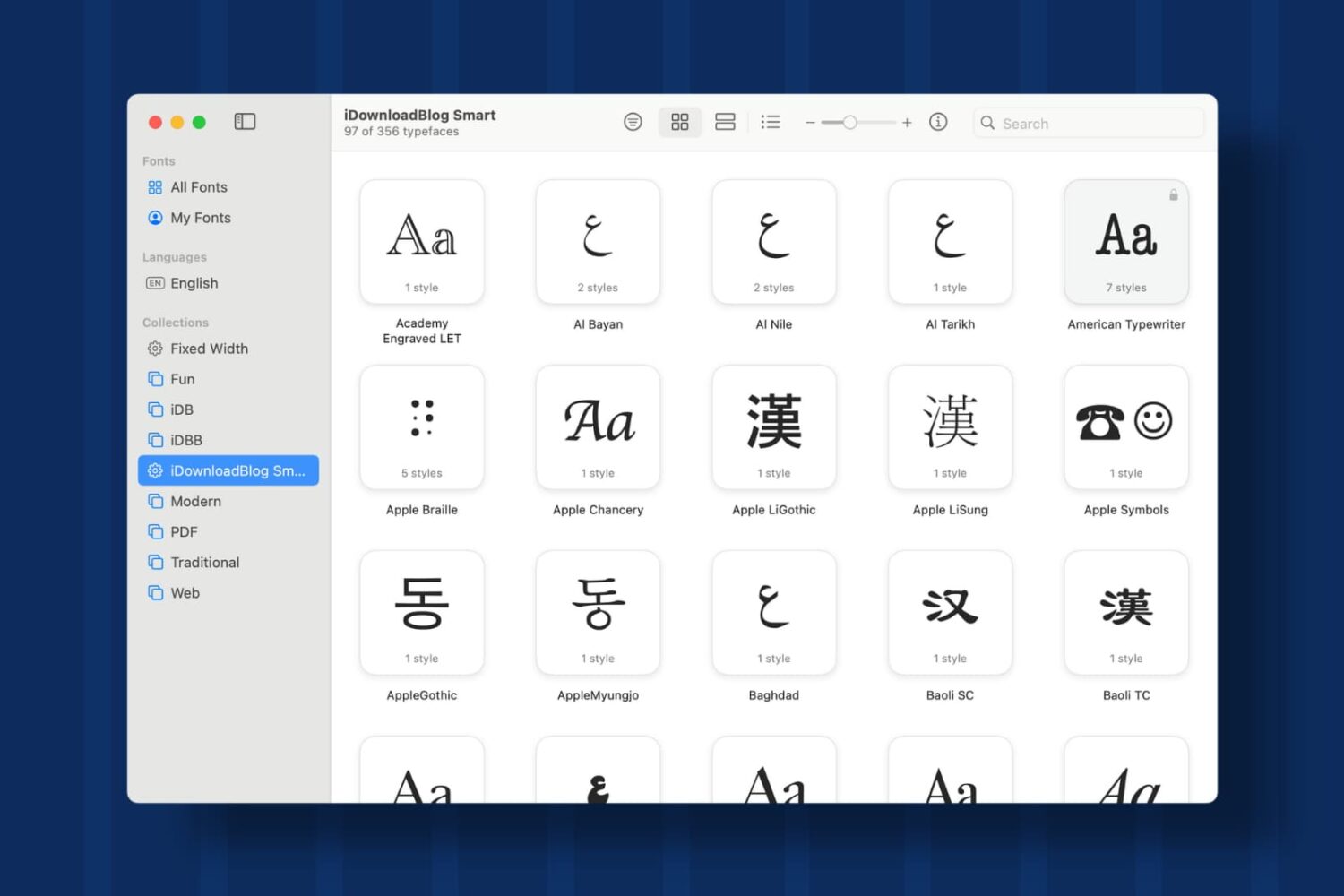
Learn how to create Collections and Smart Collections in Font Book on Mac, which are ideal when you quickly need a specific group of fonts.

In this tutorial, we’ll walk you through the steps to reset Bluetooth on your Mac to fix common wireless connection issues with your Bluetooth accessories.
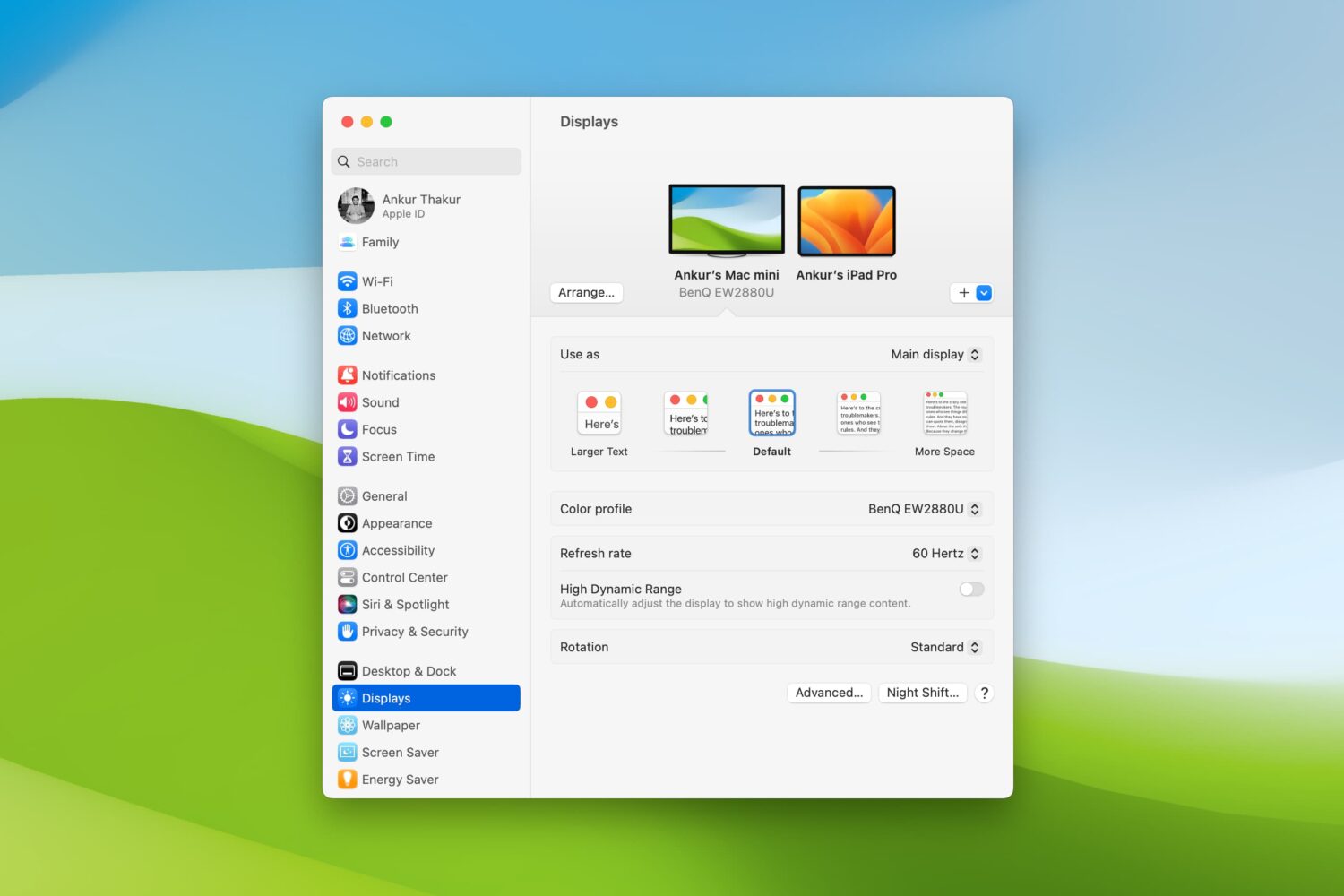
Are there times when you sit down to work on your Mac and struggle to see items on the screen? Whether it’s the app icons on your desktop, text in emails or webpages, or simply your mouse pointer, there are ways to improve your screen space.
You should never have to strain to read or see what’s on your computer screen. So, we’ll show you several adjustments you can make to improve your Mac experience.
Learn how to import pictures and videos from Mail, Messages, Safari, and other apps to the Apple Photos app on Mac so you can create albums or just keep all the visual media together.

Learn how to use the built-in Quick Look feature in macOS to instantly preview one or more selected files, rotate an image, or trim a video file on your Mac.
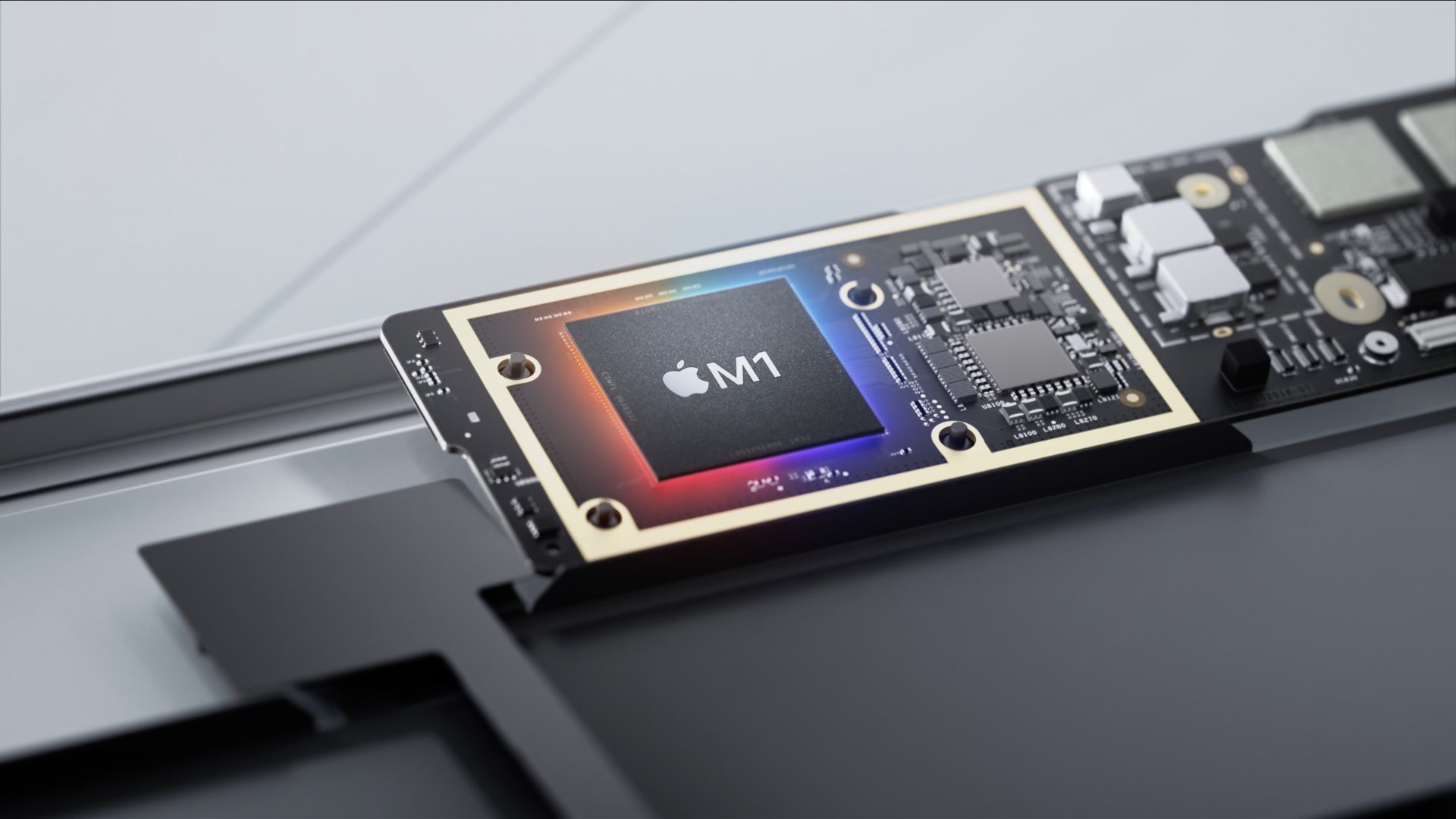
Learn how to identify Apple silicon Macs and determine whether your computer is running an Intel processor or Apple’s in-house chip, such as M1, M2, M3, M4, M5, or one of its variants.

Maybe you just purchased your first Mac, or maybe you only perform certain tasks on it each day. In these situations, it can be difficult to find items you’re unfamiliar with when you need them. From big things like applications to small ones like the trash, we’ll help you find the most commonly looked-for items on your Mac.
This is the ultimate collection of Mac keyboard shortcuts for navigating your Mac, invoking actions, and maneuvering apps.