Amazing free animated screen savers for Mac with moving scenes

Best animated screen savers for Mac

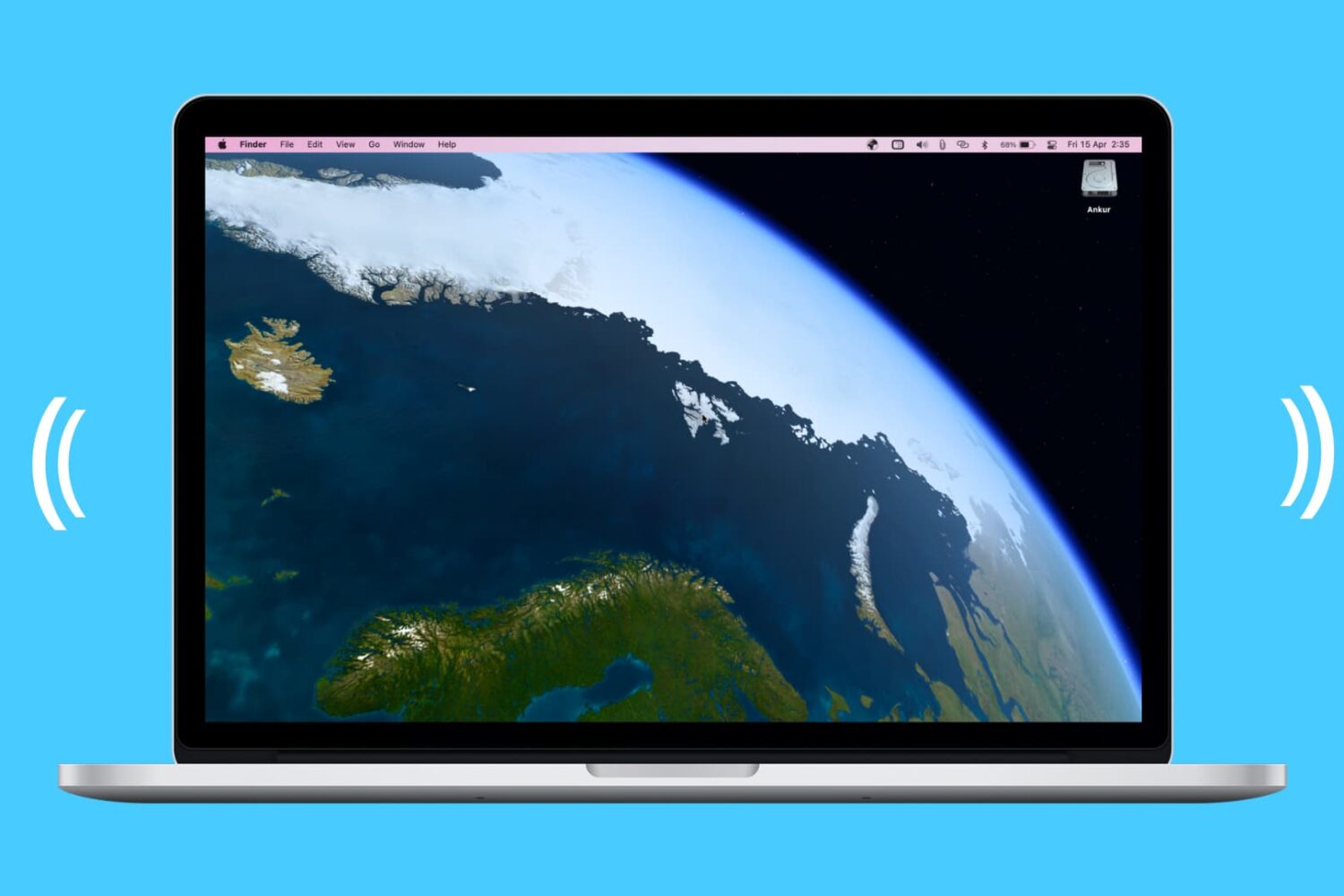
At iDB, we offer up some terrific wallpapers for your devices. Our Jim Gresham continually finds the best backgrounds for all tastes and preferences. So if you’re in the market for a cool screen saver to go along with your awesome wallpaper, this list is for you.

We’ve assembled some of the best free animated screen savers for Mac. Whether you step away from your computer for a few minutes or just let that screen saver pop up so you can relax for a bit, check out these amazing moving screen saver options. And as a bonus, some double as wallpapers too!

Twelve South StayGo USB-C Hub is keeping me connected while working from home

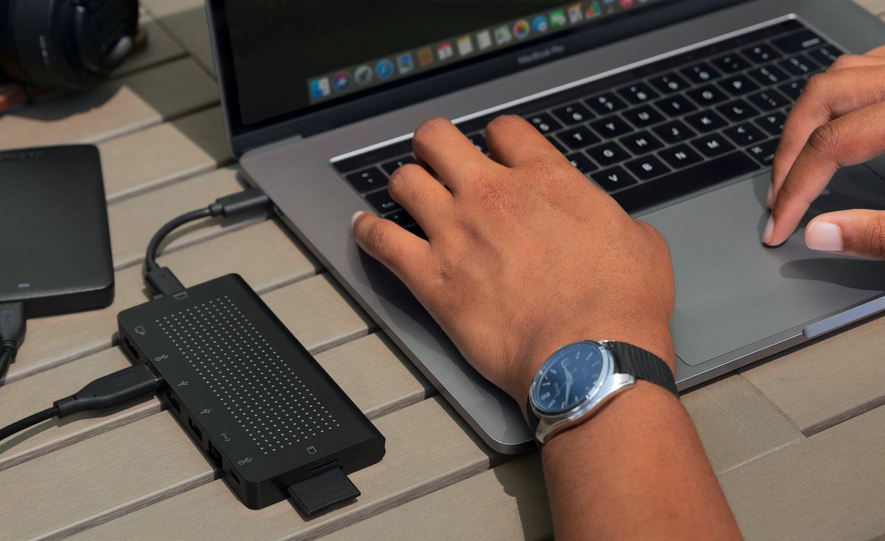
If you listened to the iDB podcast Let's Talk iOS episode 338, you heard me talk about the ways I continue to increase my work from home (WFH) efficiency, during this shelter in place order. Taking stock of my situation, I realized I missed a key component to the setup: a solid USB-C hub. Digging around the possibilities, I came upon the StayGo USB-C hub by Twelve South. They make quality products that I've tested before, and I decided to give it a 'Go.' It's going very well.

10 tips and tricks for new iPhone SE owners

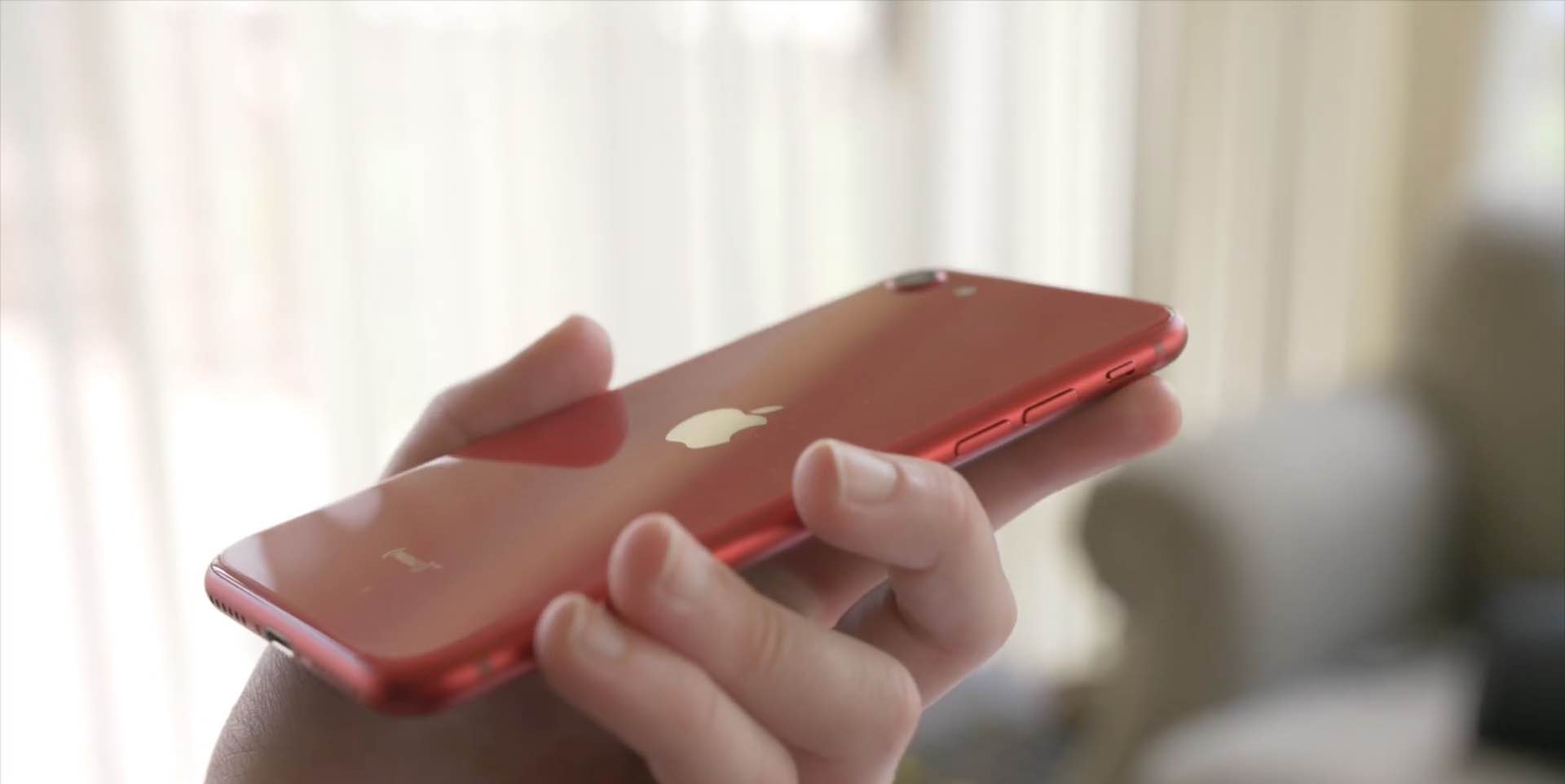
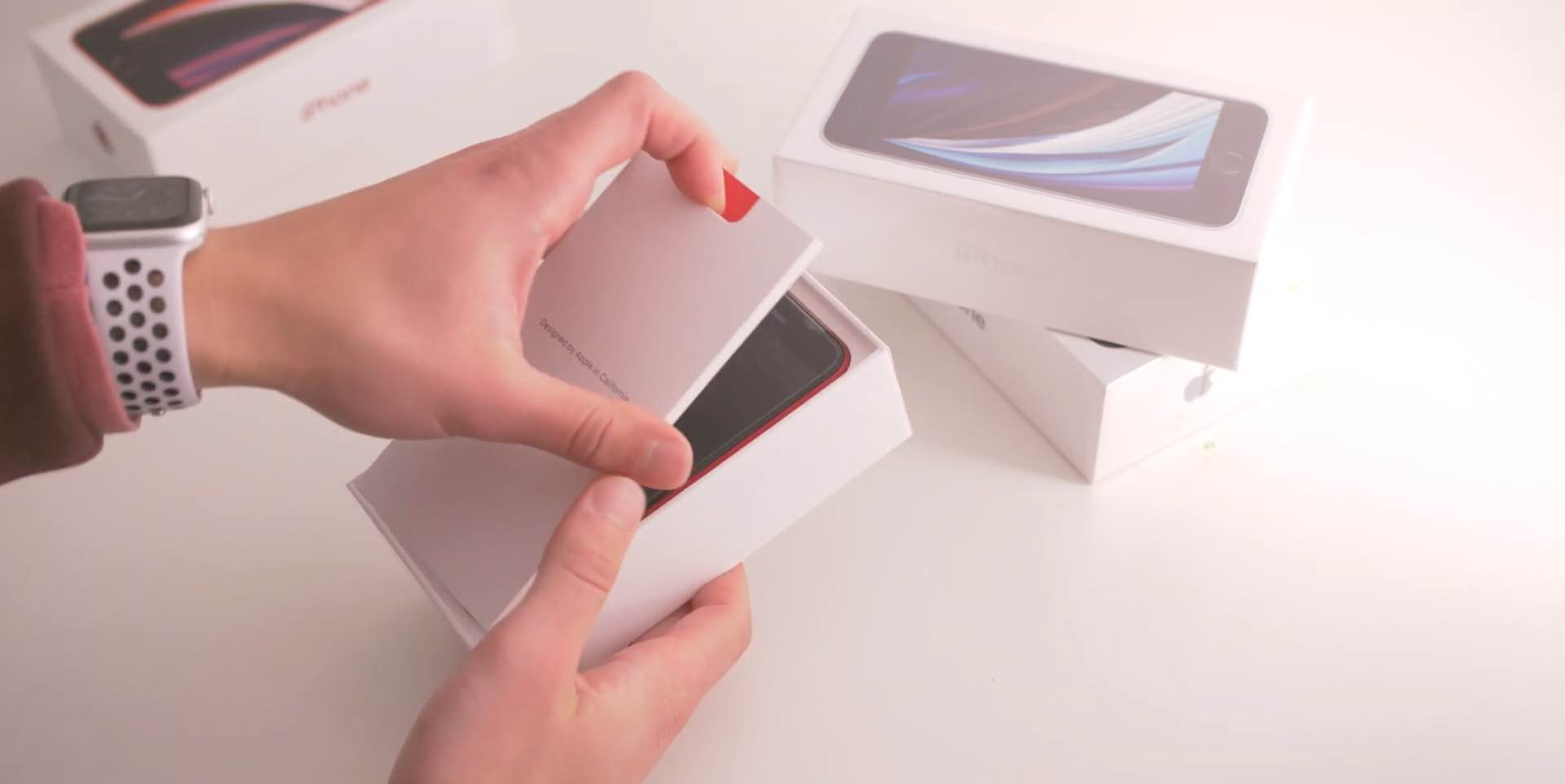
With the new iPhone SE a reality, folks who haven't owned an iPhone in years are sharing their tips for using the handset. We've rounded up a few common tips we think new iPhone SE customers will love. Watch our hands-in video walkthrough and learn something new today!

How to switch between software and hardware iOS keyboard like Magic Keyboard on on the fly

With an external (hardware) keyboard like the Magic Keyboard connected to your iPad, the onscreen (software) keyboard doesn’t appear. Apple in its wisdom does allow you to switch between the hardware and software keyboard, but it could have definitely done a better job surfacing that feature for average users who may be unaware it even exists in the firsts place. Follow along with our step-by-step tutorial to learn how to quickly switch your iPad keyboard between the stock iOS keyboard and your Magic Keyboard or any other physical iPad keyboard.