Learn how to add compatible third-party accessories to the Find My app and keep track of them from your iPhone, iPad, or Mac.
How to add third-party accessories to Apple Find My app
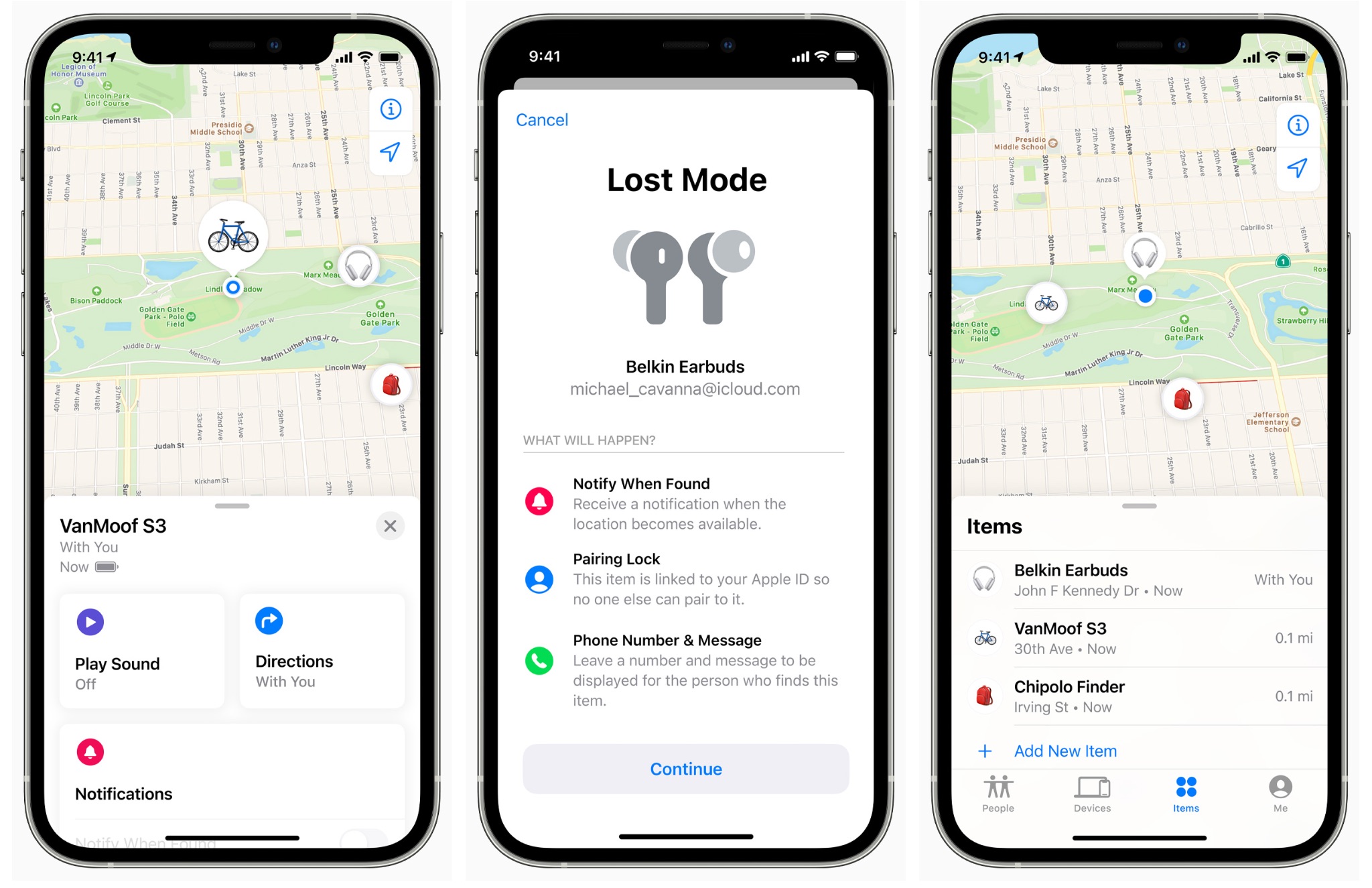
Learn how to add compatible third-party accessories to the Find My app and keep track of them from your iPhone, iPad, or Mac.
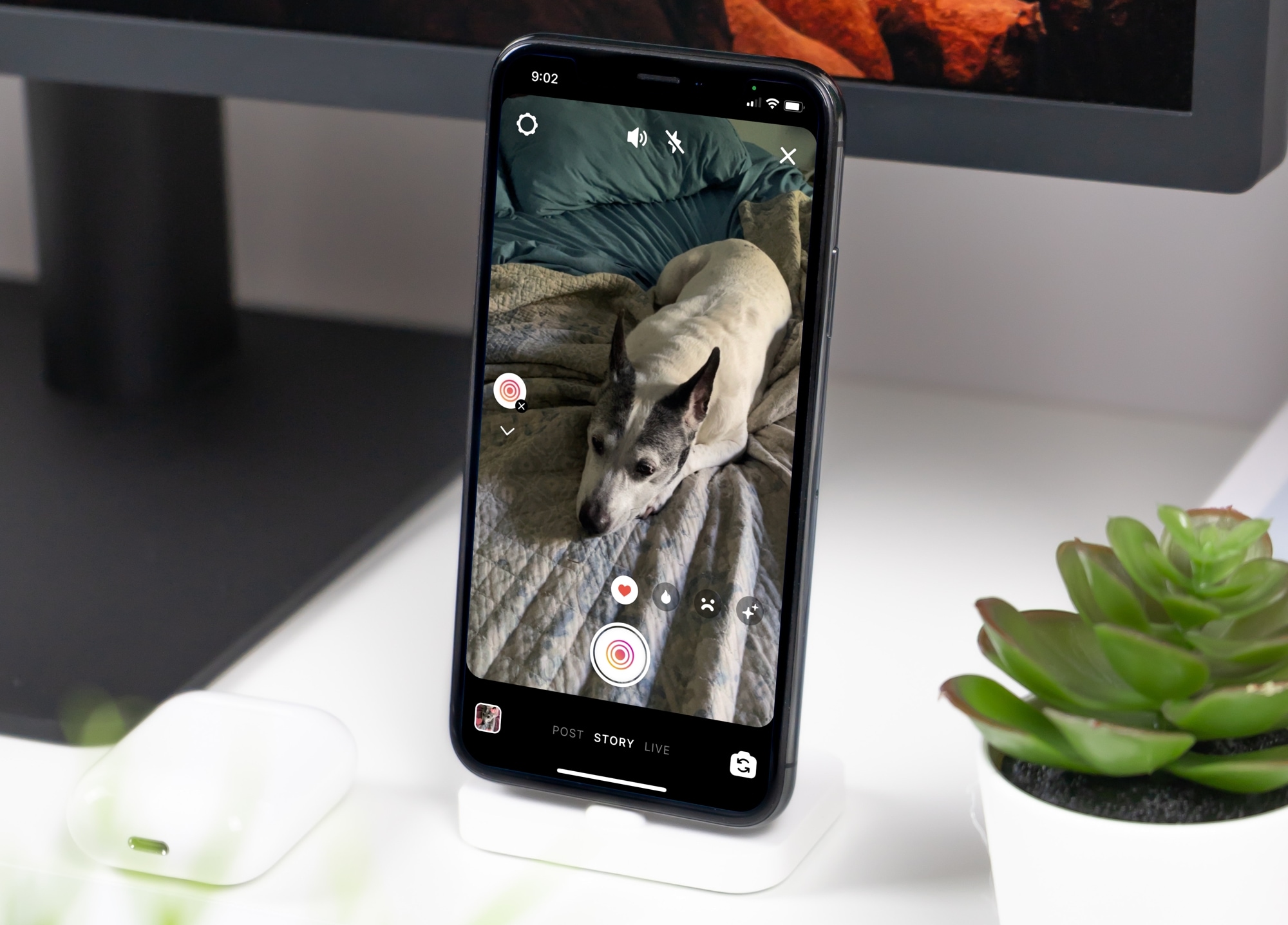
Learn how to use the Superzoom feature in your Instagram story to zoom in on the subject, along with some special effects to tell your story in a unique way.
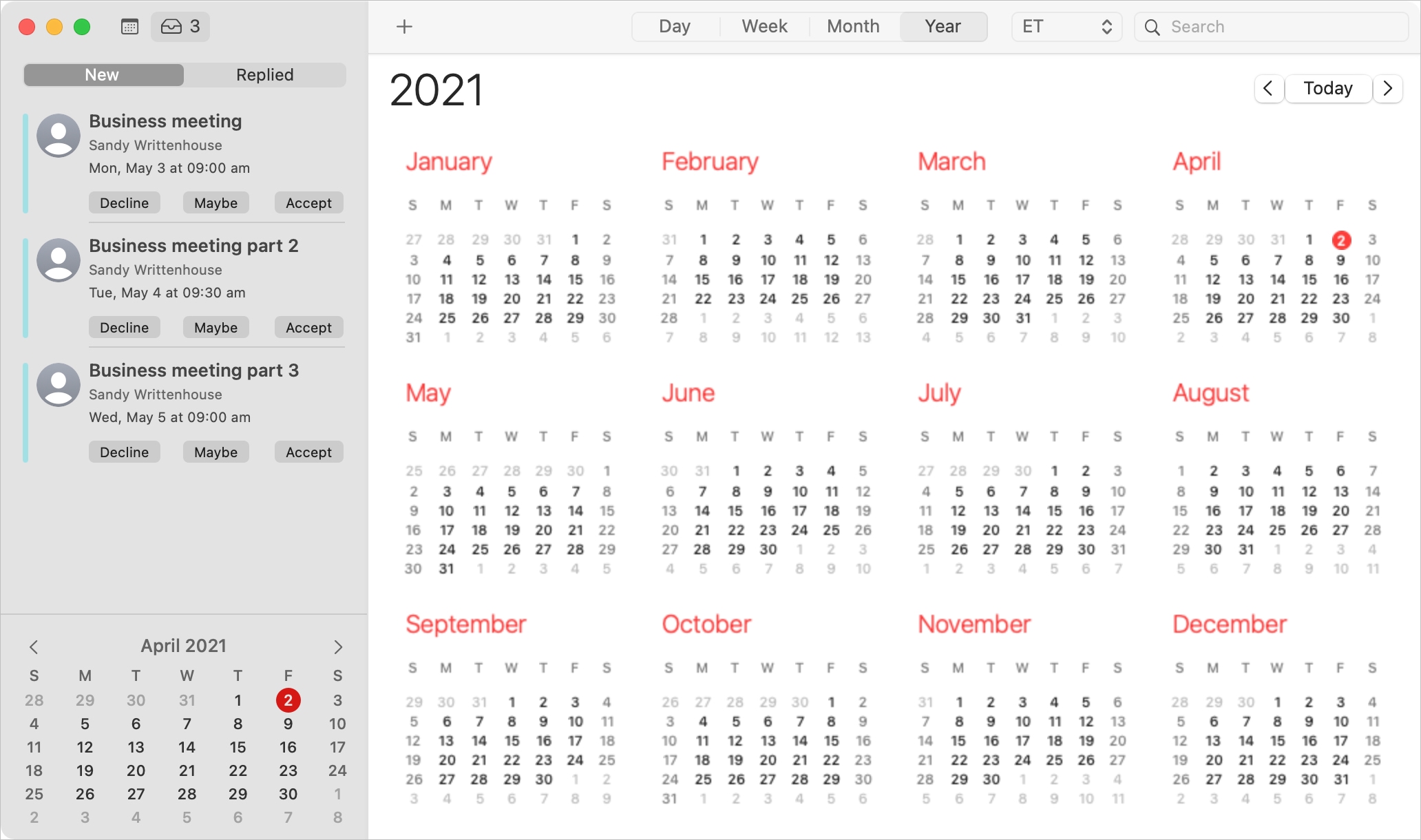
When you receive an invitation to a Calendar event on Mac, you have more than one way to see it and reply to it.
Depending on how your notifications are set up, you might see an alert on your screen, in the Notification Center, or badge app icon in your Dock. You should also have email for the invitation waiting for you in your mailbox and a notification in the Calendar app itself.
With the flexibility you have for viewing Calendar event invitations, you also have several ways to reply to them. Here, we’ll walk you through your options.

Learn how to adjust the brightness level of your iPhone flashlight to provide the perfect lighting for any situation.
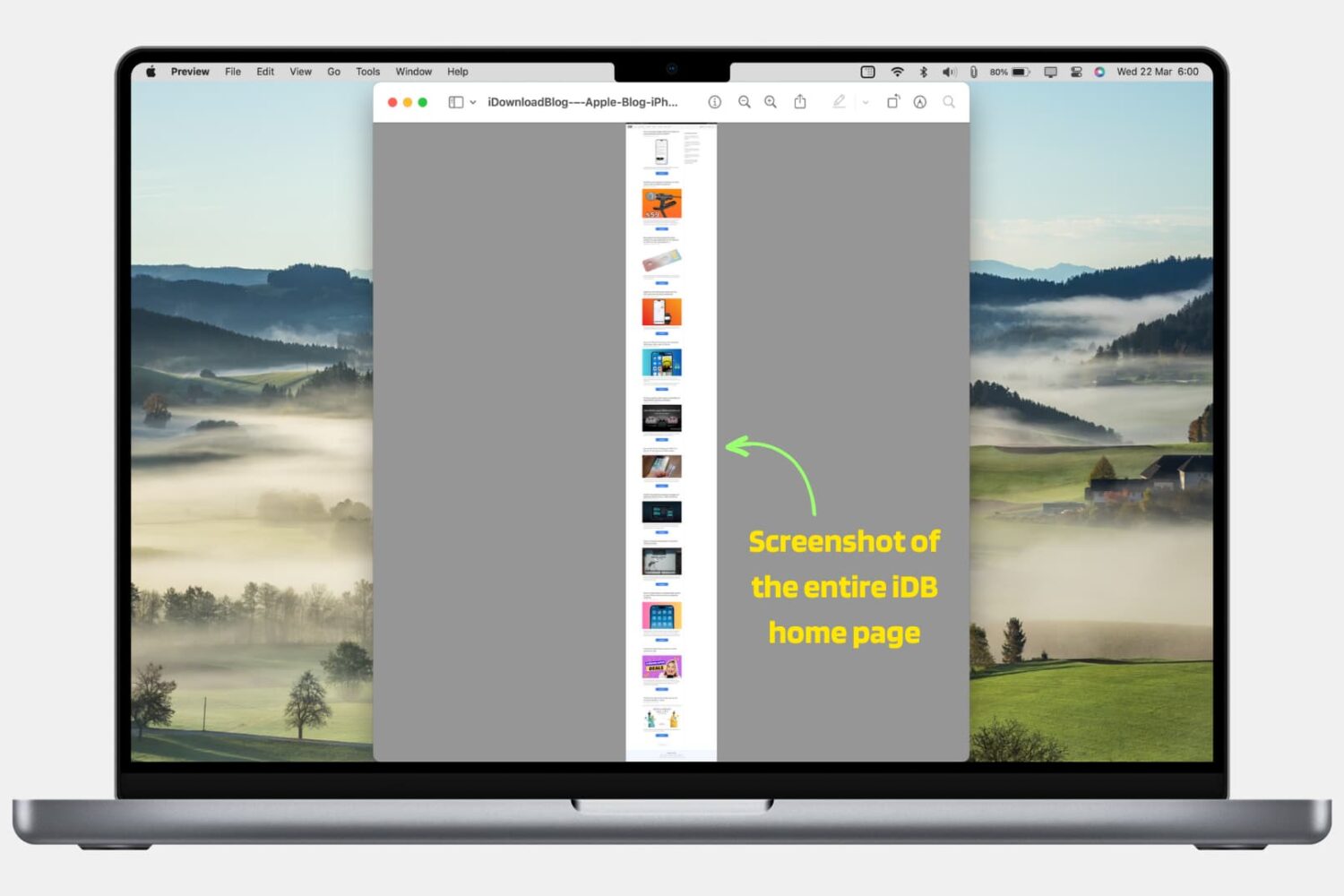
In this step-by-step tutorial, we’ll show you how to take a screenshot of a full web page in Safari, Google Chrome, and Firefox on your Mac using built-in methods. We have also mentioned an excellent third-party tool at the end.
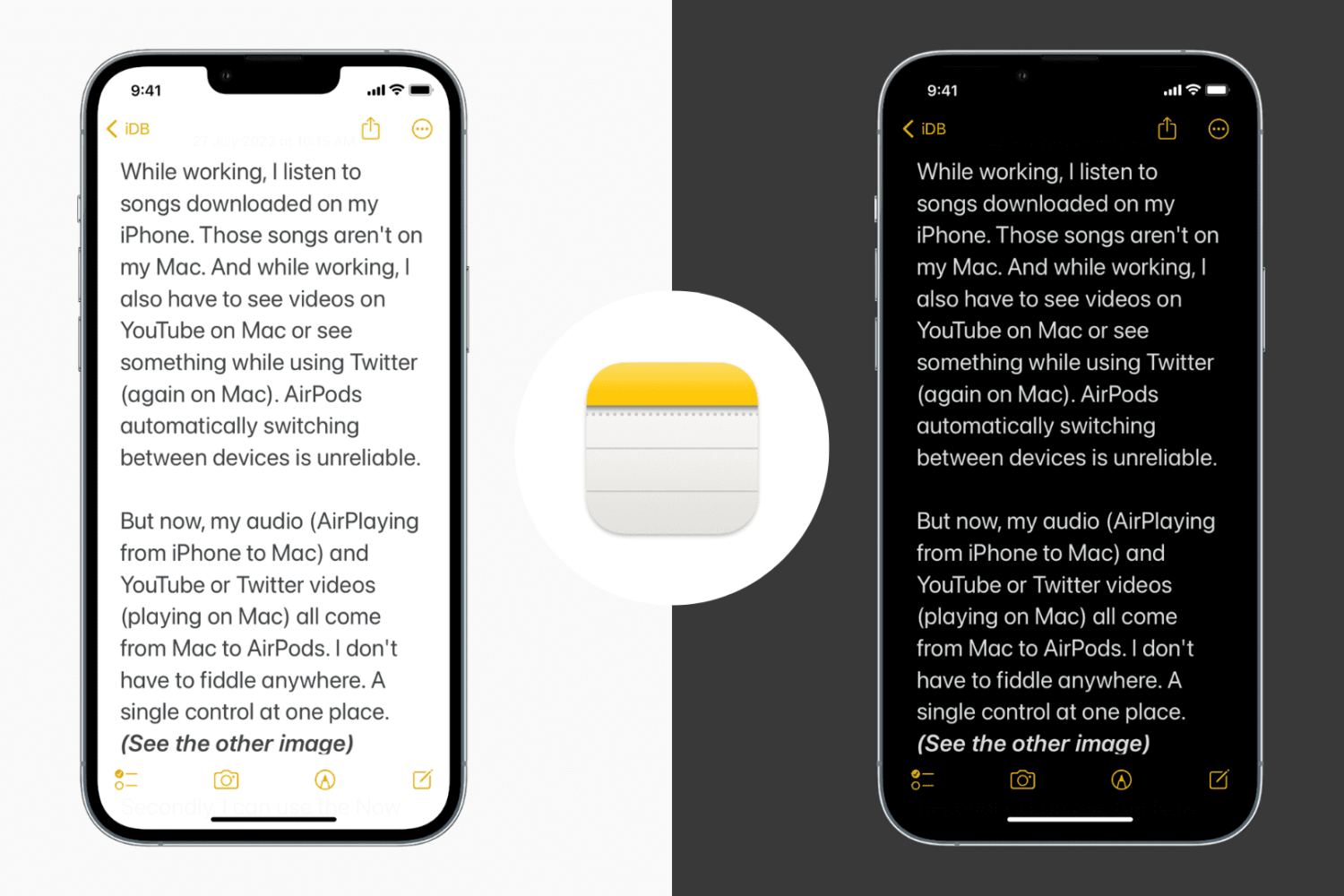
In this tutorial, we show you how to use both dark and light backgrounds in the Notes app on iPhone and iPad. We’ve also included a handy option to keep the Notes app in Dark Mode permanently, even if your iPhone is in Light Mode.

When you receive an event invitation, you may have a conflict with the date or time. In the Calendar app, you can propose a new time to the event organizer. This saves you from phone calls or the back and forth via email to reschedule the event. You can propose a new time before or after you accept the event invitation.
Here, we’ll show you how to use the built-in feature for proposing a new time for a Calendar event. And we’ll walk you through it on Mac, iPhone, and iPad.
The fabled Sileo package manager, which was once endemic to jailbreaks such as Chimera, Odyssey, and Taurine, is now officially available for all modern jailbreak solutions, including the likes of checkra1n and unc0ver, without the requirement of installing the Odysseyra1n script or the Procursus bootstrap.
Given just how frequently we’re asked how to get the Sileo package manager alongside Cydia on checkra1n or unc0ver without unwanted hacks or substantial jailbreak-changing commitments, we decided to take this unique opportunity to show you how to use the new Sileo installer for the checkra1n and unc0ver jailbreaks.
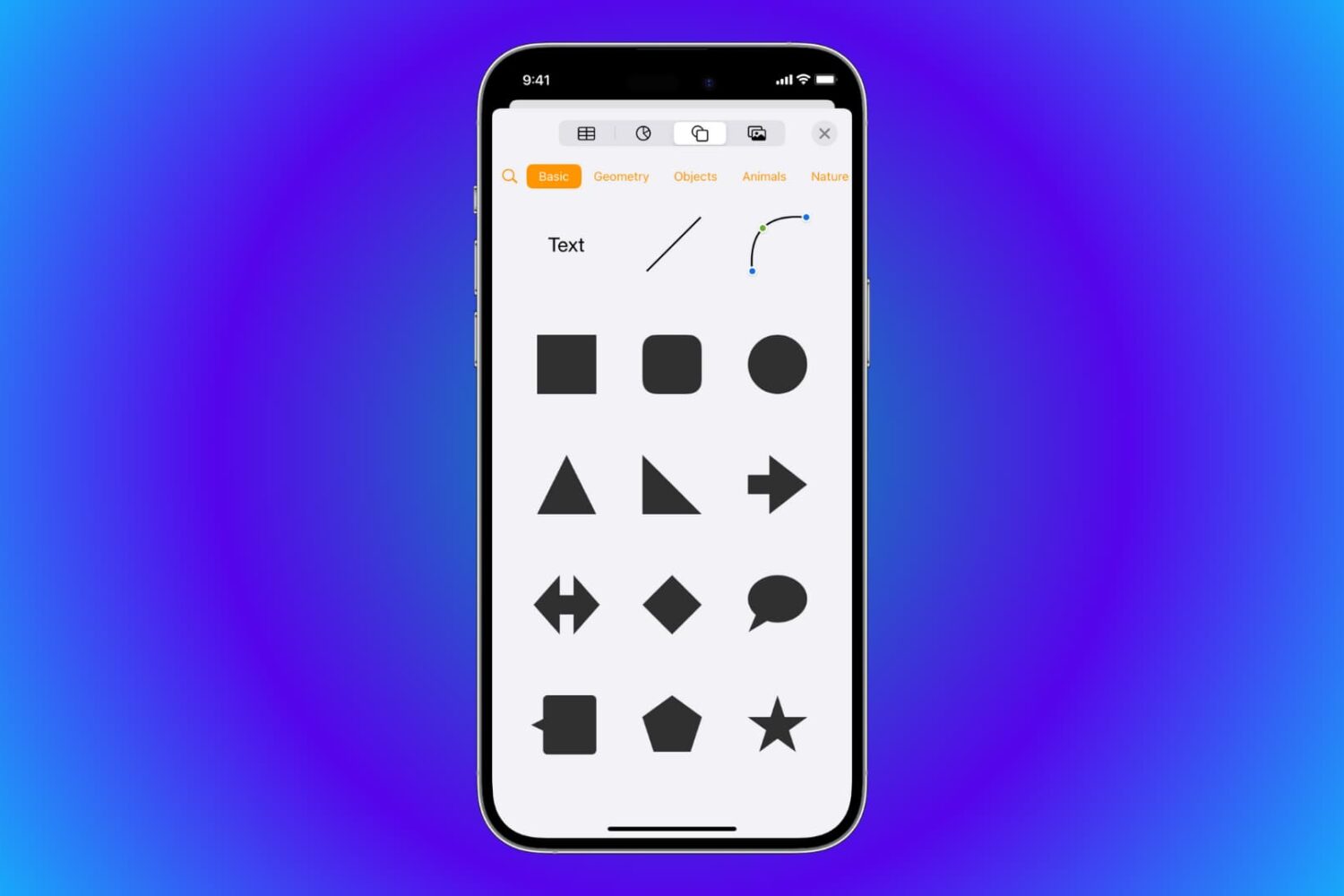
Learn how to draw vector shapes and lines in the Apple Pages, Numbers, and Keynote productivity apps on your iPhone, iPad, and Mac.

Reclaim storage space by setting up your Mail accounts on Mac to automatically erase deleted emails and regularly clean out your mailboxes.

Learn how to create Highlights from Instagram stories you want to hold onto. These Highlights stay on your profile until you remove them.

Learn how to take advantage of Tab Bar in the Mail app on Mac to enhance your email organization and boost your productivity.