Find out why apple.com/bill appears on your bank statement, what this charge could be, and how to see what it’s for.
What is apple.com/bill on your bank statement?

Find out why apple.com/bill appears on your bank statement, what this charge could be, and how to see what it’s for.
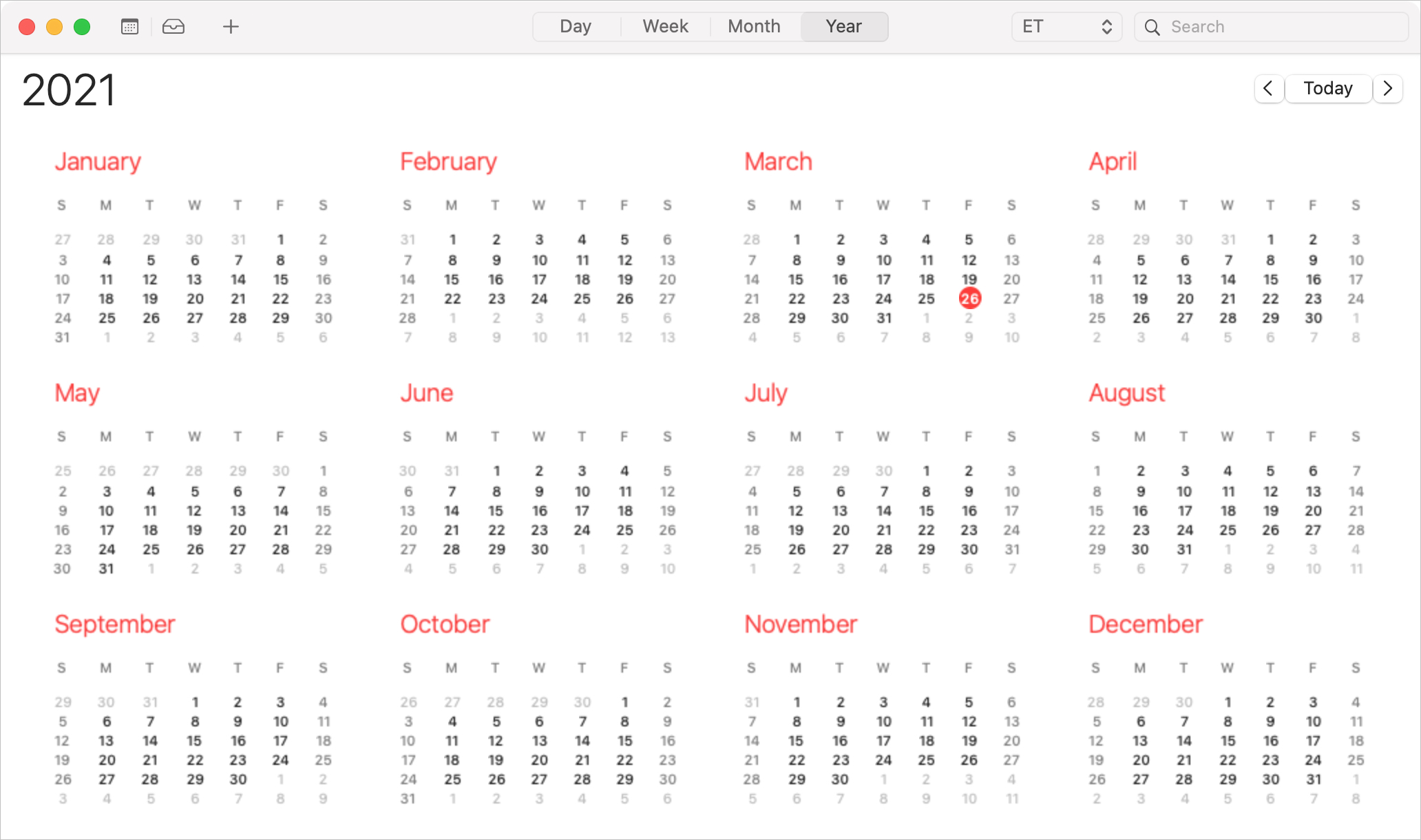
As we all know, events don’t always last an hour or two. A holiday, anniversary, or birthday lasts all day long. Vacations, getaways, and conferences can last days or even weeks. So when you want to add an all-day or multi-day event to Calendar, you’ll need to do it the right way to avoid overlap, confusion, or mistakes.
Here, we’ll show you how to create and edit all-day and multi-day events in the Calendar app.

Learn how to use and customize quote levels in the Apple Mail app on iPhone, iPad, and Mac to quote someone or make text stand out in your emails.
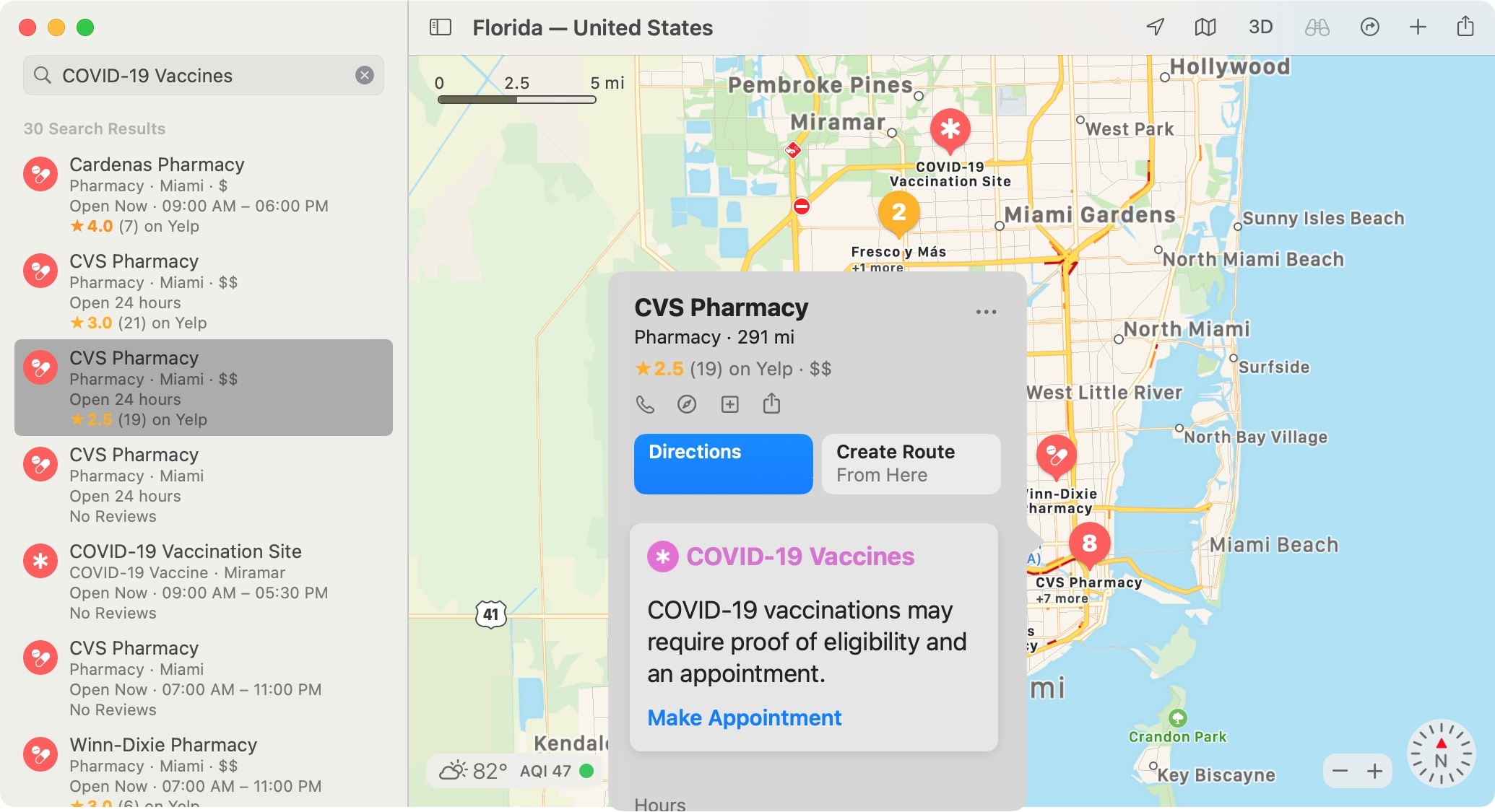
In 2020, we showed you how to find COVID-19 testing locations using Apple Maps. And this is something you can still take advantage of. But luckily this time, we get to show you how to find locations in Maps offering the COVID-19 vaccine in your area.
Whether you’re considering getting the vaccine yourself or want to help a friend or family member, Maps makes it easy. On iPhone, iPad, and Mac, you can see locations offering the vaccine and even hit a simple button to make an appointment on the location’s website.
So if you’re ready, let’s get to finding COVID-19 vaccine locations in Maps.

Learn how to export an iMovie project as an MP4 file on your Mac or import another file in a different video format, such as MOV, and save it as MP4.
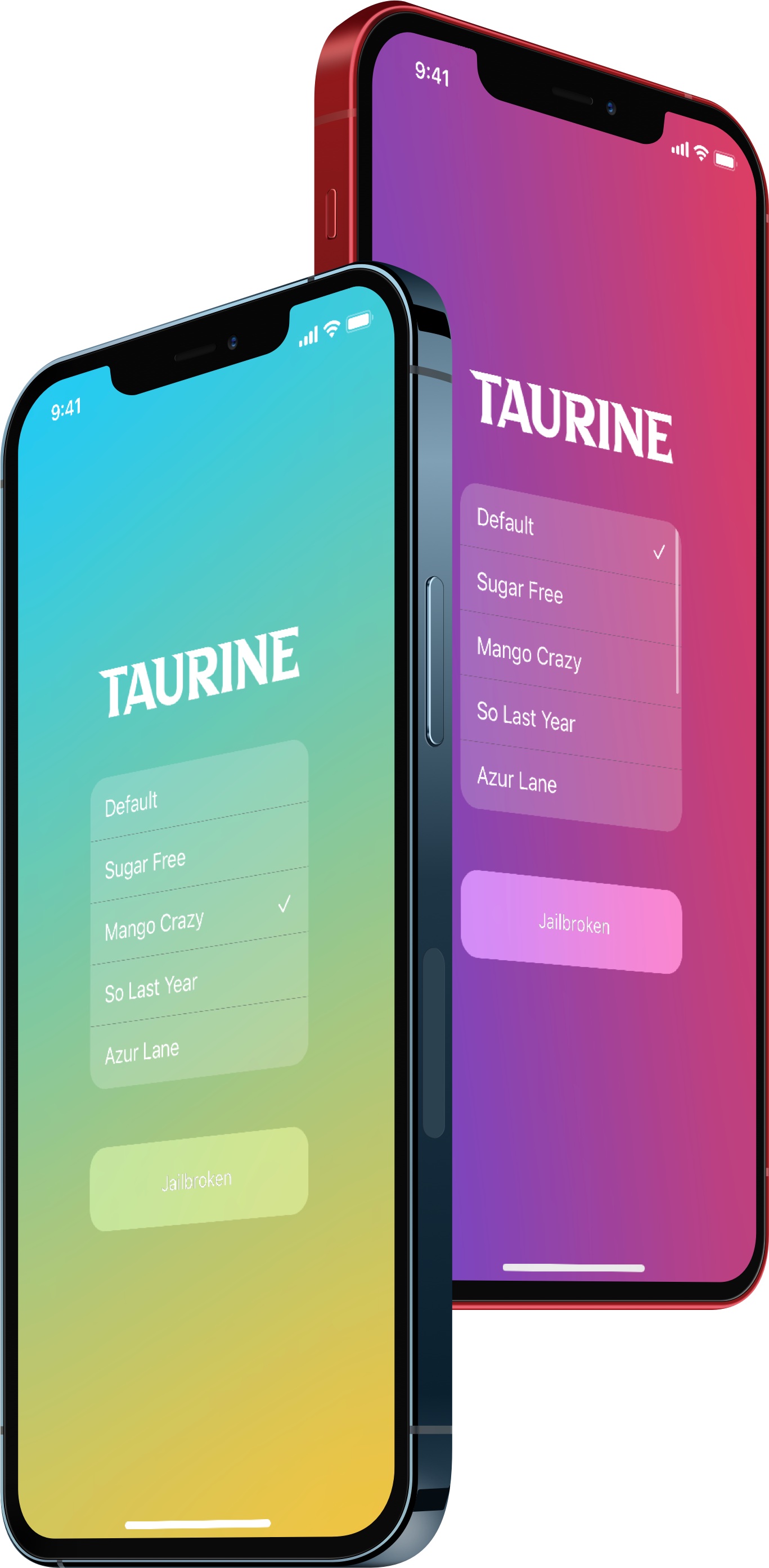
In case you’ve been living under a rock, the Taurine jailbreak is now officially available for all iOS & iPadOS 14.0-14.8.1 devices.
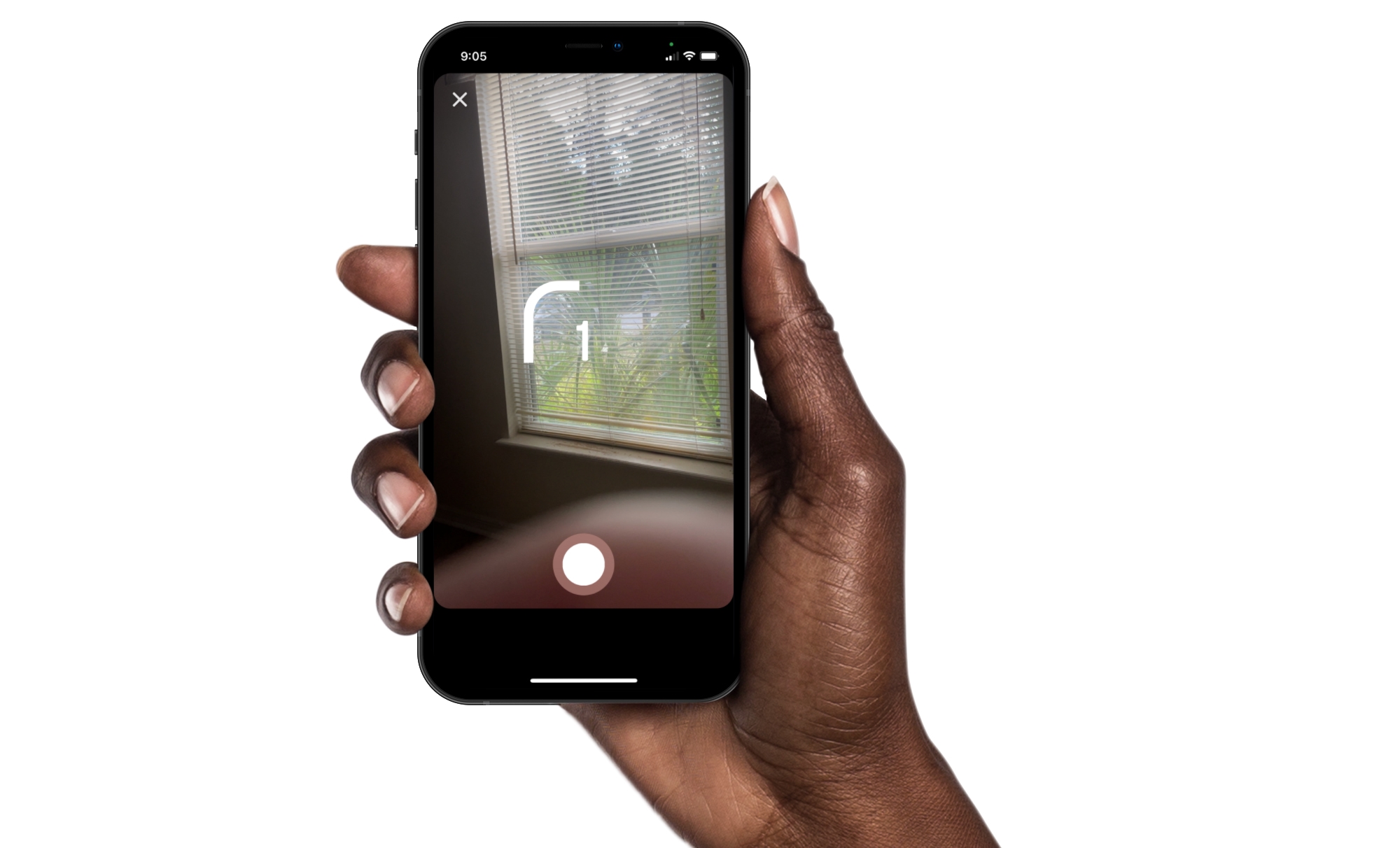
Instagram offers some great features for creating memorable stories and posts. You can use Multi-Capture to quickly snap several photos for your story. And you can use PhotoBooth for that “photo booth” look, which is what we’ll walk through here.
Just like sitting in that photo booth at the mall, you can capture four pictures of you and your pals, pets, or just yourself. Then, add them to your Instagram story for something a little different. Here’s how to use the PhotoBooth feature in Instagram.

Learn how to remove YouTube’s tracking cookie for embedded videos to make your site faster and increase the privacy of your visitors.
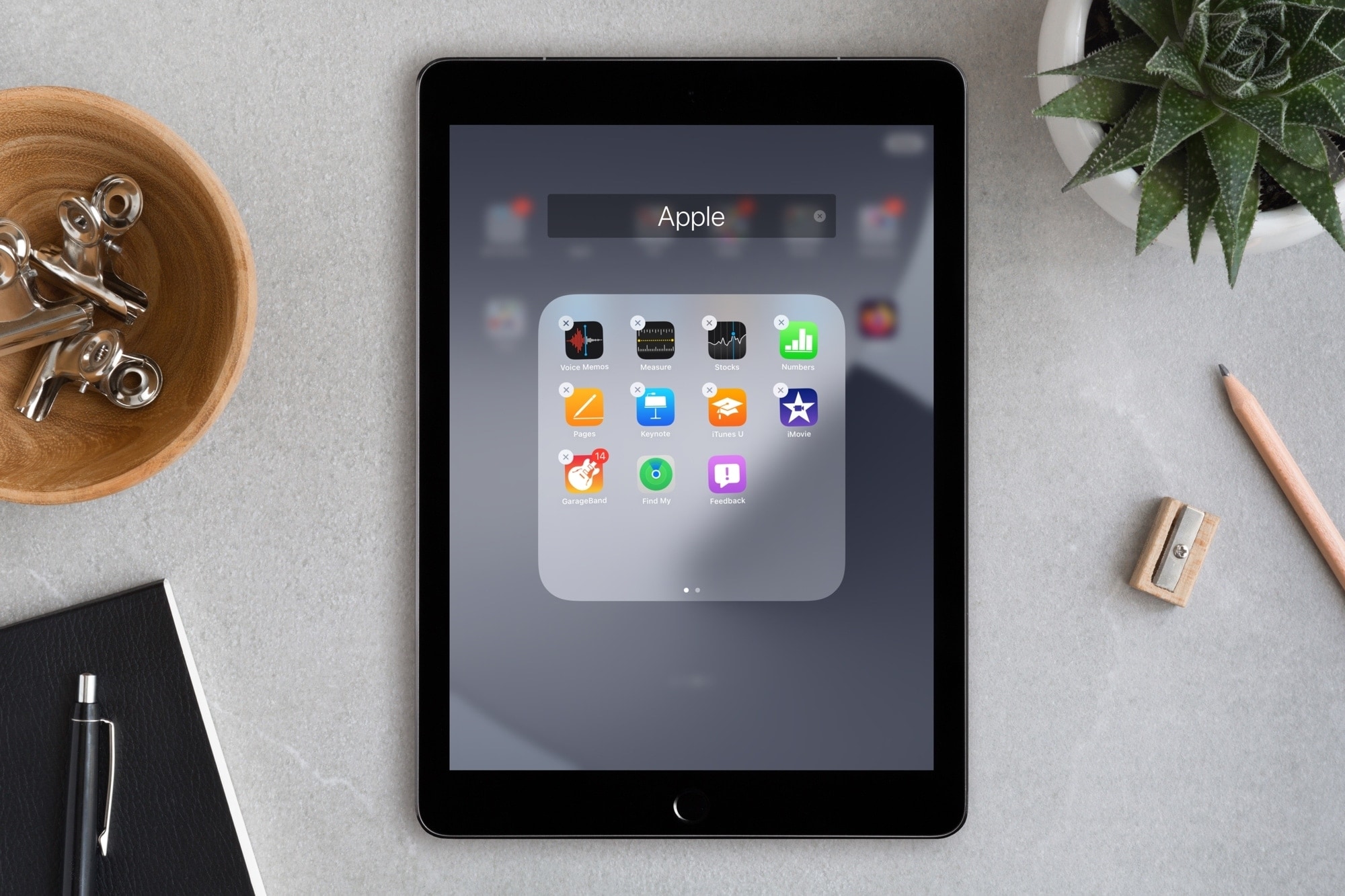
The Feedback Assistant is an app that comes along with joining the program and installing the beta version of iOS on your device. The app gives you an easy way to pass along issues you find and sends information like diagnostic files to Apple.
Once you finally finish with the public beta and update your device to the commercial version of iOS, you may notice that the Feedback Assistant is still there. So how do you get rid of it when there’s no option to delete it? That’s what we’re here to show you.

Learn how to add photos, music, or movies to your Pages, Numbers, or Keynote documents easily by using the Media Browser on Mac.
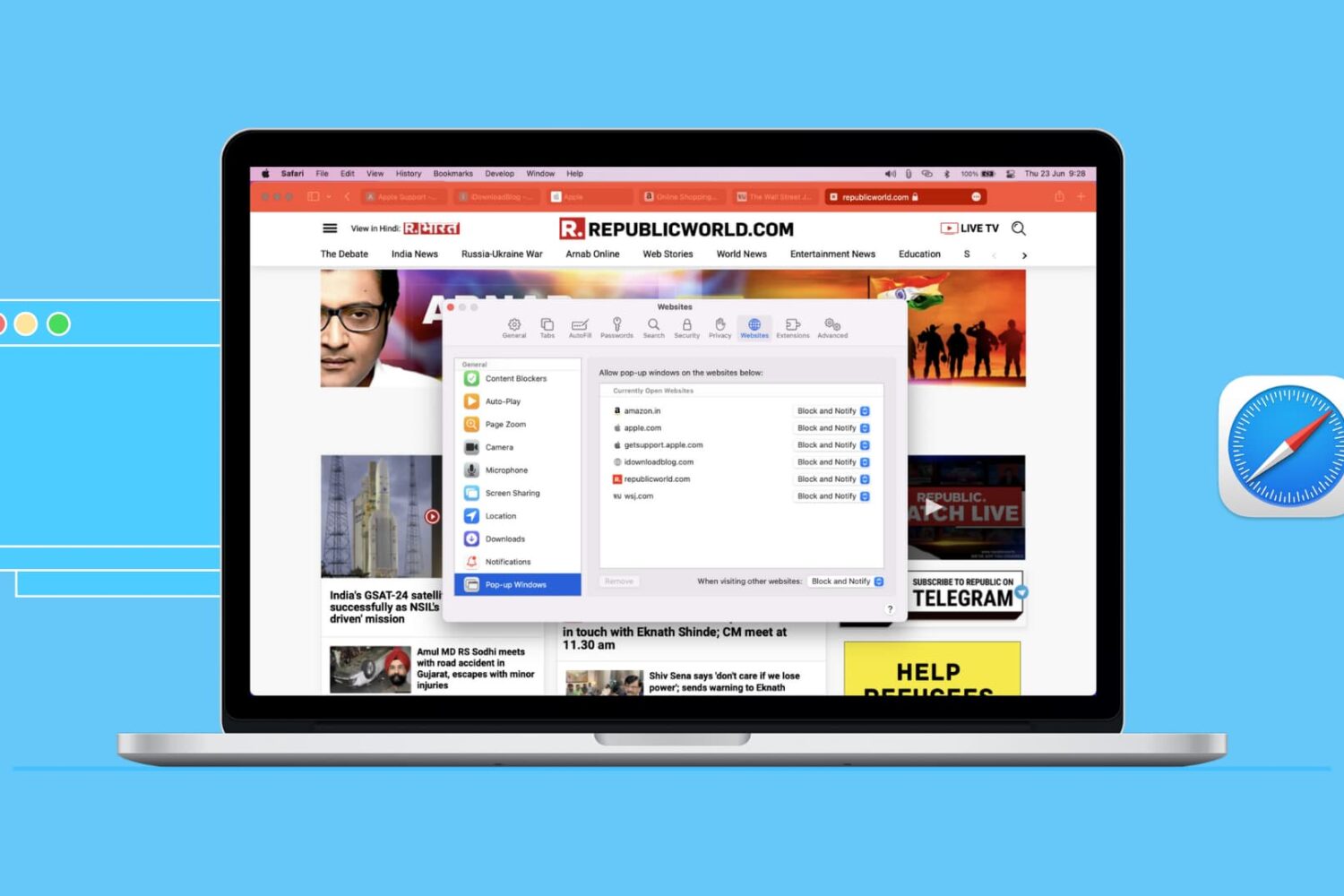
Learn how to enable pop-ups in Safari on iOS and Mac to see a pop-up offered by a site you trust and access all essential website features with ease.

Learn how to use Siri suggestions in Safari on your iPhone, iPad, and Mac to get recommendations for useful sites you might want to visit.