Many App Store apps, such as banking apps or games will embed some form of jailbreak detection to prevent jailbreakers from using their apps. If you jailbreak, then calling this problem a thorn in your side might feel like an understatement.
Many App Store apps, such as banking apps or games will embed some form of jailbreak detection to prevent jailbreakers from using their apps. If you jailbreak, then calling this problem a thorn in your side might feel like an understatement.
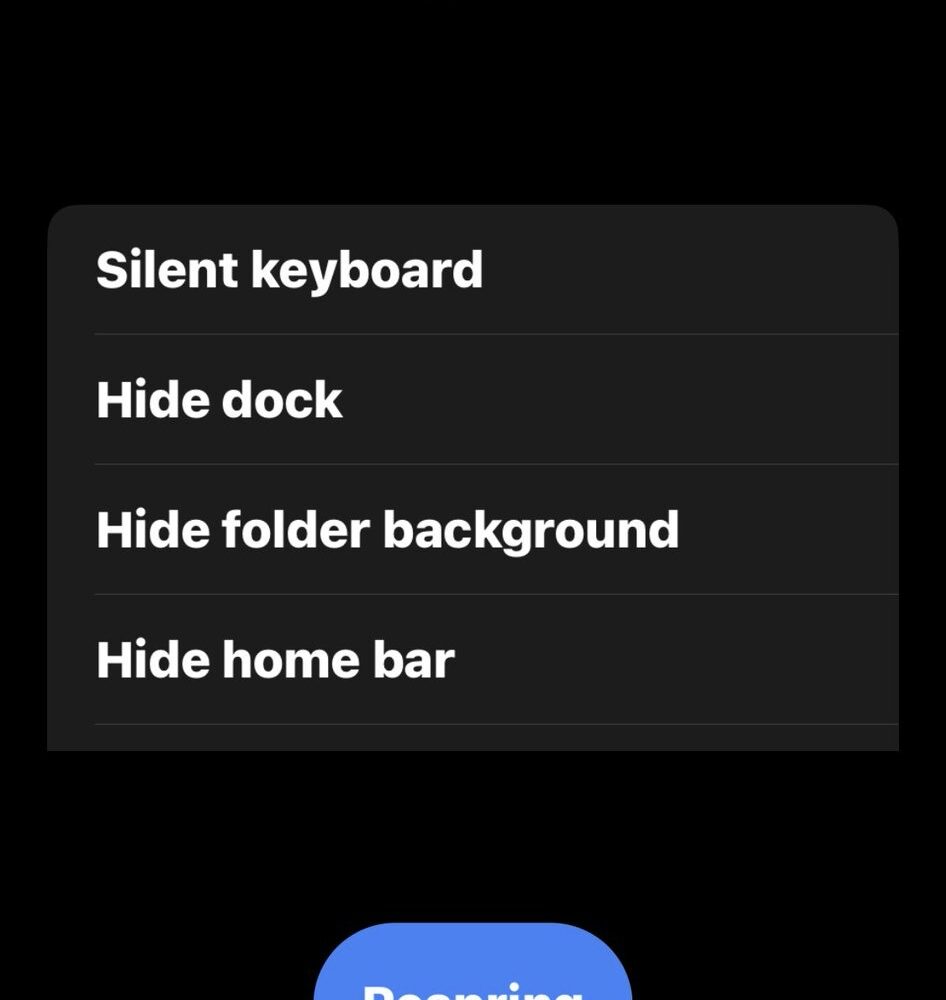
Earlier this week, we shared how palera1n team developer Mineek was working on an all-in-one app for the MacDirtyCow bug on iOS & iPadOS 15.x-16.1.2 that would compress several options into a single sideloadable app. This would make it so users wouldn’t need to install several apps to accomplish the same result.
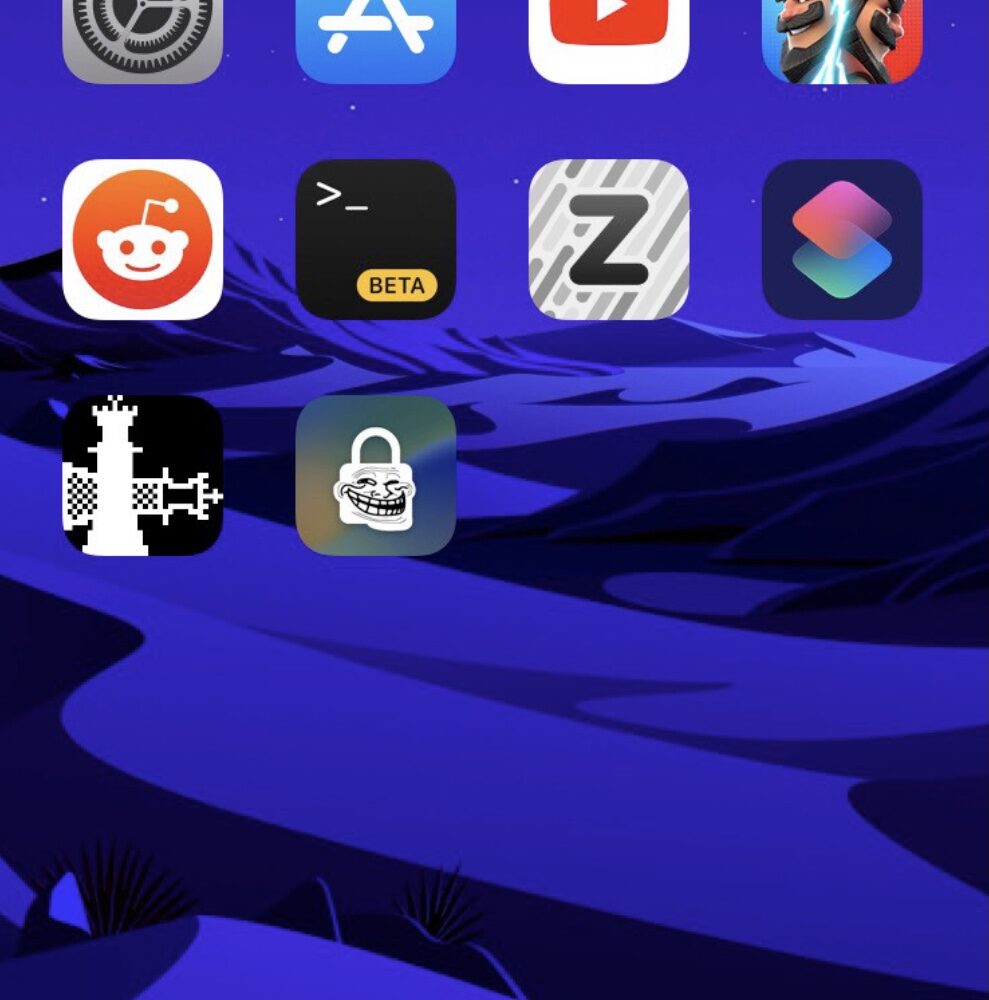
If you’re of the minimalist variety, then chances are you might find a use for a newly released and free jailbreak tweak dubbed Hidy.
iCleaner and iCleaner Pro, a popular set of junk file removal tools for jailbroken iPhones and iPads by developer Ivan Bilenchi, were updated this week with preliminary support for iOS & iPadOS 15.
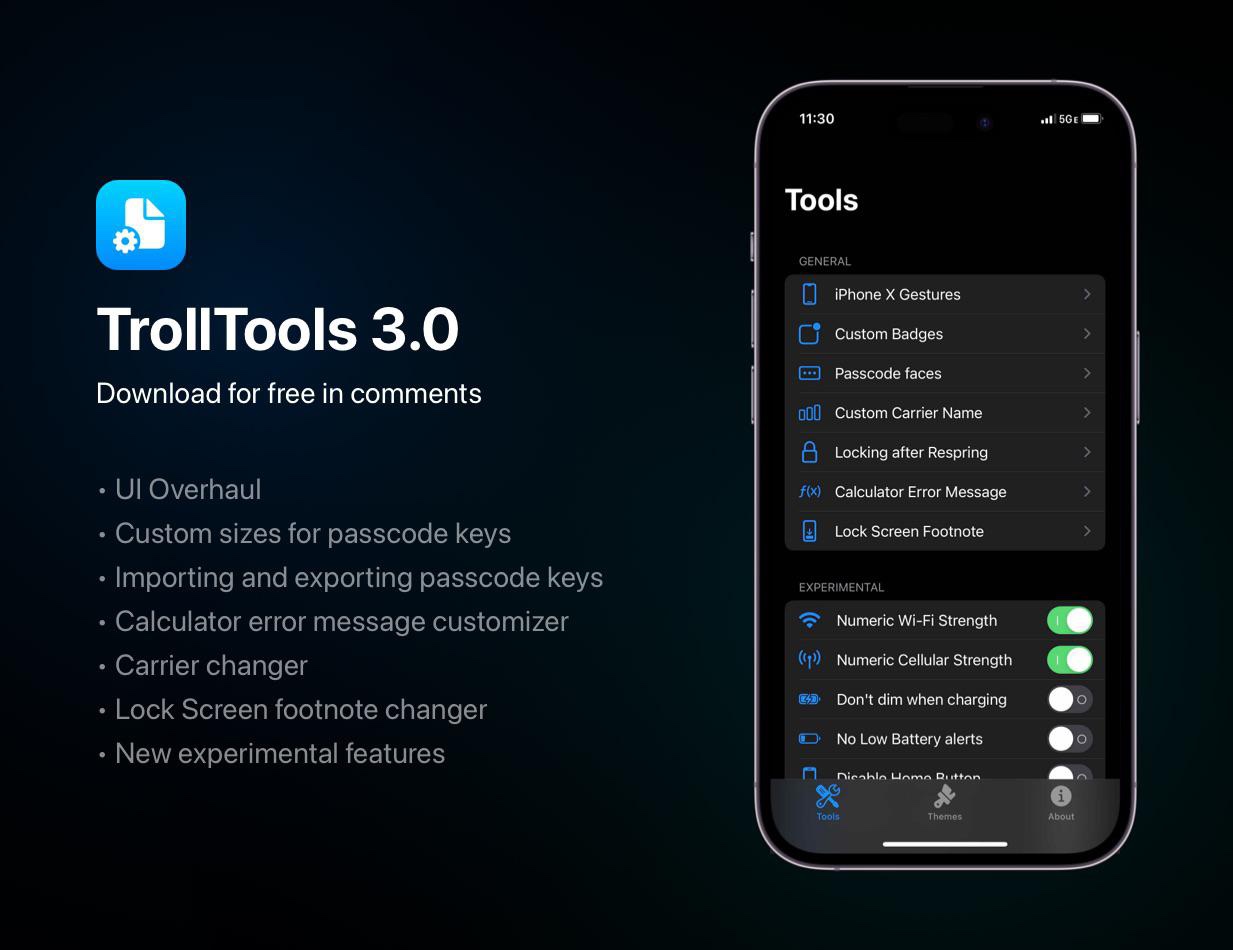
Just a few months ago, we showed you a TrollStore add-on called TrollTools by iOS developer sourcelocation that could customize parameters of jailbroken or non-jailbroken devices such as themes, custom passcode buttons, and other fun stuff that could make passerby interested.

Most people have the official YouTube app installed on their phone, which is why the new and free YTHoldForSpeed jailbreak tweak by iOS developer joshuaseltzer could come in handy for a lot of users.
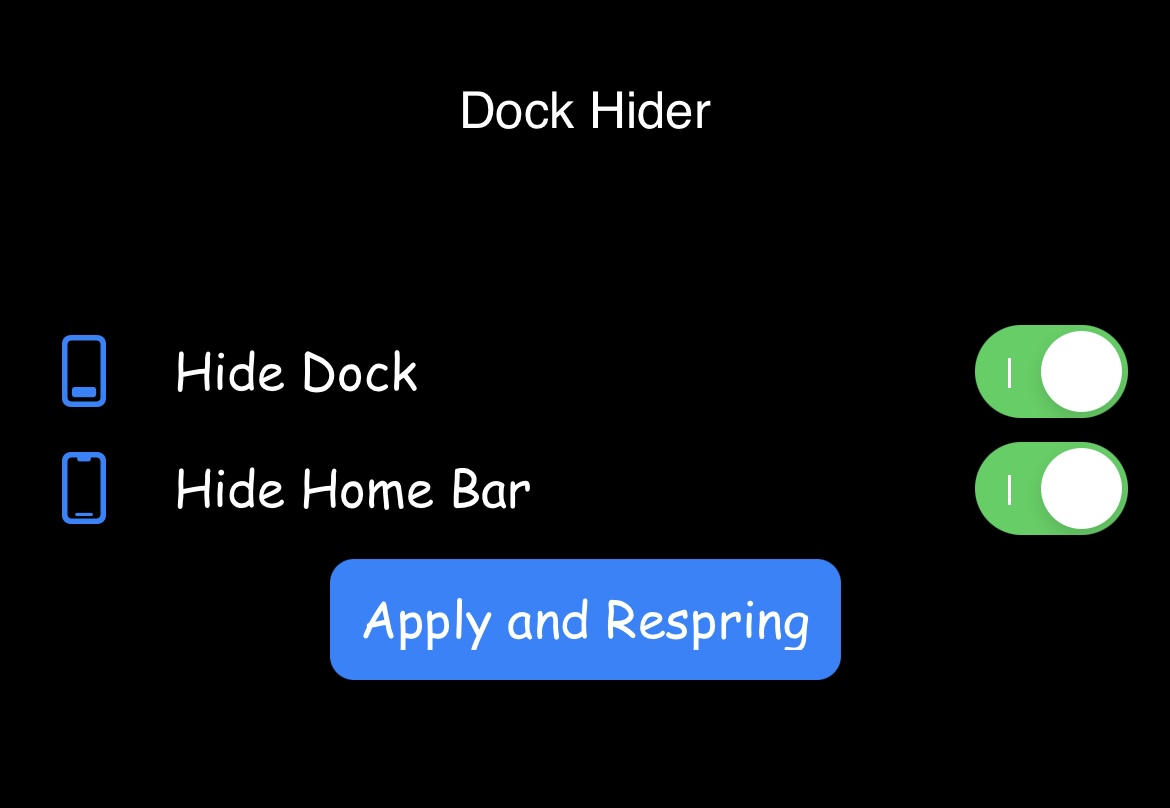
Developers appear to be finding new and creative ways of exploiting the MacDirtyCow bug to customize non-jailbroken iOS 15.x-16.1.2 devices left and right, and today is no different.
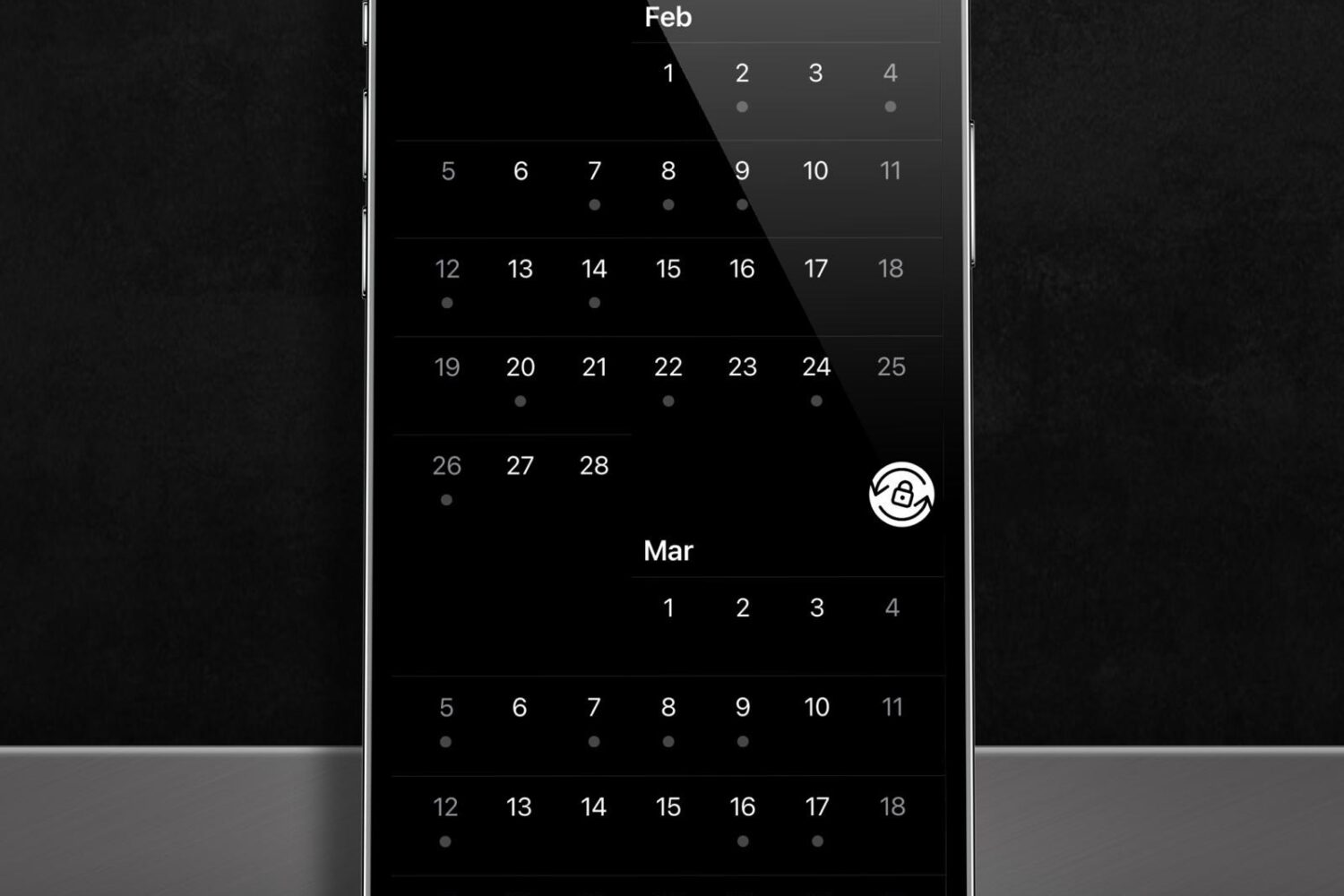
Many people take advantage of their iPhone’s rotation lock feature to keep their device’s display from rotating into landscape orientation when the handset is moved to a sideways position. It’s a useful feature, but under certain circumstances, it can also get in the way of productive iPhone usage.
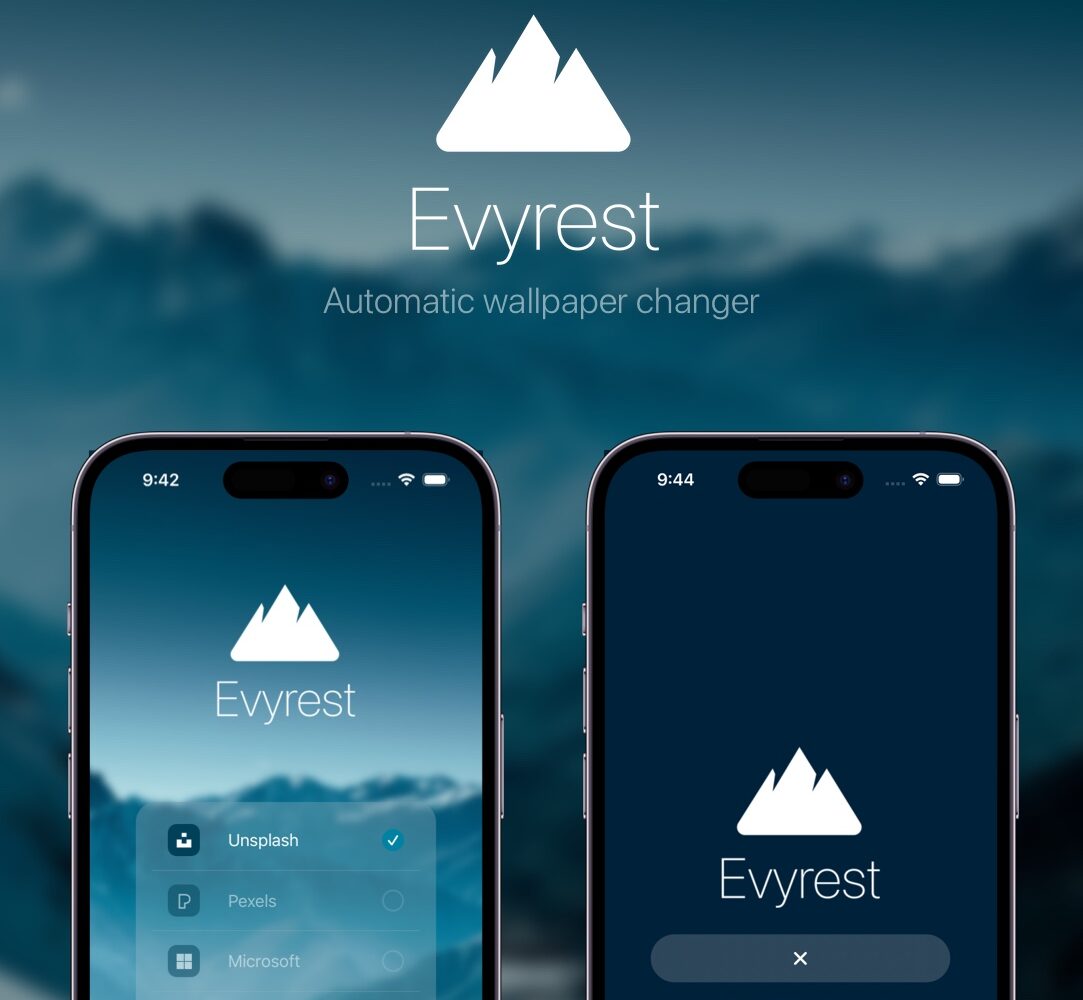
Some people take their wallpaper selections very seriously, and that’s not surprising given the personal touch that an ideal wallpaper can give a device. But sometimes, a single wallpaper just isn’t enough to make people happy.
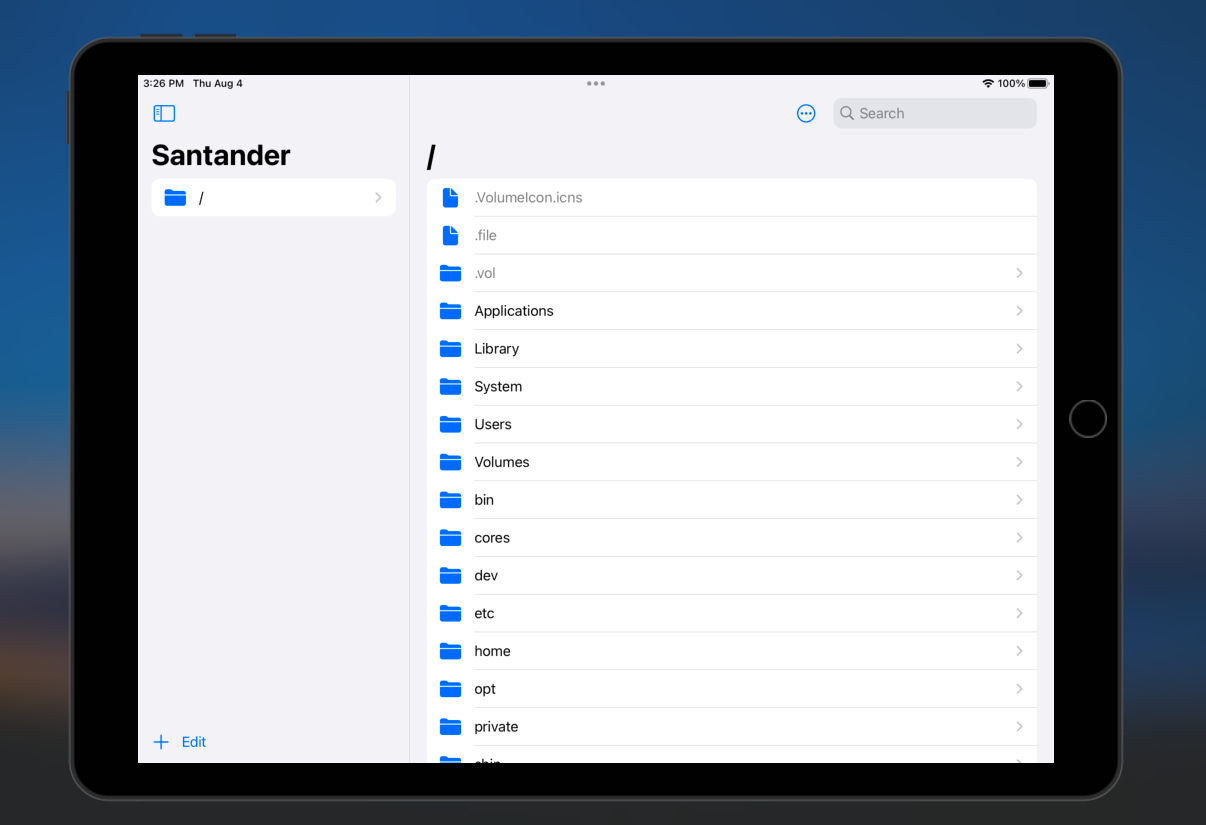
Developers are making great use of the MacDirtyCow bug present on iOS & iPadOS 15.x-16.1.2 devices, which allows sideloaded or perma-signed apps to perform tasks that would typically only be possible with a jailbreak.
One of the hallmark perks of jailbreaking is theming the Home Screen’s app icons with an engine such as SnowBoard. While you could make Shortcuts to replace your app icons whether you're jailbroken or not, only true theming retains the native functionality of your app icons. This includes not seeing a Shortcuts banner every time you launch an app, and being able to see notification badges on your icons.
The MacDirtyCow bug on iOS & iPadOS 15.x-16.1.2 makes several interesting iPhone & iPad customizations possible without a jailbreak, including changing the system font, modifying the Lock Screen’s Face ID glyph, and disabling the camera app’s shutter sound, among other things.