Learn how to automatically lock your iPhone Duo when you close the larger inner display, instead of having the same app show on the smaller outer display.
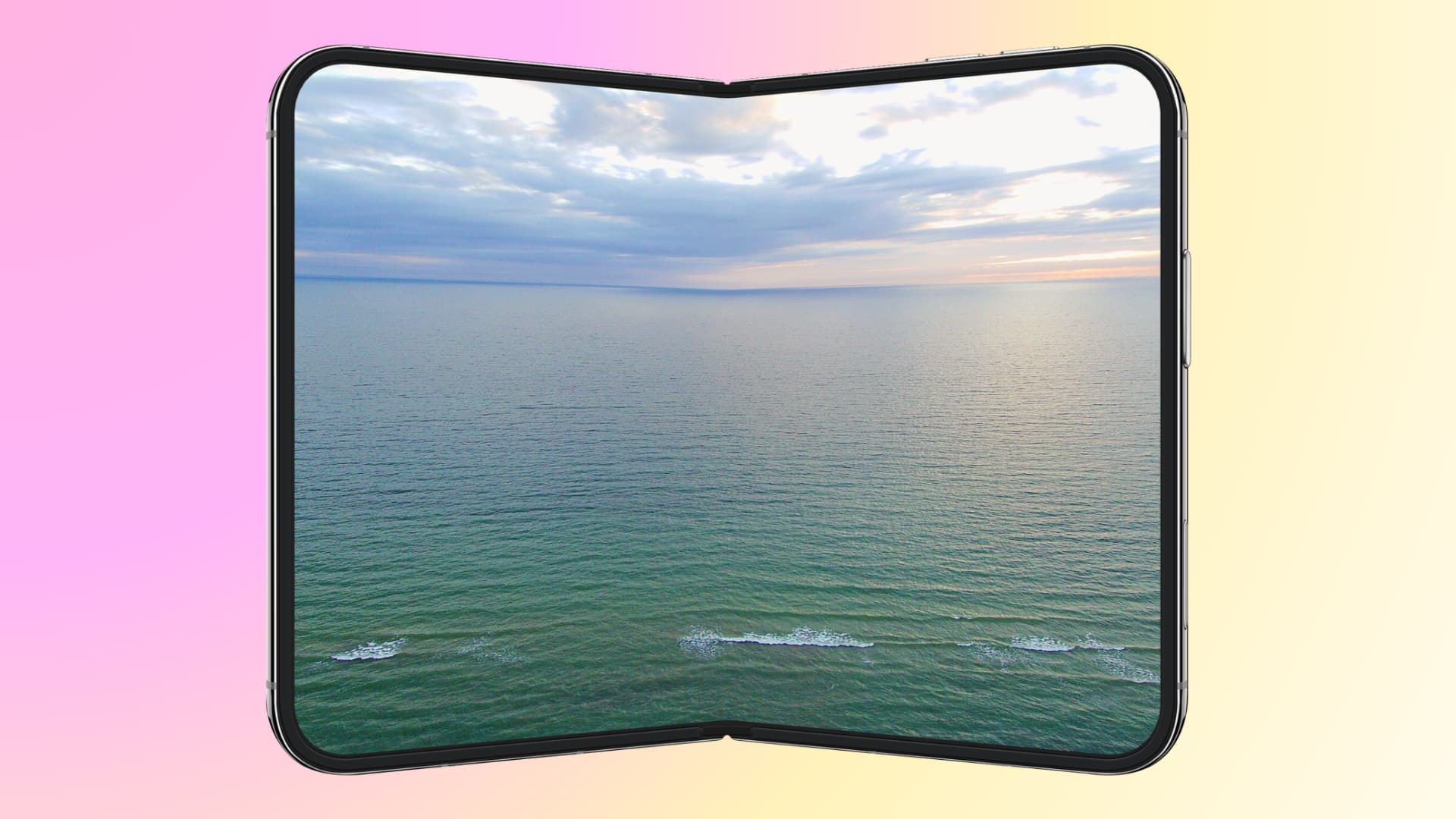
When you open iPhone Duo like a book, the contents of the outer smaller screen automatically move to the larger inner display. And when you fold the device to close the inner display, its content automatically moves to the outer smaller screen.
While this has been the default behavior for iPhone Duo and other Android foldables, iOS 27.3 beta 2 adds a new “Close to Unlock” feature that lets you automatically lock the device when you close the inner screen.
As @Davidimel said best (I read this thanks to a post from @Captain2Phones), “foldables are more session-based than most phones, and the simplicity of ‘shut to end task’ is crucial to that truth. Like a book.”
So, for instance, once you’re done watching a video or working in an Excel sheet on the big inner display, simply folding the phone will lock the device, ready for you to put it in your pocket, instead of pushing the content on the outer display and you then having to press the side button to lock the phone.
Of course, not everyone will like this feature, so Apple keeps it turned off by default and gives you the choice to turn it on in Settings. You can try the new option for a day or two and then decide whether to keep using it or go back to the previous default behavior.
Lock iPhone Duo automatically when you fold it
- Update your iPhone Duo to iOS 27.3 beta 2. It’s in beta, with the general iOS 27.3 release expected sometime in December.
- Open the Settings app.
- Tap Display & Brightness.
- Turn on the new Close to Lock option.
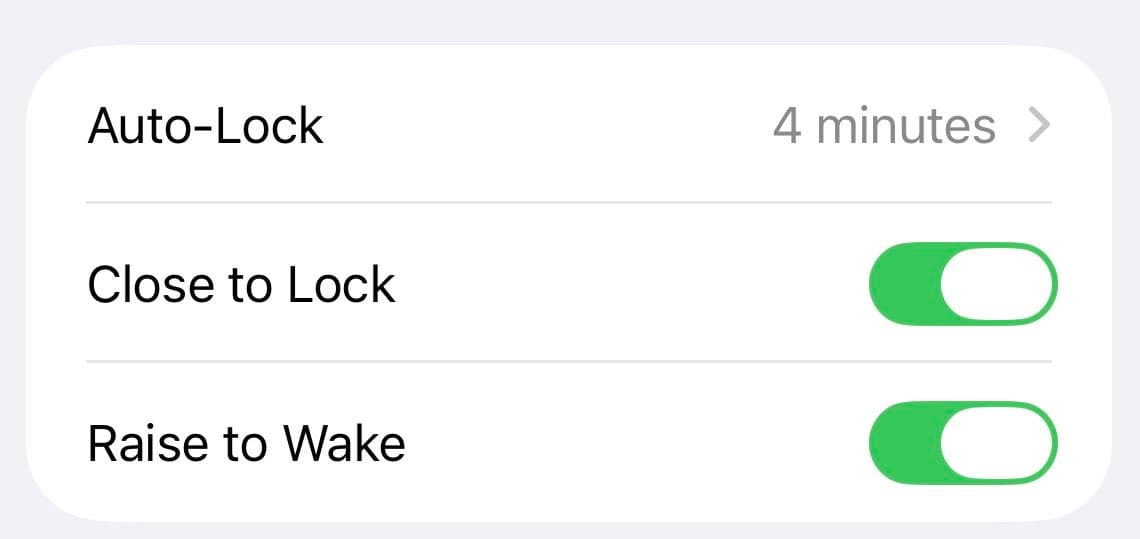
Moving forward, when you close your iPhone Duo screen, it will automatically lock the device, saving you one button press, since once you finish work, you’ll likely fold the screen and set it aside instead of just moving to the smaller outer screen.
Also, check out: