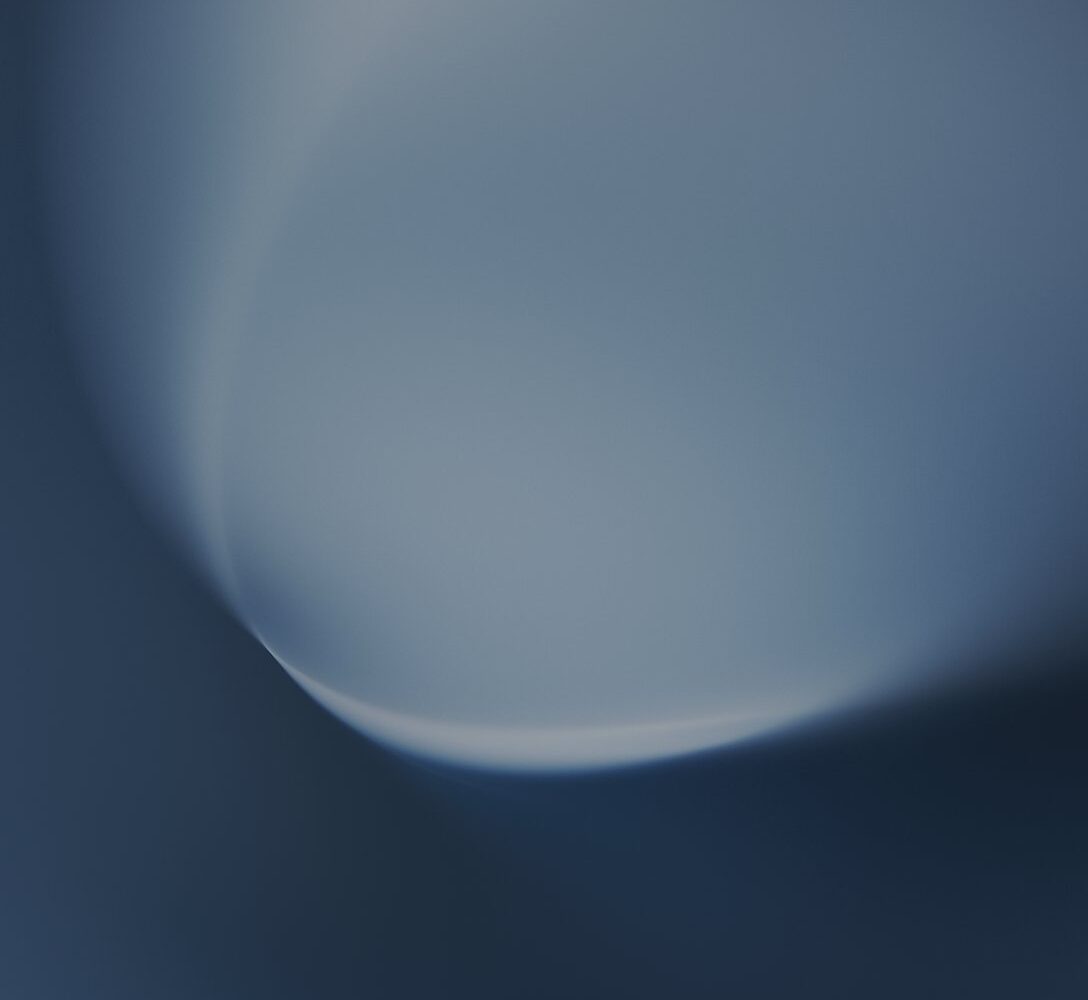
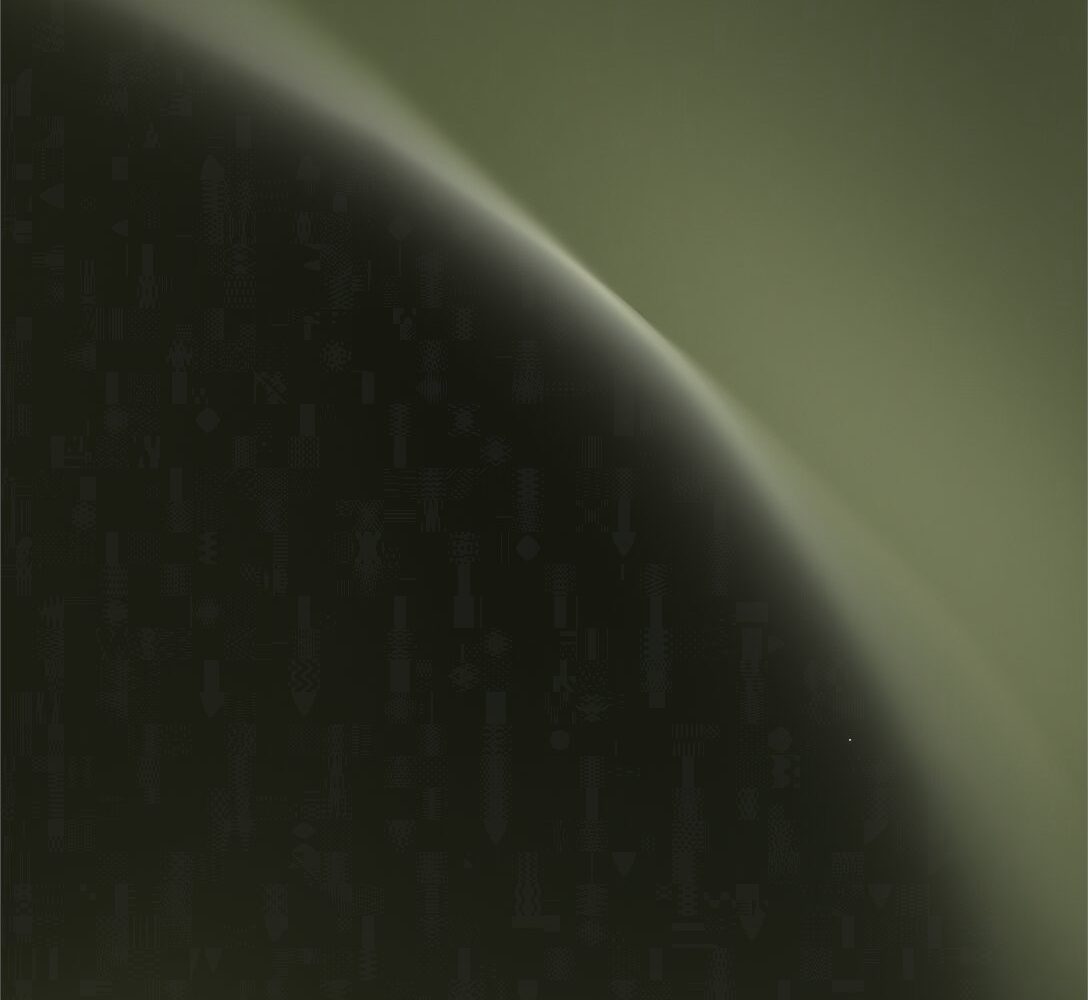
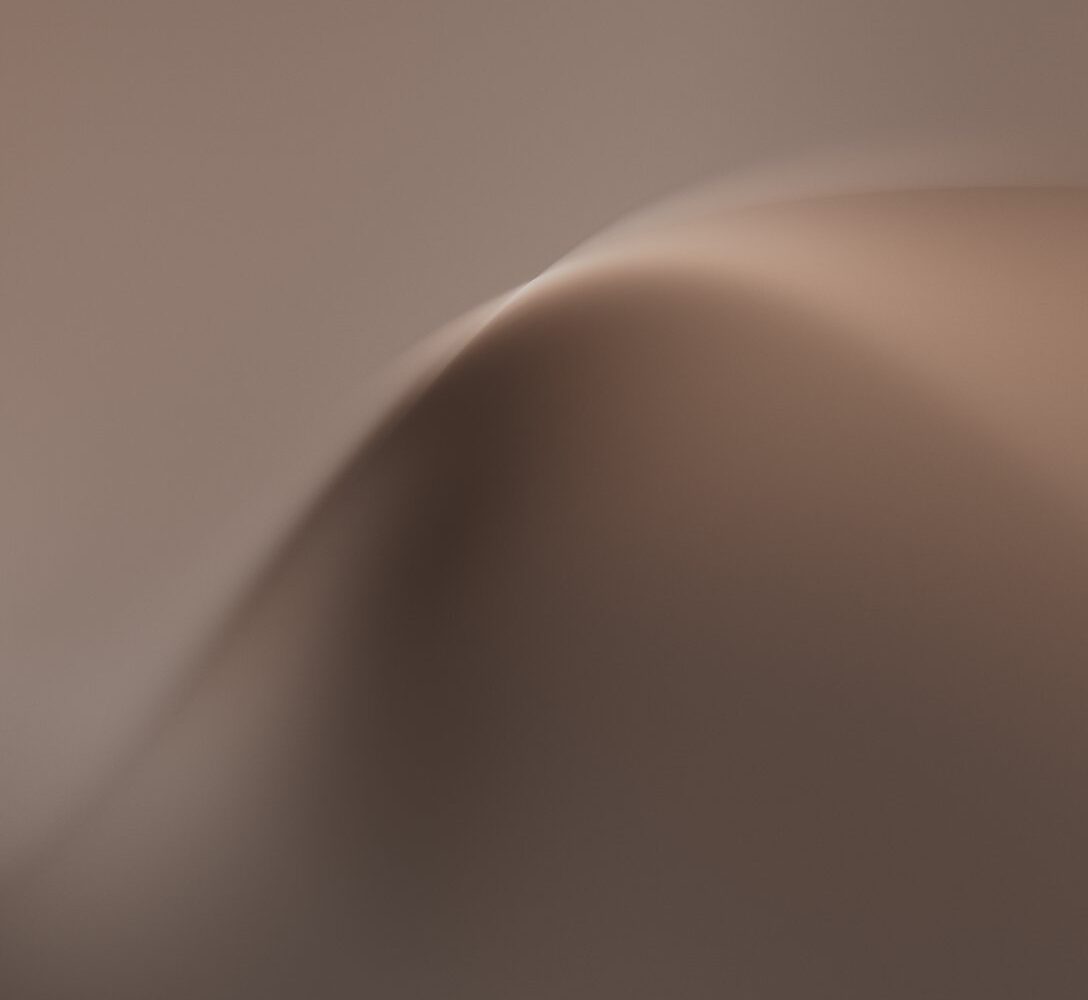
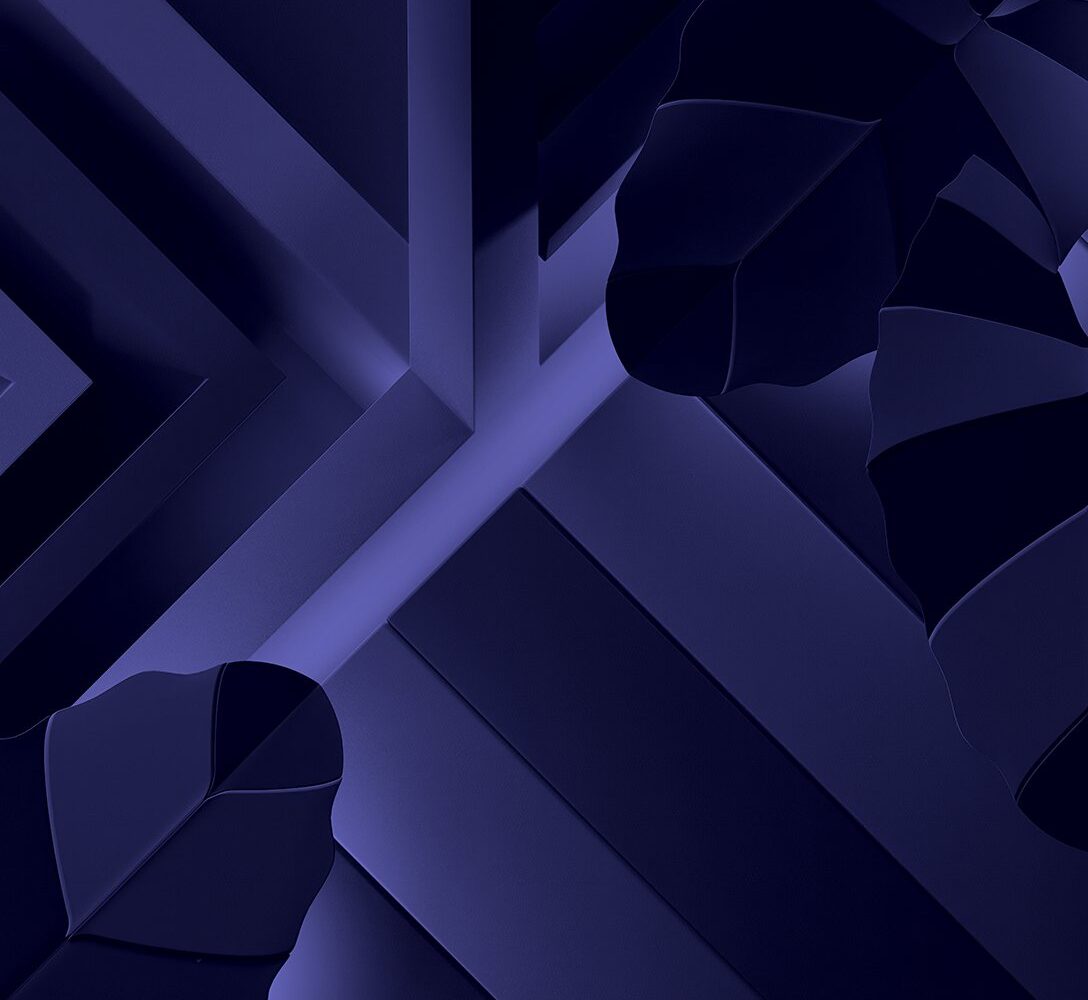
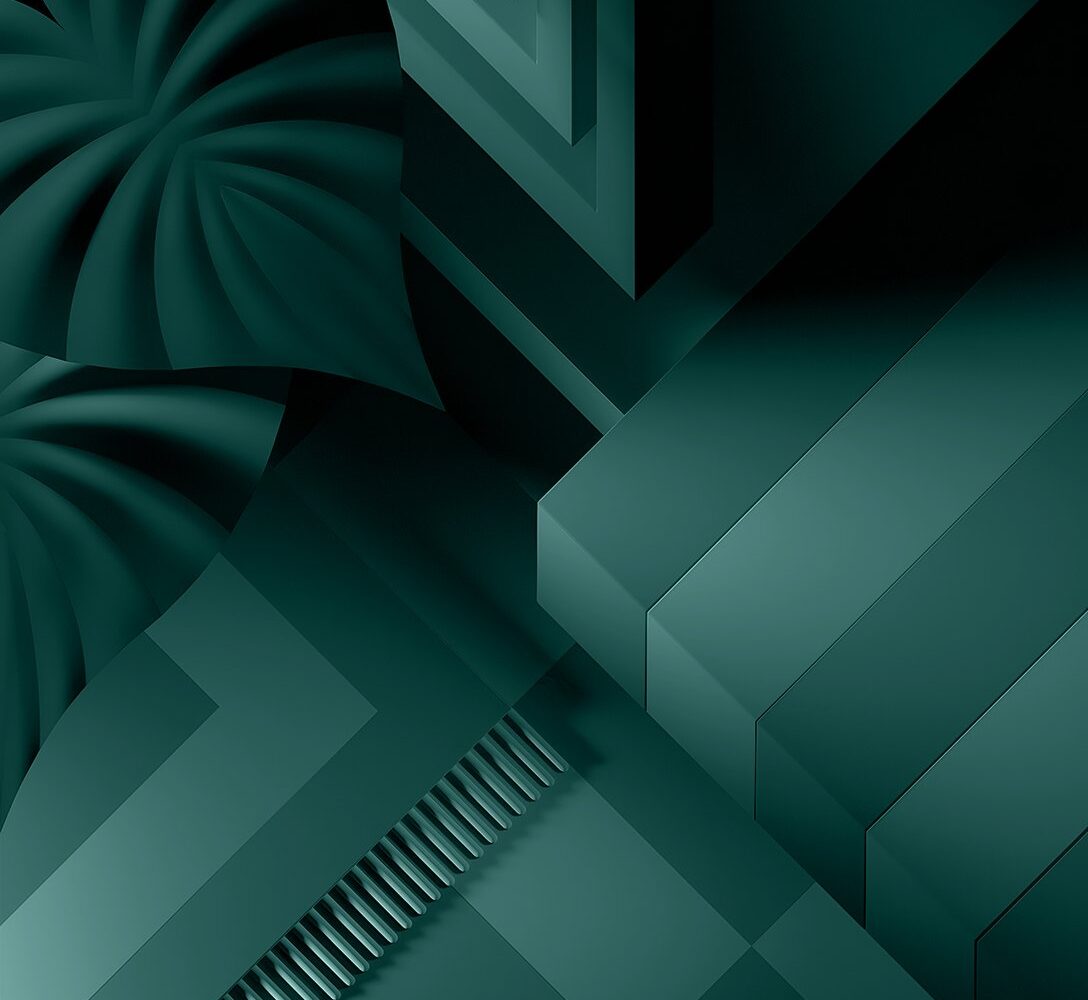
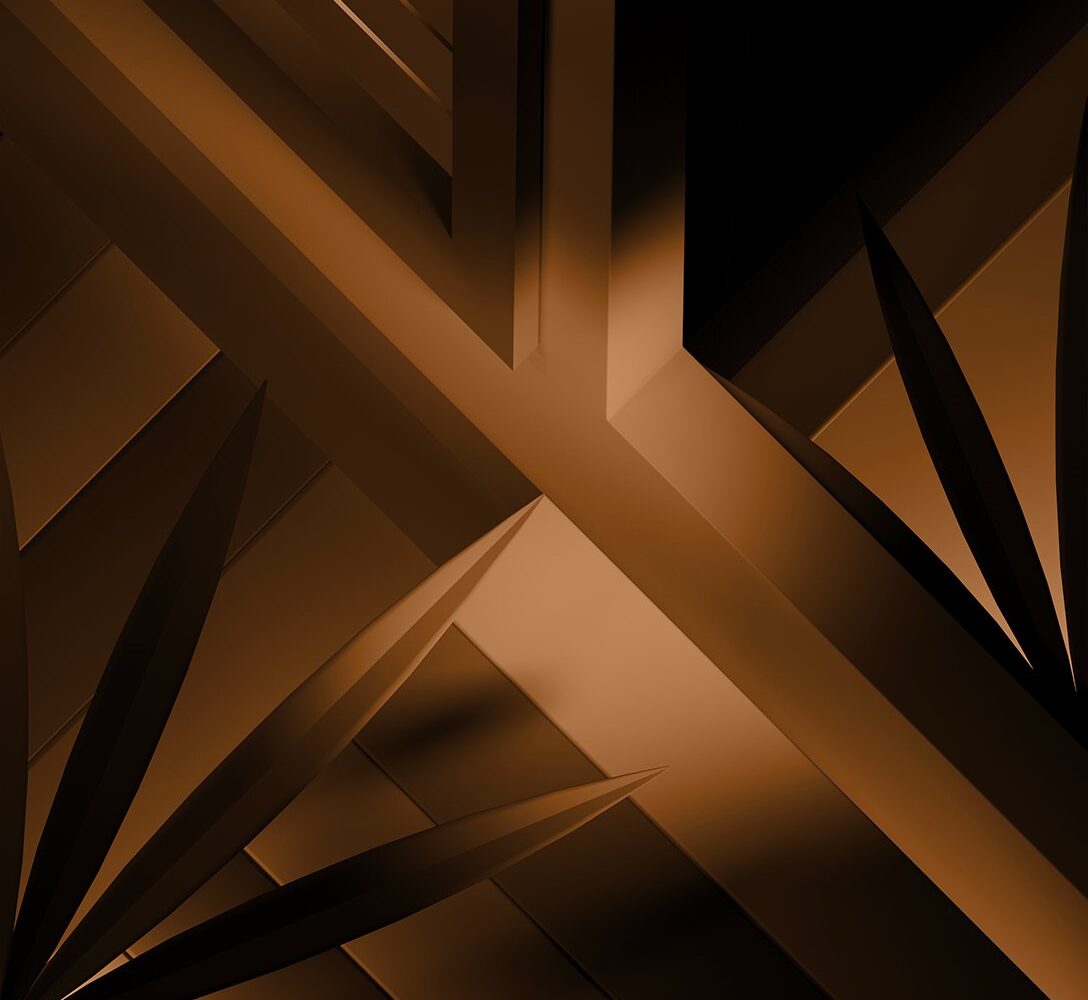
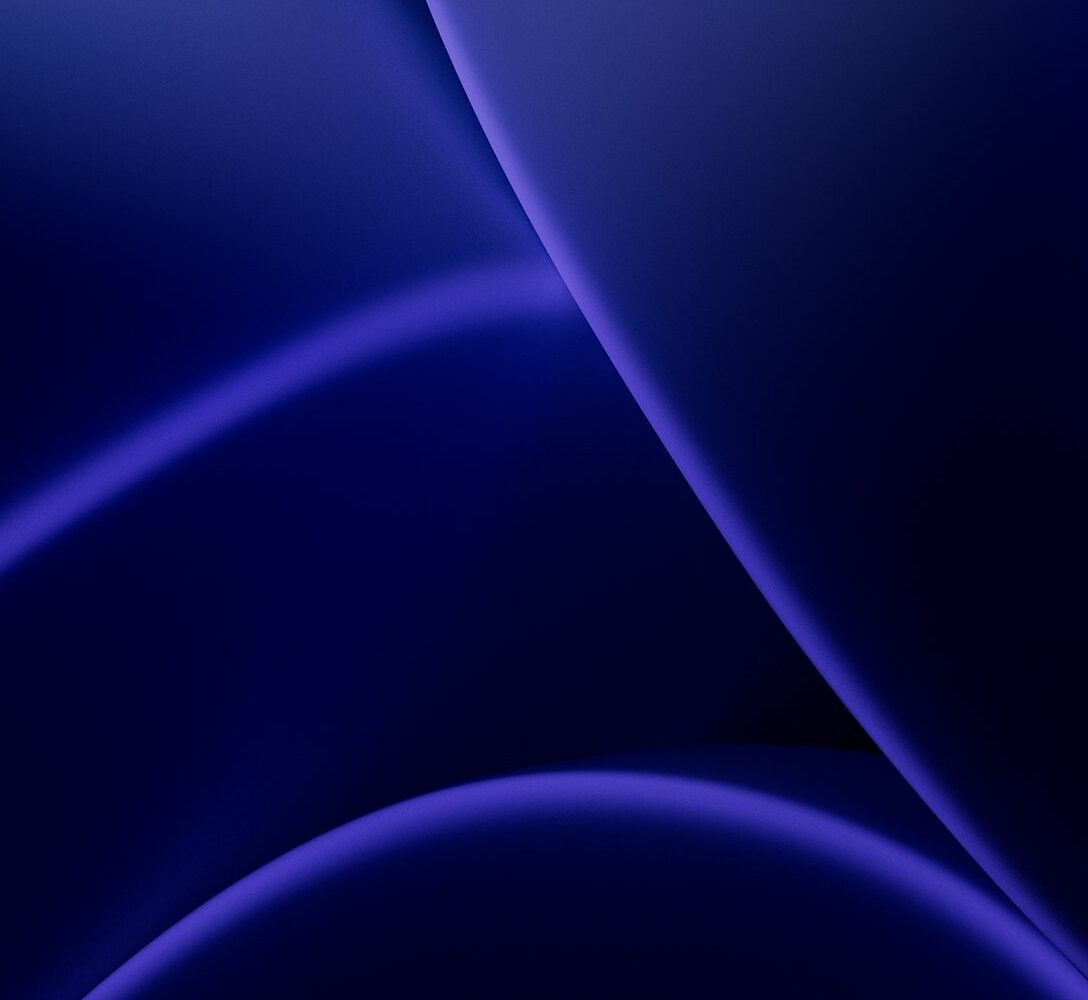
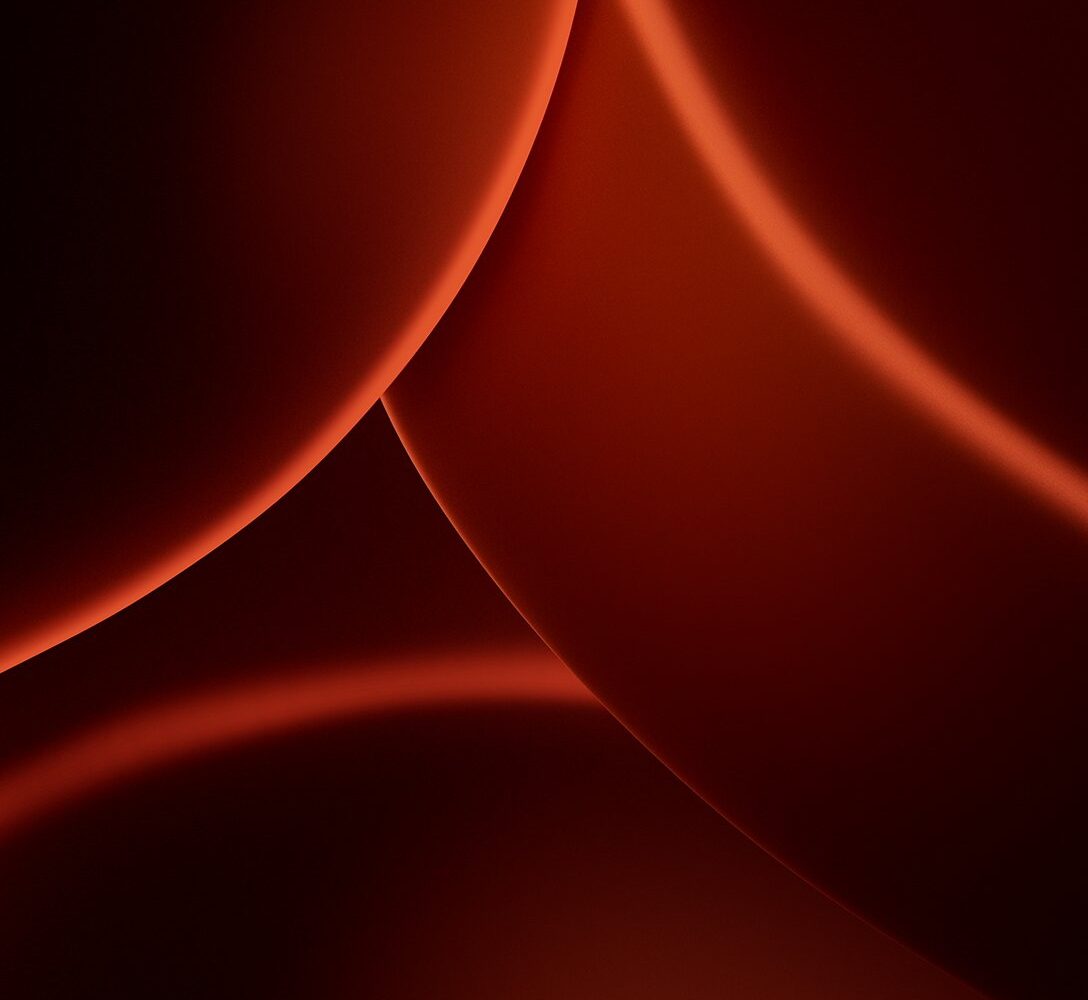
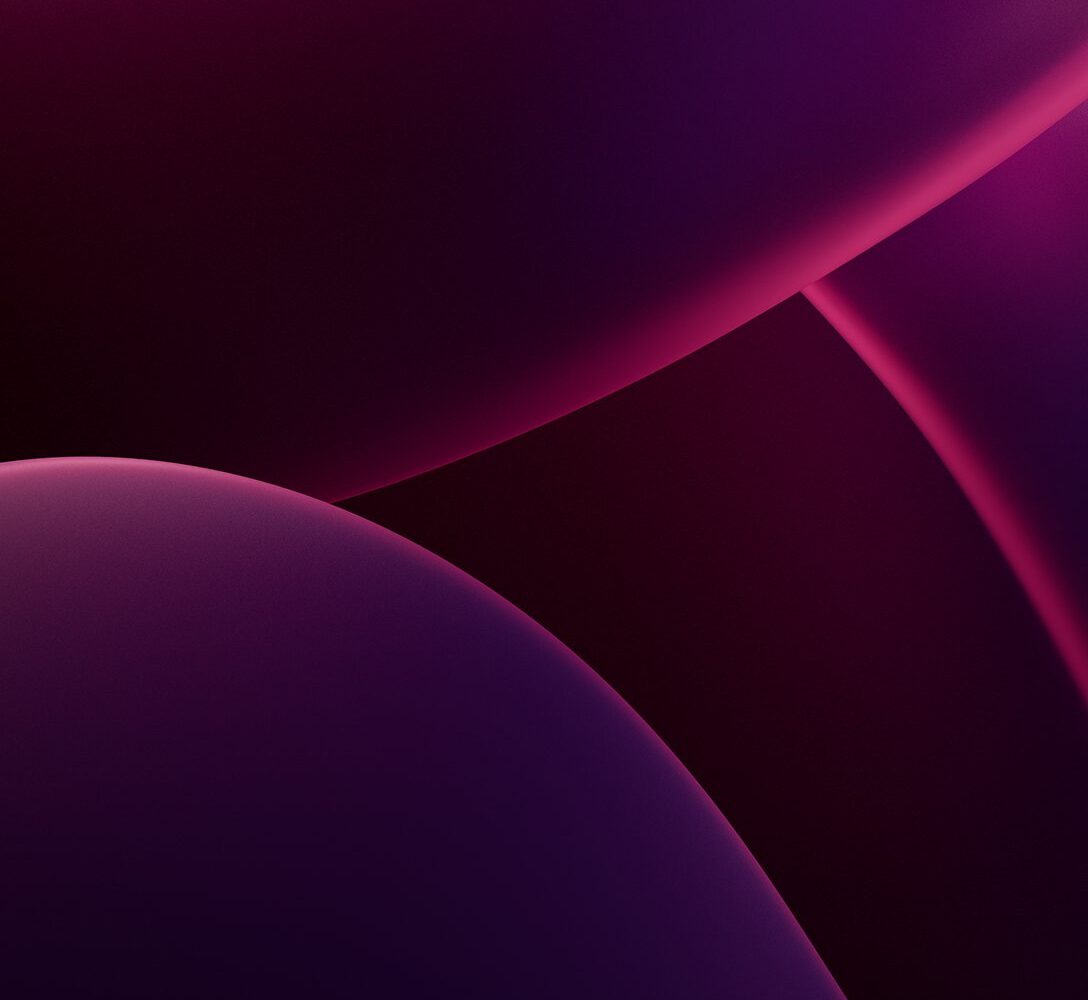
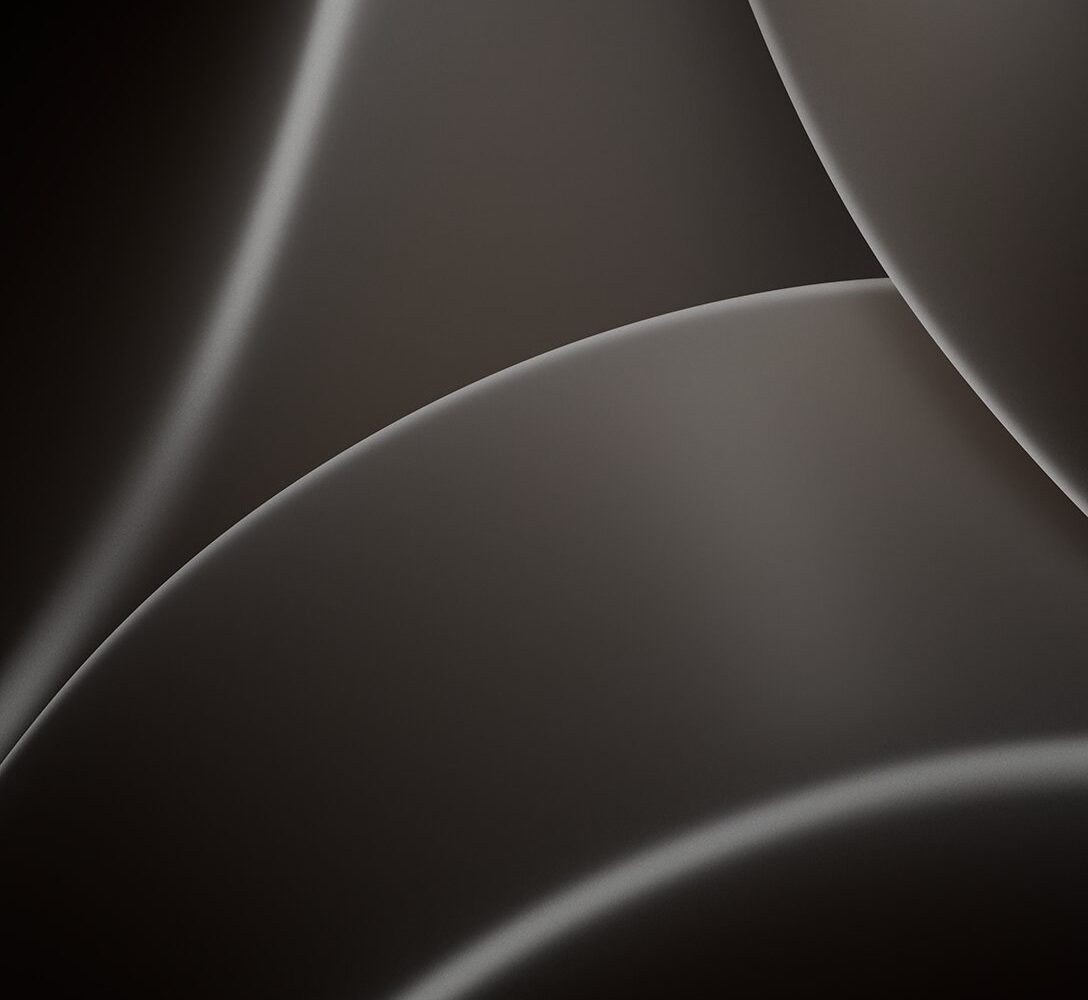
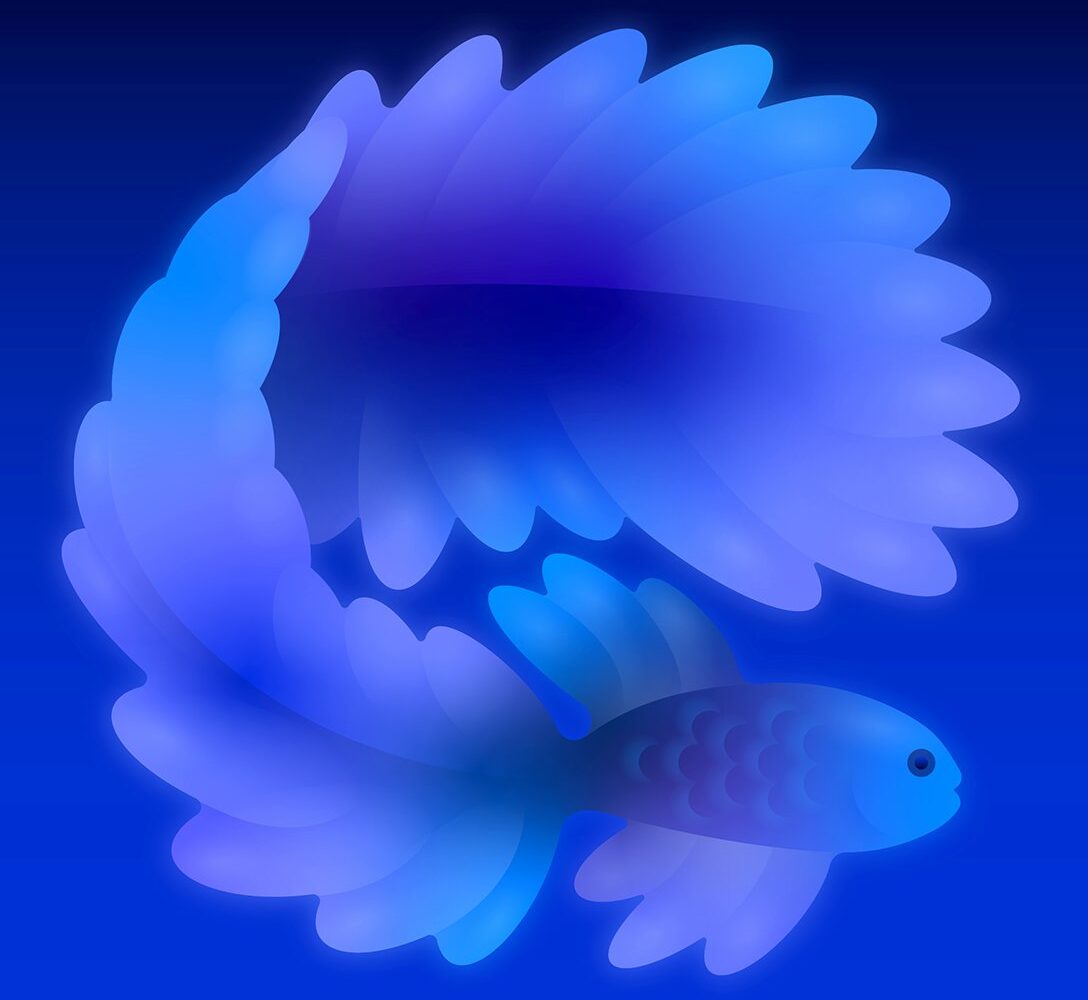
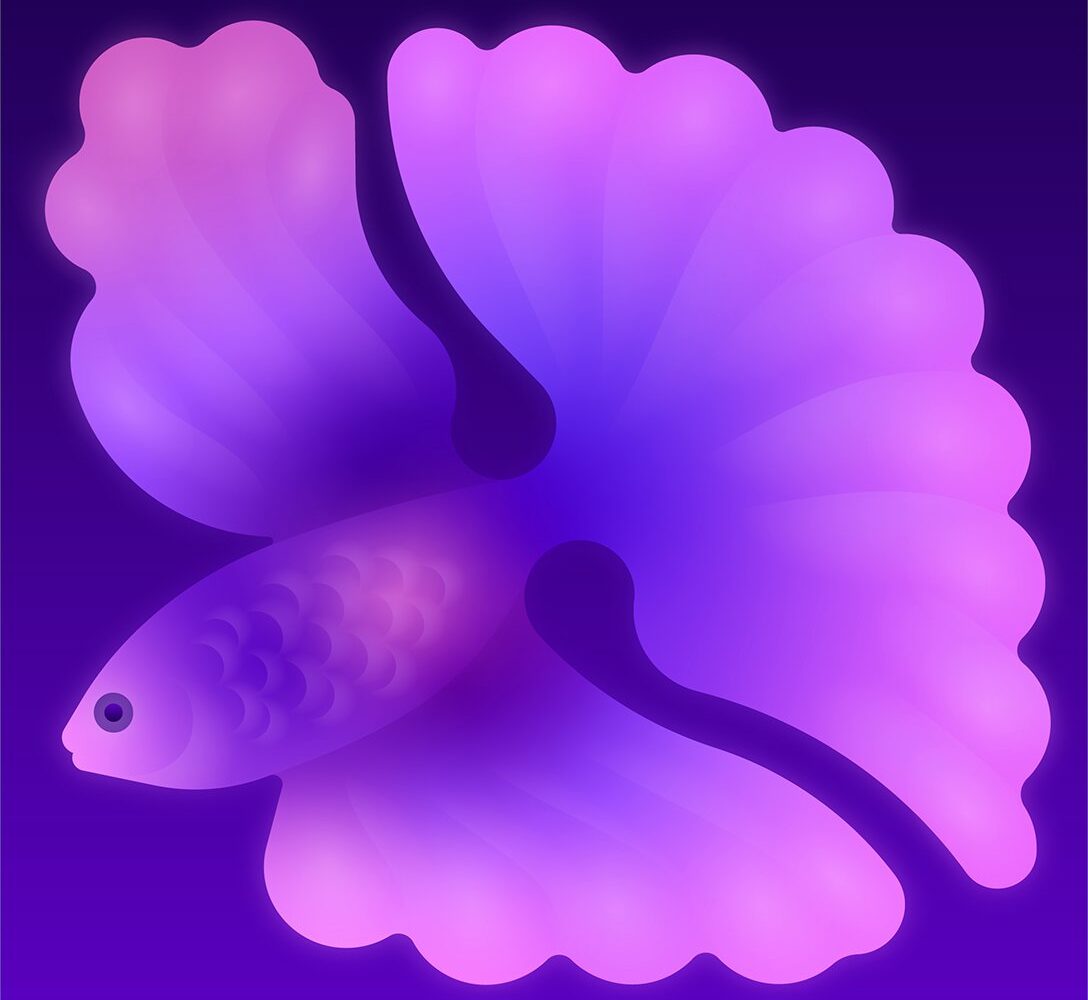
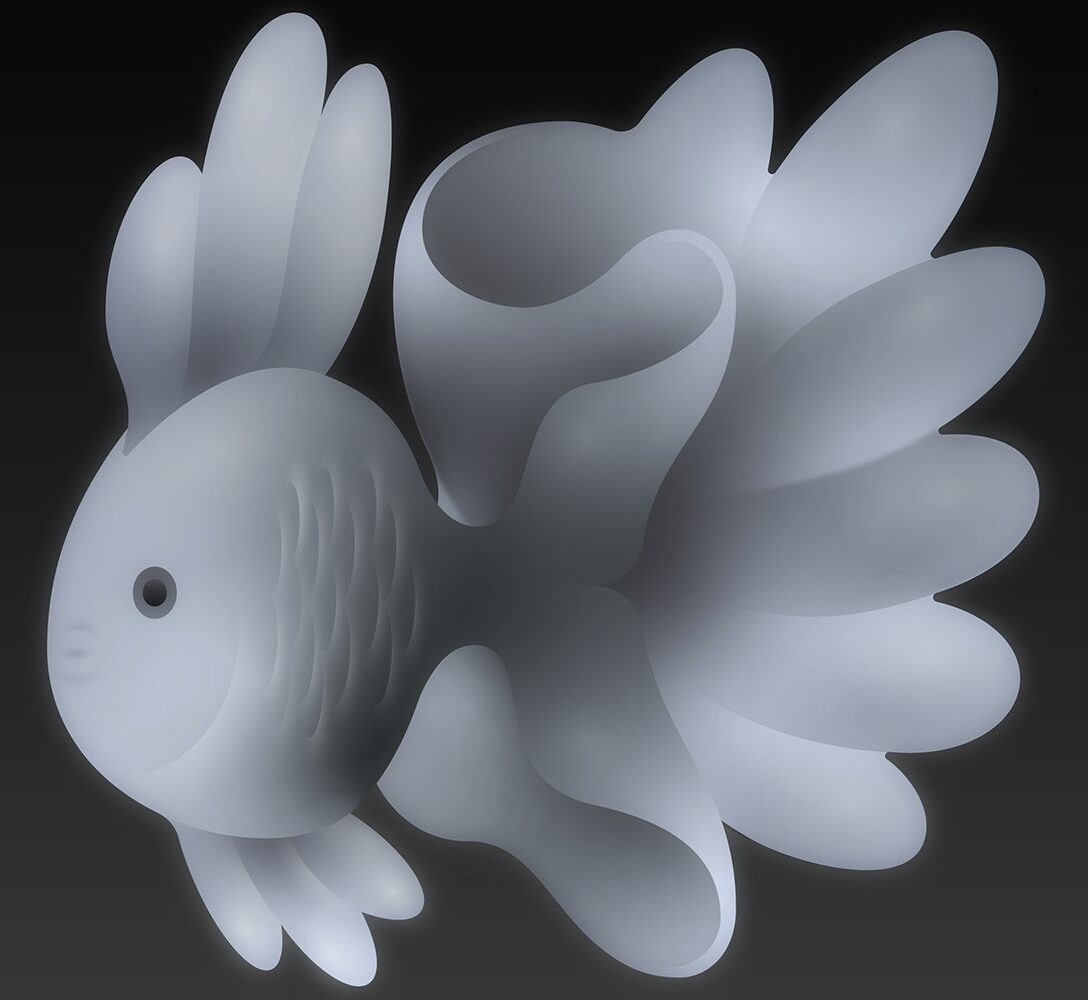
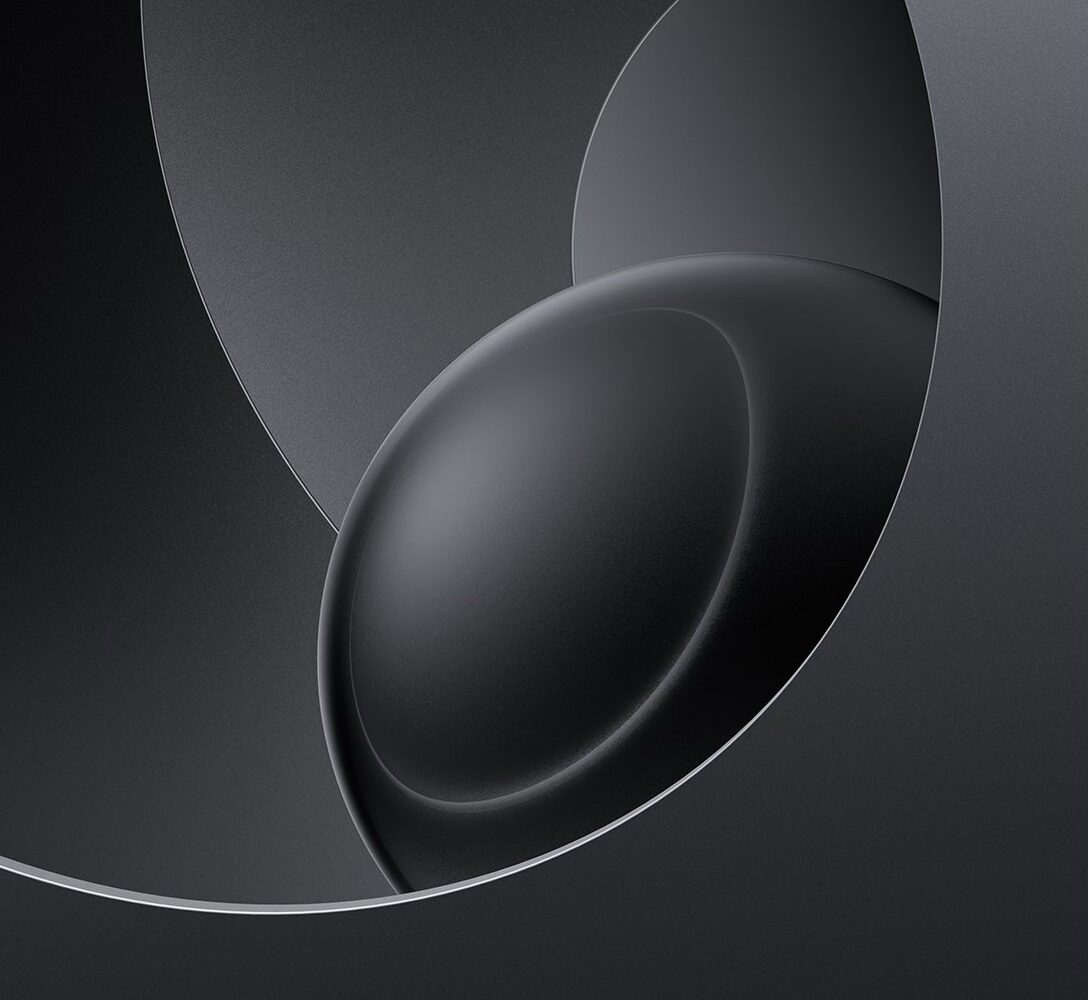
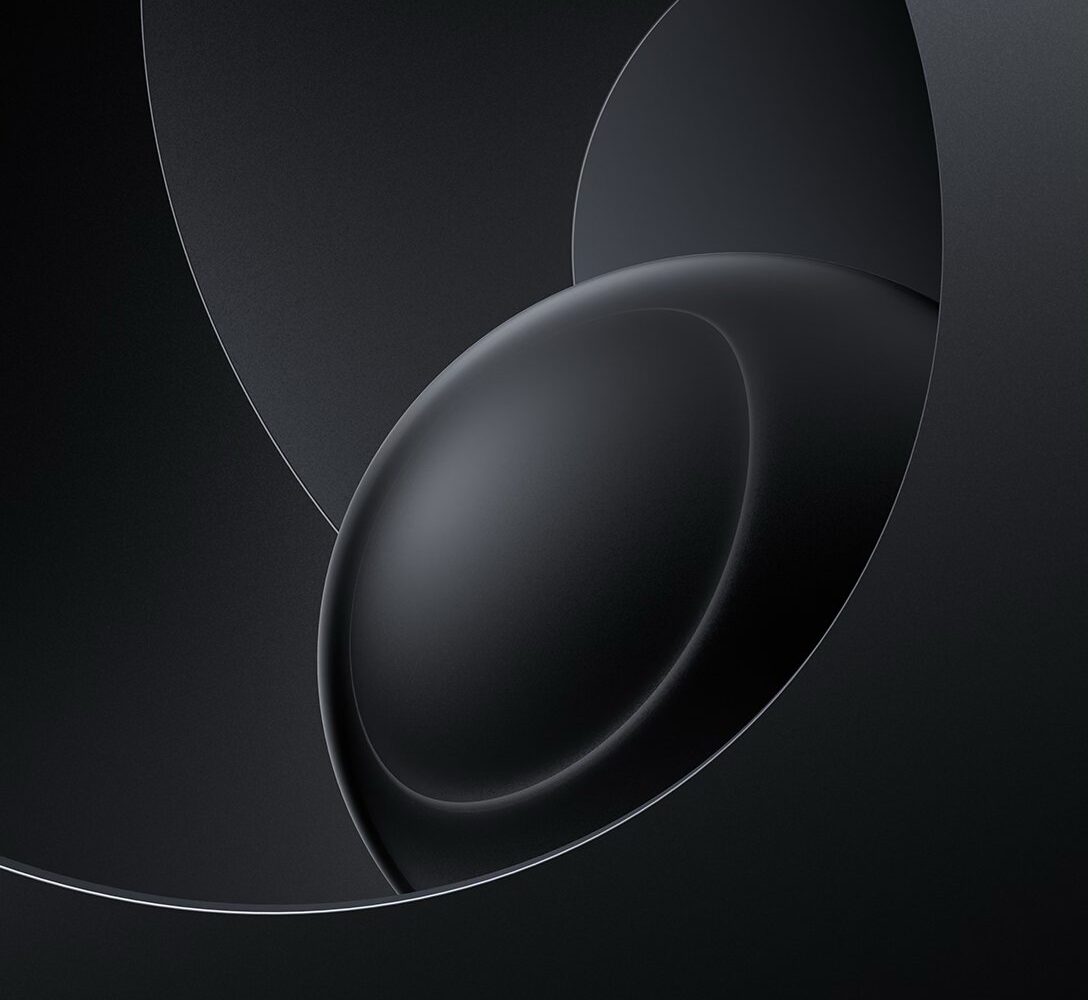
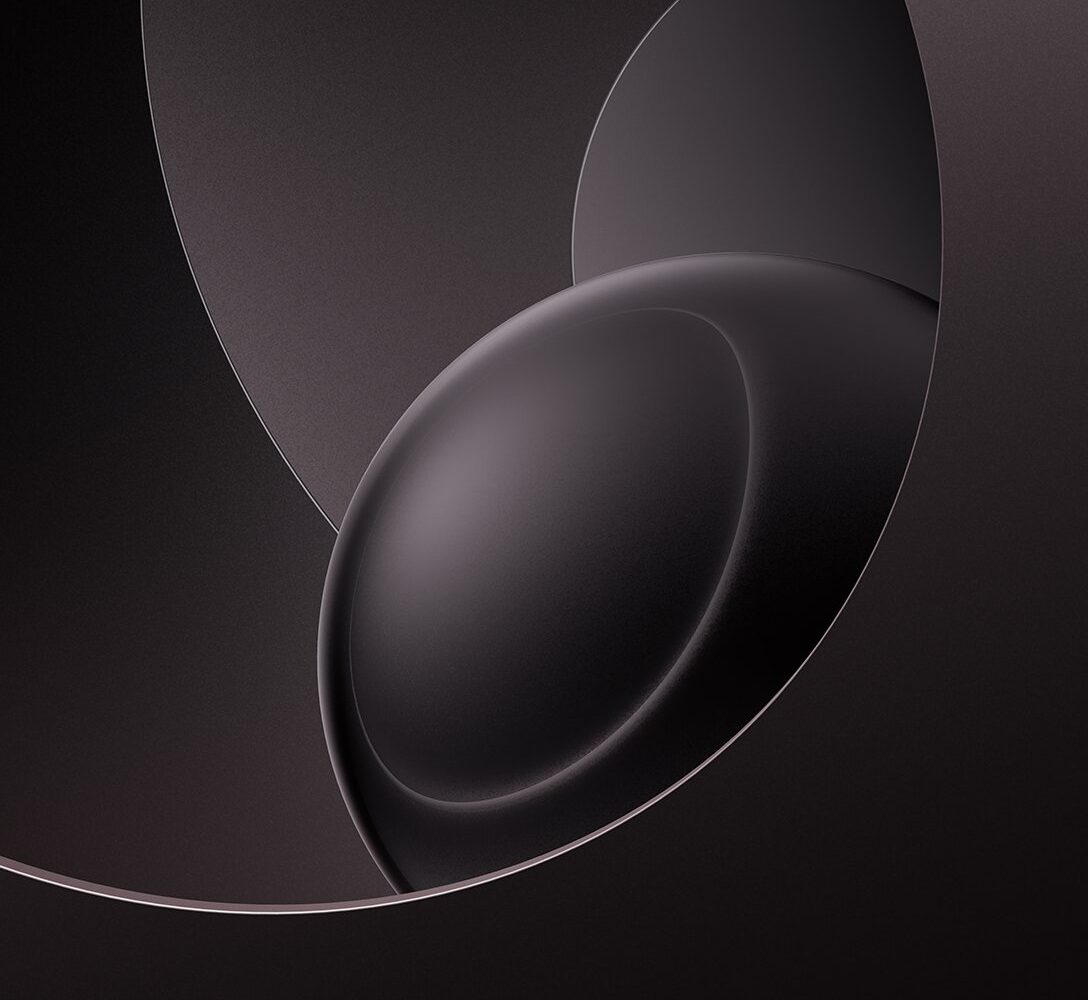
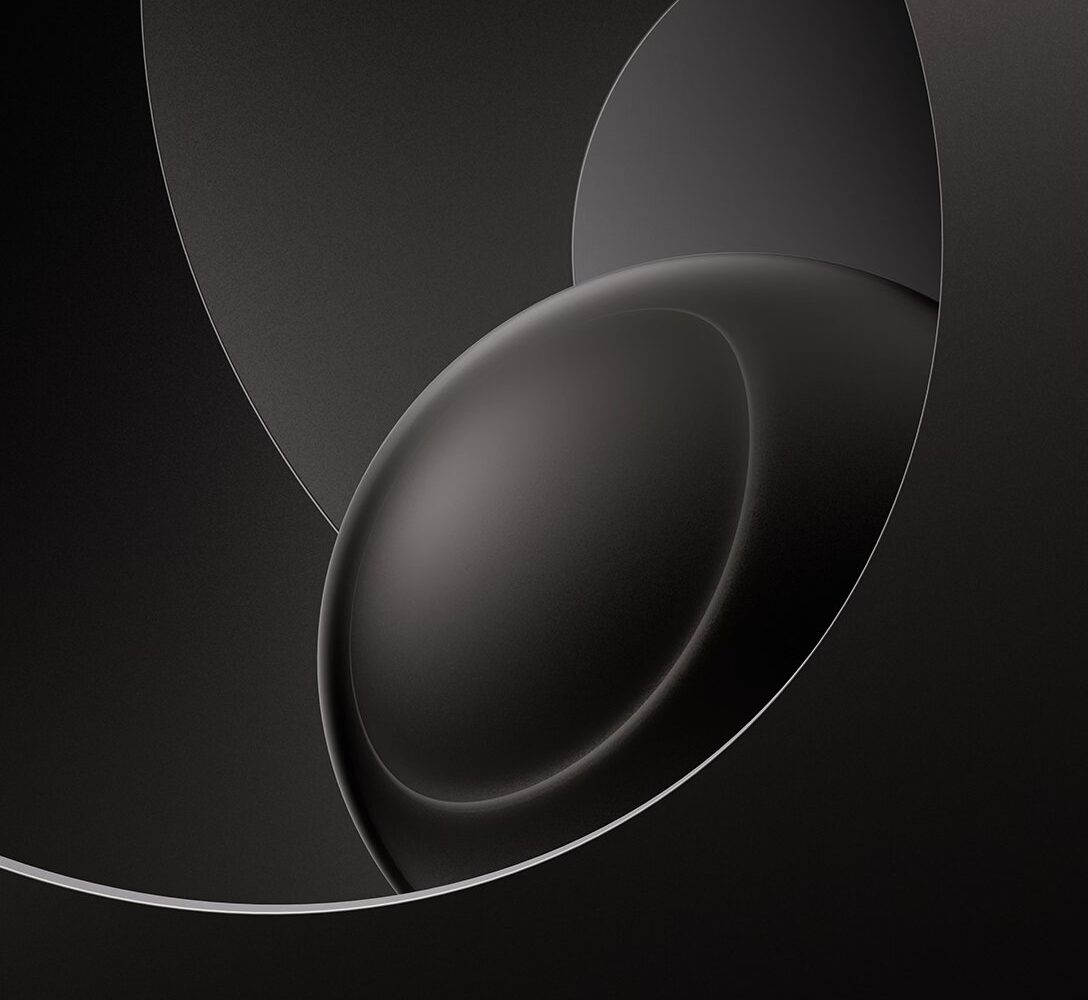
Download 20 official HomeView wallpapers extracted from the HomeView software by Aaron (@aaronp613) for use on your iPhone, Android phone, and other devices.
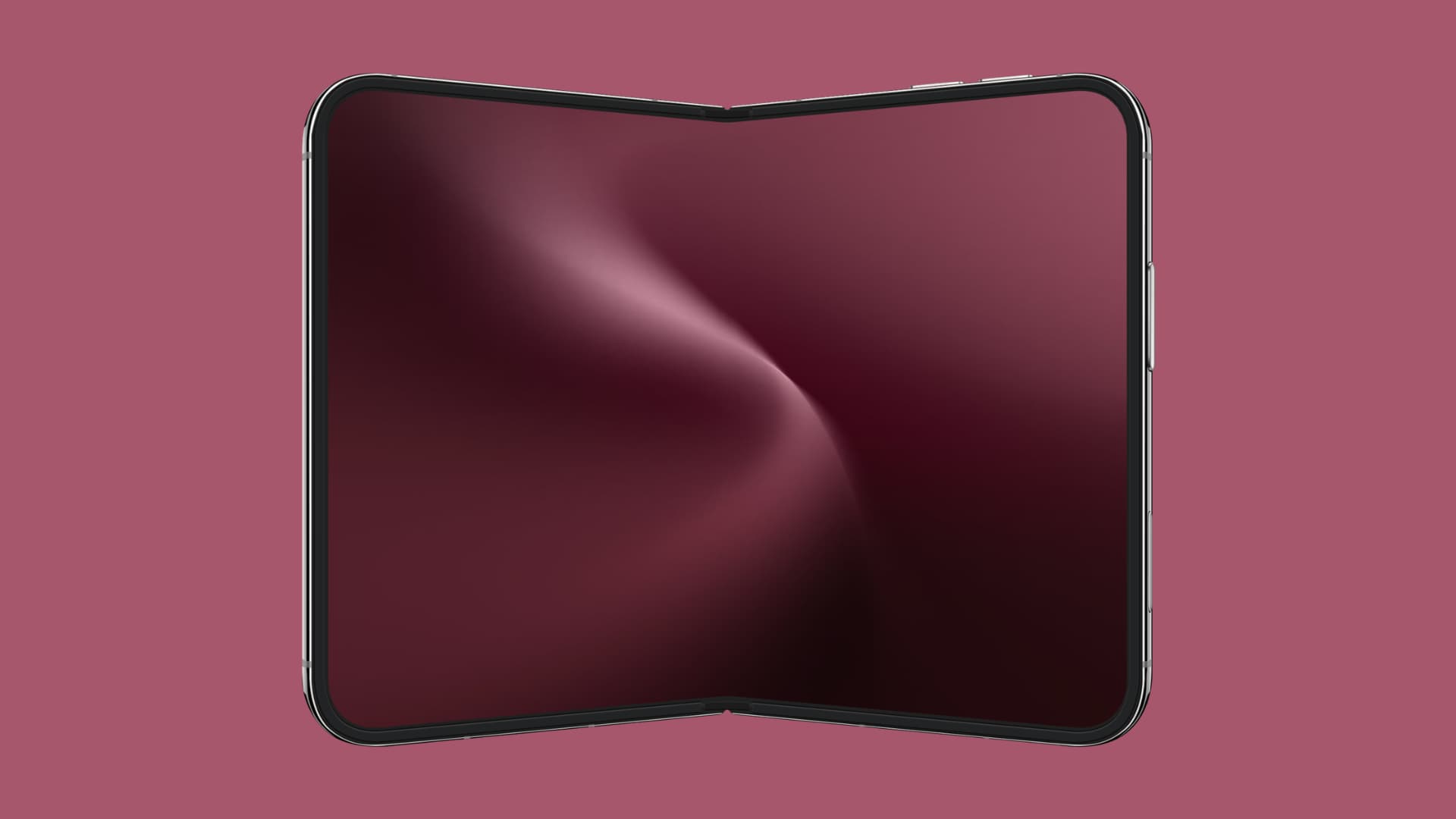
HomeView wallpapers
I ordered Apple HomeView the day preorders opened and have been using it since the first delivery day.
HomeView is a new class of smart home device by Apple with a speaker and 7-inch display. It lets you manage your smart lights, curtains, and door locks; view CCTV feeds; and more. Basically, it’s a device dedicated to doing all the things the Home app on iPhone, iPad, and Mac can do.
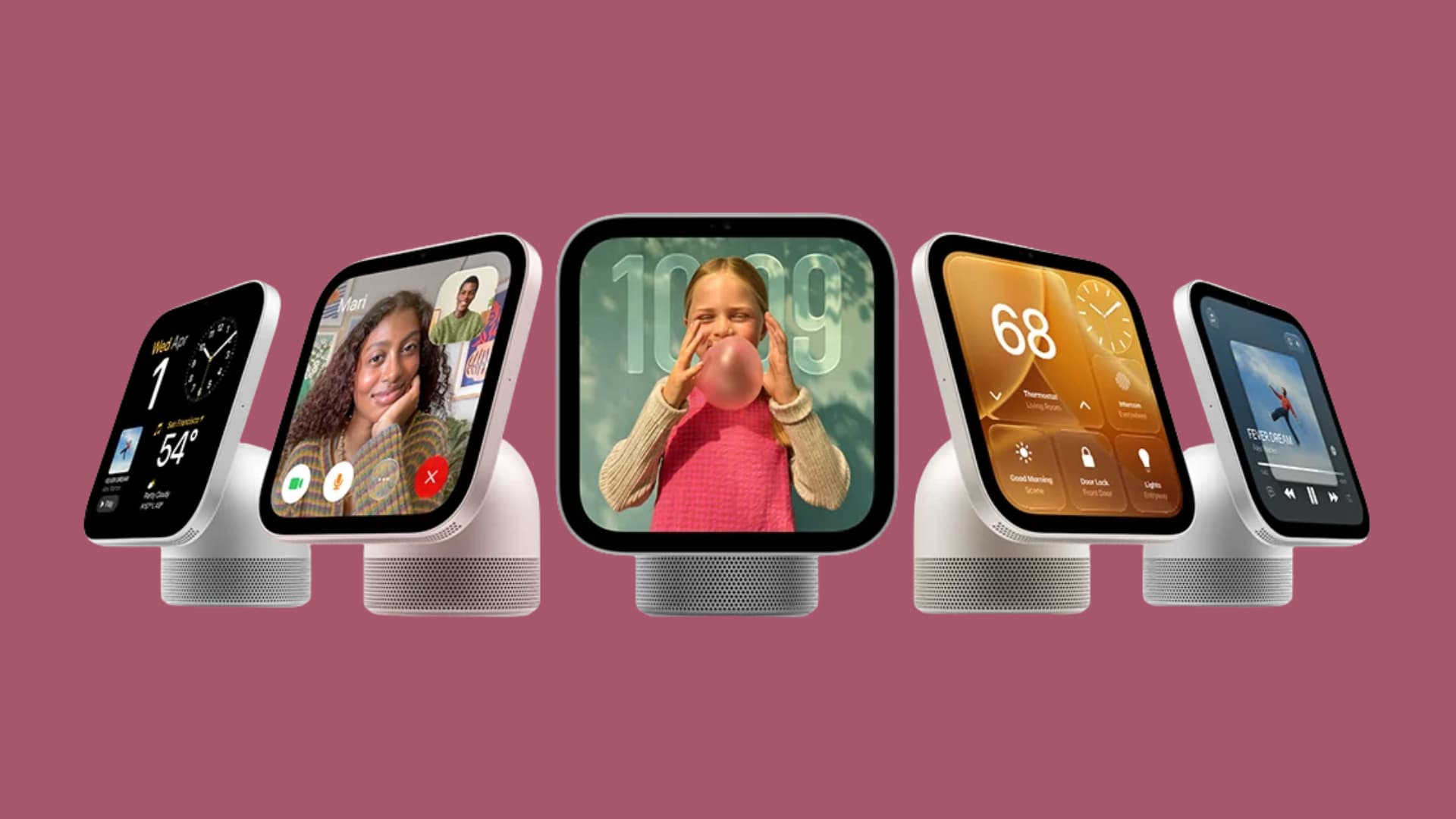
Aside from that, HomeView also lets you play music, see calendar events, make FaceTime calls, work as a desk clock, browse recipes and stuff in Safari to use as a kitchen smart display, and so on.
Based on Apple videos, it looks like an impressive device, but frankly, my experience has been mid to negative. My main gripe with HomeView is that it’s too reliant on my iPhone; it has no App Store; no native YouTube or Netflix (though you can AirPlay from iPhone to it); and Siri, which has improved but is still terrible.
My other problem is that this device has been in development for years, and it still feels unpolished and thoughtless. For instance, there are zero physical or HomePod-like touch buttons on it. So, there is no way to call Siri on it with 100% certainty — often, my iPad responds when I say Siri or Hey Siri.
Apple hasn’t made up for the lack of hardware buttons with software. As an example, I was listening to Apple Music on my HomeView, which is kept on my work desk. My wife started speaking, and to lower the volume, I had to tap twice and then swipe, which is annoying and slow. Why not add physical buttons, a one-tap mute option, or a volume slider like the iPhone Lock Screen?
Then there are little annoyances like no option to turn off the screen manually, and HomeView continuing to show my personal messages to other people for about 3 seconds before asking for authentication.
Complaints aside, it’s a decent device if you’re heavily invested in smart HomeKit devices and want a dedicated, fixed control center to manage them. Outside that, it’s a lackluster but pretty piece of hardware art.
Coming to the wallpapers, when you touch and hold the HomeView face, swipe left, tap the plus button, swipe down to the Home Modular section, and select a face, you’ll get the option to change the face background. The background section shows the wallpapers @aaronp613 has extracted, and they are available for download below.
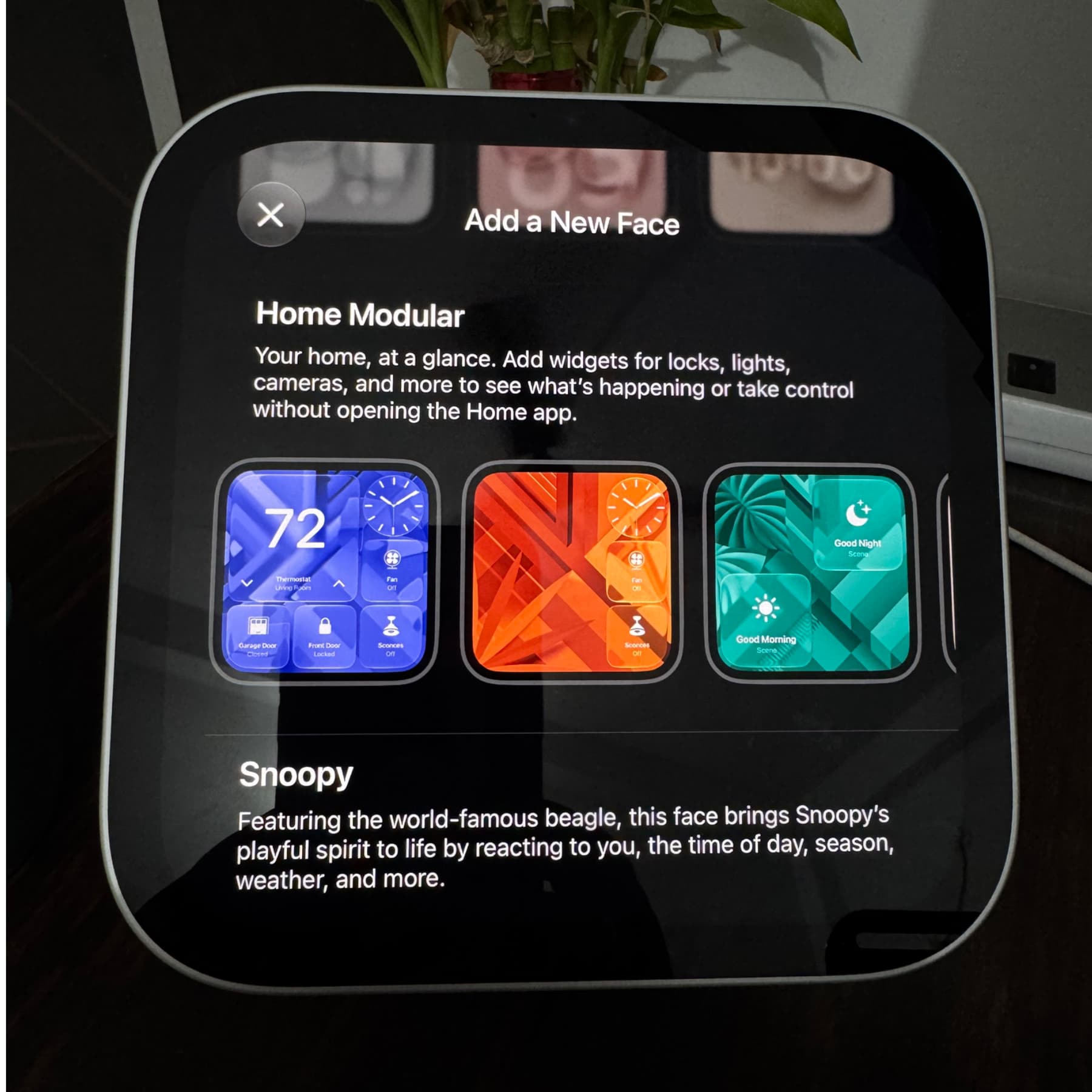
Note that HomeView has a small 7-inch square display, so these wallpapers aren’t super high resolution. Still, they should look fine on smaller devices like iPhones, Android phones, and such. You can also use it as your Apple Watch face to match it to your HomeView face.



What are your thoughts on HomeView?
For more, check out our full wallpaper archive.