In this guide, we show you how to add your spouse, kids, or other people to your Apple HomeView so they can fully use the device as if it were their own.
How to add new users to your Apple HomeView

In this guide, we show you how to add your spouse, kids, or other people to your Apple HomeView so they can fully use the device as if it were their own.
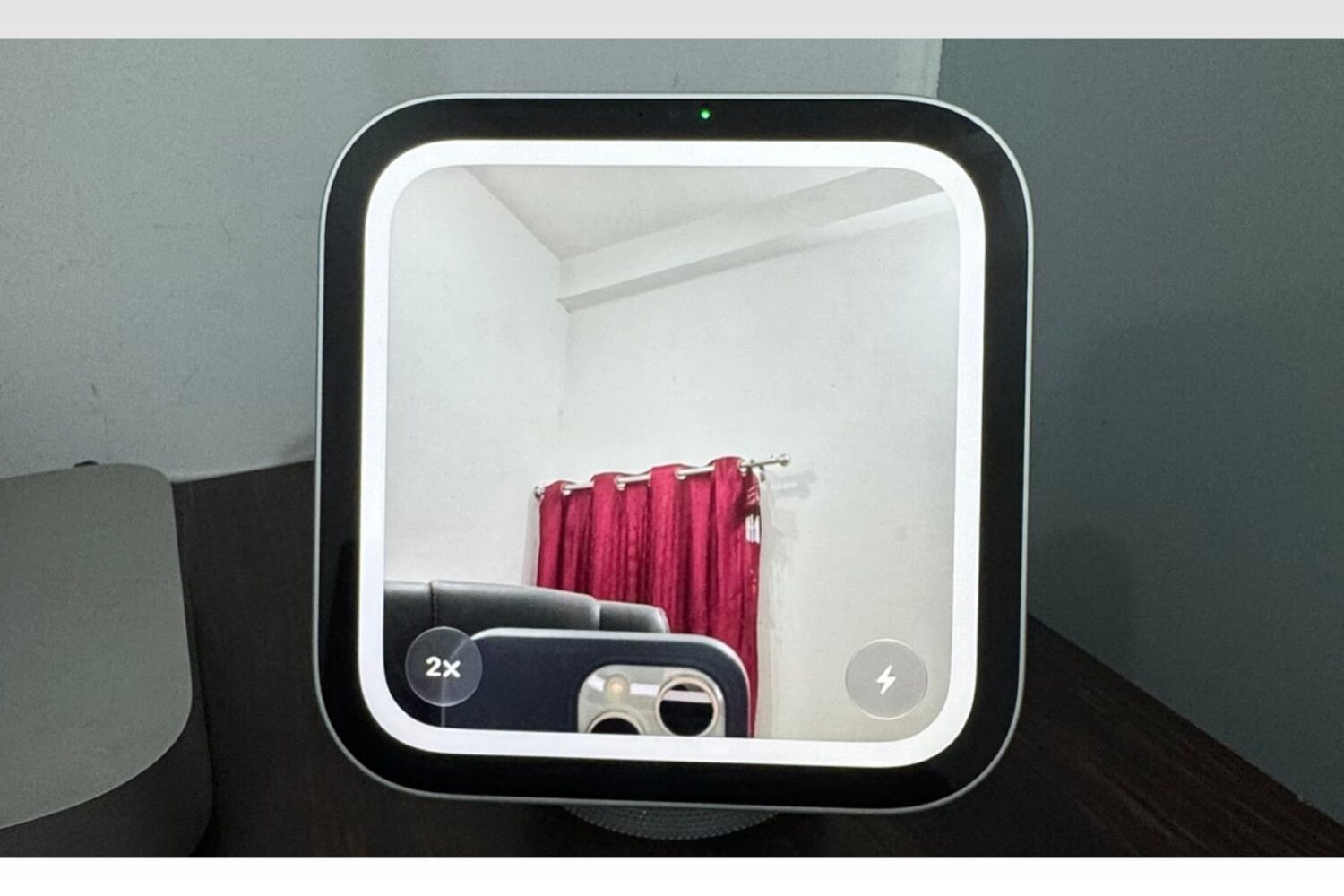
In this brief tutorial, we show you how to use the new Apple HomeView smart home device as a mirror for quick makeup or to check yourself before you head out or join a call.
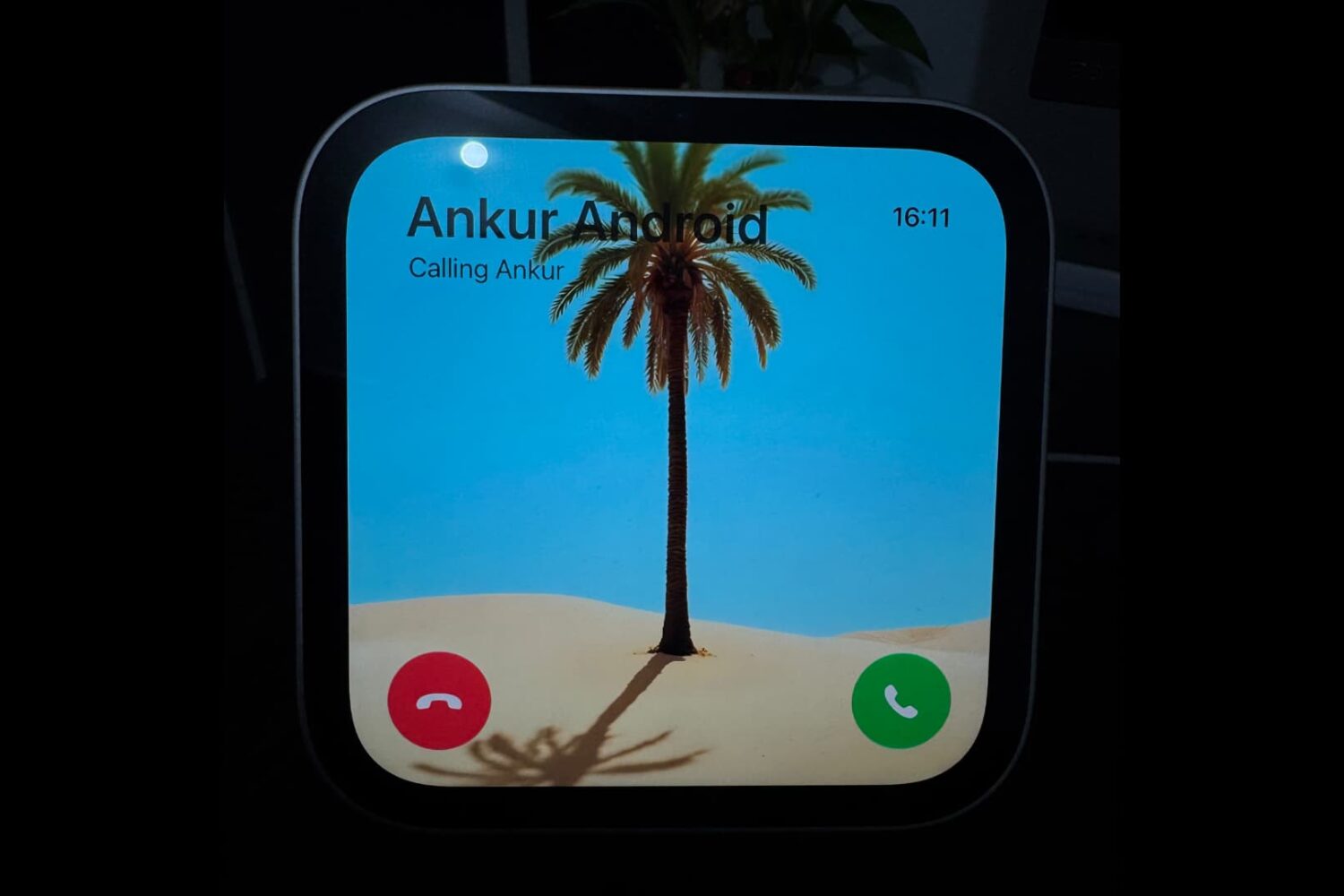
Learn how to stop all incoming calls from showing on HomeView if you have privacy concerns that somebody else may see who’s calling you.
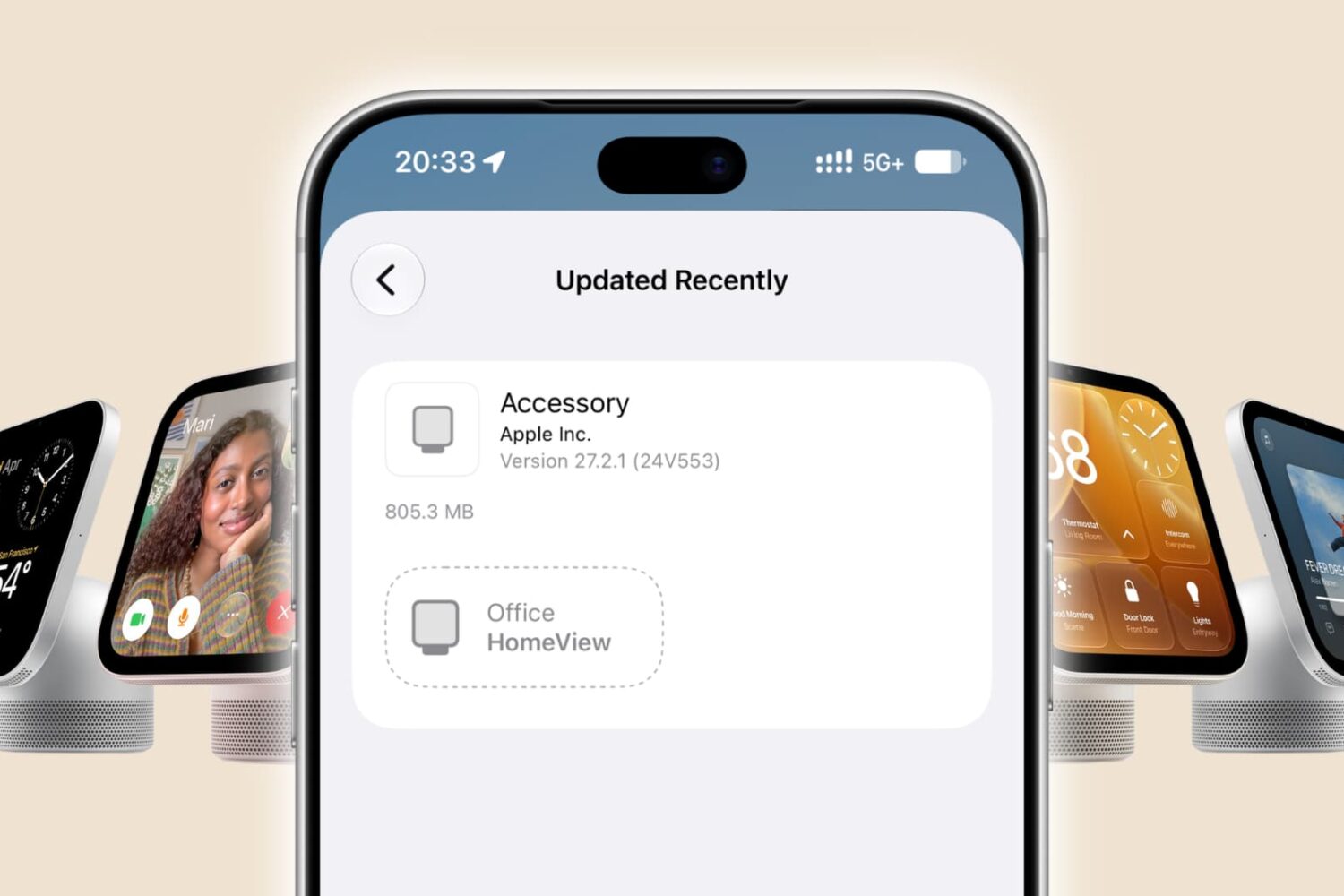
In this guide, we cover everything you need to know about updating your Apple HomeView to the latest software version.
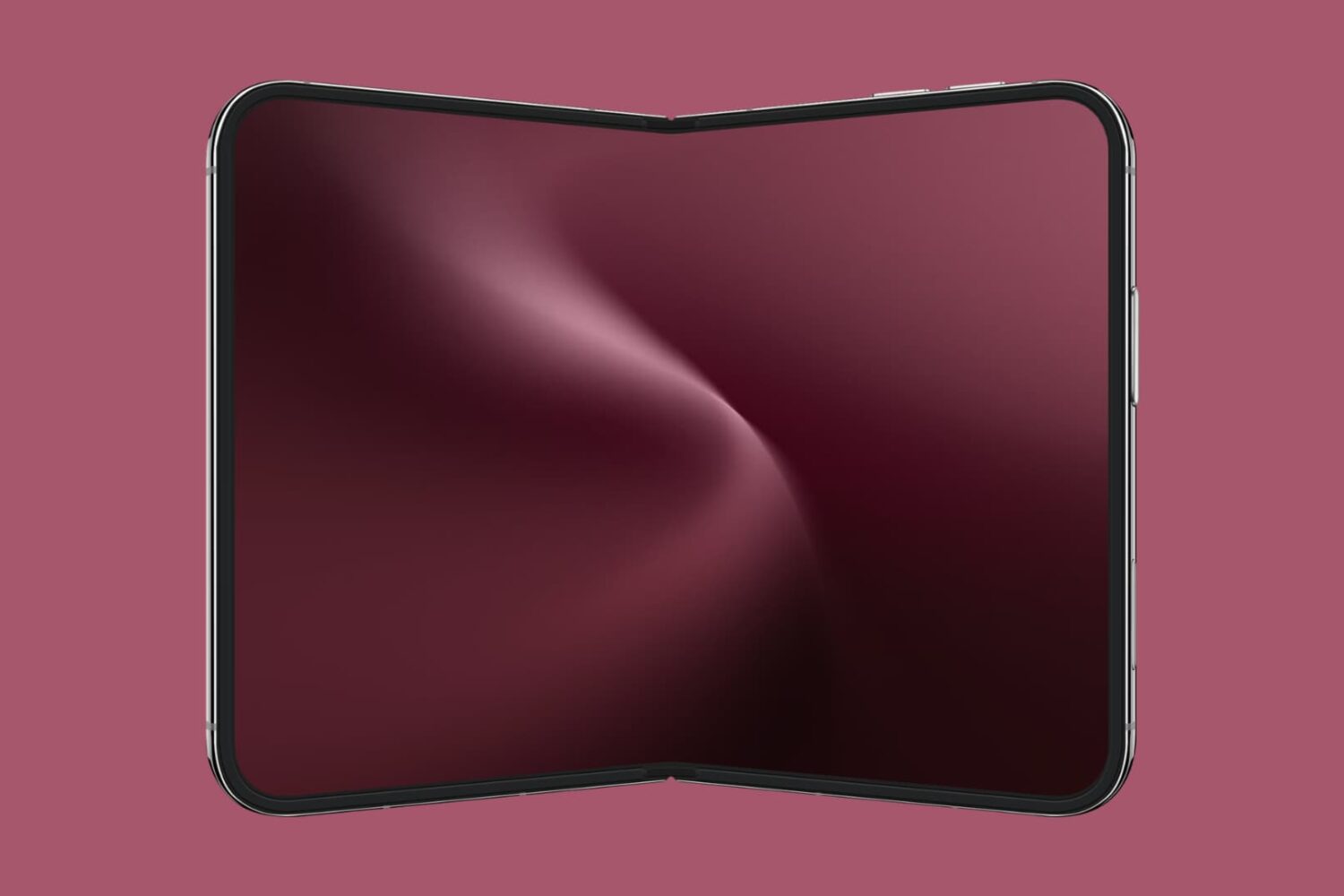
Download 20 official HomeView wallpapers extracted from the HomeView software by Aaron (@aaronp613) for use on your iPhone, Android phone, and other devices.
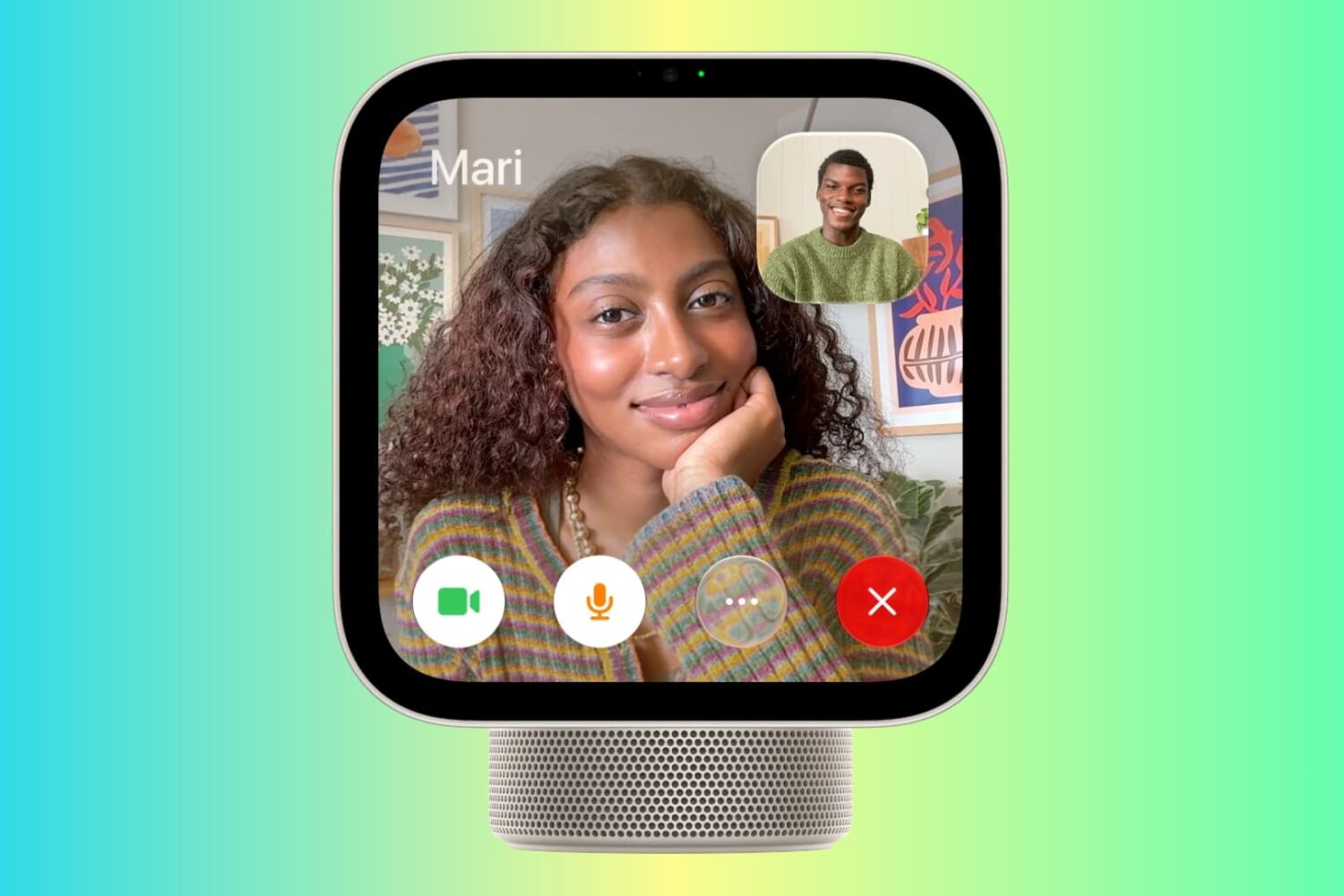
Learn how to make FaceTime or regular non-FaceTime audio calls from your new Apple HomeView device, even to people with an Android phone.
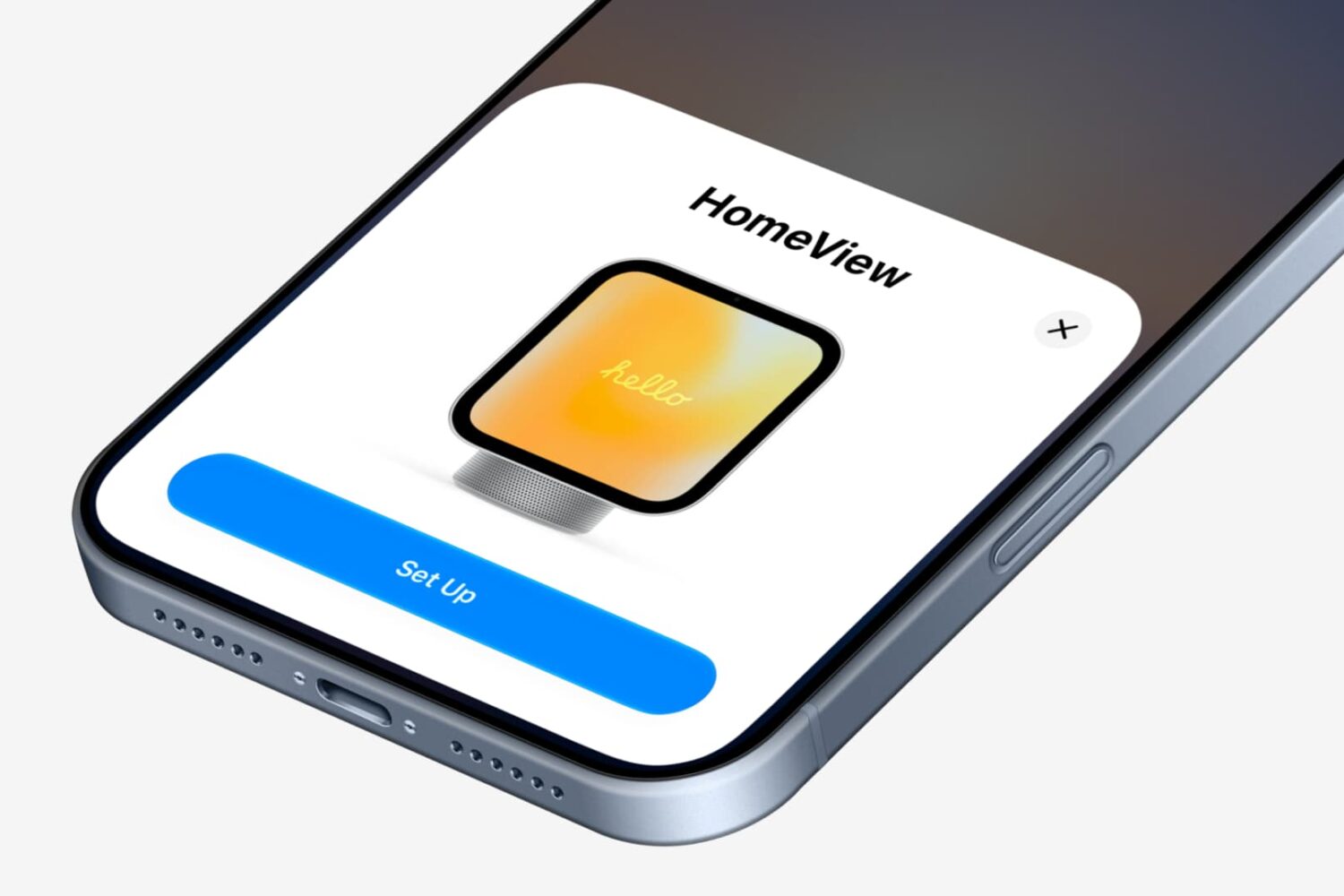
In this step-by-step tutorial, we’ll show you how to set up your new Apple HomeView smart home device using your iPhone or iPad.
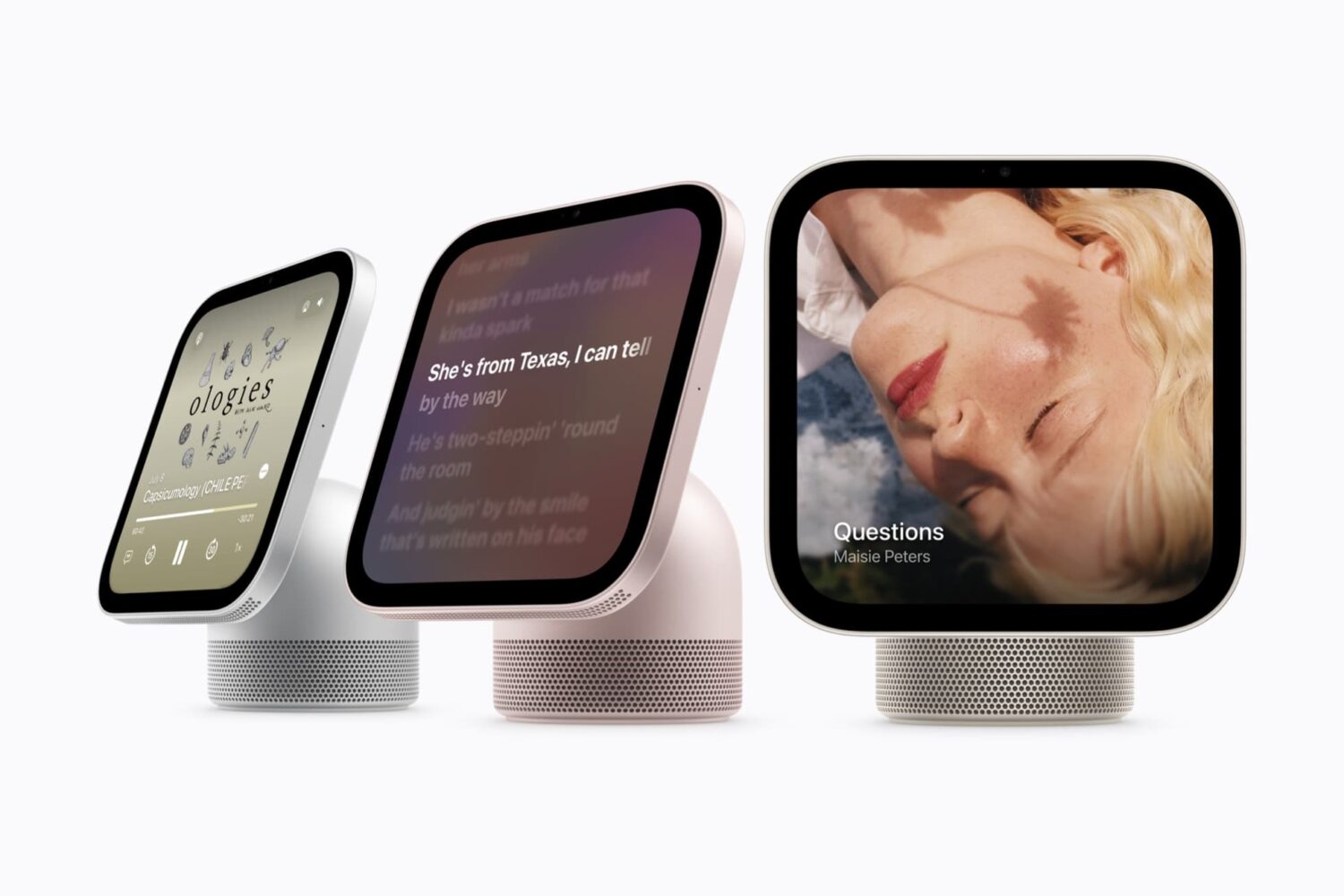
Apple has launched a new device called the “HomeView,” which is a smart home hub with a 7-inch square touchscreen display, FaceTime camera, speakers, and microphones.
It’s a fusion of a HomePod (on the speaker side) and an iPad (on the display side), meant to sit on a desk or tabletop, or be mounted to the wall.
You can use it to ask Siri all sorts of questions, control your Home, view CCTV camera feeds, make FaceTime calls, listen to music, see recipes on the screen, access your messages or have it read to you, reply to messages using voice or on-screen keyboard, use it as an Intercom machine to broadcast to other devices in your house, and more.
Just as HomePod can recognize different family members by voice, the new HomeView can recognize up to 6 users by face (using the front camera; HomeView doesn’t have Face ID). Based on this recognition, it can show personalized responses for that person in Siri, Messages, Calendar, Reminders, FaceTime, and Find My.
Here’s a quick summary of what you need to know about it.